SpinCanvas
Paint on a spinning wheel
Entwickelt für iPhone, iPad
Kostenlos · In-App-Käufe
- Altersfreigabe4+
- KategorieGrafik und Design
- EntwicklerKosuke Goto
- SprachenEnglisch+ 1 weitere
- Größe4,8 MB
Verlinkt auf die offizielle App Store-Seite
Download.org hostet keine Datei von SpinCanvas. Die Schaltfläche öffnet die App-Seite bei App Store, wo Kosuke Goto die App veröffentlicht. Eintrag zuletzt geprüft am 12.11.2026.
Screenshots

Info
Der Entwickler hat diesen Text nicht in Ihrer Sprache bereitgestellt.
SpinCanvas is a painting app where you lay color onto a spinning disc, like a pottery wheel.
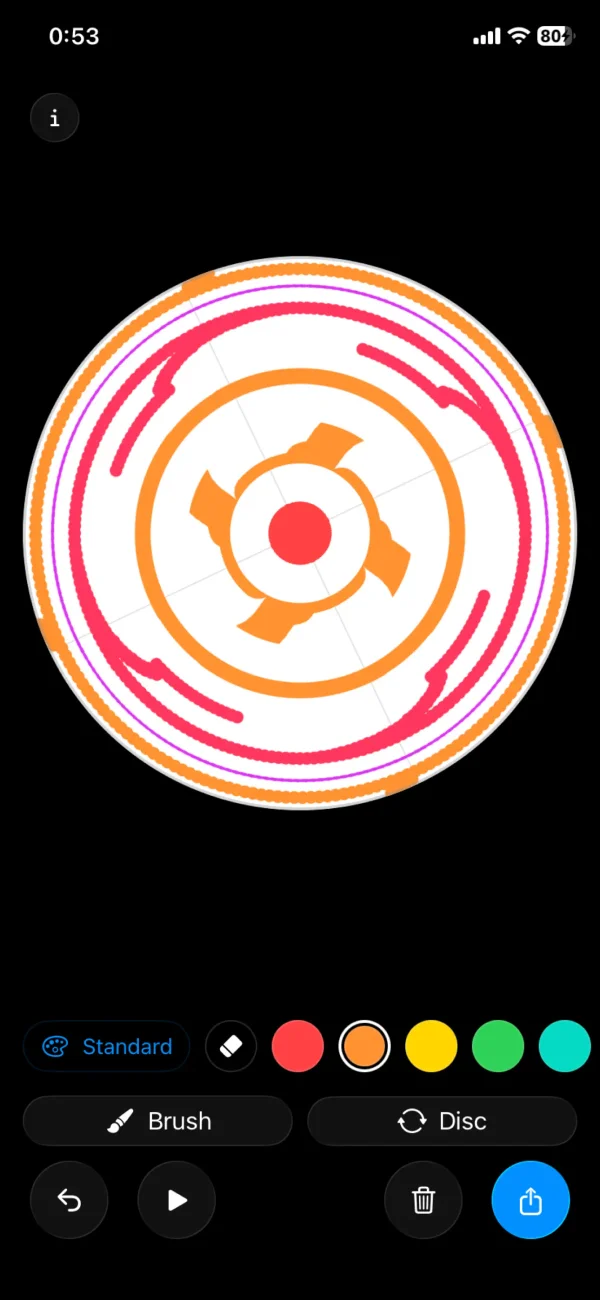
Touch the disc while it spins, and even a still finger draws rings and arcs as the disc turns beneath it. Move your finger to make spirals. Turn on symmetry mode and you get kaleidoscope-like patterns.
You don't have to try to draw well. Just touch, and it becomes art.
WHY YOU'LL LOVE IT
• Relax and let your hand move without thinking
• Create geometric and mandala-style designs in seconds
• Draw together with kids
• Make your own profile icon or phone wallpaper
DRAW
• Just touch the disc. Hold still for rings, move for spirals
• Pause the disc to draw carefully while it's still
• Symmetry mode mirrors every stroke into 2–12 segments
• Eraser turns painted areas transparent again
• Undo removes your last stroke
COLORS
• Six palettes: Standard, Japanese, Pastel, Neon, Monochrome, and Earth
• Create any color with the color picker
• Recently used colors are kept automatically
BRUSHES
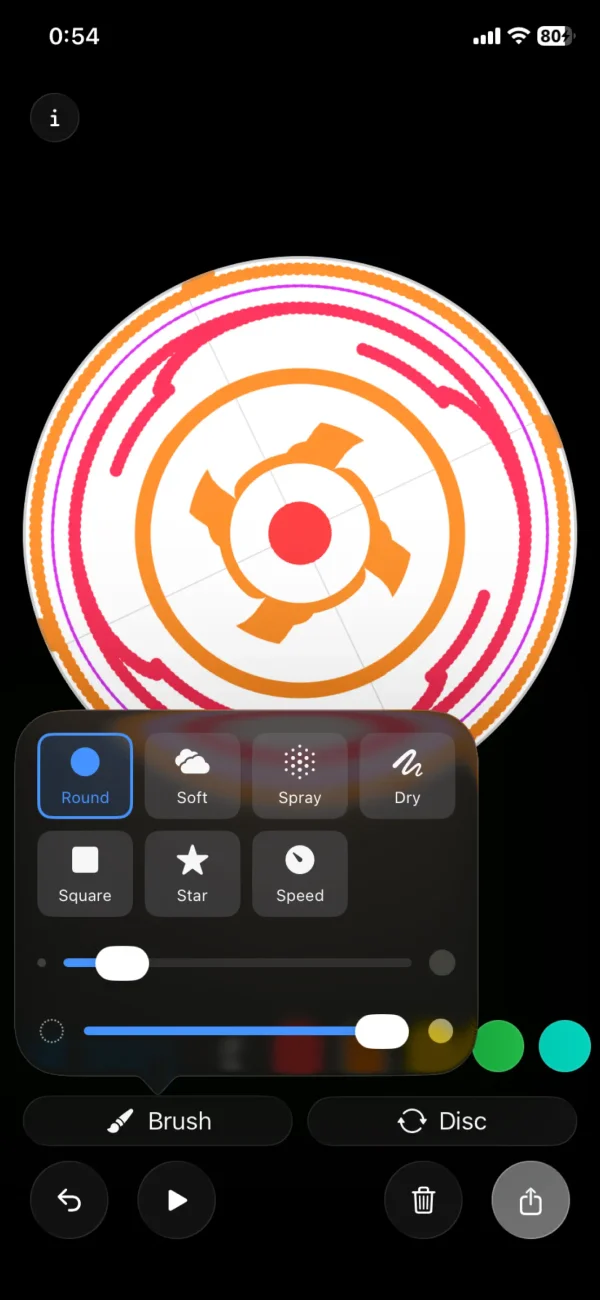
• Round, Soft, Spray, Dry, Square, and Star
• A "Speed" brush that gets thinner the faster the disc spins
• Adjustable size and opacity
DISC
• Rotation speed and reverse rotation
• Base color: white, black, any color, or a transparency checker
• Wood and ceramic textures
• Concentric, radial, and grid guide lines
EXPORT
• Save as PNG to Photos or share directly
• High-resolution export at 2K, 4K, or wallpaper size
• Transparent, white, black, or custom backgrounds
• Choose whether to include the disc base
SPINCANVAS PRO
One purchase unlocks every feature forever. No subscription.
• All brushes
• Free brush size and rotation speed with sliders, plus reverse rotation
• Disc base colors, textures, and guide l
• Undo up to 50 steps (5 in the free version)
• High-resolution export and custom backg
• Export without the logo watermark
The free version includes the round brush, every palette, symmetry mode, and standard-size export.
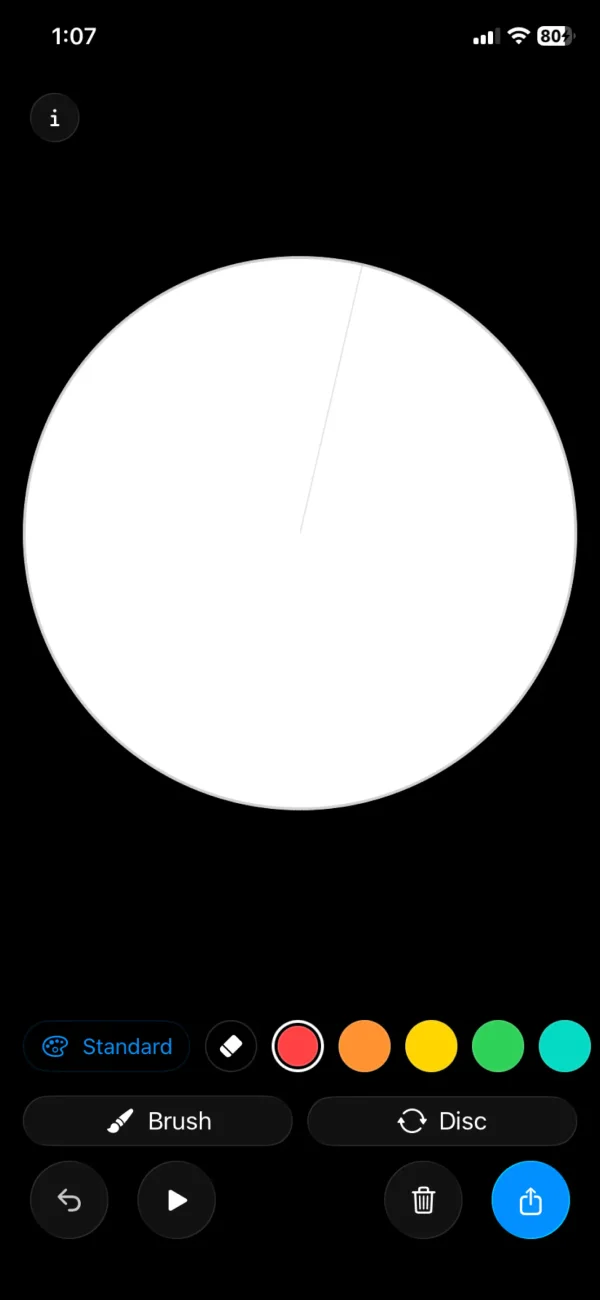
On iPhone in portrait, the palette and toolbar sit below the disc. In landscape and on iPad, all settings appear in a side panel next to the disc.
No account is required, and your artwork never leaves your device.
App-Datenschutz
Was Kosuke Goto im App Store zum Umgang dieser App mit Daten angibt.
-
Keine Daten erfasst
Der Entwickler erfasst keine Daten von dieser App.
Die Datenschutzpraktiken können variieren, zum Beispiel je nach den von Ihnen verwendeten Funktionen oder Ihrem Alter.
Informationen
- Anbieter
- Kosuke Goto
- Kategorie
- Grafik und Design
- Version
- 1.0
- Aktualisiert
- 23.09.2026
- Veröffentlicht
- 23.09.2026
- Größe
- 4,8 MB
- Erfordert
- iOS 26.0 oder neuer
- Altersfreigabe
- 4+
- Preis
- Kostenlos
- In-App-Käufe
- Ja
- Sprachen
- Englisch, Japanisch
- Copyright
- © Kosuke Goto
Das könnte Ihnen auch gefallen
-
 Spinoodle: Spin ArtDraw on a spinning canvas
-
 Drawing from LifeGrafik und Design
-
 KaleidoPen‑Kaleidoskop‑KunstMandala‑Muster‑Design‑Werkzeug
-
 Artist ToolsGrafik und Design
-
 One MandalaGrafik und Design
-
 Pigments Studio: FarbkreisPaletten aus Fotos und KI
-
 DrawVibe3DArchitektur Innenarchitektur
-
 Zen Brush 3Grafik und Design
-
 Drawing PracticeGrafik und Design
-
 Mandala Maker 360Draw beautiful mandalas easily