
Spreadsheet - XLSX Sheets
Entwickelt für iPhone, iPad, iPod touch
Kostenlos · In-App-Käufe
- Altersfreigabe12+
- KategorieProduktivität
- EntwicklerNeon Infotech FZ-LLC
- SprachenEnglisch+ 16 weitere
- Größe56,2 MB
Verlinkt auf die offizielle App Store-Seite
Download.org hostet keine Datei von Spreadsheet - XLSX Sheets. Die Schaltfläche öffnet die App-Seite bei App Store, wo Neon Infotech FZ-LLC die App veröffentlicht. Eintrag zuletzt geprüft am 20.11.2026.
Screenshots
Info
Der Entwickler hat diesen Text nicht in Ihrer Sprache bereitgestellt.
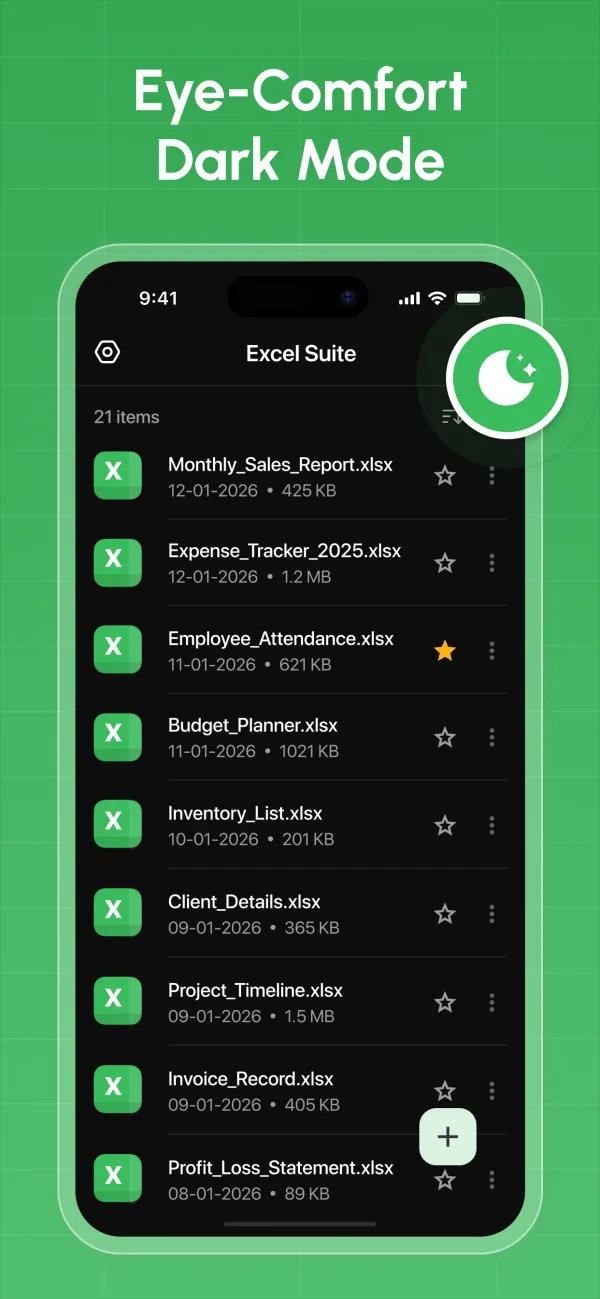
Excel Suite is a simple and powerful spreadsheet app for iPhone. Open, edit, organise, and manage Excel-compatible files easily from one clean workspace.
The app is designed for smooth mobile use with a clear layout, fast performance, and easy file management.
App Features
File Management:
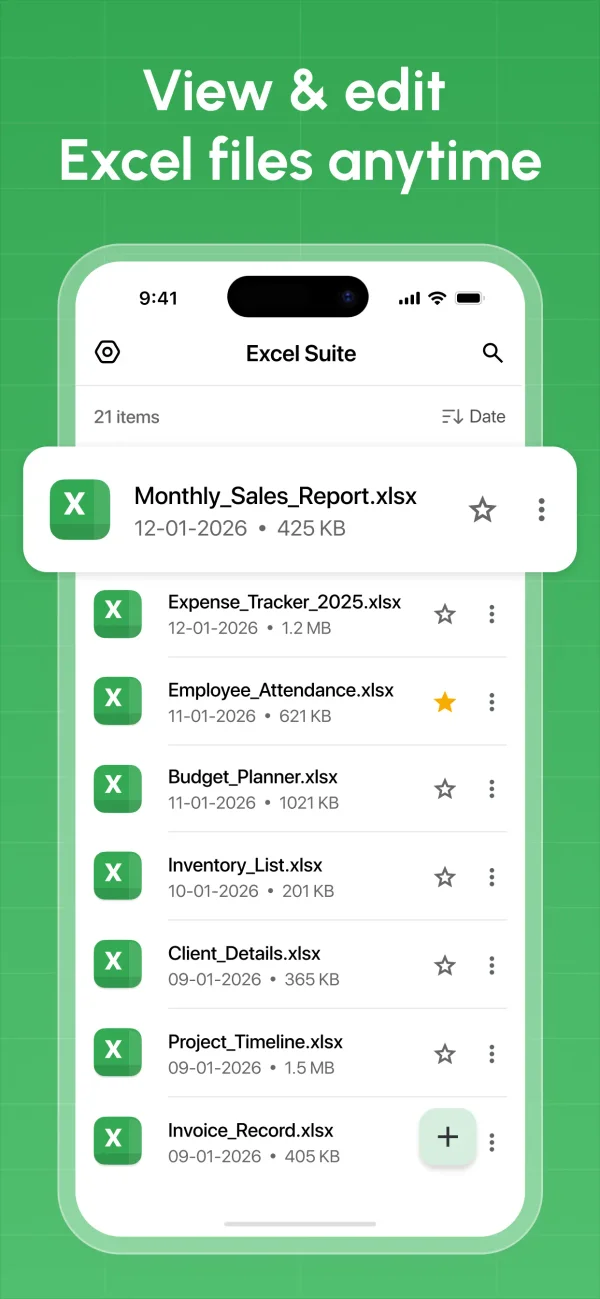
• View all your spreadsheet files in one place.
• See file name, date, and size
• Import new files easily
• Empty workspace screen when no files are available.
You can manage each file with options:
• Edit.
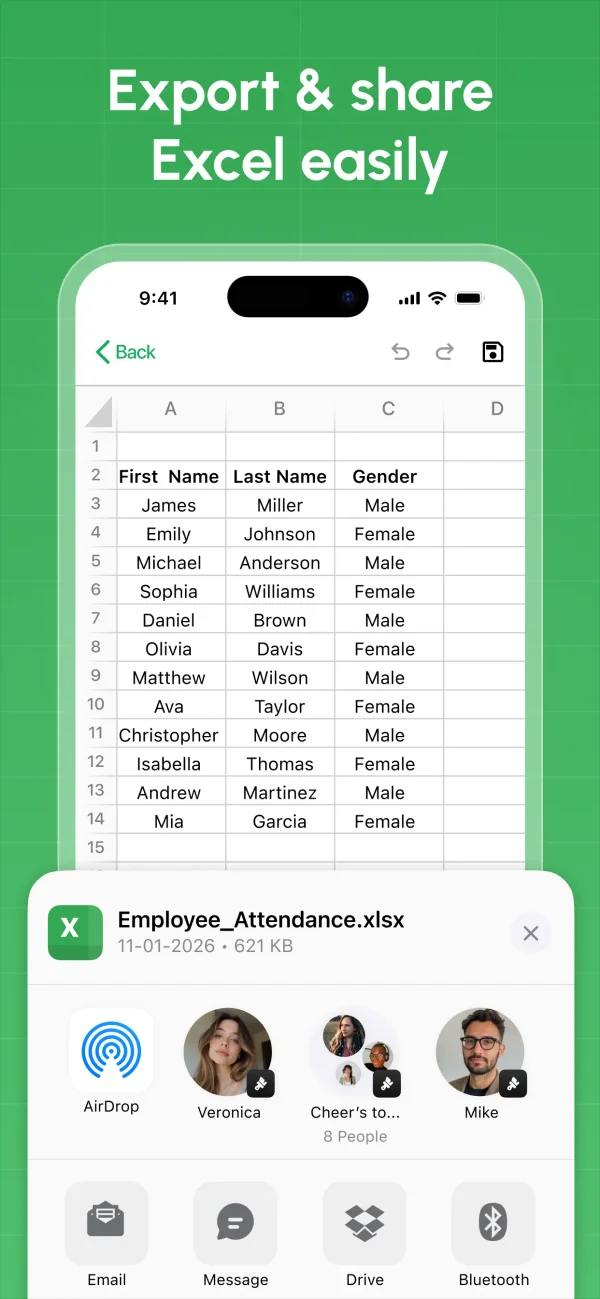
• Share.
• Rename.
• Delete.
Sorting Option:
• Organize your files by:
• Date Modified.
• Size.
• Ascending Order.
• Descending Order.
Search Option:
• Search files instantly by name.
• Real-time results while typing.
• Clear “No matching search” message.
Favorites:
• Mark important files as favorites
• Access them quickly from the My Favorites section
Spreadsheet Editor:
Excel Suite allows you to open and edit spreadsheets easily.
Grid View
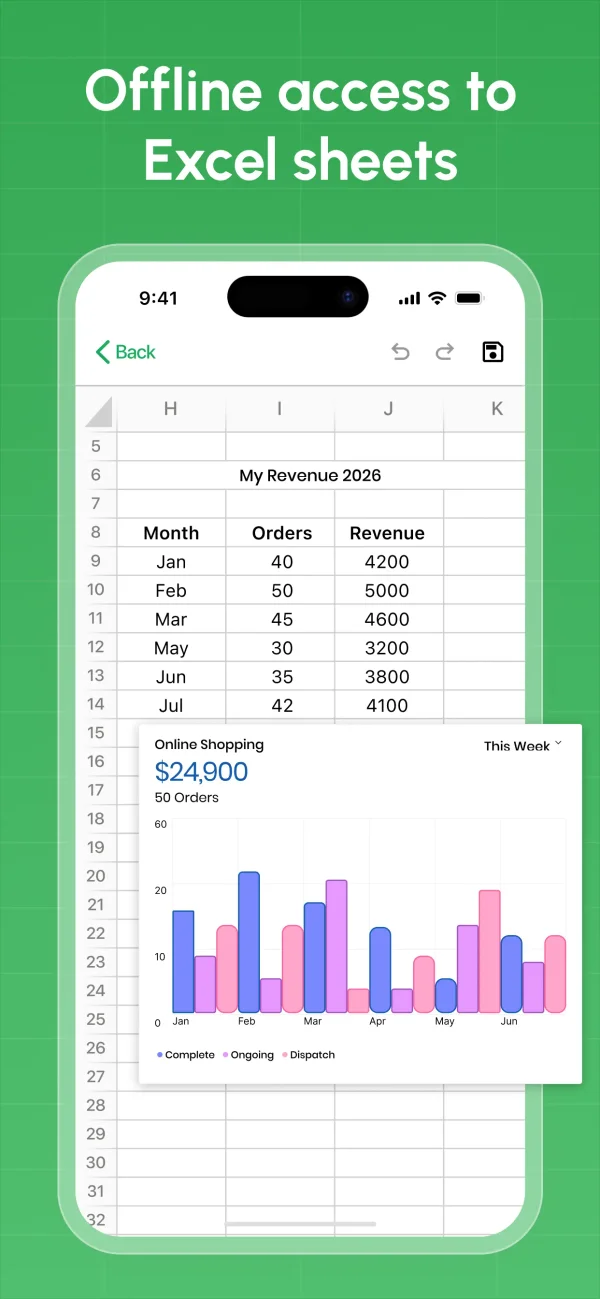
• Smooth scrolling rows and columns.
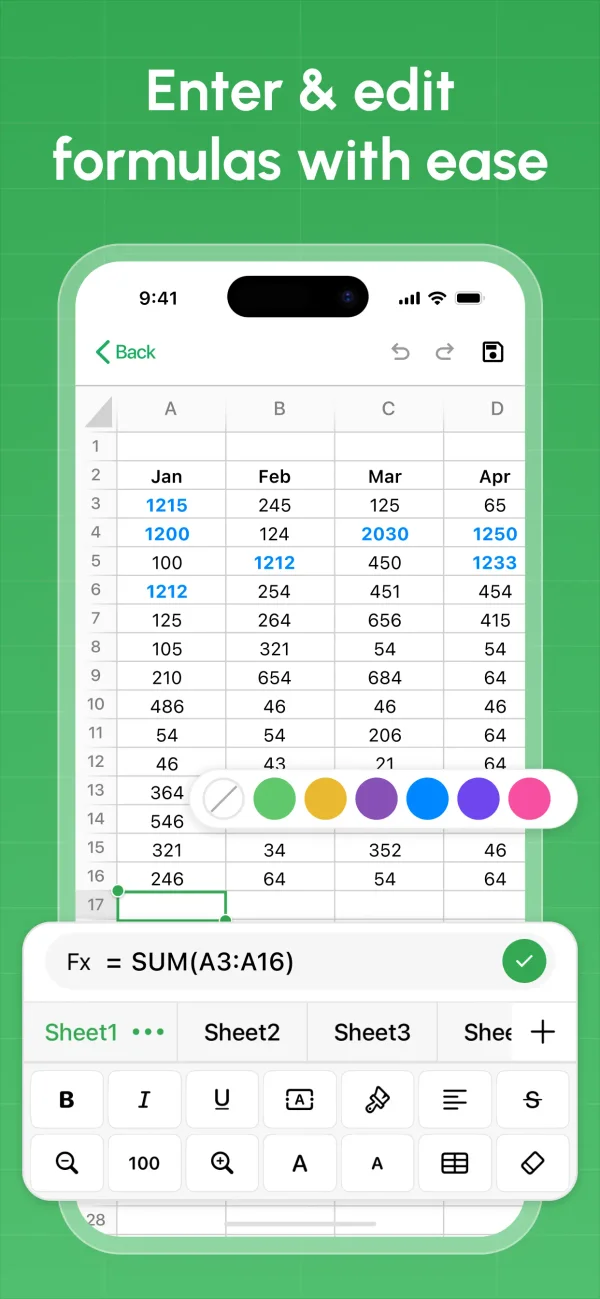
• Tap any cell to select and edit.
• Highlighted active cell.
Cell Editing:
• Edit numbers and text.
• Formula bar with fx support.
• Keyboard input with quick confirmation.
Multiple Sheet Support
• Switch between sheets (Sheet 1, Sheet 2, Sheet 3, etc.)
• Select sheet from a sheet list dialog.
• Rename sheet.
• Delete sheet.
• Duplicate sheet.
Subscription Details
- Payment will be charged to iTunes Account at confirmation of purchase.
- Subscription automatically renews unless auto-renew is turned off 24 hours before the end of the current period.
- Account will be charged for renewal within 24 hours prior to the end of the current period.
- No cancellation of the current subscription is allowed during the active subscription period.
- Any unused portion of a free trial, if offered, will be forfeited upon purchase.
Privacy Policy: https://privacypolicycenter.com/new/view/id6757513063
Terms Of Use: https://privacypolicycenter.com/new/terms/id6757513063
EULA: https://privacypolicycenter.com/new/eula/id6757513063
Neue Funktionen
Version 2.1 · 01.09.2026
- Performance Improvement.
- Bugs Fixing.
App-Datenschutz
Was Neon Infotech FZ-LLC im App Store zum Umgang dieser App mit Daten angibt.
-
Daten, die zum Tracking Ihrer Person verwendet werden
Können verwendet werden, um Sie über Apps und Websites anderer Unternehmen hinweg zu verfolgen.
- Nutzungsdaten
- Diagnose
-
Nicht mit Ihnen verknüpfte Daten
Können erfasst werden, sind aber nicht mit Ihrer Identität verknüpft.
- Kennungen
- Nutzungsdaten
- Diagnose
Die Datenschutzpraktiken können variieren, zum Beispiel je nach den von Ihnen verwendeten Funktionen oder Ihrem Alter.
Informationen
- Anbieter
- Neon Infotech FZ-LLC
- Kategorie
- Produktivität
- Version
- 2.1
- Aktualisiert
- 01.09.2026
- Veröffentlicht
- 03.03.2026
- Größe
- 56,2 MB
- Erfordert
- iOS 15.6 oder neuer
- Altersfreigabe
- 12+
- Preis
- Kostenlos
- In-App-Käufe
- Ja
- Sprachen
- Englisch, Dänisch, Niederländisch, Filipino, Französisch, Deutsch, Hindi, Indonesisch, Italienisch, Japanisch, Koreanisch, Malaiisch + 5 weitere
- Copyright
- © 2026 NeonFZ LLC
Das könnte Ihnen auch gefallen
-
 Tabellenkalkulation: XLSXCSV XLS Betrachter Offline
-
 Word Document: Edit Docs,ShareProduktivität
-
 Word zu Excel KonverterDOC und DOCX in XLSX umwandeln
-
 XLSX Spreadsheet: Edit SheetsTabellen einfach bearbeiten
-
 Tabellen Editor: XLS Readerxlsx-Editor, Bild zu Tabelle
-
 Search Console ToolSEO & Ranking-Tracker
-
 Excel in PDF Umwandeln - XLSXConvert XLS & Tabellen zu PDF
-
 PDF in Excel Umwandeln - XLSXPDF in Excel Tabelle umwandeln
-
 Utility SpreadsheetProduktivität
-
 Word Editor: DOCX, Office, PDFProduktivität