
Spreadsheet - XLSX Sheets
Designed for iPhone, iPad, iPod touch
Free · In-app purchases
- Age rating12+
- CategoryProductivity
- DeveloperNeon Infotech FZ-LLC
- LanguagesEnglish+ 16 more
- Size56.2 MB
Links to the official App Store page
Download.org hosts no file of Spreadsheet - XLSX Sheets. The button opens its official App Store page, published by Neon Infotech FZ-LLC. Listing last checked on Nov 20, 2026.
Screenshots
About
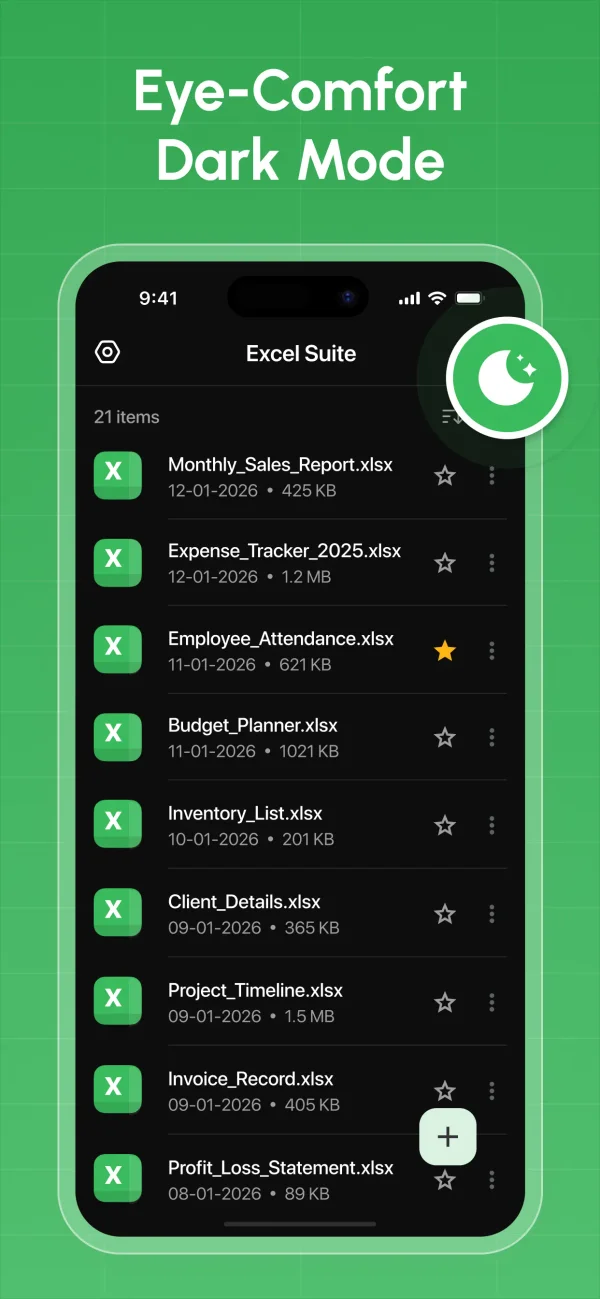
Excel Suite is a simple and powerful spreadsheet app for iPhone. Open, edit, organise, and manage Excel-compatible files easily from one clean workspace.
The app is designed for smooth mobile use with a clear layout, fast performance, and easy file management.
App Features
File Management:
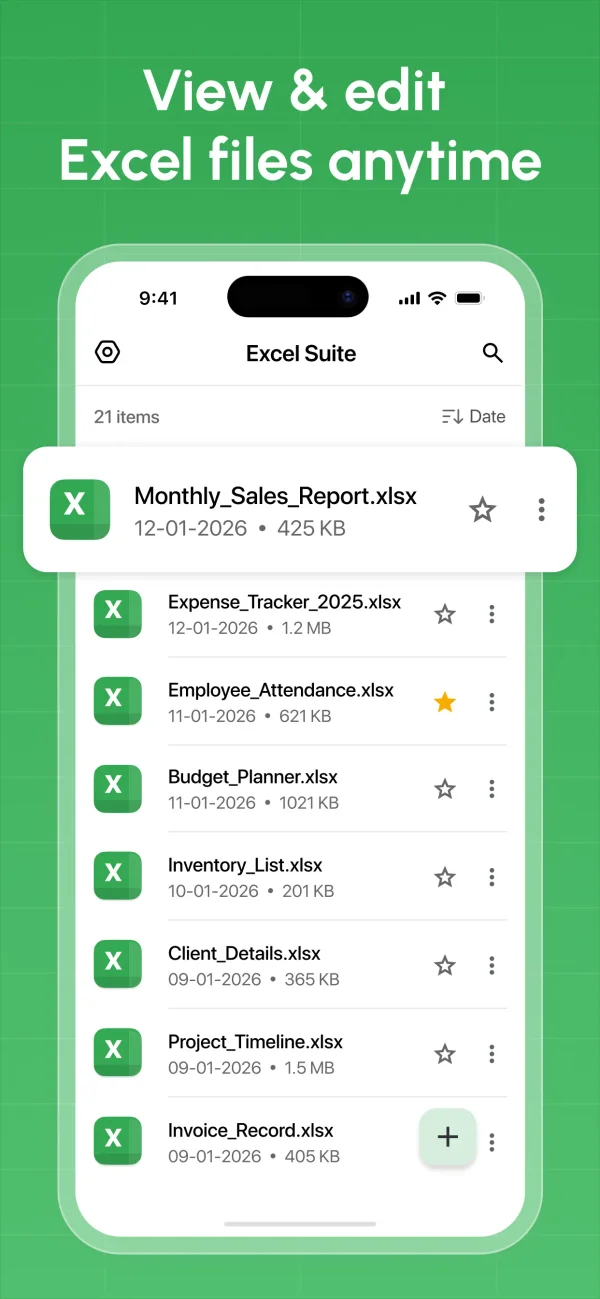
• View all your spreadsheet files in one place.
• See file name, date, and size
• Import new files easily
• Empty workspace screen when no files are available.
You can manage each file with options:
• Edit.
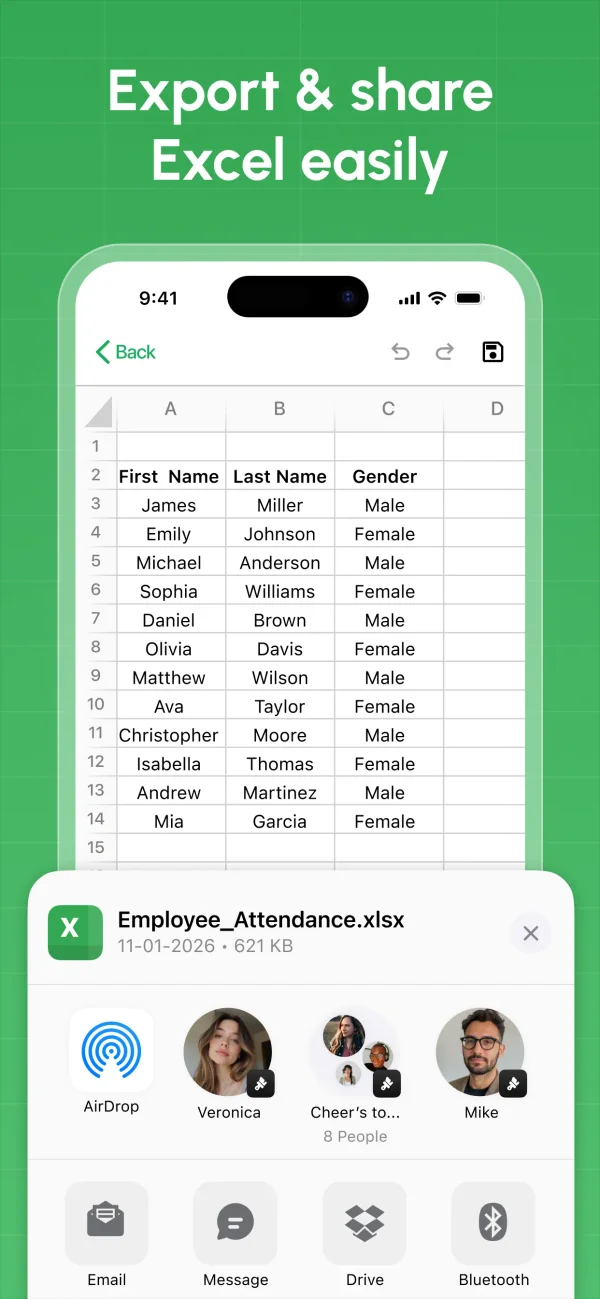
• Share.
• Rename.
• Delete.
Sorting Option:
• Organize your files by:
• Date Modified.
• Size.
• Ascending Order.
• Descending Order.
Search Option:
• Search files instantly by name.
• Real-time results while typing.
• Clear “No matching search” message.
Favorites:
• Mark important files as favorites
• Access them quickly from the My Favorites section
Spreadsheet Editor:
Excel Suite allows you to open and edit spreadsheets easily.
Grid View
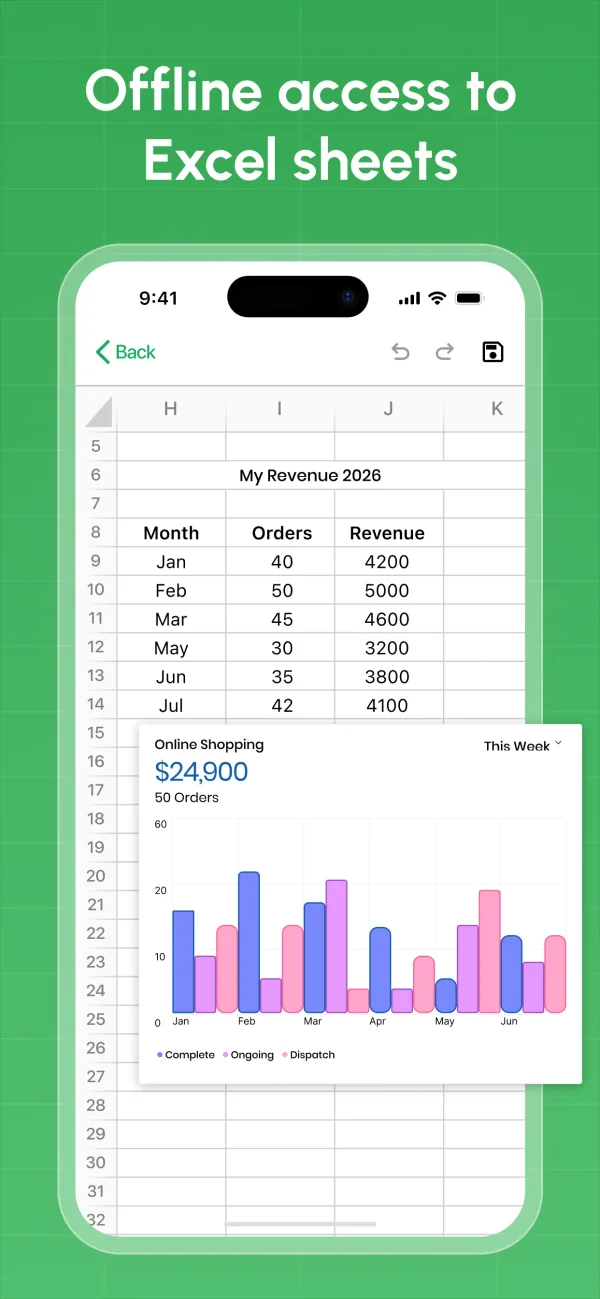
• Smooth scrolling rows and columns.
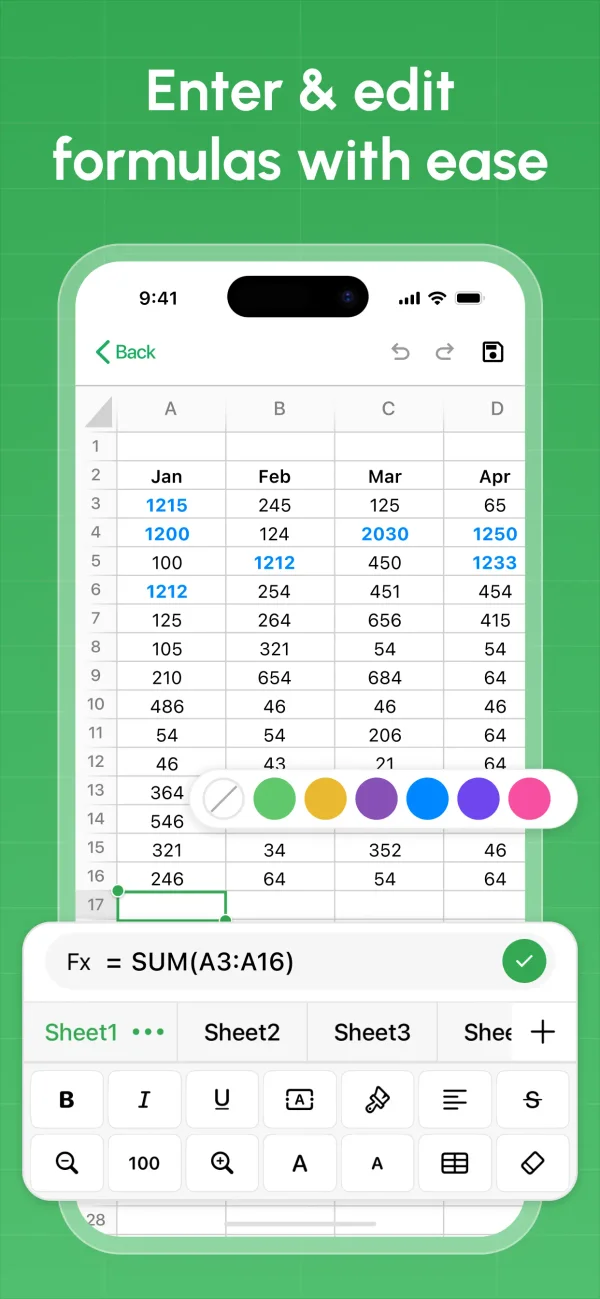
• Tap any cell to select and edit.
• Highlighted active cell.
Cell Editing:
• Edit numbers and text.
• Formula bar with fx support.
• Keyboard input with quick confirmation.
Multiple Sheet Support
• Switch between sheets (Sheet 1, Sheet 2, Sheet 3, etc.)
• Select sheet from a sheet list dialog.
• Rename sheet.
• Delete sheet.
• Duplicate sheet.
Subscription Details
- Payment will be charged to iTunes Account at confirmation of purchase.
- Subscription automatically renews unless auto-renew is turned off 24 hours before the end of the current period.
- Account will be charged for renewal within 24 hours prior to the end of the current period.
- No cancellation of the current subscription is allowed during the active subscription period.
- Any unused portion of a free trial, if offered, will be forfeited upon purchase.
Privacy Policy: https://privacypolicycenter.com/new/view/id6757513063
Terms Of Use: https://privacypolicycenter.com/new/terms/id6757513063
EULA: https://privacypolicycenter.com/new/eula/id6757513063
What’s new
Version 2.1 · Sep 1, 2026
- Performance Improvement.
- Bugs Fixing.
App privacy
What Neon Infotech FZ-LLC declares on the App Store about how this app handles data.
-
Data used to track you
May be used to track you across apps and websites owned by other companies.
- Usage data
- Diagnostics
-
Data not linked to you
May be collected but is not linked to your identity.
- Identifiers
- Usage data
- Diagnostics
Privacy practices may vary, for example with the features you use or your age.
Information
- Seller
- Neon Infotech FZ-LLC
- Category
- Productivity
- Version
- 2.1
- Updated
- Sep 1, 2026
- Released
- Mar 3, 2026
- Size
- 56.2 MB
- Requires
- iOS 15.6 or later
- Age rating
- 12+
- Price
- Free
- In-app purchases
- Yes
- Languages
- English, Danish, Dutch, Filipino, French, German, Hindi, Indonesian, Italian, Japanese, Korean, Malay + 5 more
- Copyright
- © 2026 NeonFZ LLC
You might also like
-
 Spreadsheet: Edit XLSX SheetsCSV & XLS Viewer, Open Offline
-
 Word Document: Edit Docs,ShareRead & Edit Office Word Docs
-
 Word to Excel ConverterConvert DOC & DOCX to XLSX
-
 XLSX Spreadsheet: Edit SheetsEdit Workbooks & Tables
-
 Spreadsheets Editor-XLS ReaderEdit xlsx,scan image to table
-
 Search Console ToolSEO Analytics & Rank Tracker
-
 Excel to PDF Converter - XLSXConvert XLS & Sheets to PDF
-
 PDF to Excel Converter & XLSXConvert PDF to Excel Sheets
-
 Utility SpreadsheetNumber Crunching Made Easy
-
 Word Editor: DOCX, Office, PDFEdit Documents, Sign & Convert