StudyDay - Pomodoro Timer
Study Tracker · Planner
Entwickelt für iPhone
Kostenlos
- Altersfreigabe4+
- KategorieBildung
- EntwicklerJinyoung Lee
- SprachenEnglisch+ 1 weitere
- Größe5,6 MB
Verlinkt auf die offizielle App Store-Seite
Download.org hostet keine Datei von StudyDay - Pomodoro Timer. Die Schaltfläche öffnet die App-Seite bei App Store, wo Jinyoung Lee die App veröffentlicht. Eintrag zuletzt geprüft am 12.11.2026.
Screenshots
Info
Der Entwickler hat diesen Text nicht in Ihrer Sprache bereitgestellt.
Study timer & focus planner for students and exam takers — track every subject, hit your study goals.
StudyDay: Study Timer & Log is a simple, beautiful study tracker built for students and exam takers. Tap to start a stopwatch for any subject, stop when you're done, and your time is saved automatically. No setup, no complexity.
KEY FEATURES
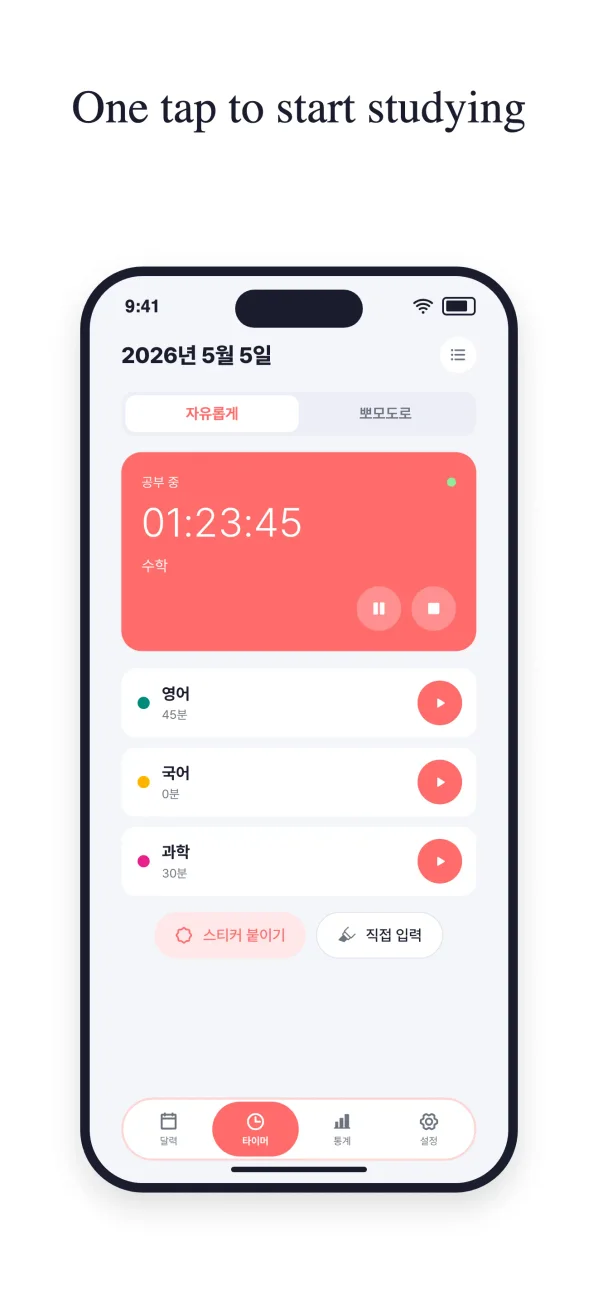
• Subject Timer — One tap starts a stopwatch for any subject. Switch subjects anytime; the previous one stops automatically.
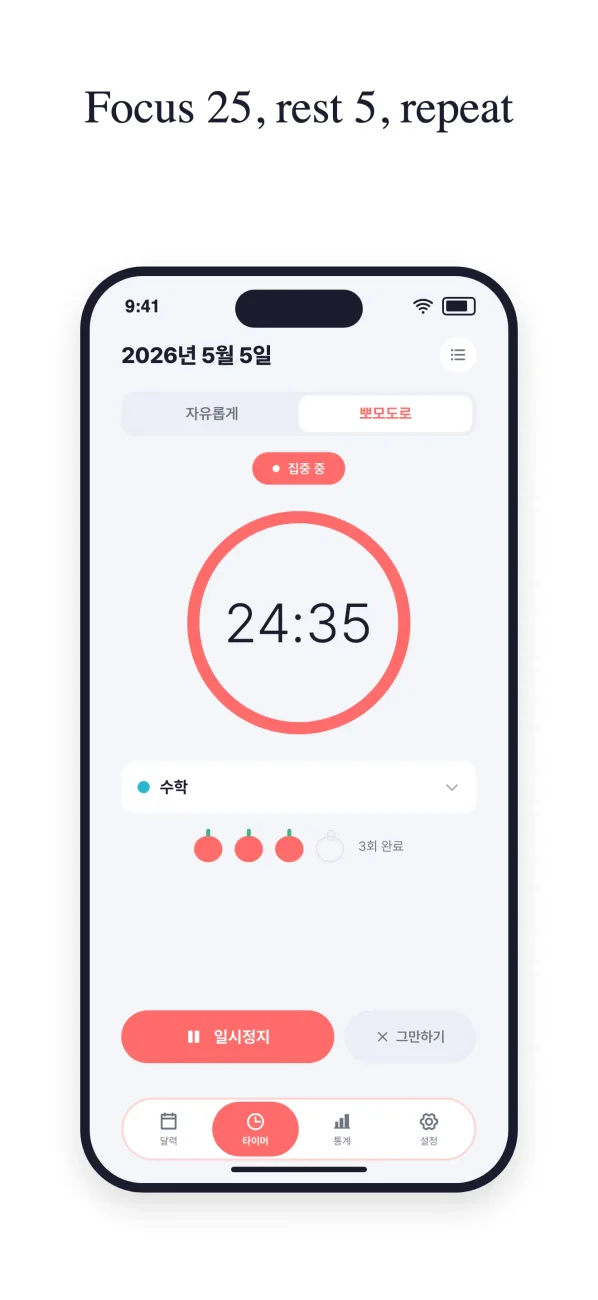
• Pomodoro Timer — Focus and rest in turns (25 and 5 minutes by default, adjustable in Settings). You get a notification when each round ends, and tomatoes show how many rounds you finished today.
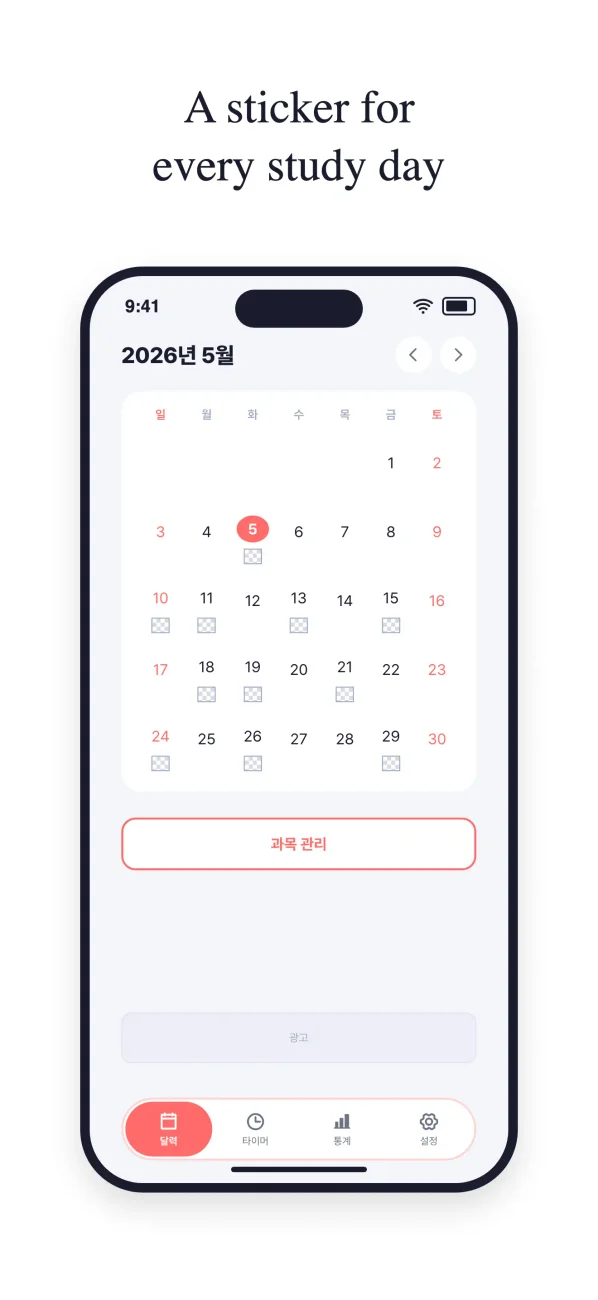
• Monthly Calendar — See which days you studied at a glance. Tap any day to jump straight to the timer.
• Study Stickers — After each session, pick a sticker that matches your mood. Your calendar fills up with small victories.
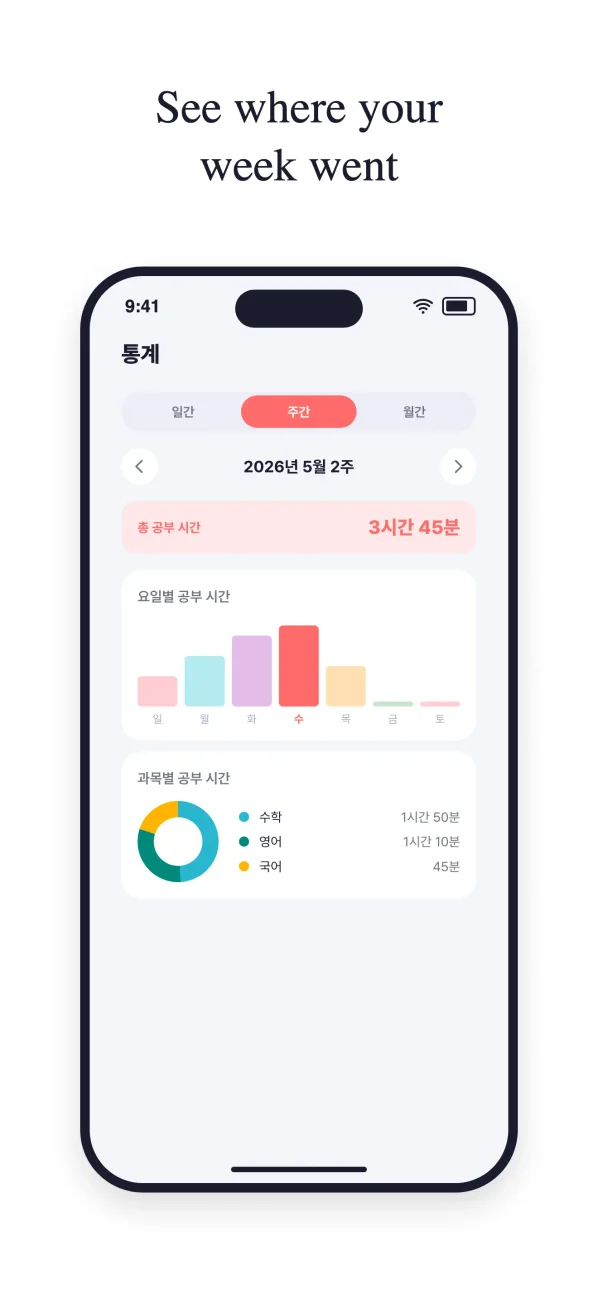
• Detailed Statistics — View your study time by day, week, or month. A bar chart shows your weekly rhythm; a donut chart breaks down time by subject.
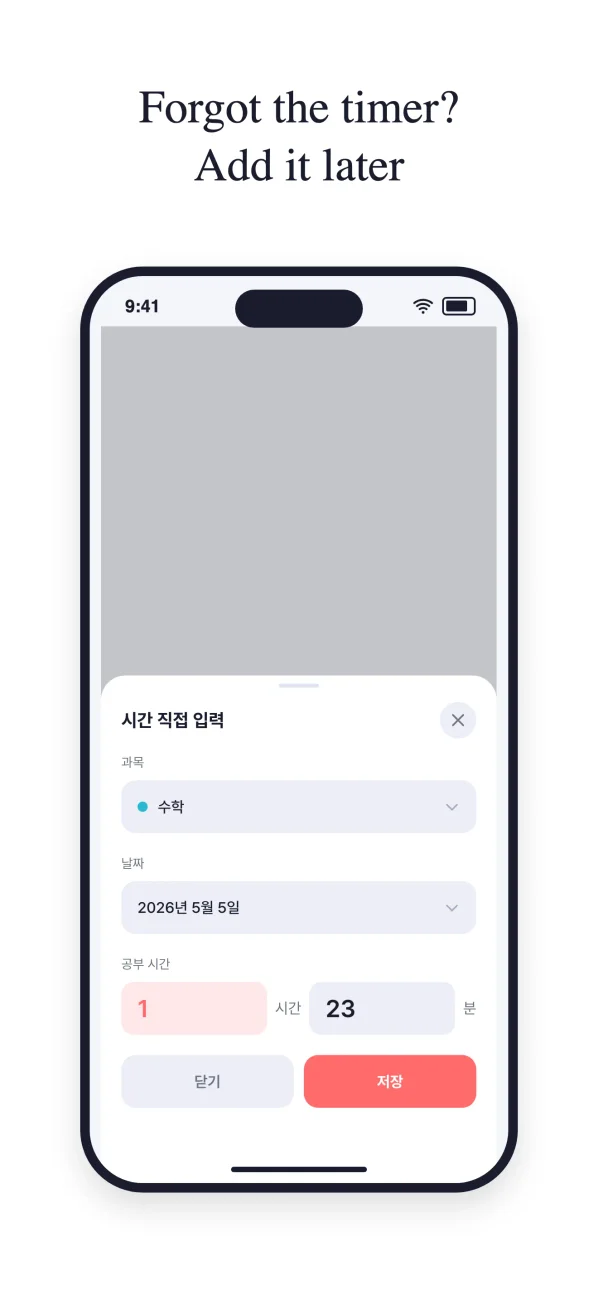
• Manual Entry — Forgot to start the timer? Enter time directly for any subject and date. Fix or delete any record from the study log.
• Subject Management — Add as many subjects as you need, each with its own color, so your data is always organized.
• Dark Mode — Follows your phone's setting automatically. Easy on the eyes for late-night study.
• Color Themes — Coral is always on. Pastel Blue, Green and Purple can each be unlocked for 7 days by watching a short ad.
DESIGNED FOR SIMPLICITY
No account required. No internet connection needed. All your data stays on your device — private, always.
Whether you're preparing for an exam, tracking daily study habits, or just curious how much time you spend on each subject, StudyDay gives you the clarity you need.
StudyDay is supported by ads: a banner on the Calendar and Stats screens, and an optional video ad only when you choose to unlock a color theme.
Privacy Policy: https://www.junu.co.kr/terms/studytime/privacy/
Neue Funktionen
Version 1.3.1 · 13.10.2026
- Dark Mode follows your phone's setting automatically — easy on the eyes at night
- Cleaner icons, and picking a subject is easier when you enter time by hand
- Deleted every subject? Next time you open the app, it walks you through adding new ones
- We oiled the squeaky door to the Privacy Policy in Settings. It swings open smoothly now
App-Datenschutz
Was Jinyoung Lee im App Store zum Umgang dieser App mit Daten angibt.
-
Daten, die zum Tracking Ihrer Person verwendet werden
Können verwendet werden, um Sie über Apps und Websites anderer Unternehmen hinweg zu verfolgen.
- Kennungen
- Nutzungsdaten
-
Nicht mit Ihnen verknüpfte Daten
Können erfasst werden, sind aber nicht mit Ihrer Identität verknüpft.
- Kennungen
- Nutzungsdaten
Die Datenschutzpraktiken können variieren, zum Beispiel je nach den von Ihnen verwendeten Funktionen oder Ihrem Alter.
Informationen
- Anbieter
- Jinyoung Lee
- Kategorie
- Bildung
- Version
- 1.3.1
- Aktualisiert
- 13.10.2026
- Veröffentlicht
- 04.07.2026
- Größe
- 5,6 MB
- Erfordert
- iOS 17.0 oder neuer
- Altersfreigabe
- 4+
- Preis
- Kostenlos
- Sprachen
- Englisch, Koreanisch
- Copyright
- © 2026 JunuLabs
Das könnte Ihnen auch gefallen
-
 Todak Time: Study TimerBildung
-
 Monun: LernplanerLerntimer, Pomodoro & Lernplan
-
 Study with Tino: Focus timerBildung
-
 열공메이트: 공부타이머·수능·공시생 플래너Bildung
-
 Study On - Study PlannerBildung
-
 Simple Study LogBildung
-
 순공시간 - 계획하고 집중하는 공부 타이머 앱Bildung
-
 Sum: Study Timer & TrackerBildung
-
 StudyPlace - Study With MeBildung
-
 pomoco - 뽀모도로 공부 타이머Bildung