
Super Scrapbook
Photos, cutouts & shared pages
Entwickelt für iPhone, iPad
Kostenlos
- Altersfreigabe4+
- KategorieFoto und Video
- EntwicklerThomas Richardson
- SprachenEnglisch
- Größe2,9 MB
Verlinkt auf die offizielle App Store-Seite
Download.org hostet keine Datei von Super Scrapbook. Die Schaltfläche öffnet die App-Seite bei App Store, wo Thomas Richardson die App veröffentlicht. Eintrag zuletzt geprüft am 17.11.2026.
Screenshots


Info
Der Entwickler hat diesen Text nicht in Ihrer Sprache bereitgestellt.
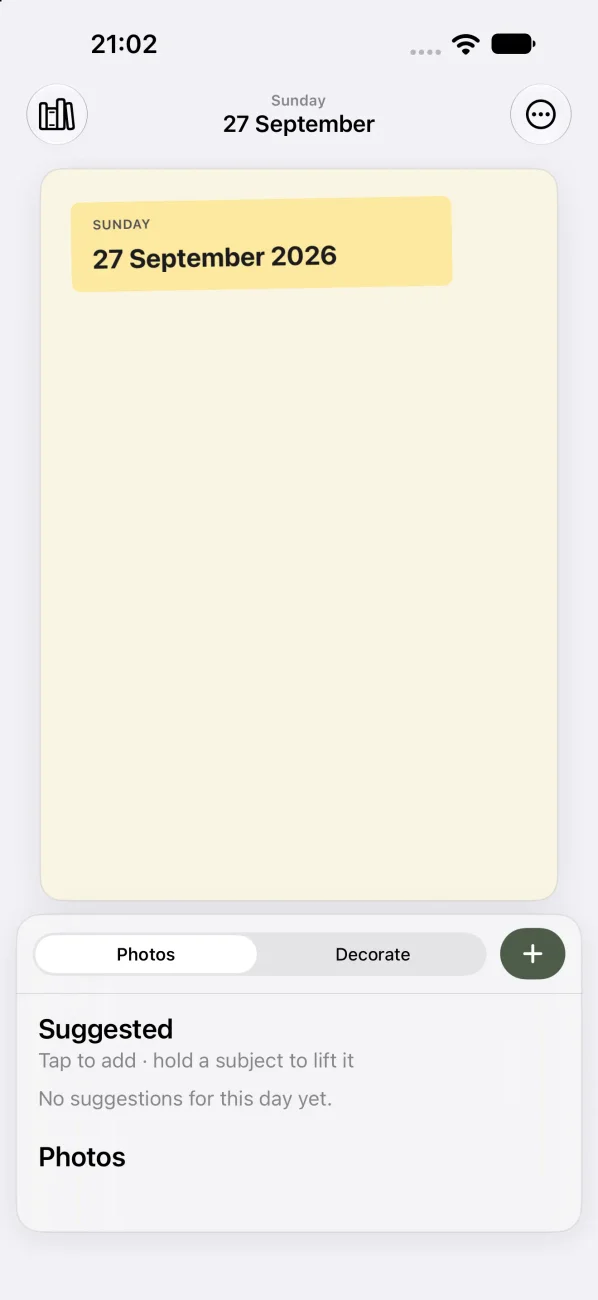
Scrapbook turns a day into a page using the memories and context already on your iPhone or iPad.
On iOS 27, build fully editable scrapbook pages from photos, cutouts, stickers, text, drawings and contextual suggestions. Scrapbook can use the metadata you choose — photo times and places, Calendar events, event attendees, Contacts matches, video frames, Maps and Apple Weather — to surface useful material for that date.
YOUR DAY, READY TO USE
• Browse photos and videos from a selected day
• Lift subjects from photos into transparent cutouts
• Get suggestions based on time, location, events and on-device Vision
• Add event cards, people and place labels, weather cards, map and satellite snapshots, and inferred journey maps
• Pick a useful still from a video
• Start with a metadata-driven “Build this day” layout, then make it your own
MAKE IT YOURS
• Add text, labels, tape, paper colours, shapes and drawings
• Use emoji, Animated Noto Emoji and optional GIPHY stickers
• Drag, scale, rotate, reorder and edit page elements
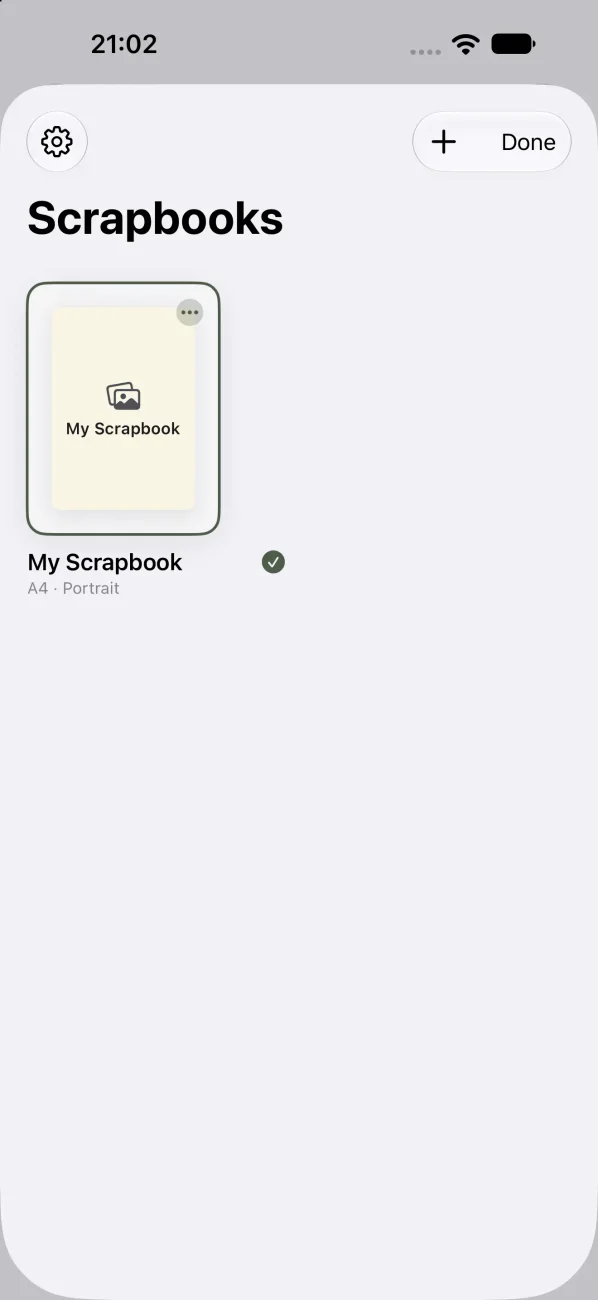
• Create multiple independent scrapbook books
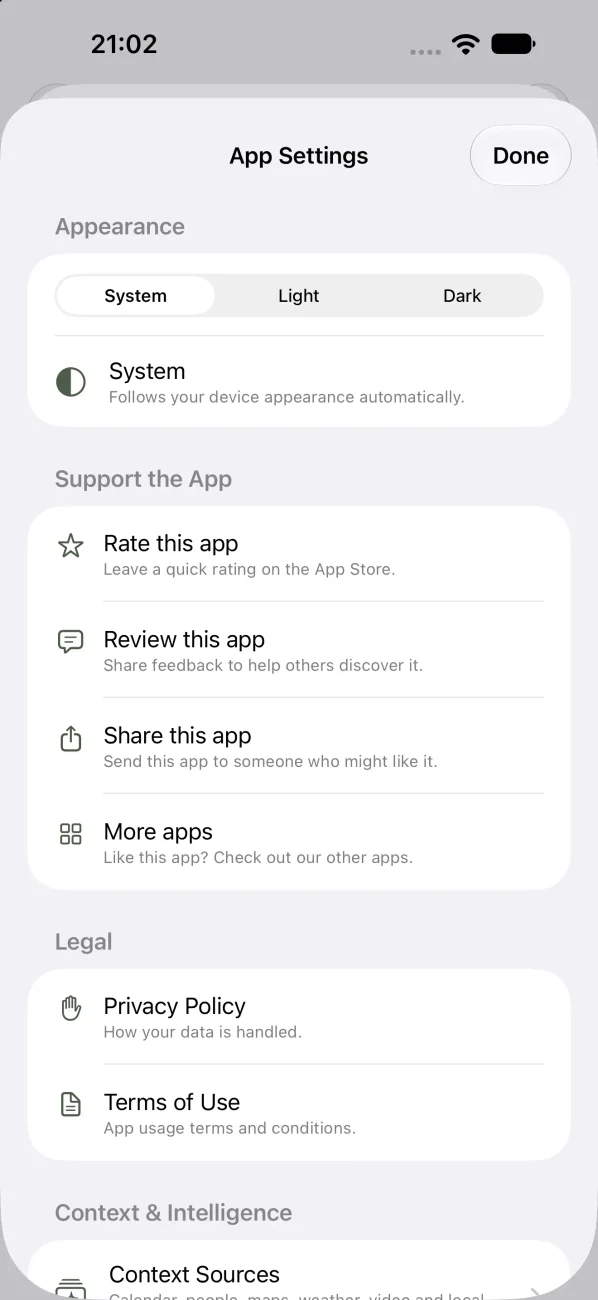
• Choose System, Light or Dark appearance without changing printable page colours
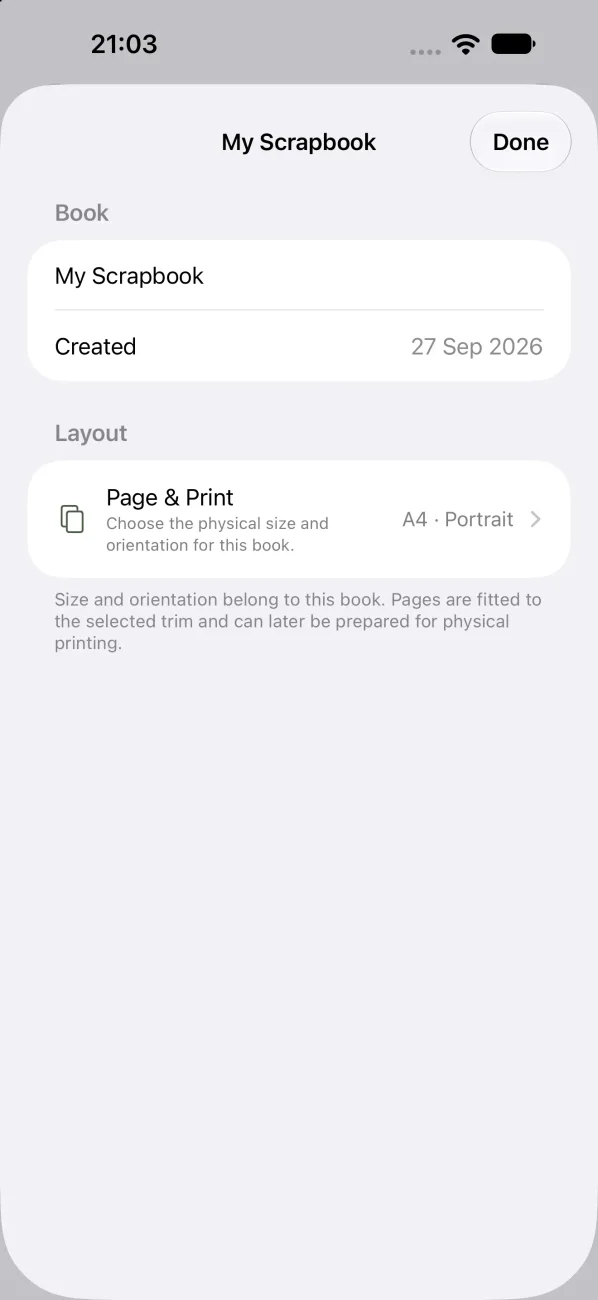
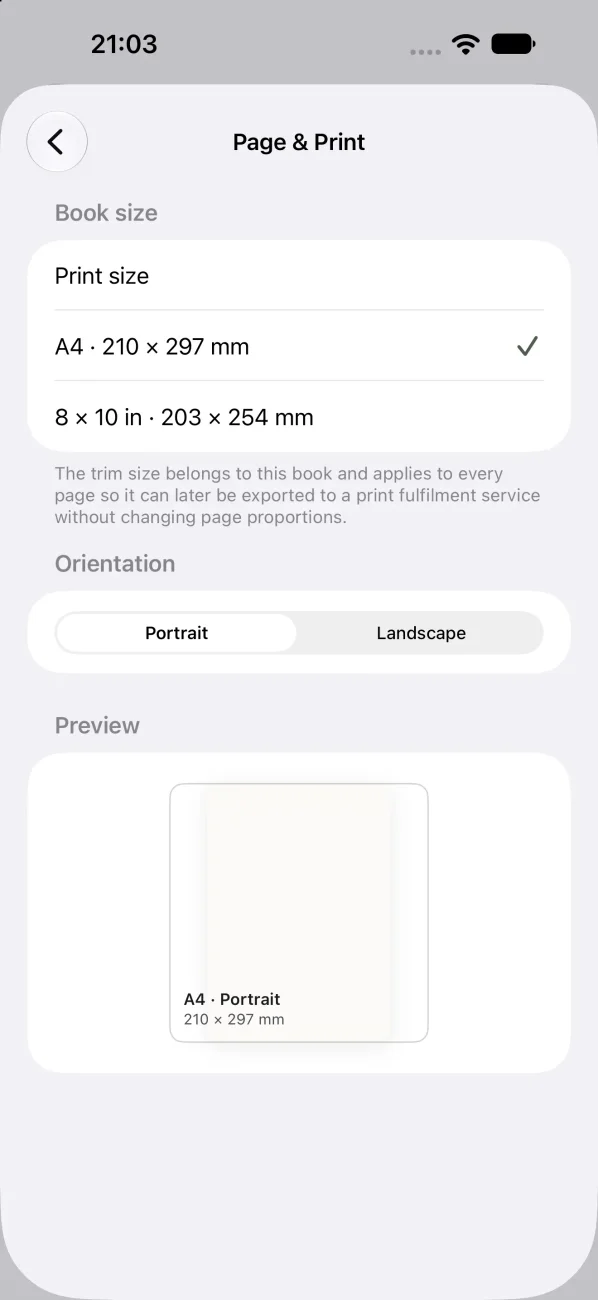
• Choose A4 or 8 × 10 inch pages in portrait or landscape
• Export animated pages as GIF or MP4
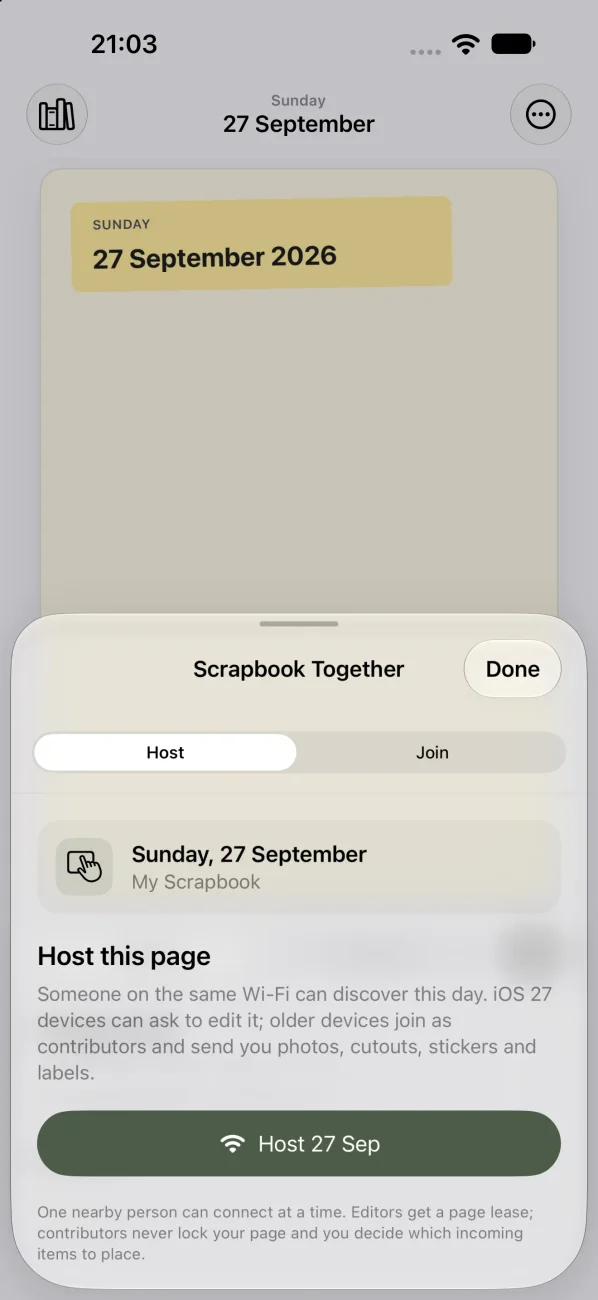
SCRAPBOOK TOGETHER
Host a day over local Wi-Fi with Nearby, or collaborate remotely with SharePlay during FaceTime. On iOS 27, another participant can edit a hosted page. Devices on iOS 17–26 can use Contributor mode to prepare photos, cutouts, stickers, labels and contextual cards, then send them to the host while watching a live page preview.
PRIVATE BY DESIGN
Photo analysis and subject lifting happen on device. Calendar and Contacts context is used locally and is not sent to collaborators unless you deliberately turn it into something you choose to share. You control which calendars participate.
Full page editing requires iOS 27. Contributor mode is available on iOS 17–26.
App-Datenschutz
Was Thomas Richardson im App Store zum Umgang dieser App mit Daten angibt.
-
Keine Daten erfasst
Der Entwickler erfasst keine Daten von dieser App.
Die Datenschutzpraktiken können variieren, zum Beispiel je nach den von Ihnen verwendeten Funktionen oder Ihrem Alter.
Informationen
- Anbieter
- Thomas Richardson
- Kategorie
- Foto und Video
- Version
- 1.0
- Aktualisiert
- 05.10.2026
- Veröffentlicht
- 04.10.2026
- Größe
- 2,9 MB
- Erfordert
- iOS 17.0 oder neuer
- Altersfreigabe
- 4+
- Preis
- Kostenlos
- Sprachen
- Englisch
- Copyright
- © 2026 Lanchester Research & Design
Das könnte Ihnen auch gefallen
-
 Scrapbook: Friends & MemoriesFoto und Video
-
 Pocket ScrapbookFoto und Video
-
 Stampic - Stamps and ScrapbookFoto und Video
-
 Mimo: Digital ScrapbookFoto und Video
-
 Nooka: Scrapbook & CollageJunk Journal erstellen
-
 Reframe It - ZuschneidungDas KI-AutoZuschnitt-Werkzeug
-
 BFF WallpaperFoto und Video
-
 Bildgenerator Yume KIVerwandle Worte in Kunst
-
 Elori: Fotocollage & ScrapbookBilder bearbeiten & erstellen
-
 HD Wallpapers For StrangerFoto und Video