
Super Scrapbook
Photos, cutouts & shared pages
Được thiết kế cho iPhone, iPad
Miễn phí
- Độ tuổi4+
- Danh mụcẢnh & Video
- Nhà phát triểnThomas Richardson
- Ngôn ngữTiếng Anh
- Kích thước2,9 MB
Liên kết đến trang App Store chính thức
Download.org không lưu trữ tệp nào của Super Scrapbook. Nút này mở trang ứng dụng trên App Store, nơi Thomas Richardson phát hành ứng dụng. Trang được kiểm tra lần cuối: 17/11/2026.
Ảnh chụp màn hình


Giới thiệu
Nhà phát triển chưa cung cấp nội dung này bằng ngôn ngữ của bạn.
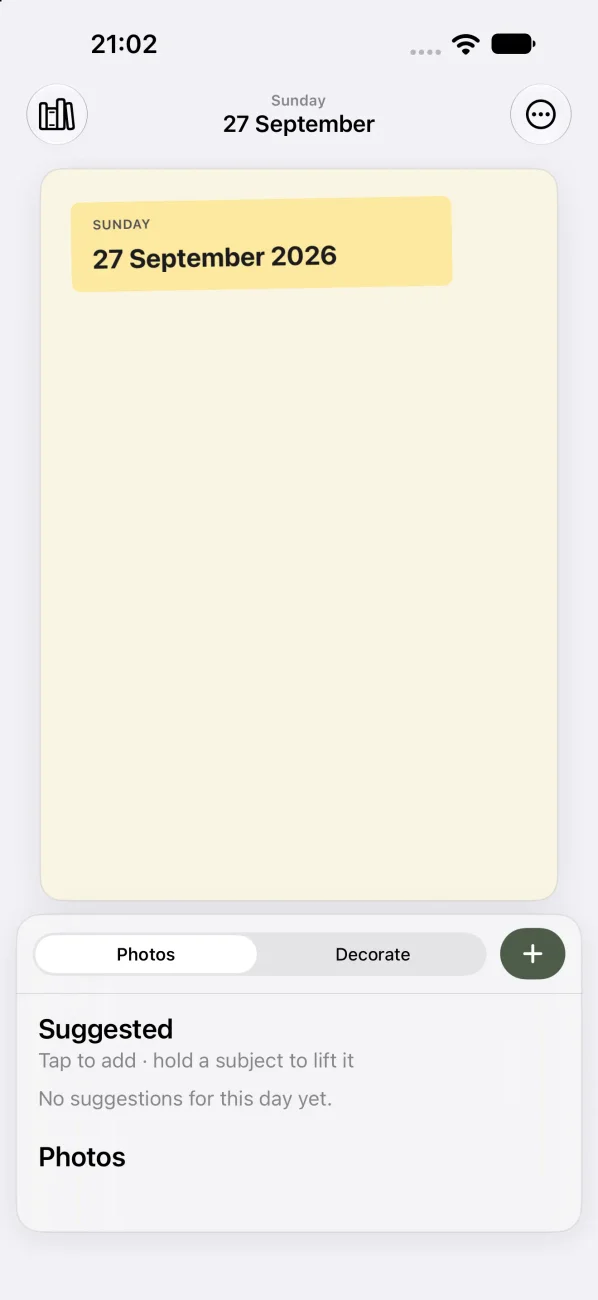
Scrapbook turns a day into a page using the memories and context already on your iPhone or iPad.
On iOS 27, build fully editable scrapbook pages from photos, cutouts, stickers, text, drawings and contextual suggestions. Scrapbook can use the metadata you choose — photo times and places, Calendar events, event attendees, Contacts matches, video frames, Maps and Apple Weather — to surface useful material for that date.
YOUR DAY, READY TO USE
• Browse photos and videos from a selected day
• Lift subjects from photos into transparent cutouts
• Get suggestions based on time, location, events and on-device Vision
• Add event cards, people and place labels, weather cards, map and satellite snapshots, and inferred journey maps
• Pick a useful still from a video
• Start with a metadata-driven “Build this day” layout, then make it your own
MAKE IT YOURS
• Add text, labels, tape, paper colours, shapes and drawings
• Use emoji, Animated Noto Emoji and optional GIPHY stickers
• Drag, scale, rotate, reorder and edit page elements
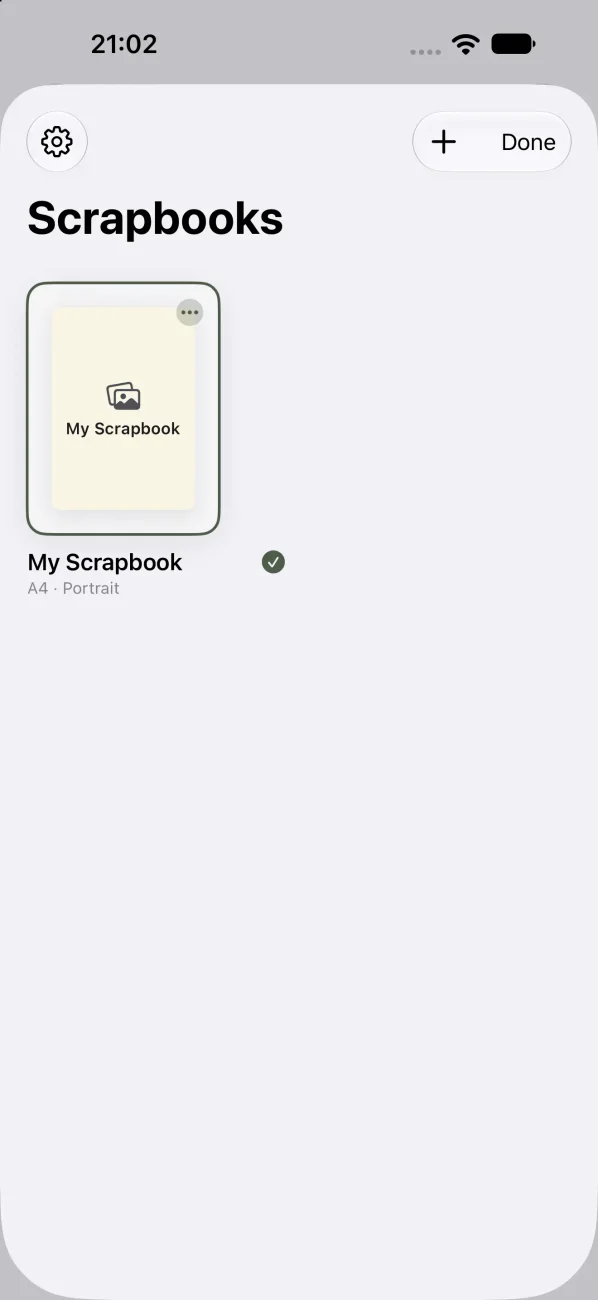
• Create multiple independent scrapbook books
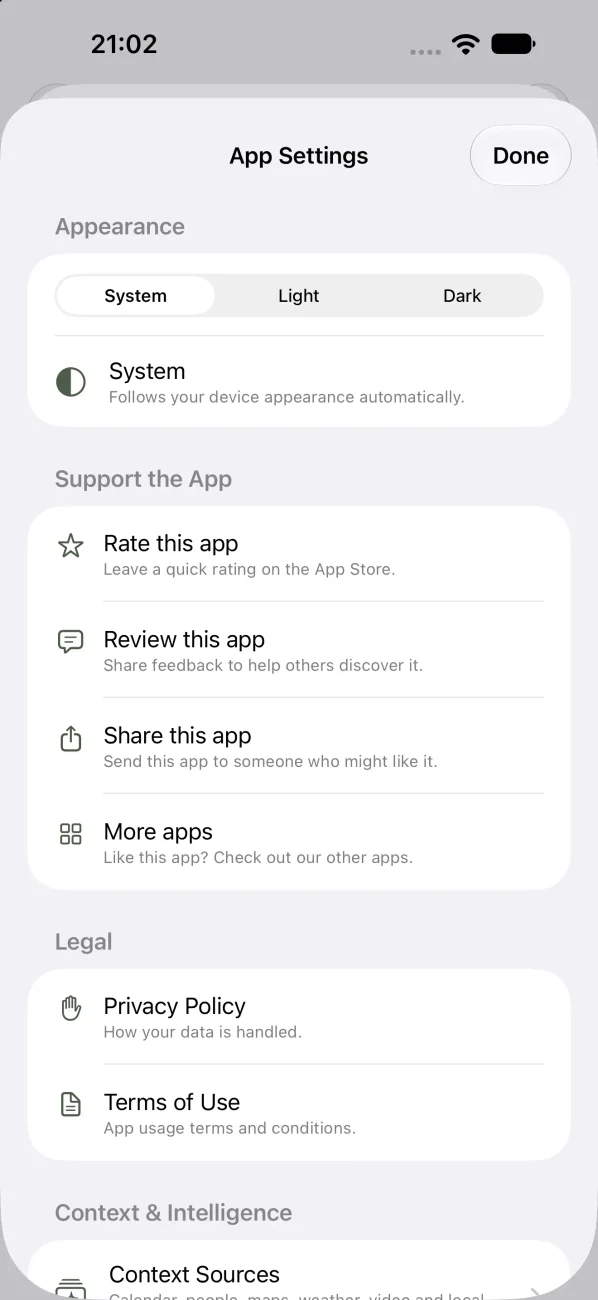
• Choose System, Light or Dark appearance without changing printable page colours
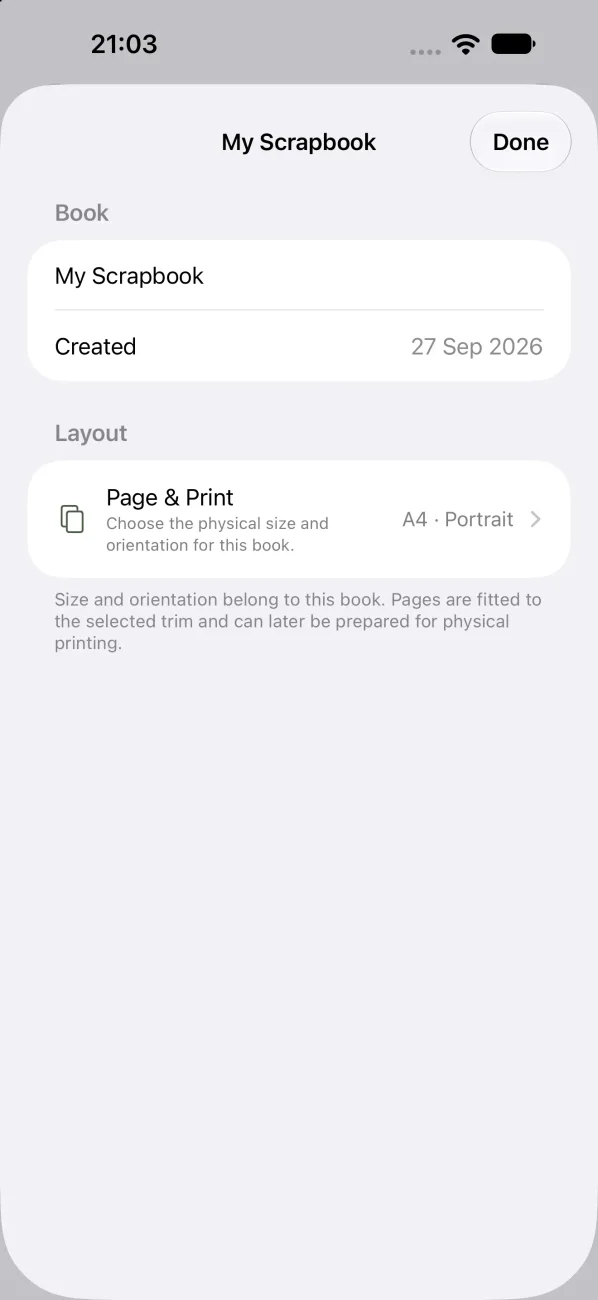
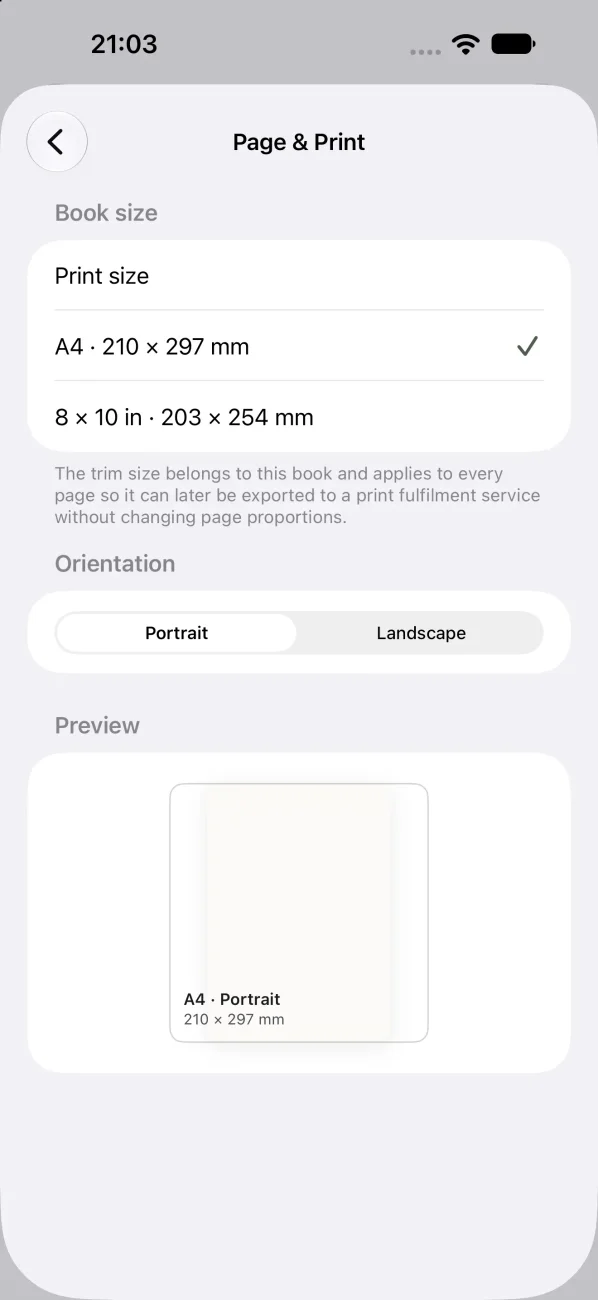
• Choose A4 or 8 × 10 inch pages in portrait or landscape
• Export animated pages as GIF or MP4
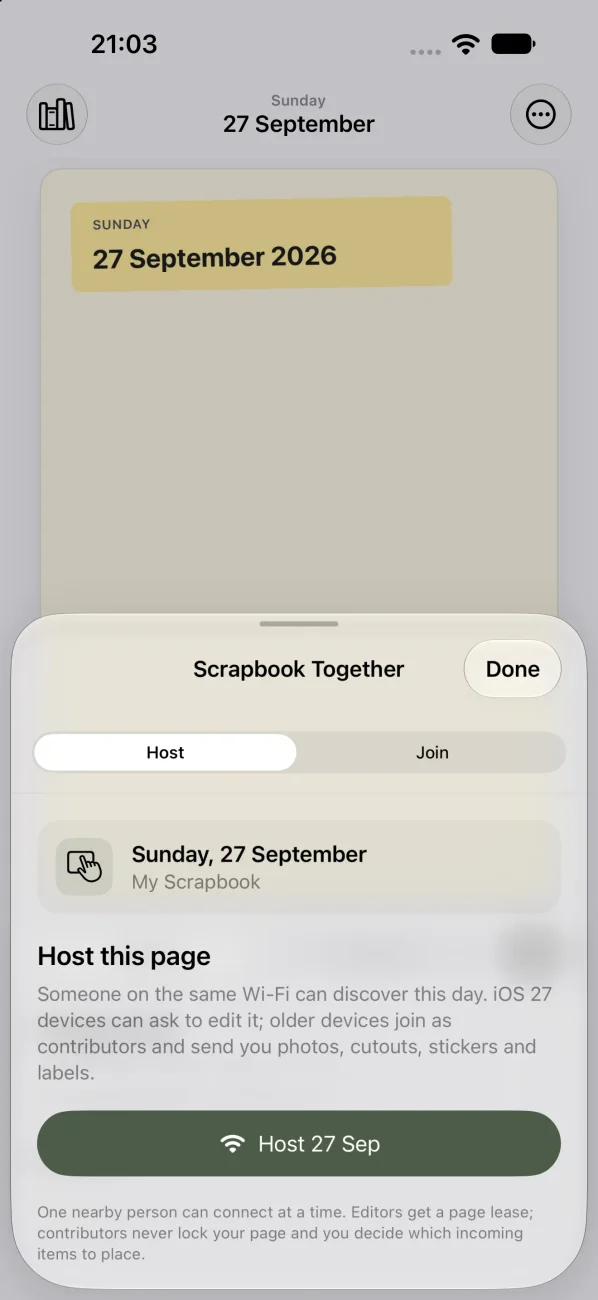
SCRAPBOOK TOGETHER
Host a day over local Wi-Fi with Nearby, or collaborate remotely with SharePlay during FaceTime. On iOS 27, another participant can edit a hosted page. Devices on iOS 17–26 can use Contributor mode to prepare photos, cutouts, stickers, labels and contextual cards, then send them to the host while watching a live page preview.
PRIVATE BY DESIGN
Photo analysis and subject lifting happen on device. Calendar and Contacts context is used locally and is not sent to collaborators unless you deliberately turn it into something you choose to share. You control which calendars participate.
Full page editing requires iOS 27. Contributor mode is available on iOS 17–26.
Quyền riêng tư của ứng dụng
Những gì Thomas Richardson khai báo trên App Store về cách ứng dụng này xử lý dữ liệu.
-
Dữ liệu không được thu thập
Nhà phát triển không thu thập bất kỳ dữ liệu nào từ ứng dụng này.
Phương thức đảm bảo quyền riêng tư có thể khác nhau, chẳng hạn như tuỳ theo các tính năng bạn sử dụng hoặc độ tuổi của bạn.
Thông tin
- Người bán
- Thomas Richardson
- Danh mục
- Ảnh & Video
- Phiên bản
- 1.0
- Cập nhật
- 05/10/2026
- Phát hành
- 04/10/2026
- Kích thước
- 2,9 MB
- Yêu cầu
- iOS 17.0 trở lên
- Độ tuổi
- 4+
- Giá
- Miễn phí
- Ngôn ngữ
- Tiếng Anh
- Bản quyền
- © 2026 Lanchester Research & Design
Có thể bạn cũng thích
-
 Scrapbook: Friends & MemoriesẢnh & Video
-
 Pocket ScrapbookẢnh & Video
-
 Stampic - Stamps and ScrapbookẢnh & Video
-
 Mimo: Digital ScrapbookẢnh & Video
-
 Nooka: Scrapbook & Cắt ghépJunk journal và nhật ký đẹp
-
 Reframe It - Video CroppingẢnh & Video
-
 BFF WallpaperẢnh & Video
-
 AI Image Generator YumeẢnh & Video
-
 Elori: Photo Editor & CollageẢnh & Video
-
 HD Wallpapers For StrangerẢnh & Video