
- 対象年齢4+
- カテゴリ写真/ビデオ
- 開発元Thomas Richardson
- 言語英語
- サイズ2.9 MB
App Storeの公式ページにリンクしています
Download.orgはSuper Scrapbookのファイルを一切ホストしていません。ボタンを押すと、Thomas Richardsonが公開しているApp Storeのアプリページが開きます。ページの最終確認:2026/11/17。
スクリーンショット


概要
開発元はこのテキストをお使いの言語で提供していません。
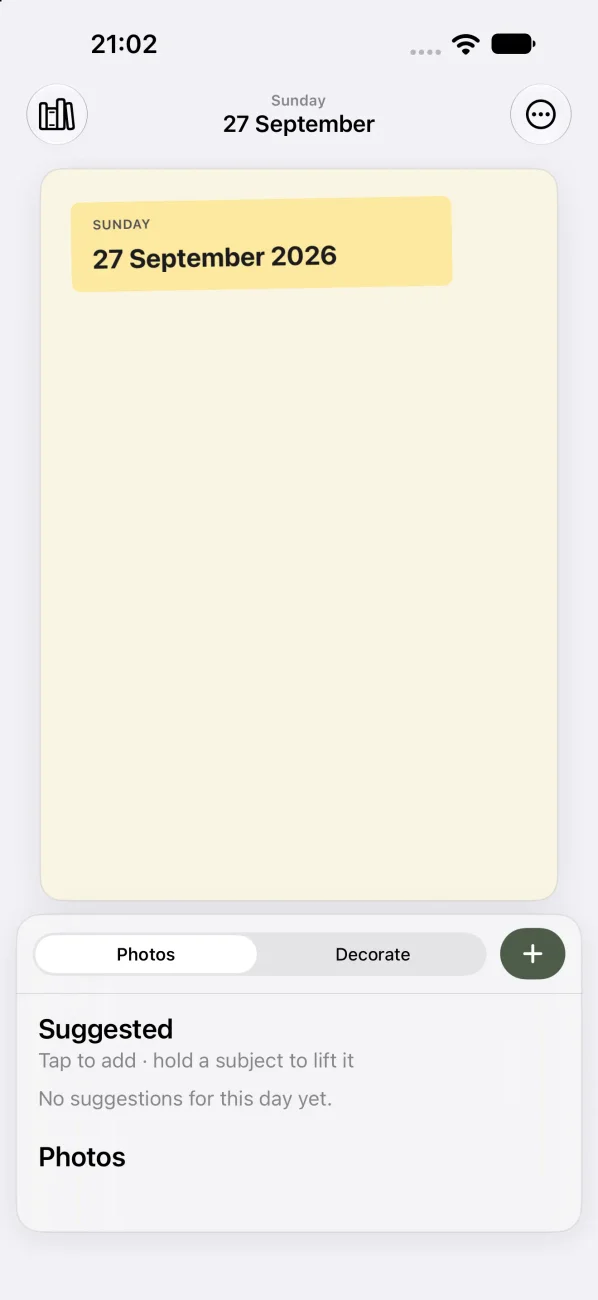
Scrapbook turns a day into a page using the memories and context already on your iPhone or iPad.
On iOS 27, build fully editable scrapbook pages from photos, cutouts, stickers, text, drawings and contextual suggestions. Scrapbook can use the metadata you choose — photo times and places, Calendar events, event attendees, Contacts matches, video frames, Maps and Apple Weather — to surface useful material for that date.
YOUR DAY, READY TO USE
• Browse photos and videos from a selected day
• Lift subjects from photos into transparent cutouts
• Get suggestions based on time, location, events and on-device Vision
• Add event cards, people and place labels, weather cards, map and satellite snapshots, and inferred journey maps
• Pick a useful still from a video
• Start with a metadata-driven “Build this day” layout, then make it your own
MAKE IT YOURS
• Add text, labels, tape, paper colours, shapes and drawings
• Use emoji, Animated Noto Emoji and optional GIPHY stickers
• Drag, scale, rotate, reorder and edit page elements
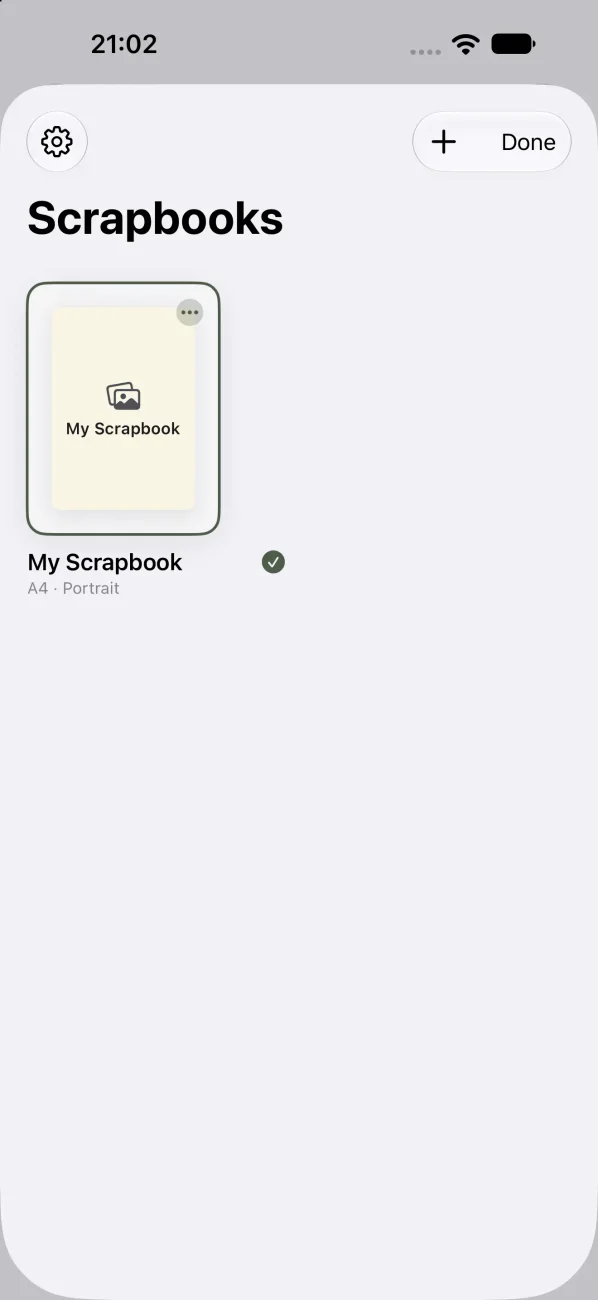
• Create multiple independent scrapbook books
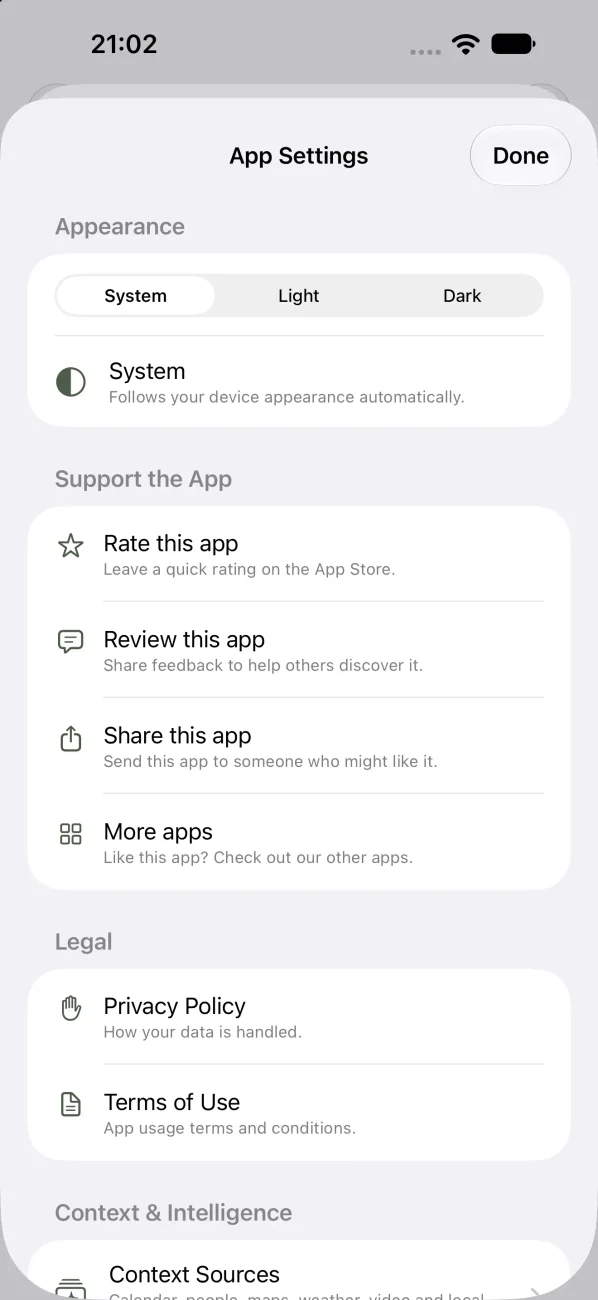
• Choose System, Light or Dark appearance without changing printable page colours
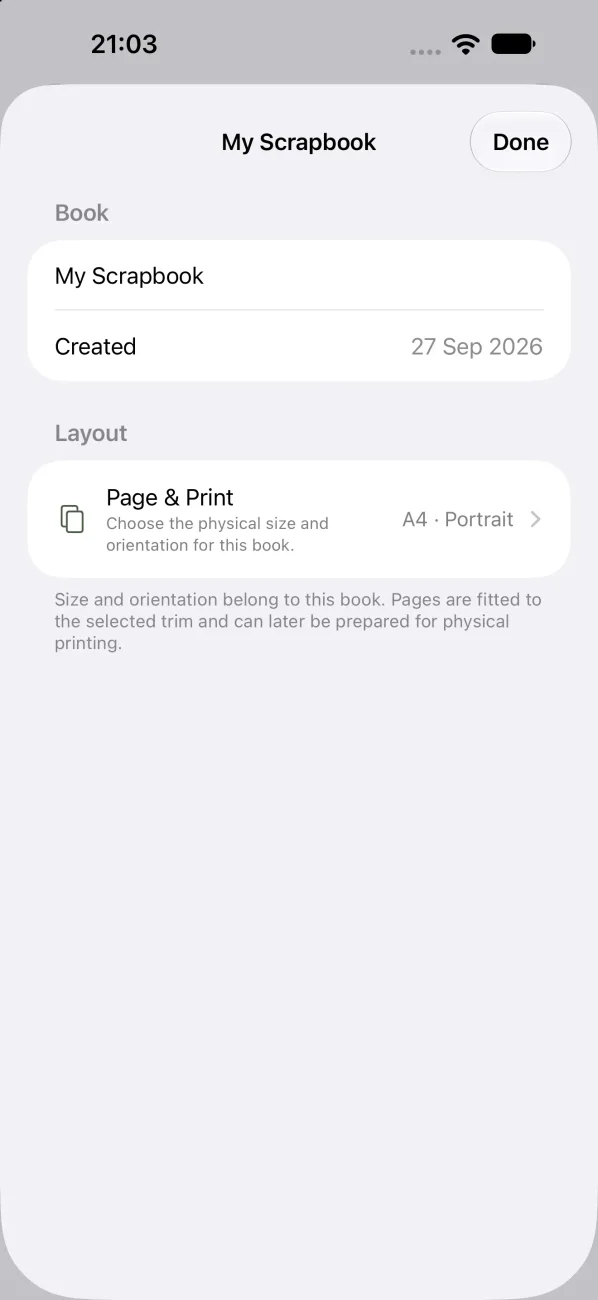
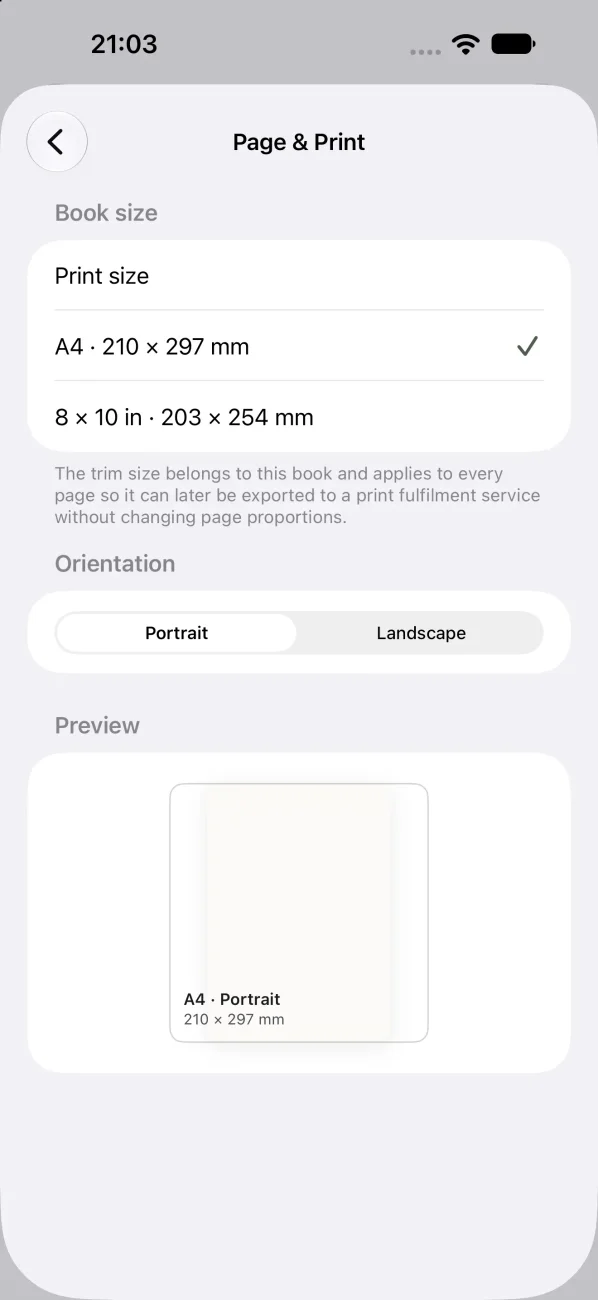
• Choose A4 or 8 × 10 inch pages in portrait or landscape
• Export animated pages as GIF or MP4
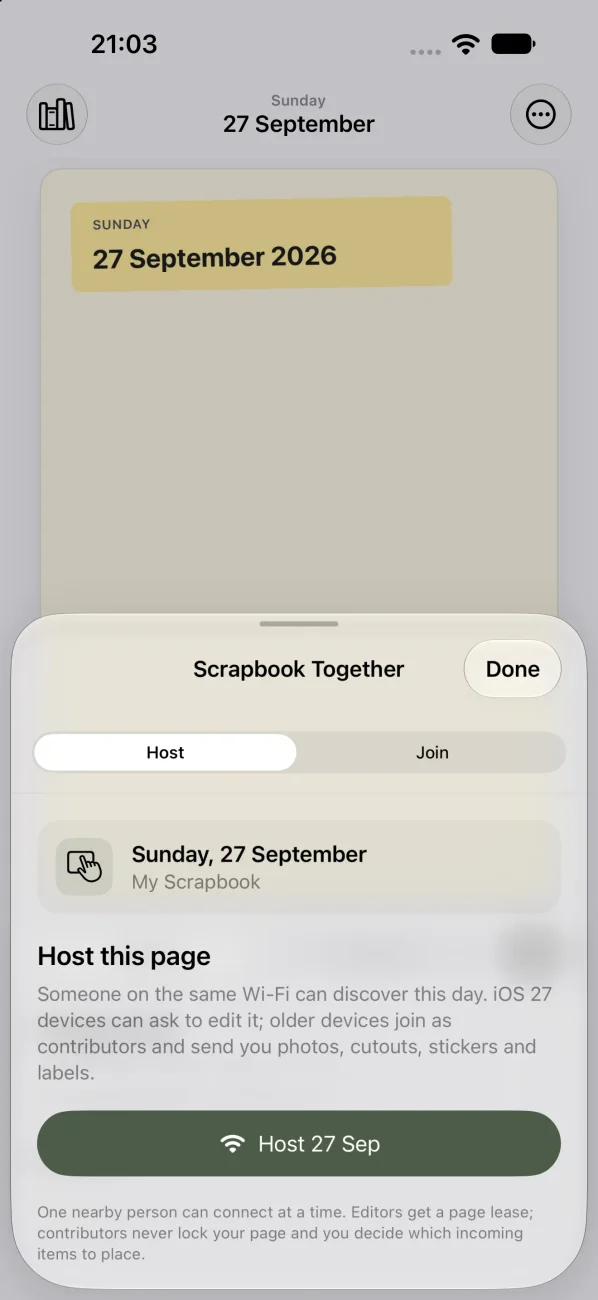
SCRAPBOOK TOGETHER
Host a day over local Wi-Fi with Nearby, or collaborate remotely with SharePlay during FaceTime. On iOS 27, another participant can edit a hosted page. Devices on iOS 17–26 can use Contributor mode to prepare photos, cutouts, stickers, labels and contextual cards, then send them to the host while watching a live page preview.
PRIVATE BY DESIGN
Photo analysis and subject lifting happen on device. Calendar and Contacts context is used locally and is not sent to collaborators unless you deliberately turn it into something you choose to share. You control which calendars participate.
Full page editing requires iOS 27. Contributor mode is available on iOS 17–26.
アプリのプライバシー
このアプリのデータの取り扱いについて、Thomas RichardsonがApp Storeで申告している内容です。
-
データの収集なし
開発元はこのアプリからデータを収集しません。
プライバシーの取り扱いは、ご利用の機能やお客様の年齢などに応じて異なる場合があります。
情報
- 販売元
- Thomas Richardson
- カテゴリ
- 写真/ビデオ
- バージョン
- 1.0
- 更新日
- 2026/10/5
- リリース
- 2026/10/4
- サイズ
- 2.9 MB
- 必要条件
- iOS 17.0以降
- 対象年齢
- 4+
- 価格
- 無料
- 言語
- 英語
- 著作権
- © 2026 Lanchester Research & Design
こちらもおすすめ
-
 Scrapbook: Friends & Memories写真/ビデオ
-
 Pocket Scrapbook写真/ビデオ
-
 Stampic - Stamps and Scrapbook写真/ビデオ
-
 Mimo: Digital Scrapbook写真/ビデオ
-
 Nooka: スクラップブックとコラージュかわいい絵日記と推しノート
-
 Reframe It - Video Cropping写真/ビデオ
-
 BFF Wallpaper写真/ビデオ
-
 画像生成器Yume AIあなたの言葉を芸術に変えましょう。
-
 Elori:写真加工・コラージュ背景透過・画像編集・スクラップブック
-
 HD Wallpapers For Stranger写真/ビデオ