- Altersfreigabe9+
- KategorieProduktivität
- EntwicklerReleve LLC
- SprachenEnglisch
- Größe5,4 MB
Verlinkt auf die offizielle App Store-Seite
Download.org hostet keine Datei von TableScan Studio. Die Schaltfläche öffnet die App-Seite bei App Store, wo Releve LLC die App veröffentlicht. Eintrag zuletzt geprüft am 18.11.2026.
Screenshots

Info
Der Entwickler hat diesen Text nicht in Ihrer Sprache bereitgestellt.
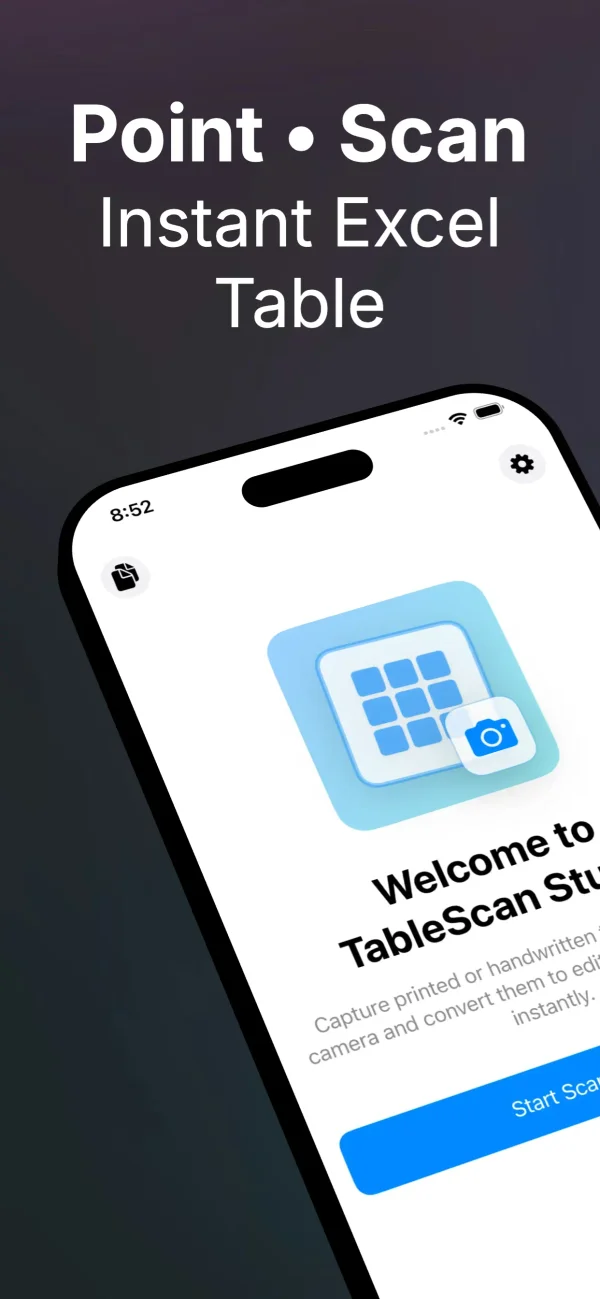
TableScan Studio turns photos of printed or handwritten tables into clean, editable spreadsheets in minutes. No retyping—just capture, crop, review, and export. Designed for students, researchers, and anyone who works with tables on paper.
Accuracy matters. Low-confidence cells are highlighted so you know what to double-check. Tap any cell to view its OCR and extraction confidence before exporting.
CAPTURE
Use your camera to photograph tables from forms, handwritten notes, receipts, or documents. For best results, capture one table per photo.
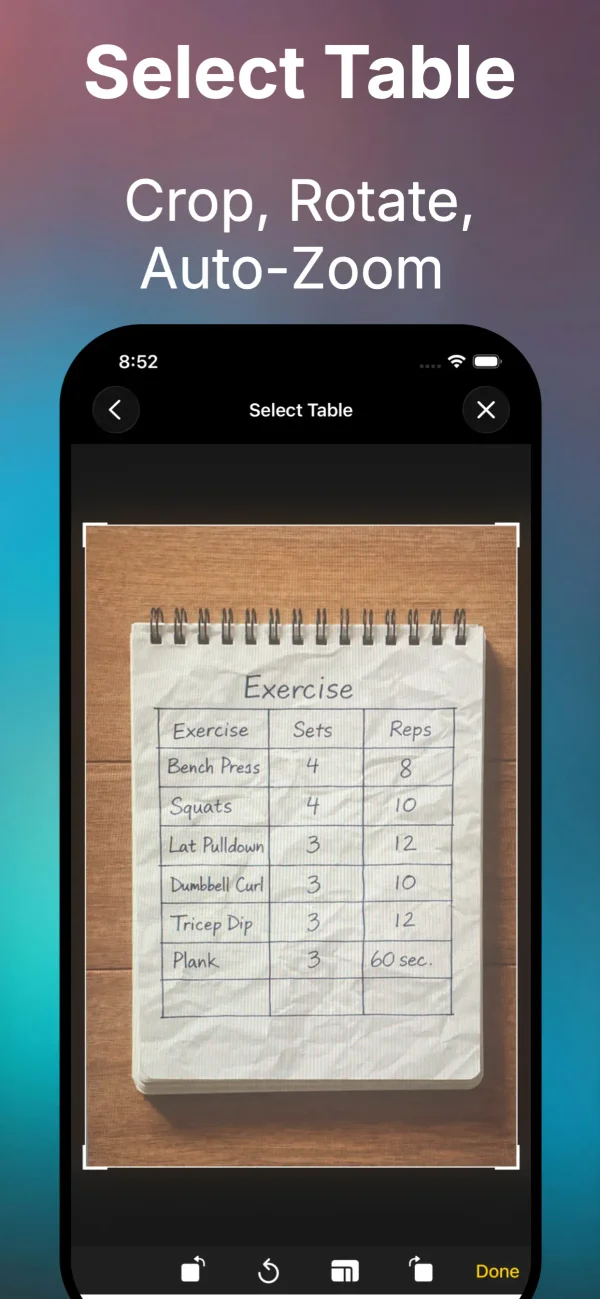
CROP
Adjust the crop area to match the table borders. Tighter crops improve recognition accuracy.
AI-POWERED RECOGNITION
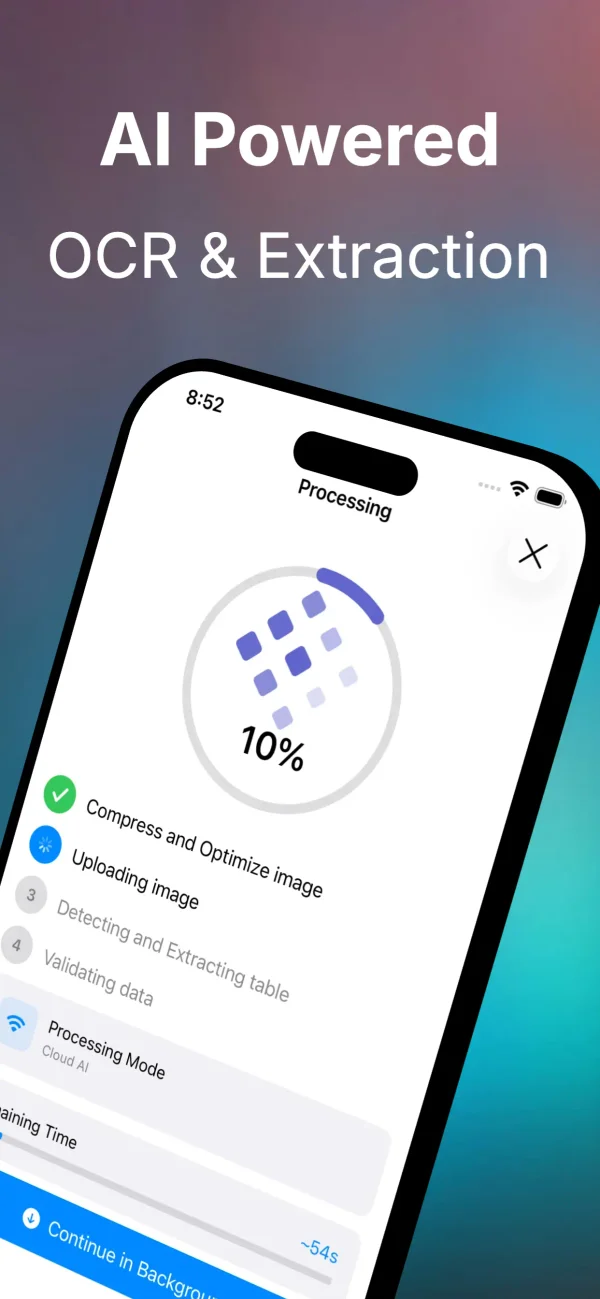
Advanced table recognition extracts structure and text in a single step. Supports both printed and handwritten tables.
TABLE EDITOR
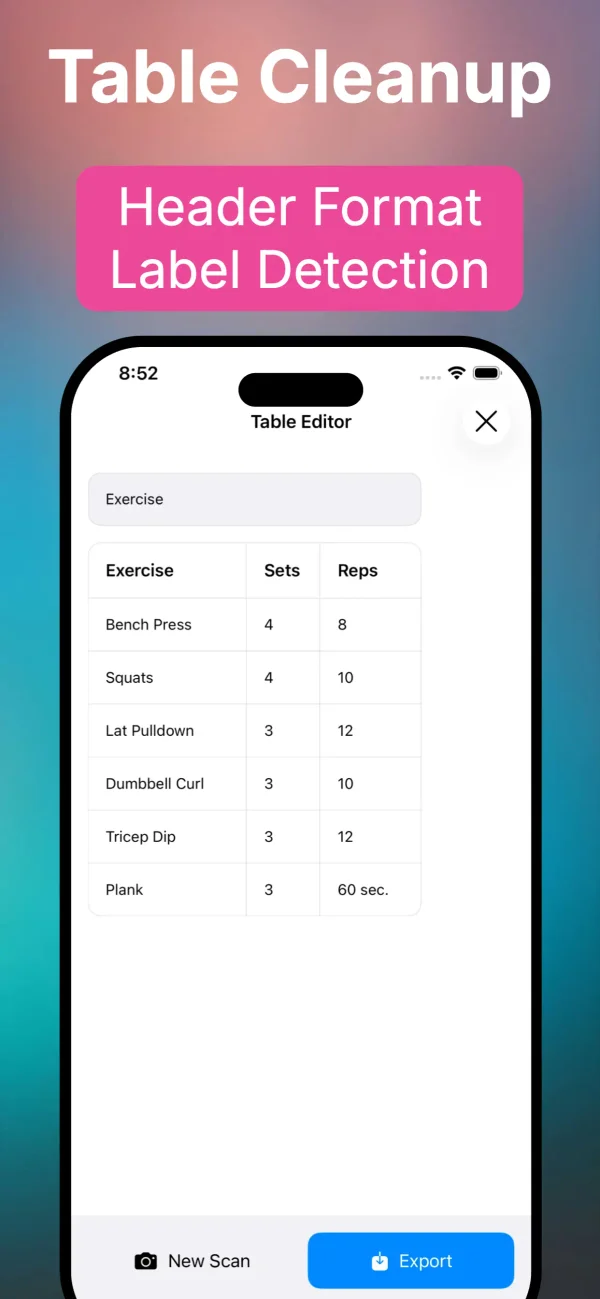
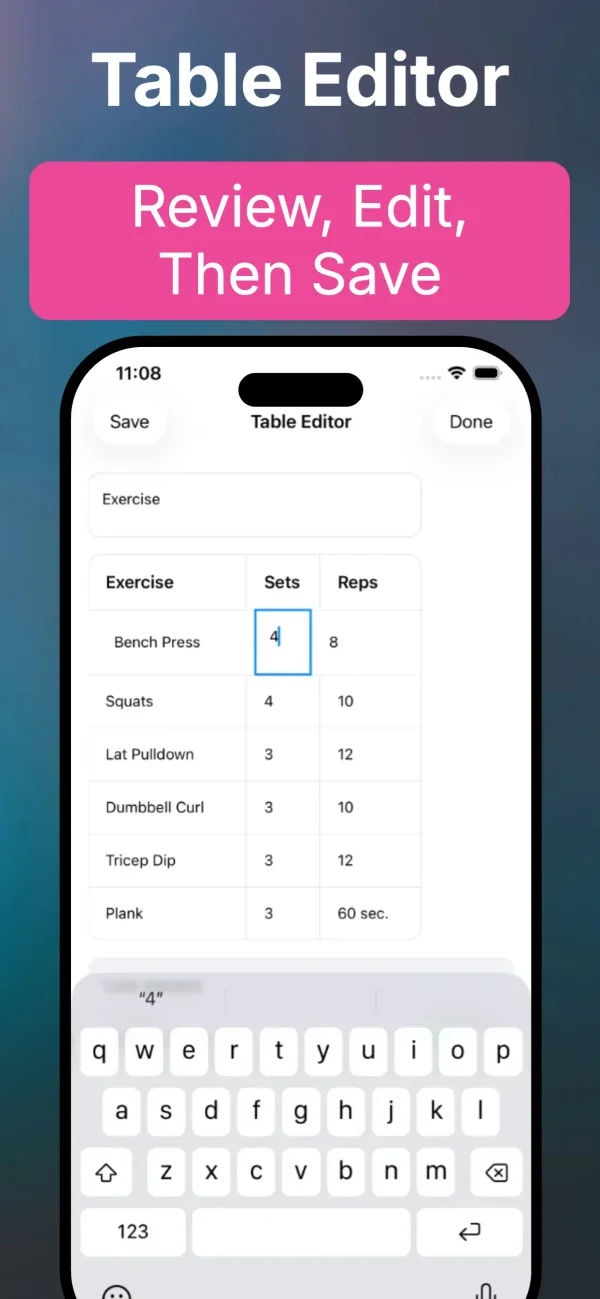
Review and refine results in a spreadsheet-like editor. Edit cell content directly in the app—fix typos, fill gaps, or adjust values. Tap any cell to view OCR and extraction confidence. Optional text above or below the table is preserved for context.
EXPORT
Export tables to Excel (.xlsx), CSV, or PDF for use in spreadsheets, reports, or archives.
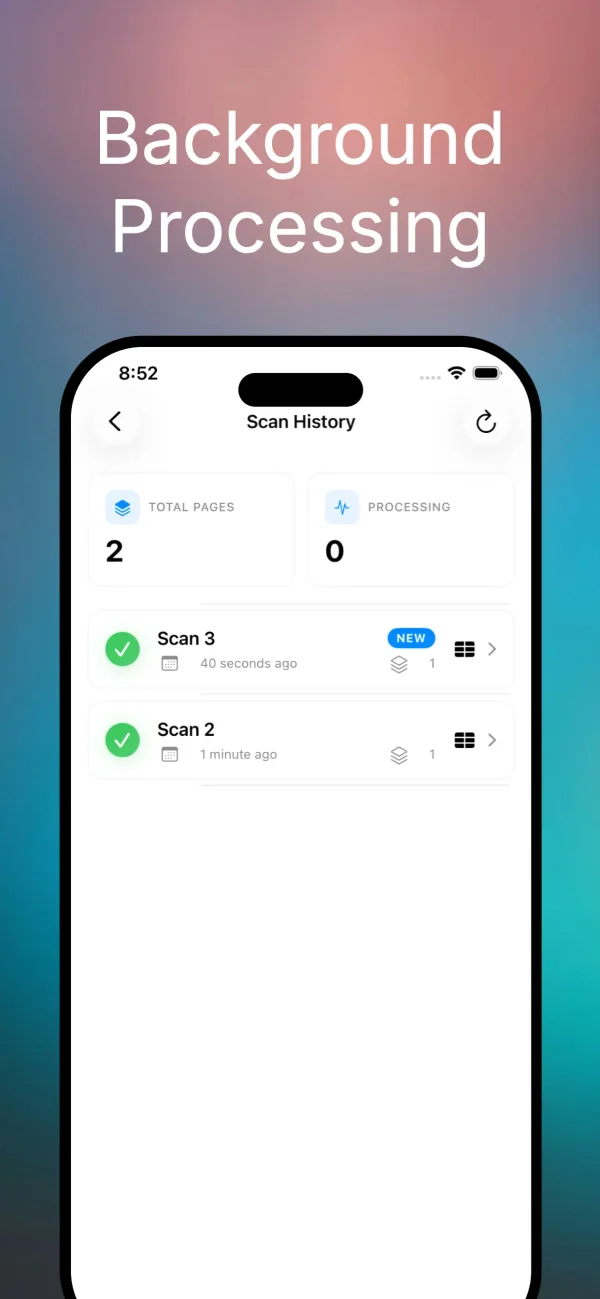
SCAN HISTORY
Revisit completed scans. Re-edit or re-export past tables anytime.
SUBSCRIPTIONS
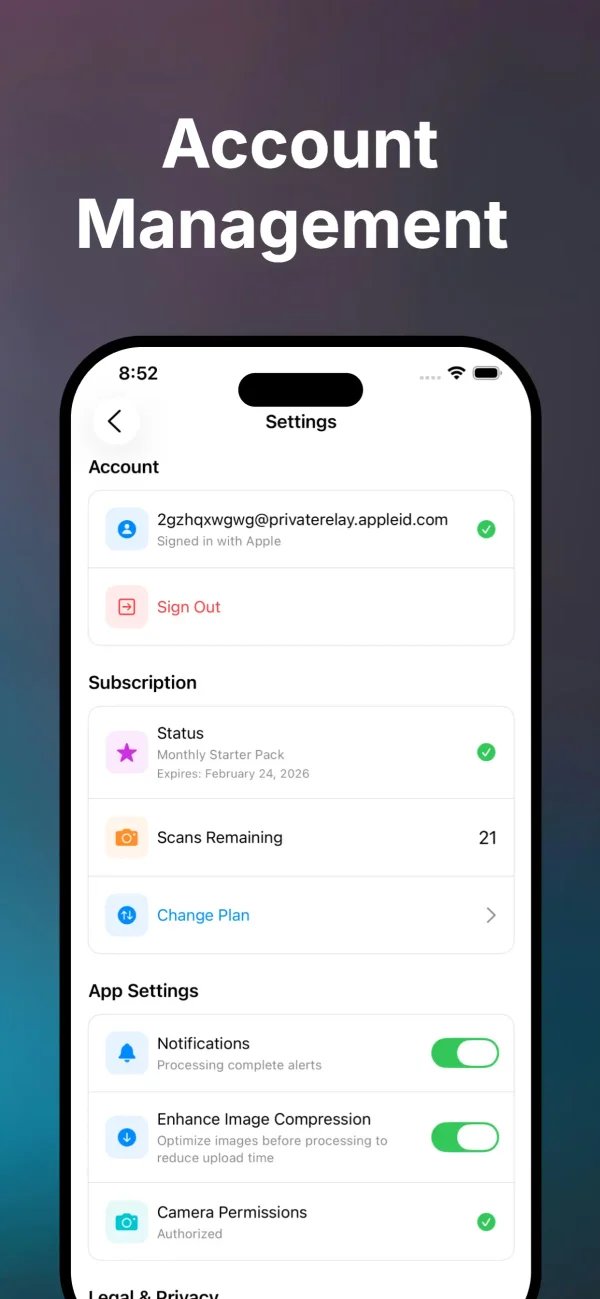
Start with a free trial (e.g., 3 scans). Choose from these monthly auto-renewing subscriptions:
- Starter: $2.99/month (30 scans/month)
- Standard: $4.99/month (60 scans/month)
- Power: $8.99/month (120 scans/month)
- Pro: $19.99/month (300 scans/month)
All plans include AI extraction, in-app table editing with confidence view, Excel/CSV/PDF export, background processing, scan history, and privacy-first processing.
Payment is charged to your Apple ID upon purchase. Subscriptions auto-renew monthly at the end of the current period unless canceled at least 24 hours in advance. Manage subscriptions in your App Store account settings under Subscriptions. Any unused portion of the free trial is forfeited if you subscribe.
Terms of Use: https://www.apple.com/legal/internet-services/itunes/dev/stdeula/
Privacy Policy: https://releve-ai.us/privacy-terms
Support: contact@releve-ai.us
Developer: Releve LLC — releve-ai.us
Neue Funktionen
Version 7.0 · 25.02.2026
Version [7.0] brings smoother iPad support and key performance fixes.
iPad Portrait Enhancements
Improved layouts across all screens for better use in portrait mode on iPad.
Faster Camera Launch
Eliminated startup delays by optimizing camera session setup.
Reliable Table Cropping
Fixed hangs on the Crop Table screen when tapping Done during loading.
App-Datenschutz
Was Releve LLC im App Store zum Umgang dieser App mit Daten angibt.
-
Keine Daten erfasst
Der Entwickler erfasst keine Daten von dieser App.
Die Datenschutzpraktiken können variieren, zum Beispiel je nach den von Ihnen verwendeten Funktionen oder Ihrem Alter.
Informationen
- Anbieter
- Releve LLC
- Kategorie
- Produktivität
- Version
- 7.0
- Aktualisiert
- 25.02.2026
- Veröffentlicht
- 12.02.2026
- Größe
- 5,4 MB
- Erfordert
- iOS 17.6 oder neuer
- Altersfreigabe
- 9+
- Preis
- Kostenlos
- In-App-Käufe
- Ja
- Sprachen
- Englisch
- Copyright
- © 2025 Releve LLC
Das könnte Ihnen auch gefallen
-
 Tablo: PDF & Foto zu XLSScan per OCR: Daten umwandeln
-
 Gridshot: Scan to SpreadsheetProduktivität
-
 Pagelight: Scanner OCRProduktivität
-
 NoteOCR - Handwriting to TextProduktivität
-
 CalcSpeed - Easy CalculatorProduktivität
-
 Xcelify: Scan Tables to SheetsProduktivität
-
 OCR Memo - Handschrift scannenScannen & sofort notieren
-
 ScanToExcel - Document ScannerProduktivität
-
 ArbeitszeitenrechnerProduktivität
-
 HonestPDF: Private PDF ToolsProduktivität