- 対象年齢9+
- カテゴリ仕事効率化
- 開発元Releve LLC
- 言語英語
- サイズ5.4 MB
App Storeの公式ページにリンクしています
Download.orgはTableScan Studioのファイルを一切ホストしていません。ボタンを押すと、Releve LLCが公開しているApp Storeのアプリページが開きます。ページの最終確認:2026/11/18。
スクリーンショット

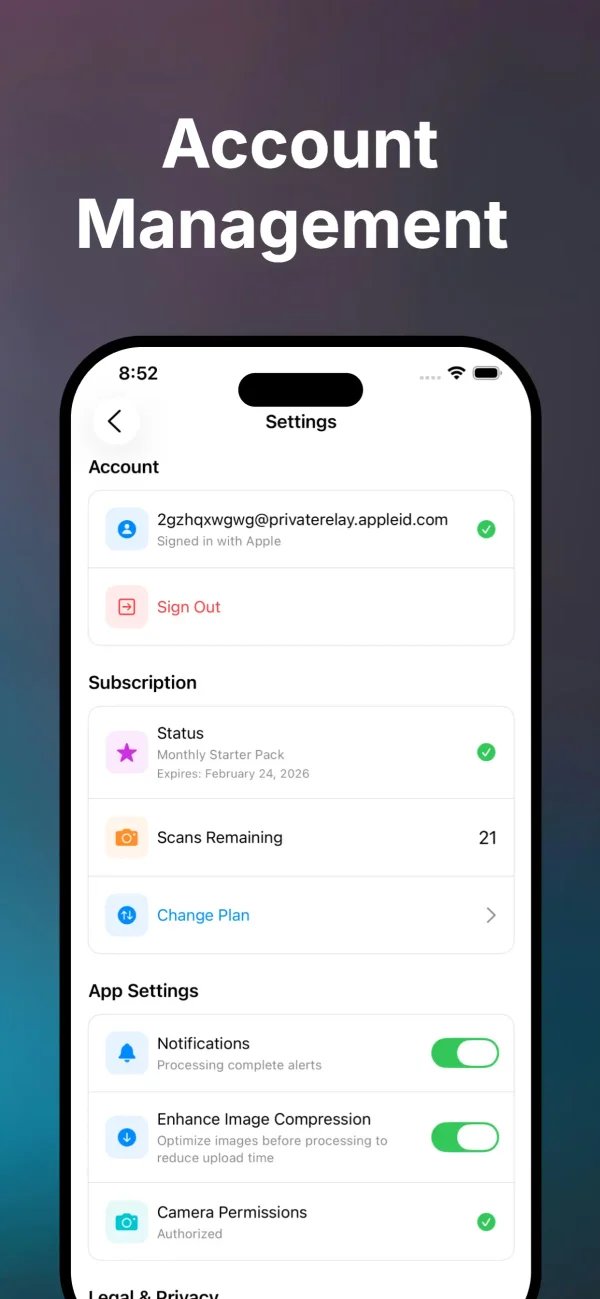
概要
開発元はこのテキストをお使いの言語で提供していません。
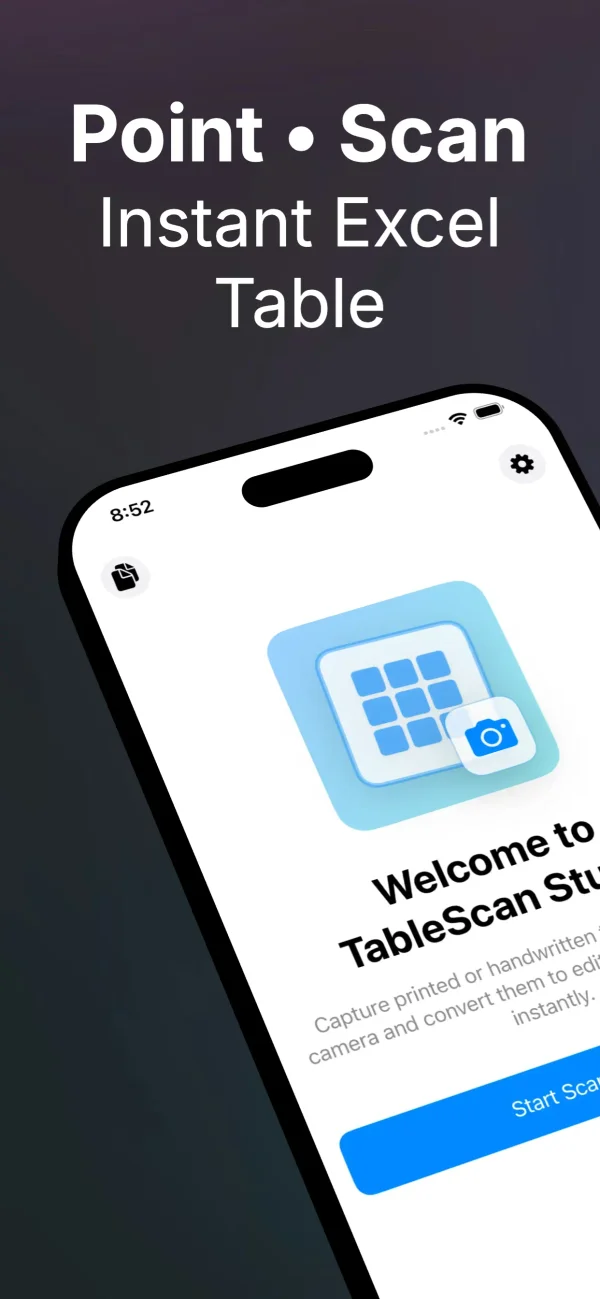
TableScan Studio turns photos of printed or handwritten tables into clean, editable spreadsheets in minutes. No retyping—just capture, crop, review, and export. Designed for students, researchers, and anyone who works with tables on paper.
Accuracy matters. Low-confidence cells are highlighted so you know what to double-check. Tap any cell to view its OCR and extraction confidence before exporting.
CAPTURE
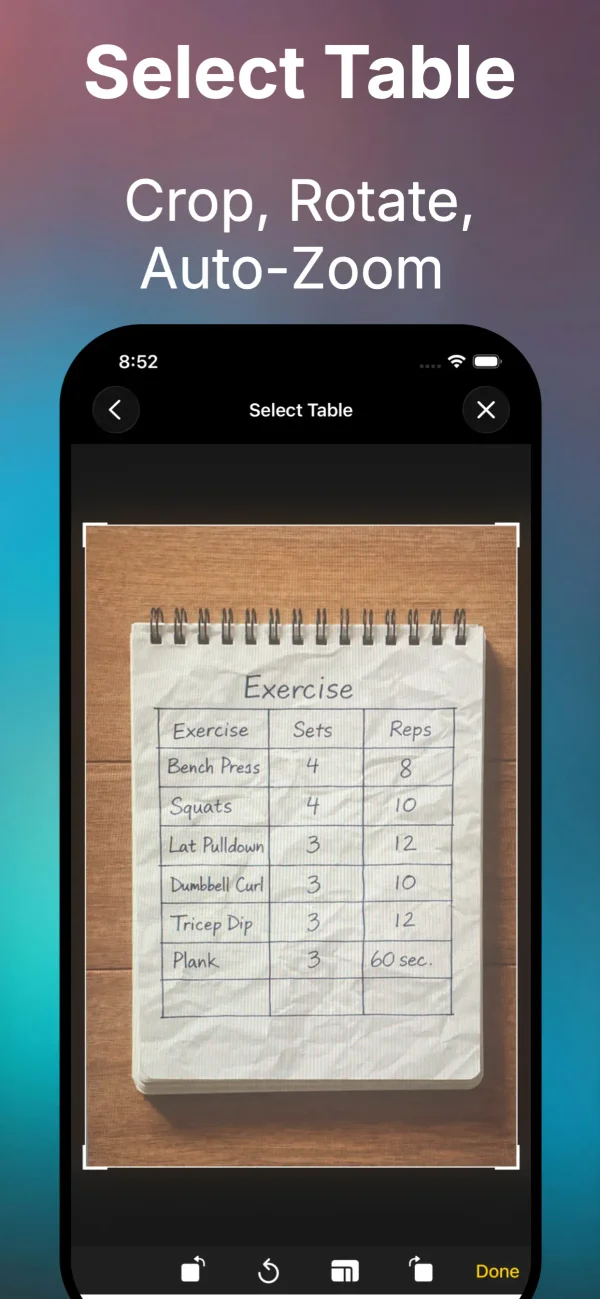
Use your camera to photograph tables from forms, handwritten notes, receipts, or documents. For best results, capture one table per photo.
CROP
Adjust the crop area to match the table borders. Tighter crops improve recognition accuracy.
AI-POWERED RECOGNITION
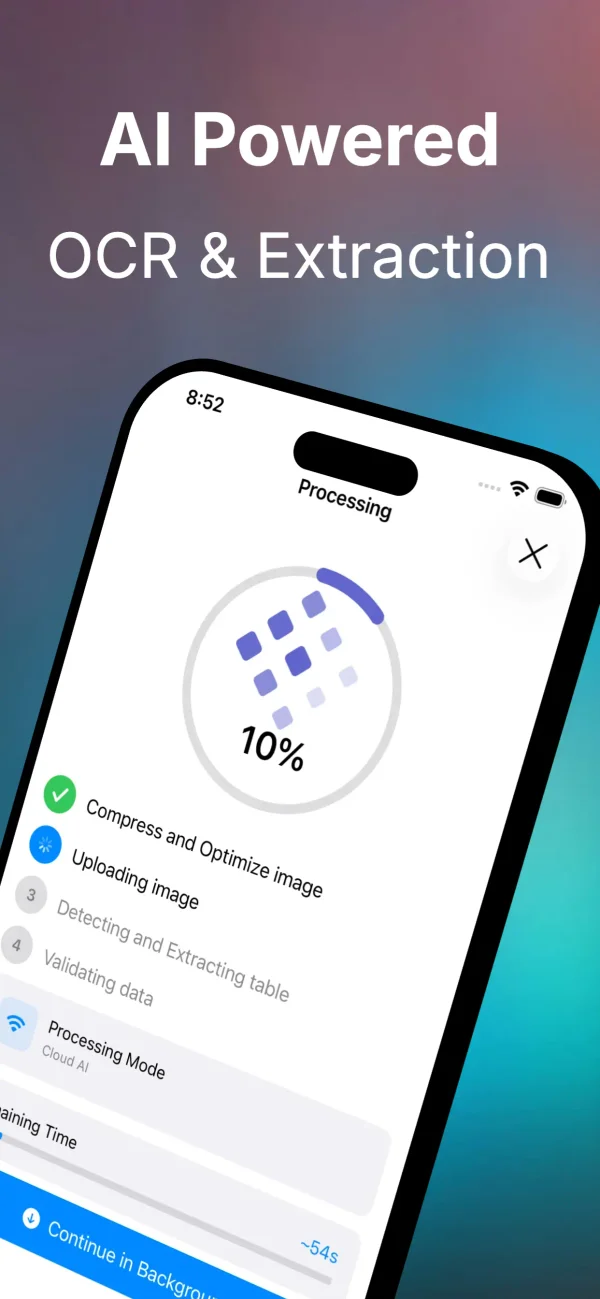
Advanced table recognition extracts structure and text in a single step. Supports both printed and handwritten tables.
TABLE EDITOR
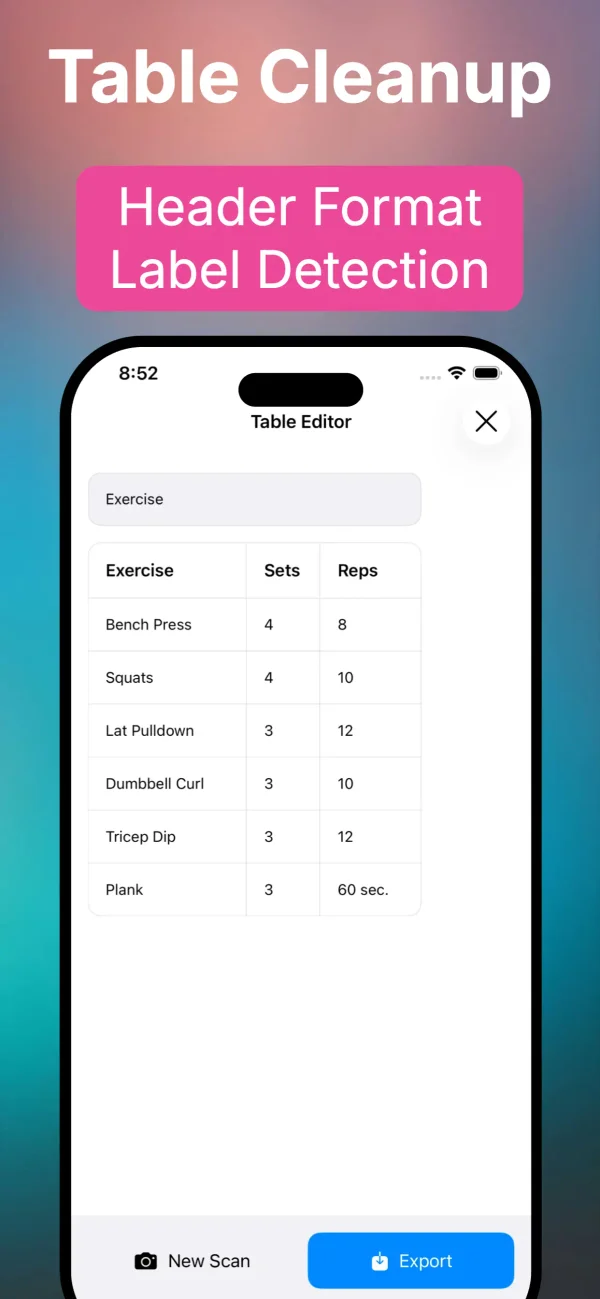
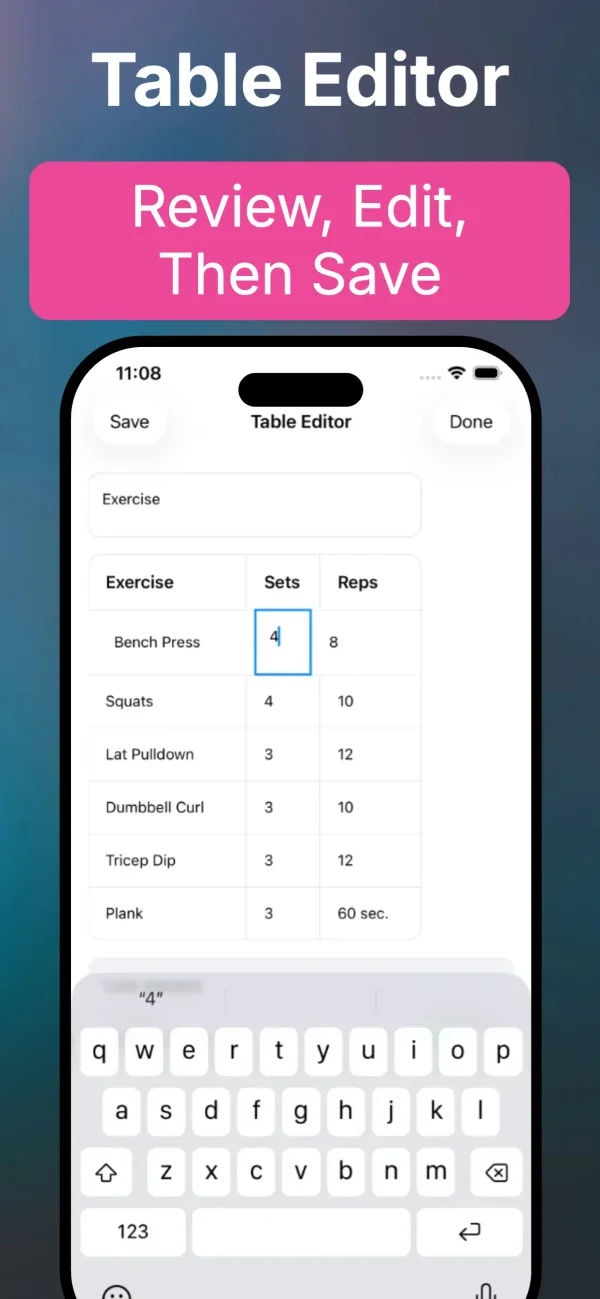
Review and refine results in a spreadsheet-like editor. Edit cell content directly in the app—fix typos, fill gaps, or adjust values. Tap any cell to view OCR and extraction confidence. Optional text above or below the table is preserved for context.
EXPORT
Export tables to Excel (.xlsx), CSV, or PDF for use in spreadsheets, reports, or archives.
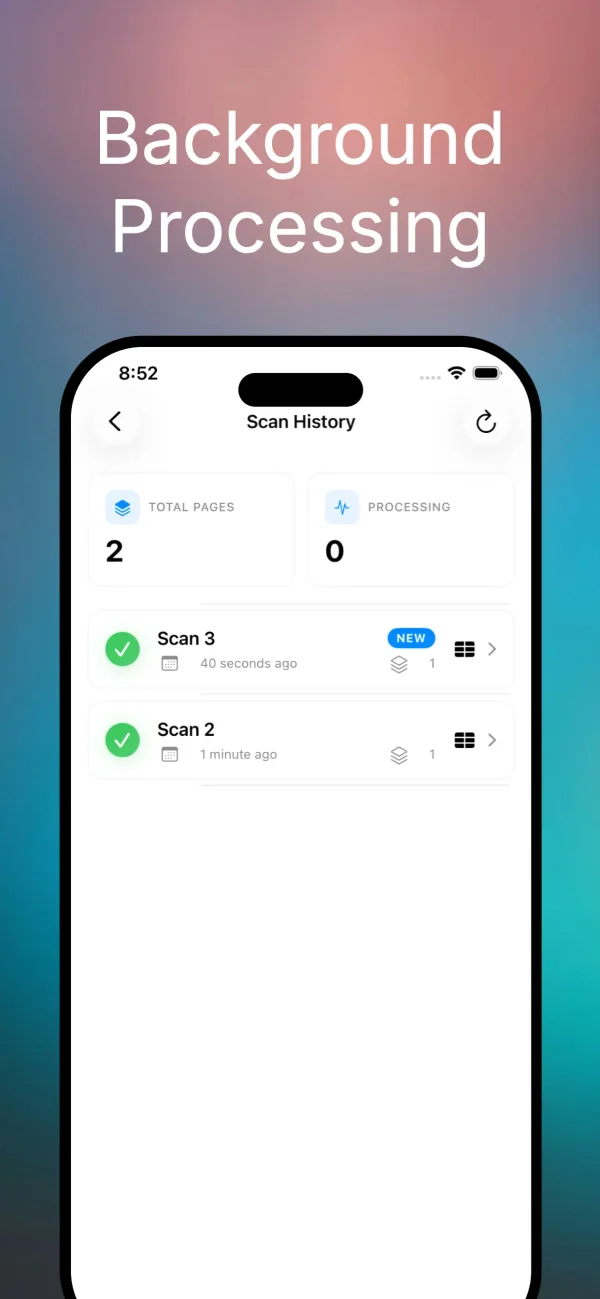
SCAN HISTORY
Revisit completed scans. Re-edit or re-export past tables anytime.
SUBSCRIPTIONS
Start with a free trial (e.g., 3 scans). Choose from these monthly auto-renewing subscriptions:
- Starter: $2.99/month (30 scans/month)
- Standard: $4.99/month (60 scans/month)
- Power: $8.99/month (120 scans/month)
- Pro: $19.99/month (300 scans/month)
All plans include AI extraction, in-app table editing with confidence view, Excel/CSV/PDF export, background processing, scan history, and privacy-first processing.
Payment is charged to your Apple ID upon purchase. Subscriptions auto-renew monthly at the end of the current period unless canceled at least 24 hours in advance. Manage subscriptions in your App Store account settings under Subscriptions. Any unused portion of the free trial is forfeited if you subscribe.
Terms of Use: https://www.apple.com/legal/internet-services/itunes/dev/stdeula/
Privacy Policy: https://releve-ai.us/privacy-terms
Support: contact@releve-ai.us
Developer: Releve LLC — releve-ai.us
新機能
バージョン 7.0 · 2026/2/25
Version [7.0] brings smoother iPad support and key performance fixes.
iPad Portrait Enhancements
Improved layouts across all screens for better use in portrait mode on iPad.
Faster Camera Launch
Eliminated startup delays by optimizing camera session setup.
Reliable Table Cropping
Fixed hangs on the Crop Table screen when tapping Done during loading.
アプリのプライバシー
このアプリのデータの取り扱いについて、Releve LLCがApp Storeで申告している内容です。
-
データの収集なし
開発元はこのアプリからデータを収集しません。
プライバシーの取り扱いは、ご利用の機能やお客様の年齢などに応じて異なる場合があります。
情報
- 販売元
- Releve LLC
- カテゴリ
- 仕事効率化
- バージョン
- 7.0
- 更新日
- 2026/2/25
- リリース
- 2026/2/12
- サイズ
- 5.4 MB
- 必要条件
- iOS 17.6以降
- 対象年齢
- 9+
- 価格
- 無料
- アプリ内課金
- あり
- 言語
- 英語
- 著作権
- © 2025 Releve LLC
こちらもおすすめ
-
 Tablo:写真PDFを表/XLS変換スキャンで明細をデータ化 OCR
-
 Gridshot: Scan to Spreadsheet仕事効率化
-
 Pagelight: Scanner OCR仕事効率化
-
 NoteOCR - Handwriting to Text仕事効率化
-
 Speed電卓 - 計算式が簡単入力計算式の修正が簡単な電卓 123+4(5+6)-10
-
 Xcelify: Scan Tables to Sheets仕事効率化
-
 OCR手帳 - 手書きをスキャン撮ってメモ、カレンダーで管理
-
 ScanToExcel - Document Scanner仕事効率化
-
 Arbeitszeitenrechner仕事効率化
-
 HonestPDF: Private PDF Tools仕事効率化