
TaskLoop Planner
Tasks you type like you talk
Entwickelt für iPhone, iPad, iPod touch
Kostenlos · In-App-Käufe
- Altersfreigabe4+
- KategorieProduktivität
- EntwicklerEugenio Chessa
- SprachenEnglisch+ 4 weitere
- Größe9,7 MB
Verlinkt auf die offizielle App Store-Seite
Download.org hostet keine Datei von TaskLoop Planner. Die Schaltfläche öffnet die App-Seite bei App Store, wo Eugenio Chessa die App veröffentlicht. Eintrag zuletzt geprüft am 12.11.2026.
Screenshots
Info
Der Entwickler hat diesen Text nicht in Ihrer Sprache bereitgestellt.
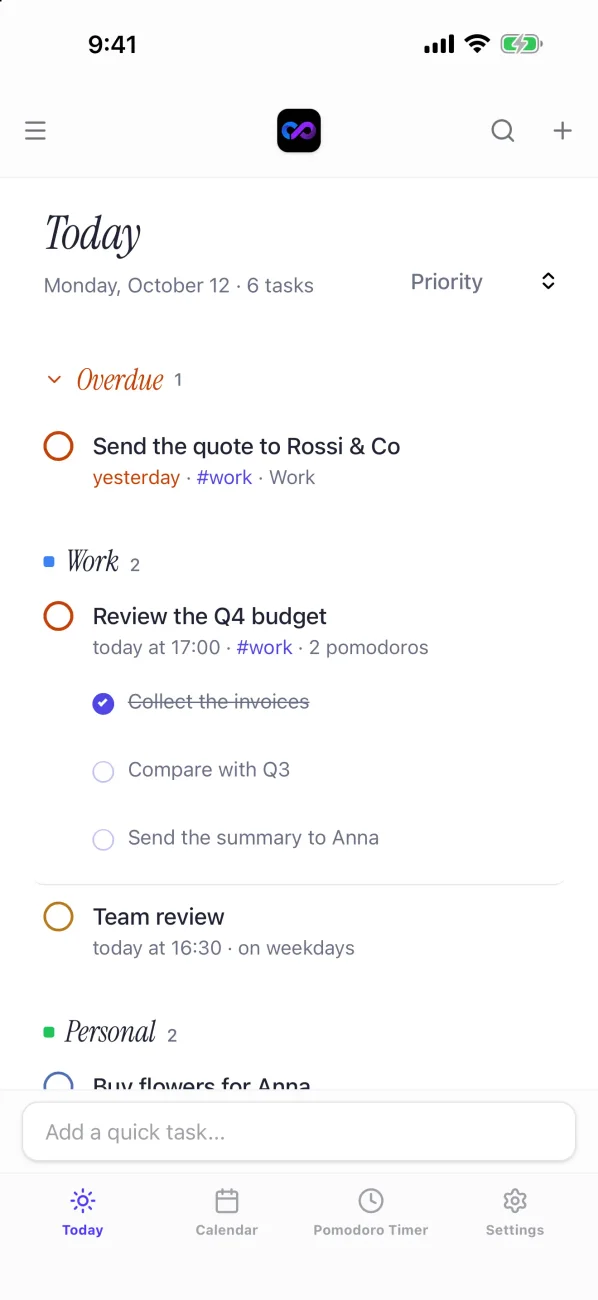
TaskLoop turns the way you talk into a tidy to-do list. Write "call Marco friday at 9 #work" and TaskLoop sets the date, the time and the tag for you. The title stays clean.
WRITE IT DOWN, FAST
• Natural language in English, Italian, Spanish, French and German
• Dates, times and #tags read straight from your sentence
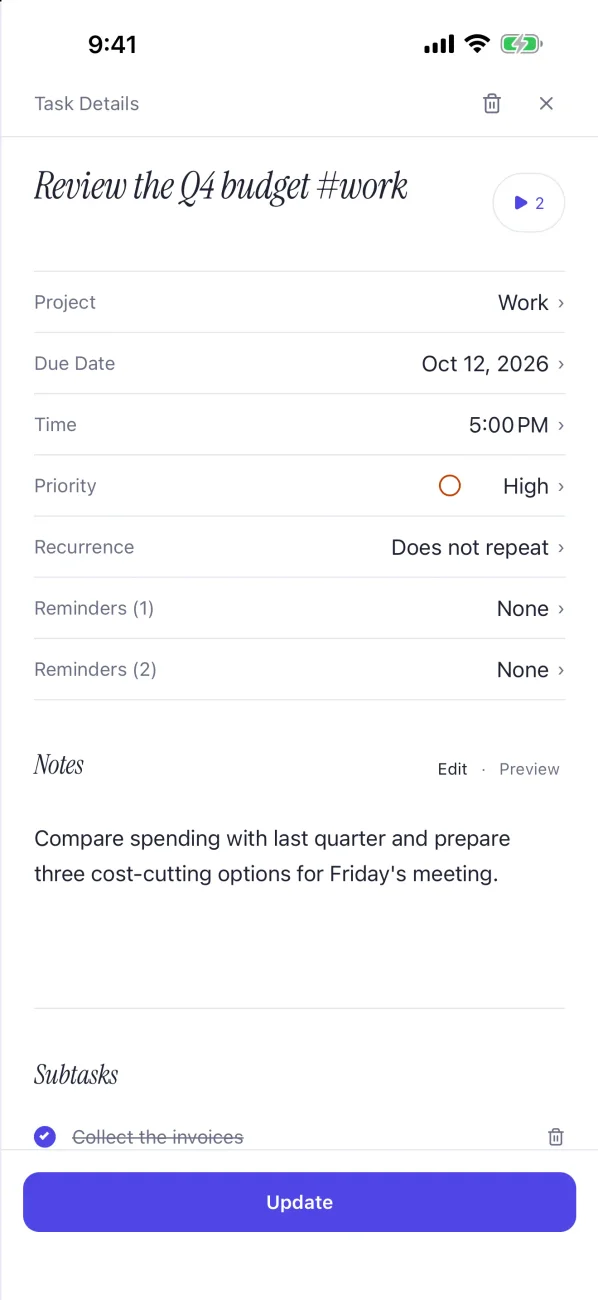
• Subtasks you can tick off right in the list
PLAN YOUR DAY
• Today, Next 7 days, Overdue and All views
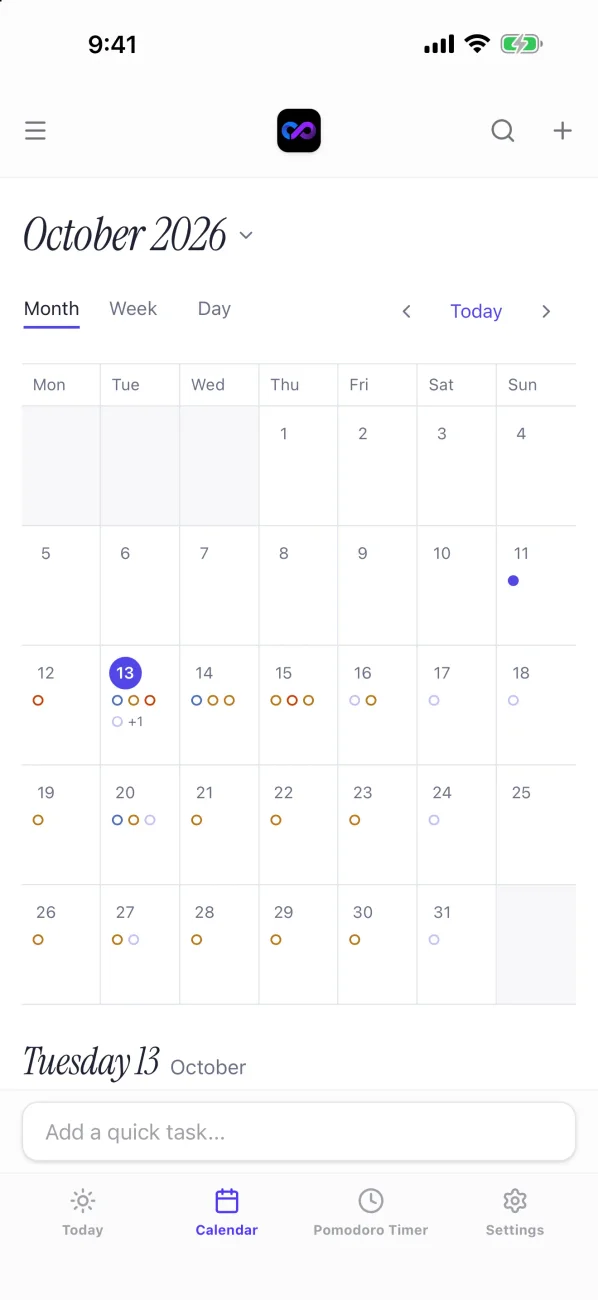
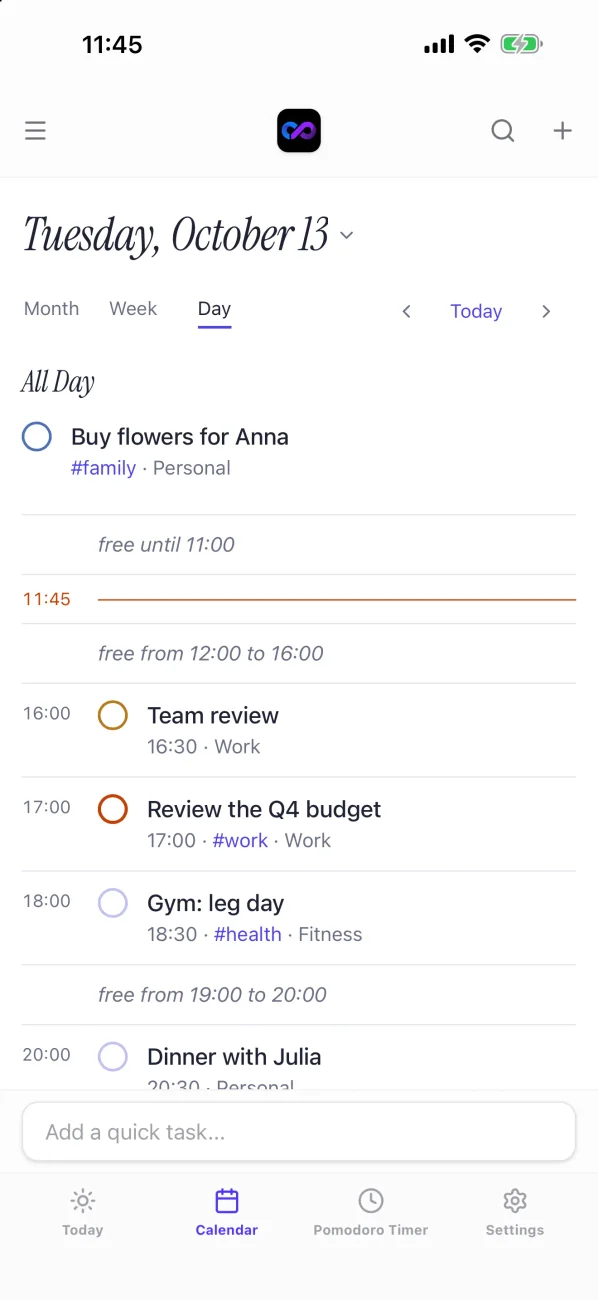
• Calendar with month, week and day views — drag a task to a new hour
• Projects with nested subprojects and colors
• Two reminders per task: on time, 5 or 30 minutes, 1 hour or 1 day early
• Import events from your iPhone and iPad calendars (iCloud and other accounts) as tasks
FOCUS
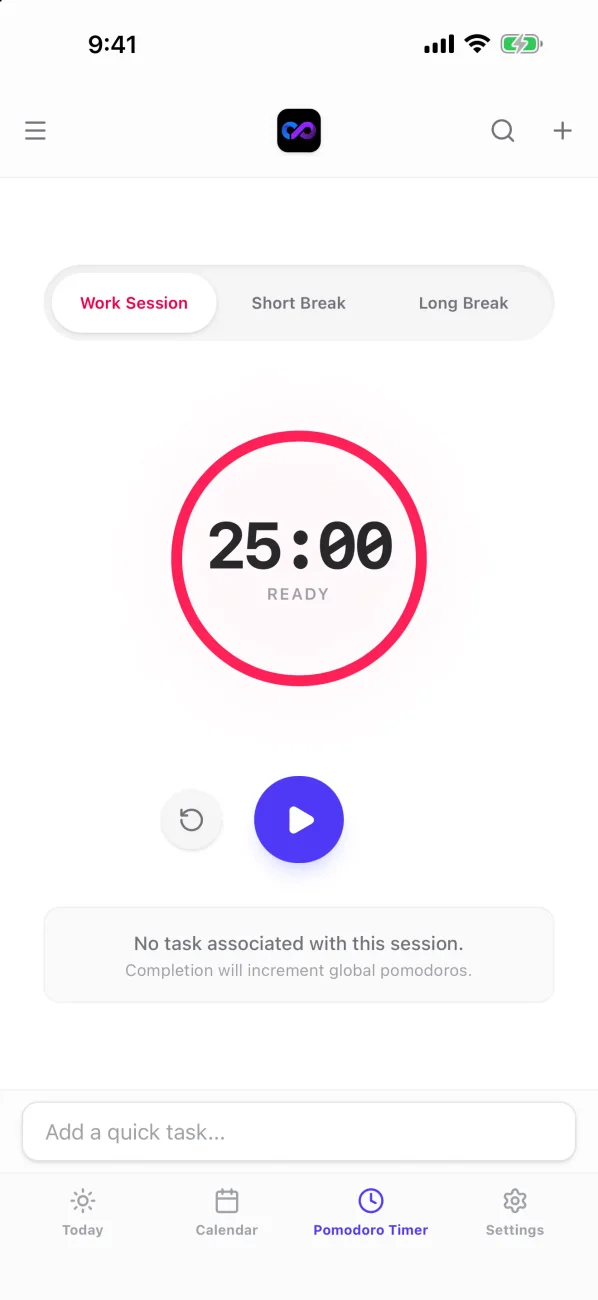
• Pomodoro timer started from the task you're working on
• Search everything from one box
YOUR DATA, YOUR DEVICE
• Offline-first: every task is saved on your device first
• No account needed to start
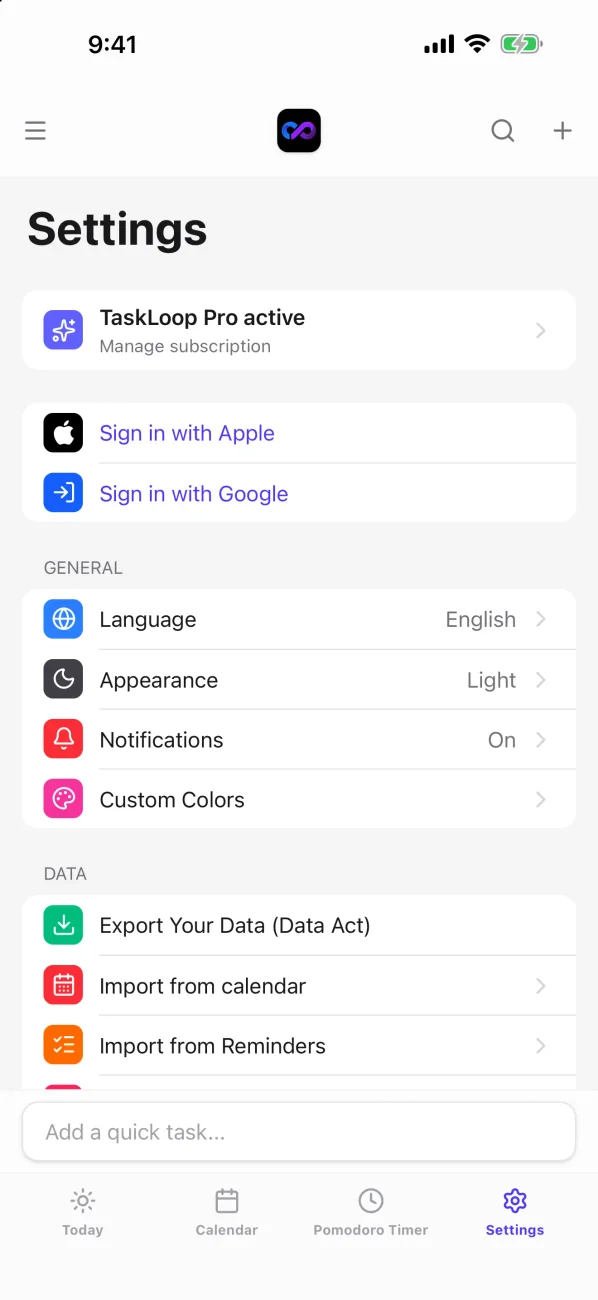
• Optional sync with Sign in with Apple or Google; servers in the EU
• Export your whole database to JSON at any time
• Delete your account and all your data from Settings
TASKLOOP PRO
Pro unlocks unlimited projects and subprojects, recurring tasks, file and image attachments in the cloud and custom colors — on every device you sign in to. Available as a monthly or yearly subscription with a free trial.
Payment is charged to your Apple ID at confirmation of purchase. The subscription renews automatically unless it is cancelled at least 24 hours before the end of the current period. Manage or cancel it in your App Store account settings.
Terms of Use: https://www.apple.com/legal/internet-services/itunes/dev/stdeula/
Privacy Policy: https://taskloop.app/privacy.html
Neue Funktionen
Version 1.0.8 · 28.10.2026
What's new
- Reminder actions: long-press a task notification for "Complete", "In 1 hour" or "Tomorrow", without opening the app.
- Add tasks with Siri.
- Pro themes to change how the app looks.
- A getting-started guide on first launch, available again from Settings.
- iPad: a dedicated landscape layout, with side-by-side Settings and a larger Pomodoro timer.
- Sign out without losing your tasks: choose whether to keep them on the device or remove them.
- "Export your data" now opens the iOS share sheet (Save to Files, AirDrop, Mail).
Fixes
- More reliable sync: a task added right before leaving the app reaches your other devices right away.
- No more duplicate reminders.
- The icon badge updates at midnight.
- Deleting every project no longer deletes your tasks.
App-Datenschutz
Was Eugenio Chessa im App Store zum Umgang dieser App mit Daten angibt.
-
Mit Ihnen verknüpfte Daten
Können erfasst und mit Ihrer Identität verknüpft werden.
- Käufe
- Kontaktinformationen
- Benutzerinhalte
- Kennungen
Die Datenschutzpraktiken können variieren, zum Beispiel je nach den von Ihnen verwendeten Funktionen oder Ihrem Alter.
Informationen
- Anbieter
- Eugenio Chessa
- Kategorie
- Produktivität
- Version
- 1.0.8
- Aktualisiert
- 28.10.2026
- Veröffentlicht
- 28.10.2026
- Größe
- 9,7 MB
- Erfordert
- iOS 15.0 oder neuer
- Altersfreigabe
- 4+
- Preis
- Kostenlos
- In-App-Käufe
- Ja
- Sprachen
- Englisch, Französisch, Deutsch, Italienisch, Spanisch
- Copyright
- © 2026 Eugenio Chessa
Das könnte Ihnen auch gefallen
-
 Hans4DProduktivität
-
 Vareio QuestProduktivität
-
 Snagbox: Später lesen & LinksPrivater Lesezeichen-Manager
-
 Screenshot to Task: ShotodoProduktivität
-
 Cutter ClosetProduktivität
-
 JobGuard AIProduktivität
-
 Nemos: Zweites GehirnLinks & Screenshots speichern
-
 NoDi: Lofi Pomodoro TimerProduktivität
-
 DoTicker: To-do-ListeKI-Tagesplan & Spracheingabe
-
 Supremo Remote DesktopMacht Fernwartung schnell