
TaskLoop Planner
Tasks you type like you talk
Dirancang untuk iPhone, iPad, iPod touch
Gratis · Pembelian dalam aplikasi
- Batasan usia4+
- KategoriProduktivitas
- PengembangEugenio Chessa
- BahasaInggris+ 4 lainnya
- Ukuran9,7 MB
Tertaut ke halaman resmi App Store
Download.org tidak menyimpan file TaskLoop Planner apa pun. Tombol ini membuka halaman aplikasi di App Store, tempat Eugenio Chessa menerbitkannya. Halaman terakhir diperiksa pada 12/11/2026.
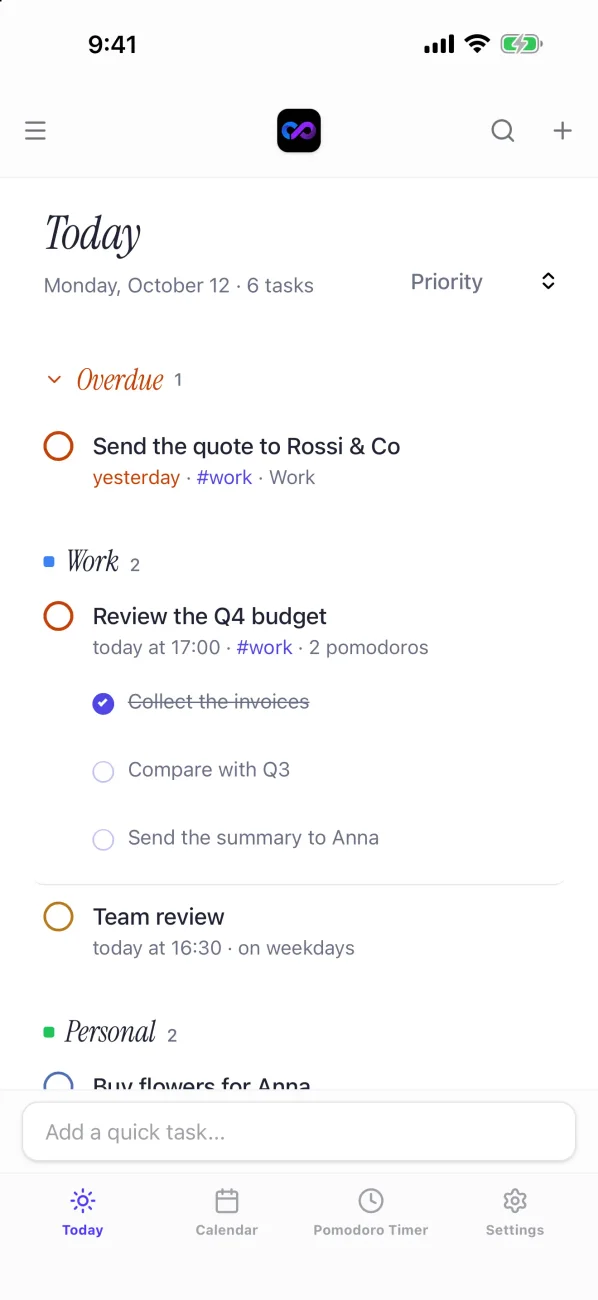
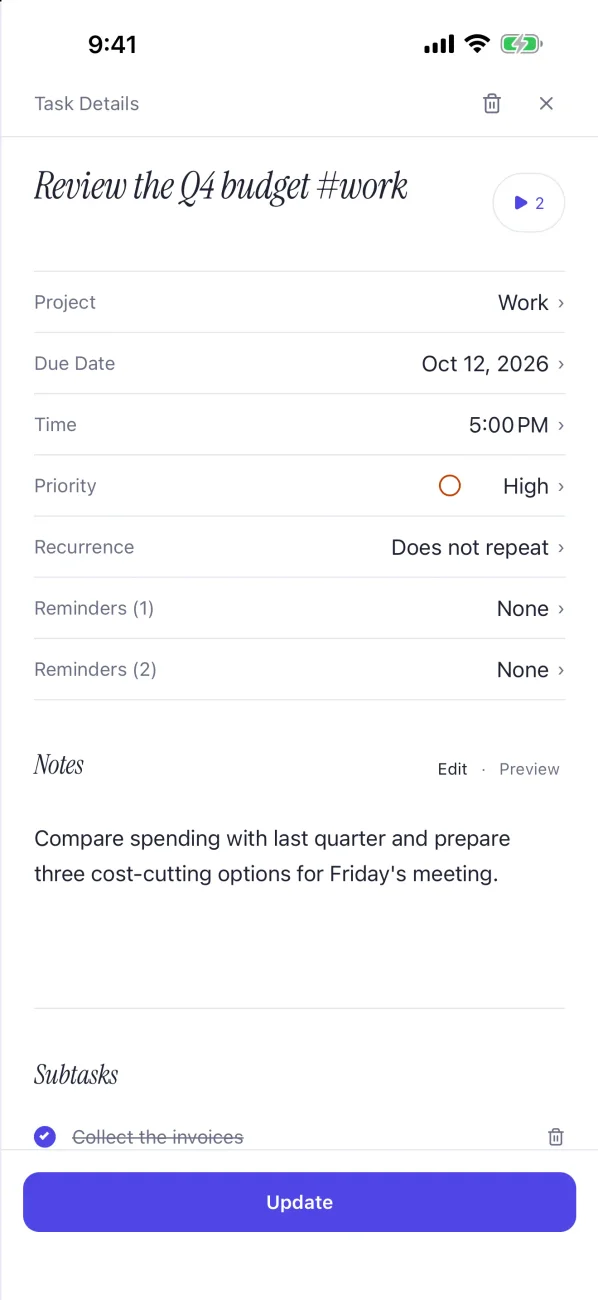
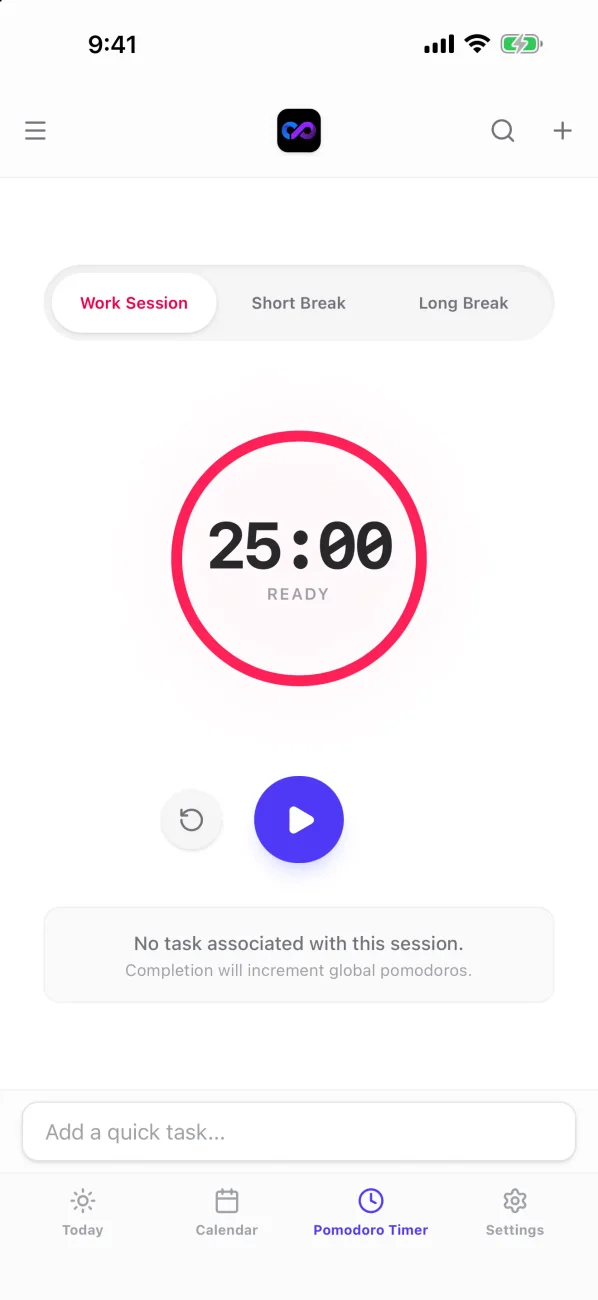
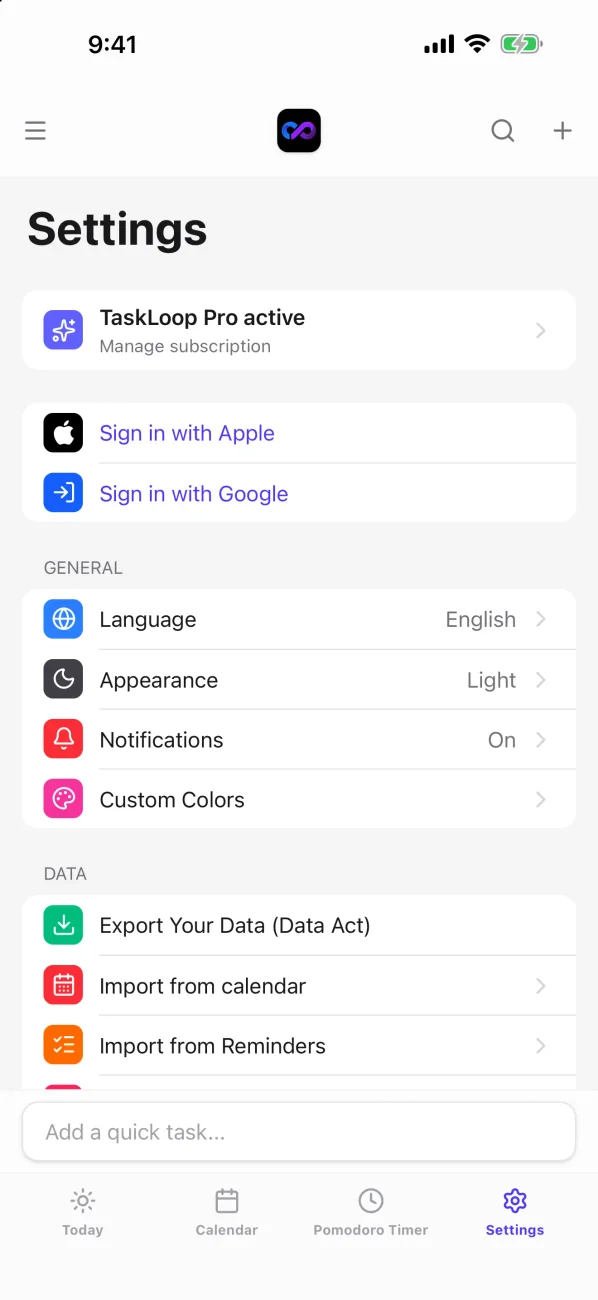
Tangkapan layar
Tentang
Pengembang belum menyediakan teks ini dalam bahasa Anda.
TaskLoop turns the way you talk into a tidy to-do list. Write "call Marco friday at 9 #work" and TaskLoop sets the date, the time and the tag for you. The title stays clean.
WRITE IT DOWN, FAST
• Natural language in English, Italian, Spanish, French and German
• Dates, times and #tags read straight from your sentence
• Subtasks you can tick off right in the list
PLAN YOUR DAY
• Today, Next 7 days, Overdue and All views
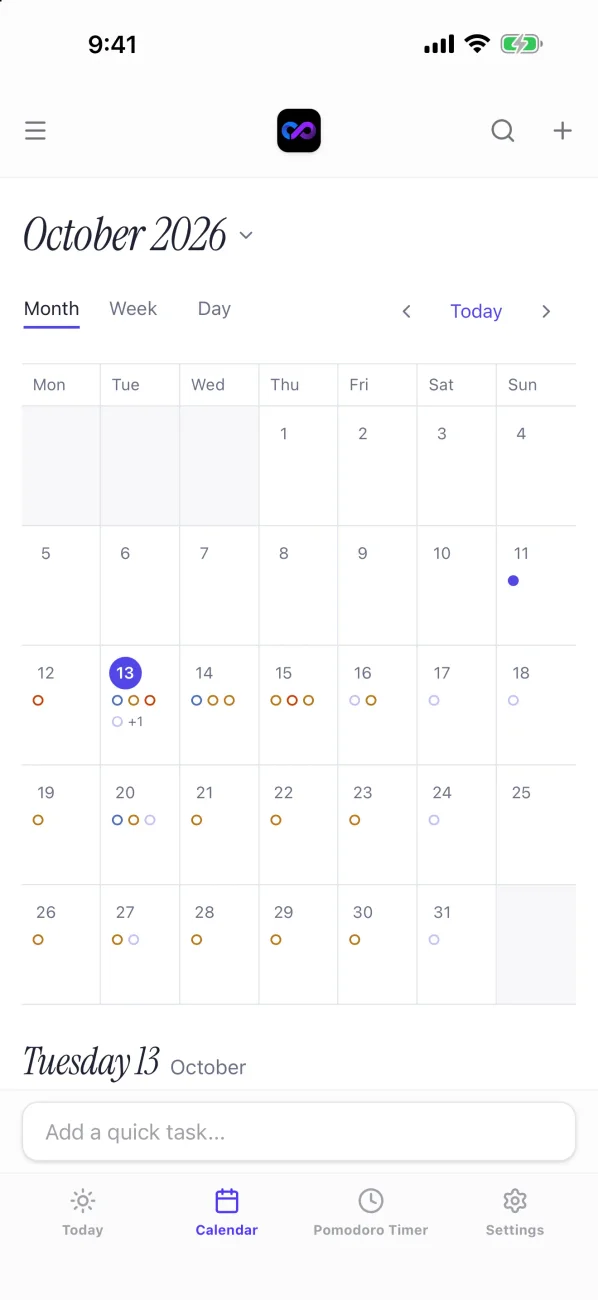
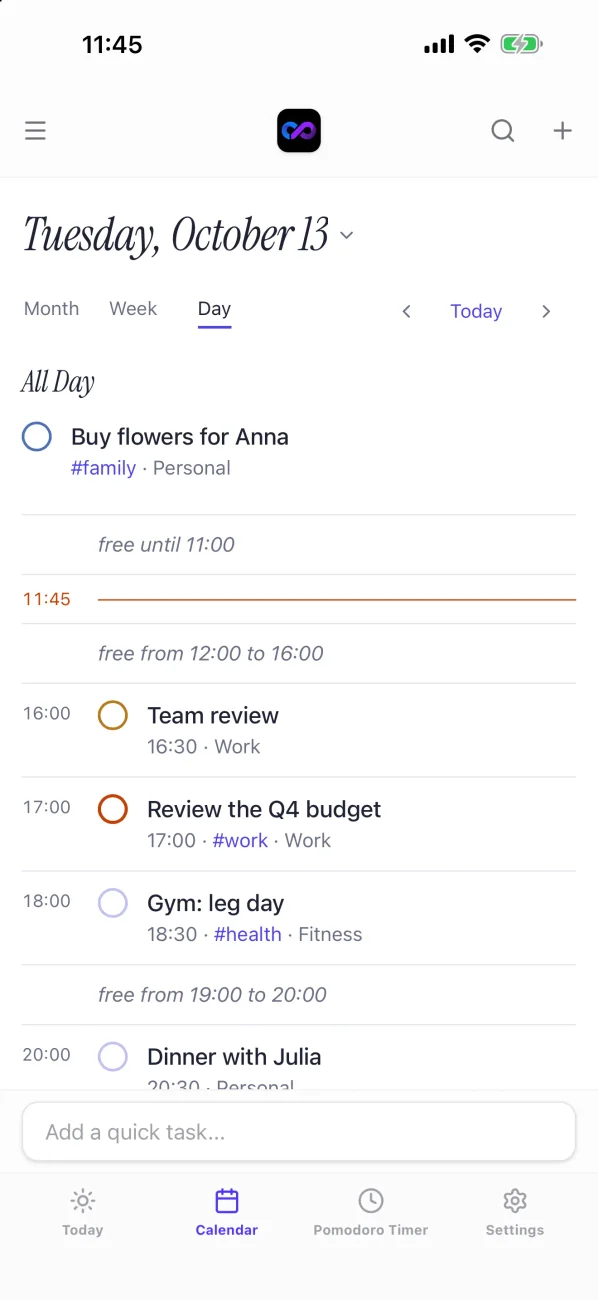
• Calendar with month, week and day views — drag a task to a new hour
• Projects with nested subprojects and colors
• Two reminders per task: on time, 5 or 30 minutes, 1 hour or 1 day early
• Import events from your iPhone and iPad calendars (iCloud and other accounts) as tasks
FOCUS
• Pomodoro timer started from the task you're working on
• Search everything from one box
YOUR DATA, YOUR DEVICE
• Offline-first: every task is saved on your device first
• No account needed to start
• Optional sync with Sign in with Apple or Google; servers in the EU
• Export your whole database to JSON at any time
• Delete your account and all your data from Settings
TASKLOOP PRO
Pro unlocks unlimited projects and subprojects, recurring tasks, file and image attachments in the cloud and custom colors — on every device you sign in to. Available as a monthly or yearly subscription with a free trial.
Payment is charged to your Apple ID at confirmation of purchase. The subscription renews automatically unless it is cancelled at least 24 hours before the end of the current period. Manage or cancel it in your App Store account settings.
Terms of Use: https://www.apple.com/legal/internet-services/itunes/dev/stdeula/
Privacy Policy: https://taskloop.app/privacy.html
Yang baru
Versi 1.0.8 · 28/10/2026
What's new
- Reminder actions: long-press a task notification for "Complete", "In 1 hour" or "Tomorrow", without opening the app.
- Add tasks with Siri.
- Pro themes to change how the app looks.
- A getting-started guide on first launch, available again from Settings.
- iPad: a dedicated landscape layout, with side-by-side Settings and a larger Pomodoro timer.
- Sign out without losing your tasks: choose whether to keep them on the device or remove them.
- "Export your data" now opens the iOS share sheet (Save to Files, AirDrop, Mail).
Fixes
- More reliable sync: a task added right before leaving the app reaches your other devices right away.
- No more duplicate reminders.
- The icon badge updates at midnight.
- Deleting every project no longer deletes your tasks.
Privasi aplikasi
Yang dinyatakan Eugenio Chessa di App Store tentang cara aplikasi ini menangani data.
-
Data yang ditautkan dengan Anda
Dapat dikumpulkan dan ditautkan dengan identitas Anda.
- Pembelian
- Info kontak
- Konten pengguna
- Pengenal
Praktik privasi dapat bervariasi, misalnya berdasarkan fitur yang Anda gunakan atau usia Anda.
Informasi
- Penjual
- Eugenio Chessa
- Kategori
- Produktivitas
- Versi
- 1.0.8
- Diperbarui
- 28/10/2026
- Dirilis
- 28/10/2026
- Ukuran
- 9,7 MB
- Memerlukan
- iOS 15.0 atau yang lebih baru
- Batasan usia
- 4+
- Harga
- Gratis
- Pembelian dalam aplikasi
- Ya
- Bahasa
- Inggris, Prancis, Jerman, Italia, Spanyol
- Hak cipta
- © 2026 Eugenio Chessa
Mungkin Anda juga suka
-
 Hans4DProduktivitas
-
 Vareio QuestProduktivitas
-
 Snagbox: Bookmark & Link SaverProduktivitas
-
 Screenshot to Task: ShotodoProduktivitas
-
 Cutter ClosetProduktivitas
-
 JobGuard AIProduktivitas
-
 Nemos: Simpan Link, Baca NantiCatatan Suara & Otak Kedua
-
 NoDi: Lofi Pomodoro TimerProduktivitas
-
 DoTicker: To Do ListProduktivitas
-
 Supremo Remote DesktopProduktivitas