
- Altersfreigabe4+
- KategorieProduktivität
- EntwicklerChristopher Bass
- SprachenEnglisch
- Größe3,4 MB
TaskQueue ist bei App Store derzeit möglicherweise nicht verfügbar
Bei unserer letzten Prüfung war der Store-Eintrag nicht erreichbar. Der Link führt weiterhin zur offiziellen App Store-Seite.
Screenshots



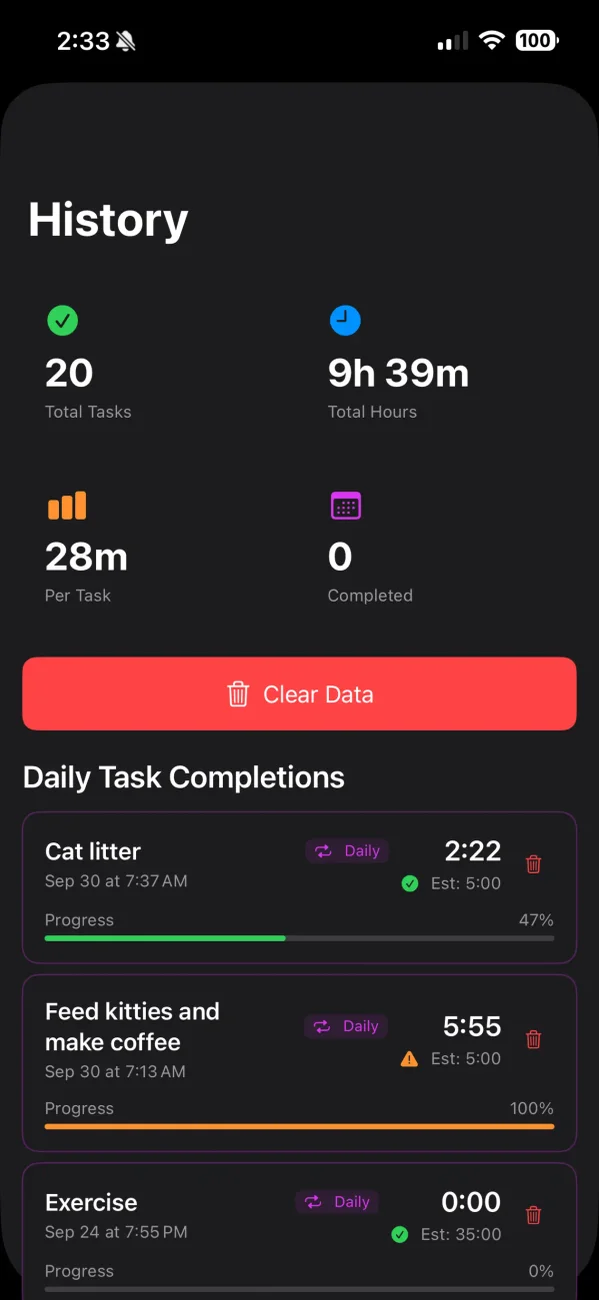
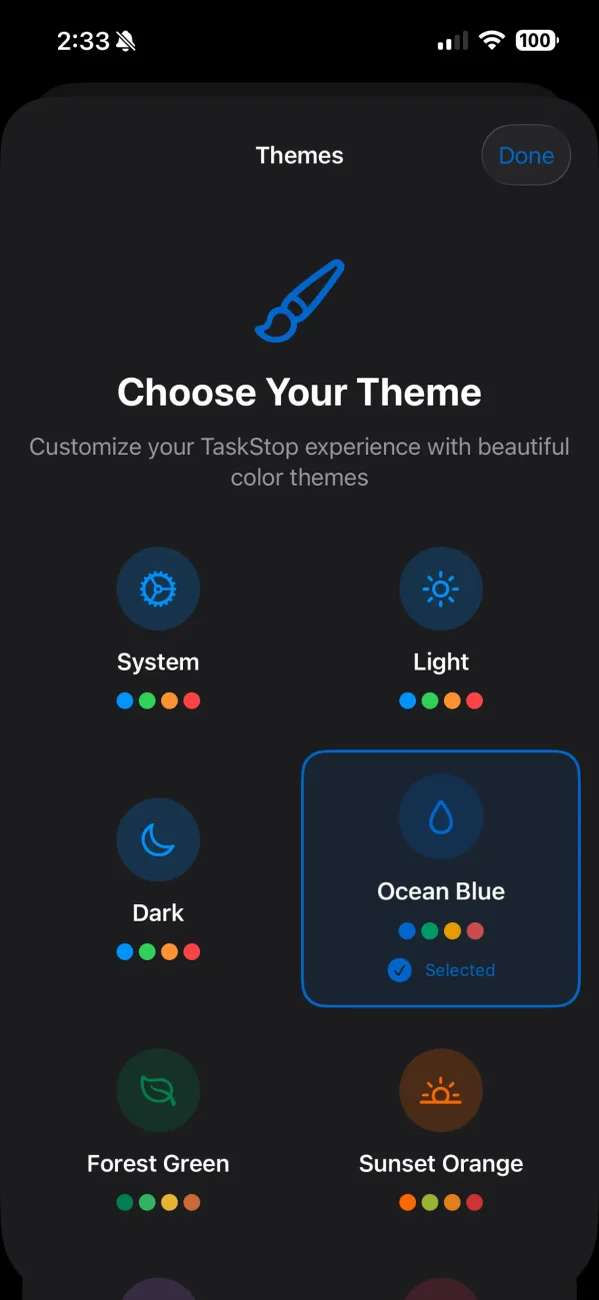
Info
Der Entwickler hat diesen Text nicht in Ihrer Sprache bereitgestellt.
TaskQueue - Single-Threaded Focus
Stay focused on one task at a time with TaskQueue's streamlined approach to task management. Built for single-threaded productivity, TaskQueue helps you maintain focus through
timer-based workflows and queue management.
KEY FEATURES:
• Single-task focus with built-in timer functionality
• Queue-based task organization for sequential workflow
• Estimated vs actual time tracking with progress insights
• Smart notifications at 50%, 75%, and overtime milestones
• Daily recurring task support with completion tracking
• Comprehensive task history and statistics
• Clean, intuitive SwiftUI interface optimized for iOS
• Dark and light theme support
• Skip between queued tasks with playlist-style controls
PRODUCTIVITY BENEFITS:
• Eliminate multitasking distractions
• Accurate time estimation through tracking
• Maintain momentum with automatic task progression
• Review performance with detailed completion history
• Stay motivated with progress notifications
Perfect for professionals, students, freelancers, and anyone who wants to improve their focus and time management through proven single-threaded productivity techniques.
Built with SwiftUI and SwiftData for a native iOS experience.
Neue Funktionen
Version 1.4.0 · 23.10.2025
INTRODUCING POMODORO TECHNIQUE
Transform your productivity with structured focus sessions and timed breaks!
POMODORO FEATURES
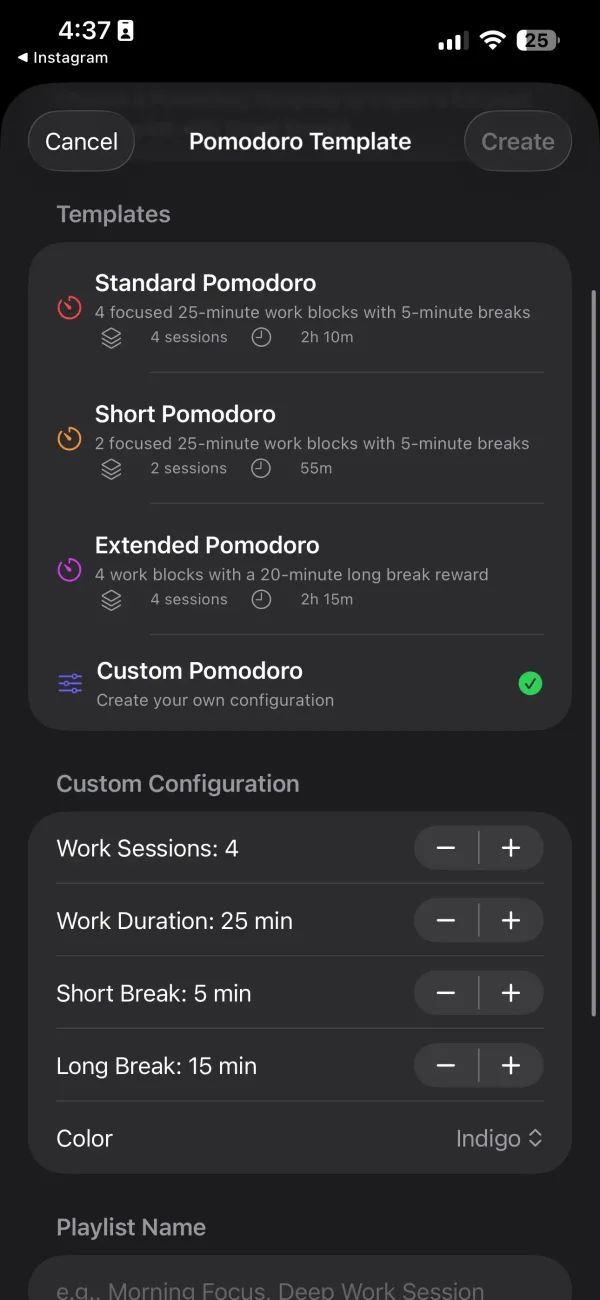
• Standard Pomodoro: 4×25min sessions with 5min breaks + 15min reward
• Short Pomodoro: 2×25min sessions for quick focus bursts
• Extended Pomodoro: 4×25min sessions with 20min long break
• Custom Pomodoro: Design your own (5-60min work, 1-15min breaks, 1-10 sessions)
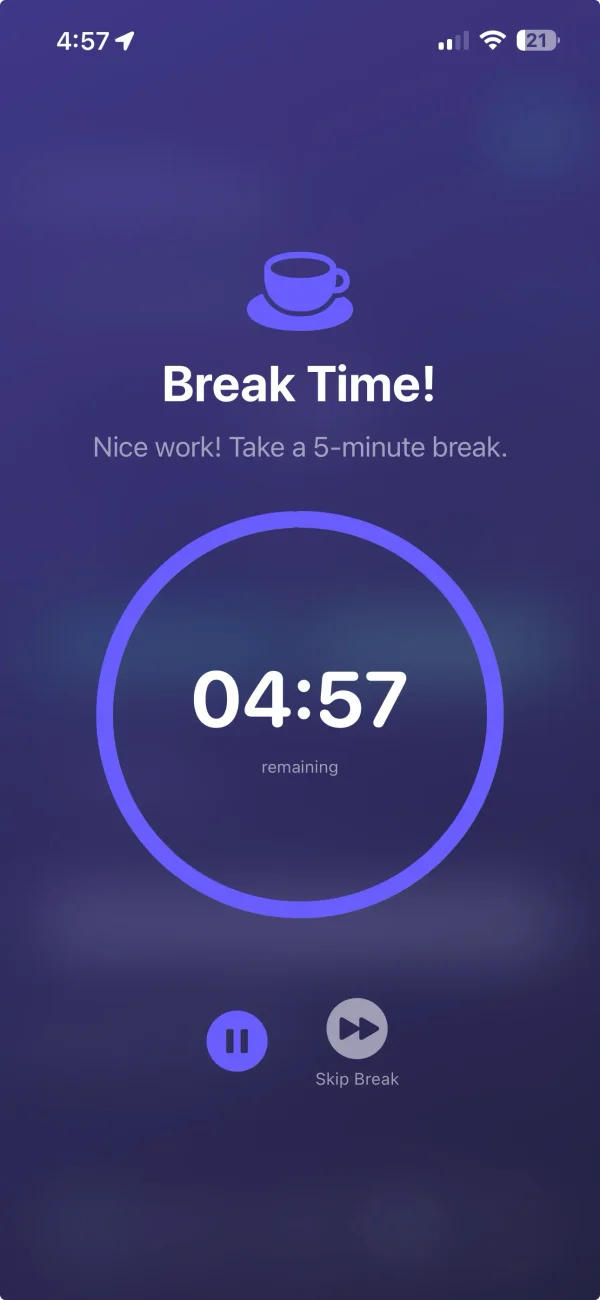
• Beautiful break timers with countdown, pause/resume, and skip controls
• Custom naming for playlists and tasks
• Automatic queue management
HOW IT WORKS
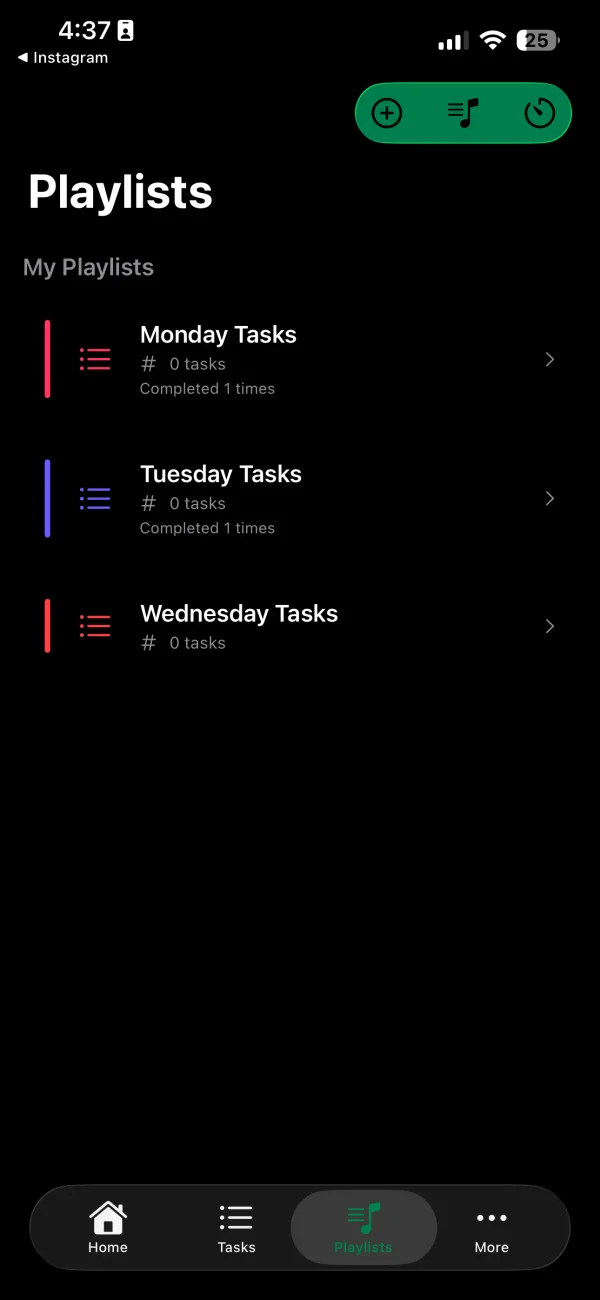
1. Tap Pomodoro button in Playlists tab
2. Choose a template or create custom
3. Name your session and tasks
4. Start working with automatic timers
5. Enjoy timed breaks between sessions
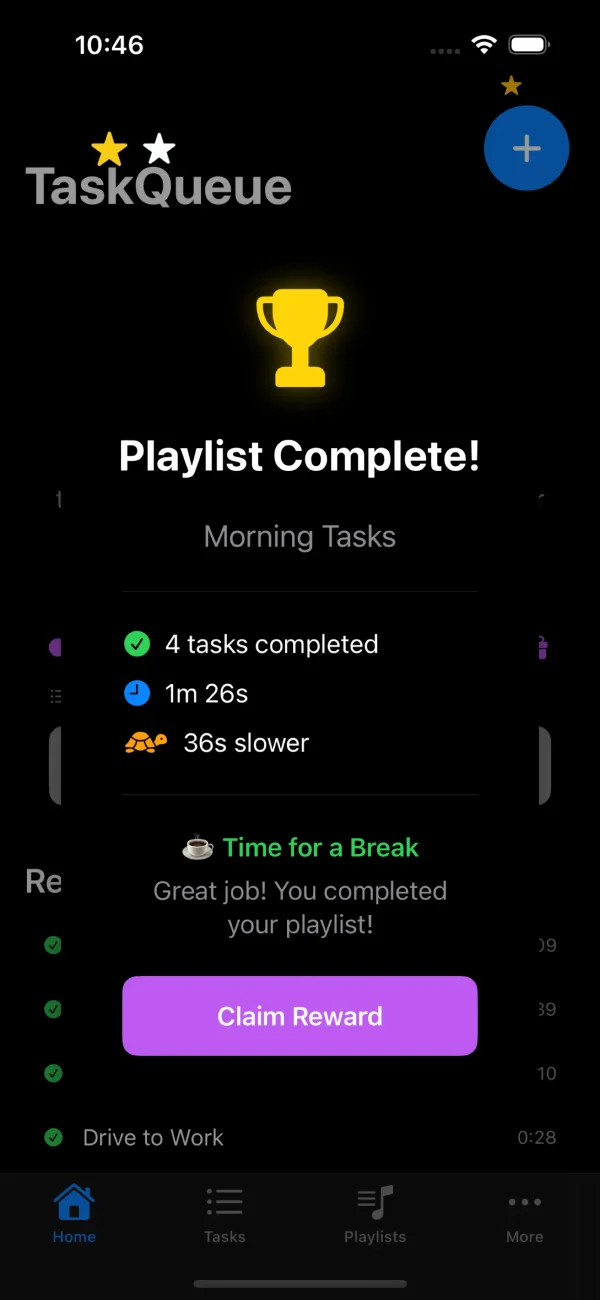
6. Celebrate completion!
UI ENHANCEMENTS
• New toolbar on Playlists: Create Task, New Playlist, and Pomodoro buttons
• New toolbar on Projects: Create Task and New Project buttons
• Removed overlapping floating buttons
• Enhanced break timer with blur overlay for better focus
Work smarter with structured focus!
App-Datenschutz
Was Christopher Bass im App Store zum Umgang dieser App mit Daten angibt.
-
Keine Daten erfasst
Der Entwickler erfasst keine Daten von dieser App.
Die Datenschutzpraktiken können variieren, zum Beispiel je nach den von Ihnen verwendeten Funktionen oder Ihrem Alter.
Informationen
- Anbieter
- Christopher Bass
- Kategorie
- Produktivität
- Version
- 1.4.0
- Aktualisiert
- 23.10.2025
- Veröffentlicht
- 29.09.2025
- Größe
- 3,4 MB
- Erfordert
- iOS 18.6 oder neuer
- Altersfreigabe
- 4+
- Sprachen
- Englisch
- Copyright
- © Copyright: 2025 Christopher Bass
Das könnte Ihnen auch gefallen
-
 PlainMind: Save & OrganizeProduktivität
-
 XSheetsProduktivität
-
 Daylogue: AI Task TrackerProduktivität
-
 Reminder Focus TimerProduktivität
-
 Jot Quick NotesProduktivität
-
 ADHD Calendar: Fast & FunProduktivität
-
 Doti: To‑Do & Daily PlannerProduktivität
-
 Auer Sleek NotesProduktivität
-
 KeepUp! — Always Be On TimeProduktivität
-
 Haku: ADHD Focus & RoutineProduktivität