
- Age rating4+
- CategoryProductivity
- DeveloperChristopher Bass
- LanguagesEnglish
- Size3.4 MB
Links to the official App Store page
Download.org hosts no file of TaskQueue. The button opens its official App Store page, published by Christopher Bass. Listing last checked on Nov 20, 2026.
Screenshots



About
TaskQueue - Single-Threaded Focus
Stay focused on one task at a time with TaskQueue's streamlined approach to task management. Built for single-threaded productivity, TaskQueue helps you maintain focus through
timer-based workflows and queue management.
KEY FEATURES:
• Single-task focus with built-in timer functionality
• Queue-based task organization for sequential workflow
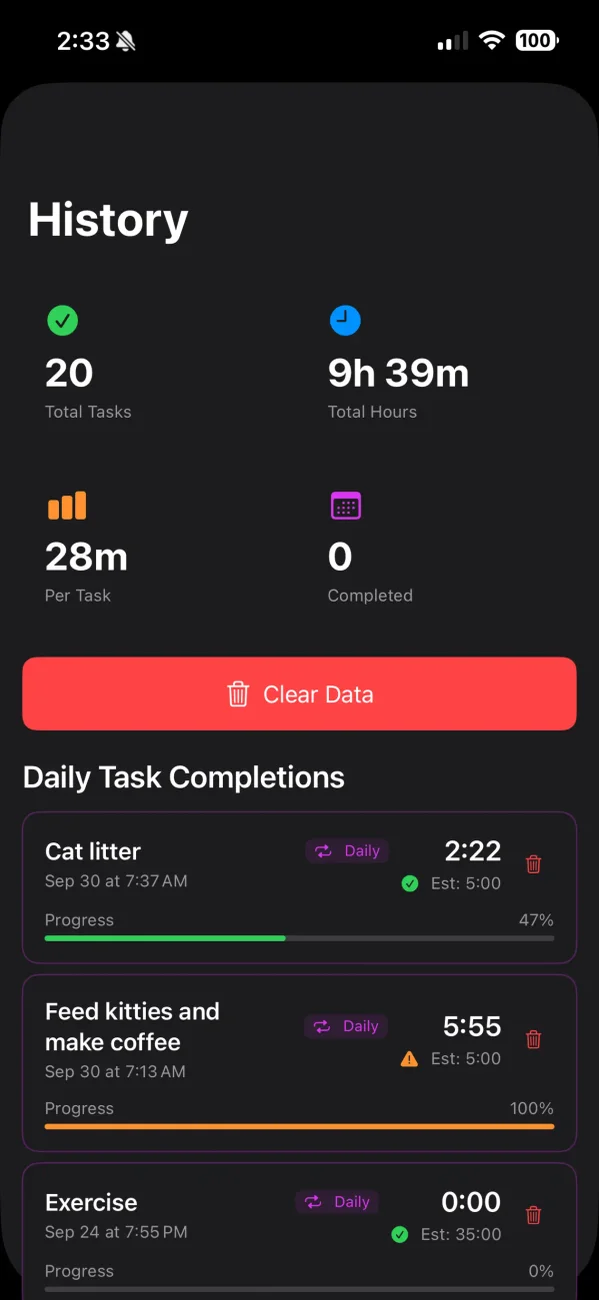
• Estimated vs actual time tracking with progress insights
• Smart notifications at 50%, 75%, and overtime milestones
• Daily recurring task support with completion tracking
• Comprehensive task history and statistics
• Clean, intuitive SwiftUI interface optimized for iOS
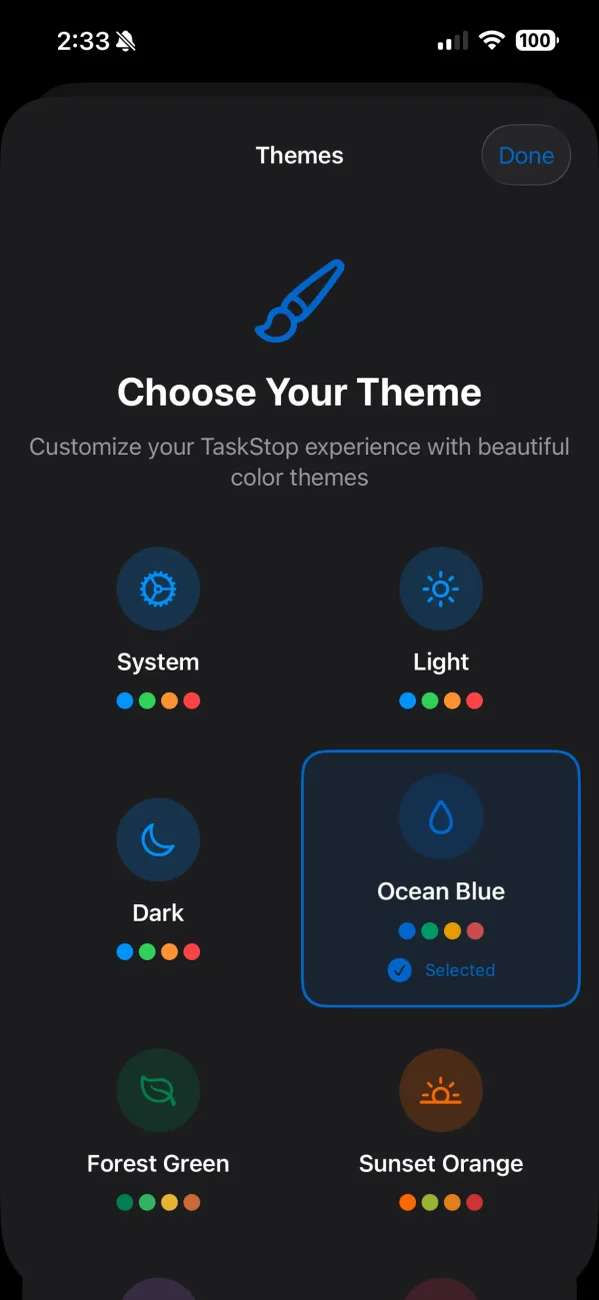
• Dark and light theme support
• Skip between queued tasks with playlist-style controls
PRODUCTIVITY BENEFITS:
• Eliminate multitasking distractions
• Accurate time estimation through tracking
• Maintain momentum with automatic task progression
• Review performance with detailed completion history
• Stay motivated with progress notifications
Perfect for professionals, students, freelancers, and anyone who wants to improve their focus and time management through proven single-threaded productivity techniques.
Built with SwiftUI and SwiftData for a native iOS experience.
What’s new
Version 1.4.0 · Oct 23, 2025
INTRODUCING POMODORO TECHNIQUE
Transform your productivity with structured focus sessions and timed breaks!
POMODORO FEATURES
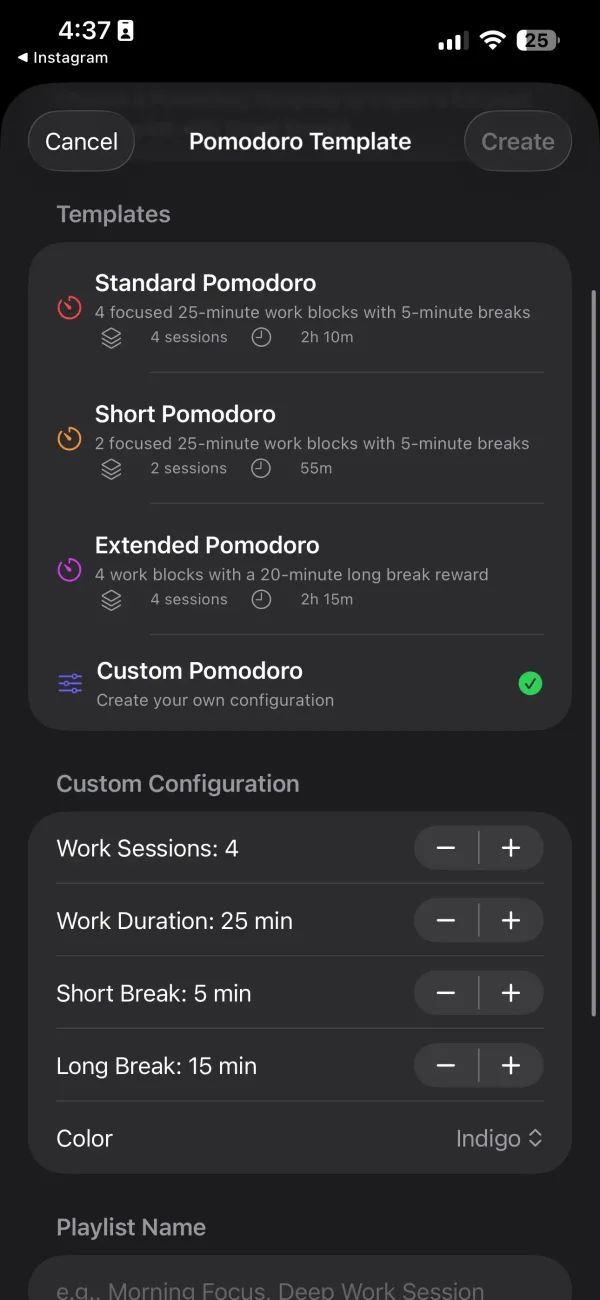
• Standard Pomodoro: 4×25min sessions with 5min breaks + 15min reward
• Short Pomodoro: 2×25min sessions for quick focus bursts
• Extended Pomodoro: 4×25min sessions with 20min long break
• Custom Pomodoro: Design your own (5-60min work, 1-15min breaks, 1-10 sessions)
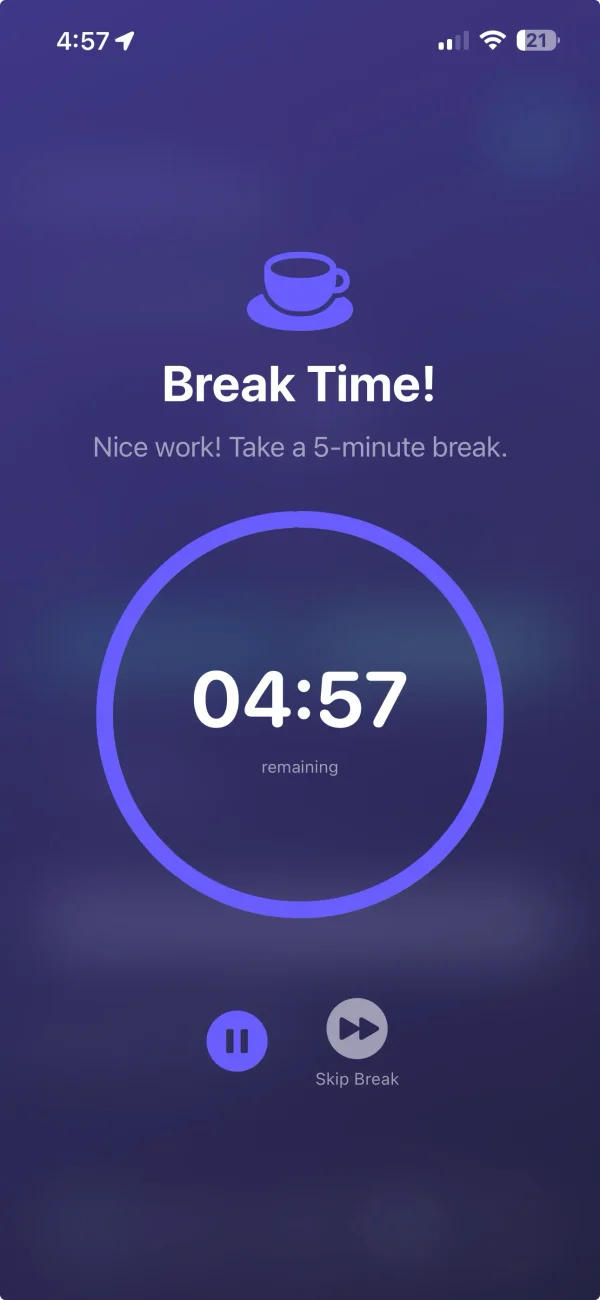
• Beautiful break timers with countdown, pause/resume, and skip controls
• Custom naming for playlists and tasks
• Automatic queue management
HOW IT WORKS
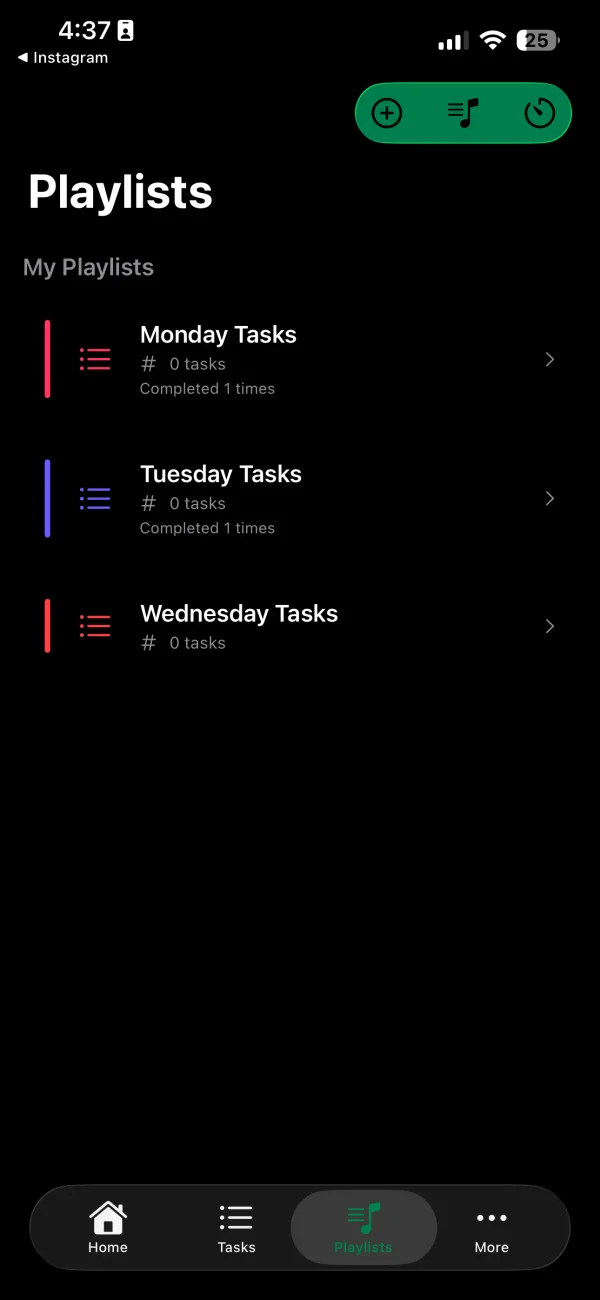
1. Tap Pomodoro button in Playlists tab
2. Choose a template or create custom
3. Name your session and tasks
4. Start working with automatic timers
5. Enjoy timed breaks between sessions
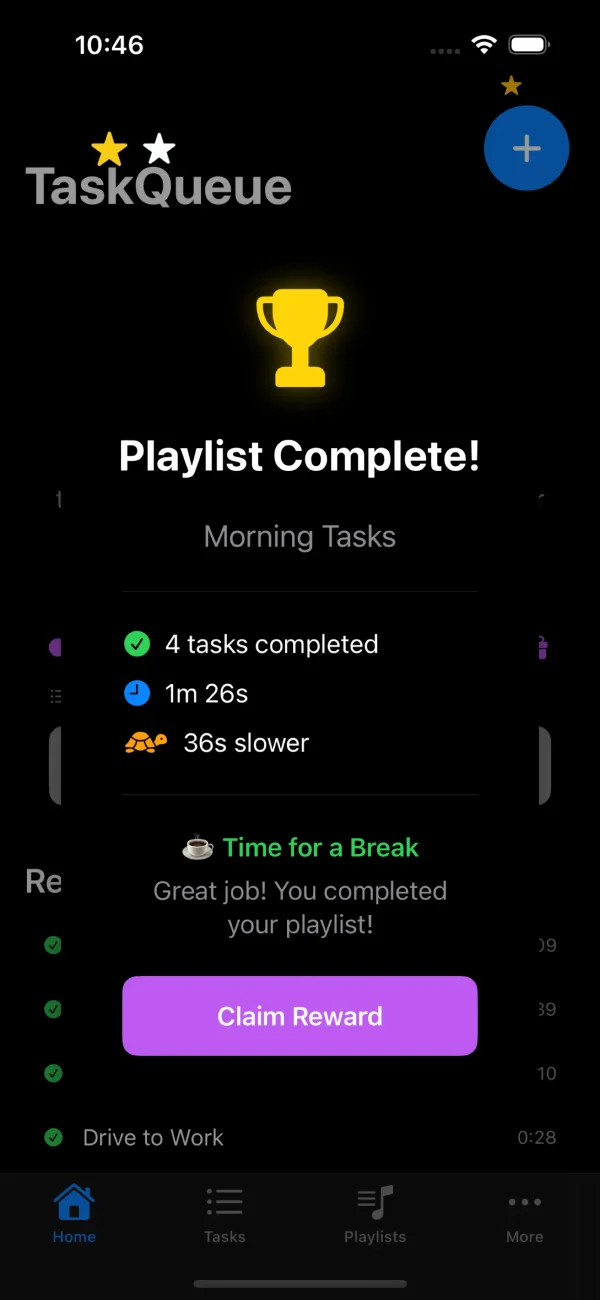
6. Celebrate completion!
UI ENHANCEMENTS
• New toolbar on Playlists: Create Task, New Playlist, and Pomodoro buttons
• New toolbar on Projects: Create Task and New Project buttons
• Removed overlapping floating buttons
• Enhanced break timer with blur overlay for better focus
Work smarter with structured focus!
App privacy
What Christopher Bass declares on the App Store about how this app handles data.
-
Data not collected
The developer does not collect any data from this app.
Privacy practices may vary, for example with the features you use or your age.
Information
- Seller
- Christopher Bass
- Category
- Productivity
- Version
- 1.4.0
- Updated
- Oct 23, 2025
- Released
- Sep 29, 2025
- Size
- 3.4 MB
- Requires
- iOS 18.6 or later
- Age rating
- 4+
- Price
- Free
- Languages
- English
- Copyright
- © Copyright: 2025 Christopher Bass
You might also like
-
 PlainMind: Save & OrganizeRead Later, Links & Bookmarks
-
 XSheetsMobile Spreadsheets Made Easy
-
 Daylogue: AI Task TrackerHabits, Todo-List, Focus Timer
-
 Reminder Focus TimerMade for Reminders app users
-
 Jot Quick NotesPlain-text notes, fast
-
 ADHD Calendar: Fast & FunPlanner
-
 Doti: To‑Do & Daily PlannerPlan your day, organize tasks
-
 Auer Sleek NotesMinimalist, clutter-free notes
-
 KeepUp! — Always Be On TimeSmart routine planner
-
 Haku: ADHD Focus & RoutinePomodoro Study & App Blocker