
- Classification d’âge4+
- CatégorieProductivité
- DéveloppeurChristopher Bass
- LanguesAnglais
- Taille3,4 Mo
TaskQueue n’est peut-être pas disponible sur App Store pour le moment
La fiche de la boutique était inaccessible lors de notre dernière vérification. Le lien mène toujours à la page App Store officielle.
Captures d’écran



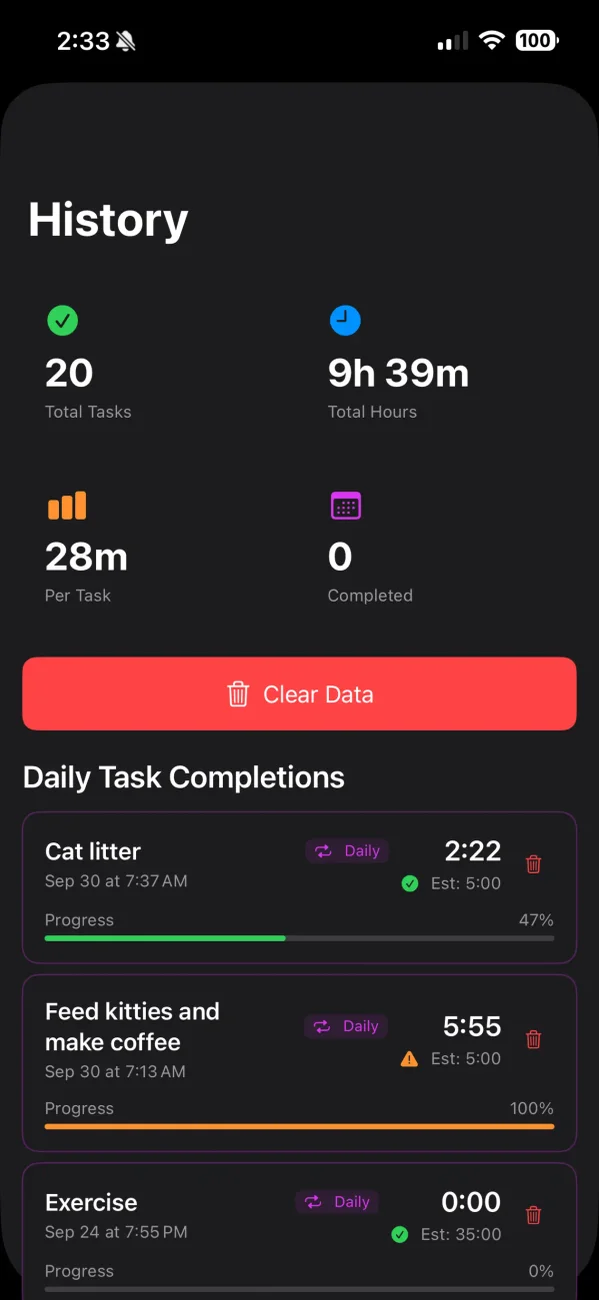
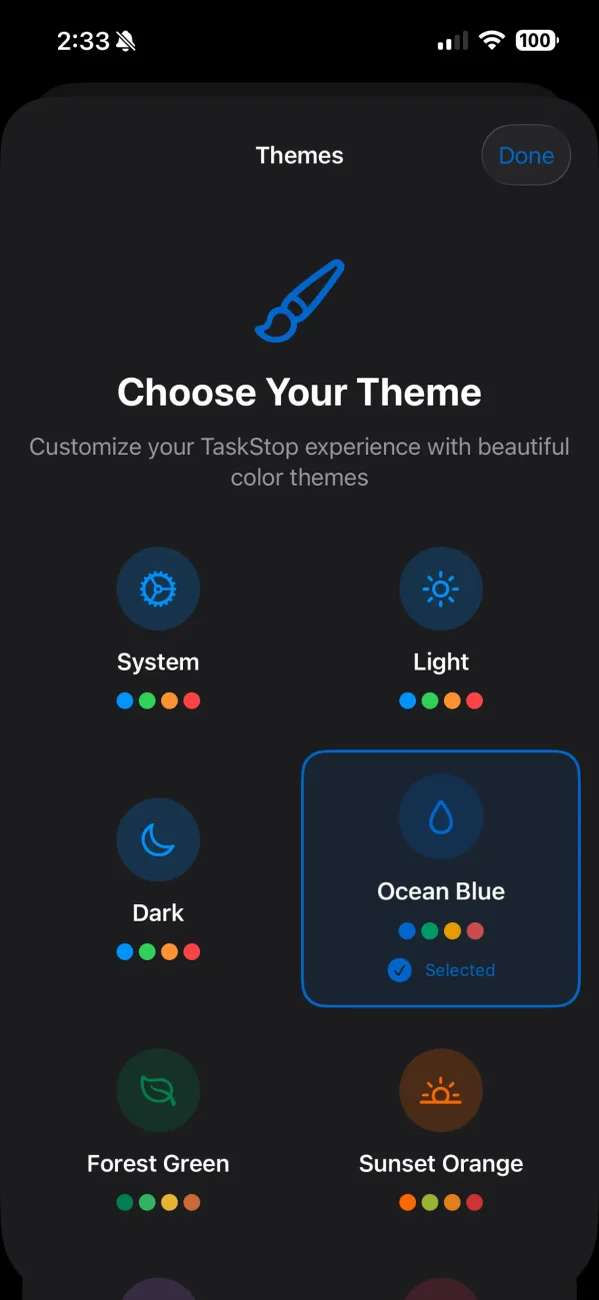
À propos
Le développeur n’a pas fourni ce texte dans votre langue.
TaskQueue - Single-Threaded Focus
Stay focused on one task at a time with TaskQueue's streamlined approach to task management. Built for single-threaded productivity, TaskQueue helps you maintain focus through
timer-based workflows and queue management.
KEY FEATURES:
• Single-task focus with built-in timer functionality
• Queue-based task organization for sequential workflow
• Estimated vs actual time tracking with progress insights
• Smart notifications at 50%, 75%, and overtime milestones
• Daily recurring task support with completion tracking
• Comprehensive task history and statistics
• Clean, intuitive SwiftUI interface optimized for iOS
• Dark and light theme support
• Skip between queued tasks with playlist-style controls
PRODUCTIVITY BENEFITS:
• Eliminate multitasking distractions
• Accurate time estimation through tracking
• Maintain momentum with automatic task progression
• Review performance with detailed completion history
• Stay motivated with progress notifications
Perfect for professionals, students, freelancers, and anyone who wants to improve their focus and time management through proven single-threaded productivity techniques.
Built with SwiftUI and SwiftData for a native iOS experience.
Nouveautés
Version 1.4.0 · 23/10/2025
INTRODUCING POMODORO TECHNIQUE
Transform your productivity with structured focus sessions and timed breaks!
POMODORO FEATURES
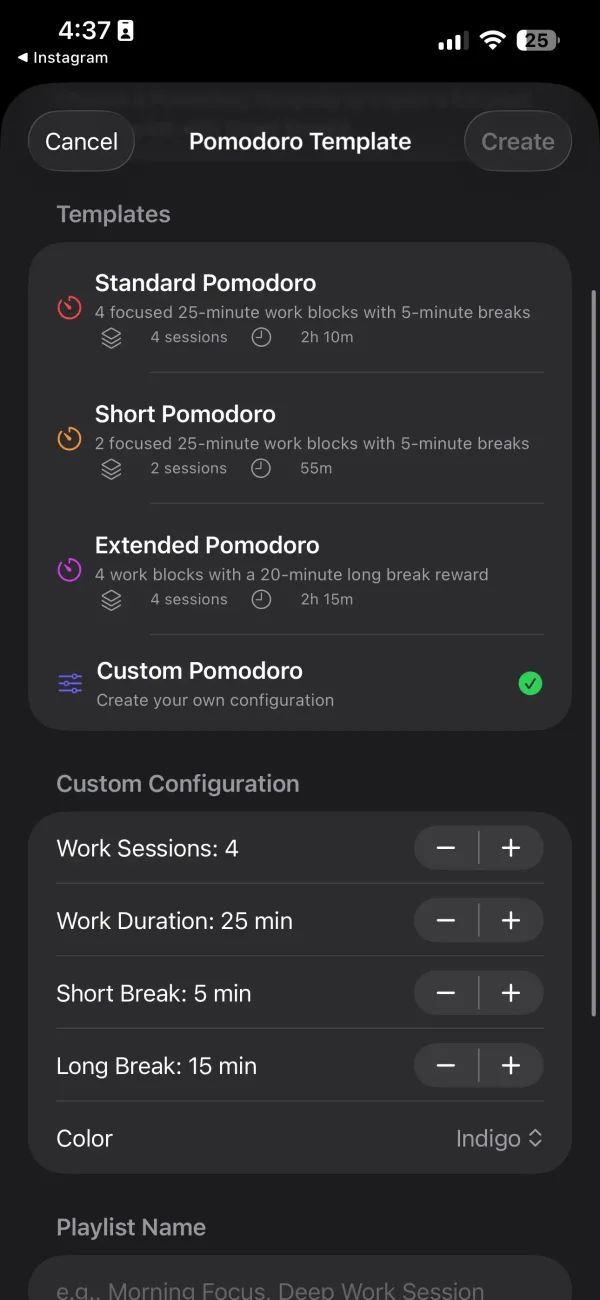
• Standard Pomodoro: 4×25min sessions with 5min breaks + 15min reward
• Short Pomodoro: 2×25min sessions for quick focus bursts
• Extended Pomodoro: 4×25min sessions with 20min long break
• Custom Pomodoro: Design your own (5-60min work, 1-15min breaks, 1-10 sessions)
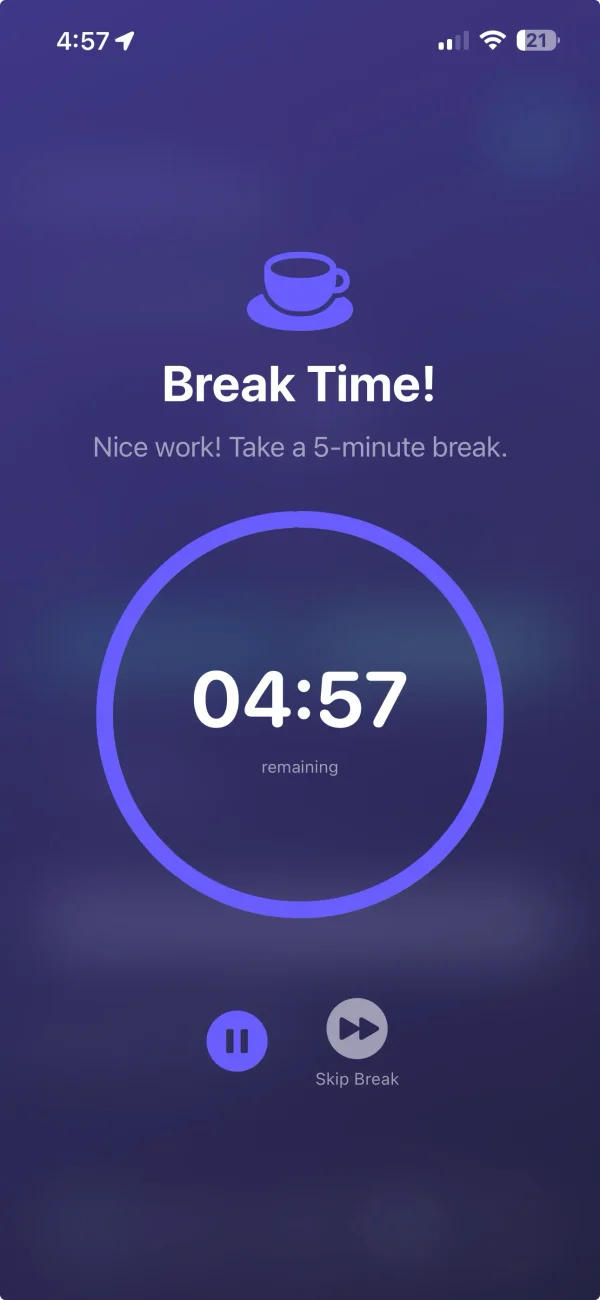
• Beautiful break timers with countdown, pause/resume, and skip controls
• Custom naming for playlists and tasks
• Automatic queue management
HOW IT WORKS
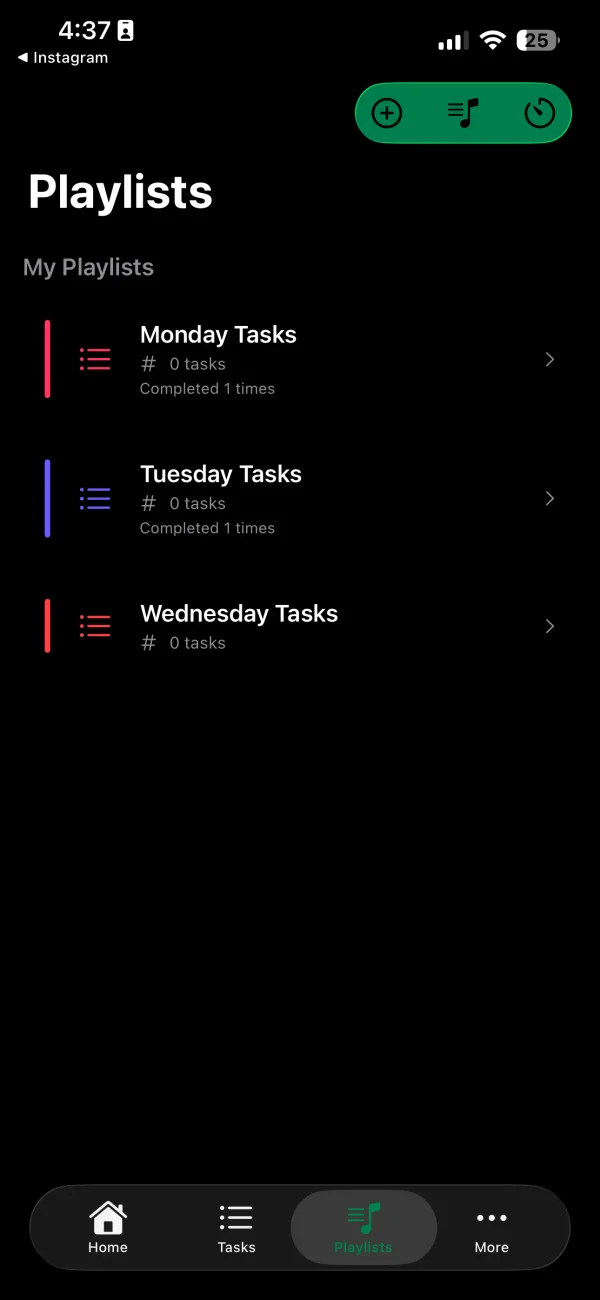
1. Tap Pomodoro button in Playlists tab
2. Choose a template or create custom
3. Name your session and tasks
4. Start working with automatic timers
5. Enjoy timed breaks between sessions
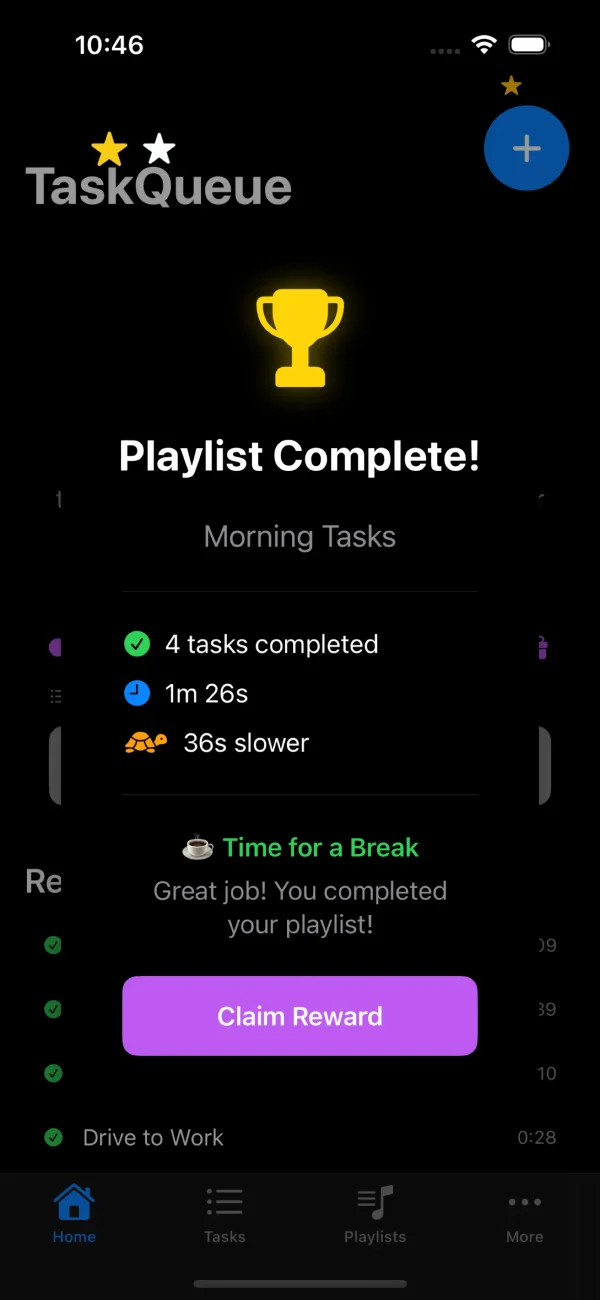
6. Celebrate completion!
UI ENHANCEMENTS
• New toolbar on Playlists: Create Task, New Playlist, and Pomodoro buttons
• New toolbar on Projects: Create Task and New Project buttons
• Removed overlapping floating buttons
• Enhanced break timer with blur overlay for better focus
Work smarter with structured focus!
Confidentialité de l’application
Ce que Christopher Bass déclare sur l’App Store au sujet du traitement des données par cette application.
-
Données non collectées
Le développeur ne collecte aucune donnée à partir de cette application.
Les pratiques en matière de confidentialité peuvent varier, notamment en fonction des fonctionnalités que vous utilisez ou de votre âge.
Informations
- Vendeur
- Christopher Bass
- Catégorie
- Productivité
- Version
- 1.4.0
- Mis à jour
- 23/10/2025
- Publié
- 29/09/2025
- Taille
- 3,4 Mo
- Nécessite
- iOS 18.6 ou version ultérieure
- Classification d’âge
- 4+
- Langues
- Anglais
- Copyright
- © Copyright: 2025 Christopher Bass
Vous aimerez peut-être aussi
-
 PlainMind: Save & OrganizeProductivité
-
 XSheetsProductivité
-
 Daylogue: AI Task TrackerProductivité
-
 Reminder Focus TimerProductivité
-
 Jot Quick NotesProductivité
-
 ADHD Calendar: Fast & FunProductivité
-
 Doti : Tâches et Plan du JourPlanifiez et organisez facile
-
 Auer Sleek NotesProductivité
-
 KeepUp! — Always Be On TimeProductivité
-
 Haku: ADHD Focus & RoutineProductivité