
Tomato Timer ۬
Pomdoro Productivity Timer
Entwickelt für iPhone, iPad, iPod touch
Kostenlos · In-App-Käufe
- Altersfreigabe9+
- KategorieProduktivität
- EntwicklerBoltQ Media
- SprachenEnglisch
- Größe64,4 MB
Verlinkt auf die offizielle App Store-Seite
Download.org hostet keine Datei von Tomato Timer ۬. Die Schaltfläche öffnet die App-Seite bei App Store, wo BoltQ Media die App veröffentlicht. Eintrag zuletzt geprüft am 12.11.2026.
Screenshots


Info
Der Entwickler hat diesen Text nicht in Ihrer Sprache bereitgestellt.
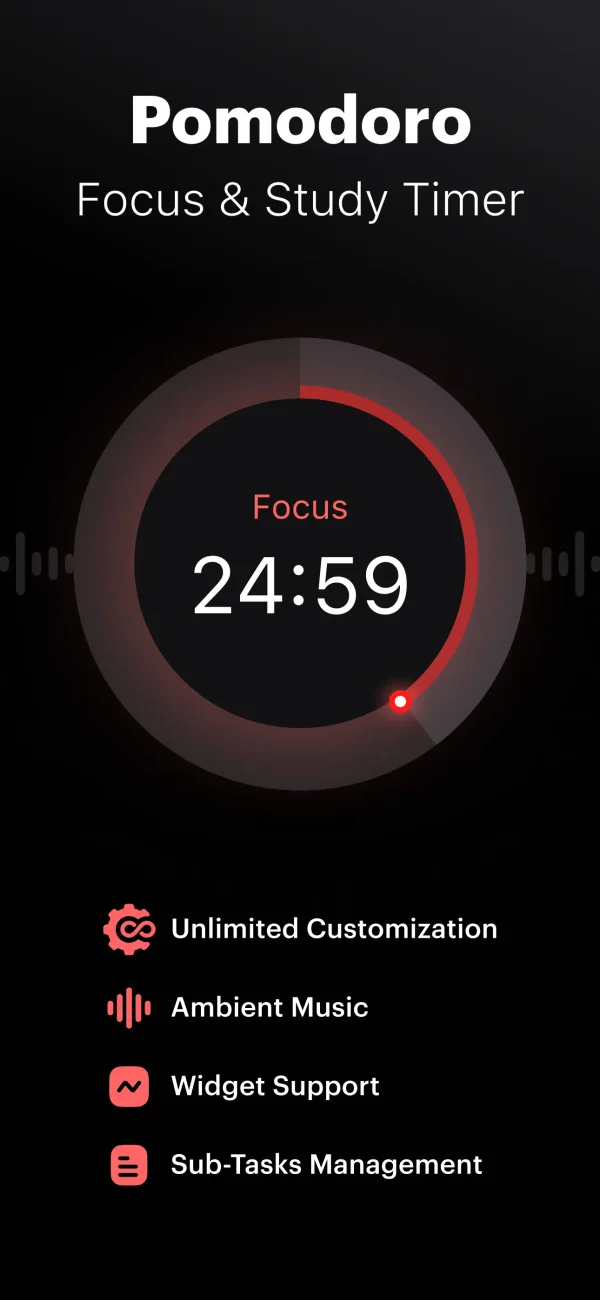
Pomodoro is an age-old time management and effective focus-improvement technique. Our Pomodoro Timer app brings that technique right to your iPhone/iPad.
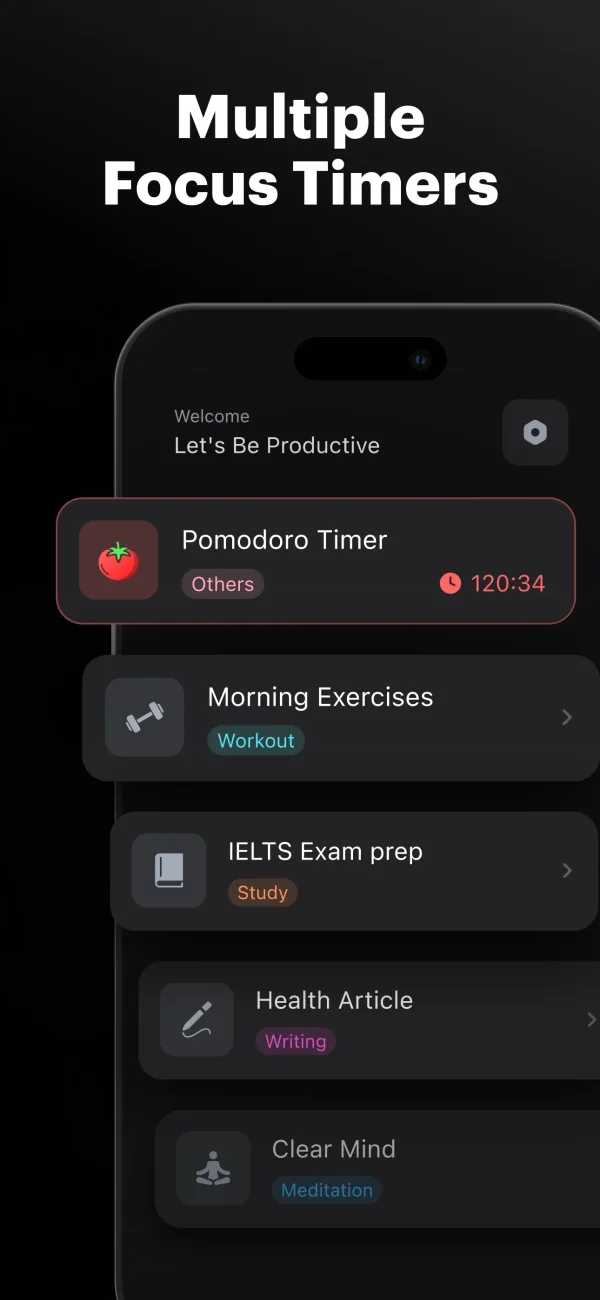
Besides other traditional focus timer apps, our app actually includes the default pomodoro timer, but also allows you to create your own timers and customize the length of your focus session, short break, long break, etc.
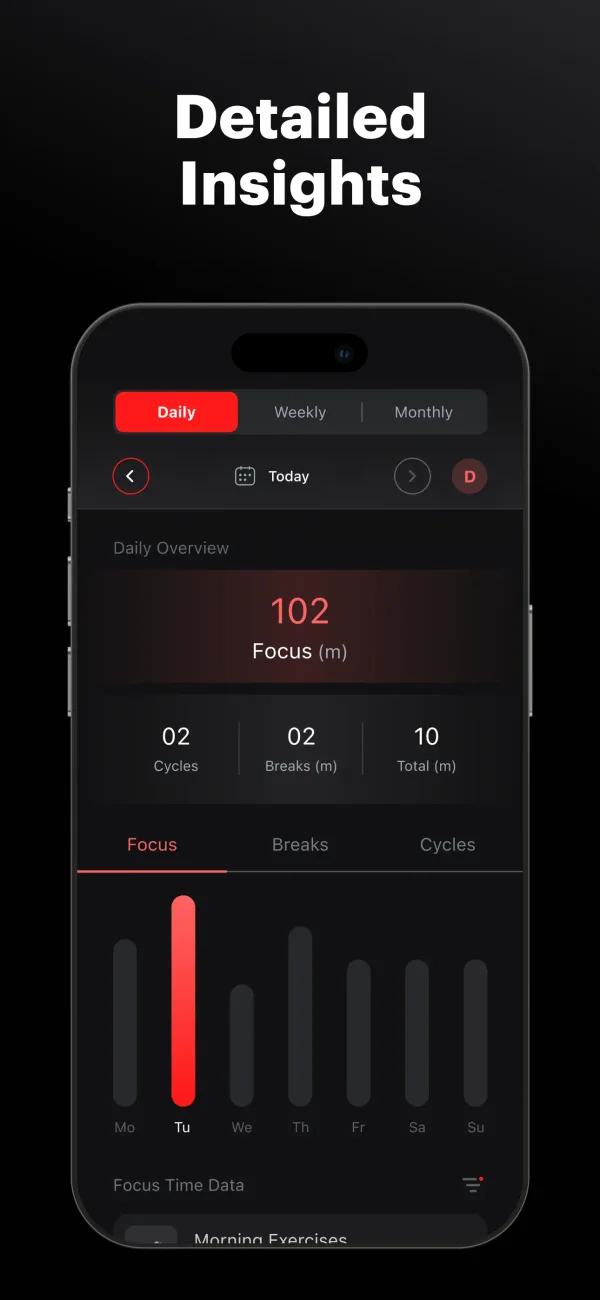
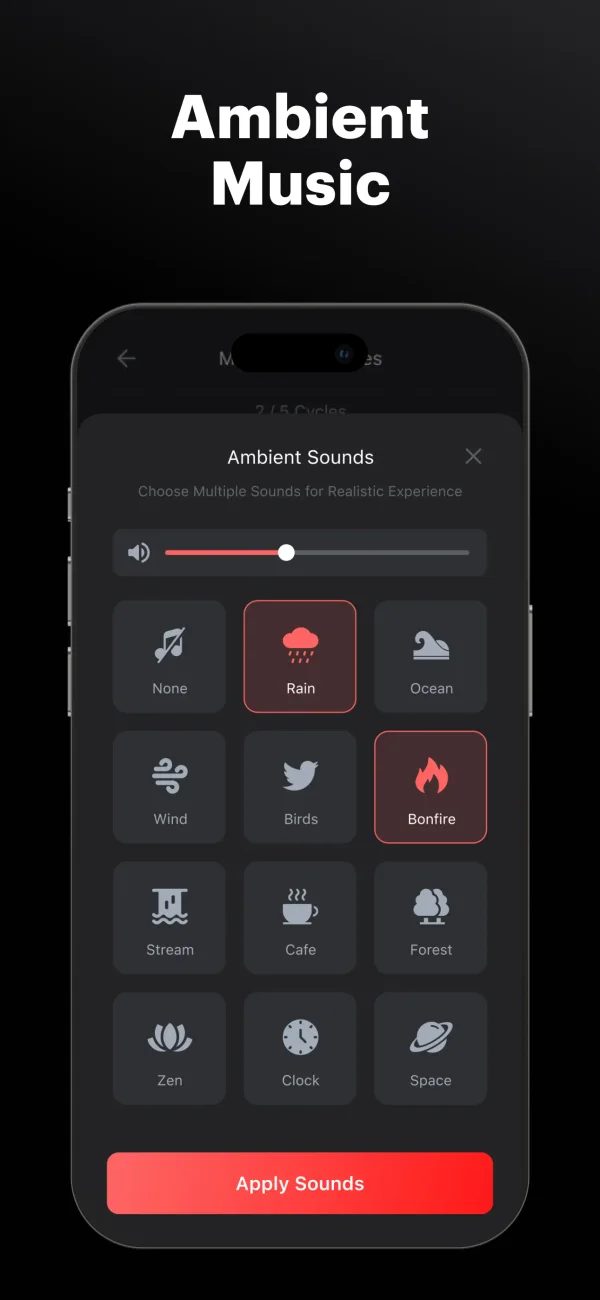
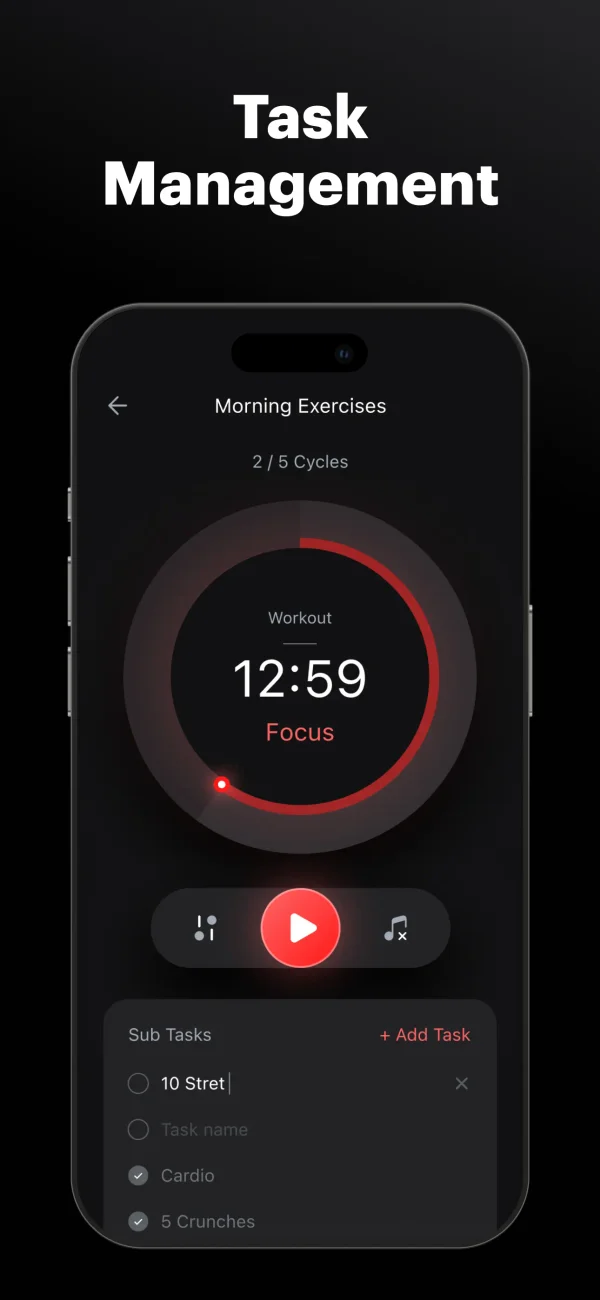
It might look like a very small app, but it isn’t one, it has options to add sub-tasks, play multiple ambient sounds at once, and track all your focus sessions using our advanced statistics manager (pro-users)
Key Features
> Default Pomodoro Timer: This is a default timer created which allows people to just download the app and start the pomodoro technique based timer.
> Create Multiple Timers: Create multiple Pomodoros or timers for different tasks. So whether you want to improve focus during a workout or study time, create a timer, set focus time, short breaks, long breaks, and you’re done! Do this for all the activities which require high-quality focus time.
> Play multiple Ambient sounds at once: Currently our app has recordings of 15 different natural sounds, you can pick multiple For instance, you can play forest, thunderstorm, and bonfire. According to research, music of the right choice can boost focus by 30%.
> Add Sub-Tasks: There’s always a micro-task under your main task which you forget, that’s why we’ve added the “add sub-tasks” functionality. Basically, you can add sub-tasks for your main tasks and mark them as done on the go.
> Advanced Statistics: Do you want to calculate the time you’ve spent focusing on different tasks? How much is your break time, how many hours of focus did you take on a given day, what was the “Category” which requires more of your focus time, etc.? Well, this app is what you need.
What is the Pomodoro Technique?
It’s an old technique that helps people to stay focused, boost productivity. How does it work?
1. Choose a task
2. Set a 25-minute timer and work on it.
3. Take a 5 minute “short” break after 25 minutes of focus.
4. Take a long break after you’ve completed 4 focus sessions.
It might look like a very basic technique, people who’ve implemented this technique in their lives noticed an improvement in their focus by 20-45%. What are you waiting for? Install the app now.
Privacy Policy: https://pomodoro-timer.appstraw.com/privacy-policy
Terms of Use: https://pomodoro-timer.appstraw.com/terms-conditions
Neue Funktionen
Version 2.5 · 30.10.2024
- Stability improvements and bug fixes.
App-Datenschutz
Was BoltQ Media im App Store zum Umgang dieser App mit Daten angibt.
-
Keine Daten erfasst
Der Entwickler erfasst keine Daten von dieser App.
Die Datenschutzpraktiken können variieren, zum Beispiel je nach den von Ihnen verwendeten Funktionen oder Ihrem Alter.
Informationen
- Anbieter
- BoltQ Media
- Kategorie
- Produktivität
- Version
- 2.5
- Aktualisiert
- 30.10.2024
- Veröffentlicht
- 04.01.2024
- Größe
- 64,4 MB
- Erfordert
- iOS 15.0 oder neuer
- Altersfreigabe
- 9+
- Preis
- Kostenlos
- In-App-Käufe
- Ja
- Sprachen
- Englisch
- Copyright
- © BoltQ Media
Das könnte Ihnen auch gefallen
-
 Daily Routines & Planner AppProduktivität
-
 Gewohnheiten: Habit RewardsGewohnheitstracker & Ziele
-
 Goal Tracker - IllumtoriProduktivität
-
 Habit & To Do List: MotidaytProduktivität
-
 Stratword - Script WritingLeitfaden zum Drehbuchschreibe
-
 Gobble: Cold Turkey DetoxProduktivität
-
 Dictation Speech to TextProduktivität
-
 Yata for GTD: Todo & CalendarProduktivität
-
 GoodHacks AI: Zen ProductivityProduktivität
-
 EmailGPT : AI Email AssistantProduktivität