
- 対象年齢9+
- カテゴリ仕事効率化
- 開発元BoltQ Media
- 言語英語
- サイズ64.4 MB
App Storeの公式ページにリンクしています
Download.orgはTomato Timer ۬のファイルを一切ホストしていません。ボタンを押すと、BoltQ Mediaが公開しているApp Storeのアプリページが開きます。ページの最終確認:2026/11/12。
スクリーンショット


概要
開発元はこのテキストをお使いの言語で提供していません。
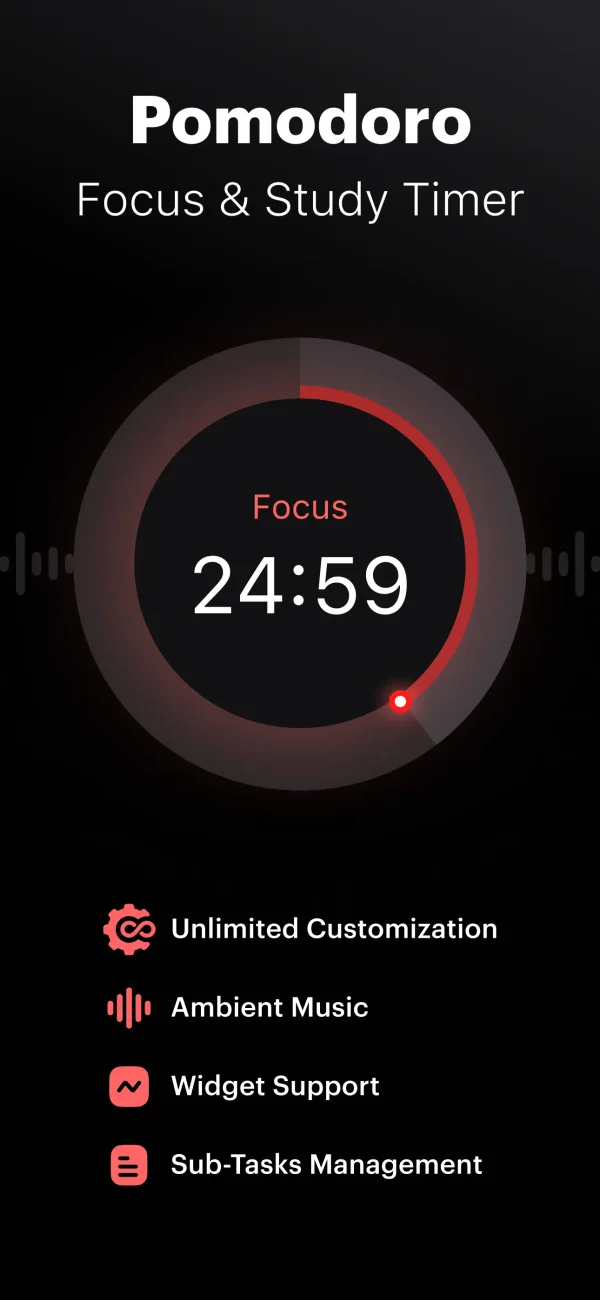
Pomodoro is an age-old time management and effective focus-improvement technique. Our Pomodoro Timer app brings that technique right to your iPhone/iPad.
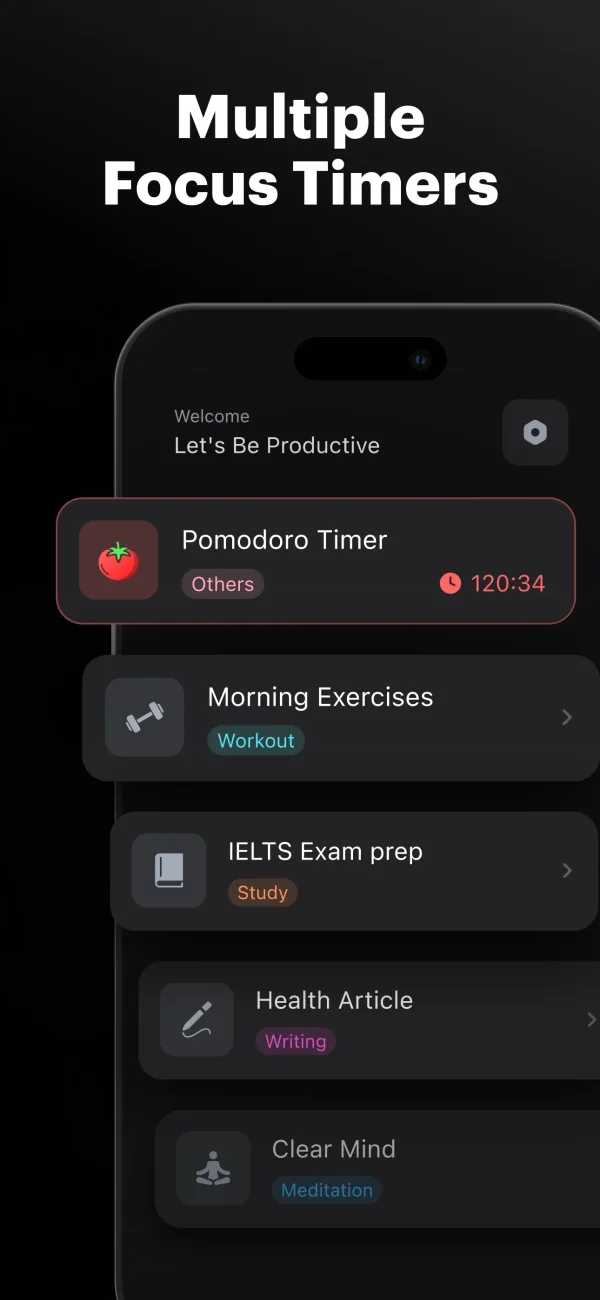
Besides other traditional focus timer apps, our app actually includes the default pomodoro timer, but also allows you to create your own timers and customize the length of your focus session, short break, long break, etc.
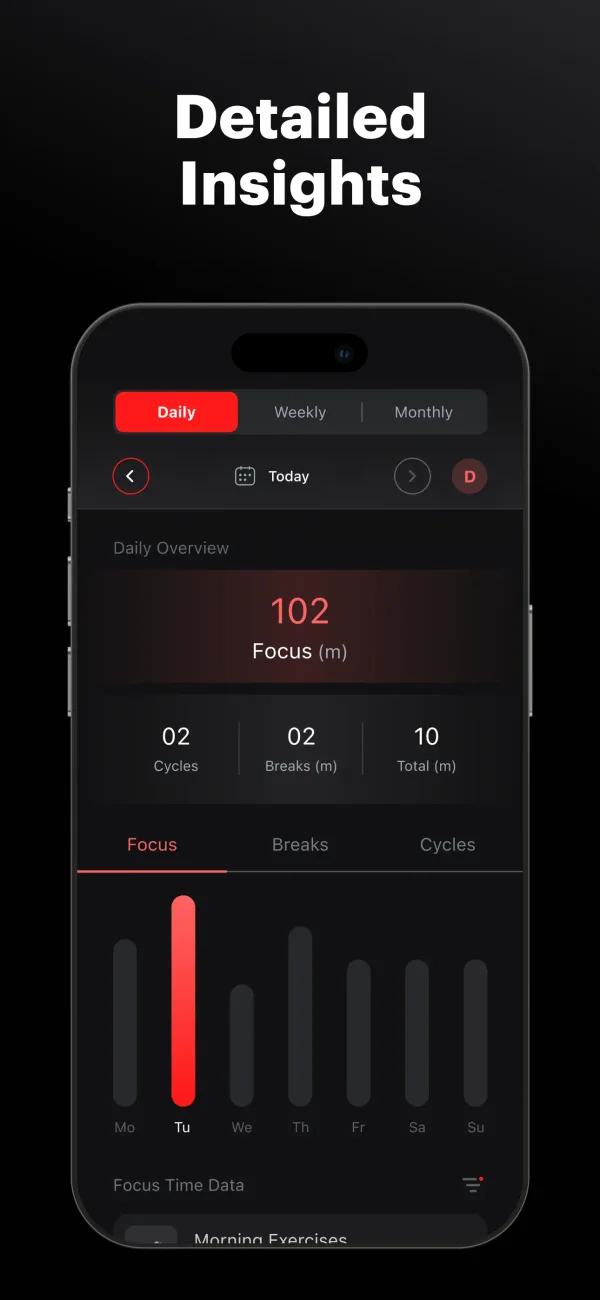
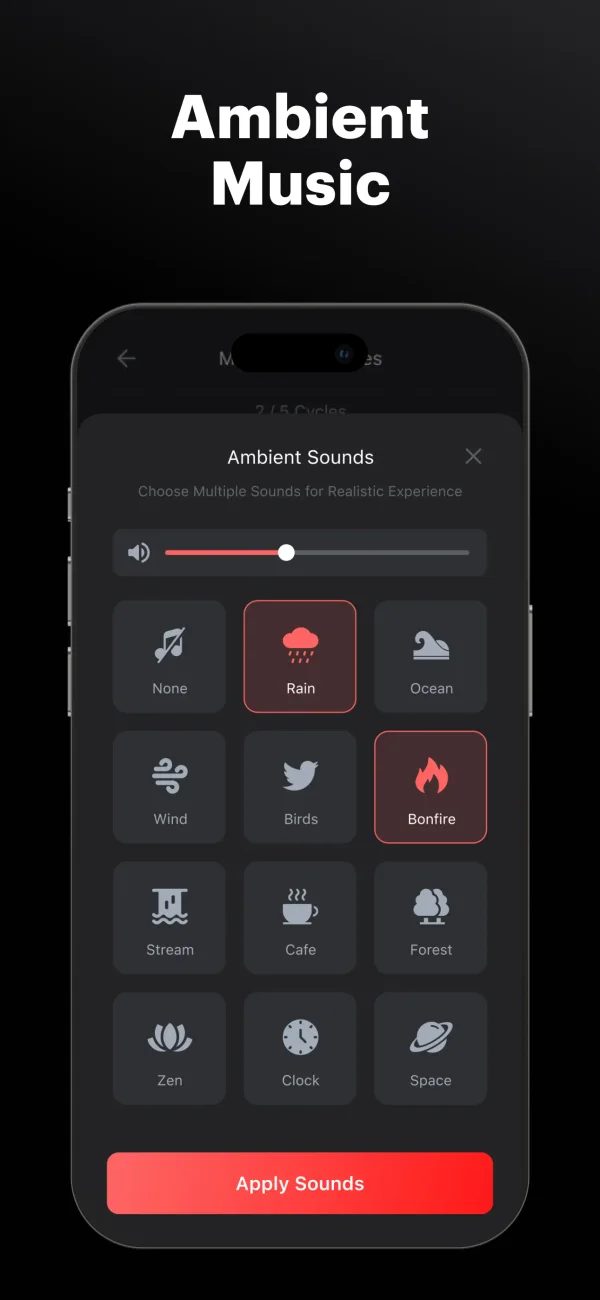
It might look like a very small app, but it isn’t one, it has options to add sub-tasks, play multiple ambient sounds at once, and track all your focus sessions using our advanced statistics manager (pro-users)
Key Features
> Default Pomodoro Timer: This is a default timer created which allows people to just download the app and start the pomodoro technique based timer.
> Create Multiple Timers: Create multiple Pomodoros or timers for different tasks. So whether you want to improve focus during a workout or study time, create a timer, set focus time, short breaks, long breaks, and you’re done! Do this for all the activities which require high-quality focus time.
> Play multiple Ambient sounds at once: Currently our app has recordings of 15 different natural sounds, you can pick multiple For instance, you can play forest, thunderstorm, and bonfire. According to research, music of the right choice can boost focus by 30%.
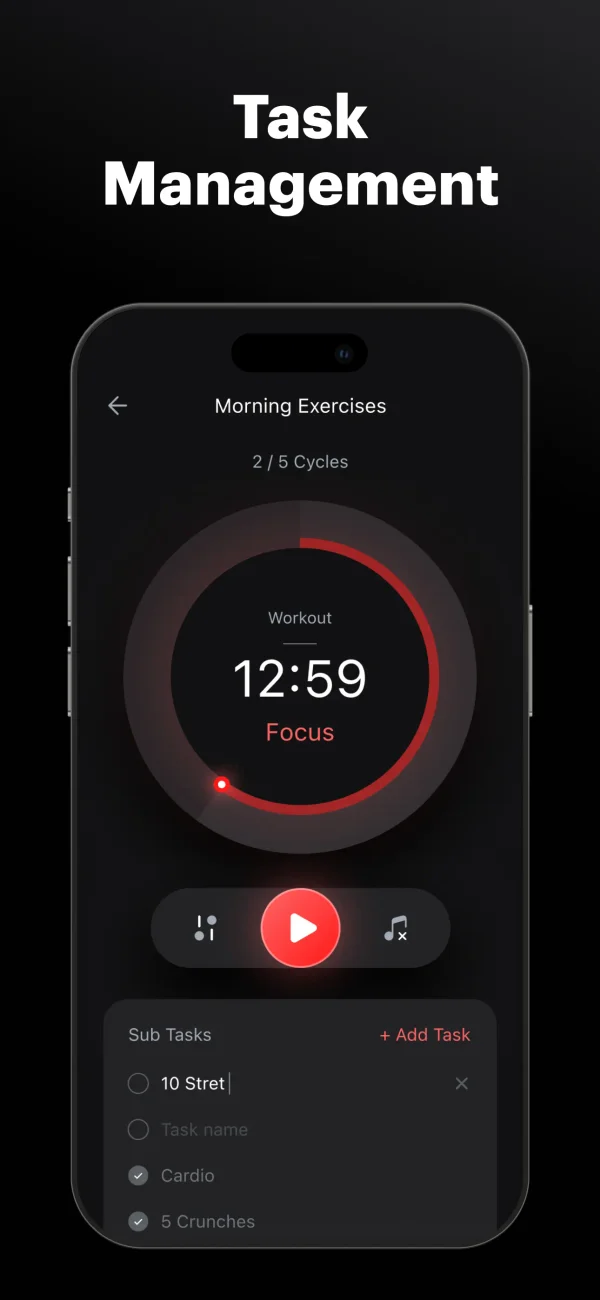
> Add Sub-Tasks: There’s always a micro-task under your main task which you forget, that’s why we’ve added the “add sub-tasks” functionality. Basically, you can add sub-tasks for your main tasks and mark them as done on the go.
> Advanced Statistics: Do you want to calculate the time you’ve spent focusing on different tasks? How much is your break time, how many hours of focus did you take on a given day, what was the “Category” which requires more of your focus time, etc.? Well, this app is what you need.
What is the Pomodoro Technique?
It’s an old technique that helps people to stay focused, boost productivity. How does it work?
1. Choose a task
2. Set a 25-minute timer and work on it.
3. Take a 5 minute “short” break after 25 minutes of focus.
4. Take a long break after you’ve completed 4 focus sessions.
It might look like a very basic technique, people who’ve implemented this technique in their lives noticed an improvement in their focus by 20-45%. What are you waiting for? Install the app now.
Privacy Policy: https://pomodoro-timer.appstraw.com/privacy-policy
Terms of Use: https://pomodoro-timer.appstraw.com/terms-conditions
新機能
バージョン 2.5 · 2024/10/30
- Stability improvements and bug fixes.
アプリのプライバシー
このアプリのデータの取り扱いについて、BoltQ MediaがApp Storeで申告している内容です。
-
データの収集なし
開発元はこのアプリからデータを収集しません。
プライバシーの取り扱いは、ご利用の機能やお客様の年齢などに応じて異なる場合があります。
情報
- 販売元
- BoltQ Media
- カテゴリ
- 仕事効率化
- バージョン
- 2.5
- 更新日
- 2024/10/30
- リリース
- 2024/1/4
- サイズ
- 64.4 MB
- 必要条件
- iOS 15.0以降
- 対象年齢
- 9+
- 価格
- 無料
- アプリ内課金
- あり
- 言語
- 英語
- 著作権
- © BoltQ Media
こちらもおすすめ
-
 Daily Routines & Planner App仕事効率化
-
 Habit Rewards 習慣化アプリ ご褒美習慣・目標・ルーティンを記録して継続
-
 Goal Tracker - Illumtori仕事効率化
-
 Habit & To Do List: Motidayt仕事効率化
-
 Stratword - Script Writing脚本・シナリオ執筆ガイド
-
 Gobble: Cold Turkey Detox仕事効率化
-
 Dictation Speech to Text仕事効率化
-
 Yata for GTD: Todo & Calendar仕事効率化
-
 GoodHacks AI: Zen Productivity仕事効率化
-
 Email Writer : AI Email WriterAI email assistant and writer