
- Altersfreigabe4+
- KategorieProduktivität
- EntwicklerAbhisek Jha
- Größe3,0 MB
TrueDraft ist bei App Store derzeit möglicherweise nicht verfügbar
Bei unserer letzten Prüfung war der Store-Eintrag nicht erreichbar. Der Link führt weiterhin zur offiziellen App Store-Seite.
Screenshots



Info
Der Entwickler hat diesen Text nicht in Ihrer Sprache bereitgestellt.
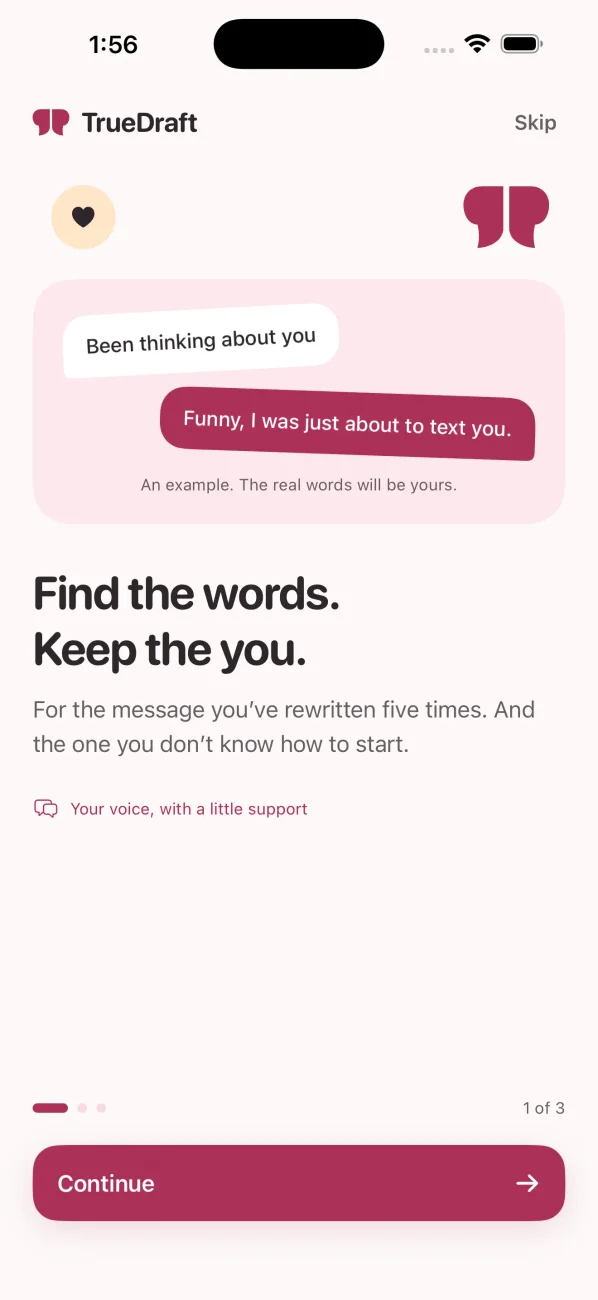
TrueDraft is for the moment before you hit send.
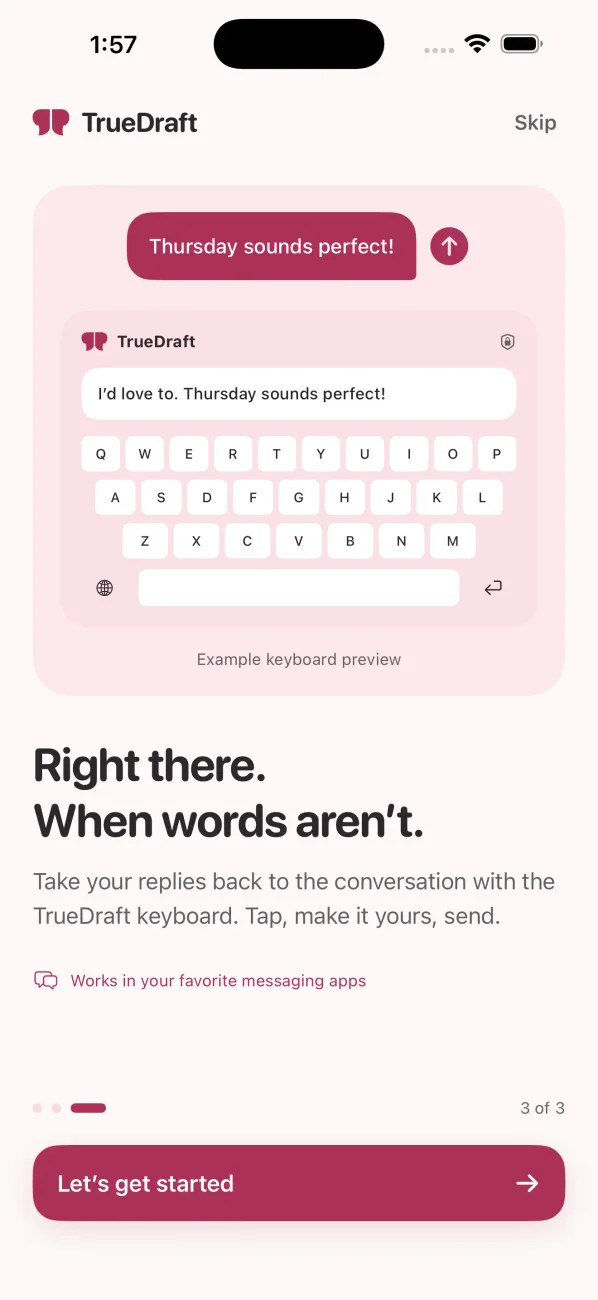
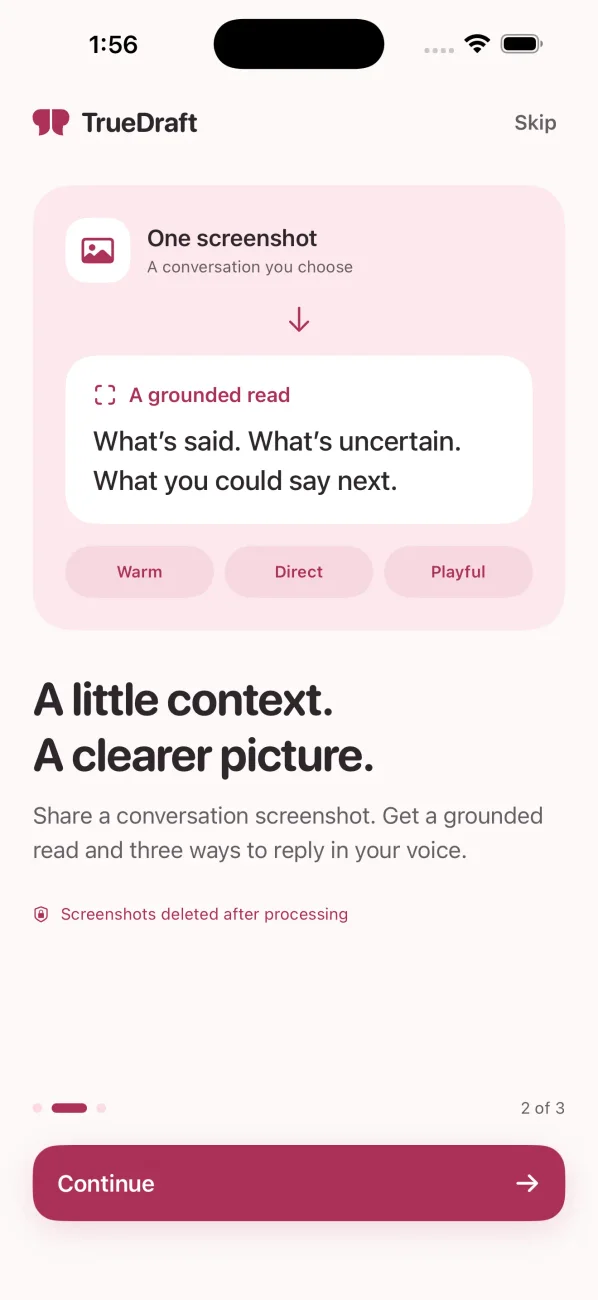
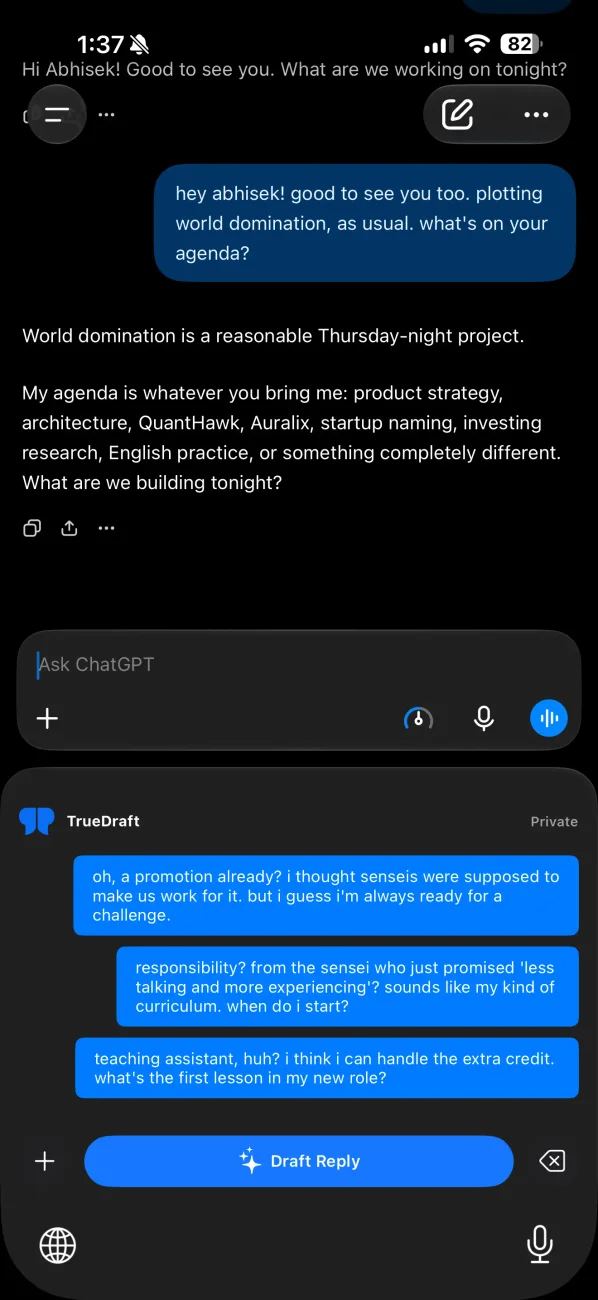
Share a conversation screenshot. Get a grounded read of what’s actually there, one clear next move, and three replies shaped by how you talk — then tap one in from the TrueDraft keyboard in Messages, WhatsApp, or wherever you’re texting.
Most AI jumps straight to words. TrueDraft slows down for one useful beat: what happened, what’s uncertain, and what move actually makes sense. No mind-reading. No autopilot. You stay in control.
HOW IT WORKS
1. Screenshot the thread (only what you want to share).
2. Share to TrueDraft — or open the TrueDraft keyboard in the chat.
3. Pick a reply, edit if you want, send when it feels right.
BUILT FOR REAL MOMENTS
• Dating and early-relationship texts
• Soft follow-ups (“made it home safe?”)
• Asking someone out again without overdoing it
• Messages where tone matters as much as the words
WHY IT FEELS DIFFERENT
• Starts from what’s on the screen — not a fantasy about what they “really” mean
• Calls out ambiguity instead of dressing a guess up as certainty
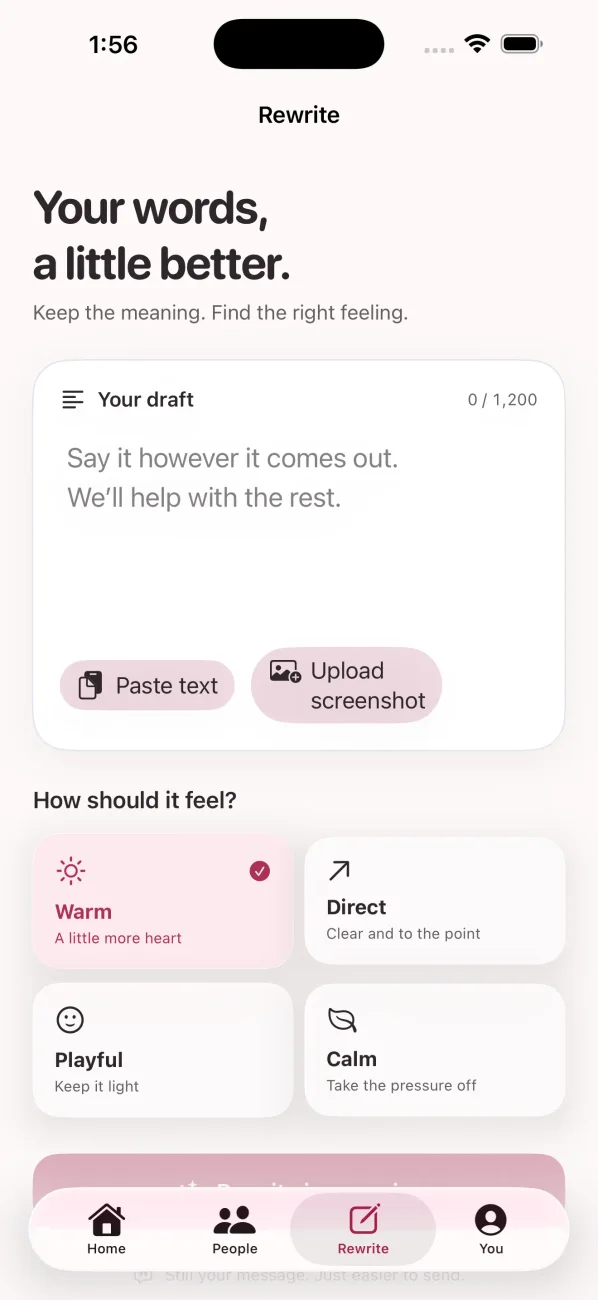
• Adaptive voice and style so drafts sound like you
• People and context notes so recommendations stay personal
• Privacy by design — screenshots processed securely and deleted after analysis
KEYBOARD, ZERO FRICTION
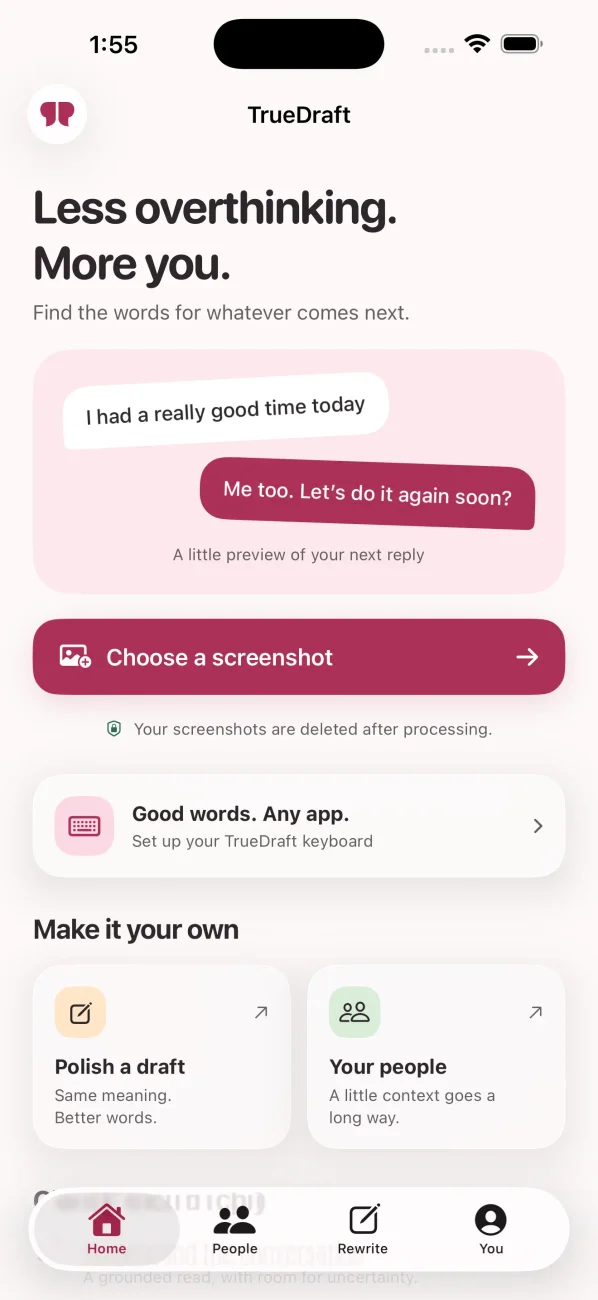
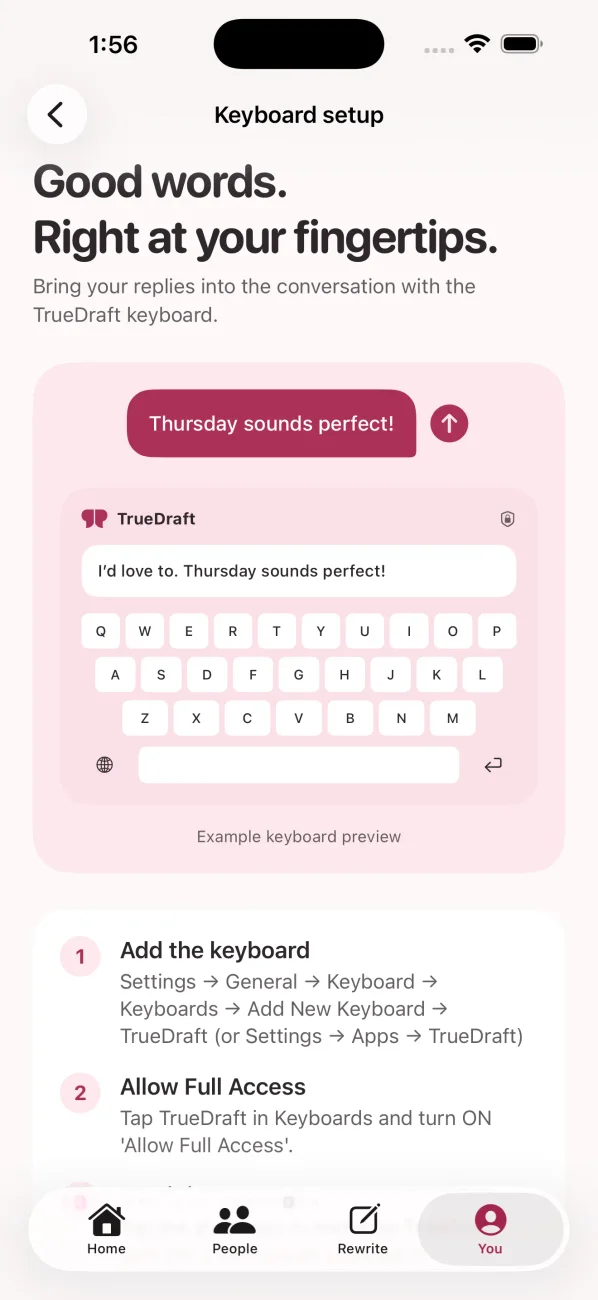
Insert drafts directly into iMessage, WhatsApp, and your favorite apps. Check live keyboard status from Home. Setup checklist walks you through adding the keyboard after sign-up.
Free to start. Pro unlocks more drafts when you need them.
The right words. Still yours.
Neue Funktionen
Version 1.0.14 · 28.09.2026
1. Added age confirmation during account creation.
2. Added quick access to our Terms of Service and Privacy Policy.
3. Added an option to export your TrueDraft account data.
4. Improved the account and data deletion experience.
5. Added a Do Not Sell or Share privacy preference.
6. Clarified why the TrueDraft keyboard requests Full Access.
7. Updated privacy disclosures across the app.
8. Improved security, reliability, and account protection.
App-Datenschutz
Was Abhisek Jha im App Store zum Umgang dieser App mit Daten angibt.
-
Mit Ihnen verknüpfte Daten
Können erfasst und mit Ihrer Identität verknüpft werden.
- Kontaktinformationen
Die Datenschutzpraktiken können variieren, zum Beispiel je nach den von Ihnen verwendeten Funktionen oder Ihrem Alter.
Informationen
- Anbieter
- Abhisek Jha
- Kategorie
- Produktivität
- Version
- 1.0.14
- Aktualisiert
- 28.09.2026
- Veröffentlicht
- 09.09.2026
- Größe
- 3,0 MB
- Erfordert
- iOS 17.0 oder neuer
- Altersfreigabe
- 4+
- Copyright
- © 2026 TrueDraft
Das könnte Ihnen auch gefallen
-
 CandyWrapper: Scan SafelyProduktivität
-
 Lightspeed ReaderProduktivität
-
 Tide Reading ListProduktivität
-
 My Read OfflineProduktivität
-
 SPARK - 2 Minute StarterProduktivität
-
 TextHighlightsProduktivität
-
 sendAllProduktivität
-
 RR - RapidReadsProduktivität
-
 EverHabitProduktivität
-
 Focus: Read BetterProduktivität