
- Clasificación por edad4+
- CategoríaProductividad
- DesarrolladorAbhisek Jha
- Tamaño3,0 MB
Es posible que TrueDraft no esté disponible en App Store en este momento
No se pudo acceder a la ficha de la tienda en nuestra última comprobación. El enlace sigue llevando a la página oficial de App Store.
Capturas de pantalla



Acerca de
El desarrollador no ha proporcionado este texto en tu idioma.
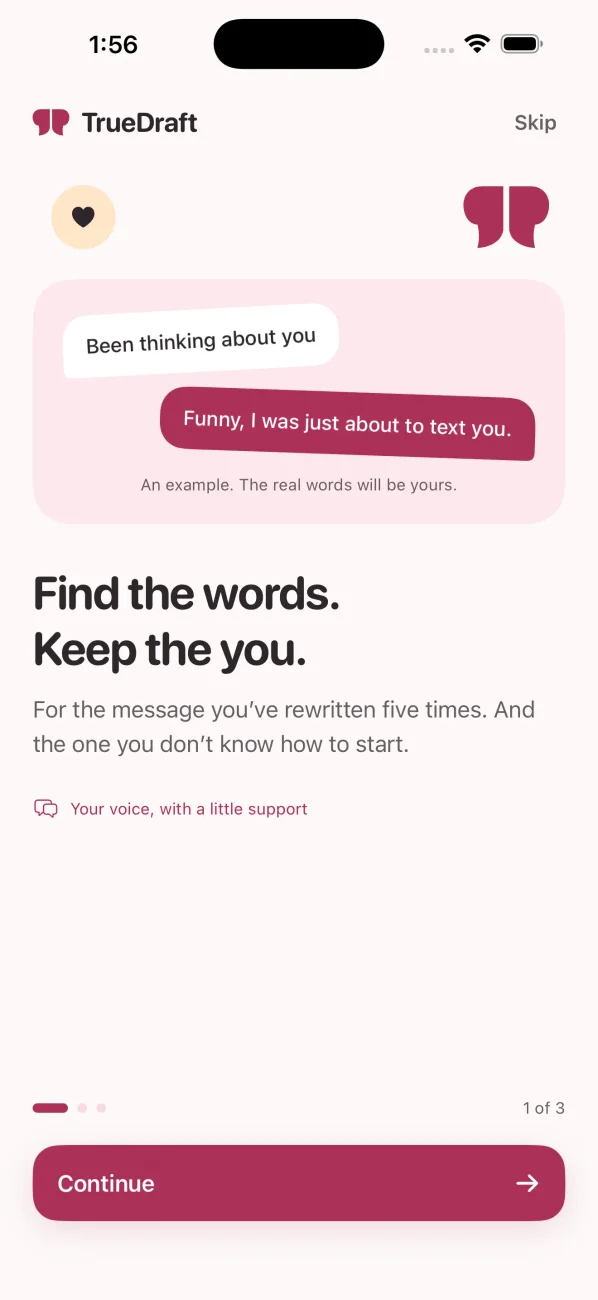
TrueDraft is for the moment before you hit send.
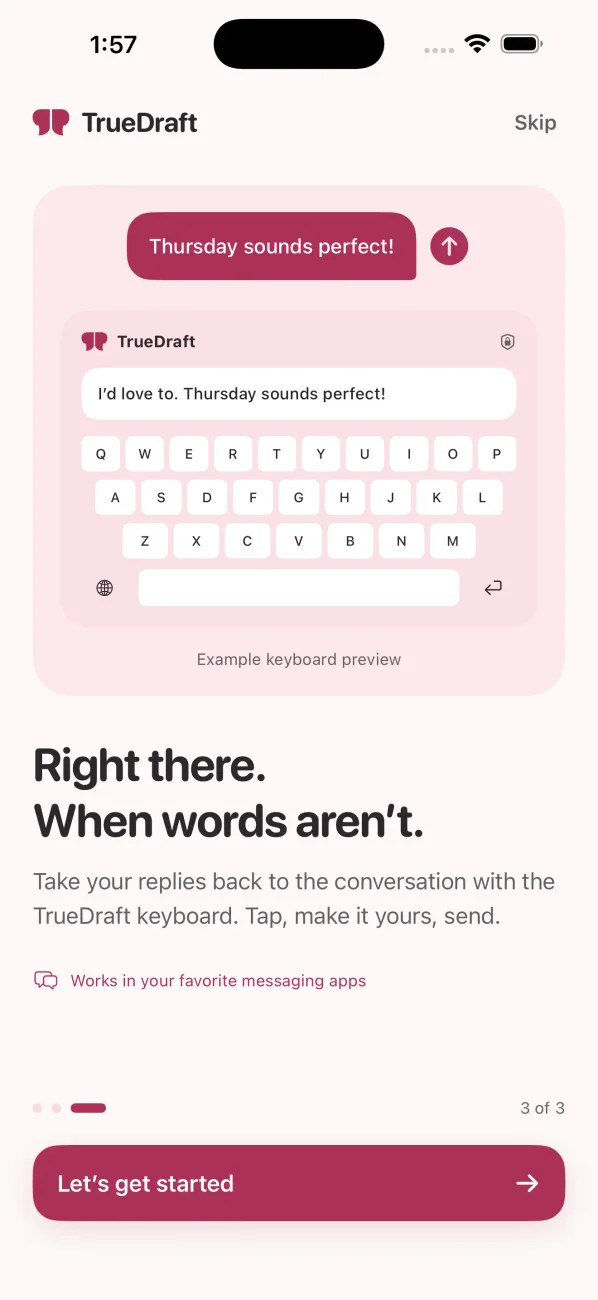
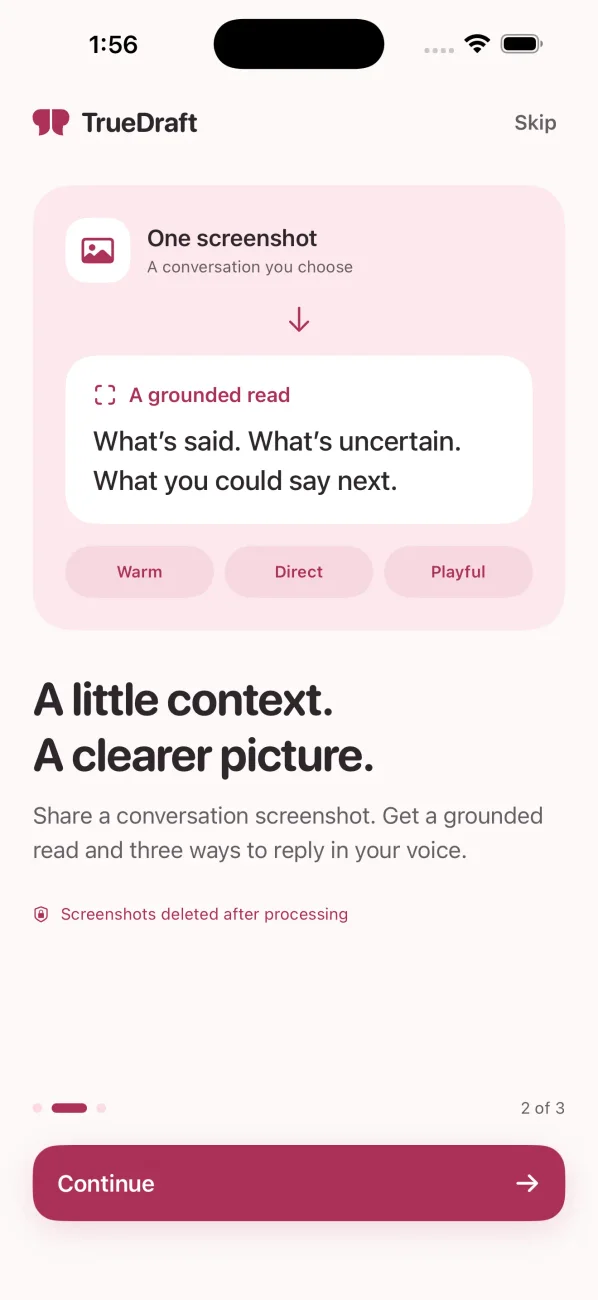
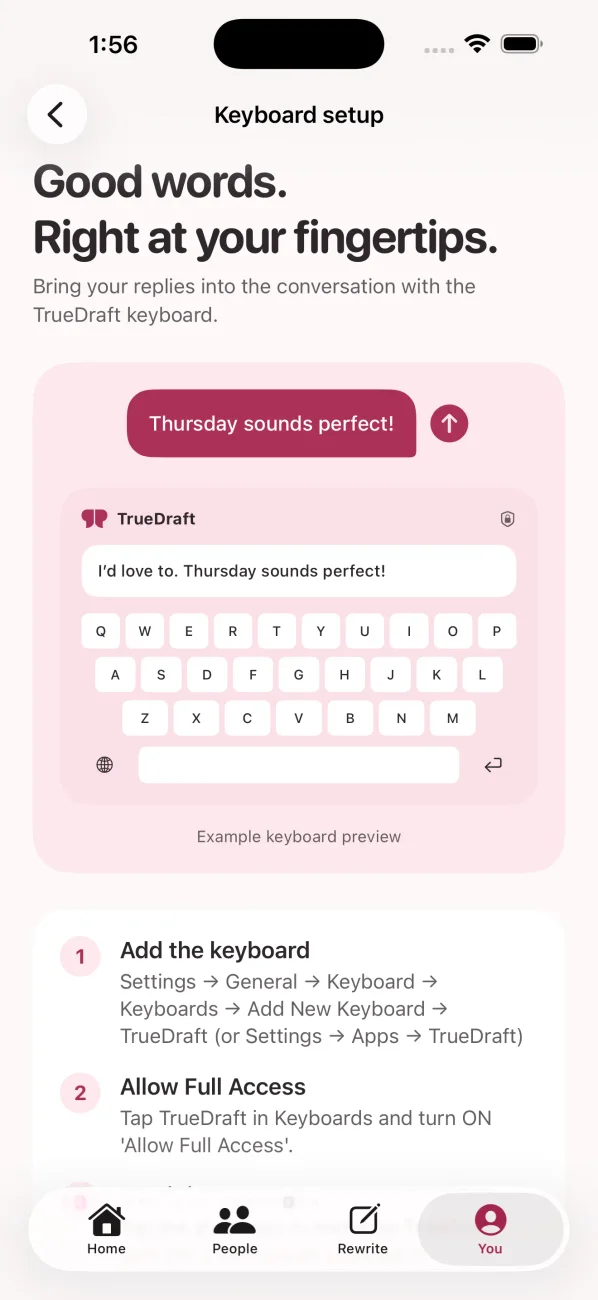
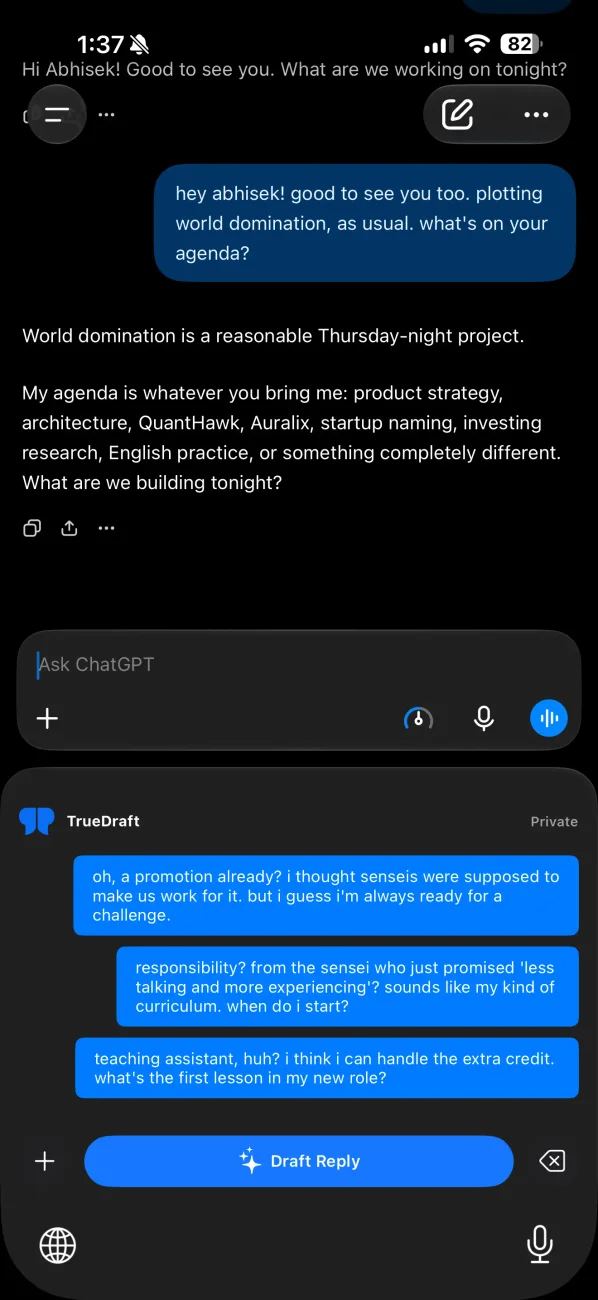
Share a conversation screenshot. Get a grounded read of what’s actually there, one clear next move, and three replies shaped by how you talk — then tap one in from the TrueDraft keyboard in Messages, WhatsApp, or wherever you’re texting.
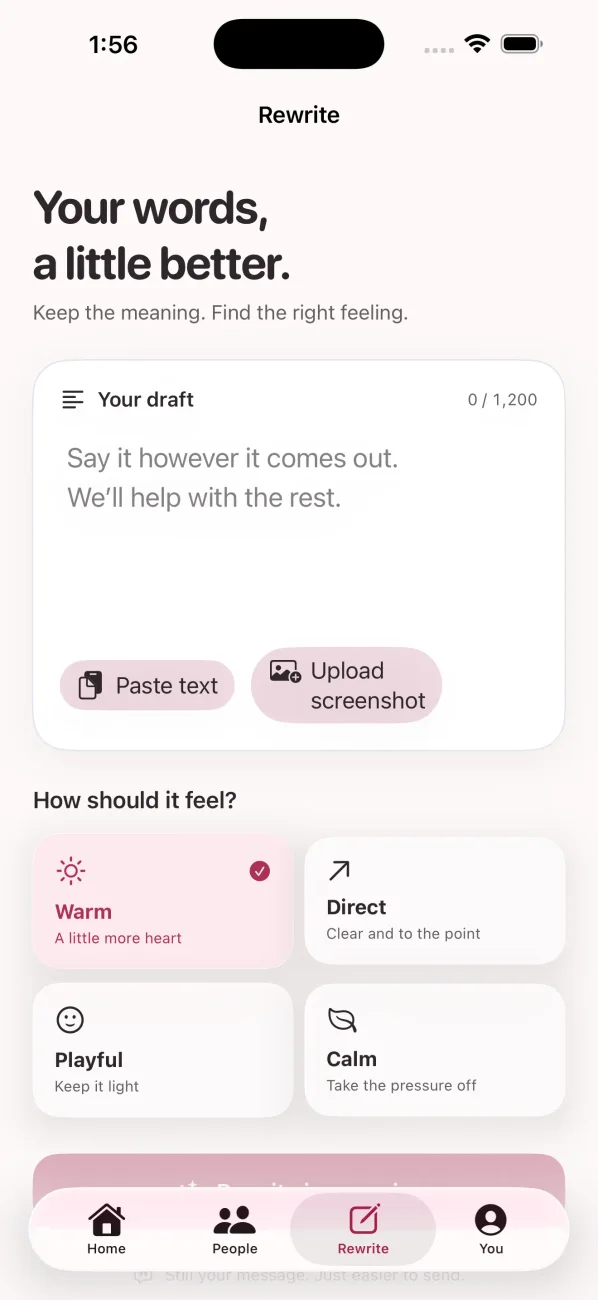
Most AI jumps straight to words. TrueDraft slows down for one useful beat: what happened, what’s uncertain, and what move actually makes sense. No mind-reading. No autopilot. You stay in control.
HOW IT WORKS
1. Screenshot the thread (only what you want to share).
2. Share to TrueDraft — or open the TrueDraft keyboard in the chat.
3. Pick a reply, edit if you want, send when it feels right.
BUILT FOR REAL MOMENTS
• Dating and early-relationship texts
• Soft follow-ups (“made it home safe?”)
• Asking someone out again without overdoing it
• Messages where tone matters as much as the words
WHY IT FEELS DIFFERENT
• Starts from what’s on the screen — not a fantasy about what they “really” mean
• Calls out ambiguity instead of dressing a guess up as certainty
• Adaptive voice and style so drafts sound like you
• People and context notes so recommendations stay personal
• Privacy by design — screenshots processed securely and deleted after analysis
KEYBOARD, ZERO FRICTION
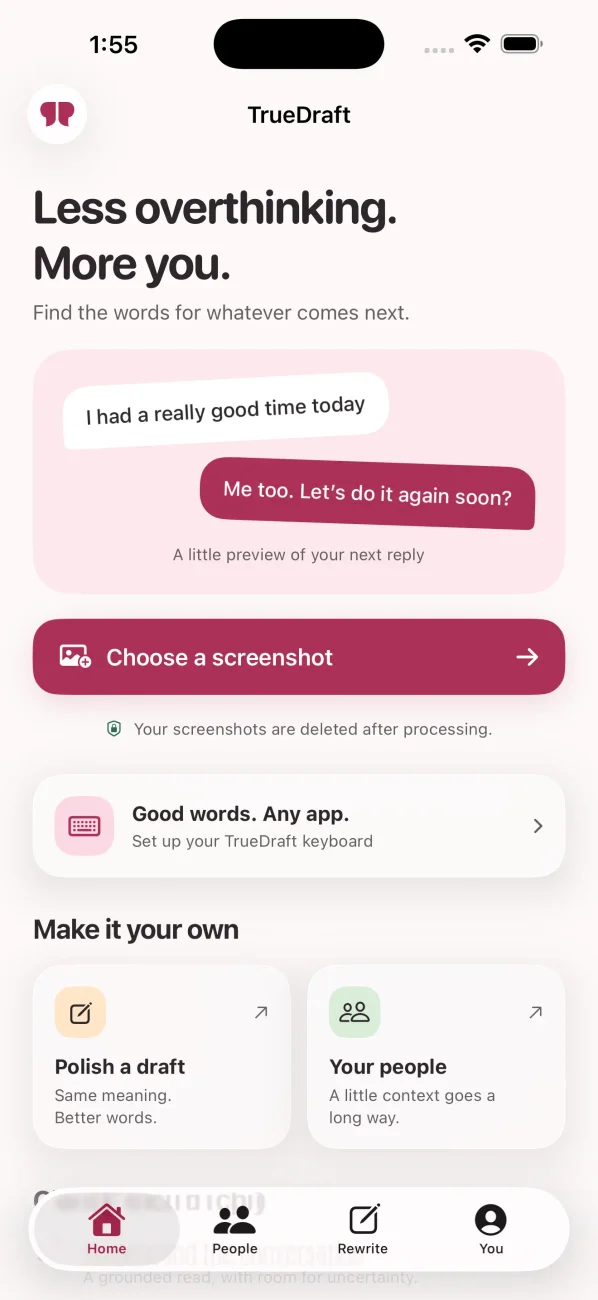
Insert drafts directly into iMessage, WhatsApp, and your favorite apps. Check live keyboard status from Home. Setup checklist walks you through adding the keyboard after sign-up.
Free to start. Pro unlocks more drafts when you need them.
The right words. Still yours.
Novedades
Versión 1.0.14 · 28/9/2026
1. Added age confirmation during account creation.
2. Added quick access to our Terms of Service and Privacy Policy.
3. Added an option to export your TrueDraft account data.
4. Improved the account and data deletion experience.
5. Added a Do Not Sell or Share privacy preference.
6. Clarified why the TrueDraft keyboard requests Full Access.
7. Updated privacy disclosures across the app.
8. Improved security, reliability, and account protection.
Privacidad de la aplicación
Lo que Abhisek Jha declara en App Store sobre cómo esta aplicación gestiona los datos.
-
Datos vinculados a ti
Pueden recopilarse y vincularse a tu identidad.
- Información de contacto
Las prácticas de privacidad pueden variar, por ejemplo, según las funciones que uses o tu edad.
Información
- Vendedor
- Abhisek Jha
- Categoría
- Productividad
- Versión
- 1.0.14
- Actualizado
- 28/9/2026
- Publicado
- 9/9/2026
- Tamaño
- 3,0 MB
- Requiere
- iOS 17.0 o posterior
- Clasificación por edad
- 4+
- Copyright
- © 2026 TrueDraft
Quizá también te guste
-
 CandyWrapper: Scan SafelyProductividad
-
 Lightspeed ReaderProductividad
-
 Tide Reading ListProductividad
-
 My Read OfflineProductividad
-
 SPARK - 2 Minute StarterProductividad
-
 TextHighlightsProductividad
-
 sendAllProductividad
-
 RR - RapidReadsProductividad
-
 EverHabitTrack habits. Keep streaks.
-
 Focus: Read BetterProductividad