
- Age rating4+
- CategoryProductivity
- DeveloperAbhisek Jha
- Size3.0 MB
Links to the official App Store page
Download.org hosts no file of TrueDraft. The button opens its official App Store page, published by Abhisek Jha. Listing last checked on Nov 20, 2026.
Screenshots

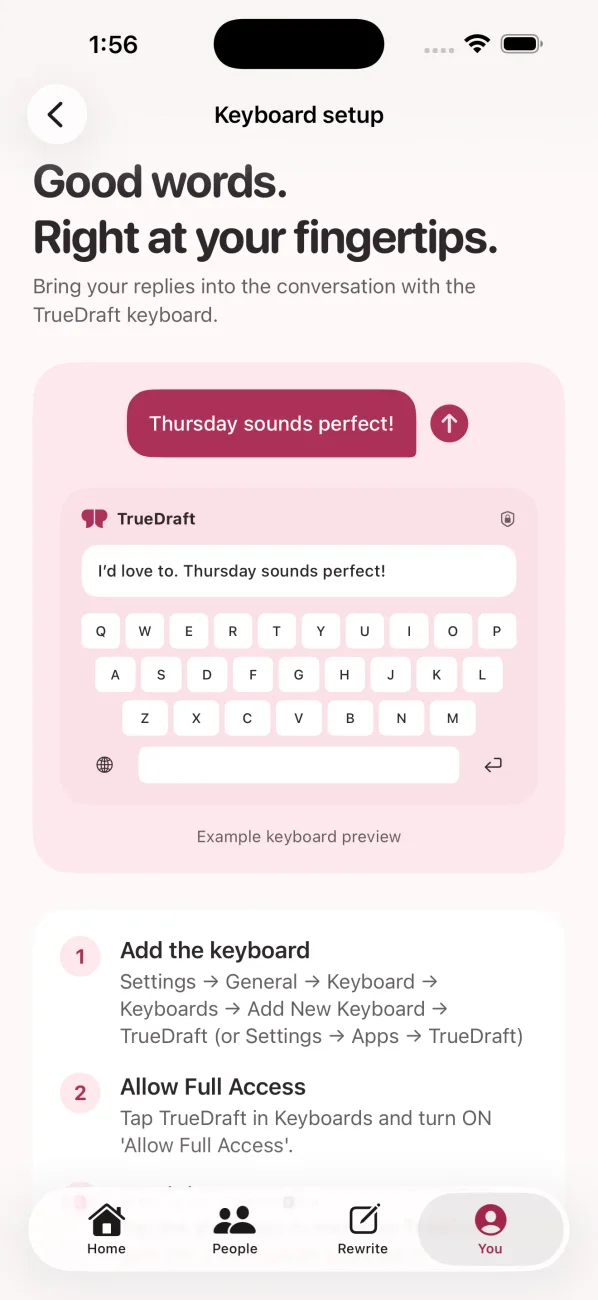
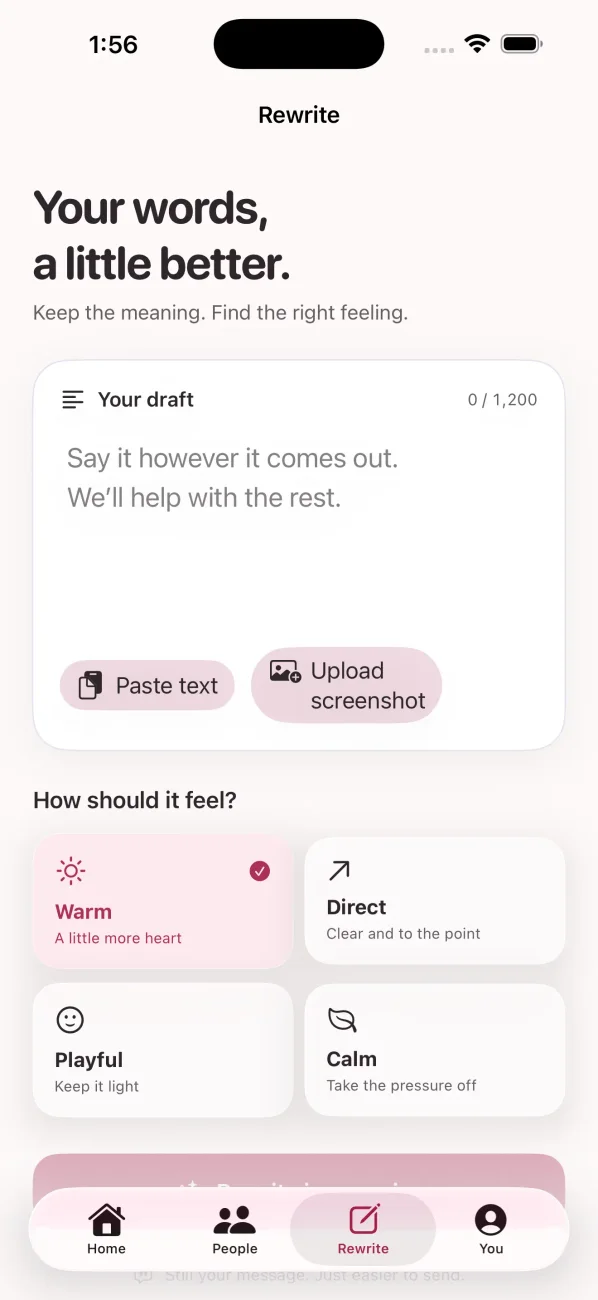


About
TrueDraft is for the moment before you hit send.
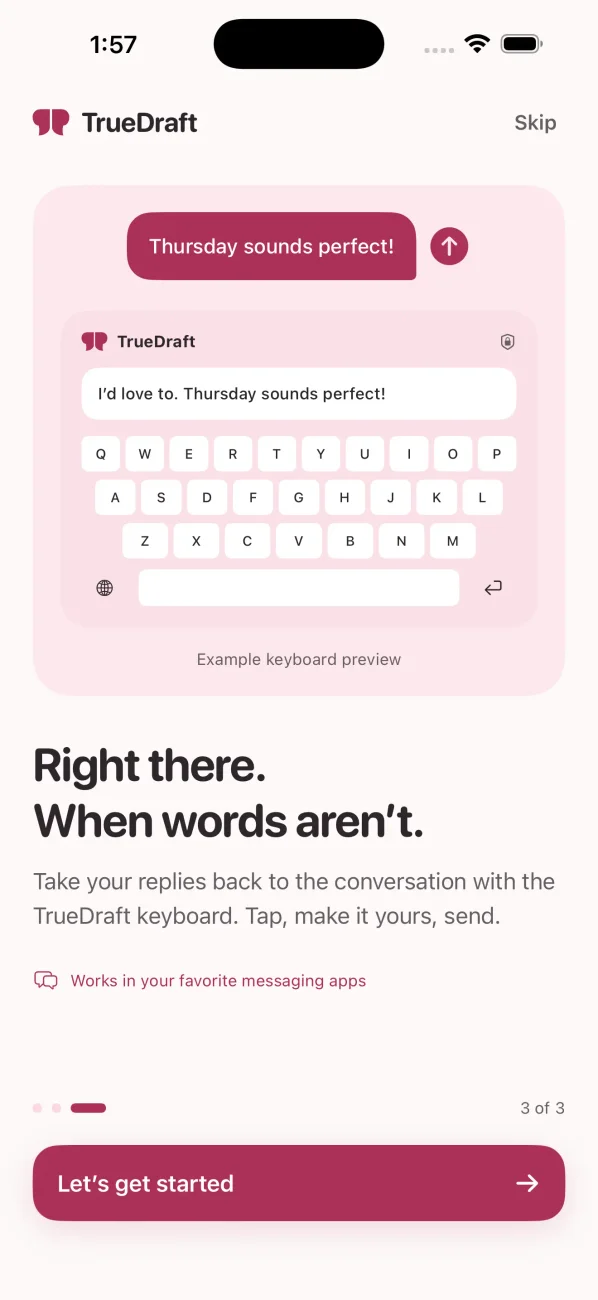
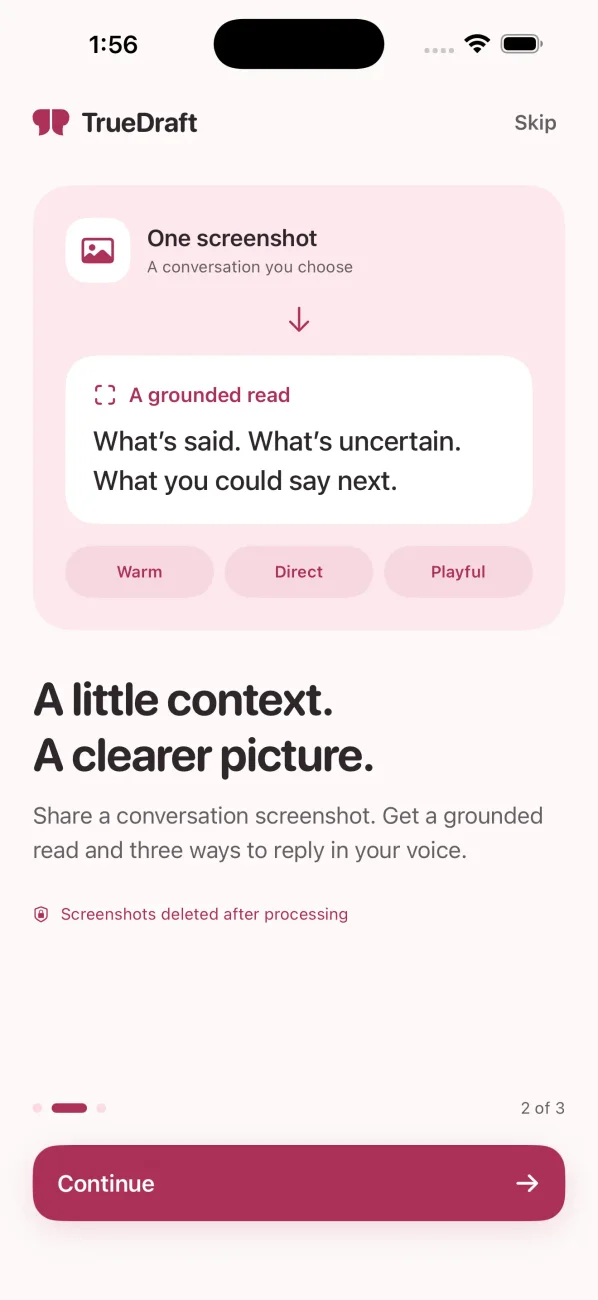
Share a conversation screenshot. Get a grounded read of what’s actually there, one clear next move, and three replies shaped by how you talk — then tap one in from the TrueDraft keyboard in Messages, WhatsApp, or wherever you’re texting.
Most AI jumps straight to words. TrueDraft slows down for one useful beat: what happened, what’s uncertain, and what move actually makes sense. No mind-reading. No autopilot. You stay in control.
HOW IT WORKS
1. Screenshot the thread (only what you want to share).
2. Share to TrueDraft — or open the TrueDraft keyboard in the chat.
3. Pick a reply, edit if you want, send when it feels right.
BUILT FOR REAL MOMENTS
• Dating and early-relationship texts
• Soft follow-ups (“made it home safe?”)
• Asking someone out again without overdoing it
• Messages where tone matters as much as the words
WHY IT FEELS DIFFERENT
• Starts from what’s on the screen — not a fantasy about what they “really” mean
• Calls out ambiguity instead of dressing a guess up as certainty
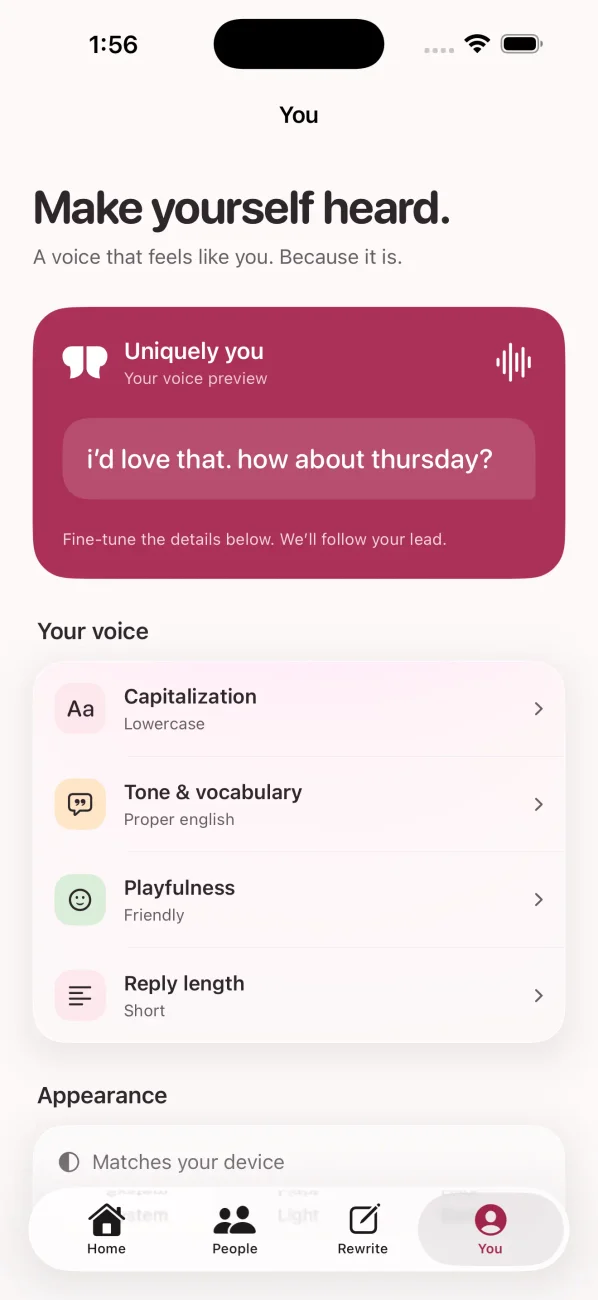
• Adaptive voice and style so drafts sound like you
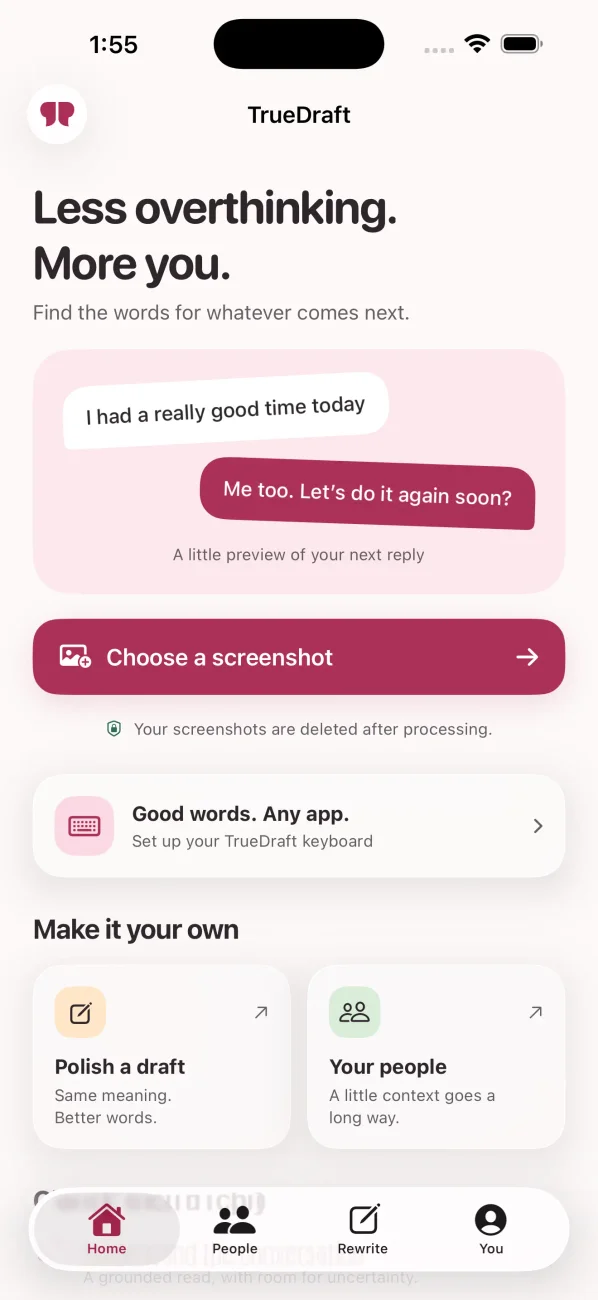
• People and context notes so recommendations stay personal
• Privacy by design — screenshots processed securely and deleted after analysis
KEYBOARD, ZERO FRICTION
Insert drafts directly into iMessage, WhatsApp, and your favorite apps. Check live keyboard status from Home. Setup checklist walks you through adding the keyboard after sign-up.
Free to start. Pro unlocks more drafts when you need them.
The right words. Still yours.
What’s new
Version 1.0.14 · Sep 28, 2026
1. Added age confirmation during account creation.
2. Added quick access to our Terms of Service and Privacy Policy.
3. Added an option to export your TrueDraft account data.
4. Improved the account and data deletion experience.
5. Added a Do Not Sell or Share privacy preference.
6. Clarified why the TrueDraft keyboard requests Full Access.
7. Updated privacy disclosures across the app.
8. Improved security, reliability, and account protection.
App privacy
What Abhisek Jha declares on the App Store about how this app handles data.
-
Data linked to you
May be collected and linked to your identity.
- Contact info
Privacy practices may vary, for example with the features you use or your age.
Information
- Seller
- Abhisek Jha
- Category
- Productivity
- Version
- 1.0.14
- Updated
- Sep 28, 2026
- Released
- Sep 9, 2026
- Size
- 3.0 MB
- Requires
- iOS 17.0 or later
- Age rating
- 4+
- Price
- Free
- Copyright
- © 2026 TrueDraft
You might also like
-
 CandyWrapper: Scan SafelyQR Code Security
-
 Lightspeed ReaderSpeed Reading Made Simple
-
 Tide Reading ListRead it or let it go
-
 My Read OfflineRead web text without internet
-
 SPARK - 2 Minute StarterBeat task paralysis in 2 min
-
 TextHighlightsget the key information easily
-
 sendAllSend mass texts individually.
-
 RR - RapidReadsRead one word at a time
-
 EverHabitTrack habits. Keep streaks.
-
 Focus: Read BetterBetter Reading Experience