
UNC Libraries Self-Checkout
Self-Checkout in Your Pocket!
Entwickelt für iPhone, iPad, iPod touch
Kostenlos
- Altersfreigabe17+
- KategorieLifestyle
- EntwicklerMeescan Inc.
- SprachenEnglisch+ 2 weitere
- Größe356,3 MB
Verlinkt auf die offizielle App Store-Seite
Download.org hostet keine Datei von UNC Libraries Self-Checkout. Die Schaltfläche öffnet die App-Seite bei App Store, wo Meescan Inc. die App veröffentlicht. Eintrag zuletzt geprüft am 23.11.2026.
Screenshots


Info
Der Entwickler hat diesen Text nicht in Ihrer Sprache bereitgestellt.
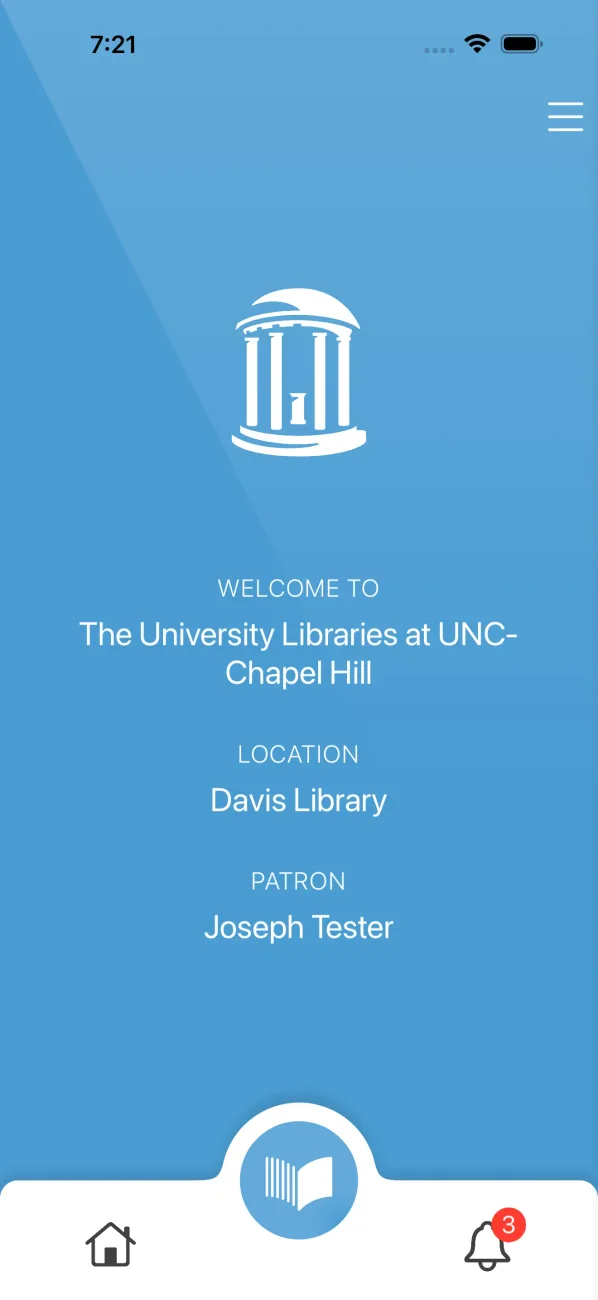
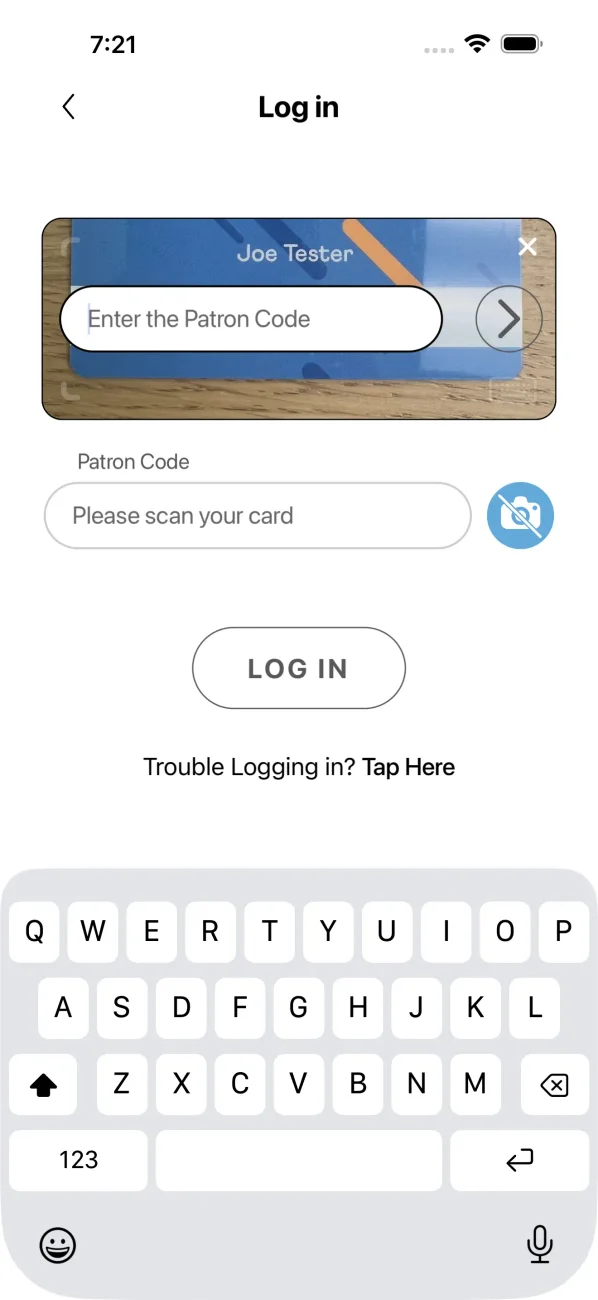
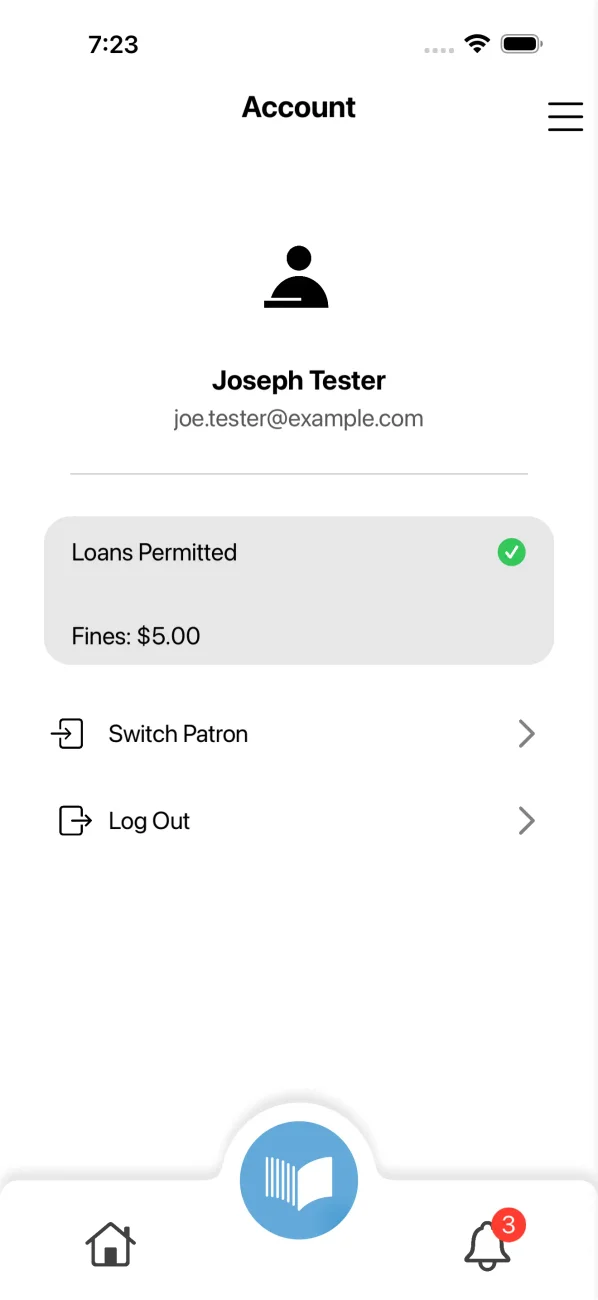
The UNC University Libraries Self-Checkout App requires an UNC ONYEN and password.
1. Download the app to your phone.
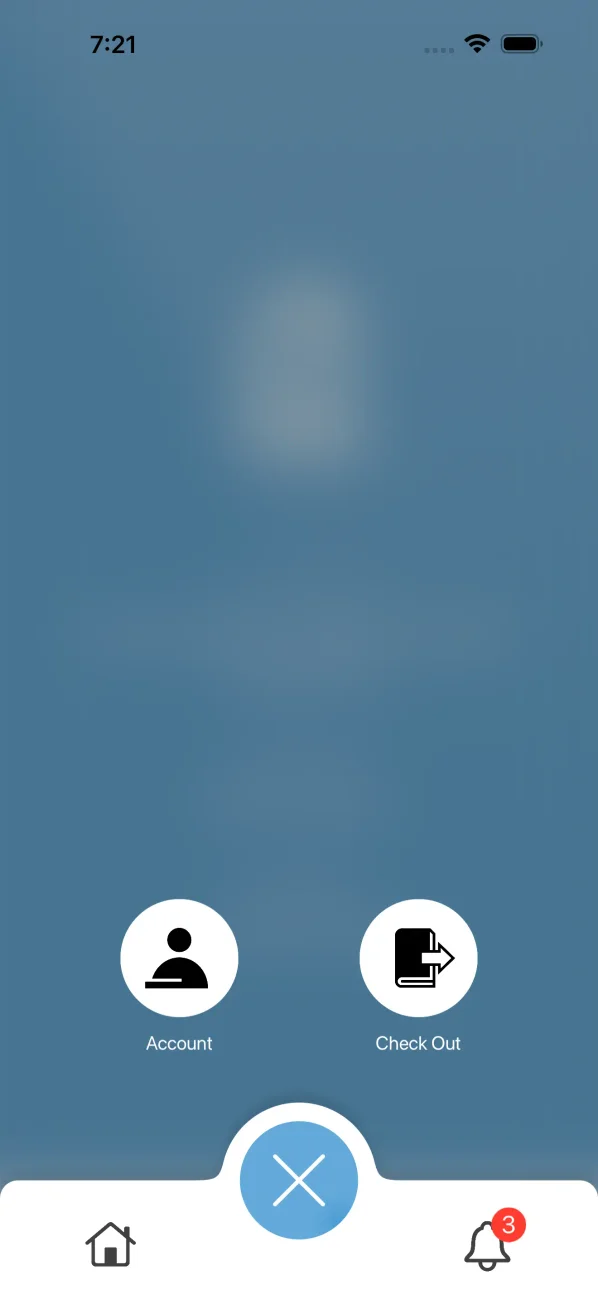
2. Open the app and Login with your UNC ONYEN and password.
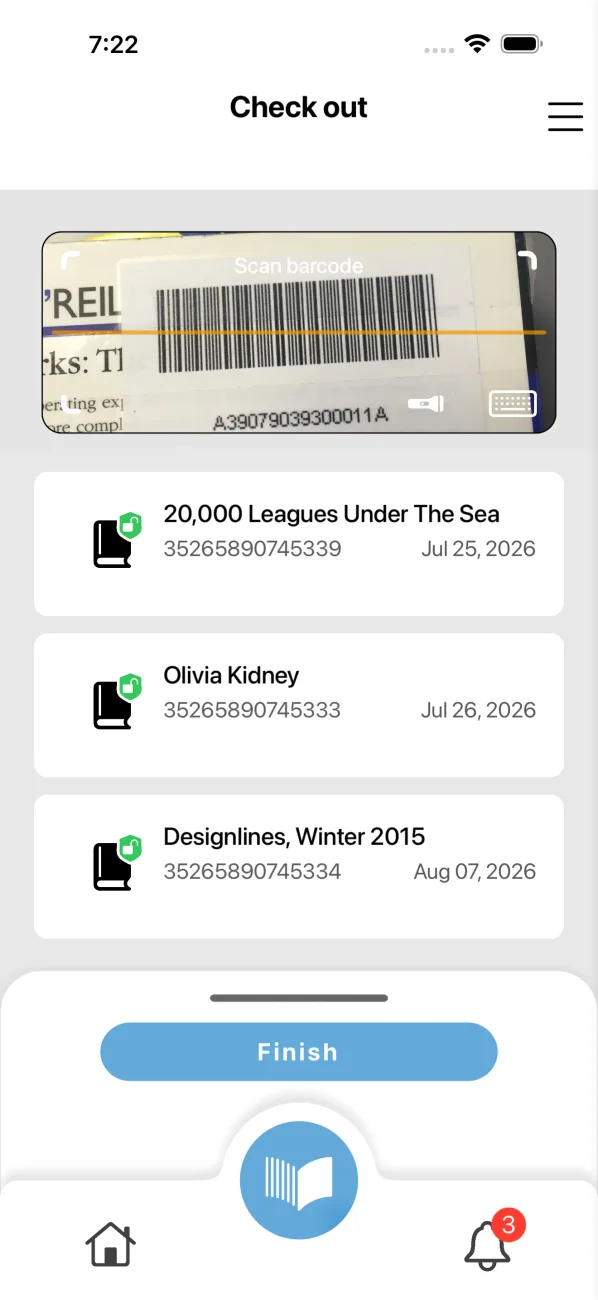
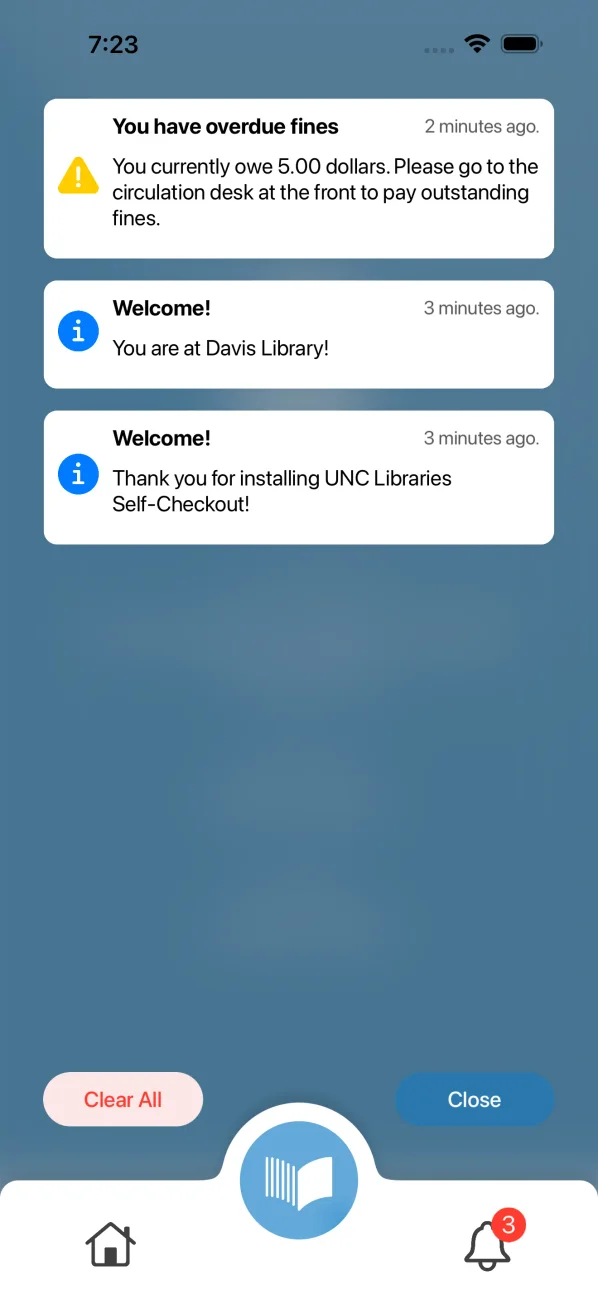
3. Use your phone's camera to take pictures of the barcodes on the items you want to check out. When the app recognizes the barcode, the item will be listed on your phone screen.
4. Click Finish or Log Out when you're done.
5. Visit a desensitizing station in Davis Library or the Health Sciences Library if you want to take the books out of the building.
Neue Funktionen
Version 5.02.12 · 19.11.2026
To make our app better for you, we bring updates to the store regularly. This update also includes minor usability improvements and bug fixes.
App-Datenschutz
Was Meescan Inc. im App Store zum Umgang dieser App mit Daten angibt.
-
Keine Daten erfasst
Der Entwickler erfasst keine Daten von dieser App.
Die Datenschutzpraktiken können variieren, zum Beispiel je nach den von Ihnen verwendeten Funktionen oder Ihrem Alter.
Informationen
- Anbieter
- Meescan Inc.
- Kategorie
- Lifestyle
- Version
- 5.02.12
- Aktualisiert
- 19.11.2026
- Veröffentlicht
- 18.11.2020
- Größe
- 356,3 MB
- Erfordert
- iOS 15.0 oder neuer
- Altersfreigabe
- 17+
- Preis
- Kostenlos
- Sprachen
- Englisch, Französisch, Spanisch
- Copyright
- © Meescan 2026