
UNC Libraries Self-Checkout
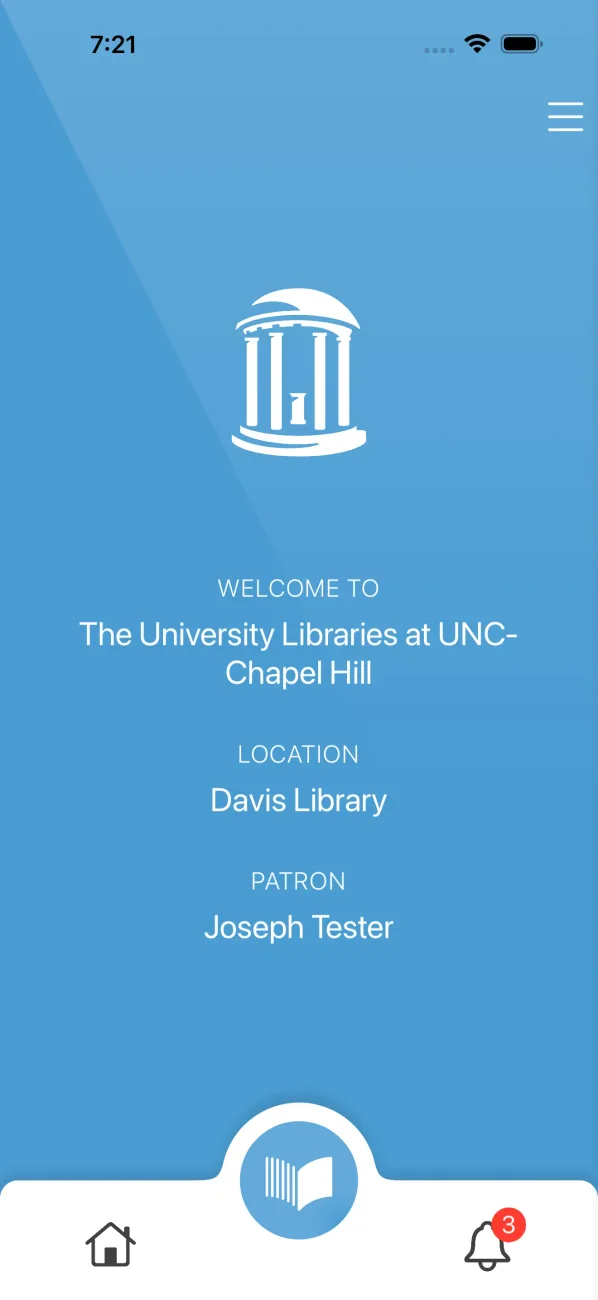
Self-Checkout in Your Pocket!
Designed for iPhone, iPad, iPod touch
Free
- Age rating17+
- CategoryLifestyle
- DeveloperMeescan Inc.
- LanguagesEnglish+ 2 more
- Size356.3 MB
Links to the official App Store page
Download.org hosts no file of UNC Libraries Self-Checkout. The button opens its official App Store page, published by Meescan Inc. Listing last checked on Nov 23, 2026.
Screenshots


About
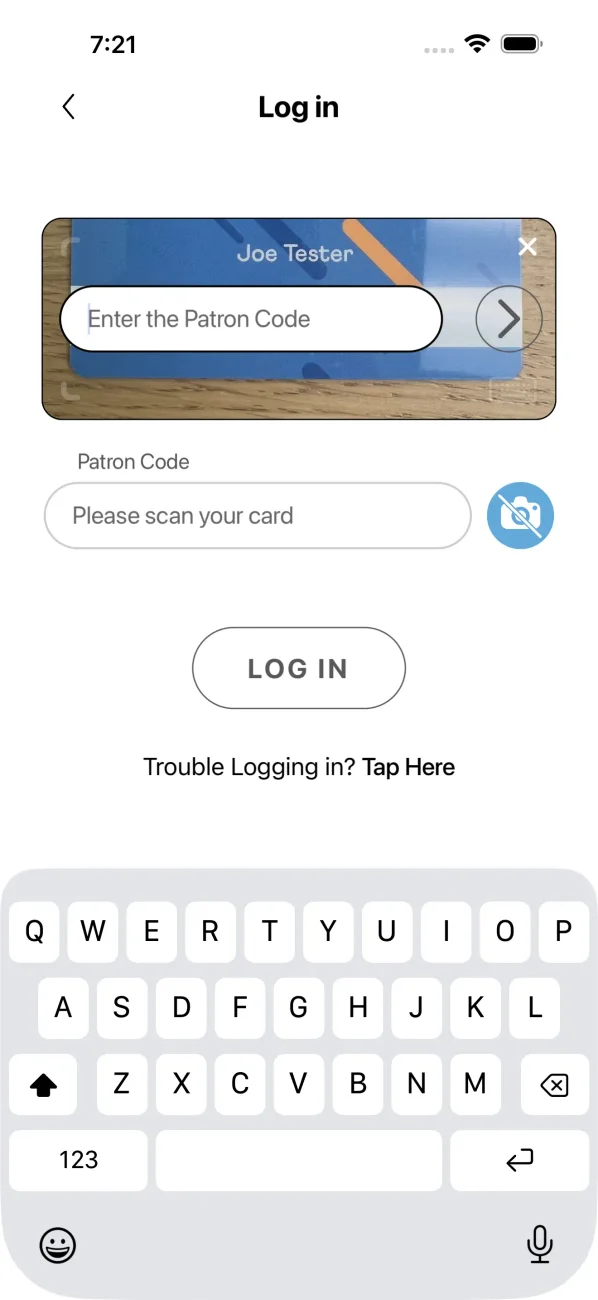
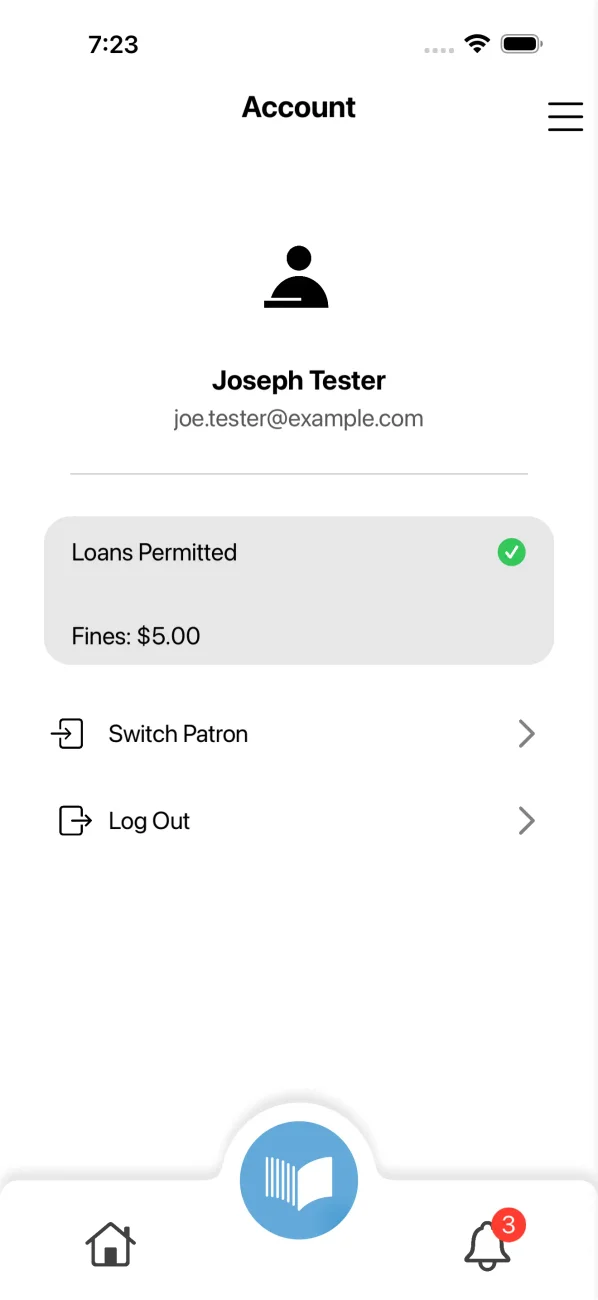
The UNC University Libraries Self-Checkout App requires an UNC ONYEN and password.
1. Download the app to your phone.
2. Open the app and Login with your UNC ONYEN and password.
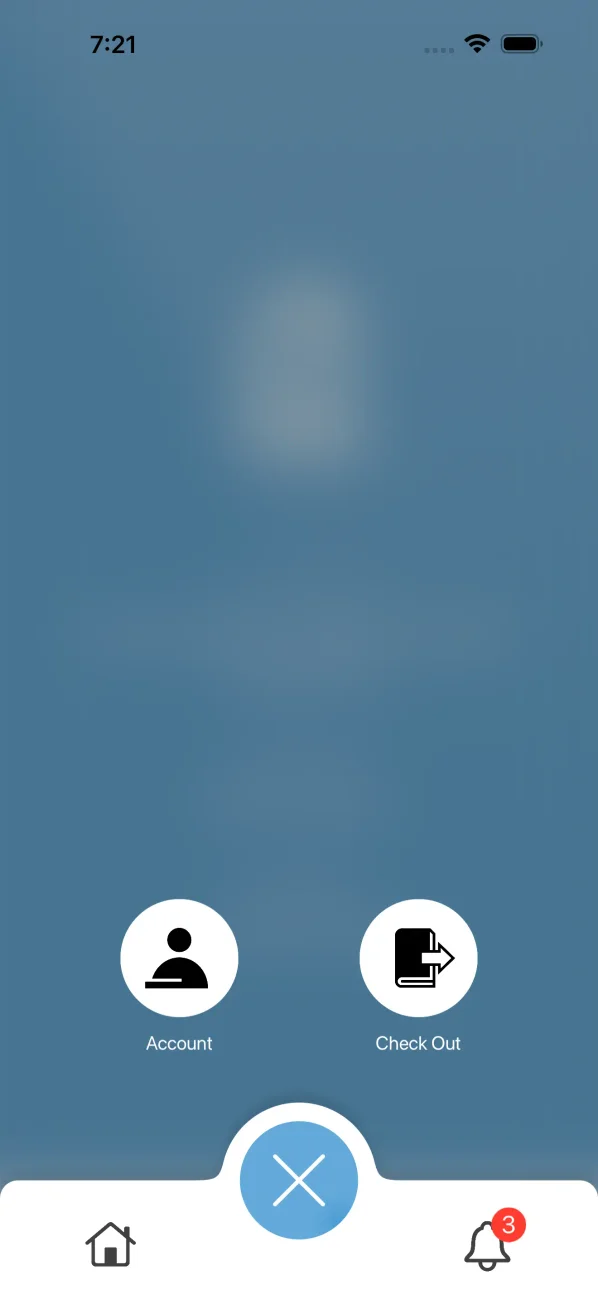
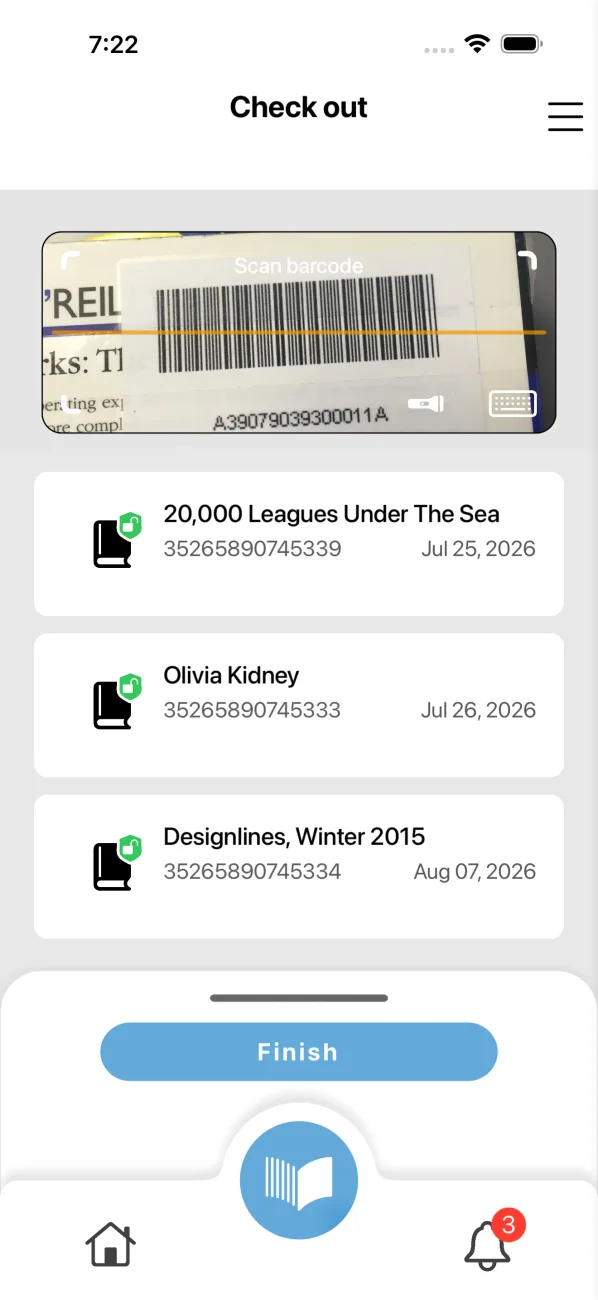
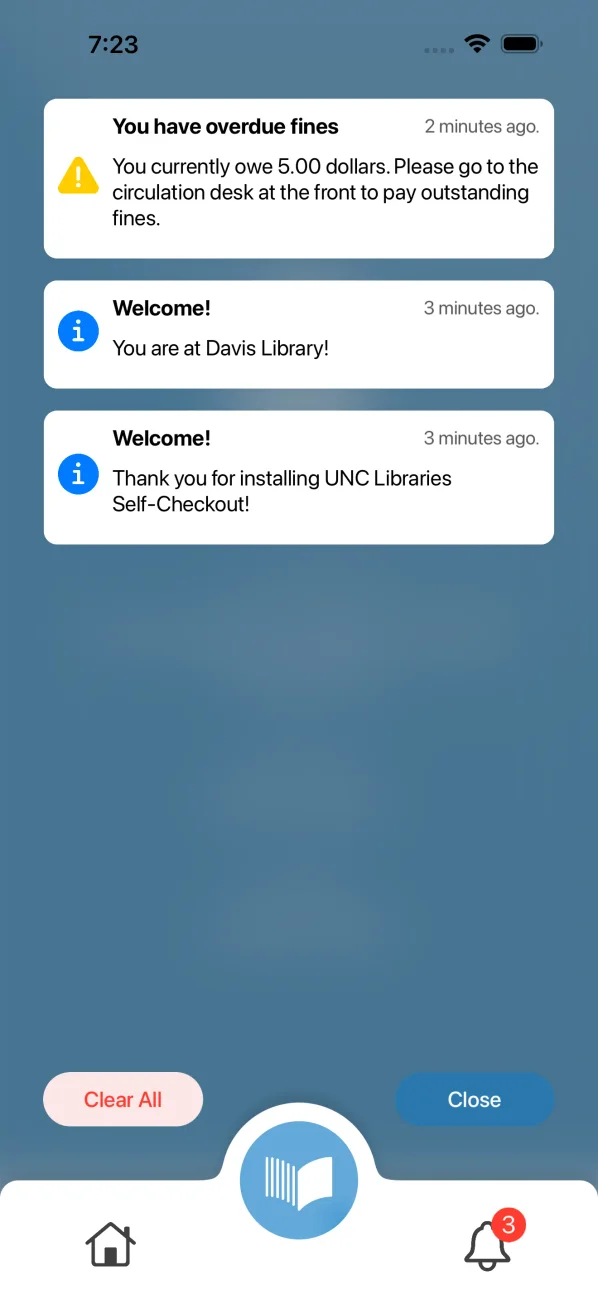
3. Use your phone's camera to take pictures of the barcodes on the items you want to check out. When the app recognizes the barcode, the item will be listed on your phone screen.
4. Click Finish or Log Out when you're done.
5. Visit a desensitizing station in Davis Library or the Health Sciences Library if you want to take the books out of the building.
What’s new
Version 5.02.12 · Nov 19, 2026
To make our app better for you, we bring updates to the store regularly. This update also includes minor usability improvements and bug fixes.
App privacy
What Meescan Inc. declares on the App Store about how this app handles data.
-
Data not collected
The developer does not collect any data from this app.
Privacy practices may vary, for example with the features you use or your age.
Information
- Seller
- Meescan Inc.
- Category
- Lifestyle
- Version
- 5.02.12
- Updated
- Nov 19, 2026
- Released
- Nov 18, 2020
- Size
- 356.3 MB
- Requires
- iOS 15.0 or later
- Age rating
- 17+
- Price
- Free
- Languages
- English, French, Spanish
- Copyright
- © Meescan 2026
You might also like
-
 Anchor : Dating FirstLifestyle
-
 Grace Church - NCGrace Church of Chapel Hill
-
 PhubbedPut Down the Phone, Together
-
 MindBloom - AI MeditationYour meditation ready to begin
-
 CRAVATELifestyle
-
 PetVitals: Pet Health TrackerVet Reminders & Pet Care Log
-
 NCCCS Library CatalogLifestyle
-
 Roaring Brook RecoveryLifestyle
-
 Atlanta Recovery PlaceLifestyle
-
 Cat Tracker & Puppy ScheduleEvery Wag: Dog & Pet Health