
UNC Libraries Self-Checkout
Self-Checkout in Your Pocket!
iPhone, iPad, iPod touch向けに設計
無料
- 対象年齢17+
- カテゴリライフスタイル
- 開発元Meescan Inc.
- 言語英語ほか2言語
- サイズ356.3 MB
App Storeの公式ページにリンクしています
Download.orgはUNC Libraries Self-Checkoutのファイルを一切ホストしていません。ボタンを押すと、Meescan Inc.が公開しているApp Storeのアプリページが開きます。ページの最終確認:2026/11/23。
スクリーンショット
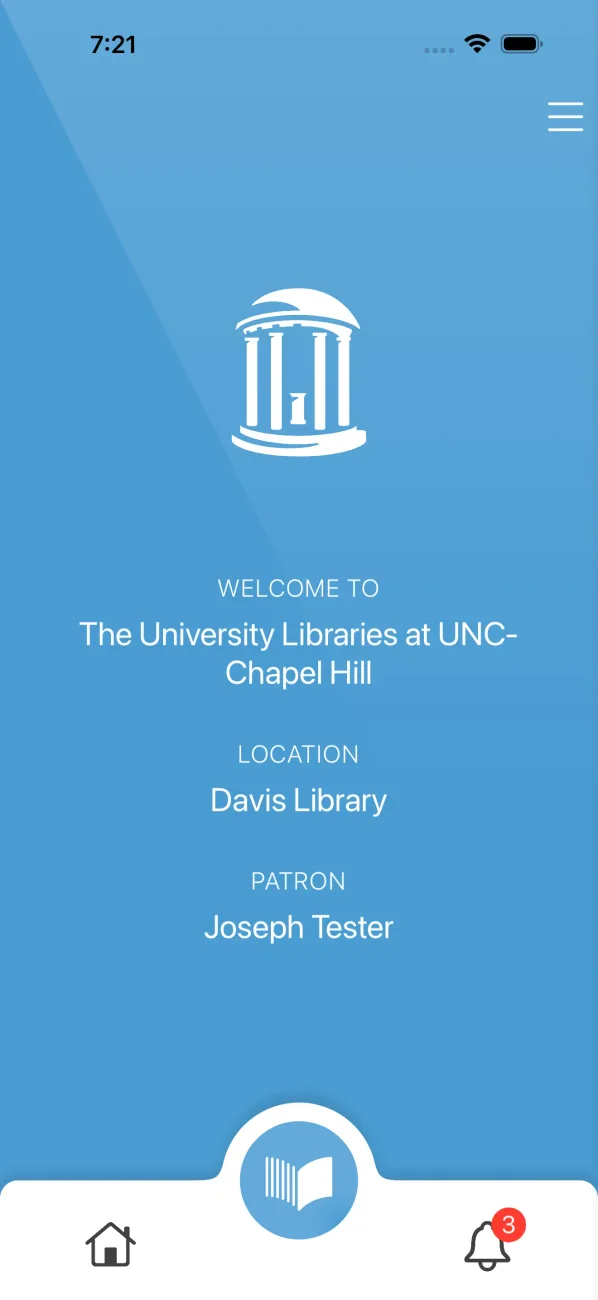
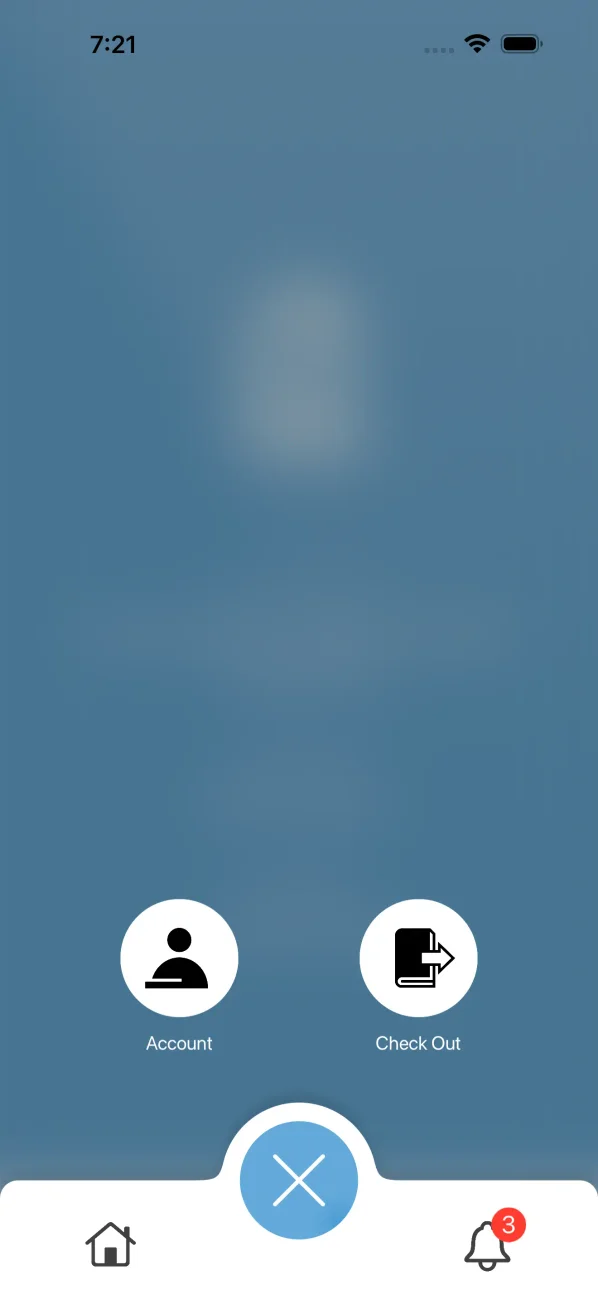


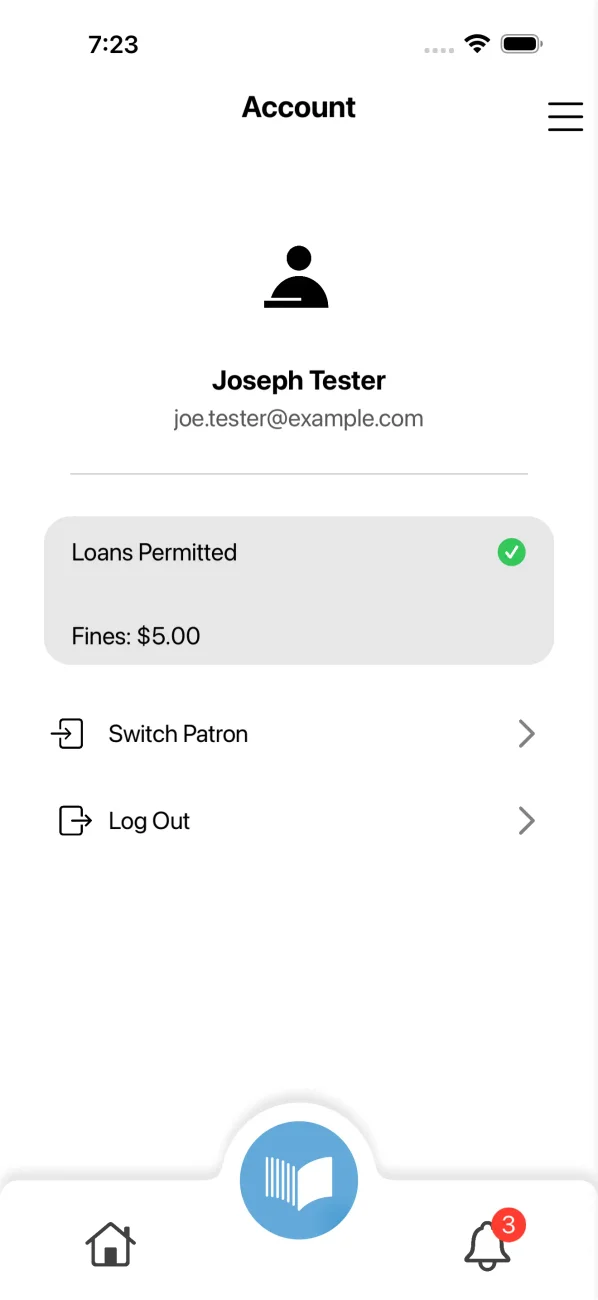
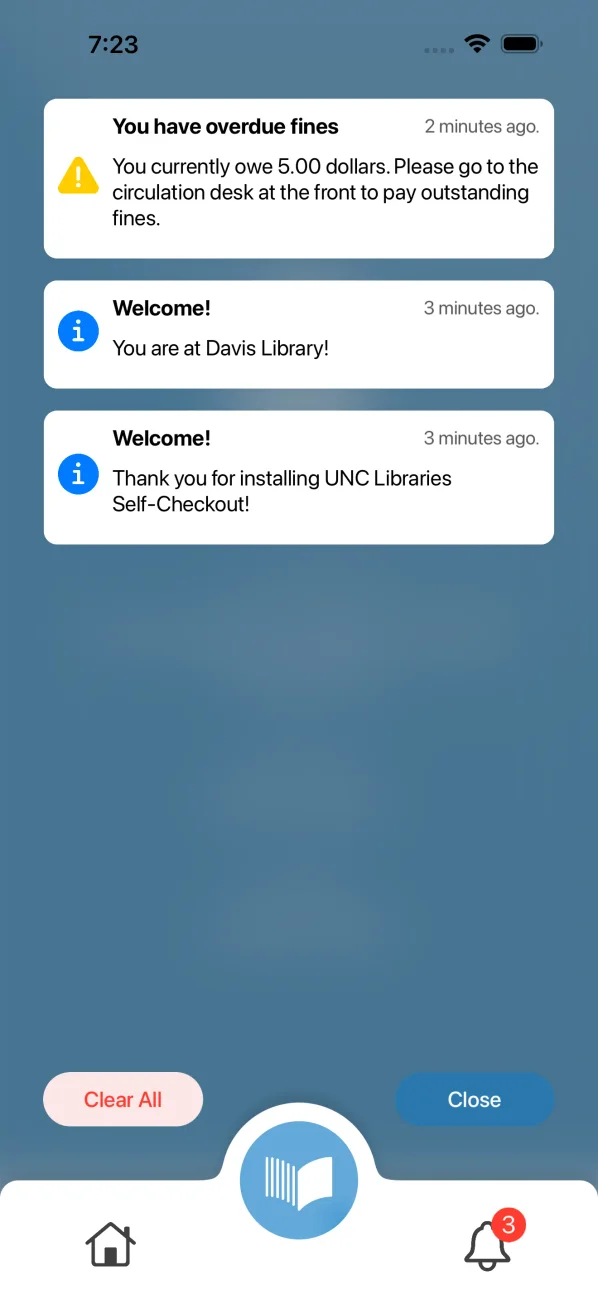
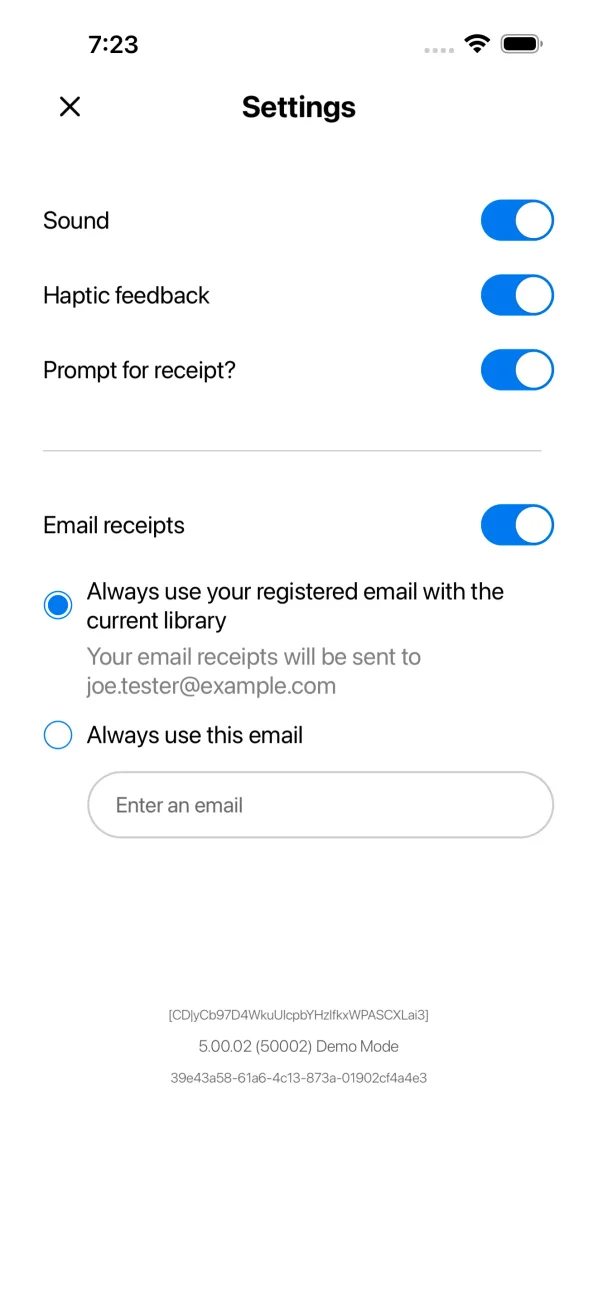
概要
開発元はこのテキストをお使いの言語で提供していません。
The UNC University Libraries Self-Checkout App requires an UNC ONYEN and password.
1. Download the app to your phone.
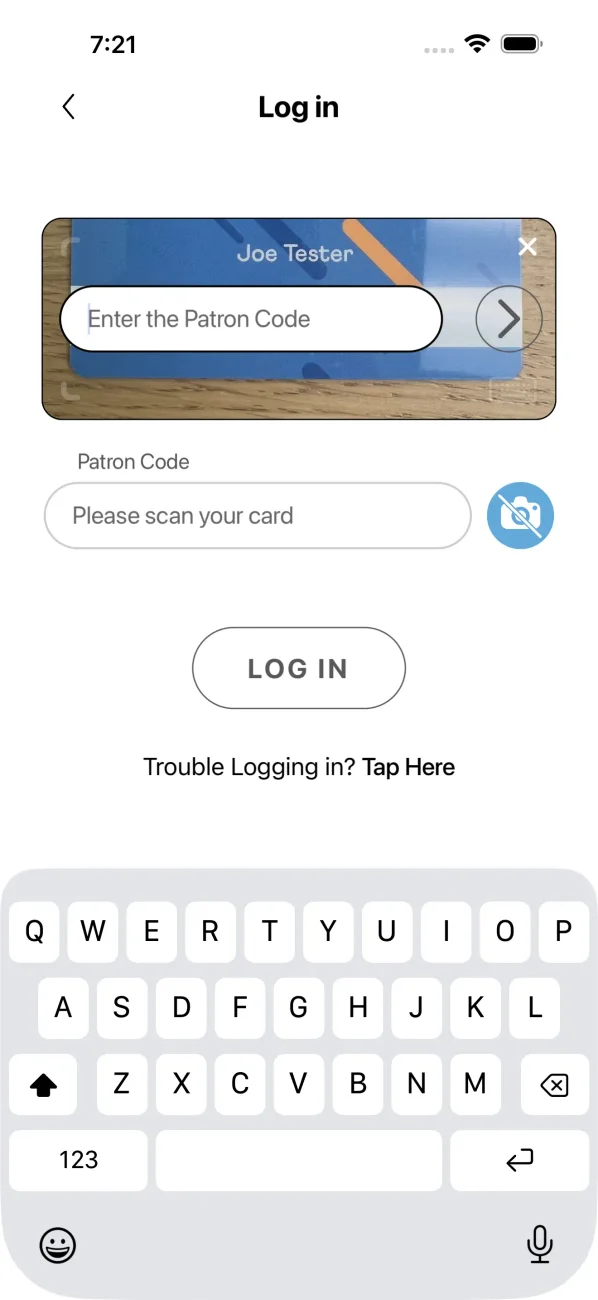
2. Open the app and Login with your UNC ONYEN and password.
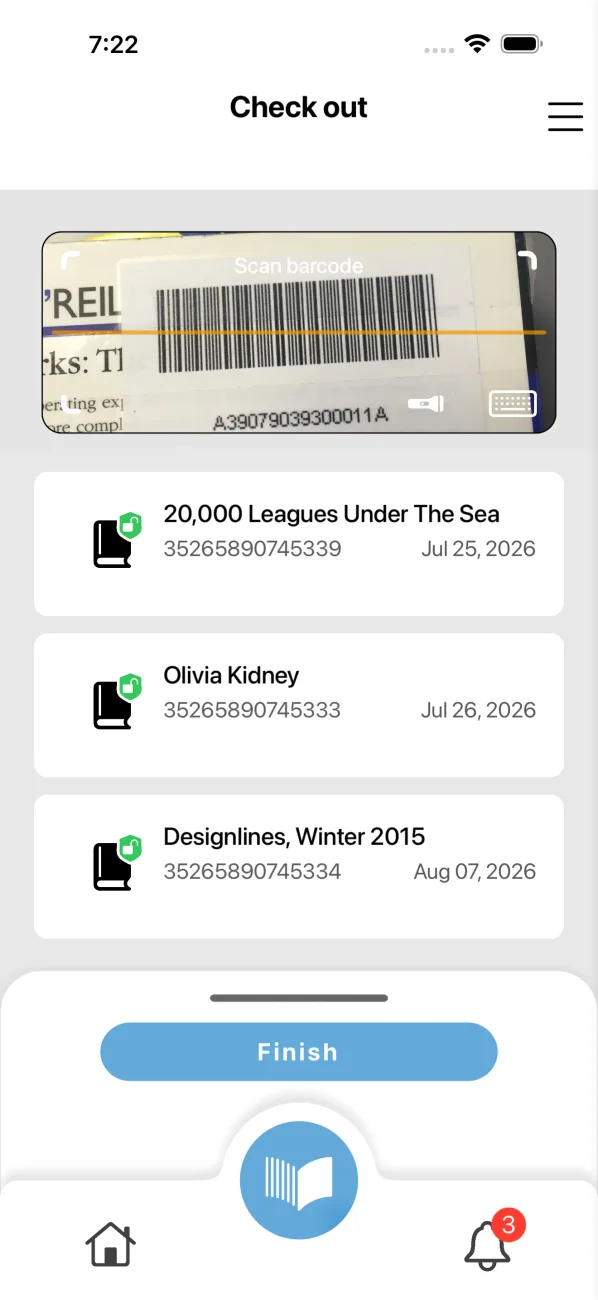
3. Use your phone's camera to take pictures of the barcodes on the items you want to check out. When the app recognizes the barcode, the item will be listed on your phone screen.
4. Click Finish or Log Out when you're done.
5. Visit a desensitizing station in Davis Library or the Health Sciences Library if you want to take the books out of the building.
新機能
バージョン 5.02.12 · 2026/11/19
To make our app better for you, we bring updates to the store regularly. This update also includes minor usability improvements and bug fixes.
アプリのプライバシー
このアプリのデータの取り扱いについて、Meescan Inc.がApp Storeで申告している内容です。
-
データの収集なし
開発元はこのアプリからデータを収集しません。
プライバシーの取り扱いは、ご利用の機能やお客様の年齢などに応じて異なる場合があります。
情報
- 販売元
- Meescan Inc.
- カテゴリ
- ライフスタイル
- バージョン
- 5.02.12
- 更新日
- 2026/11/19
- リリース
- 2020/11/18
- サイズ
- 356.3 MB
- 必要条件
- iOS 15.0以降
- 対象年齢
- 17+
- 価格
- 無料
- 言語
- 英語, フランス語, スペイン語
- 著作権
- © Meescan 2026