Vector Illustration - Draw PRO
Entwickelt für iPhone, iPad, iPod touch
0,99 € · In-App-Käufe
- Altersfreigabe4+
- KategorieFoto und Video
- EntwicklerEyeOS Store Inc.
- SprachenEnglisch
- Größe11,5 MB
Verlinkt auf die offizielle App Store-Seite
Download.org hostet keine Datei von Vector Illustration - Draw PRO. Die Schaltfläche öffnet die App-Seite bei App Store, wo EyeOS Store Inc. die App veröffentlicht. Eintrag zuletzt geprüft am 10.11.2026.
Screenshots
Info
Der Entwickler hat diesen Text nicht in Ihrer Sprache bereitgestellt.
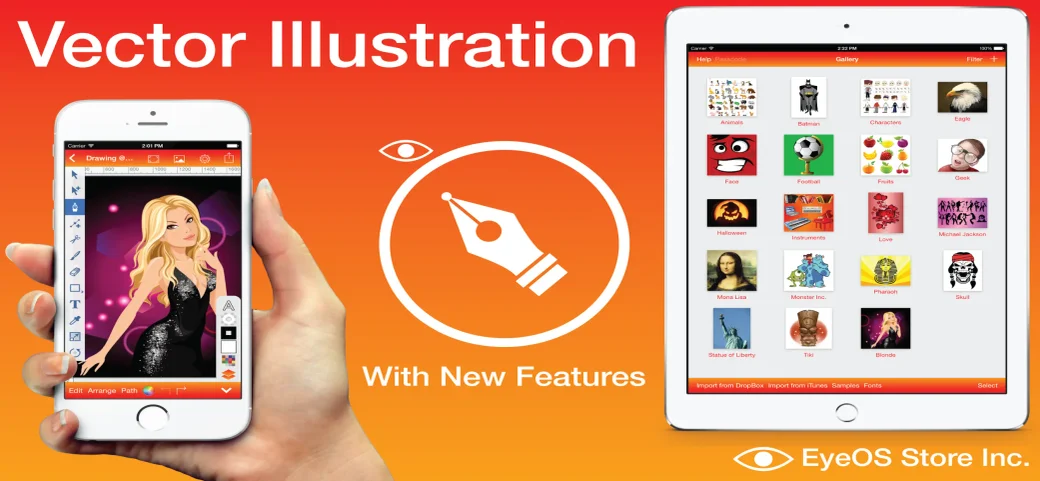
* Finally comes to your iPhone and iPod Touch as well as your iPad *
Extra Features:
√80+ Image Filters.
√Universal: Available on iPhone, iPod Touch, and iPad.
√Passcode Lock for the whole App to secure your Drawings.
√Export/Import your Drawings directly to/from your PC, and MAC.
√Send/Receive your Drawings via AirDrop (Device to Device directly).
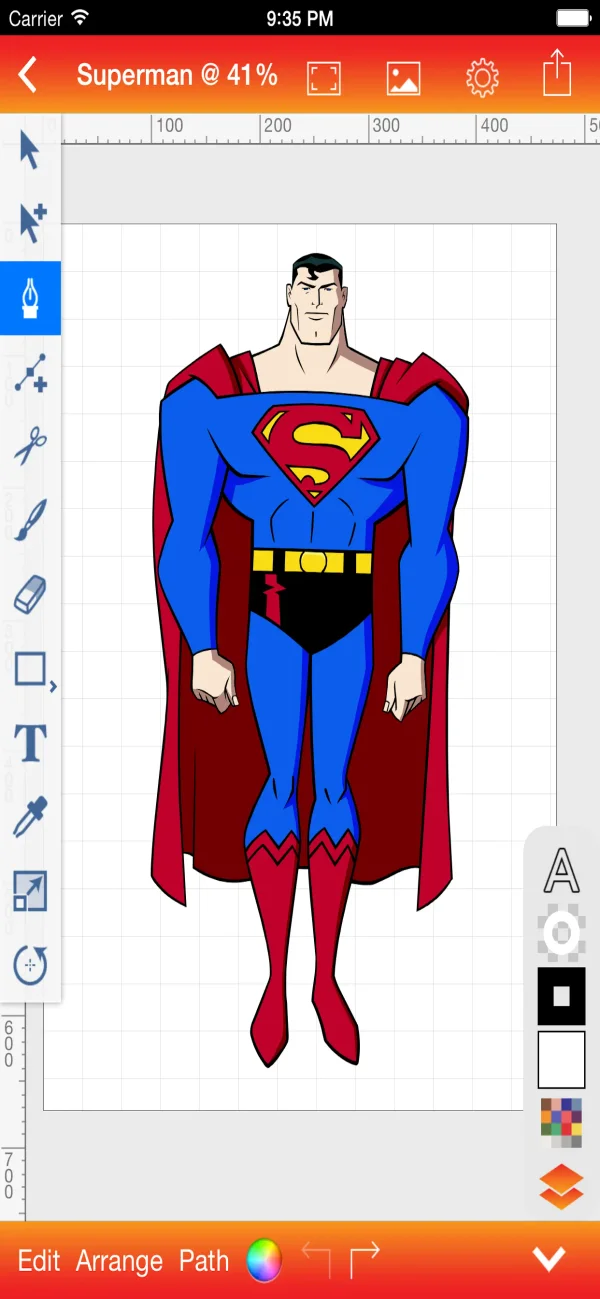
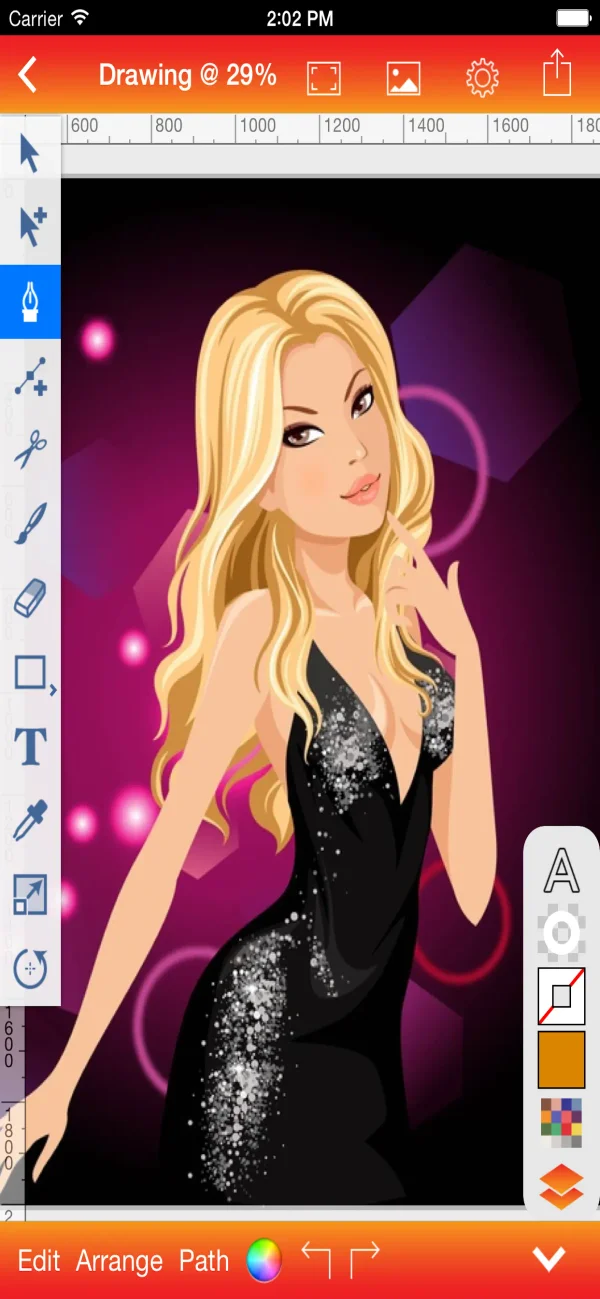
'Vector Illustration' is your Ultimate Vector Illustration App for your iPhone, iPod Touch and iPad. It supports Paths, Compound Paths, Text, Images, Groups, Masks, Gradient Fills, and an unlimited number of Layers. It was designed with performance in mind. It can easily handle Drawings with hundreds to thousands of shapes without bogging down. Export/Import your Drawings directly to/from your Dropbox, PC, MAC, and Send/Receive them Device-to-Device directly via AirDrop.
Main Features:
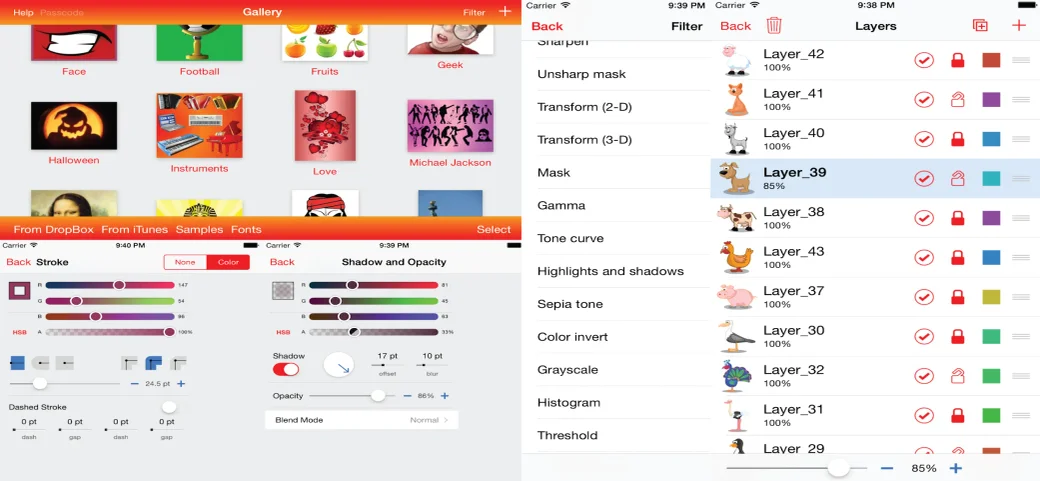
√80+ Image Filters to be applied to any of your Drawings.
√Passcode Lock for the whole App to secure your Drawings.
√Very high performance. Select, Scale and Rotate hundreds of objects with zero lag.
√Create arbitrary Bezier Paths with the Pen tool.
√Create Compound Paths, Masks and Groups.
√Create Text objects with many available Fonts and your own Fonts.
√Place Photos from your Albums.
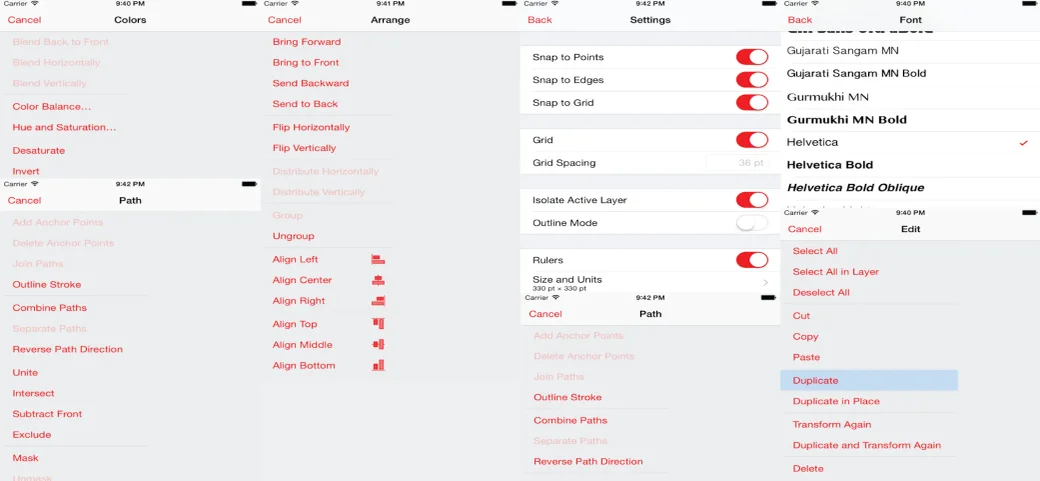
√Boolean operators on Paths (Unite, Intersect, Exclude, Subtract Front)
√Powerful Scale and Rotate tools.
√Gradient Fills with interactive editing on canvas.
√Arbitrary Stroke dash patterns.
√Swatch Library.
√Unlimited Layers per Drawing.
√Rename, Rearrange, Delete, Hide and Lock Layers.
√Adjust Layer transparency.
√Snap to Grid, Points, and Path edges.
√Isolate the active Layer for easy editing.
√Show/Hide Grid, and Ruler.
√Outline Mode.
√Duplicate in Place, Duplicate from one Drawing to another, and Transform Again.
√Cut and Copy in Place and from one Drawing to another.
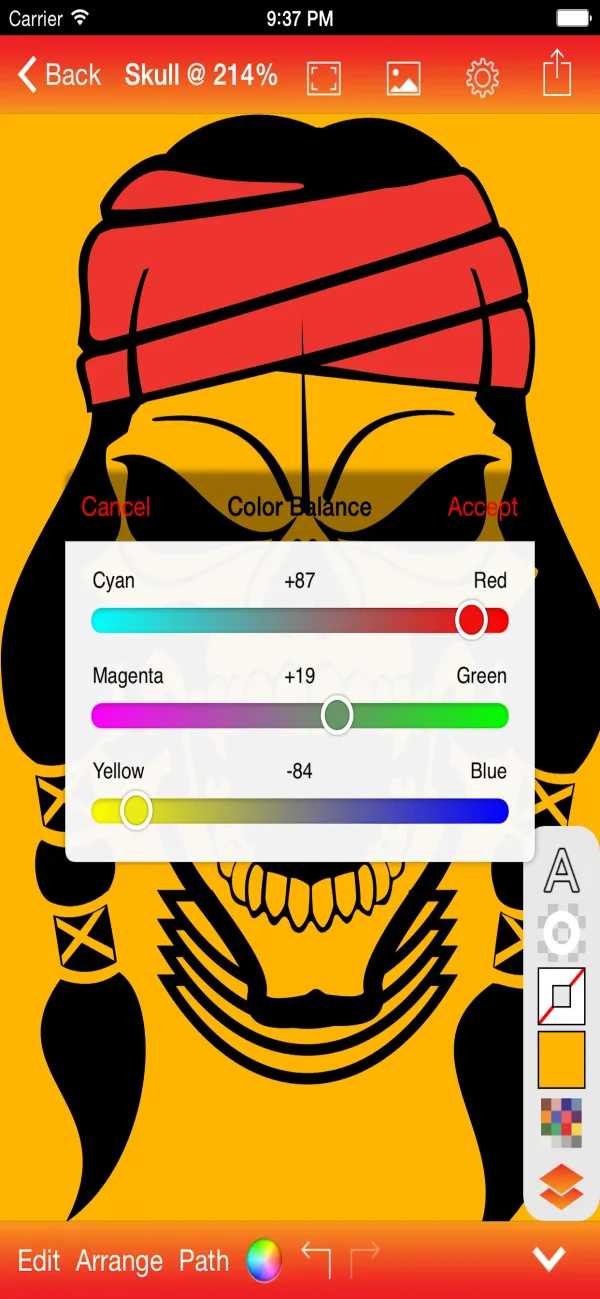
√Blend, Set Color Balance, and Set Hue and Saturation.
√Stroke, Fill, Shadow, Gradient, and Opacity settings.
√Import your own Font.
√Save Drawings to your Album, Copy Drawings, Duplicate Drawings, Print Drawings, Post Drawings on Facebook, and Tweet Drawings on Twitter.
√Email Drawings as SVG, PDF, PNG and JPEG.
√Send/Receive (Export/Import) SVG, PDF, PNG, and JPEG directly to/from your Dropbox.
√Send/Receive (Export/Import) SVG, PDF, PNG, and JPEG directly to/from your PC or MAC with iTunes via USB Cable.
√Send/Receive Drawings via AirDrop Device-to-Device directly.
Neue Funktionen
Version 2.2 · 16.03.2026
Continuous enhancements
App-Datenschutz
Was EyeOS Store Inc. im App Store zum Umgang dieser App mit Daten angibt.
-
Keine Daten erfasst
Der Entwickler erfasst keine Daten von dieser App.
Die Datenschutzpraktiken können variieren, zum Beispiel je nach den von Ihnen verwendeten Funktionen oder Ihrem Alter.
Informationen
- Anbieter
- EyeOS Store Inc.
- Kategorie
- Foto und Video
- Version
- 2.2
- Aktualisiert
- 16.03.2026
- Veröffentlicht
- 13.10.2015
- Größe
- 11,5 MB
- Erfordert
- iOS 13.0 oder neuer
- Altersfreigabe
- 4+
- Preis
- 0,99 €
- In-App-Käufe
- Ja
- Sprachen
- Englisch
- Copyright
- Copyright © 2026 EyeOS Store Inc. All rights reserved.
Das könnte Ihnen auch gefallen
-
 miniDraw 2: Vector DrawingFoto und Video
-
 Vector Magic: Vectorize ImagesFoto und Video
-
 Vector Q by ImaengineFoto und Video
-
 ImaengineFoto und Video
-
 Skizzeneffekt für BildbearbeitBleistiftzeichnung mit Farbeff
-
 CartoonMe - Cartoon yourselfFoto und Video
-
 ArtistA: Karikatur Skizze BildLustige Skizze, Animieren, KI
-
 Bleistiftzeichnen Foto EditorFoto und Video
-
 AI Logo Erstellen-3D Textgrafik design&Animierter Text
-
 Instant Toon: KunstfilterMalerei, Skizze & Aquarell