Vector Illustration - Draw PRO
Diseñada para iPhone, iPad, iPod touch
0,99 € · Compras en la aplicación
- Clasificación por edad4+
- CategoríaFoto y vídeo
- DesarrolladorEyeOS Store Inc.
- IdiomasInglés
- Tamaño11,5 MB
Enlaza a la página oficial de App Store
Download.org no aloja ningún archivo de Vector Illustration - Draw PRO. El botón abre la página de la aplicación en App Store, donde la publica EyeOS Store Inc. Ficha comprobada por última vez el 10/11/2026.
Capturas de pantalla
Acerca de
El desarrollador no ha proporcionado este texto en tu idioma.
* Finally comes to your iPhone and iPod Touch as well as your iPad *
Extra Features:
√80+ Image Filters.
√Universal: Available on iPhone, iPod Touch, and iPad.
√Passcode Lock for the whole App to secure your Drawings.
√Export/Import your Drawings directly to/from your PC, and MAC.
√Send/Receive your Drawings via AirDrop (Device to Device directly).
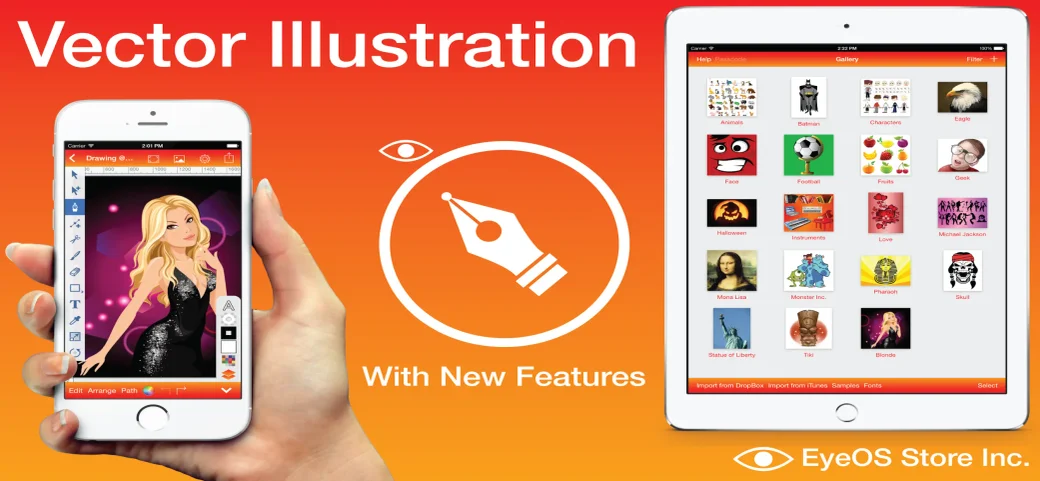
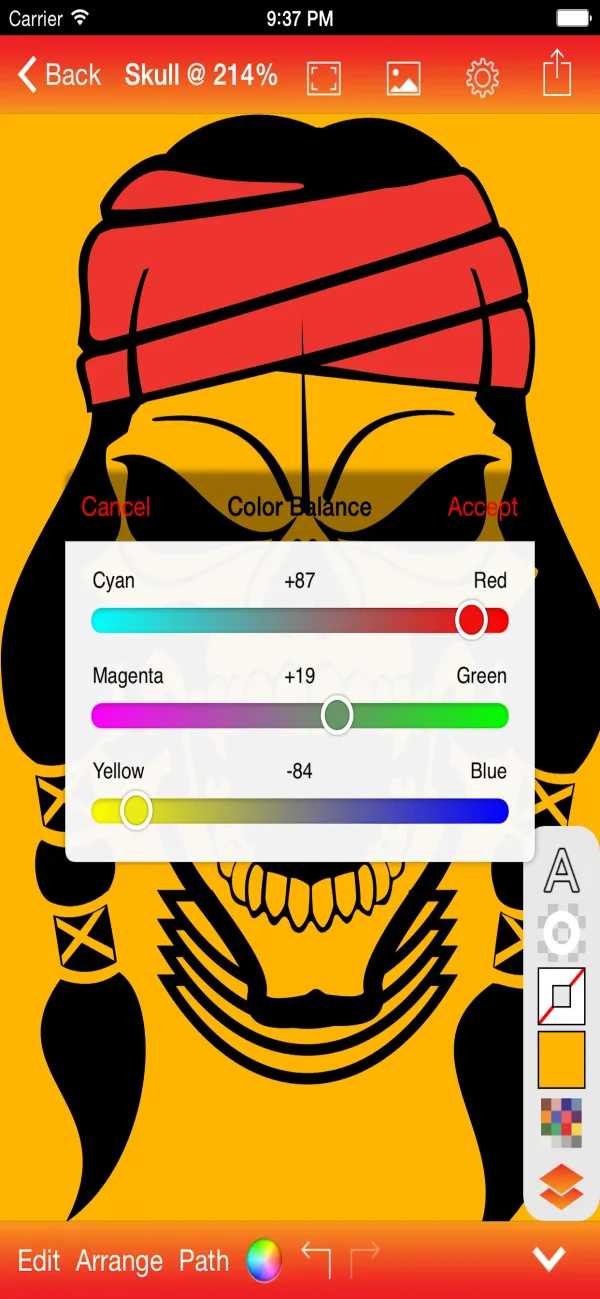
'Vector Illustration' is your Ultimate Vector Illustration App for your iPhone, iPod Touch and iPad. It supports Paths, Compound Paths, Text, Images, Groups, Masks, Gradient Fills, and an unlimited number of Layers. It was designed with performance in mind. It can easily handle Drawings with hundreds to thousands of shapes without bogging down. Export/Import your Drawings directly to/from your Dropbox, PC, MAC, and Send/Receive them Device-to-Device directly via AirDrop.
Main Features:
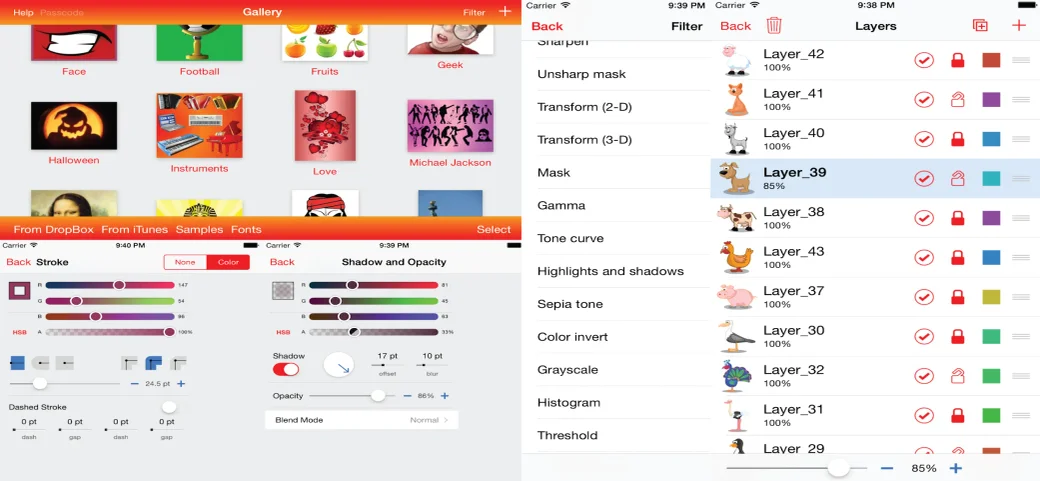
√80+ Image Filters to be applied to any of your Drawings.
√Passcode Lock for the whole App to secure your Drawings.
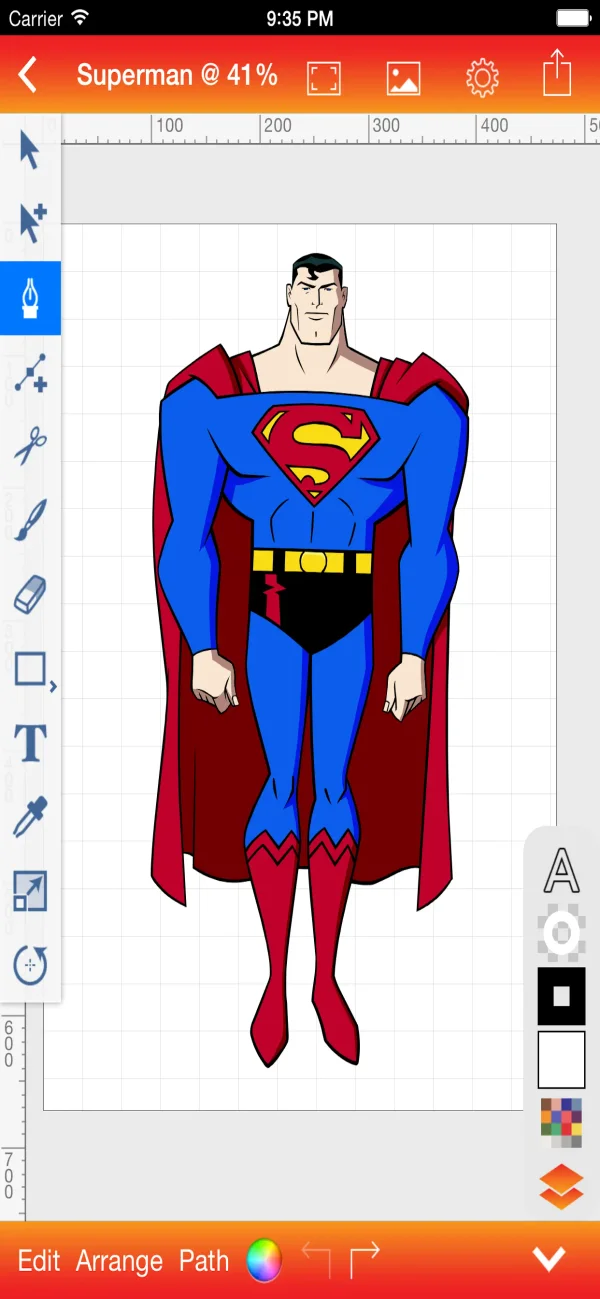
√Very high performance. Select, Scale and Rotate hundreds of objects with zero lag.
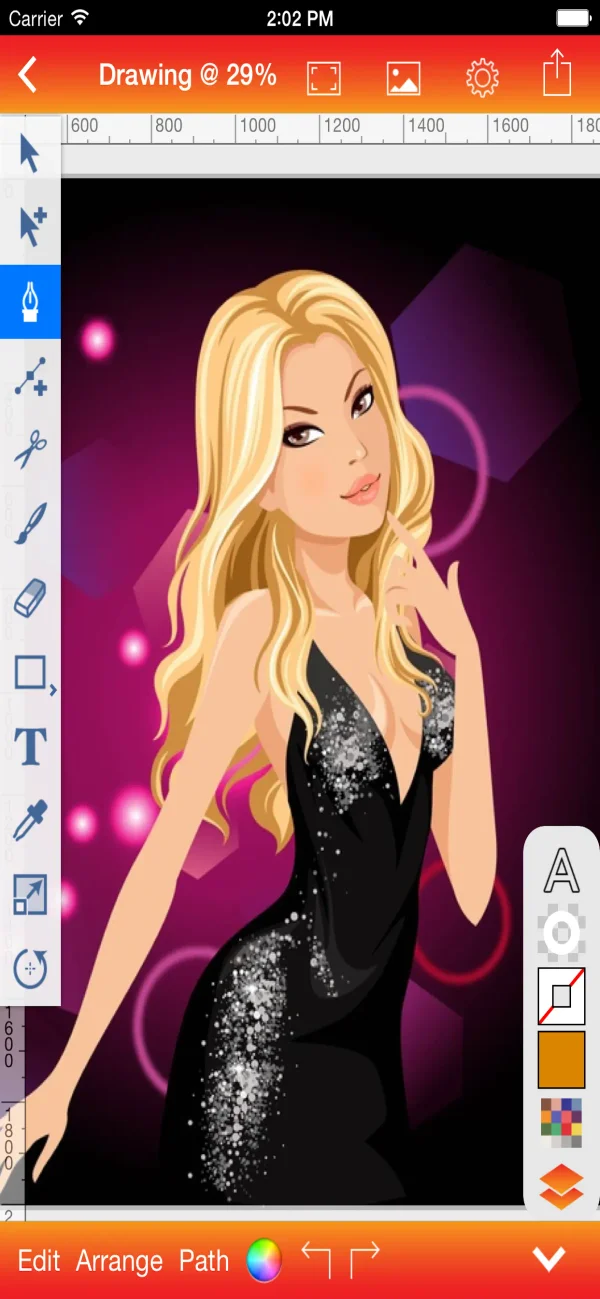
√Create arbitrary Bezier Paths with the Pen tool.
√Create Compound Paths, Masks and Groups.
√Create Text objects with many available Fonts and your own Fonts.
√Place Photos from your Albums.
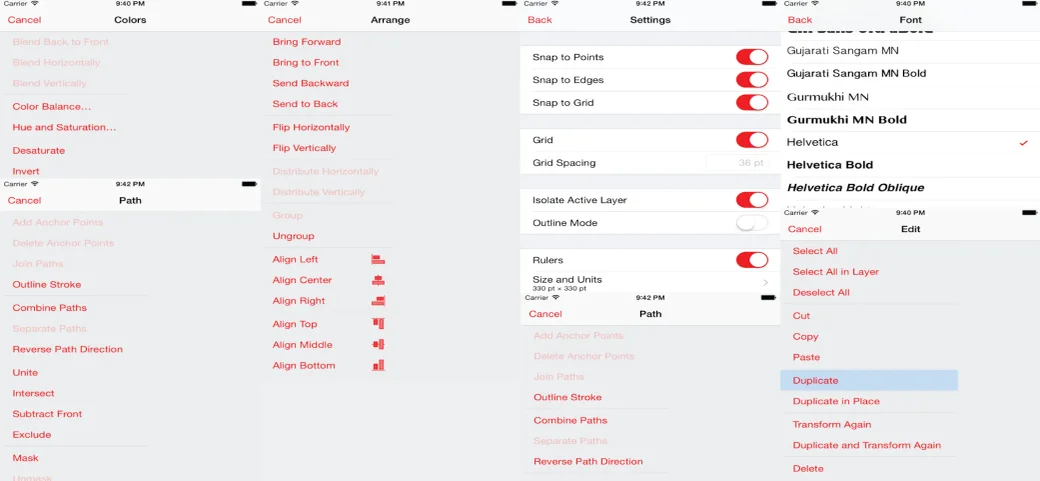
√Boolean operators on Paths (Unite, Intersect, Exclude, Subtract Front)
√Powerful Scale and Rotate tools.
√Gradient Fills with interactive editing on canvas.
√Arbitrary Stroke dash patterns.
√Swatch Library.
√Unlimited Layers per Drawing.
√Rename, Rearrange, Delete, Hide and Lock Layers.
√Adjust Layer transparency.
√Snap to Grid, Points, and Path edges.
√Isolate the active Layer for easy editing.
√Show/Hide Grid, and Ruler.
√Outline Mode.
√Duplicate in Place, Duplicate from one Drawing to another, and Transform Again.
√Cut and Copy in Place and from one Drawing to another.
√Blend, Set Color Balance, and Set Hue and Saturation.
√Stroke, Fill, Shadow, Gradient, and Opacity settings.
√Import your own Font.
√Save Drawings to your Album, Copy Drawings, Duplicate Drawings, Print Drawings, Post Drawings on Facebook, and Tweet Drawings on Twitter.
√Email Drawings as SVG, PDF, PNG and JPEG.
√Send/Receive (Export/Import) SVG, PDF, PNG, and JPEG directly to/from your Dropbox.
√Send/Receive (Export/Import) SVG, PDF, PNG, and JPEG directly to/from your PC or MAC with iTunes via USB Cable.
√Send/Receive Drawings via AirDrop Device-to-Device directly.
Novedades
Versión 2.2 · 16/3/2026
Continuous enhancements
Privacidad de la aplicación
Lo que EyeOS Store Inc. declara en App Store sobre cómo esta aplicación gestiona los datos.
-
No se recopilan datos
El desarrollador no recopila ningún dato de esta aplicación.
Las prácticas de privacidad pueden variar, por ejemplo, según las funciones que uses o tu edad.
Información
- Vendedor
- EyeOS Store Inc.
- Categoría
- Foto y vídeo
- Versión
- 2.2
- Actualizado
- 16/3/2026
- Publicado
- 13/10/2015
- Tamaño
- 11,5 MB
- Requiere
- iOS 13.0 o posterior
- Clasificación por edad
- 4+
- Precio
- 0,99 €
- Compras en la aplicación
- Sí
- Idiomas
- Inglés
- Copyright
- Copyright © 2026 EyeOS Store Inc. All rights reserved.
Quizá también te guste
-
 miniDraw 2: Vector DrawingIlustración SVG y logotipos
-
 Vector Magic: Vectorizar fotosConvertir a arte vectorial
-
 Vector Q by ImaengineFoto y vídeo
-
 ImaengineFoto y vídeo
-
 Efecto Lápiz – Editor de FotosConvertir imágenes en dibujos
-
 CartoonMe - Cartoon yourselfFoto y vídeo
-
 ArtistA: Filtros Para Fotos IAEdicion Caricatura y Efectos
-
 Boceto a LápizFoto y vídeo
-
 Diseño Gráfico y Log: 3D TextLogo, Cartel y Arte 3D con IA
-
 Instant Toon: Filtros de arteDibujo, Acuarela y Boceto