Vector Illustration - Draw PRO
Designed for iPhone, iPad, iPod touch
$0.99 · In-app purchases
- Age rating4+
- CategoryPhoto & Video
- DeveloperEyeOS Store Inc.
- LanguagesEnglish
- Size11.5 MB
Links to the official App Store page
Download.org hosts no file of Vector Illustration - Draw PRO. The button opens its official App Store page, published by EyeOS Store Inc. Listing last checked on Nov 10, 2026.
Screenshots
About
* Finally comes to your iPhone and iPod Touch as well as your iPad *
Extra Features:
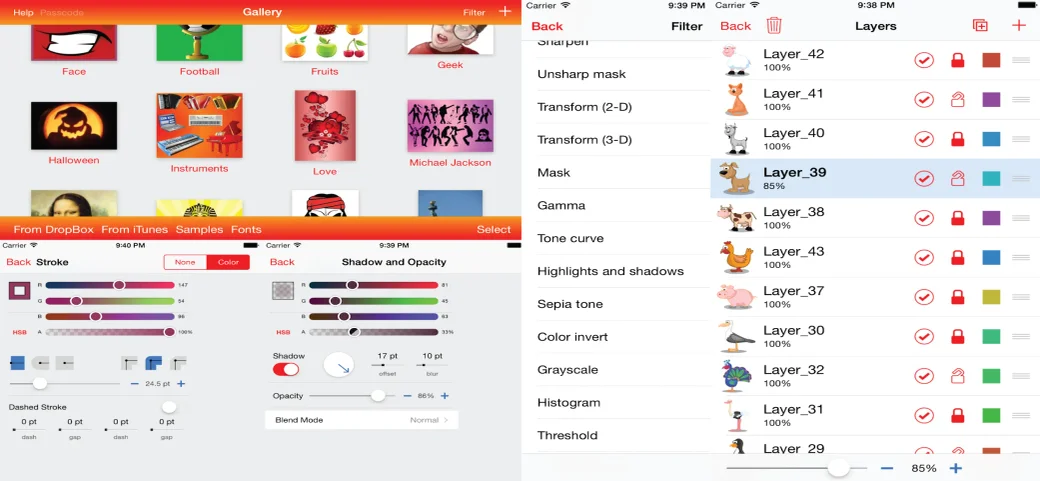
√80+ Image Filters.
√Universal: Available on iPhone, iPod Touch, and iPad.
√Passcode Lock for the whole App to secure your Drawings.
√Export/Import your Drawings directly to/from your PC, and MAC.
√Send/Receive your Drawings via AirDrop (Device to Device directly).
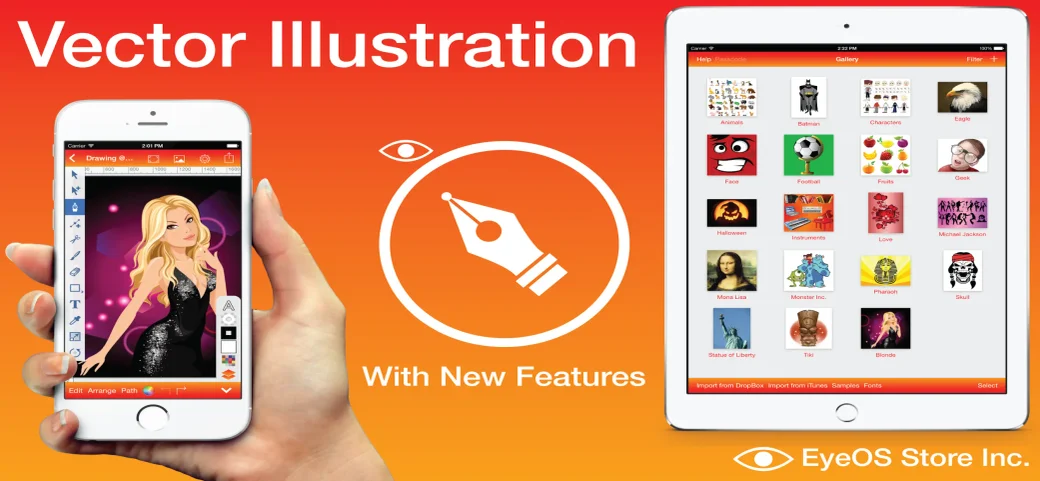
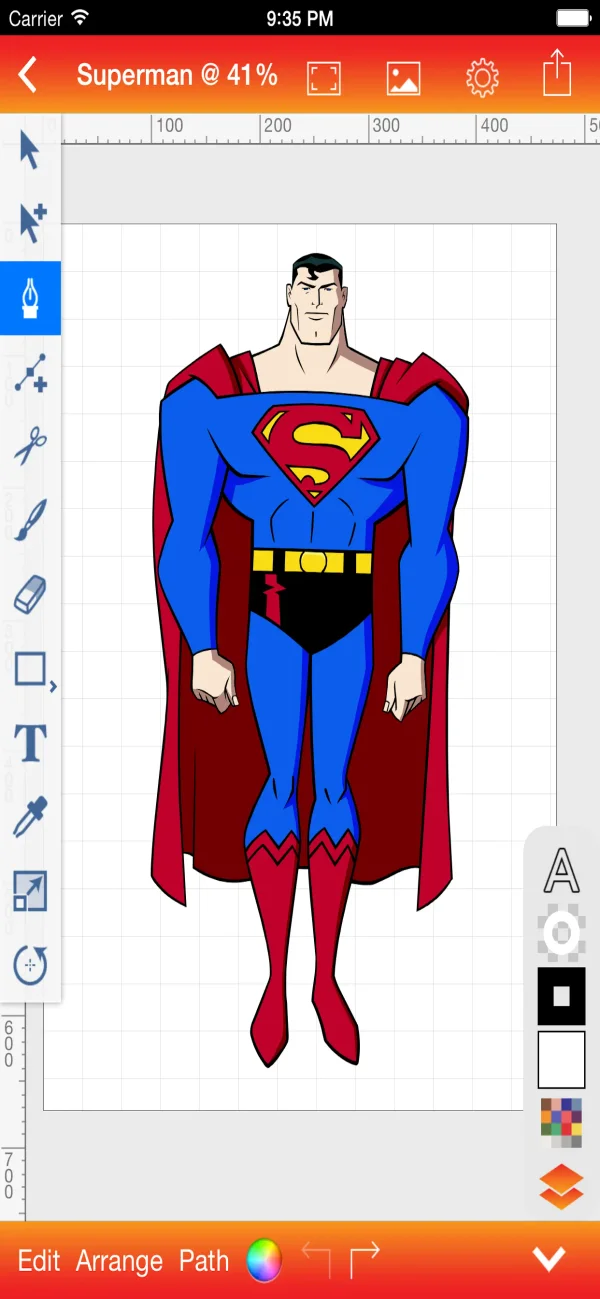
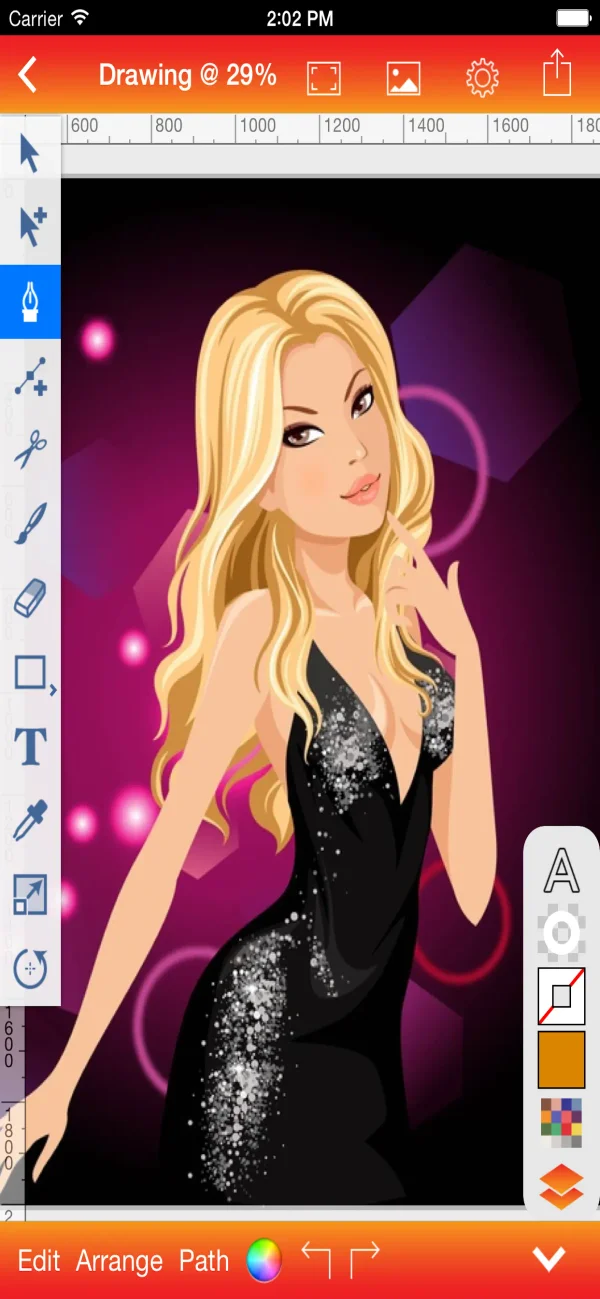
'Vector Illustration' is your Ultimate Vector Illustration App for your iPhone, iPod Touch and iPad. It supports Paths, Compound Paths, Text, Images, Groups, Masks, Gradient Fills, and an unlimited number of Layers. It was designed with performance in mind. It can easily handle Drawings with hundreds to thousands of shapes without bogging down. Export/Import your Drawings directly to/from your Dropbox, PC, MAC, and Send/Receive them Device-to-Device directly via AirDrop.
Main Features:
√80+ Image Filters to be applied to any of your Drawings.
√Passcode Lock for the whole App to secure your Drawings.
√Very high performance. Select, Scale and Rotate hundreds of objects with zero lag.
√Create arbitrary Bezier Paths with the Pen tool.
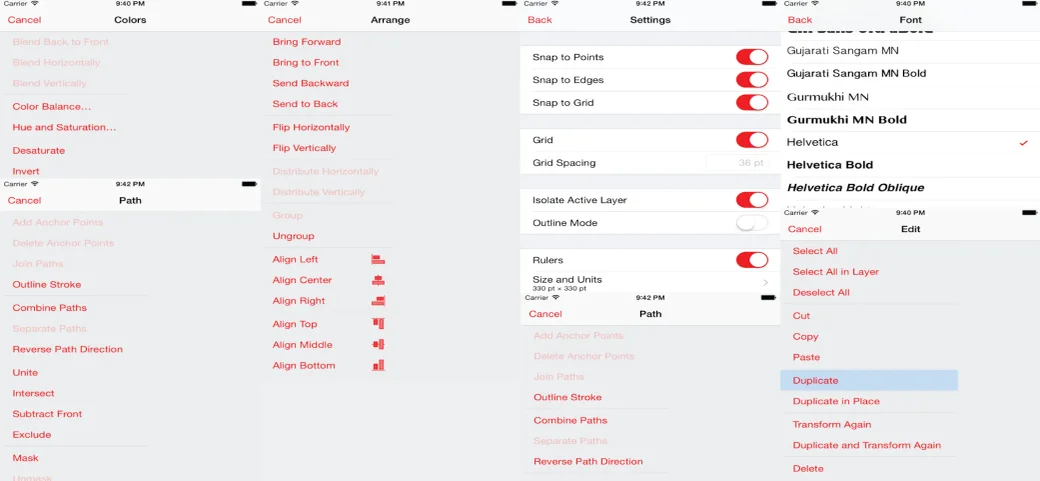
√Create Compound Paths, Masks and Groups.
√Create Text objects with many available Fonts and your own Fonts.
√Place Photos from your Albums.
√Boolean operators on Paths (Unite, Intersect, Exclude, Subtract Front)
√Powerful Scale and Rotate tools.
√Gradient Fills with interactive editing on canvas.
√Arbitrary Stroke dash patterns.
√Swatch Library.
√Unlimited Layers per Drawing.
√Rename, Rearrange, Delete, Hide and Lock Layers.
√Adjust Layer transparency.
√Snap to Grid, Points, and Path edges.
√Isolate the active Layer for easy editing.
√Show/Hide Grid, and Ruler.
√Outline Mode.
√Duplicate in Place, Duplicate from one Drawing to another, and Transform Again.
√Cut and Copy in Place and from one Drawing to another.
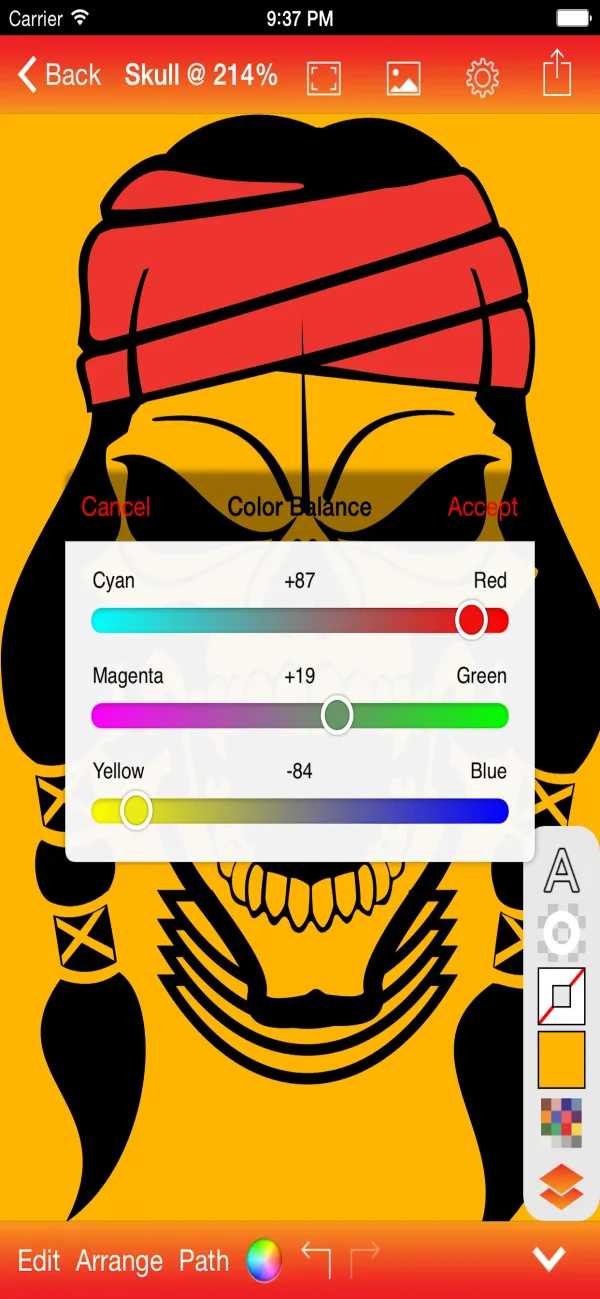
√Blend, Set Color Balance, and Set Hue and Saturation.
√Stroke, Fill, Shadow, Gradient, and Opacity settings.
√Import your own Font.
√Save Drawings to your Album, Copy Drawings, Duplicate Drawings, Print Drawings, Post Drawings on Facebook, and Tweet Drawings on Twitter.
√Email Drawings as SVG, PDF, PNG and JPEG.
√Send/Receive (Export/Import) SVG, PDF, PNG, and JPEG directly to/from your Dropbox.
√Send/Receive (Export/Import) SVG, PDF, PNG, and JPEG directly to/from your PC or MAC with iTunes via USB Cable.
√Send/Receive Drawings via AirDrop Device-to-Device directly.
What’s new
Version 2.2 · Mar 16, 2026
Continuous enhancements
App privacy
What EyeOS Store Inc. declares on the App Store about how this app handles data.
-
Data not collected
The developer does not collect any data from this app.
Privacy practices may vary, for example with the features you use or your age.
Information
- Seller
- EyeOS Store Inc.
- Category
- Photo & Video
- Version
- 2.2
- Updated
- Mar 16, 2026
- Released
- Oct 13, 2015
- Size
- 11.5 MB
- Requires
- iOS 13.0 or later
- Age rating
- 4+
- Price
- $0.99
- In-app purchases
- Yes
- Languages
- English
- Copyright
- Copyright © 2026 EyeOS Store Inc. All rights reserved.
You might also like
-
 miniDraw 2: Vector DrawingSVG illustration & logo maker
-
 Vector Magic: Vectorize ImagesTurn images into vector art
-
 Vector Q by ImaengineVectorizer and Editor
-
 ImaengineVectorization Tool
-
 Sketch effect for photo editorPencil draw with color effects
-
 CartoonMe - Cartoon yourselfToonMe - Cartoon Photo Editor
-
 ArtistA: Cartoon Photo EditorOil Painting Sketch AI Pop Art
-
 Pencil Sketch - Image EditorPhoto & Video
-
 3D Text-AI Word Art & VideoLogo Animation & Intro Maker
-
 Instant Toon: Cartoon Art CamAI Sketch, Watercolor & Comics