- Altersfreigabe4+
- KategorieFoto und Video
- EntwicklerAndrei Nevar
- SprachenEnglisch
- Größe4,2 MB
Verlinkt auf die offizielle App Store-Seite
Download.org hostet keine Datei von Videk Camera. Die Schaltfläche öffnet die App-Seite bei App Store, wo Andrei Nevar die App veröffentlicht. Eintrag zuletzt geprüft am 17.11.2026.
Screenshots

Info
Der Entwickler hat diesen Text nicht in Ihrer Sprache bereitgestellt.
Videk Camera
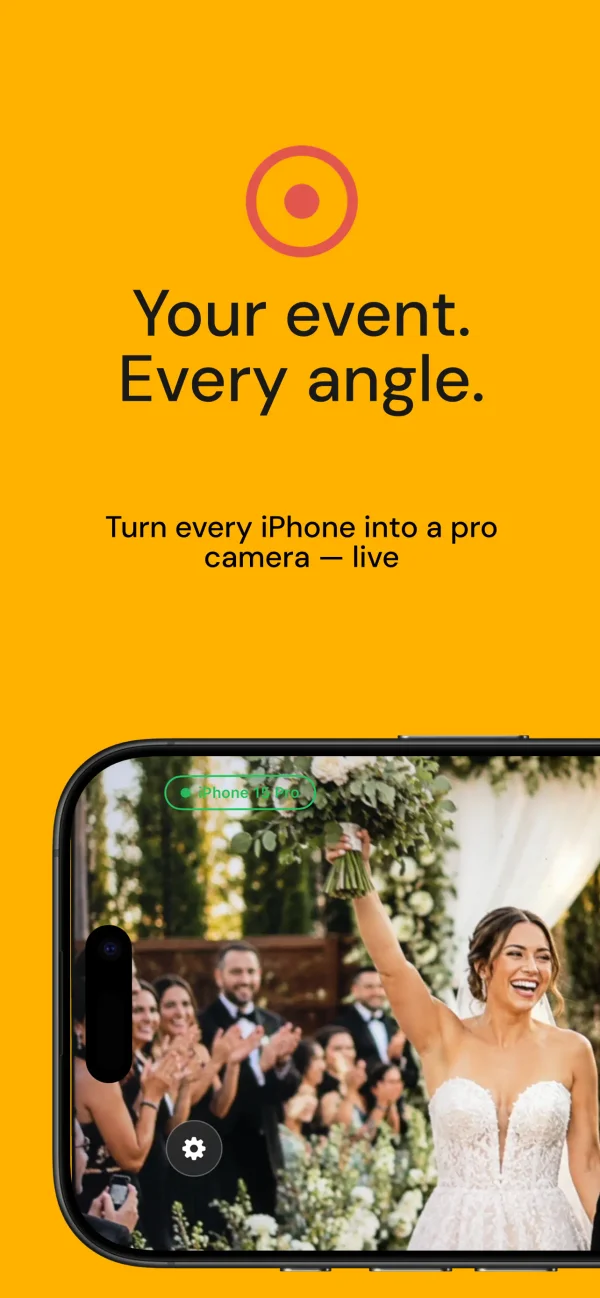
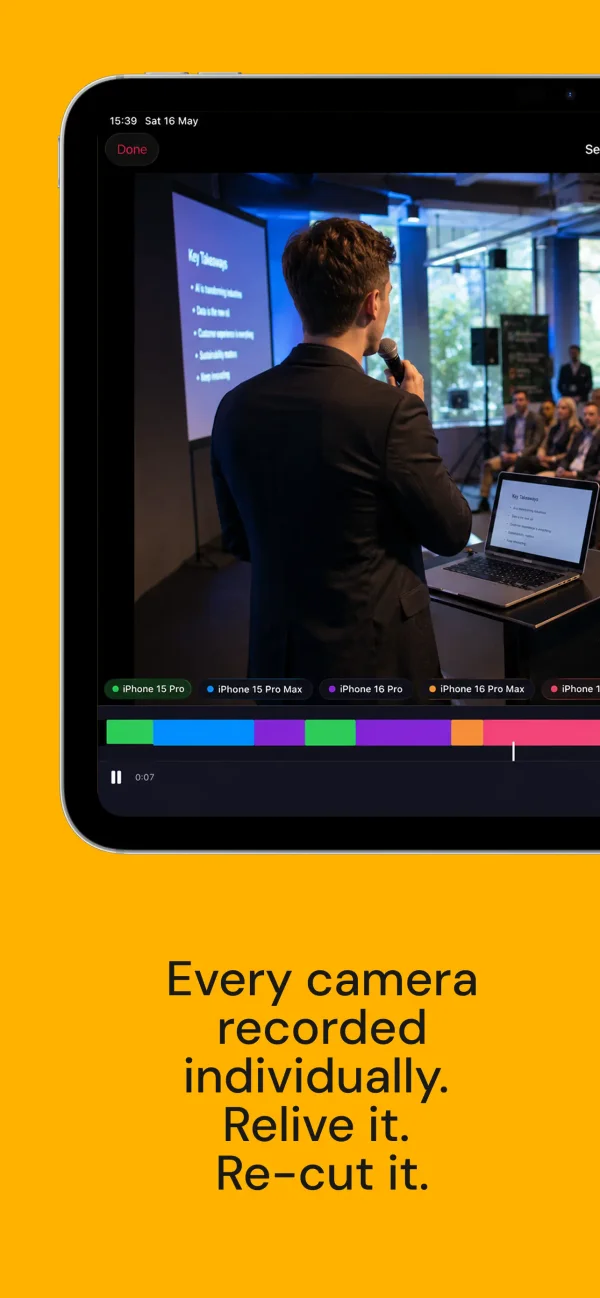
Videk Camera transforms your iPhone or iPad into a professional camera source for live multi-camera productions. Pair it with the free Videk Director app on another device and start switching between camera angles in real time - no expensive equipment required.
How It Works
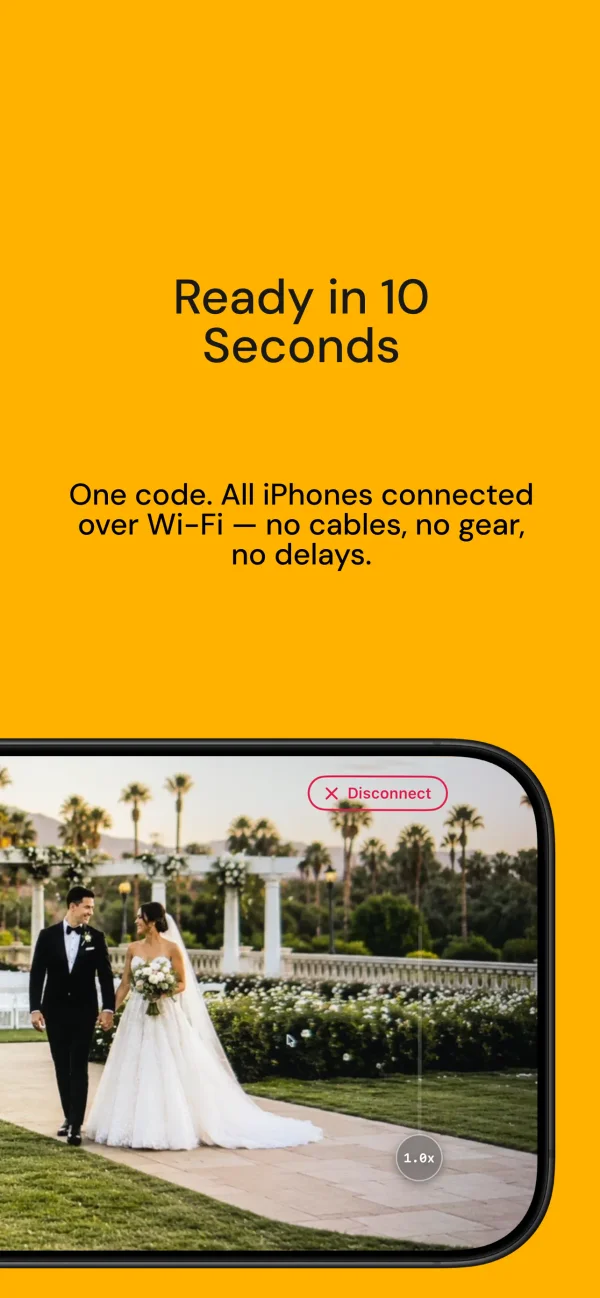
Open Videk Camera, enter the 6-digit session code shown on the Director device, and you’re connected. All communication happens over your local Wi-Fi network - fast, private, and with no internet dependency for local production.
Professional Camera Controls
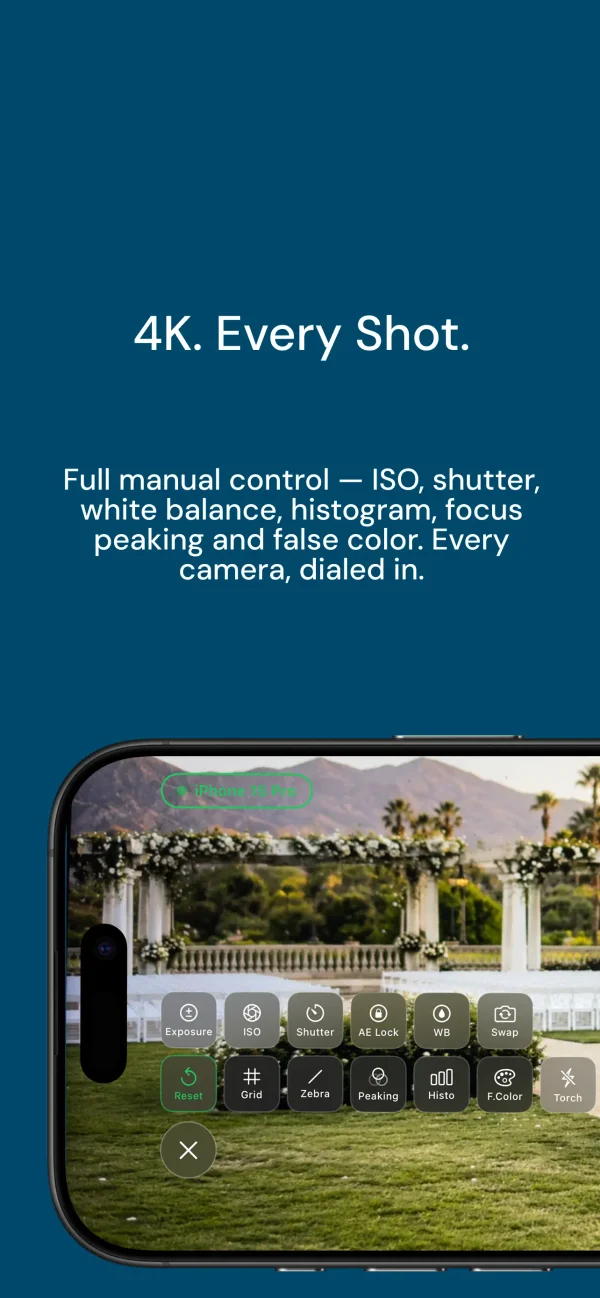
Go beyond auto mode with full manual control over your shot:
- Exposure compensation (EV), ISO, and shutter speed
- White balance adjustment (2000K–8000K)
- Tap-to-focus with auto exposure lock
- Smooth zoom slider with lens-switching markers
- Front and rear camera switching during a live session
- Torch control for low-light situations
Capture Quality
Shoot in the resolution and frame rate your production demands:
- 720p, 1080p, or 4K (3840×2160)
- 24, 30, or 60 fps
- Hardware-accelerated H.264 encoding
- Optional video stabilization
- Professional Monitoring Tools
See what the pros see - right on your device screen. These overlays are visible only to the camera operator and never affect the stream sent to the Director:
- Zebra Stripes - highlight overexposed areas
- Focus Peaking - outline sharp, in-focus regions
- Real-time Histogram - view luminance distribution at a glance
- False Color - map brightness to color for precise exposure
- Rule of Thirds Grid - improve composition
- Frame Guides - safe areas for 16:9, 4:3, 1:1, and 2.35:1
- Built for Multi-Camera Production
Videk Camera is one half of the Videk system. On the Director device, your feeds come together for:
- Real-time switching between all connected cameras
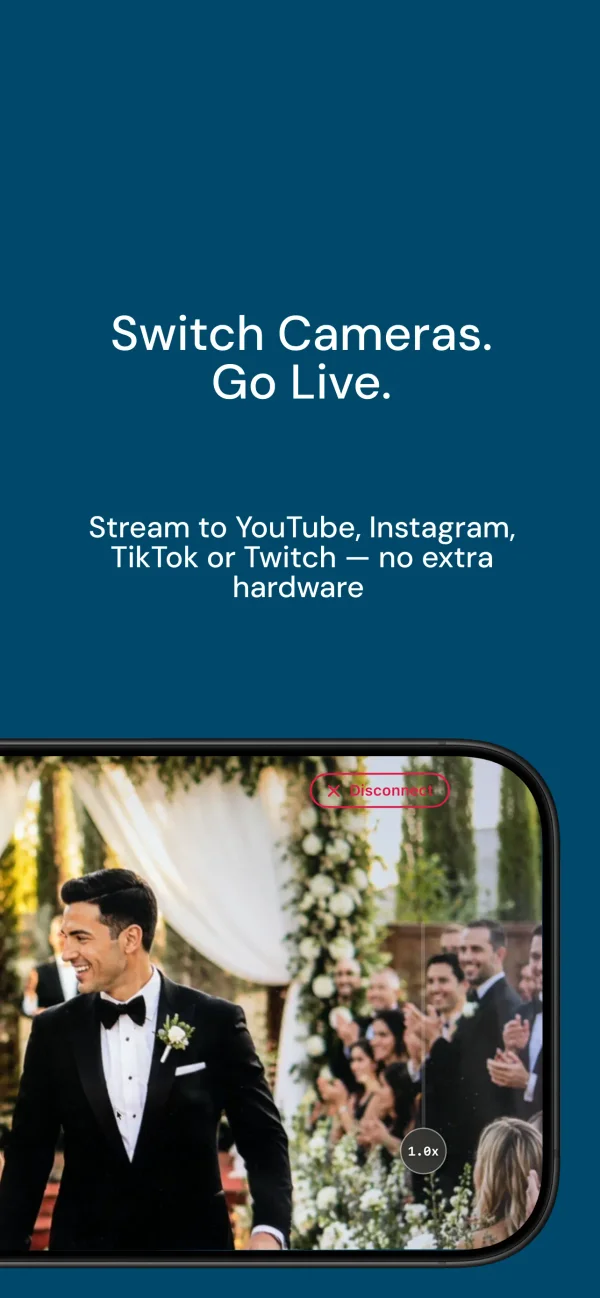
- Live streaming to YouTube, Twitch, Instagram, TikTok, or any RTMP server
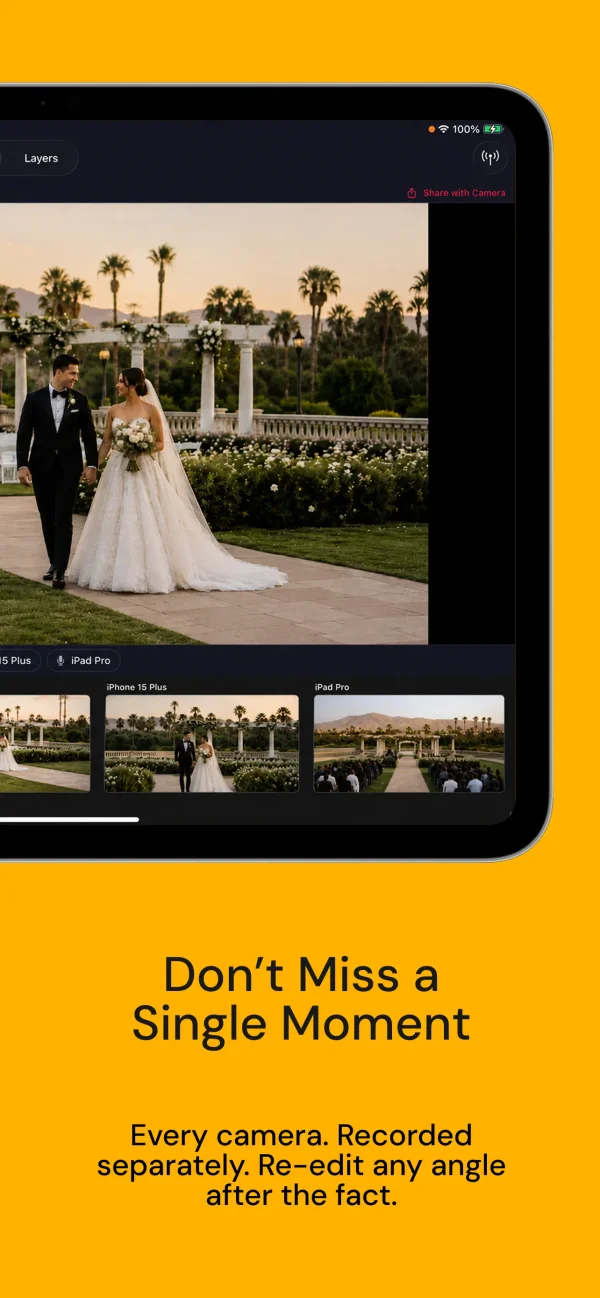
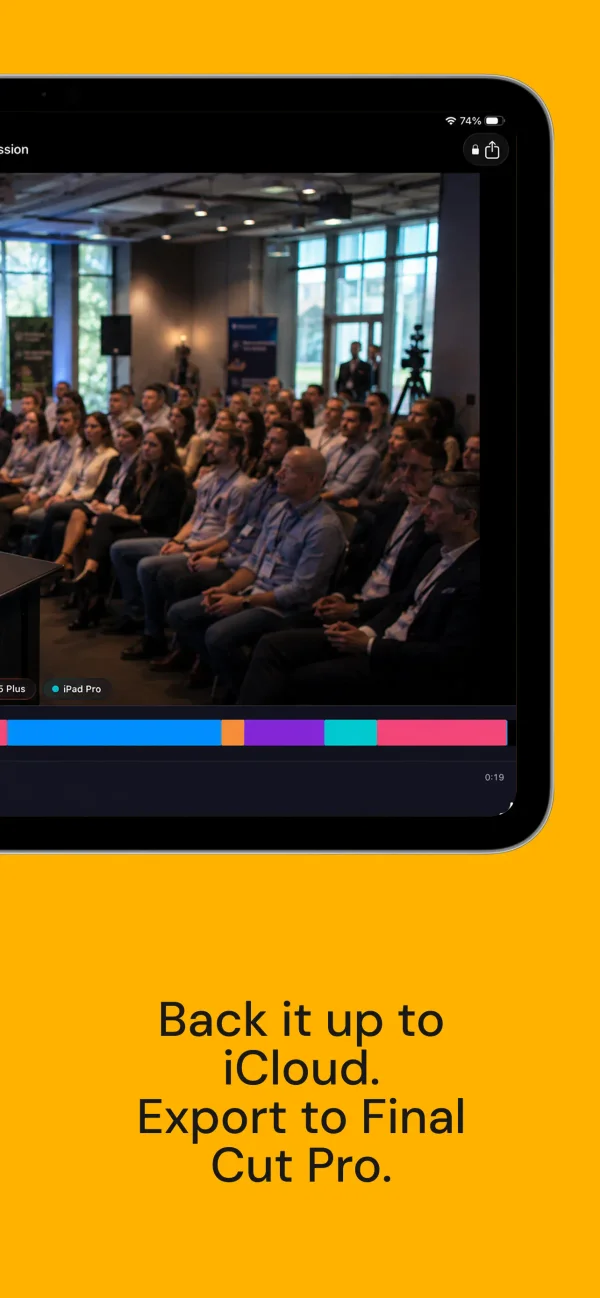
- Multi-track recording of every camera source
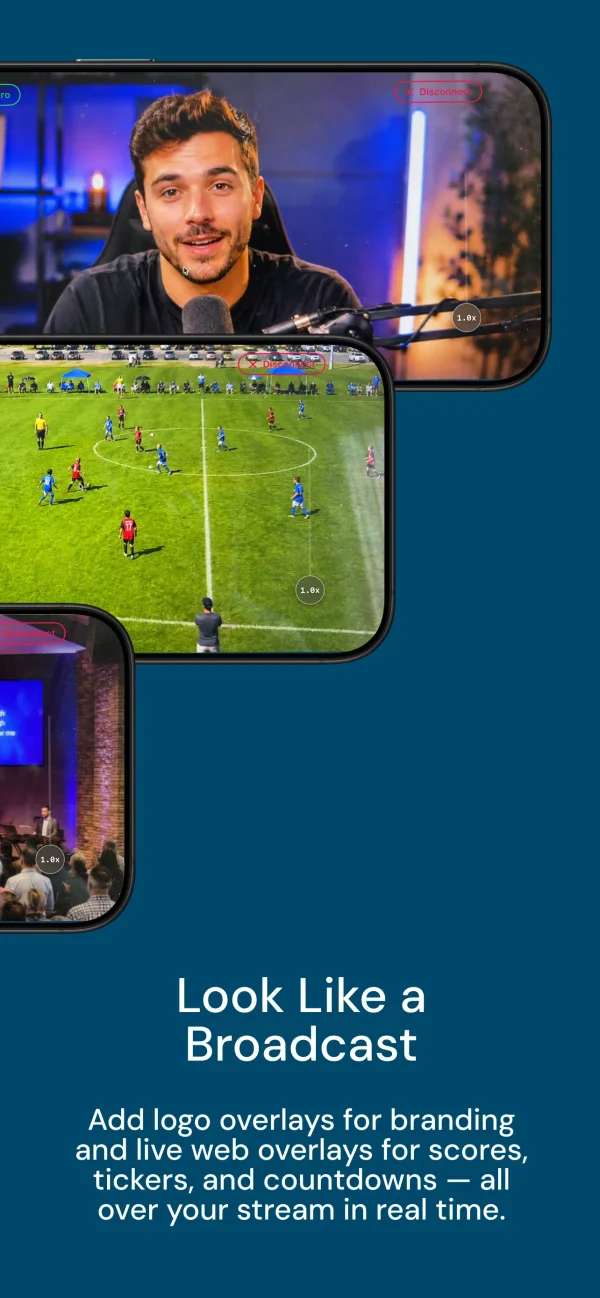
- Live text and image overlays
- Export to Final Cut Pro, iMovie, or iCloud
Perfect For
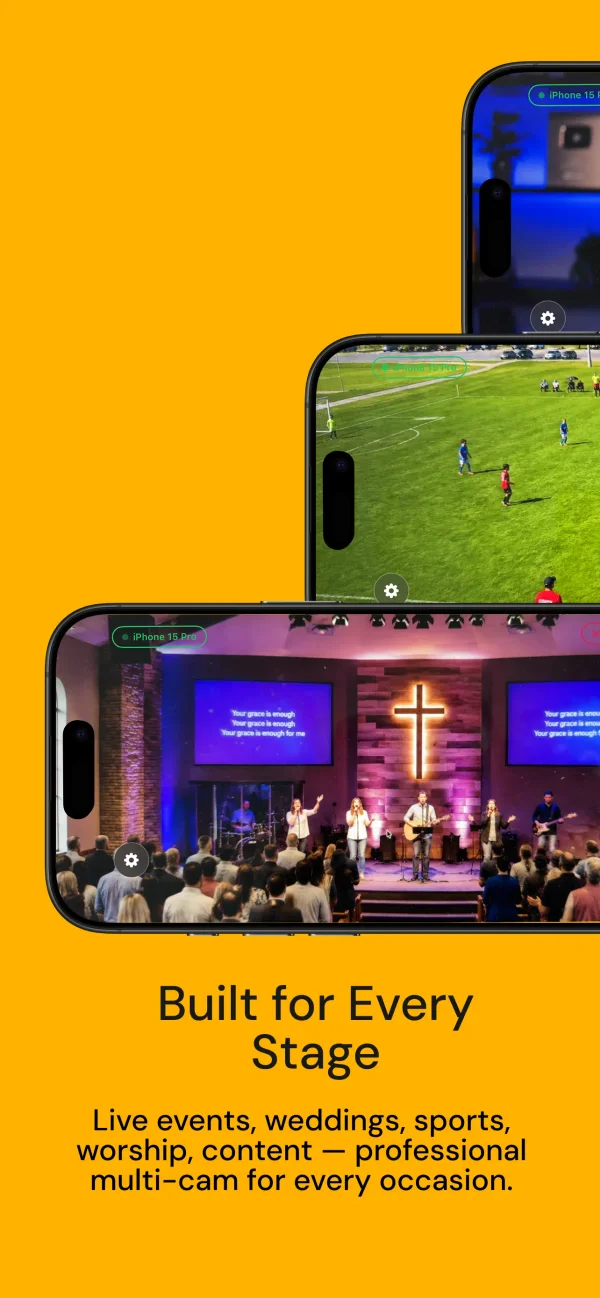
- Live events, concerts, and conferences
- YouTube and podcast production
- Houses of worship and ceremony streaming
- Sports coverage and performances
- Real estate walkthroughs
- Education and lecture recording
Simple Setup, No Extra Gear
All you need are iPhones or iPads on the same Wi-Fi network. One device runs Videk Director; the rest run Videk Camera. Connect with a 6-digit code and start producing.
Free to Start
Connect up to 2 cameras, switch live, stream, and record - all for free. Upgrade to Pro for unlimited cameras, video export, Final Cut Pro timeline export, and iCloud archiving.
Requirements
Videk Camera requires iOS 17 or later. A 5 GHz Wi-Fi network is recommended for best performance. Download Videk Director separately to complete your setup.
Neue Funktionen
Version 2.0 · 21.10.2026
Videk Camera 2.0
• Your camera feed now travels to the Director over an encrypted connection.
• Works with Videk Director 2.0. If the Director or this app is out of date, you're asked to update from the App Store.
• Refreshed sliders for exposure, ISO, shutter speed and white balance.
App-Datenschutz
Was Andrei Nevar im App Store zum Umgang dieser App mit Daten angibt.
-
Nicht mit Ihnen verknüpfte Daten
Können erfasst werden, sind aber nicht mit Ihrer Identität verknüpft.
- Kennungen
- Nutzungsdaten
- Diagnose
Die Datenschutzpraktiken können variieren, zum Beispiel je nach den von Ihnen verwendeten Funktionen oder Ihrem Alter.
Informationen
- Anbieter
- Andrei Nevar
- Kategorie
- Foto und Video
- Version
- 2.0
- Aktualisiert
- 21.10.2026
- Veröffentlicht
- 03.04.2026
- Größe
- 4,2 MB
- Erfordert
- iOS 18.6 oder neuer
- Altersfreigabe
- 4+
- Preis
- Kostenlos
- Sprachen
- Englisch
- Copyright
- © Andrei Nevar
Das könnte Ihnen auch gefallen
-
 MultiCam: Multi-Kamera-SyncMit mehreren iPhones zugleich
-
 Director Board – Multi-CameraFoto und Video
-
 Multi Camera Recorder: UnisonFoto und Video
-
 ProducerPadFoto und Video
-
 MeddlyFoto und Video
-
 Airlive Camera — Live MulticamFoto und Video
-
 ActionCheese – Multicam RemoteFoto und Video
-
 SplonkCamKabellose Webcam & Videoeditor
-
 iCameraPlusFoto und Video
-
 BirdDog WingmanFoto und Video