- Classificação etária4+
- CategoriaFoto e vídeo
- DesenvolvedorAndrei Nevar
- IdiomasInglês
- Tamanho4,2 MB
Leva à página oficial na App Store
O Download.org não hospeda nenhum arquivo de Videk Camera. O botão abre a página do app na App Store, onde Andrei Nevar o publica. Página verificada pela última vez em 26/11/2026.
Capturas de tela


Sobre
O desenvolvedor não forneceu este texto no seu idioma.
Videk Camera
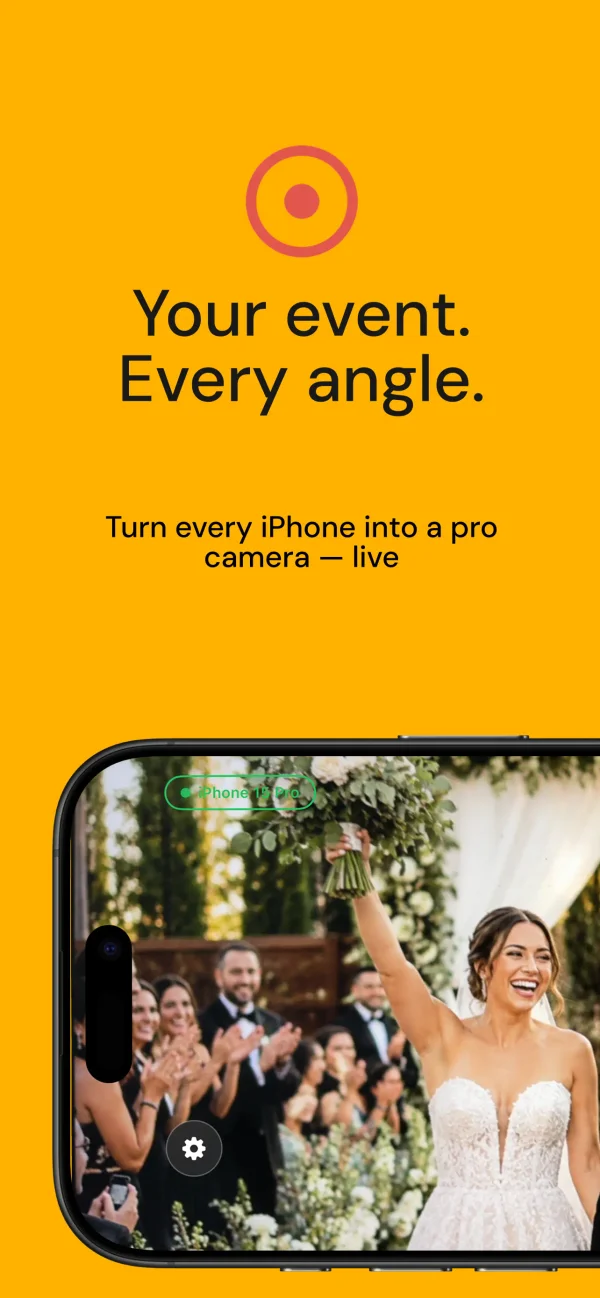
Videk Camera transforms your iPhone or iPad into a professional camera source for live multi-camera productions. Pair it with the free Videk Director app on another device and start switching between camera angles in real time - no expensive equipment required.
How It Works
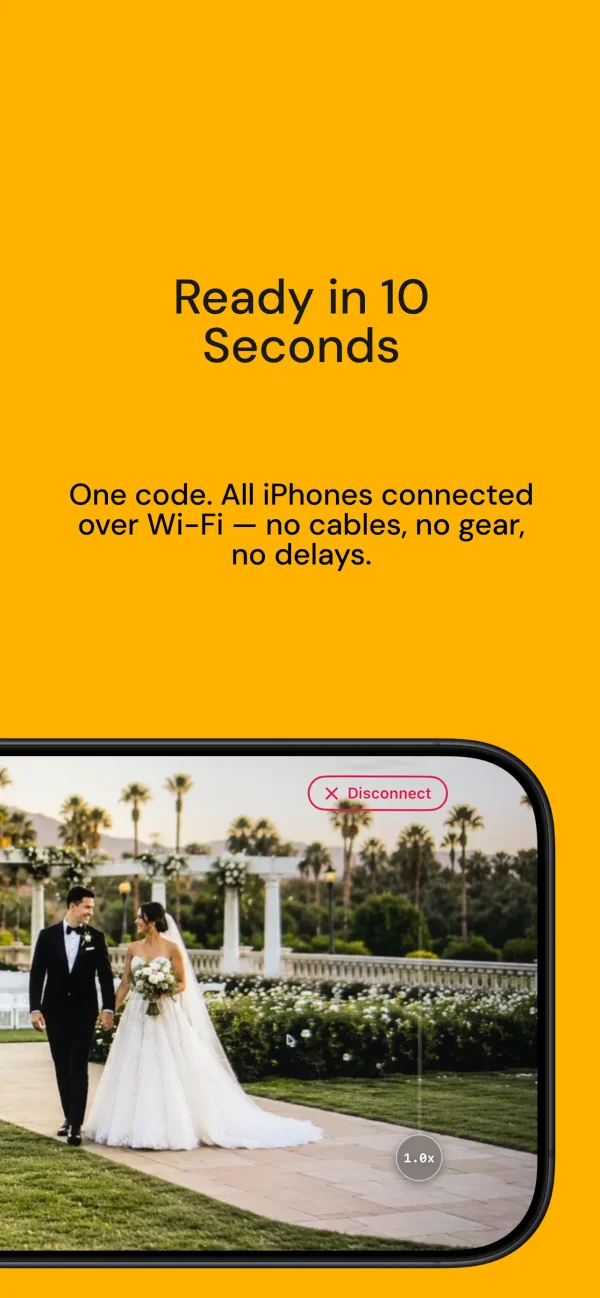
Open Videk Camera, enter the 6-digit session code shown on the Director device, and you’re connected. All communication happens over your local Wi-Fi network - fast, private, and with no internet dependency for local production.
Professional Camera Controls
Go beyond auto mode with full manual control over your shot:
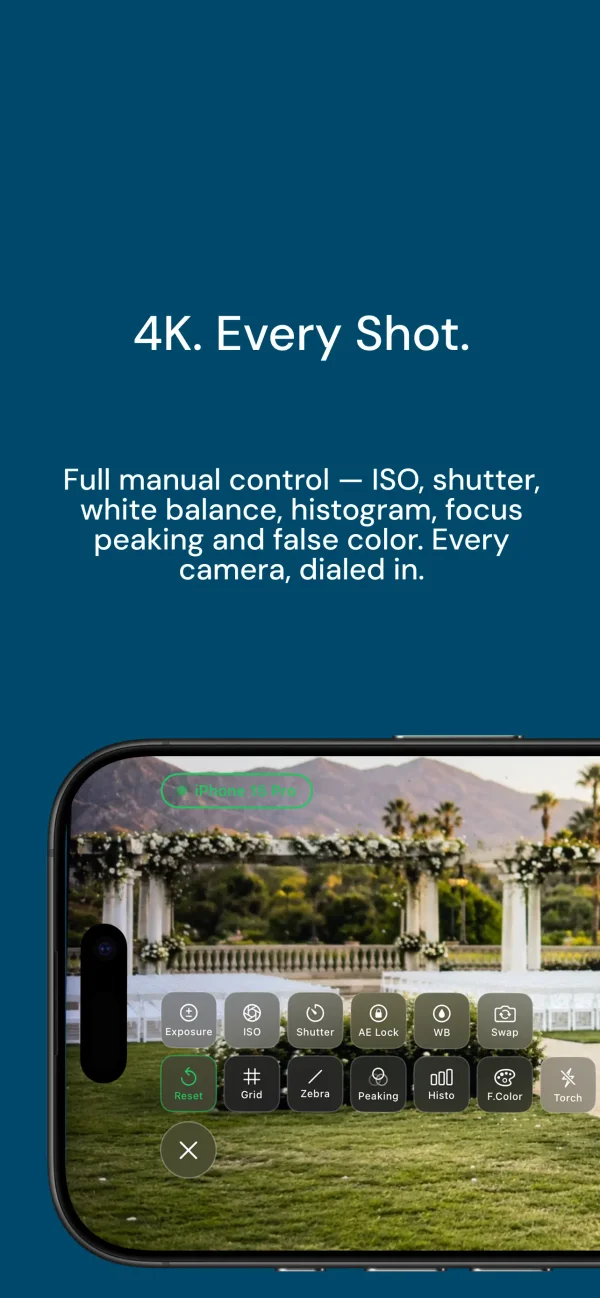
- Exposure compensation (EV), ISO, and shutter speed
- White balance adjustment (2000K–8000K)
- Tap-to-focus with auto exposure lock
- Smooth zoom slider with lens-switching markers
- Front and rear camera switching during a live session
- Torch control for low-light situations
Capture Quality
Shoot in the resolution and frame rate your production demands:
- 720p, 1080p, or 4K (3840×2160)
- 24, 30, or 60 fps
- Hardware-accelerated H.264 encoding
- Optional video stabilization
- Professional Monitoring Tools
See what the pros see - right on your device screen. These overlays are visible only to the camera operator and never affect the stream sent to the Director:
- Zebra Stripes - highlight overexposed areas
- Focus Peaking - outline sharp, in-focus regions
- Real-time Histogram - view luminance distribution at a glance
- False Color - map brightness to color for precise exposure
- Rule of Thirds Grid - improve composition
- Frame Guides - safe areas for 16:9, 4:3, 1:1, and 2.35:1
- Built for Multi-Camera Production
Videk Camera is one half of the Videk system. On the Director device, your feeds come together for:
- Real-time switching between all connected cameras
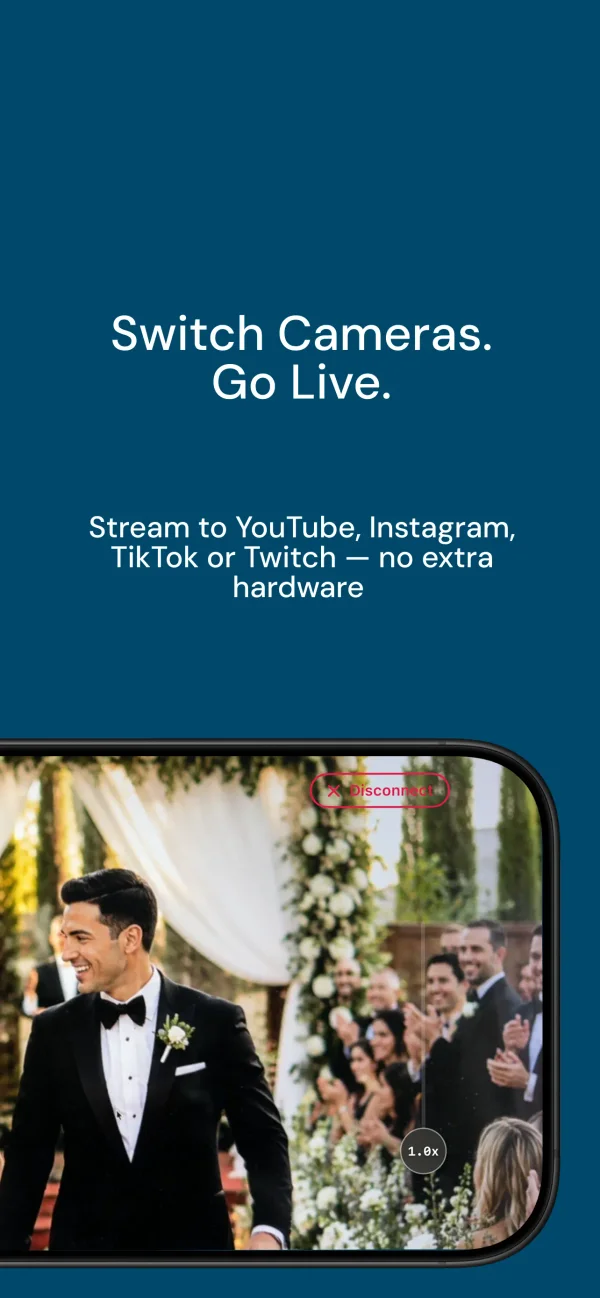
- Live streaming to YouTube, Twitch, Instagram, TikTok, or any RTMP server
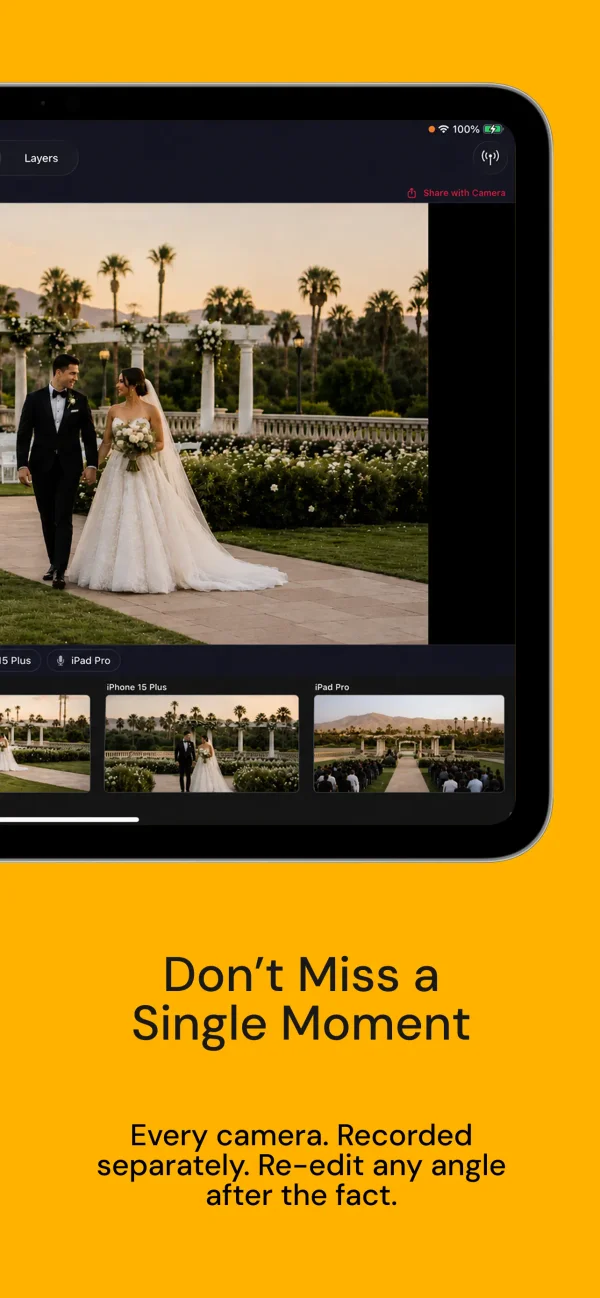
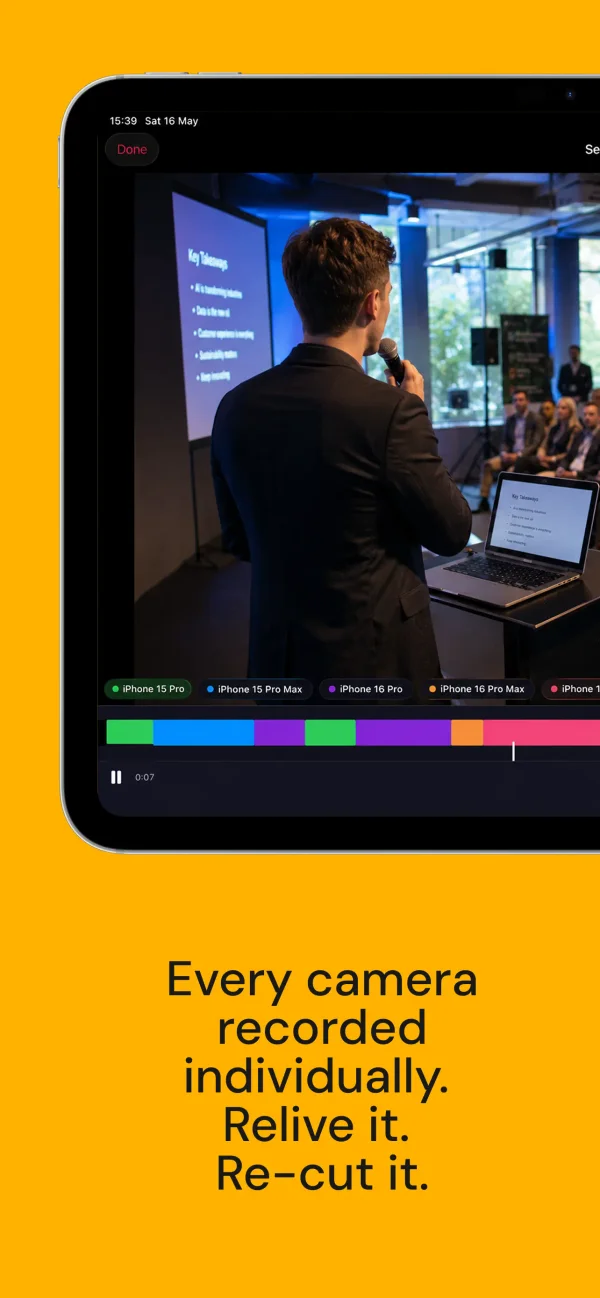
- Multi-track recording of every camera source
- Live text and image overlays
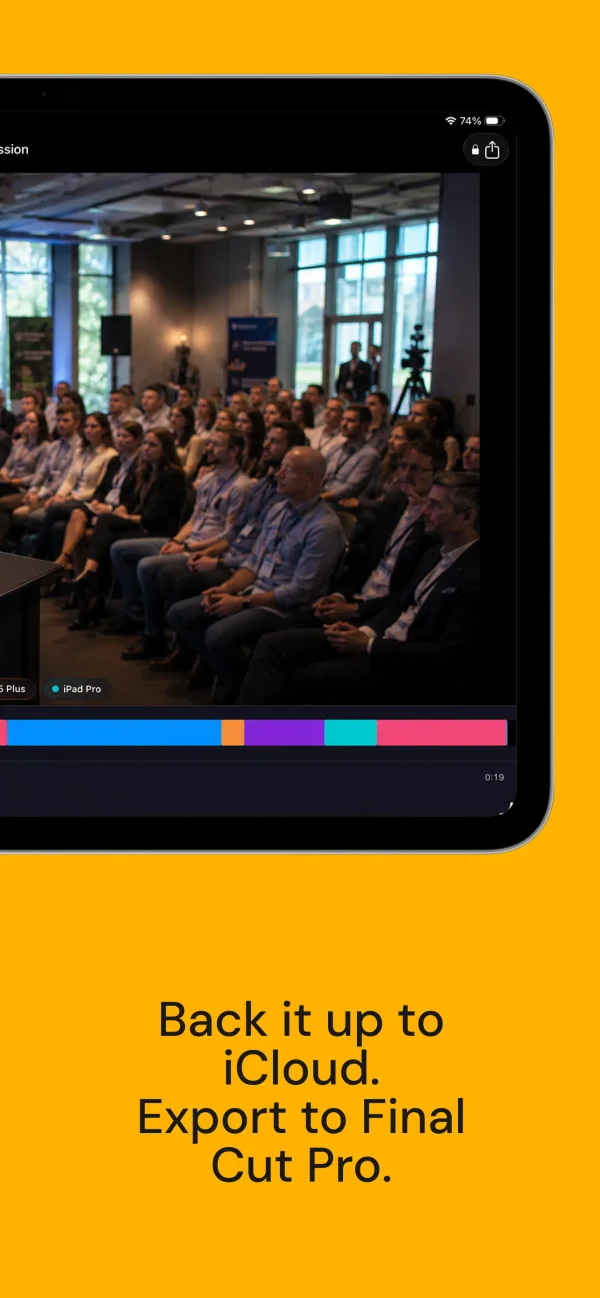
- Export to Final Cut Pro, iMovie, or iCloud
Perfect For
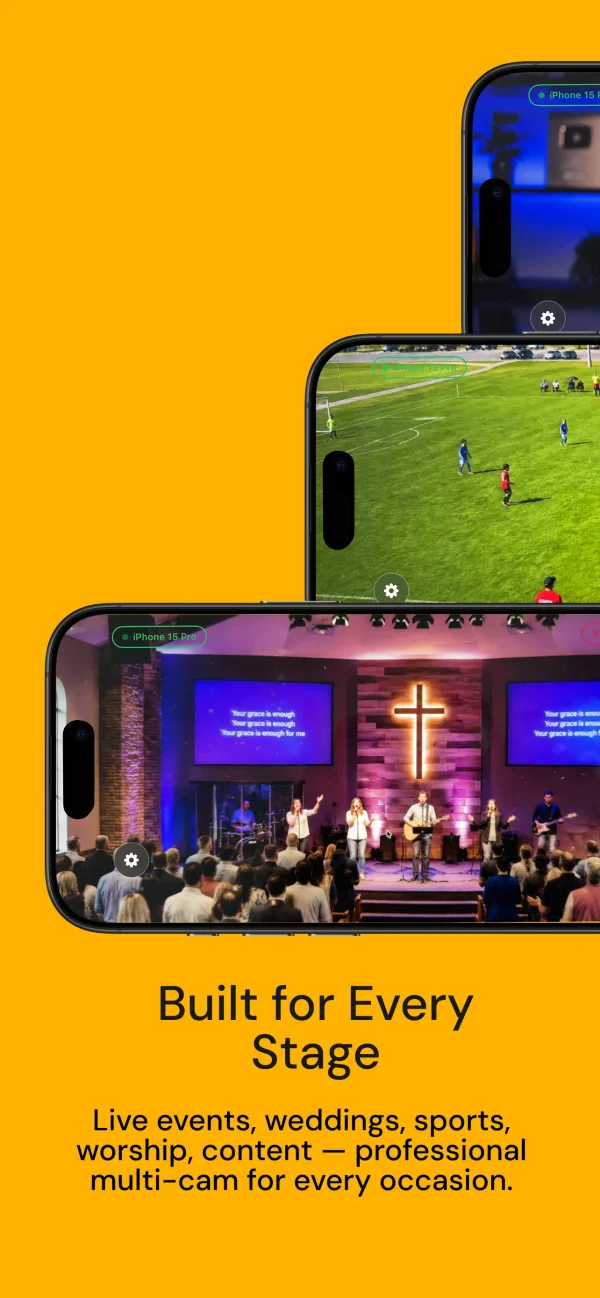
- Live events, concerts, and conferences
- YouTube and podcast production
- Houses of worship and ceremony streaming
- Sports coverage and performances
- Real estate walkthroughs
- Education and lecture recording
Simple Setup, No Extra Gear
All you need are iPhones or iPads on the same Wi-Fi network. One device runs Videk Director; the rest run Videk Camera. Connect with a 6-digit code and start producing.
Free to Start
Connect up to 2 cameras, switch live, stream, and record - all for free. Upgrade to Pro for unlimited cameras, video export, Final Cut Pro timeline export, and iCloud archiving.
Requirements
Videk Camera requires iOS 17 or later. A 5 GHz Wi-Fi network is recommended for best performance. Download Videk Director separately to complete your setup.
Novidades
Versão 2.1.0 · 25/11/2026
• Works with the new Podcast mode in Videk Director 2.1: the Director switches to the camera of whoever is talking. Keep the phone close to the person it films.
Privacidade do app
O que Andrei Nevar declara na App Store sobre como este app lida com os dados.
-
Dados não vinculados a você
Podem ser coletados, mas não são vinculados à sua identidade.
- Identificadores
- Dados de uso
- Diagnóstico
As práticas de privacidade podem variar, por exemplo, com base nos recursos que você usa ou na sua idade.
Informações
- Vendedor
- Andrei Nevar
- Categoria
- Foto e vídeo
- Versão
- 2.1.0
- Atualizado
- 25/11/2026
- Lançamento
- 03/04/2026
- Tamanho
- 4,2 MB
- Requer
- iOS 18.6 ou posterior
- Classificação etária
- 4+
- Preço
- Grátis
- Idiomas
- Inglês
- Copyright
- © Andrei Nevar
Você também pode gostar
-
 MultiCam: sync multicâmeraGrave com vários iPhones
-
 Director Board – Multi-CameraFoto e vídeo
-
 Multi Camera Recorder: UnisonFoto e vídeo
-
 ProducerPadFoto e vídeo
-
 MeddlyFoto e vídeo
-
 Airlive Camera — Live MulticamFoto e vídeo
-
 ActionCheese – Multicam RemoteFoto e vídeo
-
 SplonkCamWebcam Sem Fio & Editor Vídeo
-
 iCameraPlusFoto e vídeo
-
 BirdDog WingmanFoto e vídeo