- Độ tuổi4+
- Danh mụcẢnh & Video
- Nhà phát triểnAndrei Nevar
- Ngôn ngữTiếng Anh
- Kích thước4,2 MB
Liên kết đến trang App Store chính thức
Download.org không lưu trữ tệp nào của Videk Camera. Nút này mở trang ứng dụng trên App Store, nơi Andrei Nevar phát hành ứng dụng. Trang được kiểm tra lần cuối: 17/11/2026.
Ảnh chụp màn hình


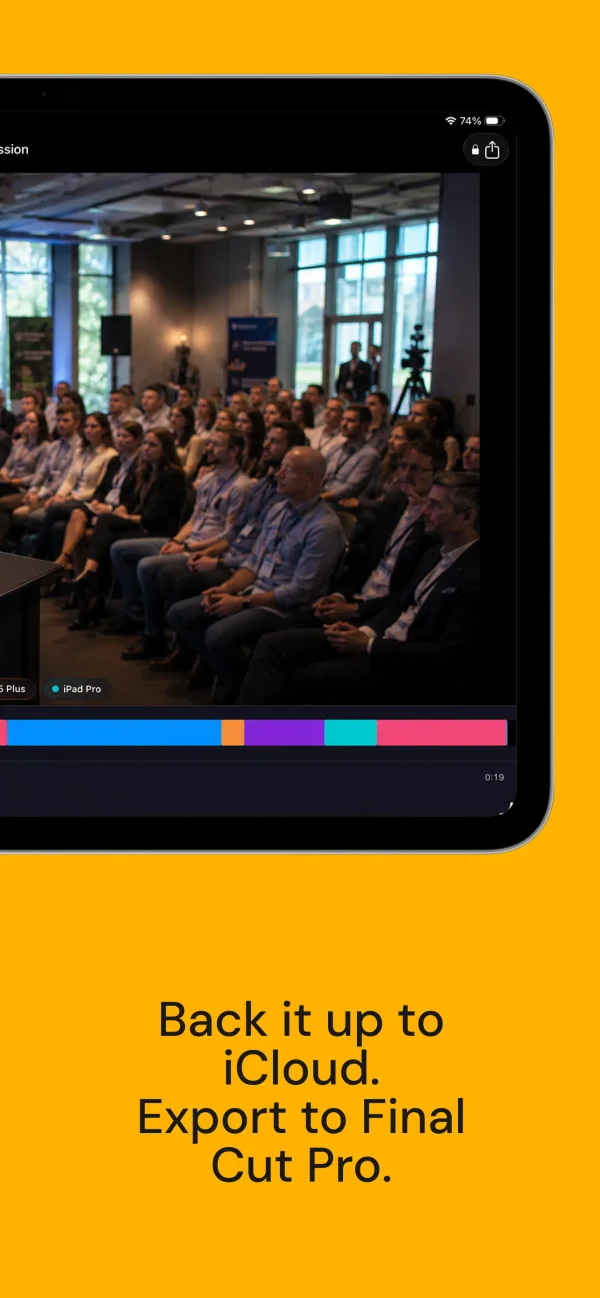
Giới thiệu
Nhà phát triển chưa cung cấp nội dung này bằng ngôn ngữ của bạn.
Videk Camera
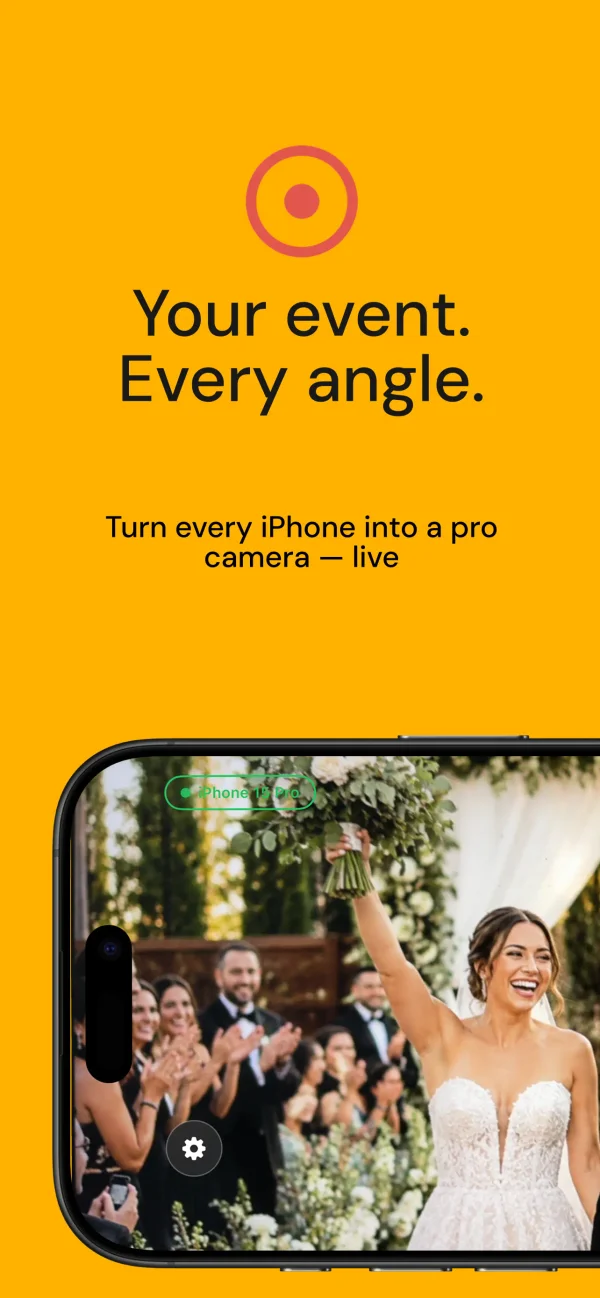
Videk Camera transforms your iPhone or iPad into a professional camera source for live multi-camera productions. Pair it with the free Videk Director app on another device and start switching between camera angles in real time - no expensive equipment required.
How It Works
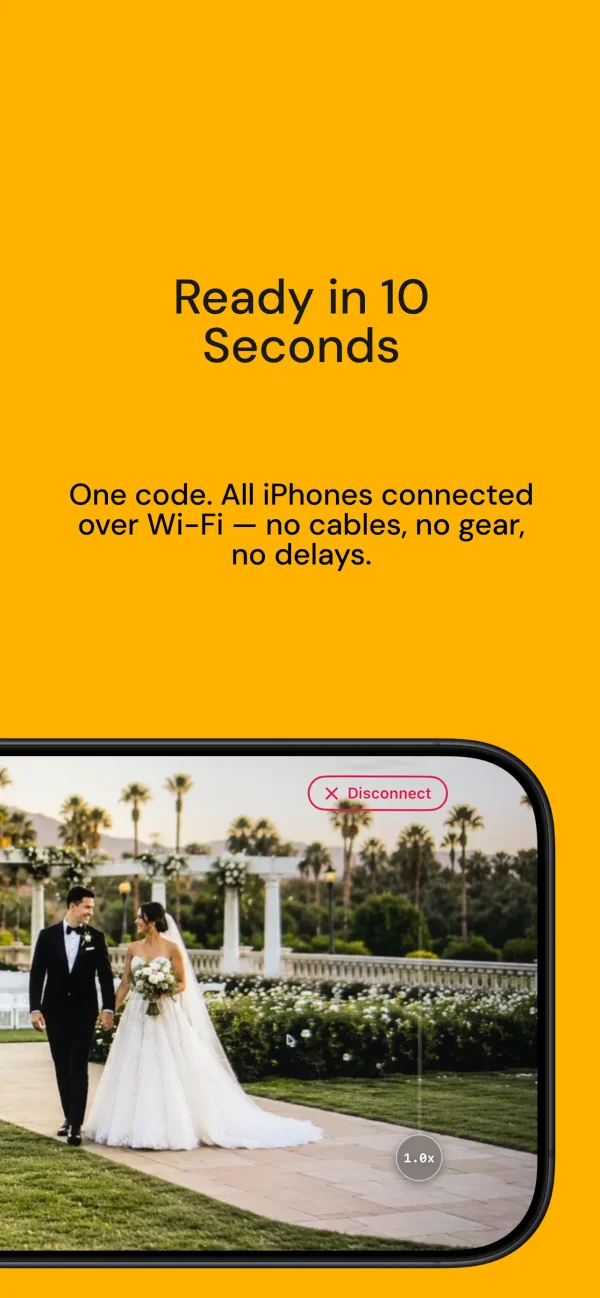
Open Videk Camera, enter the 6-digit session code shown on the Director device, and you’re connected. All communication happens over your local Wi-Fi network - fast, private, and with no internet dependency for local production.
Professional Camera Controls
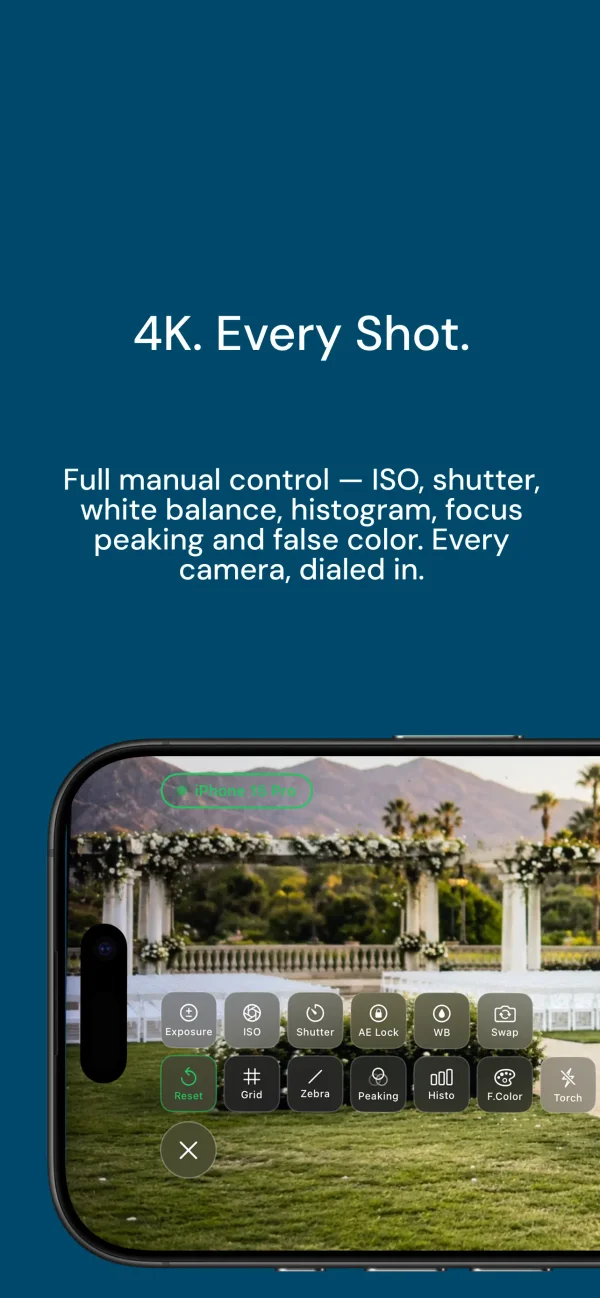
Go beyond auto mode with full manual control over your shot:
- Exposure compensation (EV), ISO, and shutter speed
- White balance adjustment (2000K–8000K)
- Tap-to-focus with auto exposure lock
- Smooth zoom slider with lens-switching markers
- Front and rear camera switching during a live session
- Torch control for low-light situations
Capture Quality
Shoot in the resolution and frame rate your production demands:
- 720p, 1080p, or 4K (3840×2160)
- 24, 30, or 60 fps
- Hardware-accelerated H.264 encoding
- Optional video stabilization
- Professional Monitoring Tools
See what the pros see - right on your device screen. These overlays are visible only to the camera operator and never affect the stream sent to the Director:
- Zebra Stripes - highlight overexposed areas
- Focus Peaking - outline sharp, in-focus regions
- Real-time Histogram - view luminance distribution at a glance
- False Color - map brightness to color for precise exposure
- Rule of Thirds Grid - improve composition
- Frame Guides - safe areas for 16:9, 4:3, 1:1, and 2.35:1
- Built for Multi-Camera Production
Videk Camera is one half of the Videk system. On the Director device, your feeds come together for:
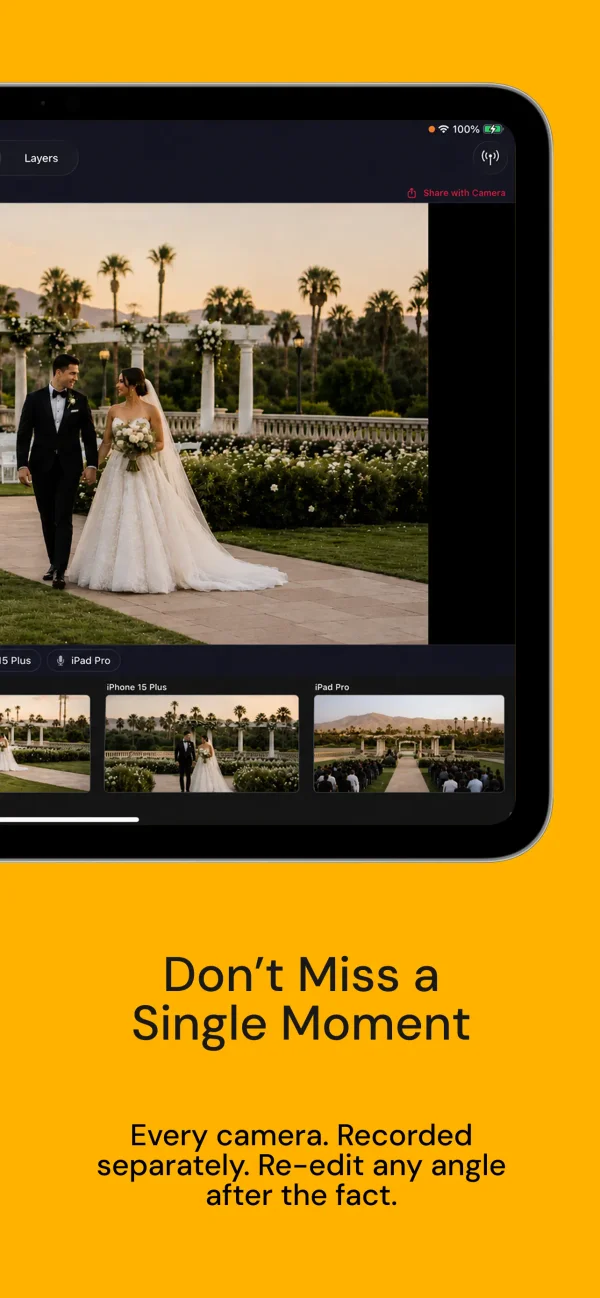
- Real-time switching between all connected cameras
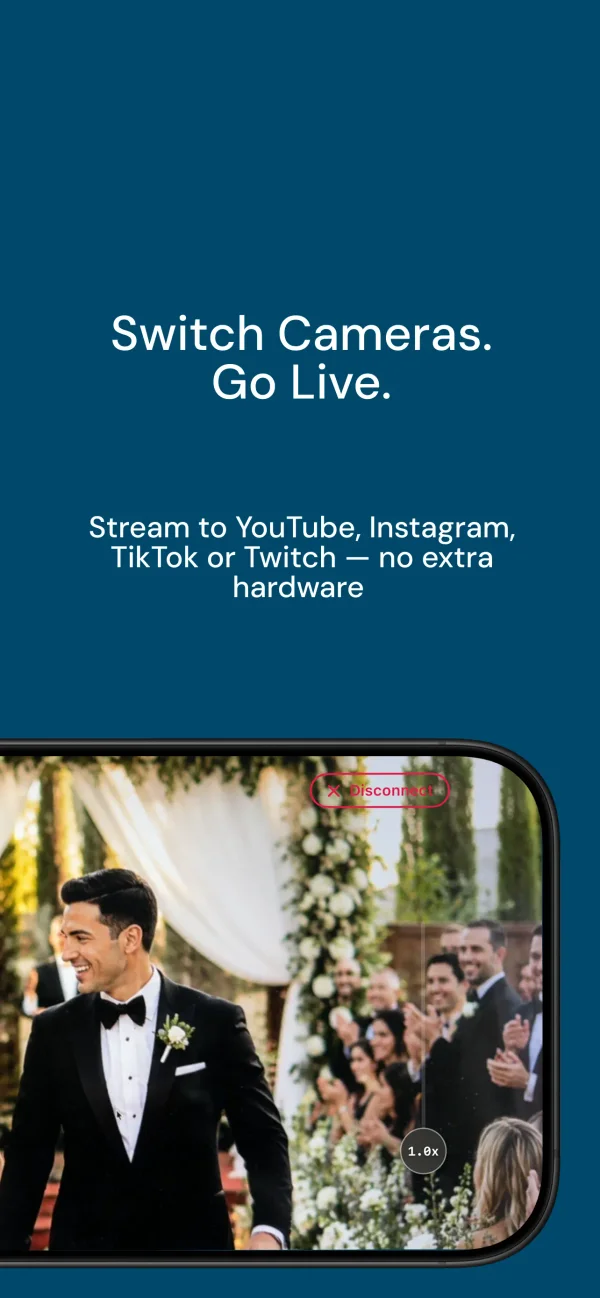
- Live streaming to YouTube, Twitch, Instagram, TikTok, or any RTMP server
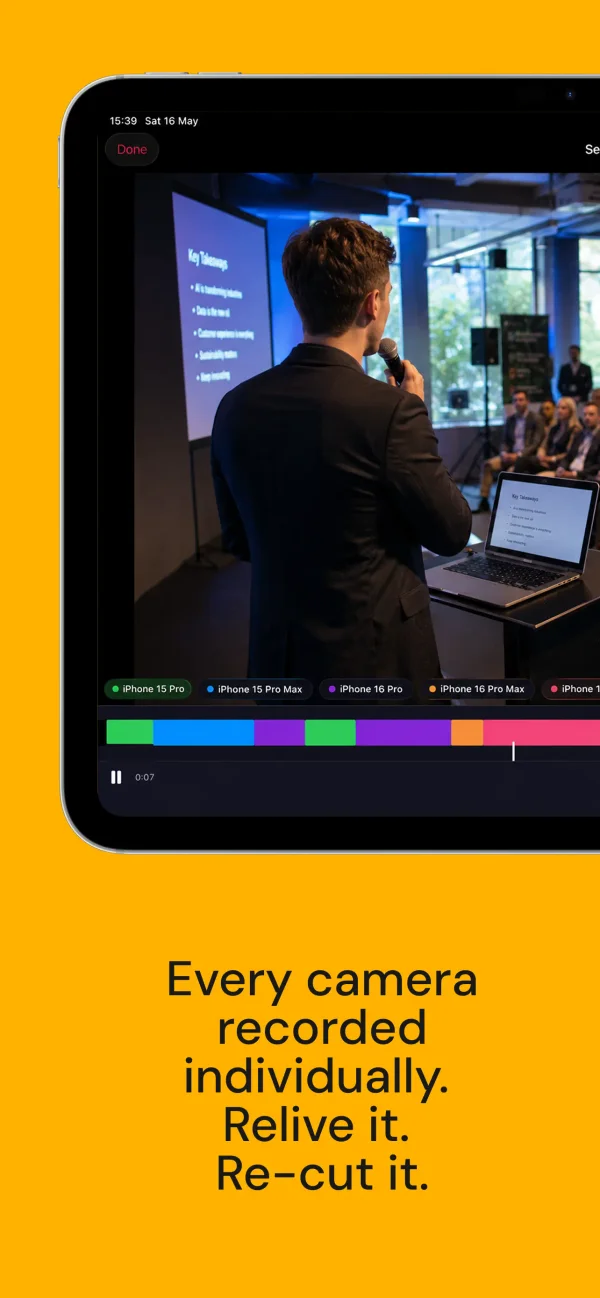
- Multi-track recording of every camera source
- Live text and image overlays
- Export to Final Cut Pro, iMovie, or iCloud
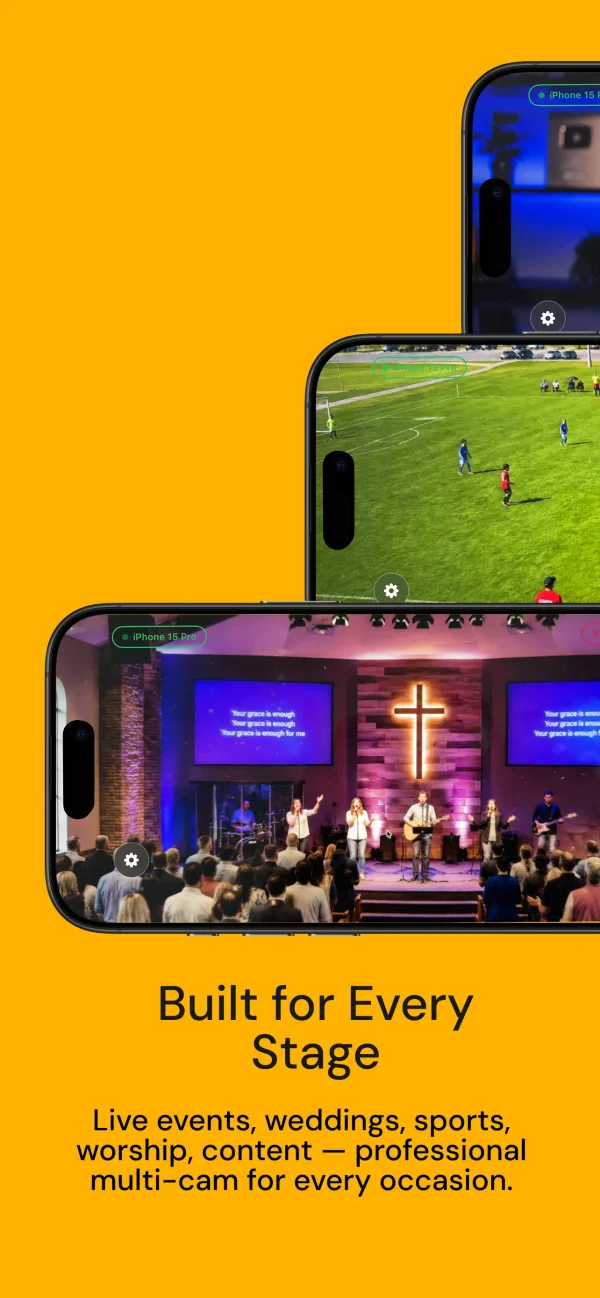
Perfect For
- Live events, concerts, and conferences
- YouTube and podcast production
- Houses of worship and ceremony streaming
- Sports coverage and performances
- Real estate walkthroughs
- Education and lecture recording
Simple Setup, No Extra Gear
All you need are iPhones or iPads on the same Wi-Fi network. One device runs Videk Director; the rest run Videk Camera. Connect with a 6-digit code and start producing.
Free to Start
Connect up to 2 cameras, switch live, stream, and record - all for free. Upgrade to Pro for unlimited cameras, video export, Final Cut Pro timeline export, and iCloud archiving.
Requirements
Videk Camera requires iOS 17 or later. A 5 GHz Wi-Fi network is recommended for best performance. Download Videk Director separately to complete your setup.
Có gì mới
Phiên bản 2.0 · 21/10/2026
Videk Camera 2.0
• Your camera feed now travels to the Director over an encrypted connection.
• Works with Videk Director 2.0. If the Director or this app is out of date, you're asked to update from the App Store.
• Refreshed sliders for exposure, ISO, shutter speed and white balance.
Quyền riêng tư của ứng dụng
Những gì Andrei Nevar khai báo trên App Store về cách ứng dụng này xử lý dữ liệu.
-
Dữ liệu không liên kết với bạn
Có thể được thu thập nhưng không liên kết với danh tính của bạn.
- Mã định danh
- Dữ liệu sử dụng
- Chẩn đoán
Phương thức đảm bảo quyền riêng tư có thể khác nhau, chẳng hạn như tuỳ theo các tính năng bạn sử dụng hoặc độ tuổi của bạn.
Thông tin
- Người bán
- Andrei Nevar
- Danh mục
- Ảnh & Video
- Phiên bản
- 2.0
- Cập nhật
- 21/10/2026
- Phát hành
- 03/04/2026
- Kích thước
- 4,2 MB
- Yêu cầu
- iOS 18.6 trở lên
- Độ tuổi
- 4+
- Giá
- Miễn phí
- Ngôn ngữ
- Tiếng Anh
- Bản quyền
- © Andrei Nevar
Có thể bạn cũng thích
-
 MultiCam: Đồng bộ nhiều cameraQuay bằng nhiều iPhone
-
 Director Board – Multi-CameraẢnh & Video
-
 Multi Camera Recorder: UnisonẢnh & Video
-
 ProducerPadẢnh & Video
-
 MeddlyẢnh & Video
-
 Airlive Camera — Live MulticamẢnh & Video
-
 ActionCheese – Multicam RemoteẢnh & Video
-
 Wireless Webcam - SplonkCamẢnh & Video
-
 iCameraPlusẢnh & Video
-
 BirdDog WingmanẢnh & Video