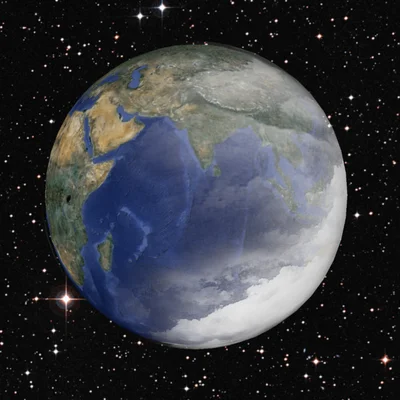
ViGravitatis
Gravity Sandbox In Your Pocket
Entwickelt für iPhone, iPad, iPod touch
Kostenlos
- Altersfreigabe4+
- KategorieBildung
- EntwicklerArtem Rudakov
- SprachenEnglisch
- Größe34,2 MB
Verlinkt auf die offizielle App Store-Seite
Download.org hostet keine Datei von ViGravitatis. Die Schaltfläche öffnet die App-Seite bei App Store, wo Artem Rudakov die App veröffentlicht. Eintrag zuletzt geprüft am 15.11.2026.
Screenshots
Info
Der Entwickler hat diesen Text nicht in Ihrer Sprache bereitgestellt.
The physics is fun! The law of gravity in particular. Explore it with ViGravitatis today and understand the trajectory of celestials tomorrow!
Guide: Modes
ViGravitatis provides two key modes: Creation and Simulation.
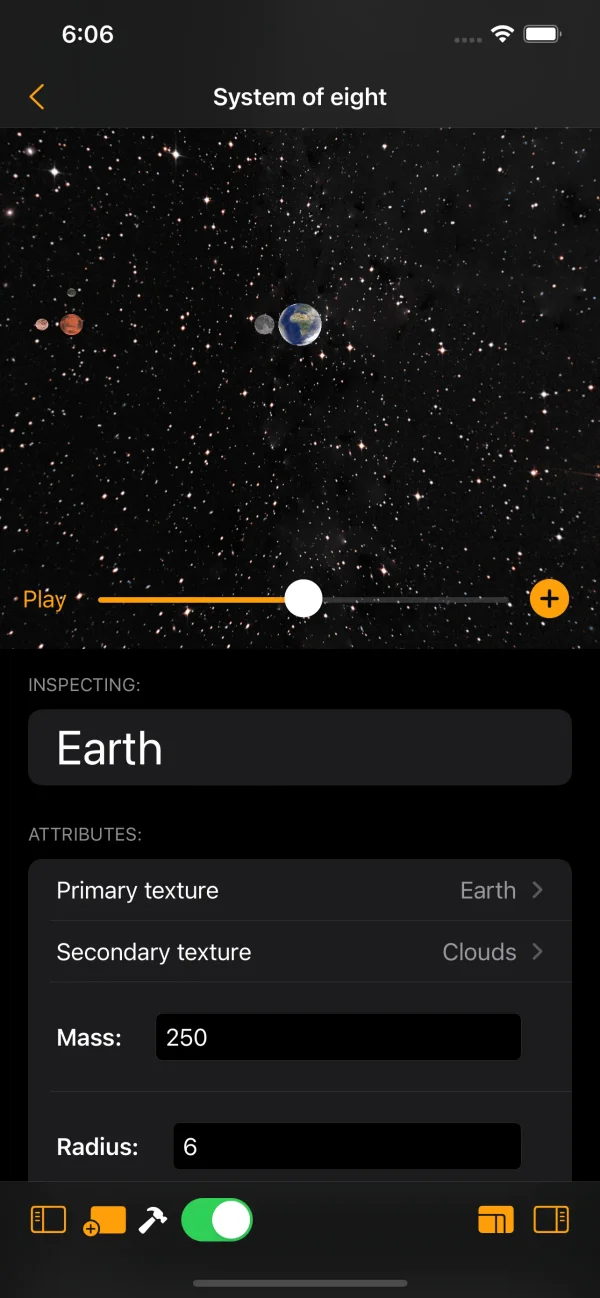
In the Creation Mode, you have the full power to place anything in your space and anywhere.
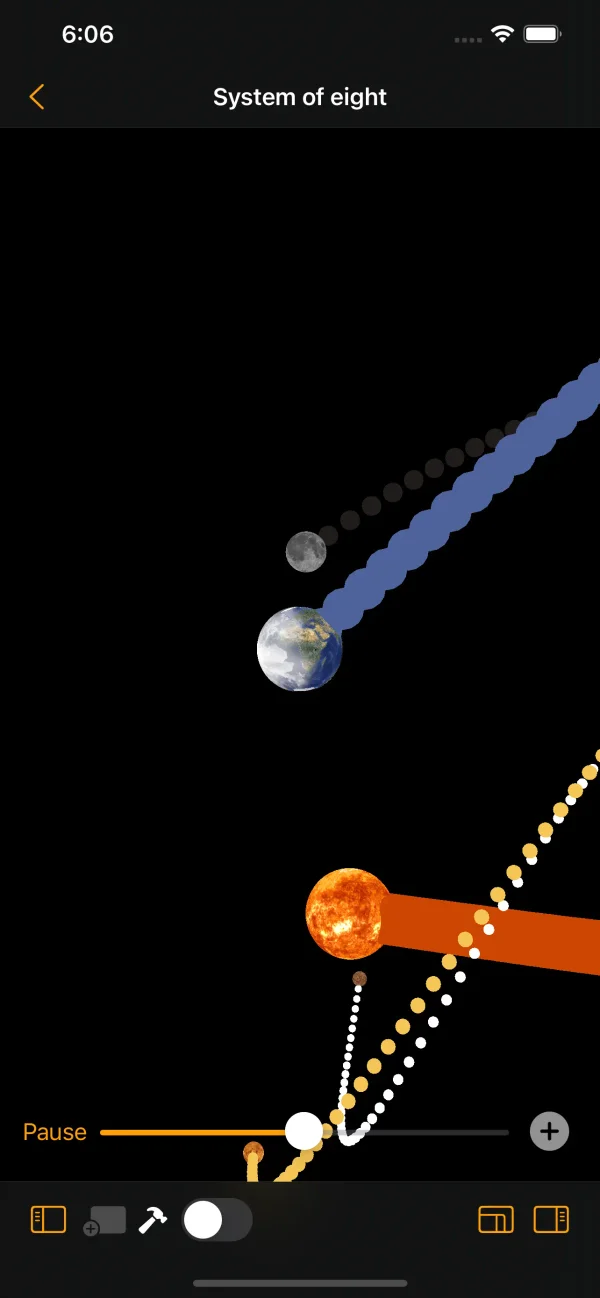
When you press Play, Simulation mode starts automatically. In this mode, you are limited to changing a few parameters of a selected celestial. Moreover, different capabilities are available when simulation is playing compared to when it is paused.
Use the toggle with the hammer icon to switch between Creation and Simulation. Note that when you switch from Simulation to Creation, the space is reset to its initial state. Meaning that the positions and velocities of celestials are reset.
The key scenario of using the app is to set up your scene in the Creation Mode and then check how it is changing during the simulation. Then, go back to Creation Mode, change a few initial parameters, and check again how it affects the simulation.
Guide: Simulation Speed
There are a few ways you can affect the speed of the simulation.
First of all, it can be completely paused at any time. So, no objects are moving.
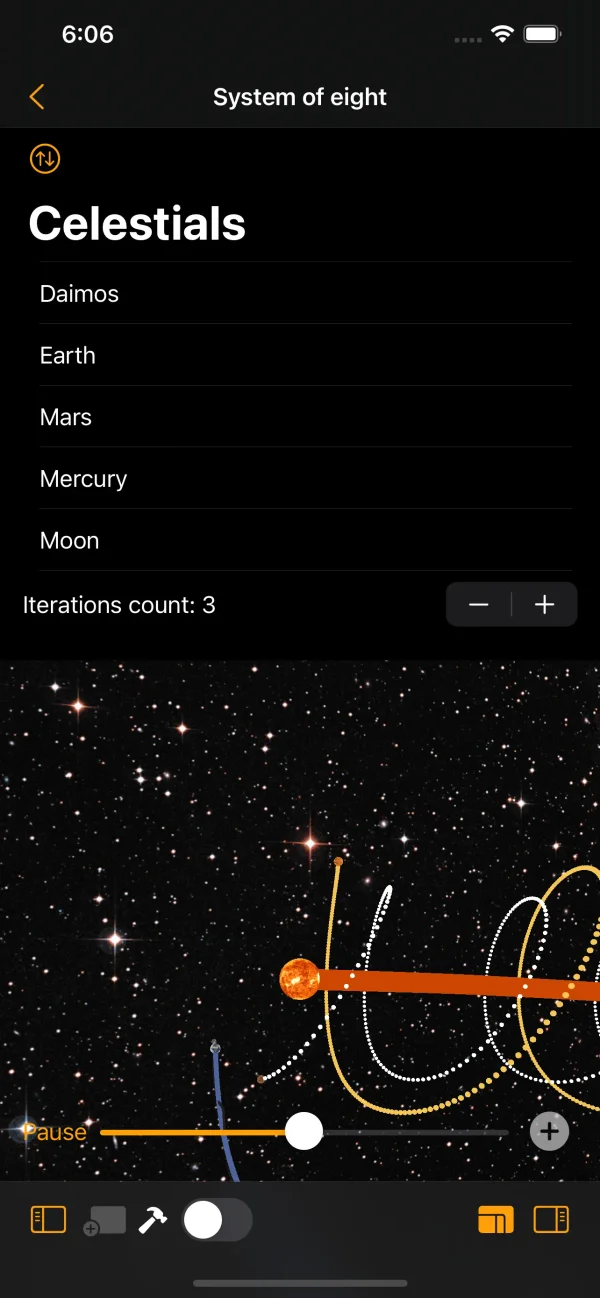
But you can also change the accuracy of the simulation using the slider near the Play/Pause toggle. It can increase the speed of the simulation, sacrificing accuracy. So, at very high speeds, objects can start moving in a very surprising way, albeit inaccurately.
On the other hand, you can change the “iterations count”. With greater iterations in total simulation runs, faster without any degradation in accuracy, but it will require more battery power of your device.
Neue Funktionen
Version 1.0.1 · 06.04.2025
Re-built the app with iOS 18 SDK, improved document opening experience.
App-Datenschutz
Was Artem Rudakov im App Store zum Umgang dieser App mit Daten angibt.
-
Keine Daten erfasst
Der Entwickler erfasst keine Daten von dieser App.
Die Datenschutzpraktiken können variieren, zum Beispiel je nach den von Ihnen verwendeten Funktionen oder Ihrem Alter.
Informationen
- Anbieter
- Artem Rudakov
- Kategorie
- Bildung
- Version
- 1.0.1
- Aktualisiert
- 06.04.2025
- Veröffentlicht
- 07.06.2021
- Größe
- 34,2 MB
- Erfordert
- iOS 14.2 oder neuer
- Altersfreigabe
- 4+
- Preis
- Kostenlos
- Sprachen
- Englisch
- Copyright
- © 2025 Artyom Rudakov
Das könnte Ihnen auch gefallen
-
 Orbital Simulator: ExplorerBildung
-
 Gravity!Bildung
-
 3-BodyBildung
-
 ARGEO Portable – Geo toolsBildung
-
 PlanetenSpielundApp2bBildung
-
 Heliosphere - Solar SystemBildung
-
 Galaxy Gallery: SonnensystemPlaneten in 3D entdecken
-
 Atlas of MoonsBildung
-
 Intergalactic Solar SystemBildung
-
 Planets AR: Sonnensystem 3DPlaneten & Weltall zu Hause