ViGravitatis
Gravity Sandbox In Your Pocket
Designed for iPhone, iPad, iPod touch
Free
- Age rating4+
- CategoryEducation
- DeveloperArtem Rudakov
- LanguagesEnglish
- Size34.2 MB
Links to the official App Store page
Download.org hosts no file of ViGravitatis. The button opens its official App Store page, published by Artem Rudakov. Listing last checked on Nov 15, 2026.
Screenshots
About
The physics is fun! The law of gravity in particular. Explore it with ViGravitatis today and understand the trajectory of celestials tomorrow!
Guide: Modes
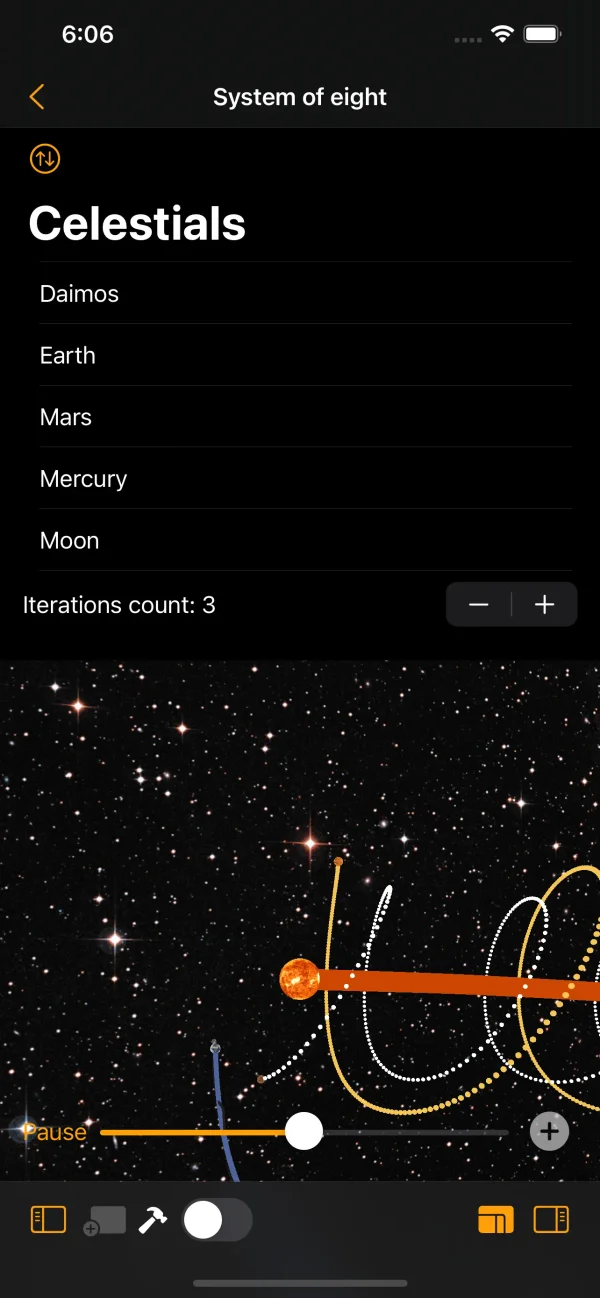
ViGravitatis provides two key modes: Creation and Simulation.
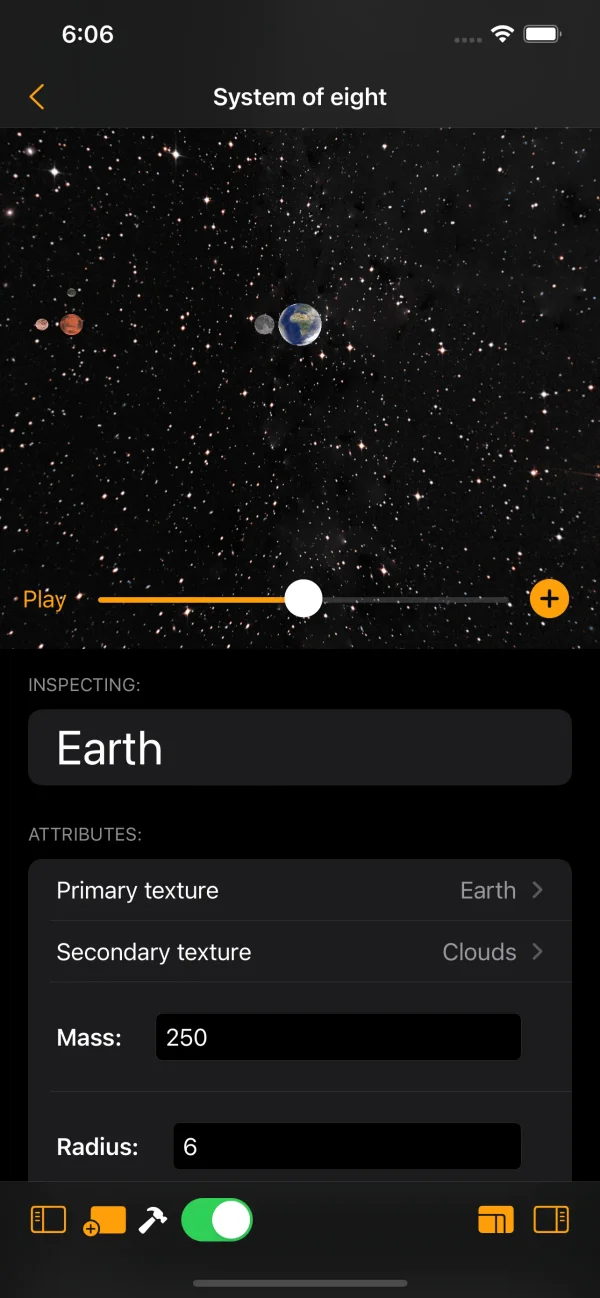
In the Creation Mode, you have the full power to place anything in your space and anywhere.
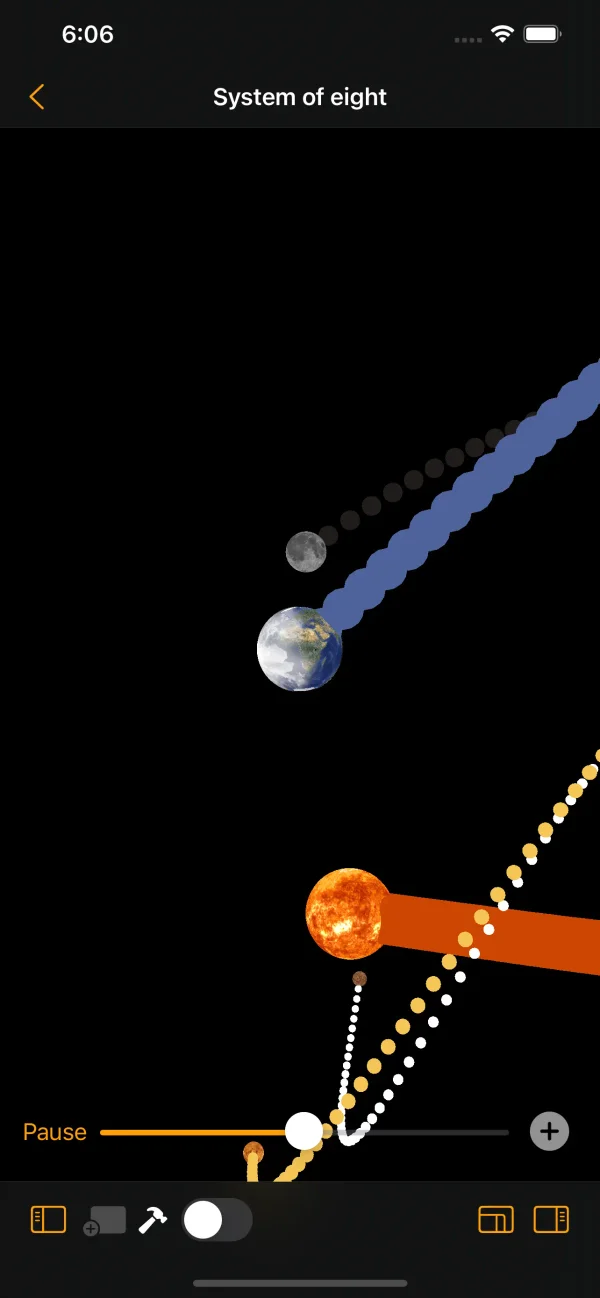
When you press Play, Simulation mode starts automatically. In this mode, you are limited to changing a few parameters of a selected celestial. Moreover, different capabilities are available when simulation is playing compared to when it is paused.
Use the toggle with the hammer icon to switch between Creation and Simulation. Note that when you switch from Simulation to Creation, the space is reset to its initial state. Meaning that the positions and velocities of celestials are reset.
The key scenario of using the app is to set up your scene in the Creation Mode and then check how it is changing during the simulation. Then, go back to Creation Mode, change a few initial parameters, and check again how it affects the simulation.
Guide: Simulation Speed
There are a few ways you can affect the speed of the simulation.
First of all, it can be completely paused at any time. So, no objects are moving.
But you can also change the accuracy of the simulation using the slider near the Play/Pause toggle. It can increase the speed of the simulation, sacrificing accuracy. So, at very high speeds, objects can start moving in a very surprising way, albeit inaccurately.
On the other hand, you can change the “iterations count”. With greater iterations in total simulation runs, faster without any degradation in accuracy, but it will require more battery power of your device.
What’s new
Version 1.0.1 · Apr 6, 2025
Re-built the app with iOS 18 SDK, improved document opening experience.
App privacy
What Artem Rudakov declares on the App Store about how this app handles data.
-
Data not collected
The developer does not collect any data from this app.
Privacy practices may vary, for example with the features you use or your age.
Information
- Seller
- Artem Rudakov
- Category
- Education
- Version
- 1.0.1
- Updated
- Apr 6, 2025
- Released
- Jun 7, 2021
- Size
- 34.2 MB
- Requires
- iOS 14.2 or later
- Age rating
- 4+
- Price
- Free
- Languages
- English
- Copyright
- © 2025 Artyom Rudakov
You might also like
-
 Orbital Simulator: ExplorerExplore and Master Orbits
-
 Gravity!Education
-
 3-Body2D Gravity Simulator Fun
-
 ARGEO Portable – Geo toolsEducation
-
 PlanetenSpielundApp2bplanets, moons, stars,...
-
 Heliosphere - Solar SystemExplore Space Around You
-
 Galaxy Gallery: Space & FocusStudy Timer & Solar System
-
 Atlas of MoonsEducation
-
 Intergalactic Solar SystemEducation
-
 Planets AR: Solar System 3DSpace & astronomy in your room