ViGravitatis
Gravity Sandbox In Your Pocket
Được thiết kế cho iPhone, iPad, iPod touch
Miễn phí
- Độ tuổi4+
- Danh mụcGiáo Dục
- Nhà phát triểnArtem Rudakov
- Ngôn ngữTiếng Anh
- Kích thước34,2 MB
Liên kết đến trang App Store chính thức
Download.org không lưu trữ tệp nào của ViGravitatis. Nút này mở trang ứng dụng trên App Store, nơi Artem Rudakov phát hành ứng dụng. Trang được kiểm tra lần cuối: 15/11/2026.
Ảnh chụp màn hình
Giới thiệu
Nhà phát triển chưa cung cấp nội dung này bằng ngôn ngữ của bạn.
The physics is fun! The law of gravity in particular. Explore it with ViGravitatis today and understand the trajectory of celestials tomorrow!
Guide: Modes
ViGravitatis provides two key modes: Creation and Simulation.
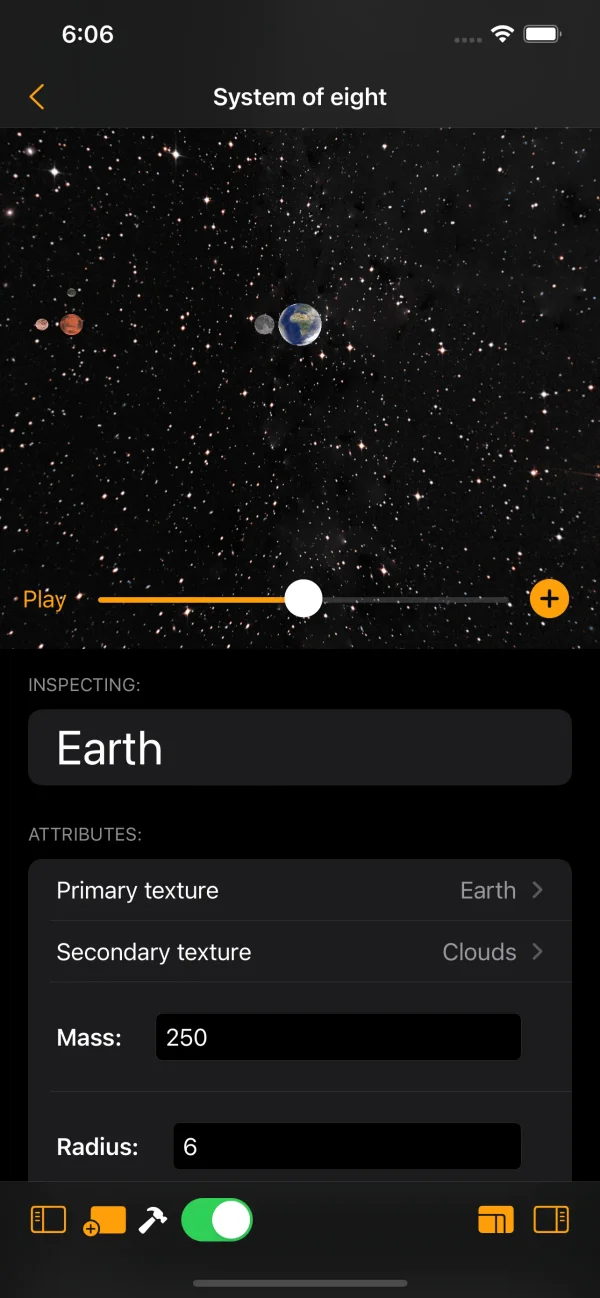
In the Creation Mode, you have the full power to place anything in your space and anywhere.
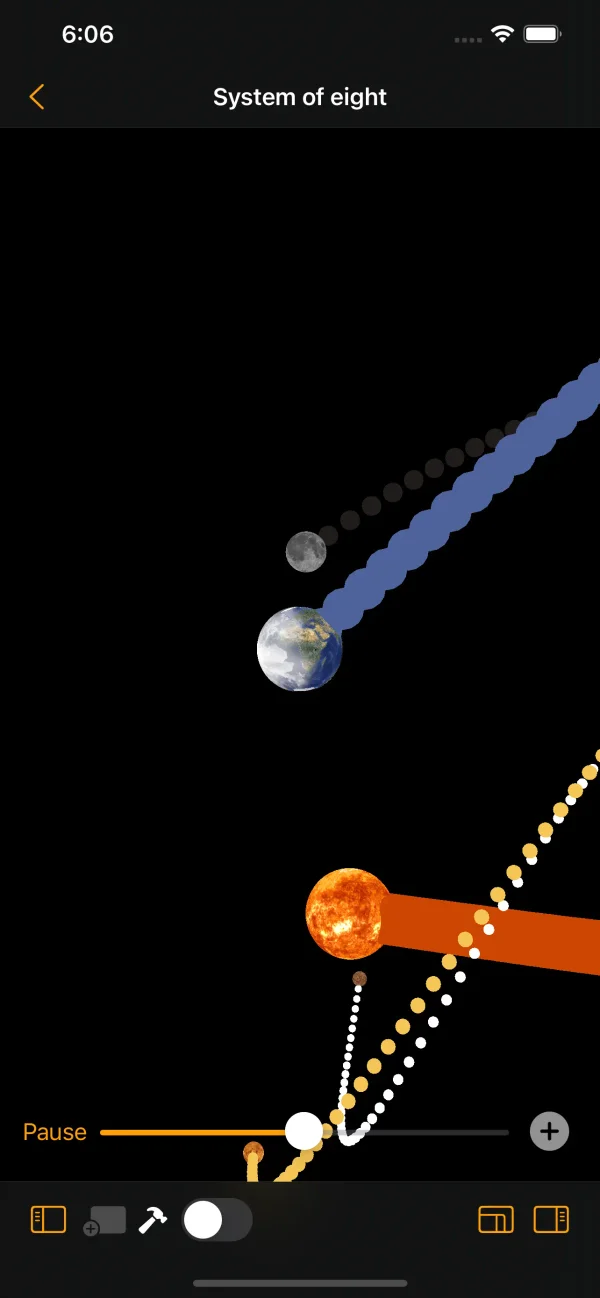
When you press Play, Simulation mode starts automatically. In this mode, you are limited to changing a few parameters of a selected celestial. Moreover, different capabilities are available when simulation is playing compared to when it is paused.
Use the toggle with the hammer icon to switch between Creation and Simulation. Note that when you switch from Simulation to Creation, the space is reset to its initial state. Meaning that the positions and velocities of celestials are reset.
The key scenario of using the app is to set up your scene in the Creation Mode and then check how it is changing during the simulation. Then, go back to Creation Mode, change a few initial parameters, and check again how it affects the simulation.
Guide: Simulation Speed
There are a few ways you can affect the speed of the simulation.
First of all, it can be completely paused at any time. So, no objects are moving.
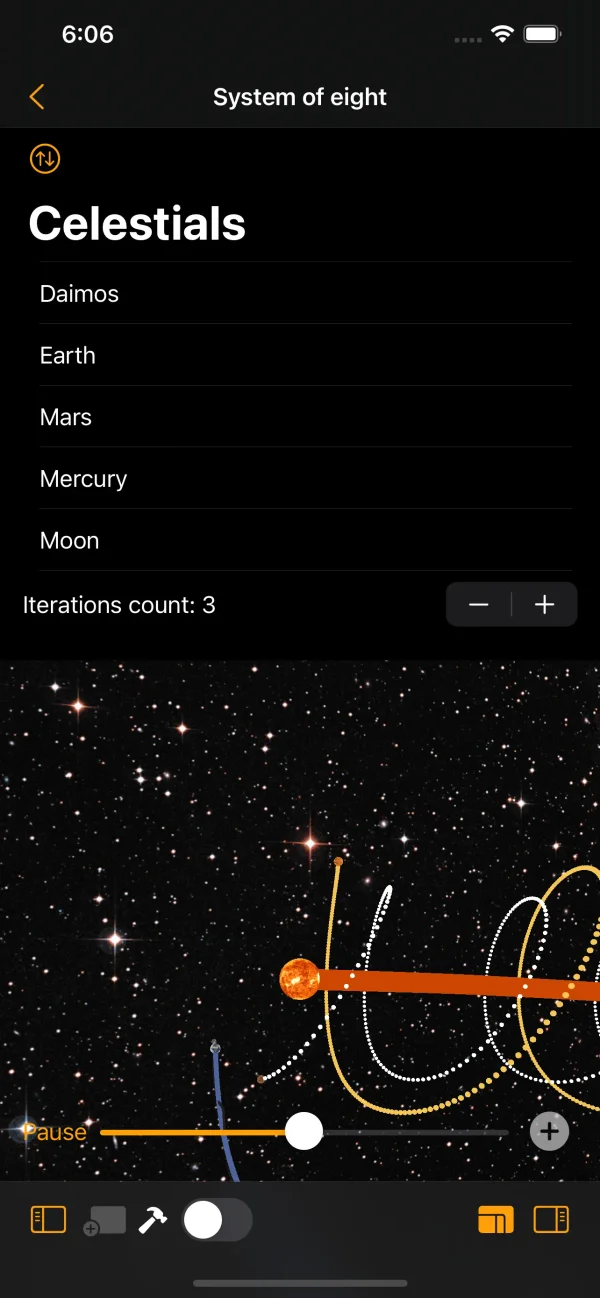
But you can also change the accuracy of the simulation using the slider near the Play/Pause toggle. It can increase the speed of the simulation, sacrificing accuracy. So, at very high speeds, objects can start moving in a very surprising way, albeit inaccurately.
On the other hand, you can change the “iterations count”. With greater iterations in total simulation runs, faster without any degradation in accuracy, but it will require more battery power of your device.
Có gì mới
Phiên bản 1.0.1 · 06/04/2025
Re-built the app with iOS 18 SDK, improved document opening experience.
Quyền riêng tư của ứng dụng
Những gì Artem Rudakov khai báo trên App Store về cách ứng dụng này xử lý dữ liệu.
-
Dữ liệu không được thu thập
Nhà phát triển không thu thập bất kỳ dữ liệu nào từ ứng dụng này.
Phương thức đảm bảo quyền riêng tư có thể khác nhau, chẳng hạn như tuỳ theo các tính năng bạn sử dụng hoặc độ tuổi của bạn.
Thông tin
- Người bán
- Artem Rudakov
- Danh mục
- Giáo Dục
- Phiên bản
- 1.0.1
- Cập nhật
- 06/04/2025
- Phát hành
- 07/06/2021
- Kích thước
- 34,2 MB
- Yêu cầu
- iOS 14.2 trở lên
- Độ tuổi
- 4+
- Giá
- Miễn phí
- Ngôn ngữ
- Tiếng Anh
- Bản quyền
- © 2025 Artyom Rudakov
Có thể bạn cũng thích
-
 Orbital Simulator: ExplorerGiáo Dục
-
 Gravity!Giáo Dục
-
 3-BodyGiáo Dục
-
 ARGEO Portable – Geo toolsGiáo Dục
-
 PlanetenSpielundApp2bGiáo Dục
-
 Heliosphere - Solar SystemGiáo Dục
-
 Galaxy Gallery: Vũ trụ 3DKhám phá Hệ Mặt Trời
-
 Atlas of MoonsGiáo Dục
-
 Intergalactic Solar SystemGiáo Dục
-
 Planets AR: Hệ Mặt Trời 3DHành tinh & vũ trụ trong nhà