
WebToon Reader - WebComic File
WebToon & Manga Files Viewer
Entwickelt für iPhone, iPad, iPod touch
Kostenlos · In-App-Käufe
- Altersfreigabe4+
- KategorieBücher
- Entwicklerkim juyoung
- SprachenEnglisch+ 2 weitere
- Größe94,2 MB
Verlinkt auf die offizielle App Store-Seite
Download.org hostet keine Datei von WebToon Reader - WebComic File. Die Schaltfläche öffnet die App-Seite bei App Store, wo kim juyoung die App veröffentlicht. Eintrag zuletzt geprüft am 25.11.2026.
Screenshots
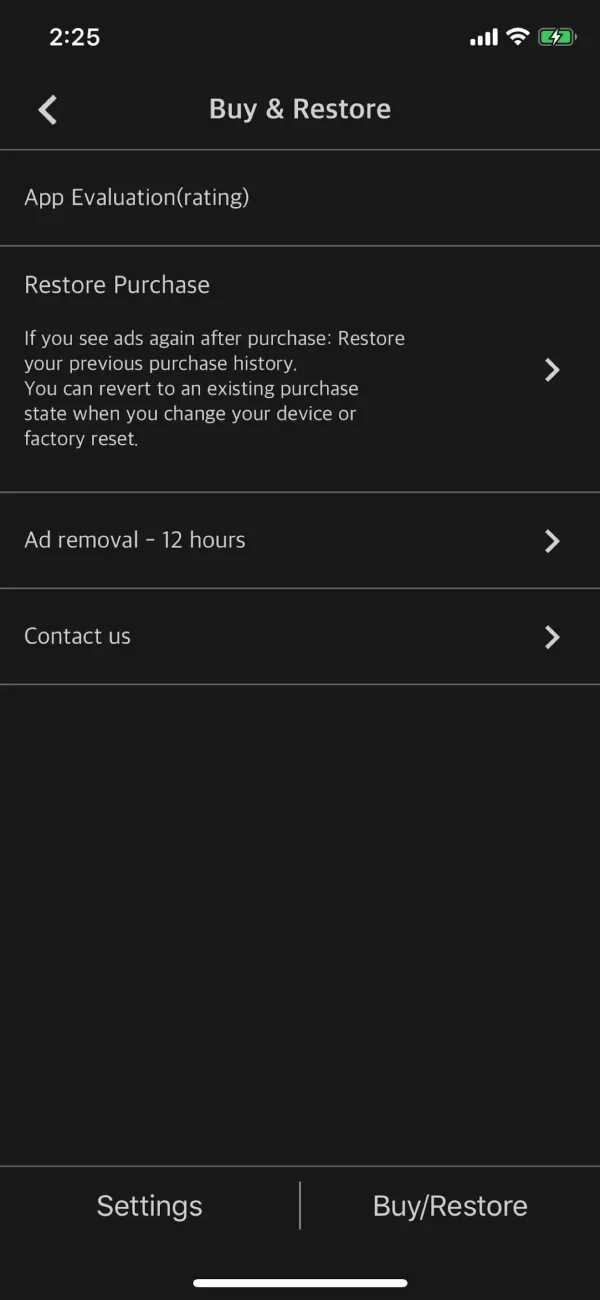
Info
Der Entwickler hat diesen Text nicht in Ihrer Sprache bereitgestellt.
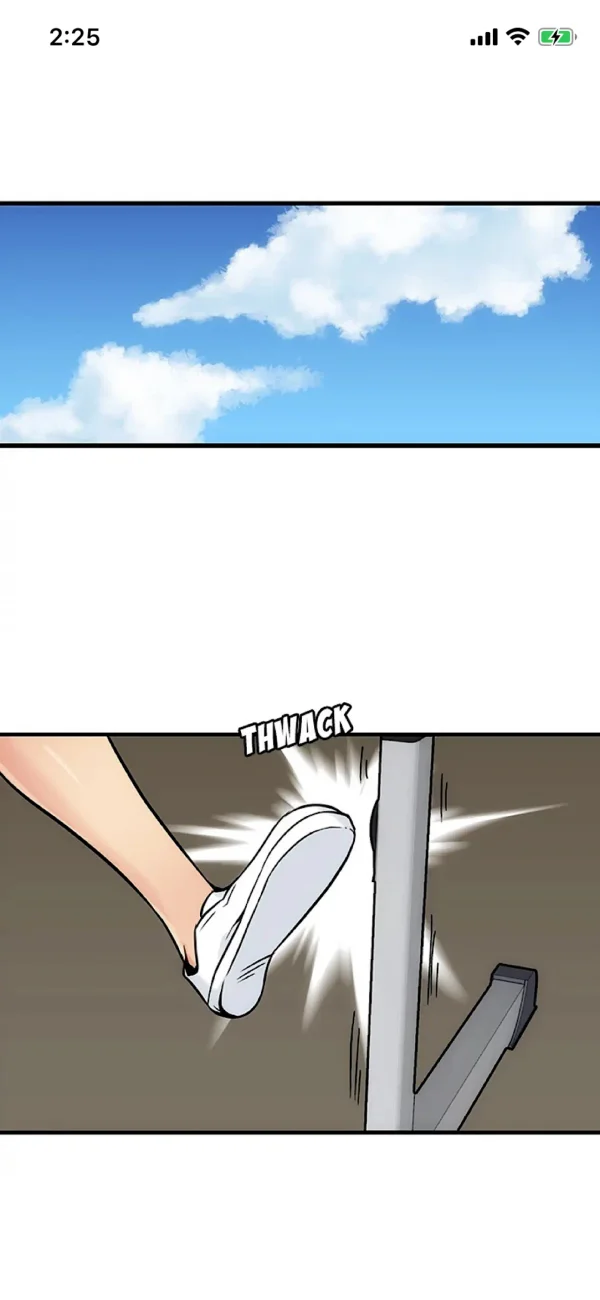
Simple Comic File Reader App
Horizontal Scroll Like Korean Webtoon
- Smooth horizontal scrolling
- Simple options
- CBR, CBZ, CB7, ZIP, RAR, 7Z
- Also supports PDF files
- iPhone, iPad, Mac(Apple Silicon) support (* Some functions may not be supported on Mac)
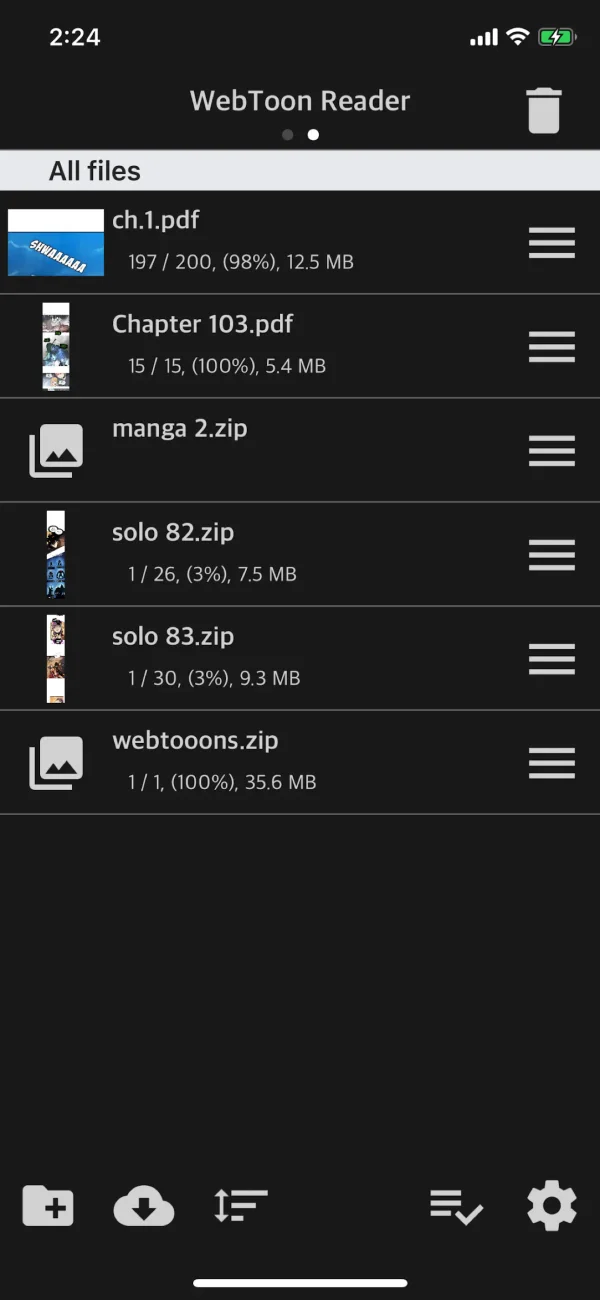
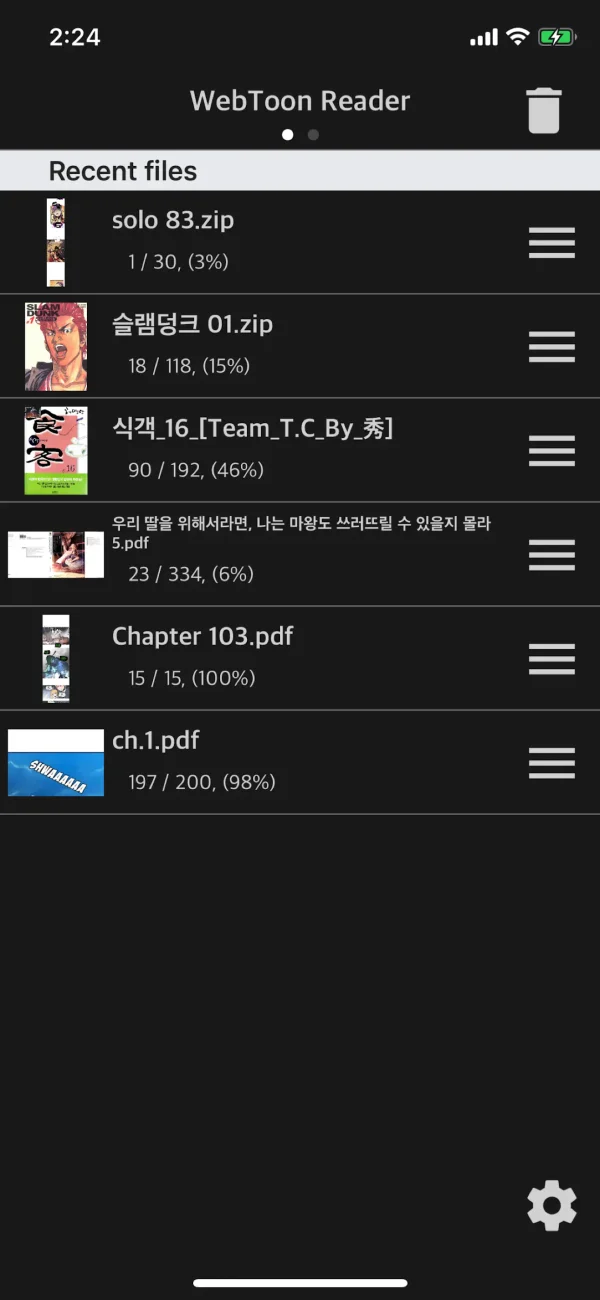
This app can upload and view compressed files or PDF files that users have. (File containing webtoon or Manga image files)
We've optimized and simplified the options to view webtoon files in the current “Manga Viewer” app.
Normal cartoon files can be viewed like watching a webtoon.
** Characteristic **
- Zip, RAR, 7z, cbz, cbr, cb7 compressed files (including images with png, jpeg, jpg and gif extensions + bmp, tiff, tif, webp, avif, jxl(26+), heif(18+))
- PDF file support
- Upload via PC web browser (WIFI)
- Import files from cloud apps such as iCloud, Google Drive, Dropbox, OneDrive, Box, etc.
- OneDrive, Dropbox direct login and download
- WebDav, SMB, FTP
- SFTP support
- Upload files with iTunes file sharing
- Cloud app, copy files from mail attachments
- Apply default image sharpening filter
- iPhone, iPad, Mac(Apple Silicon) support
- Pad supports multitasking
- Rotate the screen horizontally and vertically
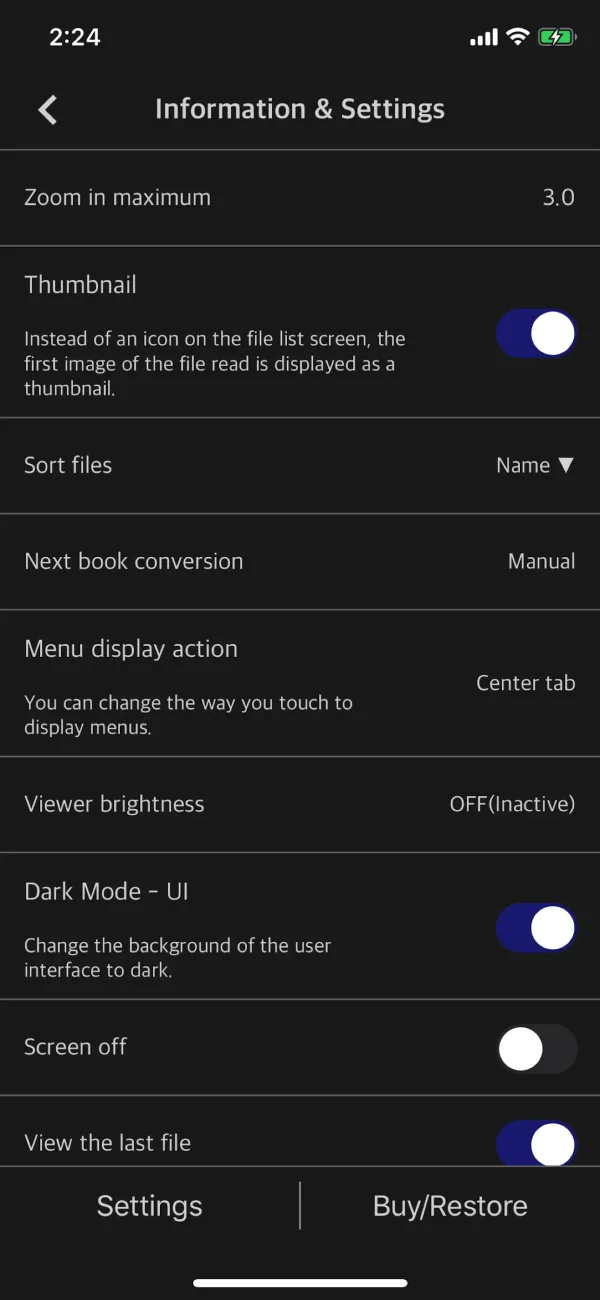
- “App Lock” function to enter password when entering the app
- “File lock” function to enter password when opening file
- Screen auto off (ON / OFF)
- Continue to last file (ON / OFF)
** Please install the cloud app on your iPhone and log in to import files from the cloud.
If you have any bugs or issues, please send them to the Send button on the top right of the setting screen or send them to junhuloveapple@gmail.com. (Answer in comments may take up to a day to respond to Apple's comment system. Please email us for a quick reply.)
Neue Funktionen
Version 1.98 · 24.11.2026
- iPhone Duo: Added options and functionality to show/hide the status bar, including while in the "Reward" state
App-Datenschutz
Was kim juyoung im App Store zum Umgang dieser App mit Daten angibt.
-
Daten, die zum Tracking Ihrer Person verwendet werden
Können verwendet werden, um Sie über Apps und Websites anderer Unternehmen hinweg zu verfolgen.
- Kennungen
- Nutzungsdaten
-
Mit Ihnen verknüpfte Daten
Können erfasst und mit Ihrer Identität verknüpft werden.
- Kennungen
-
Nicht mit Ihnen verknüpfte Daten
Können erfasst werden, sind aber nicht mit Ihrer Identität verknüpft.
- Kennungen
- Nutzungsdaten
Die Datenschutzpraktiken können variieren, zum Beispiel je nach den von Ihnen verwendeten Funktionen oder Ihrem Alter.
Informationen
- Anbieter
- kim juyoung
- Kategorie
- Bücher
- Version
- 1.98
- Aktualisiert
- 24.11.2026
- Veröffentlicht
- 08.01.2020
- Größe
- 94,2 MB
- Erfordert
- iOS 15.0 oder neuer
- Altersfreigabe
- 4+
- Preis
- Kostenlos
- In-App-Käufe
- Ja
- Sprachen
- Englisch, Japanisch, Koreanisch
- Copyright
- © Kim Ju Young
Das könnte Ihnen auch gefallen
-
 Uncover: CBZ & CBR Comic-LeserManga, EPUB, PDF offline lesen
-
 bloopworm - comic book readerBücher
-
 ComicsLieblingscomics lesen
-
 SideBooksBücher
-
 Comic- & Manga-Leser: CBZ, CBRPDF, EPUB & Webtoon Reader
-
 WoWo Comics - Local ReaderBücher
-
 MangaBoya - Webtoons & ComicsBücher
-
 Lalatoon - Comics & MangasComics, neue Folgen täglich!
-
 ComicReader: Comic Book ReaderBücher
-
 KedaReaderBücher