
WebToon Reader - WebComic File
WebToon & Manga Files Viewer
Diseñada para iPhone, iPad, iPod touch
Gratis · Compras en la aplicación
- Clasificación por edad4+
- CategoríaLibros
- Desarrolladorkim juyoung
- IdiomasInglés+ 2 más
- Tamaño94,2 MB
Enlaza a la página oficial de App Store
Download.org no aloja ningún archivo de WebToon Reader - WebComic File. El botón abre la página de la aplicación en App Store, donde la publica kim juyoung. Ficha comprobada por última vez el 25/11/2026.
Capturas de pantalla
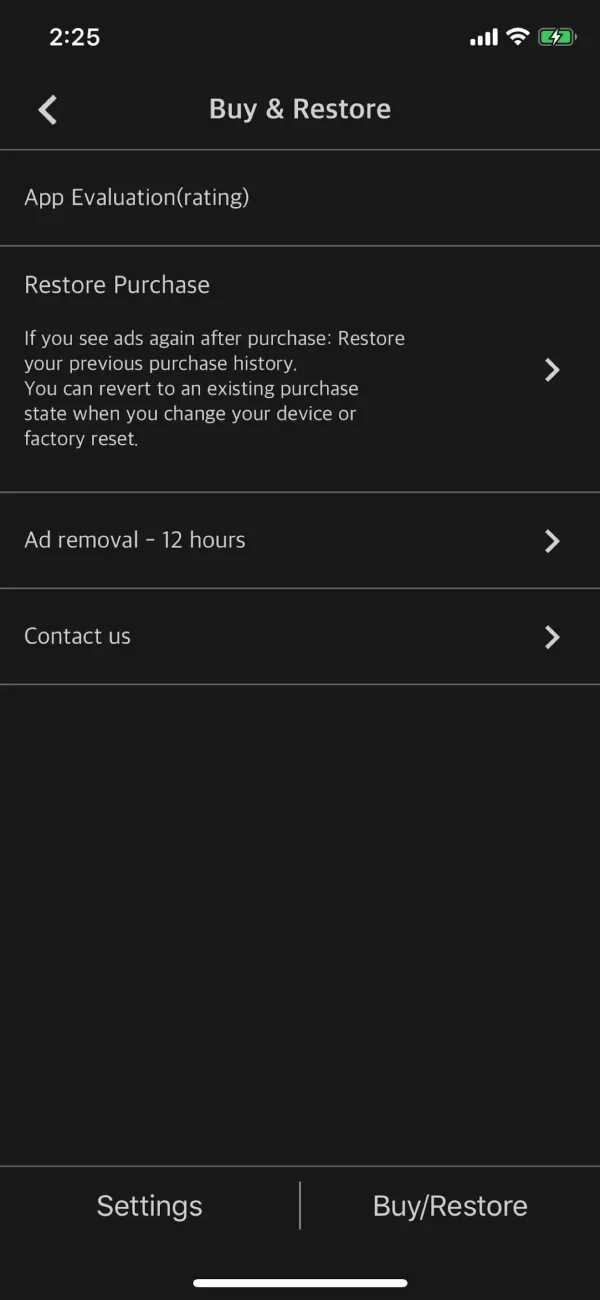
Acerca de
El desarrollador no ha proporcionado este texto en tu idioma.
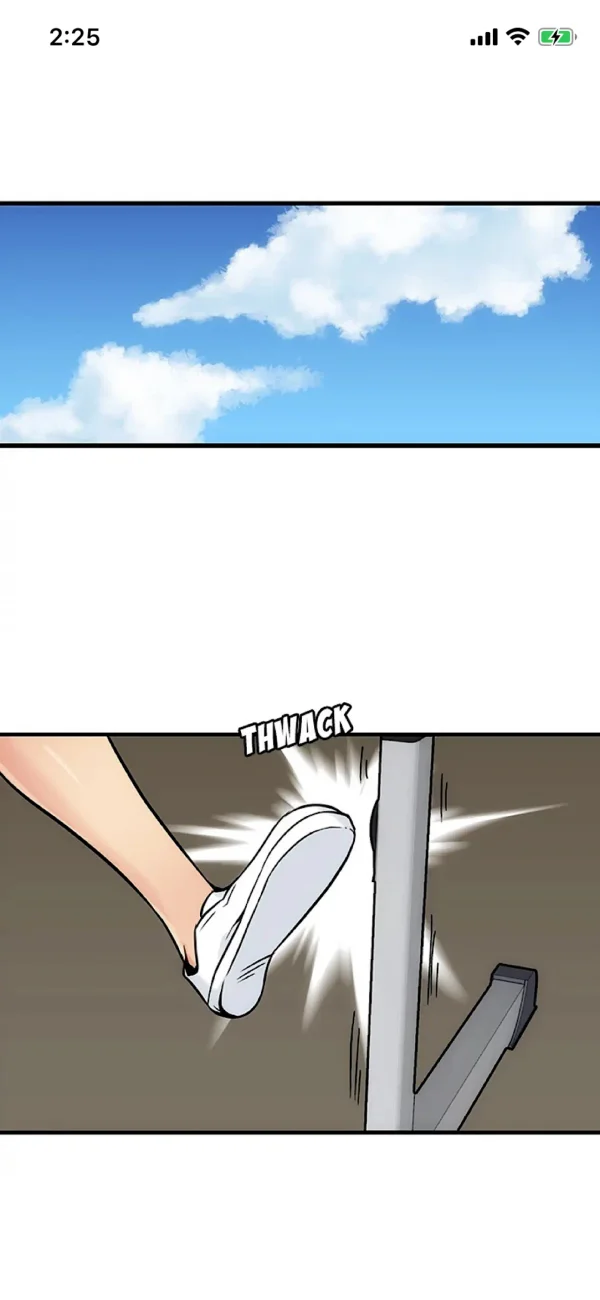
Simple Comic File Reader App
Horizontal Scroll Like Korean Webtoon
- Smooth horizontal scrolling
- Simple options
- CBR, CBZ, CB7, ZIP, RAR, 7Z
- Also supports PDF files
- iPhone, iPad, Mac(Apple Silicon) support (* Some functions may not be supported on Mac)
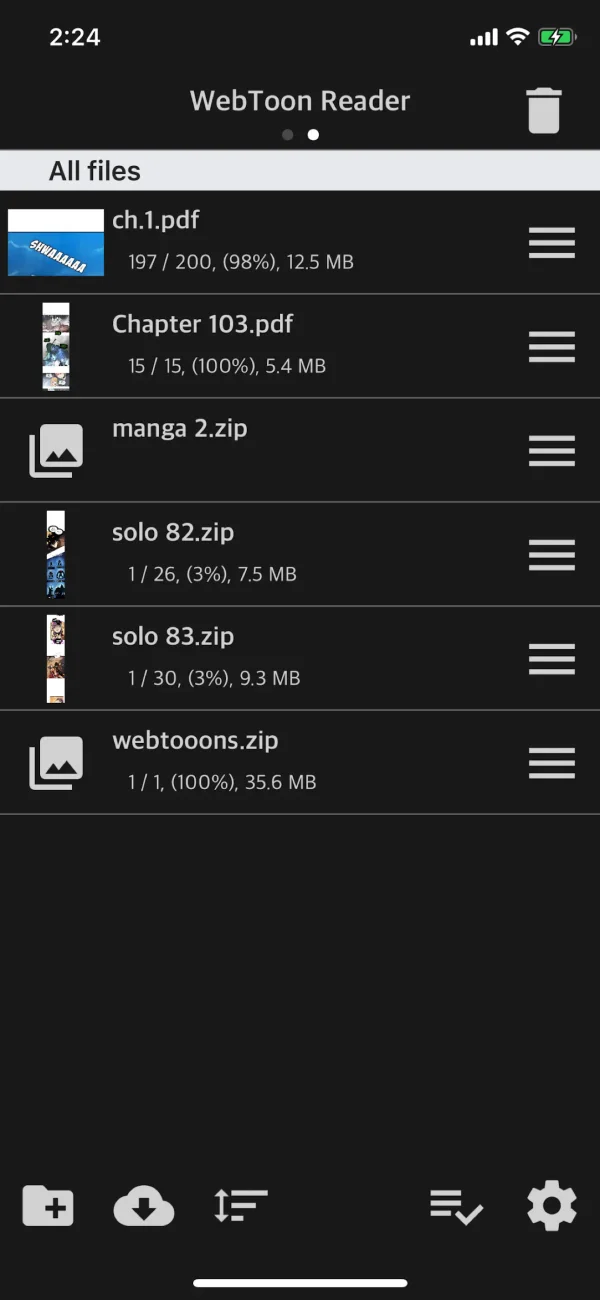
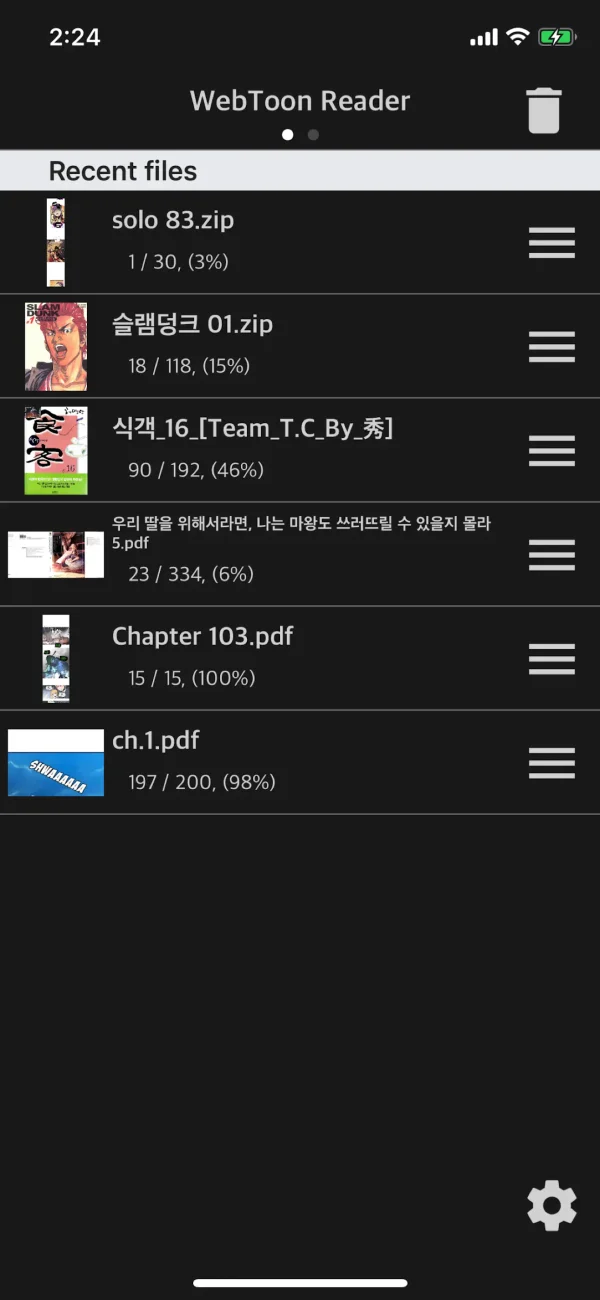
This app can upload and view compressed files or PDF files that users have. (File containing webtoon or Manga image files)
We've optimized and simplified the options to view webtoon files in the current “Manga Viewer” app.
Normal cartoon files can be viewed like watching a webtoon.
** Characteristic **
- Zip, RAR, 7z, cbz, cbr, cb7 compressed files (including images with png, jpeg, jpg and gif extensions + bmp, tiff, tif, webp, avif, jxl(26+), heif(18+))
- PDF file support
- Upload via PC web browser (WIFI)
- Import files from cloud apps such as iCloud, Google Drive, Dropbox, OneDrive, Box, etc.
- OneDrive, Dropbox direct login and download
- WebDav, SMB, FTP
- SFTP support
- Upload files with iTunes file sharing
- Cloud app, copy files from mail attachments
- Apply default image sharpening filter
- iPhone, iPad, Mac(Apple Silicon) support
- Pad supports multitasking
- Rotate the screen horizontally and vertically
- “App Lock” function to enter password when entering the app
- “File lock” function to enter password when opening file
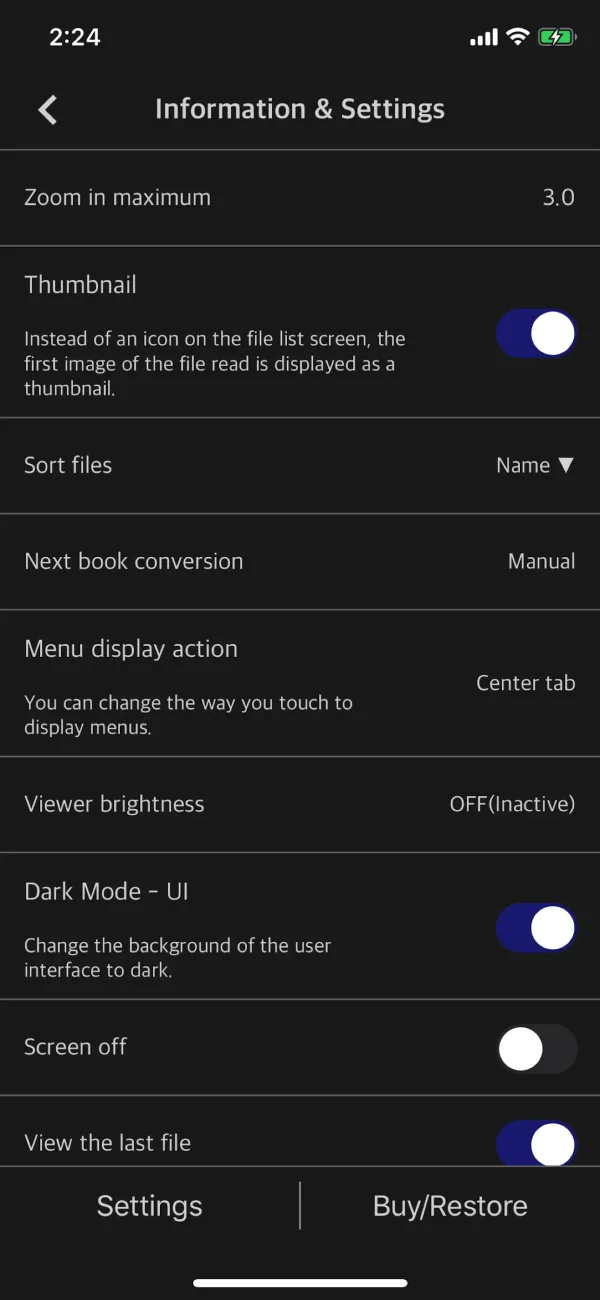
- Screen auto off (ON / OFF)
- Continue to last file (ON / OFF)
** Please install the cloud app on your iPhone and log in to import files from the cloud.
If you have any bugs or issues, please send them to the Send button on the top right of the setting screen or send them to junhuloveapple@gmail.com. (Answer in comments may take up to a day to respond to Apple's comment system. Please email us for a quick reply.)
Novedades
Versión 1.98 · 24/11/2026
- iPhone Duo: Added options and functionality to show/hide the status bar, including while in the "Reward" state
Privacidad de la aplicación
Lo que kim juyoung declara en App Store sobre cómo esta aplicación gestiona los datos.
-
Datos usados para rastrearte
Pueden usarse para rastrearte en aplicaciones y sitios web propiedad de otras empresas.
- Identificadores
- Datos de uso
-
Datos vinculados a ti
Pueden recopilarse y vincularse a tu identidad.
- Identificadores
-
Datos no vinculados a ti
Pueden recopilarse, pero no se vinculan a tu identidad.
- Identificadores
- Datos de uso
Las prácticas de privacidad pueden variar, por ejemplo, según las funciones que uses o tu edad.
Información
- Vendedor
- kim juyoung
- Categoría
- Libros
- Versión
- 1.98
- Actualizado
- 24/11/2026
- Publicado
- 8/1/2020
- Tamaño
- 94,2 MB
- Requiere
- iOS 15.0 o posterior
- Clasificación por edad
- 4+
- Precio
- Gratis
- Compras en la aplicación
- Sí
- Idiomas
- Inglés, Japonés, Coreano
- Copyright
- © Kim Ju Young
Quizá también te guste
-
 Uncover: Lector de cómics CBZCBR, EPUB y PDF sin conexión
-
 bloopworm - comic book readerLibros
-
 Comic Book ViewerLibros
-
 SideBooksLibros
-
 Lector de Cómics CBR, CBZ, PDFManga, EPUB y Webtoon
-
 WoWo Comics - Local ReaderLibros
-
 MangaBoya - Webtoons & ComicsLibros
-
 Lalatoon - Cómics y webtoon¡Cómics premium cada día!
-
 ComicReader: Lector de cómicsCBR, CBZ y PDF sin conexión
-
 KedaReaderLibros