WebToon Reader - WebComic File
WebToon & Manga Files Viewer
Dirancang untuk iPhone, iPad, iPod touch
Gratis · Pembelian dalam aplikasi
- Batasan usia4+
- KategoriBuku
- Pengembangkim juyoung
- BahasaInggris+ 2 lainnya
- Ukuran94,2 MB
Tertaut ke halaman resmi App Store
Download.org tidak menyimpan file WebToon Reader - WebComic File apa pun. Tombol ini membuka halaman aplikasi di App Store, tempat kim juyoung menerbitkannya. Halaman terakhir diperiksa pada 25/11/2026.
Tangkapan layar
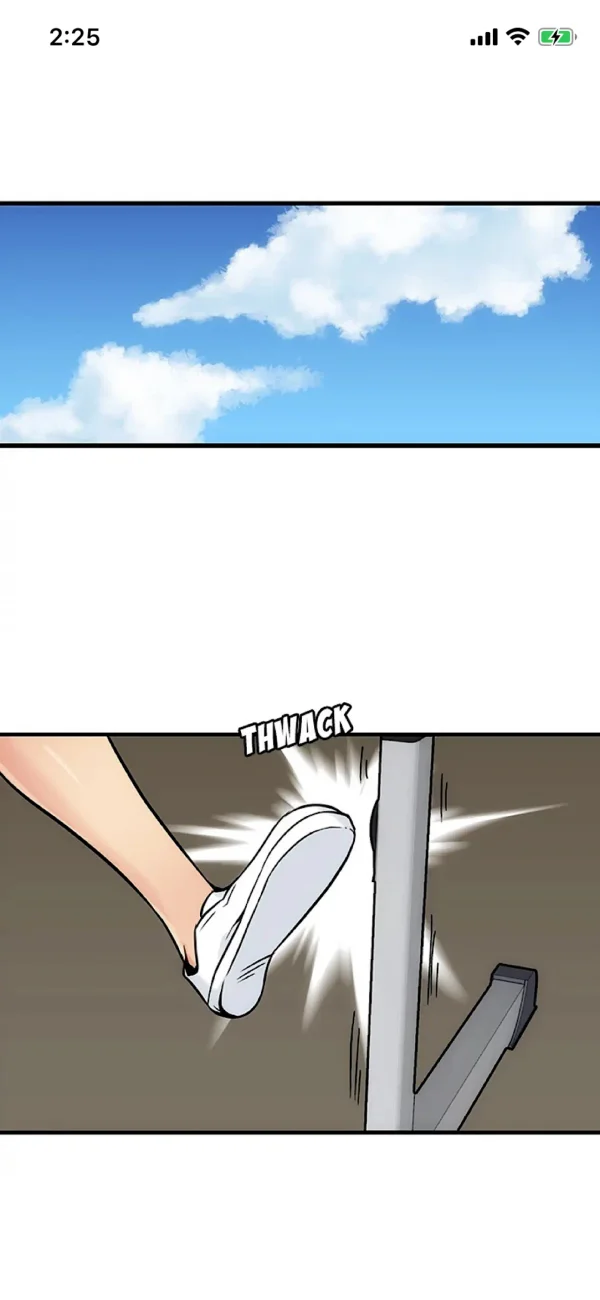
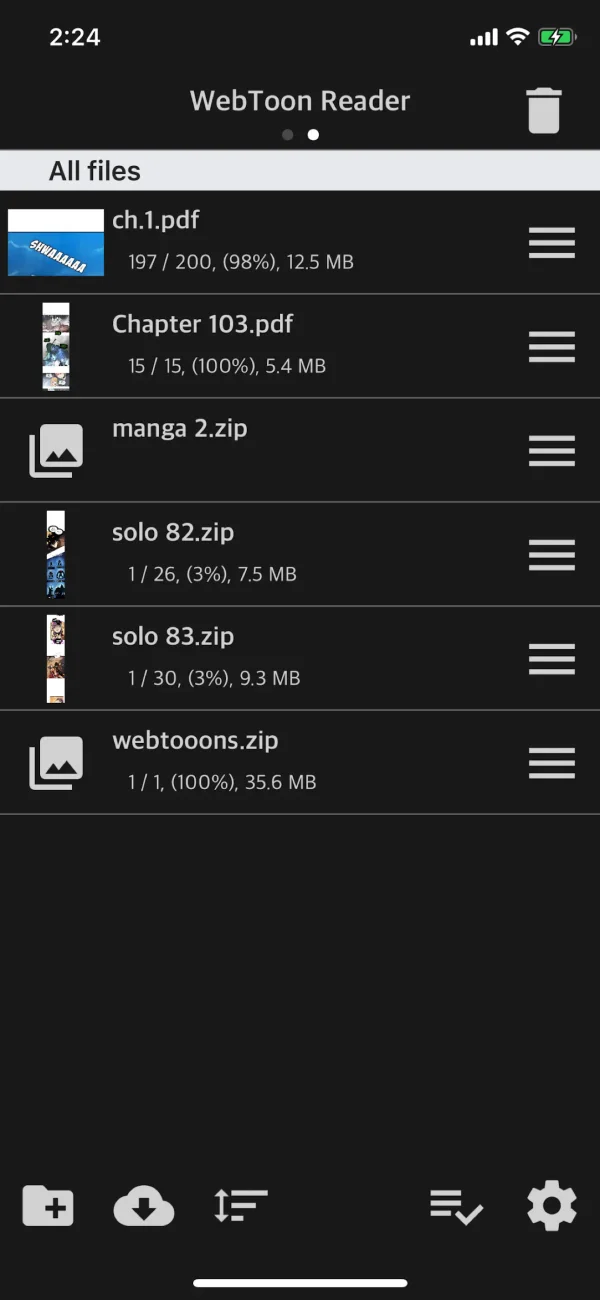
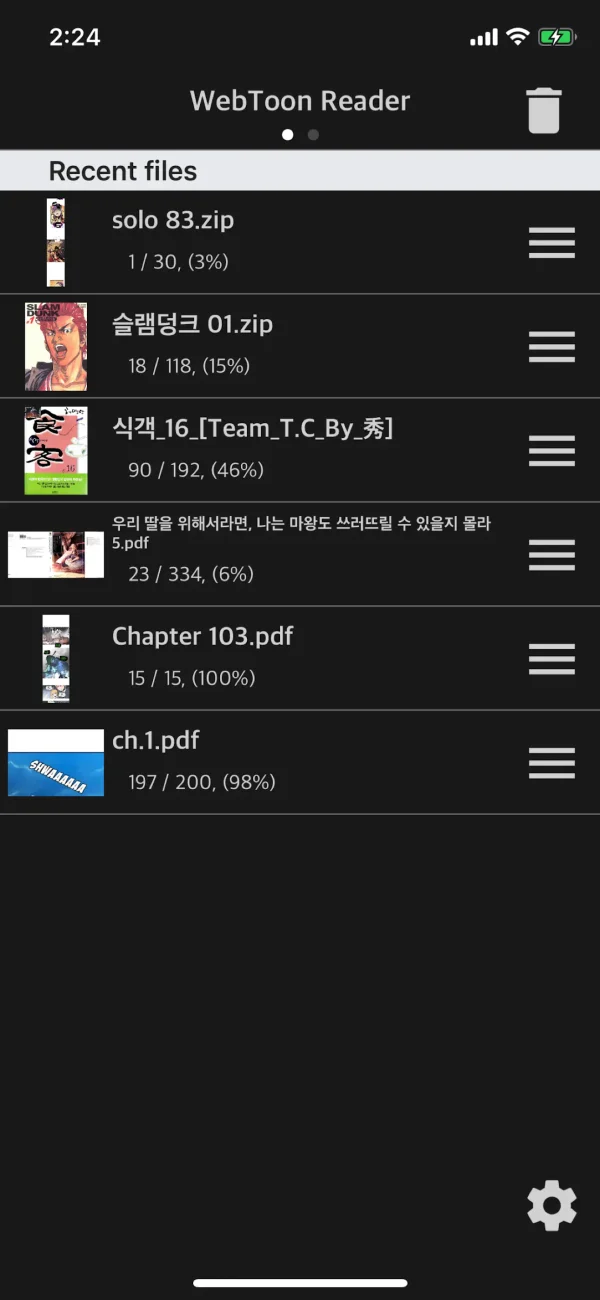
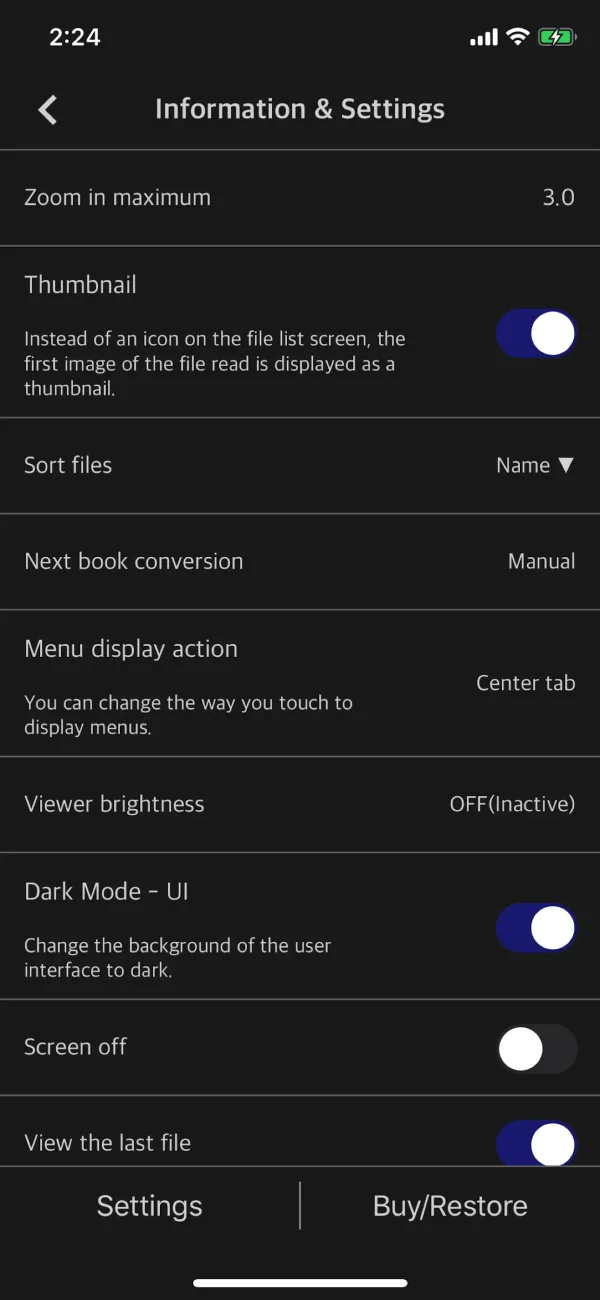
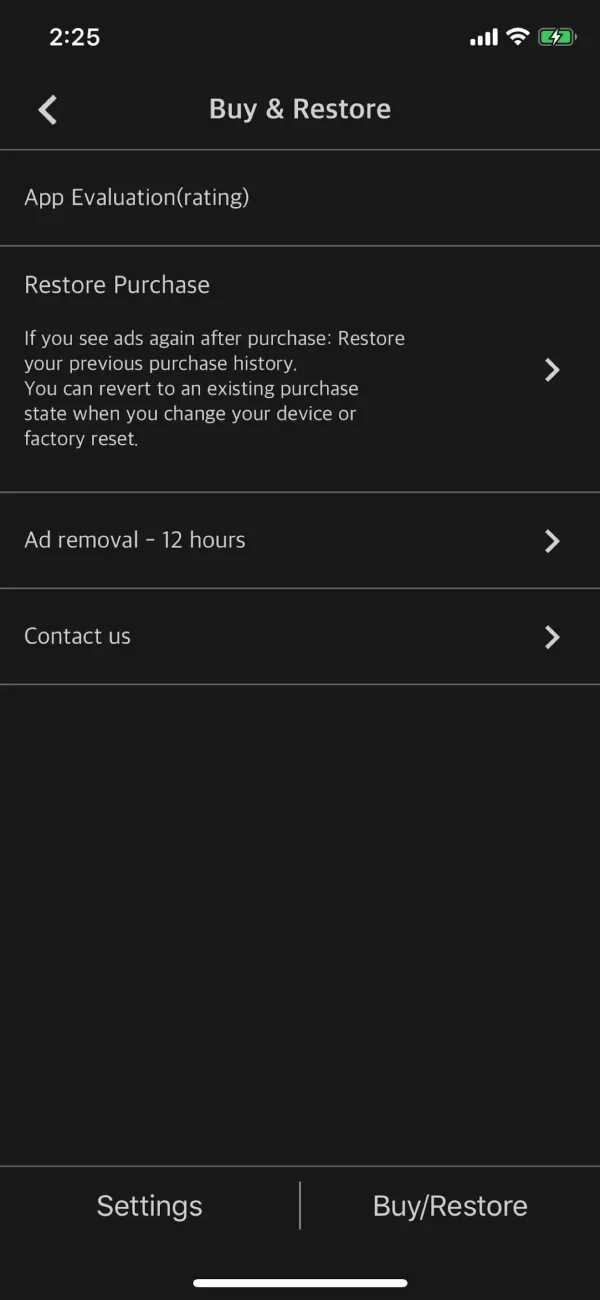
Tentang
Pengembang belum menyediakan teks ini dalam bahasa Anda.
Simple Comic File Reader App
Horizontal Scroll Like Korean Webtoon
- Smooth horizontal scrolling
- Simple options
- CBR, CBZ, CB7, ZIP, RAR, 7Z
- Also supports PDF files
- iPhone, iPad, Mac(Apple Silicon) support (* Some functions may not be supported on Mac)
This app can upload and view compressed files or PDF files that users have. (File containing webtoon or Manga image files)
We've optimized and simplified the options to view webtoon files in the current “Manga Viewer” app.
Normal cartoon files can be viewed like watching a webtoon.
** Characteristic **
- Zip, RAR, 7z, cbz, cbr, cb7 compressed files (including images with png, jpeg, jpg and gif extensions + bmp, tiff, tif, webp, avif, jxl(26+), heif(18+))
- PDF file support
- Upload via PC web browser (WIFI)
- Import files from cloud apps such as iCloud, Google Drive, Dropbox, OneDrive, Box, etc.
- OneDrive, Dropbox direct login and download
- WebDav, SMB, FTP
- SFTP support
- Upload files with iTunes file sharing
- Cloud app, copy files from mail attachments
- Apply default image sharpening filter
- iPhone, iPad, Mac(Apple Silicon) support
- Pad supports multitasking
- Rotate the screen horizontally and vertically
- “App Lock” function to enter password when entering the app
- “File lock” function to enter password when opening file
- Screen auto off (ON / OFF)
- Continue to last file (ON / OFF)
** Please install the cloud app on your iPhone and log in to import files from the cloud.
If you have any bugs or issues, please send them to the Send button on the top right of the setting screen or send them to junhuloveapple@gmail.com. (Answer in comments may take up to a day to respond to Apple's comment system. Please email us for a quick reply.)
Yang baru
Versi 1.98 · 24/11/2026
- iPhone Duo: Added options and functionality to show/hide the status bar, including while in the "Reward" state
Privasi aplikasi
Yang dinyatakan kim juyoung di App Store tentang cara aplikasi ini menangani data.
-
Data yang digunakan untuk melacak Anda
Dapat digunakan untuk melacak Anda di aplikasi dan situs web milik perusahaan lain.
- Pengenal
- Data penggunaan
-
Data yang ditautkan dengan Anda
Dapat dikumpulkan dan ditautkan dengan identitas Anda.
- Pengenal
-
Data yang tidak ditautkan dengan Anda
Dapat dikumpulkan, tetapi tidak ditautkan dengan identitas Anda.
- Pengenal
- Data penggunaan
Praktik privasi dapat bervariasi, misalnya berdasarkan fitur yang Anda gunakan atau usia Anda.
Informasi
- Penjual
- kim juyoung
- Kategori
- Buku
- Versi
- 1.98
- Diperbarui
- 24/11/2026
- Dirilis
- 8/1/2020
- Ukuran
- 94,2 MB
- Memerlukan
- iOS 15.0 atau yang lebih baru
- Batasan usia
- 4+
- Harga
- Gratis
- Pembelian dalam aplikasi
- Ya
- Bahasa
- Inggris, Jepang, Korea
- Hak cipta
- © Kim Ju Young