Typtic Typst Editor
Offline Typst Compiler
Entwickelt für iPhone, iPad
Kostenlos · In-App-Käufe
- Altersfreigabe4+
- KategorieProduktivität
- EntwicklerVerbosus.com
- SprachenEnglisch
- Größe67,6 MB
Verlinkt auf die offizielle App Store-Seite
Download.org hostet keine Datei von Typtic Typst Editor. Die Schaltfläche öffnet die App-Seite bei App Store, wo Verbosus.com die App veröffentlicht. Eintrag zuletzt geprüft am 23.11.2026.
Screenshots
Info
Der Entwickler hat diesen Text nicht in Ihrer Sprache bereitgestellt.
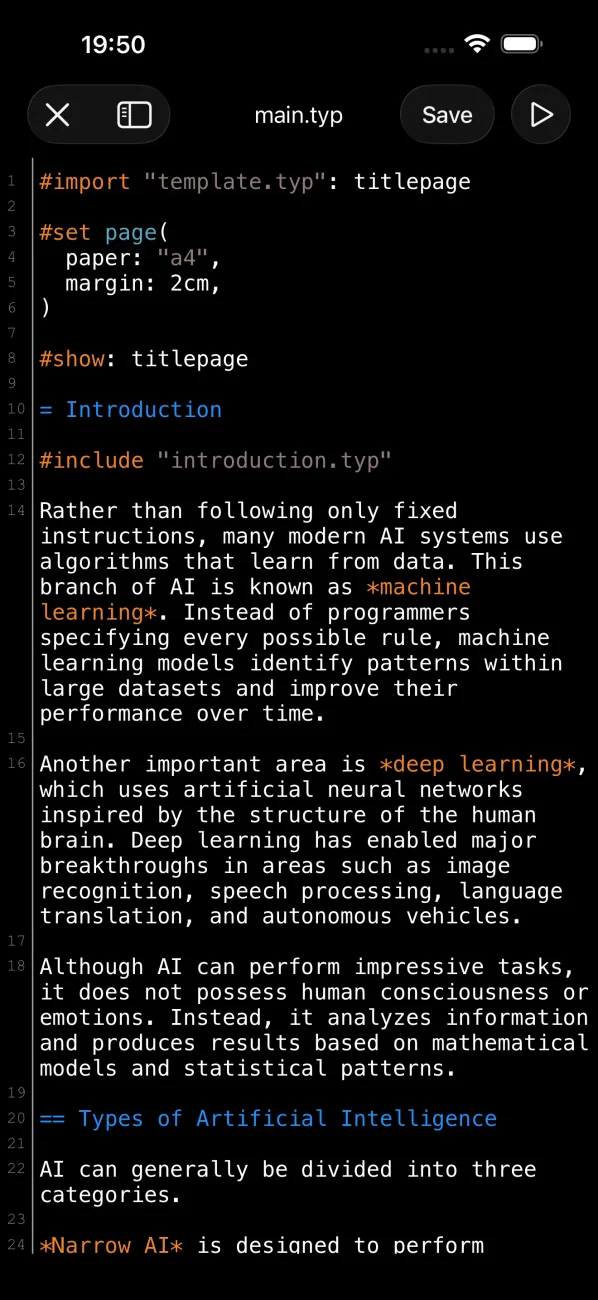
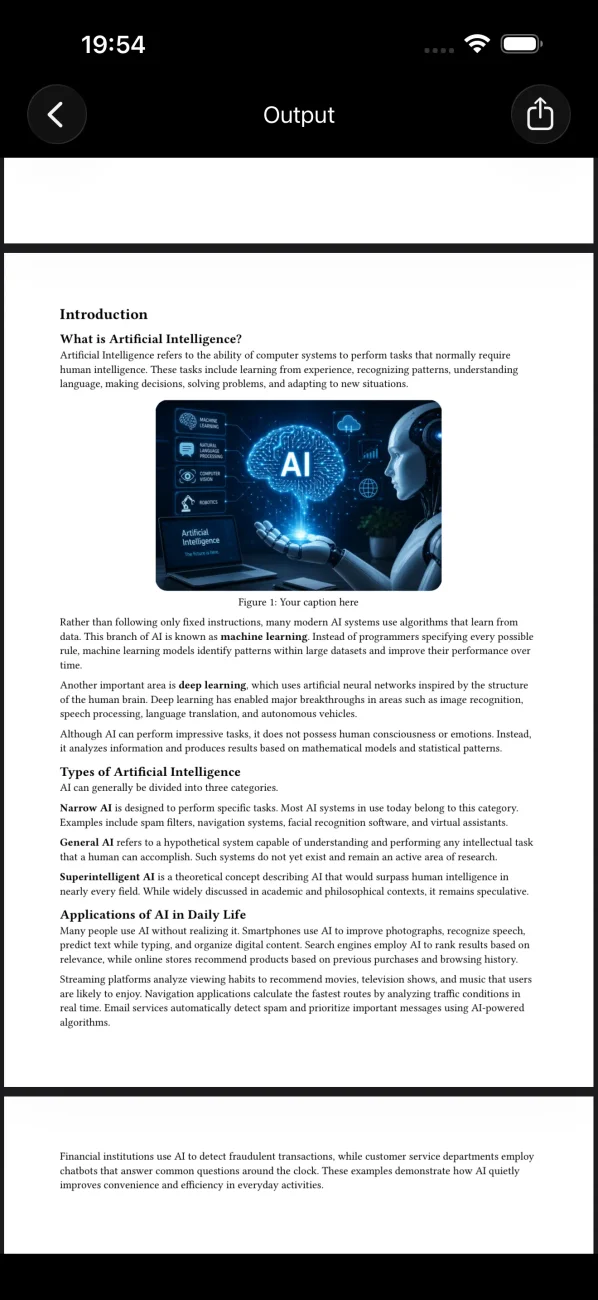
Typtic is a free, collaborative Typst Editor for your iOS device. It allows you to create and manage Typst projects directly on your iOS device and generate a PDF offline (enabled by default) or online (by using Verbosus).
This software is provided "as is" without warranties or conditions of any kind, either expressed or implied.
Features:
* Use Typst to generate a PDF
* Offline compilation (enabled by default)
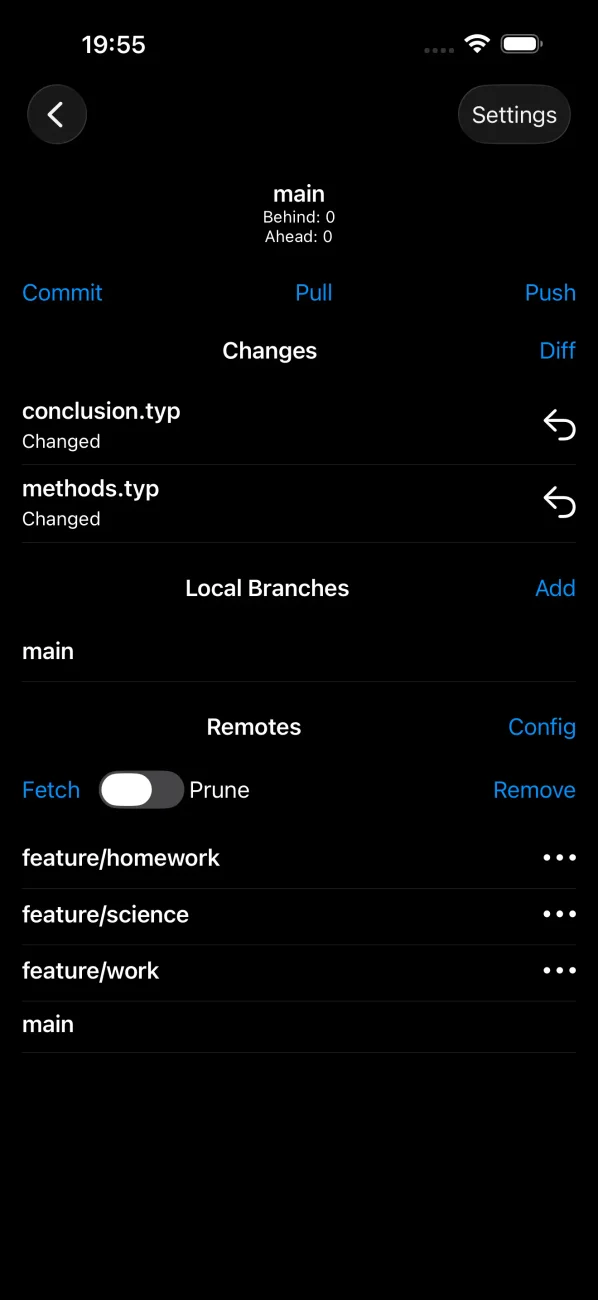
* Git integration (Local Mode)
* iCloud integration (Local Mode)
* Automatic Dropbox synchronization (Local Mode)
* Automatic Box synchronization (Local Mode)
* AI assistant (available in supported regions)
* Zotero integration (Local Mode)
* Mendeley integration (Local Mode)
* 2 Modes: Local Mode (stores projects on your device) and Cloud Mode (synchronizes your projects with Verbosus)
* No account needed (Local Mode)
* Syntax highlighting
* Hotkeys (see below, can be changed)
* Two factor authentication (Cloud Mode, in combination with Copiosus)
* Autosave (Local Mode)
* No ads
Additional features in Typtic Pro:
* Unlimited number of projects (Local Mode)
* Unlimited number of documents (Local Mode)
* Unlimited number of projects (Cloud Mode)
* Unlimited number of documents (Cloud Mode)
Limitations in free Typtic version:
* Max. number of projects (Local Mode): 2
* Max. number of documents per project (Local Mode): 2
* Max. number of files to upload per project (Local Mode): 2
* Max. number of projects (Cloud Mode): 2
* Max. number of documents per project (Cloud Mode): 2
Import or export existing projects (Local Mode):
* Git integration lets you create a new or clone an existing repository.
* Automatic Dropbox or Box synchronization (App -> Link to Dropbox or Box). Synchronization is done once a minute.
If you experience any performance issues while using the editor please try
* to disable syntax highlighting and line numbers
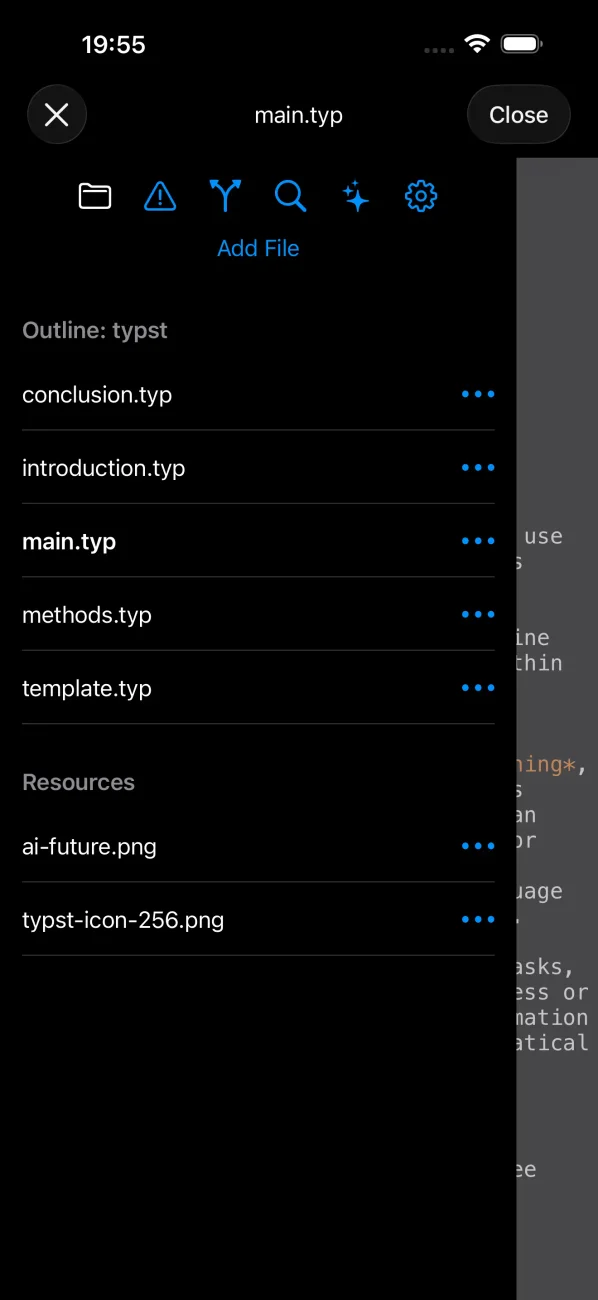
* to split up your project into multiple .typ files
Hotkeys in editor:
ctrl+,: Settings
ctrl+s: Save
ctrl+g: Generate PDF
ctrl+f: Find and replace
ctrl+p: Toggle preview
ctrl+n: New document
ctrl+d: Delete document
ctrl+.: Next document
Terms of Use: https://www.apple.com/legal/internet-services/itunes/dev/stdeula
Neue Funktionen
Version 1.0.8 · 20.11.2026
* Add system font picker
* UI improvements
App-Datenschutz
Was Verbosus.com im App Store zum Umgang dieser App mit Daten angibt.
-
Keine Daten erfasst
Der Entwickler erfasst keine Daten von dieser App.
Die Datenschutzpraktiken können variieren, zum Beispiel je nach den von Ihnen verwendeten Funktionen oder Ihrem Alter.
Informationen
- Anbieter
- Daniel Kuster
- Kategorie
- Produktivität
- Version
- 1.0.8
- Aktualisiert
- 20.11.2026
- Veröffentlicht
- 27.07.2026
- Größe
- 67,6 MB
- Erfordert
- iOS 18.6 oder neuer
- Altersfreigabe
- 4+
- Preis
- Kostenlos
- In-App-Käufe
- Ja
- Sprachen
- Englisch
- Copyright
- © verbosus.com