- Altersfreigabe4+
- KategorieWirtschaft
- EntwicklerZebra Technologies Corporation
- Größe174,7 MB
Verlinkt auf die offizielle App Store-Seite
Download.org hostet keine Datei von Zebra Printer Setup Utility. Die Schaltfläche öffnet die App-Seite bei App Store, wo Zebra Technologies Corporation die App veröffentlicht. Eintrag zuletzt geprüft am 21.11.2026.
Screenshots
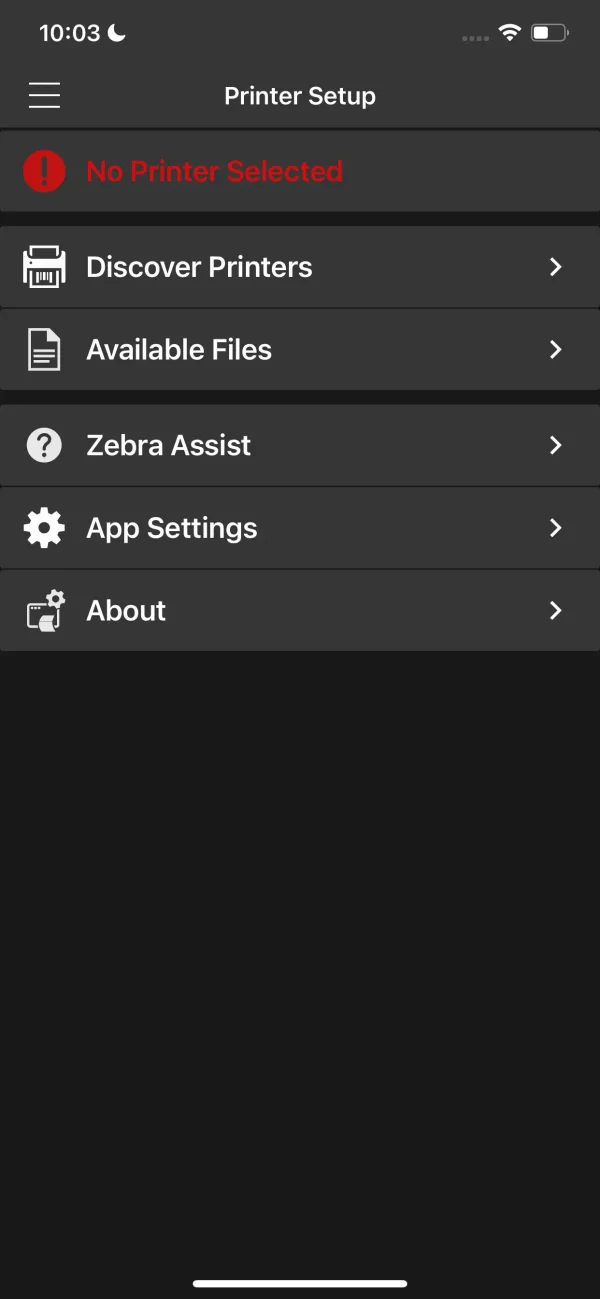
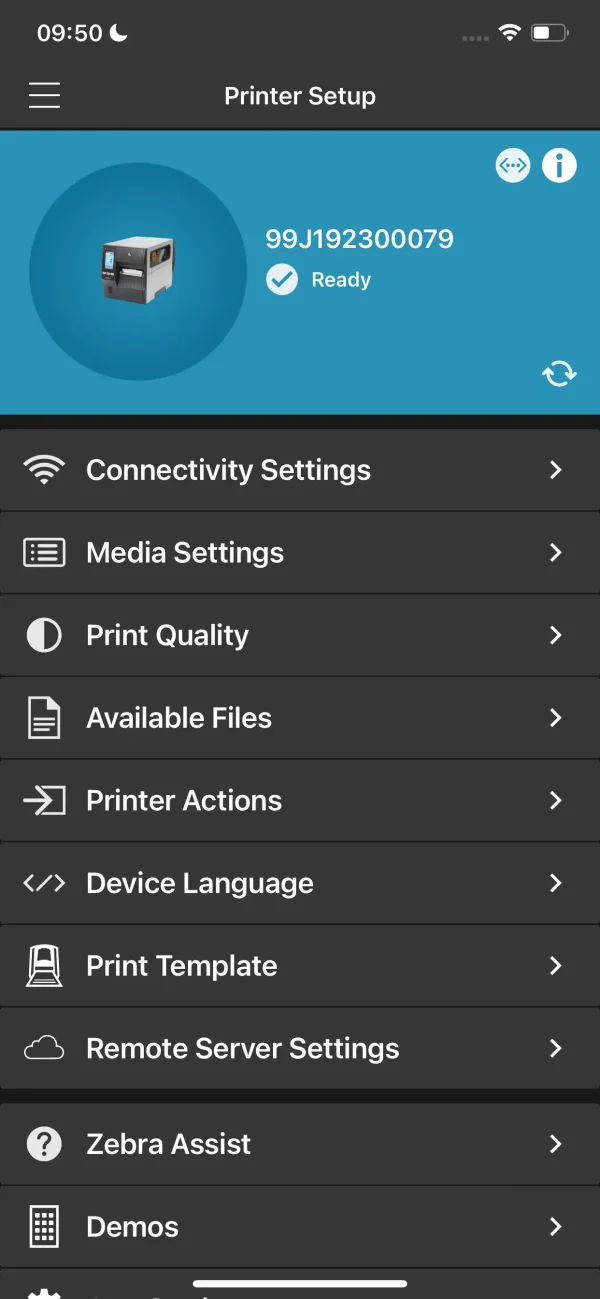
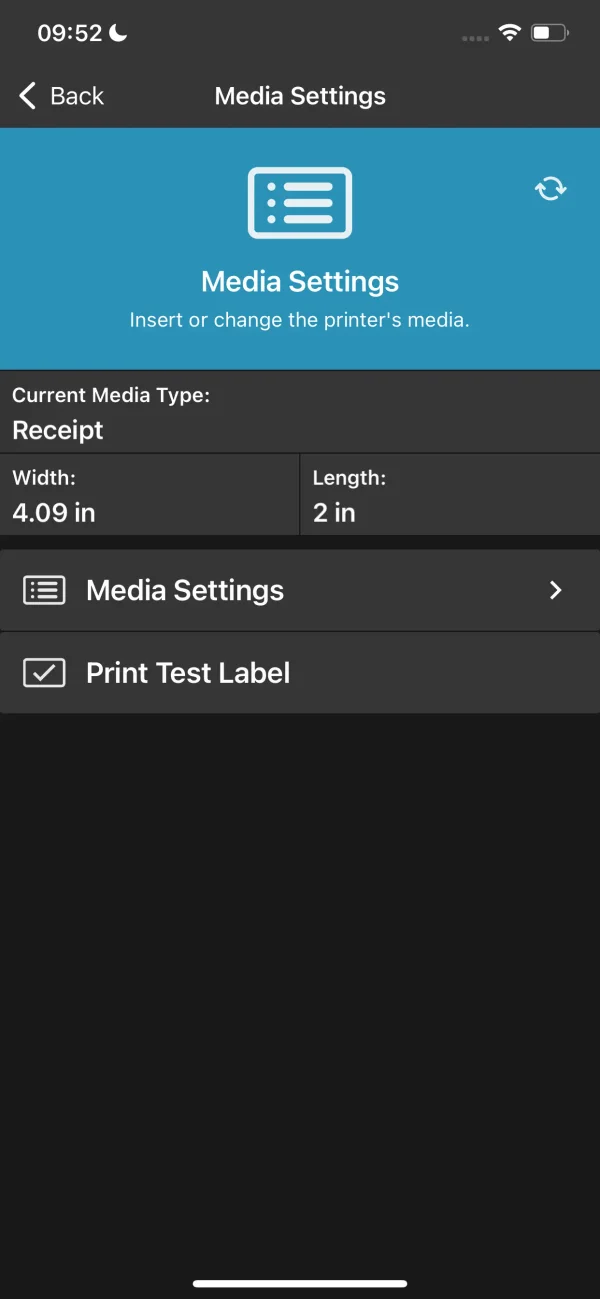

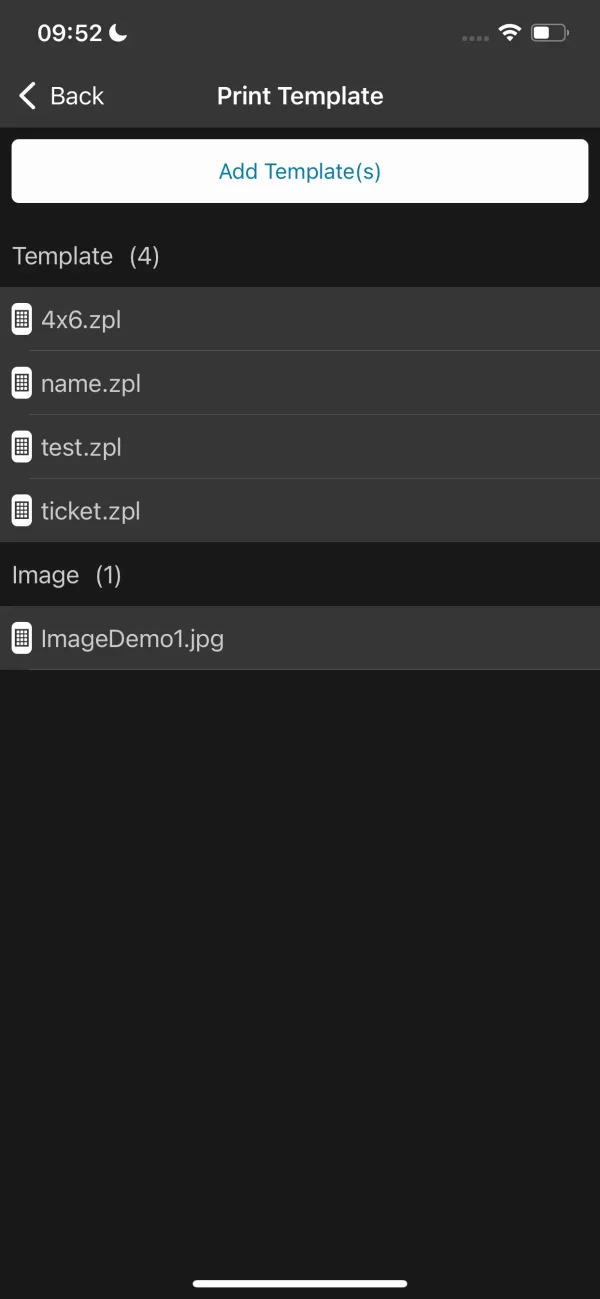

Info
Der Entwickler hat diesen Text nicht in Ihrer Sprache bereitgestellt.
With Zebra’s Printer Setup Utility, configuring your Zebra Print DNA printers to optimize performance is easy – no specialized knowledge required.
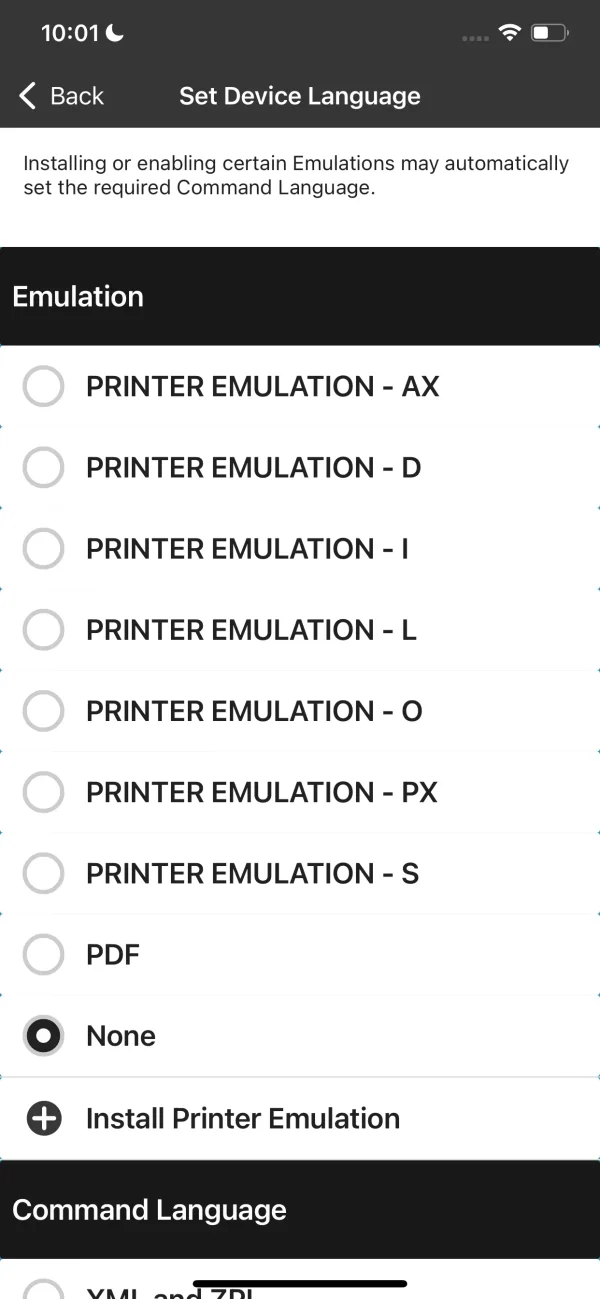
The app can find and connect to Zebra Print DNA printers communicating via a network or Bluetooth. Follow the simple wizards to set specific parameters including connectivity, calibration, media type, printer language and print quality – to optimize performance.
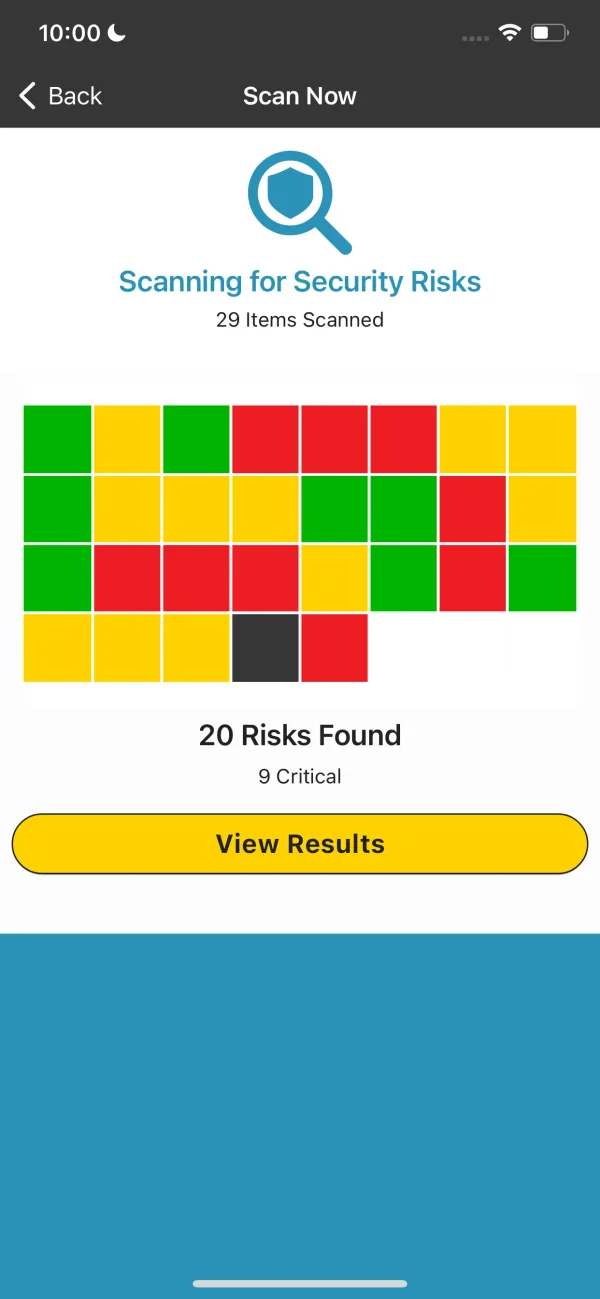
With the Security Assessment Wizard feature, assess your Zebra printer security posture, compare your settings against security best practices and make changes based on your conditions to increase protection.
Bluetooth Printers are now manageable, even in the field!
Traditionally, Bluetooth printers are not easily managed – particularly when the printers are used in the field by a mobile workforce. Zebra’s Printer Setup utility makes Bluetooth printers manageable via the Cloud by allowing you to retrieve files from your Cloud storage provider and then transfer these files to your printers for faster configuration and easier software updates. This simplifies the management of your Bluetooth printers, dramatically improving your return on investment and increasing the productivity of your mobile workforce.
Help is just a tap away - use the "Zebra Assist" feature to send your printers configuration directly to Zebra's support team.
SUPPORTED PRINTERS:
The app supports Zebra printer models running Link-OS 3.0 and later and ZQ200 series, ZQ112, ZQ120, ZR118, ZR138 printer models that run the CPCL (Line Print) and ESC/POS command languages
IMPORTANT: The ZQ200 series, ZQ112, ZQ120, ZR118, ZR138 printers require firmware version 88.01.04 or later to work with this version of the app. Visit the support article link below for instructions on where to get the firmware and how to upgrade your printer.
Support article link: https://supportcommunity.zebra.com/s/article/Technical-Bulletin?language=en_US
Neue Funktionen
Version 2.4.4436 · 17.09.2024
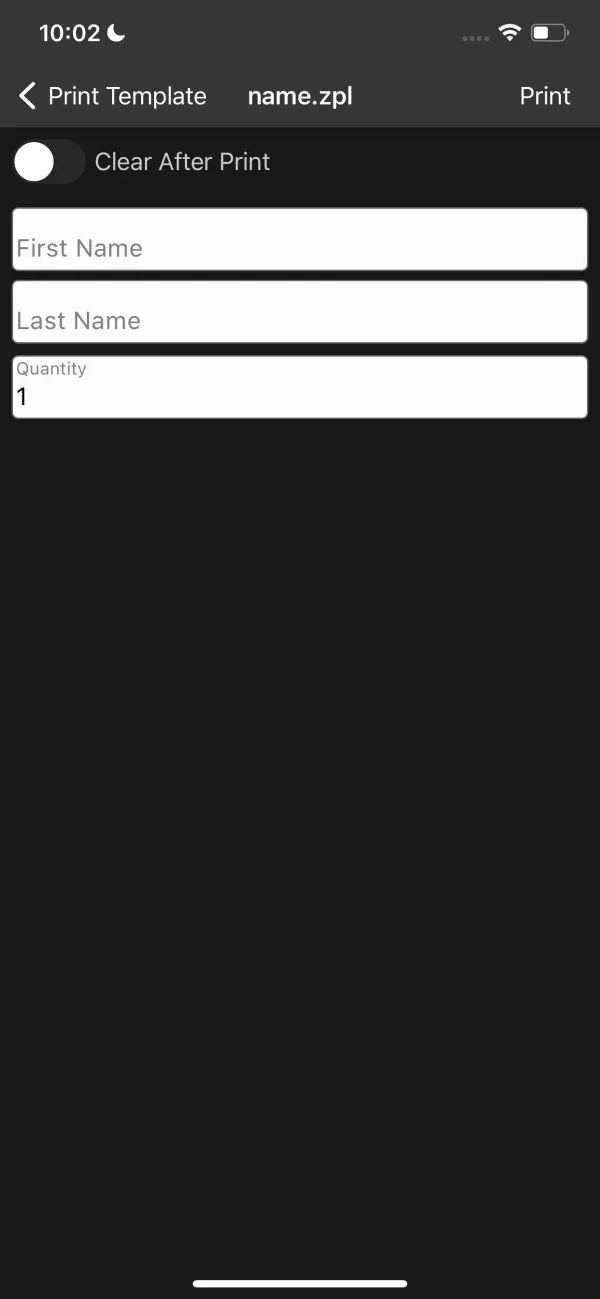
Added a scan function to the input fields in the template printing feature
App-Datenschutz
Was Zebra Technologies Corporation im App Store zum Umgang dieser App mit Daten angibt.
-
Nicht mit Ihnen verknüpfte Daten
Können erfasst werden, sind aber nicht mit Ihrer Identität verknüpft.
- Kennungen
- Nutzungsdaten
- Diagnose
Die Datenschutzpraktiken können variieren, zum Beispiel je nach den von Ihnen verwendeten Funktionen oder Ihrem Alter.
Informationen
- Anbieter
- Zebra Technologies Corporation
- Kategorie
- Wirtschaft
- Version
- 2.4.4436
- Aktualisiert
- 17.09.2024
- Veröffentlicht
- 19.06.2019
- Größe
- 174,7 MB
- Erfordert
- iOS 11.0 oder neuer
- Altersfreigabe
- 4+
- Preis
- Kostenlos
- Copyright
- ©2023 Zebra Technologies Corporation and/or its affiliates. All rights reserved.