Zebra Printer Setup Utility
iPhone, iPad, iPod touch için tasarlandı
Ücretsiz
- Yaş sınırı4+
- Kategoriİş
- GeliştiriciZebra Technologies Corporation
- Boyut174,7 MB
Resmi App Store sayfasına bağlanır
Download.org, Zebra Printer Setup Utility için hiçbir dosya barındırmaz. Düğme, uygulamanın App Store üzerindeki sayfasını açar; uygulamayı orada Zebra Technologies Corporation yayınlar. Sayfanın son kontrolü: 21.11.2026.
Ekran görüntüleri


Hakkında
Geliştirici bu metni dilinizde sunmamış.
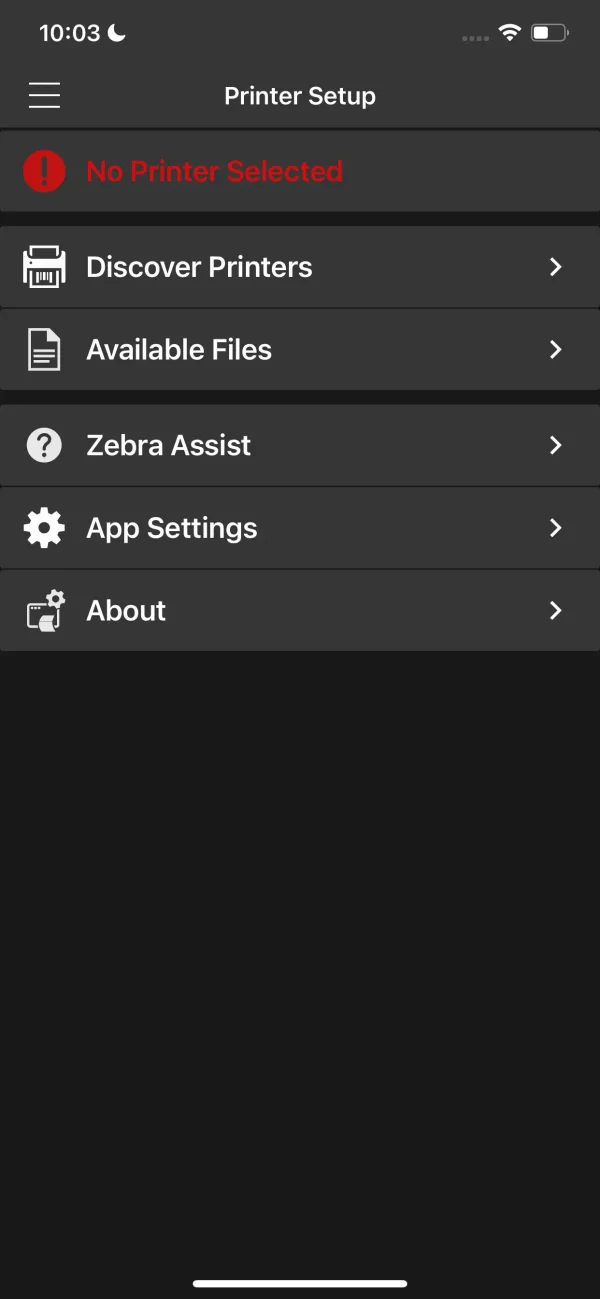
With Zebra’s Printer Setup Utility, configuring your Zebra Print DNA printers to optimize performance is easy – no specialized knowledge required.
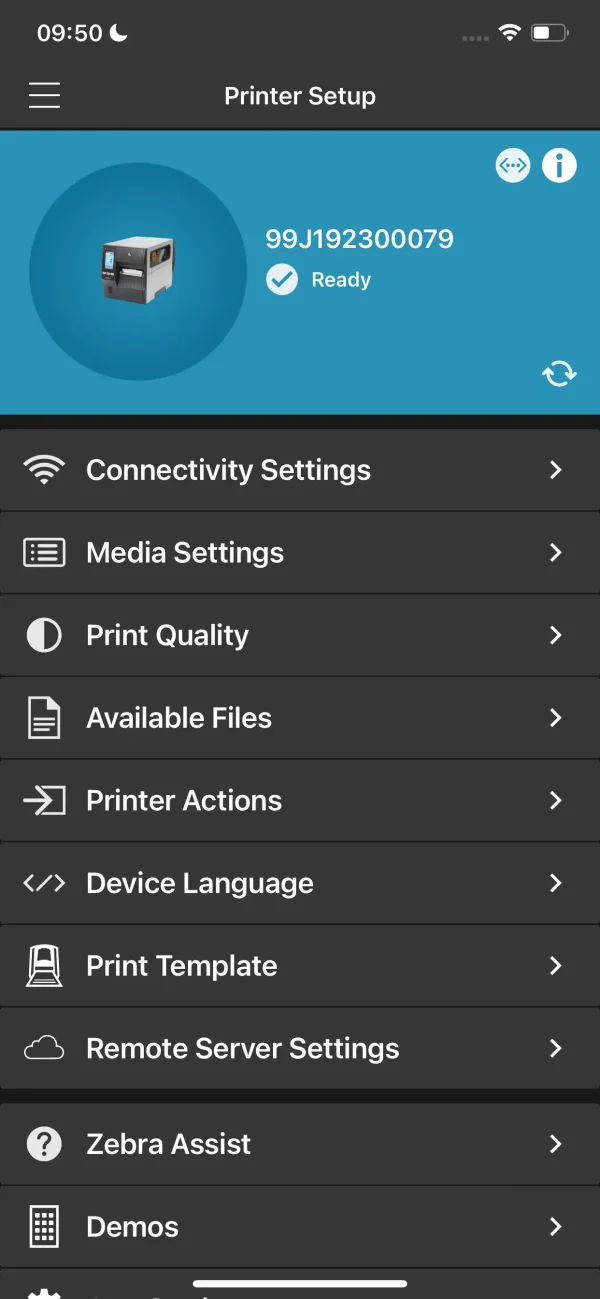
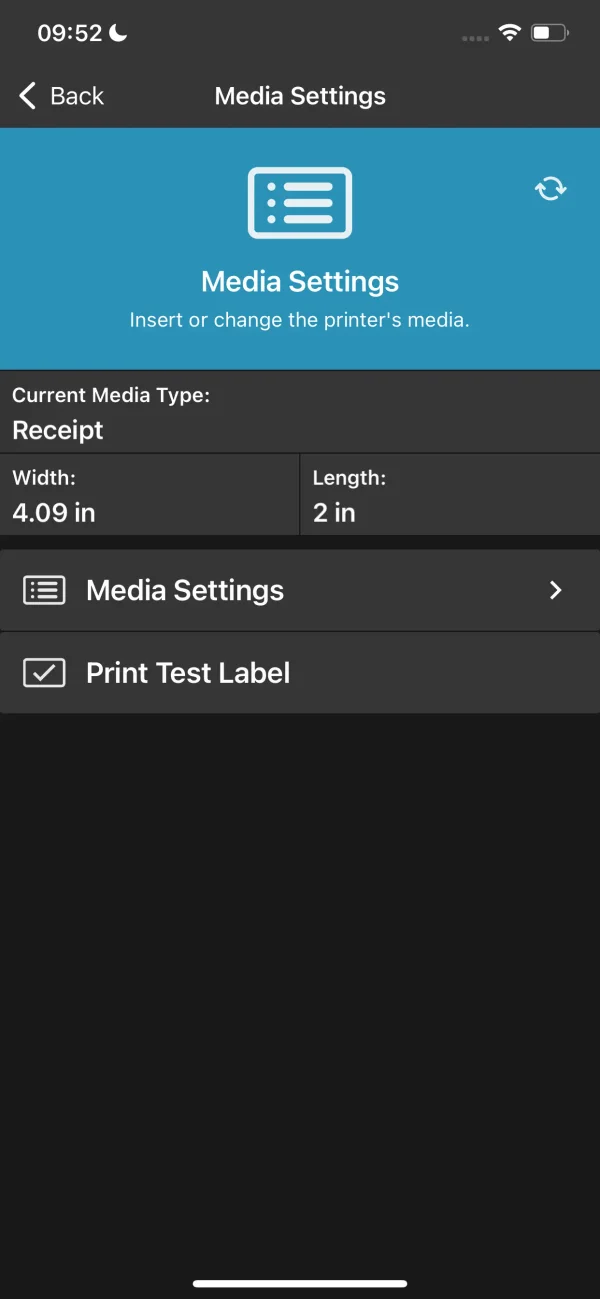
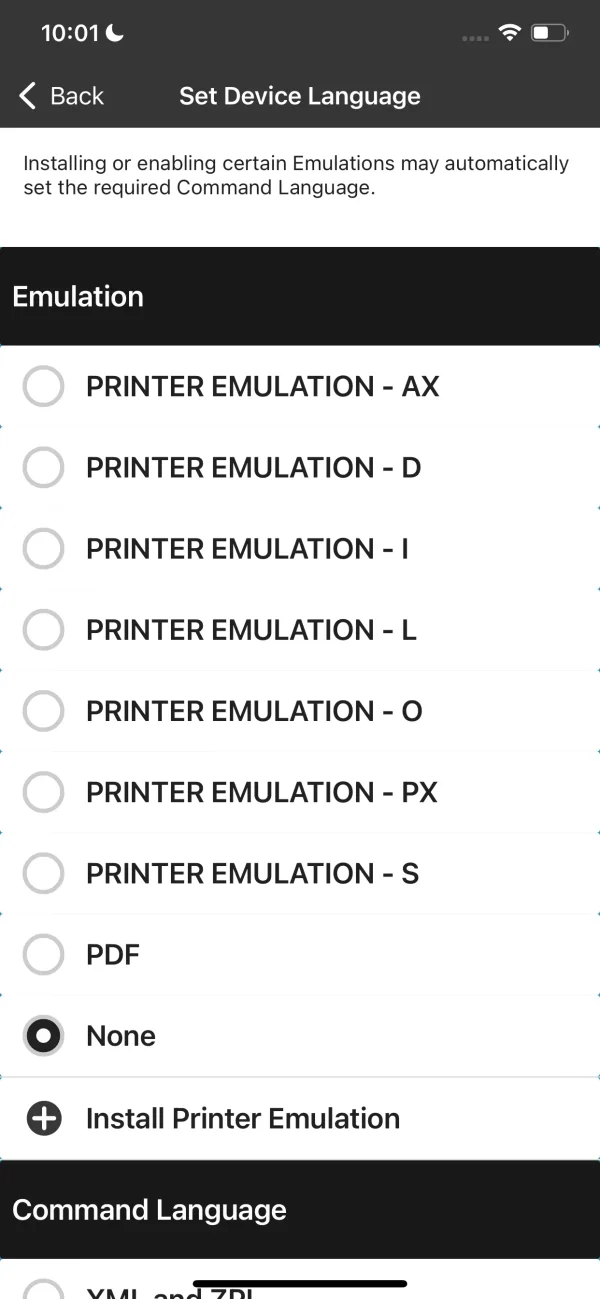
The app can find and connect to Zebra Print DNA printers communicating via a network or Bluetooth. Follow the simple wizards to set specific parameters including connectivity, calibration, media type, printer language and print quality – to optimize performance.
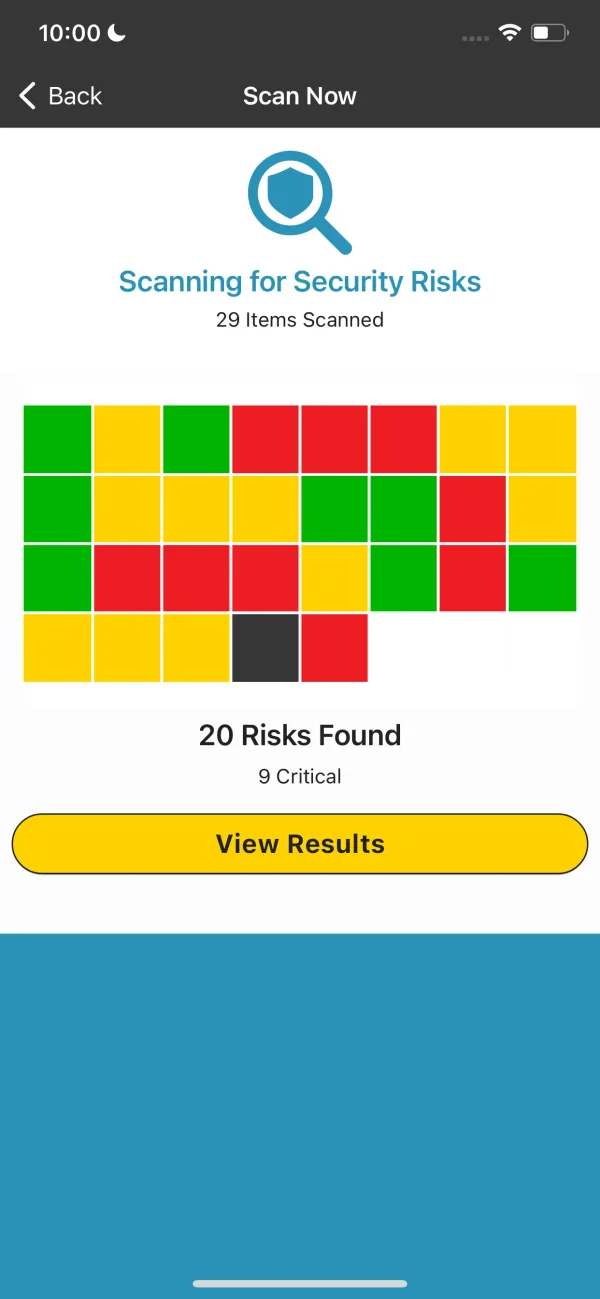
With the Security Assessment Wizard feature, assess your Zebra printer security posture, compare your settings against security best practices and make changes based on your conditions to increase protection.
Bluetooth Printers are now manageable, even in the field!
Traditionally, Bluetooth printers are not easily managed – particularly when the printers are used in the field by a mobile workforce. Zebra’s Printer Setup utility makes Bluetooth printers manageable via the Cloud by allowing you to retrieve files from your Cloud storage provider and then transfer these files to your printers for faster configuration and easier software updates. This simplifies the management of your Bluetooth printers, dramatically improving your return on investment and increasing the productivity of your mobile workforce.
Help is just a tap away - use the "Zebra Assist" feature to send your printers configuration directly to Zebra's support team.
SUPPORTED PRINTERS:
The app supports Zebra printer models running Link-OS 3.0 and later and ZQ200 series, ZQ112, ZQ120, ZR118, ZR138 printer models that run the CPCL (Line Print) and ESC/POS command languages
IMPORTANT: The ZQ200 series, ZQ112, ZQ120, ZR118, ZR138 printers require firmware version 88.01.04 or later to work with this version of the app. Visit the support article link below for instructions on where to get the firmware and how to upgrade your printer.
Support article link: https://supportcommunity.zebra.com/s/article/Technical-Bulletin?language=en_US
Yenilikler
Sürüm 2.4.4436 · 17.09.2024
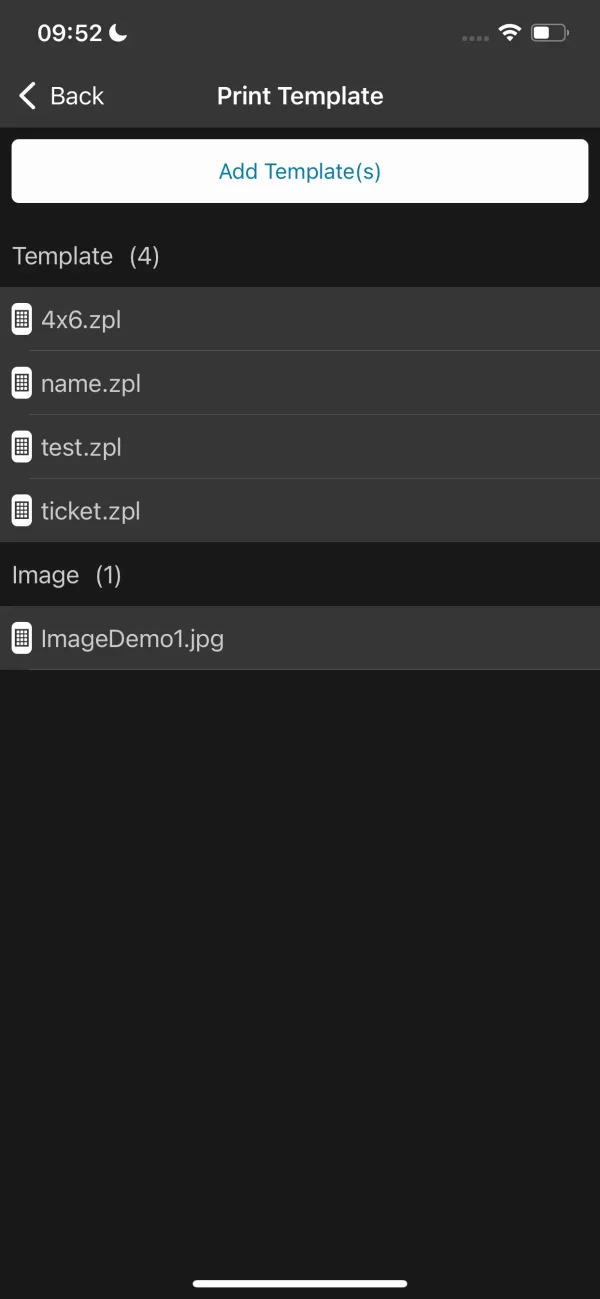
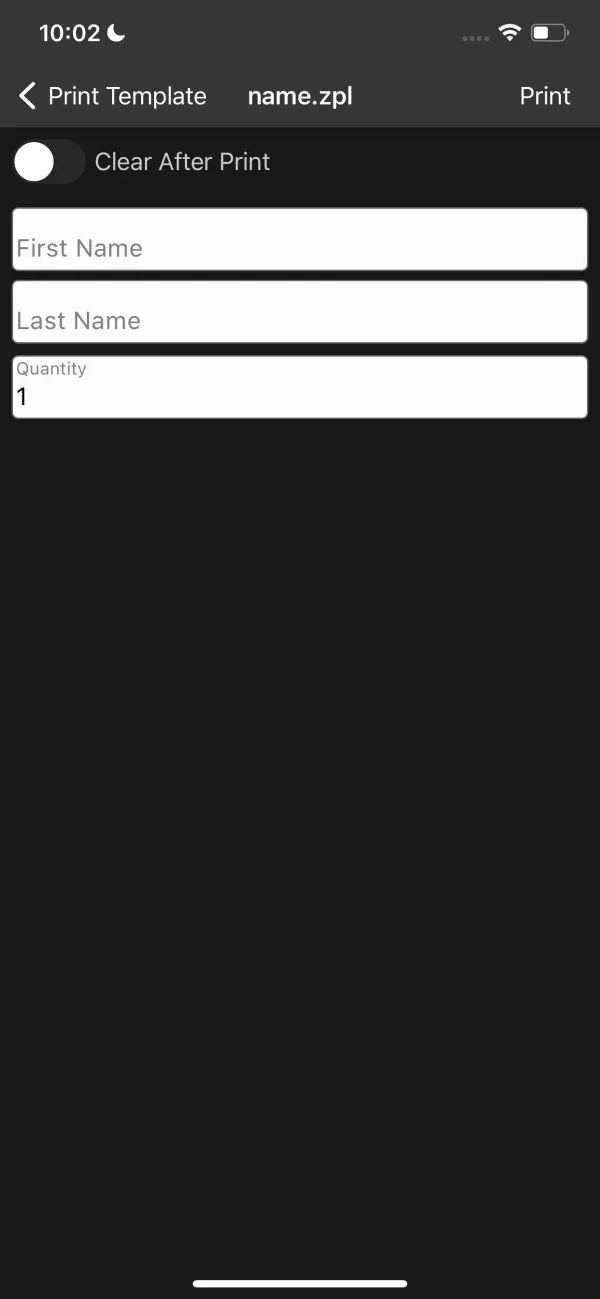
Added a scan function to the input fields in the template printing feature
Uygulama gizliliği
Bu uygulamanın verileri nasıl işlediği hakkında Zebra Technologies Corporation tarafından App Store üzerinde yapılan beyan.
-
Sizinle ilişkilendirilmeyen veriler
Toplanabilir ancak kimliğinizle ilişkilendirilmez.
- Tanımlayıcılar
- Kullanım verileri
- Tanılama
Gizlilik uygulamaları, örneğin kullandığınız özelliklere veya yaşınıza göre değişiklik gösterebilir.
Bilgiler
- Satıcı
- Zebra Technologies Corporation
- Kategori
- İş
- Sürüm
- 2.4.4436
- Güncellendi
- 17.09.2024
- Yayın tarihi
- 19.06.2019
- Boyut
- 174,7 MB
- Gereksinim
- iOS 11.0 veya sonrası
- Yaş sınırı
- 4+
- Fiyat
- Ücretsiz
- Telif hakkı
- ©2023 Zebra Technologies Corporation and/or its affiliates. All rights reserved.