- 対象年齢4+
- カテゴリビジネス
- 開発元Zebra Technologies Corporation
- サイズ174.7 MB
App Storeの公式ページにリンクしています
Download.orgはZebra Printer Setup Utilityのファイルを一切ホストしていません。ボタンを押すと、Zebra Technologies Corporationが公開しているApp Storeのアプリページが開きます。ページの最終確認:2026/11/21。
スクリーンショット
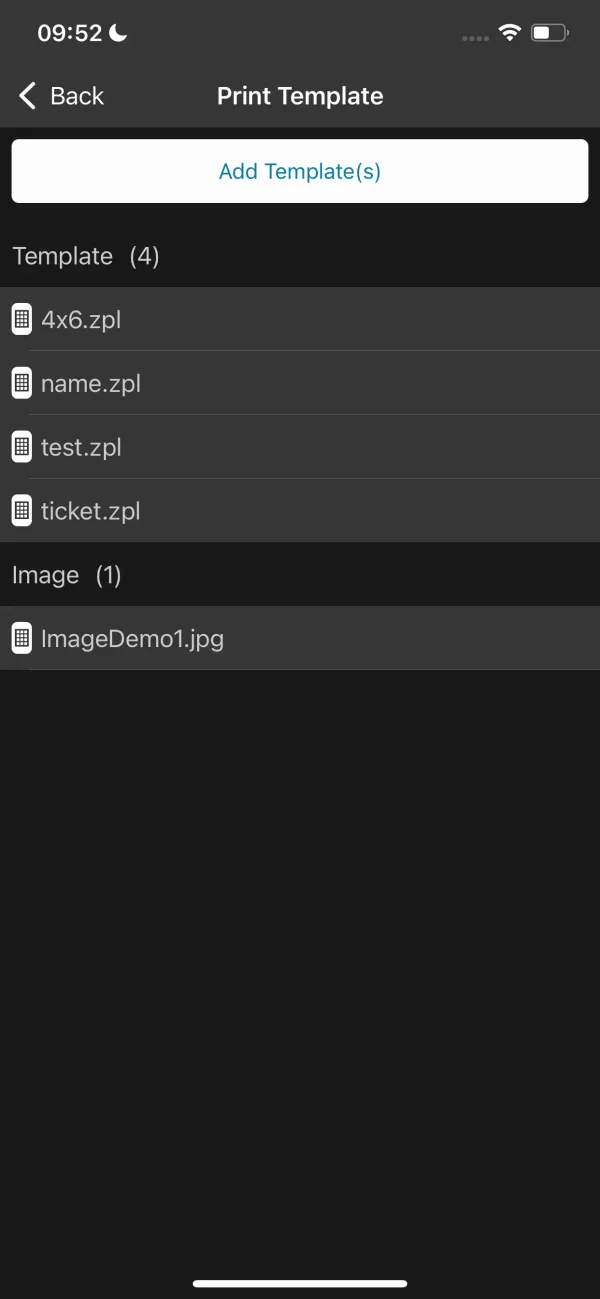
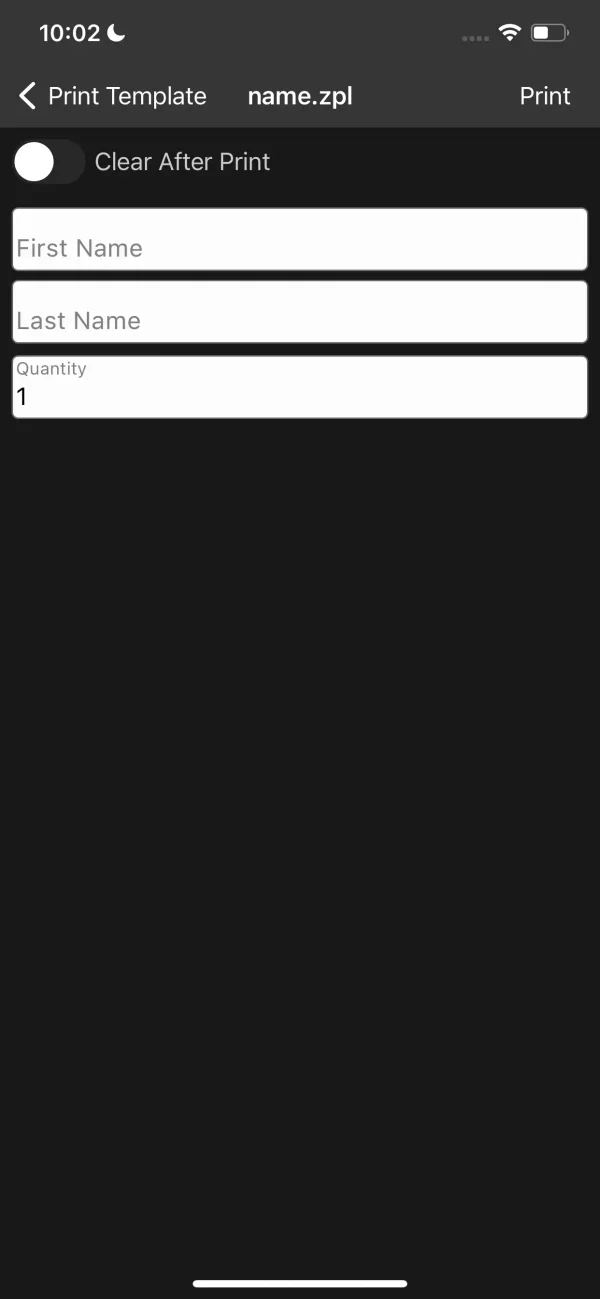
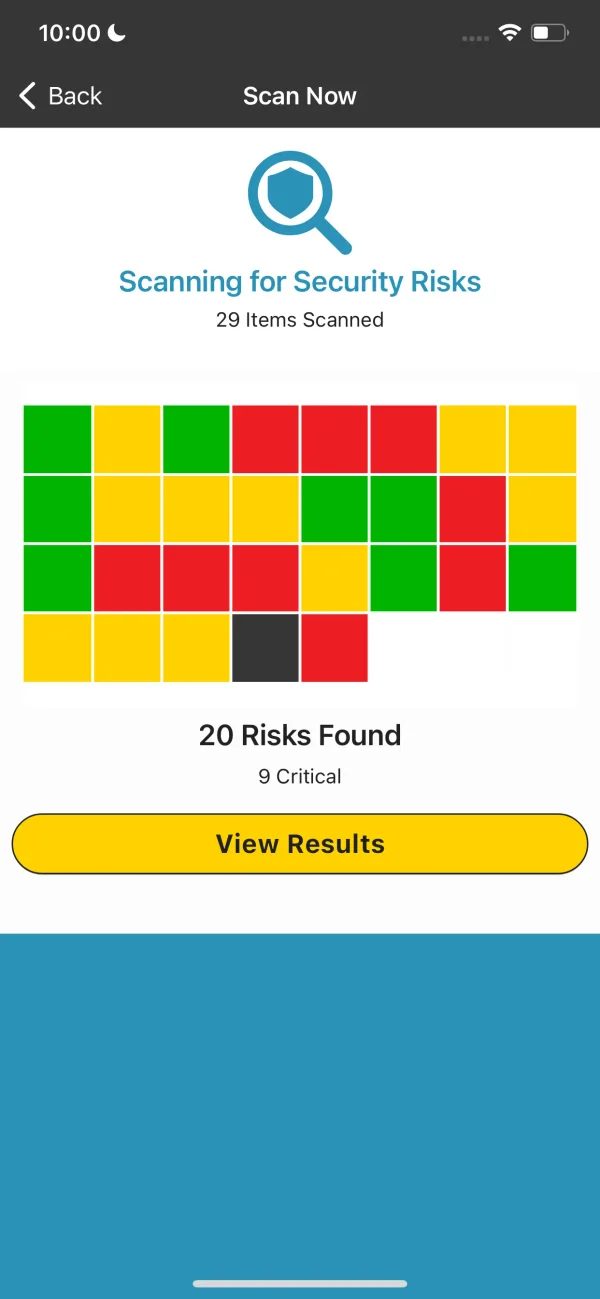
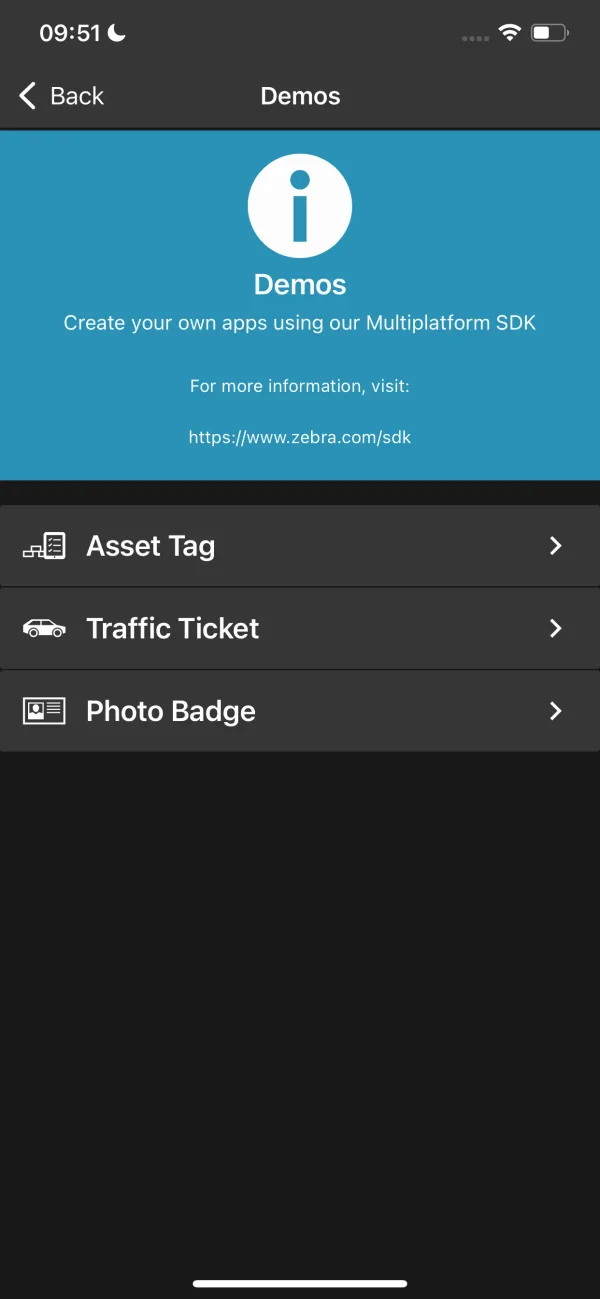
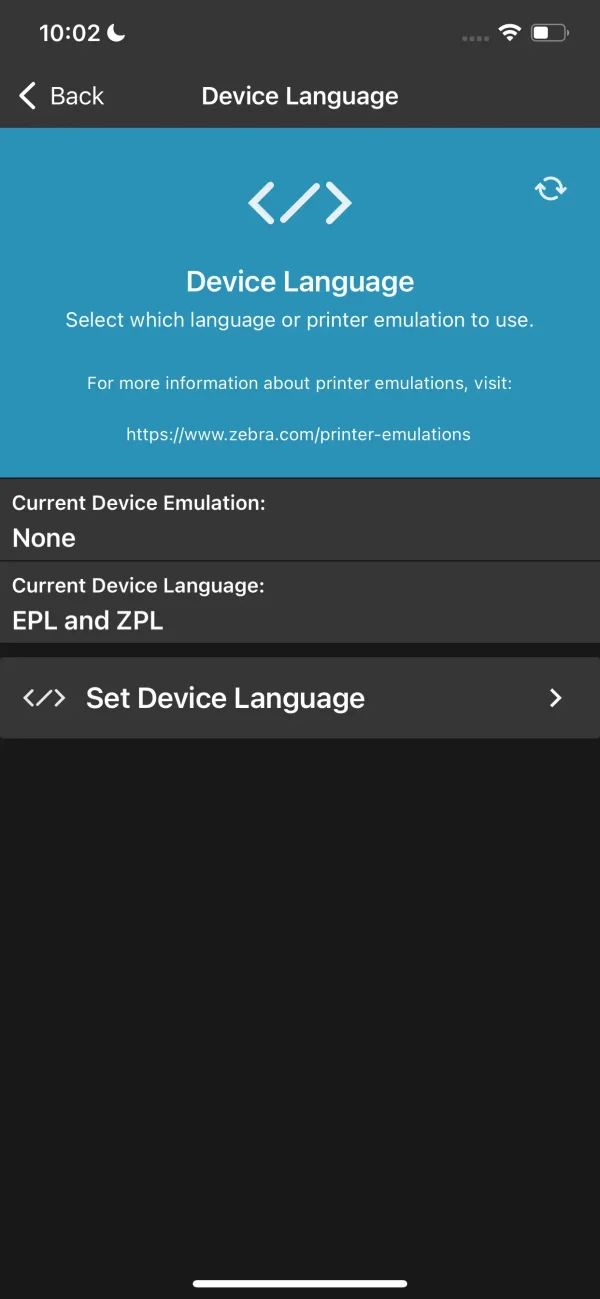
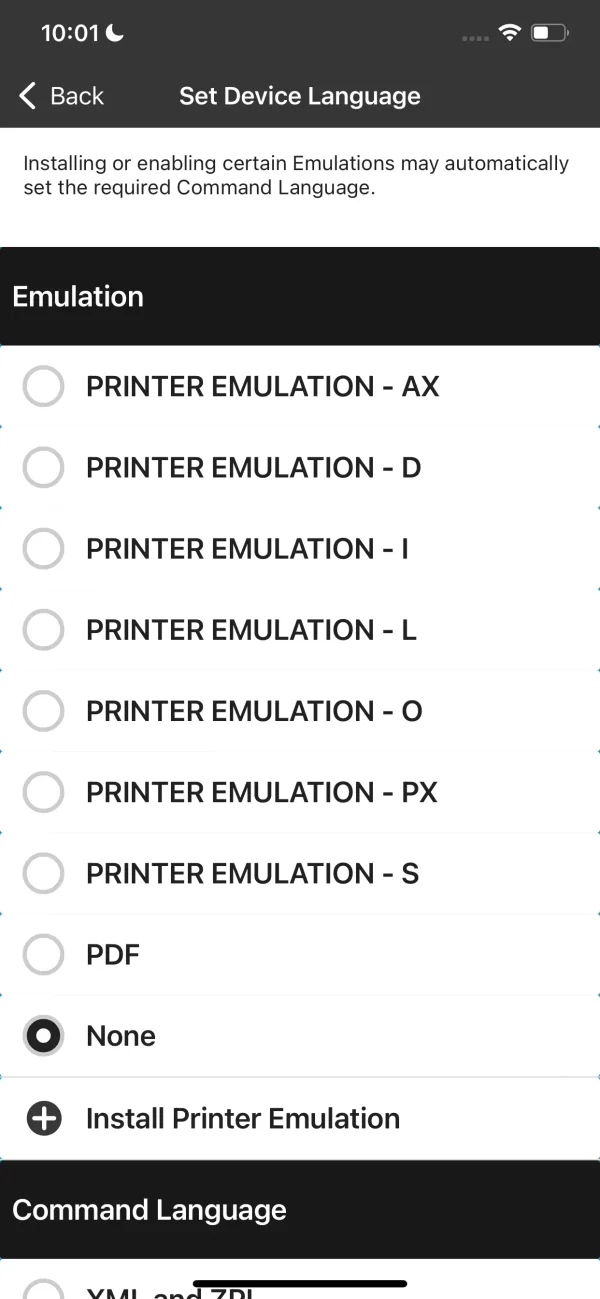
概要
開発元はこのテキストをお使いの言語で提供していません。
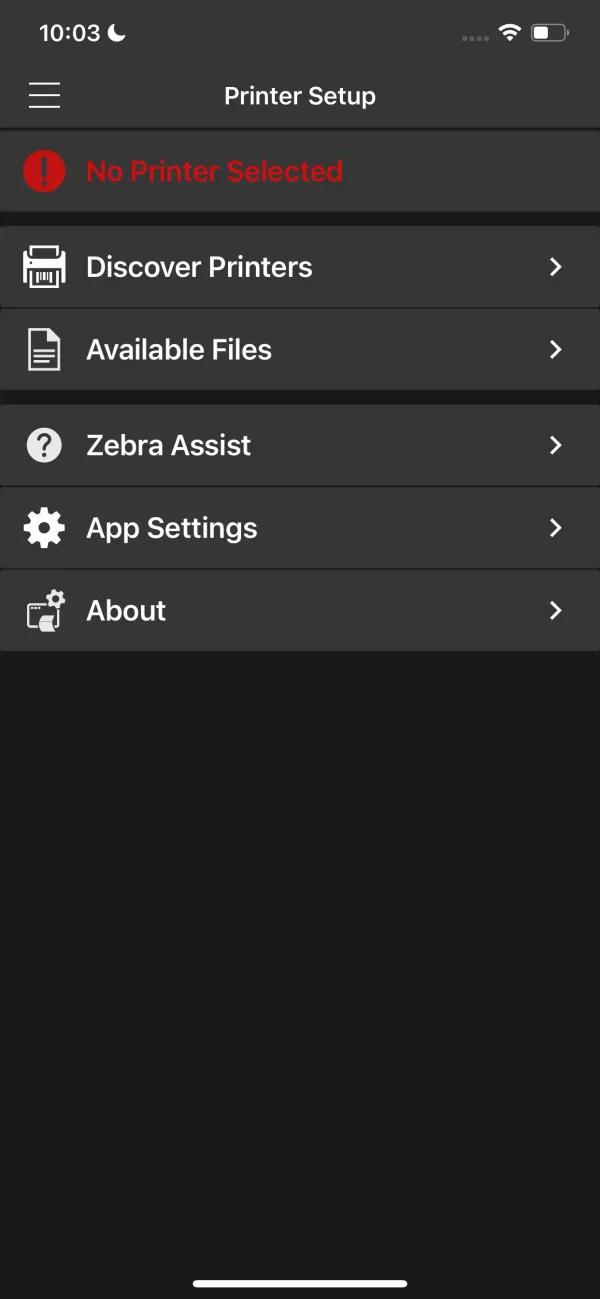
With Zebra’s Printer Setup Utility, configuring your Zebra Print DNA printers to optimize performance is easy – no specialized knowledge required.
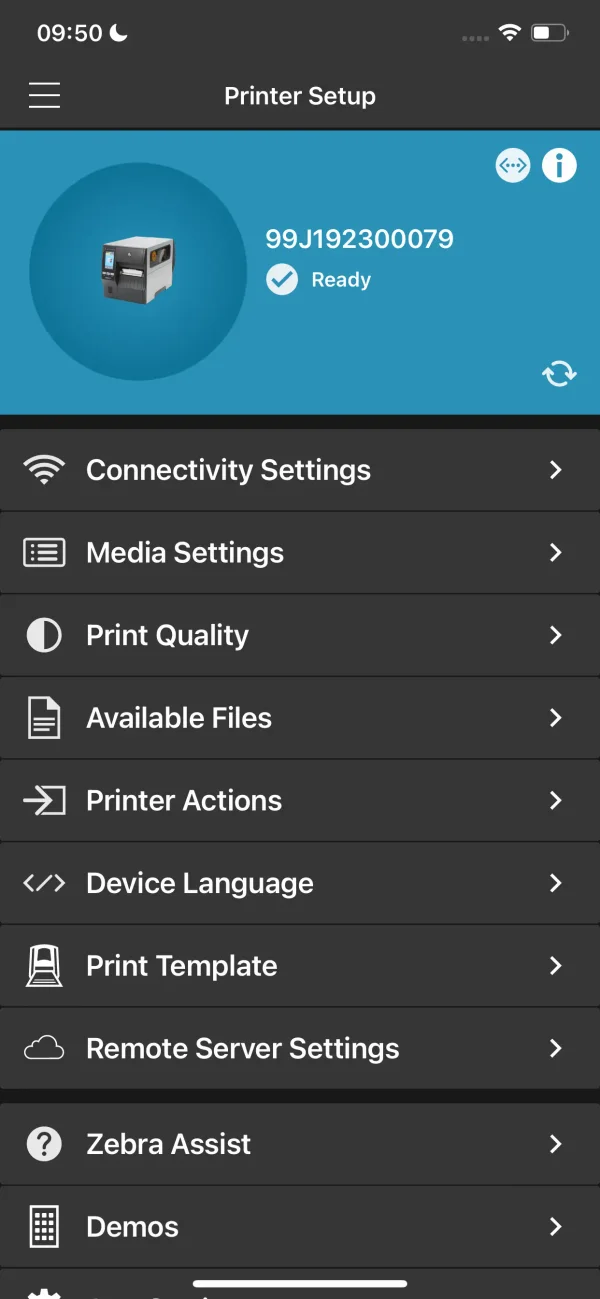
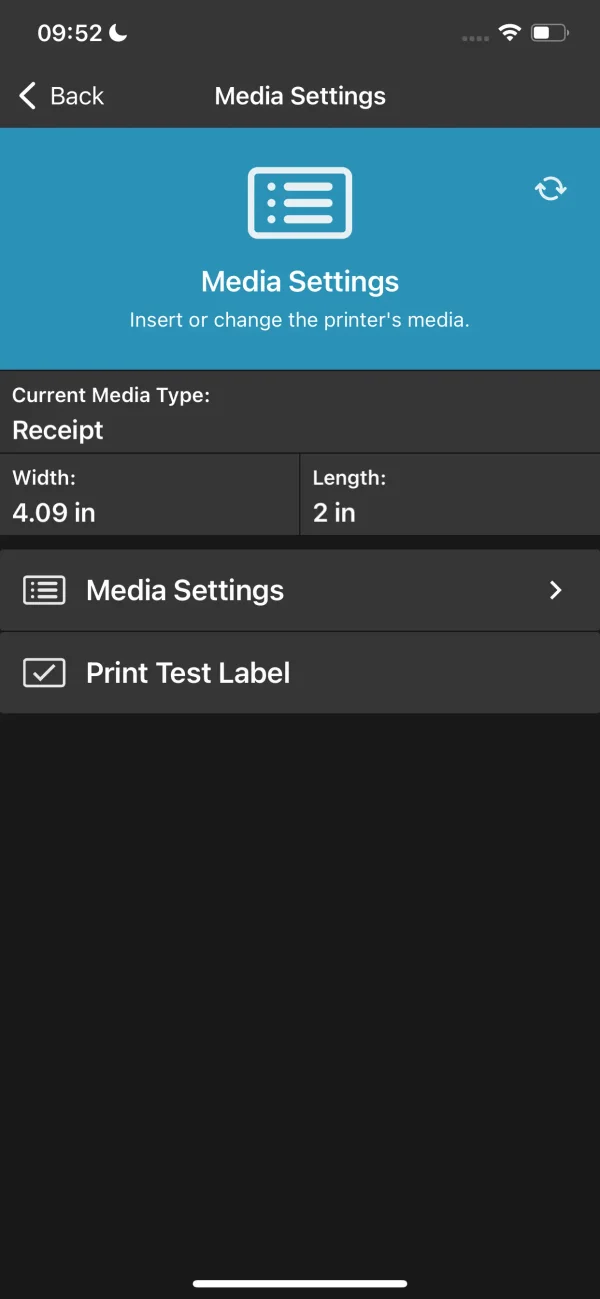
The app can find and connect to Zebra Print DNA printers communicating via a network or Bluetooth. Follow the simple wizards to set specific parameters including connectivity, calibration, media type, printer language and print quality – to optimize performance.
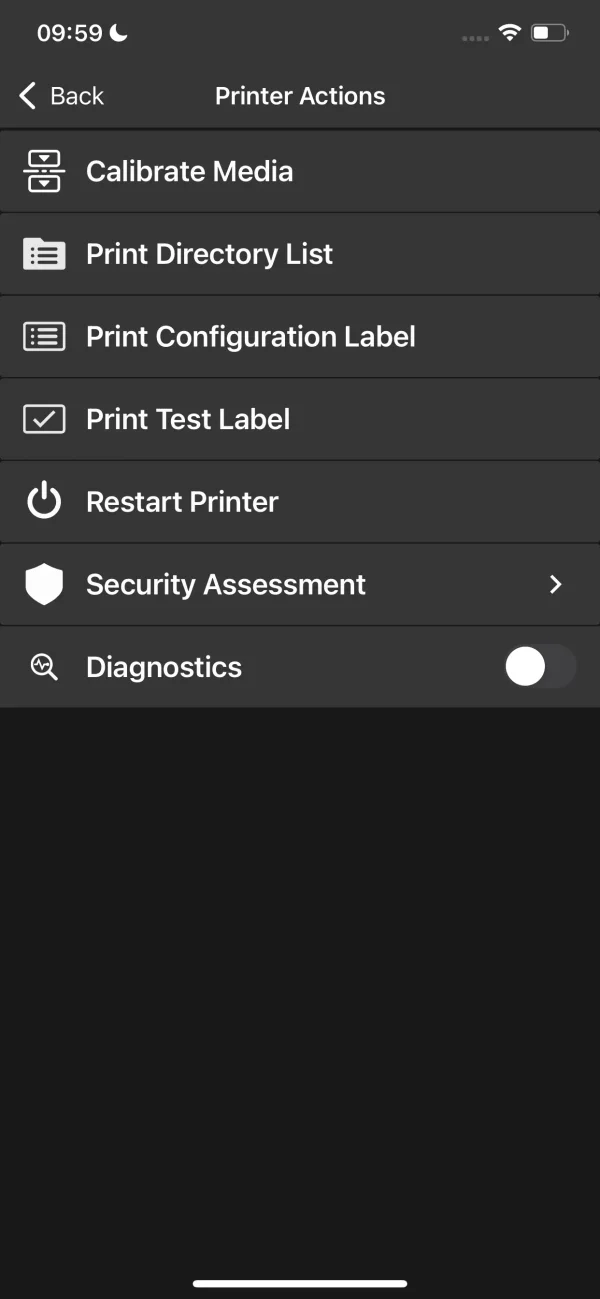
With the Security Assessment Wizard feature, assess your Zebra printer security posture, compare your settings against security best practices and make changes based on your conditions to increase protection.
Bluetooth Printers are now manageable, even in the field!
Traditionally, Bluetooth printers are not easily managed – particularly when the printers are used in the field by a mobile workforce. Zebra’s Printer Setup utility makes Bluetooth printers manageable via the Cloud by allowing you to retrieve files from your Cloud storage provider and then transfer these files to your printers for faster configuration and easier software updates. This simplifies the management of your Bluetooth printers, dramatically improving your return on investment and increasing the productivity of your mobile workforce.
Help is just a tap away - use the "Zebra Assist" feature to send your printers configuration directly to Zebra's support team.
SUPPORTED PRINTERS:
The app supports Zebra printer models running Link-OS 3.0 and later and ZQ200 series, ZQ112, ZQ120, ZR118, ZR138 printer models that run the CPCL (Line Print) and ESC/POS command languages
IMPORTANT: The ZQ200 series, ZQ112, ZQ120, ZR118, ZR138 printers require firmware version 88.01.04 or later to work with this version of the app. Visit the support article link below for instructions on where to get the firmware and how to upgrade your printer.
Support article link: https://supportcommunity.zebra.com/s/article/Technical-Bulletin?language=en_US
新機能
バージョン 2.4.4436 · 2024/9/17
Added a scan function to the input fields in the template printing feature
アプリのプライバシー
このアプリのデータの取り扱いについて、Zebra Technologies CorporationがApp Storeで申告している内容です。
-
ユーザーに関連付けられないデータ
収集される場合がありますが、ユーザーの識別情報には関連付けられません。
- ID
- 使用状況データ
- 診断
プライバシーの取り扱いは、ご利用の機能やお客様の年齢などに応じて異なる場合があります。
情報
- 販売元
- Zebra Technologies Corporation
- カテゴリ
- ビジネス
- バージョン
- 2.4.4436
- 更新日
- 2024/9/17
- リリース
- 2019/6/19
- サイズ
- 174.7 MB
- 必要条件
- iOS 11.0以降
- 対象年齢
- 4+
- 価格
- 無料
- 著作権
- ©2023 Zebra Technologies Corporation and/or its affiliates. All rights reserved.