ZenPrint : Smart Printer App
For HP, Cannon, Brother, Epson
Entwickelt für iPhone, iPad
Kostenlos · In-App-Käufe
- Altersfreigabe4+
- KategorieDienstprogramme
- EntwicklerZEN TECH
- SprachenEnglisch
- Größe7,3 MB
Verlinkt auf die offizielle App Store-Seite
Download.org hostet keine Datei von ZenPrint : Smart Printer App. Die Schaltfläche öffnet die App-Seite bei App Store, wo ZEN TECH die App veröffentlicht. Eintrag zuletzt geprüft am 18.11.2026.
Screenshots

Info
Der Entwickler hat diesen Text nicht in Ihrer Sprache bereitgestellt.
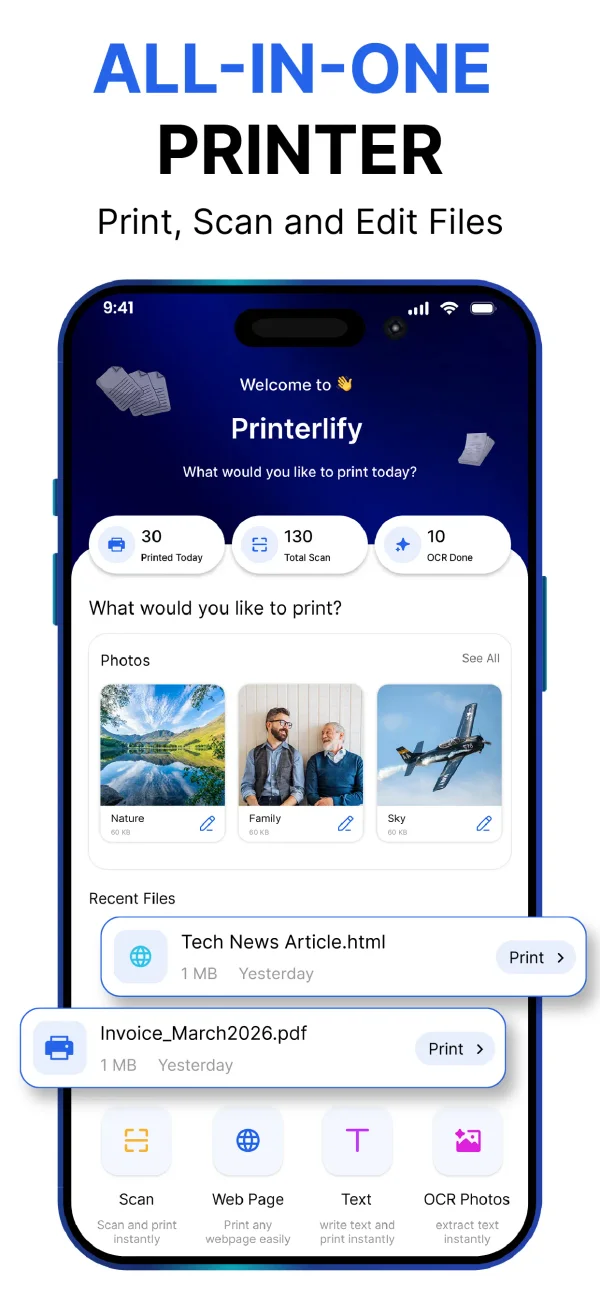
Print, scan, edit, and manage documents from your iPhone with one powerful printer app.
Printer App makes everyday printing simple. Print photos and documents, scan paper documents with your camera, extract text from images using OCR, and prepare files before printing—all from one convenient app.
Whether you need to print a PDF, photo, document, web page, or text note, the app gives you the tools to prepare and print your content quickly.
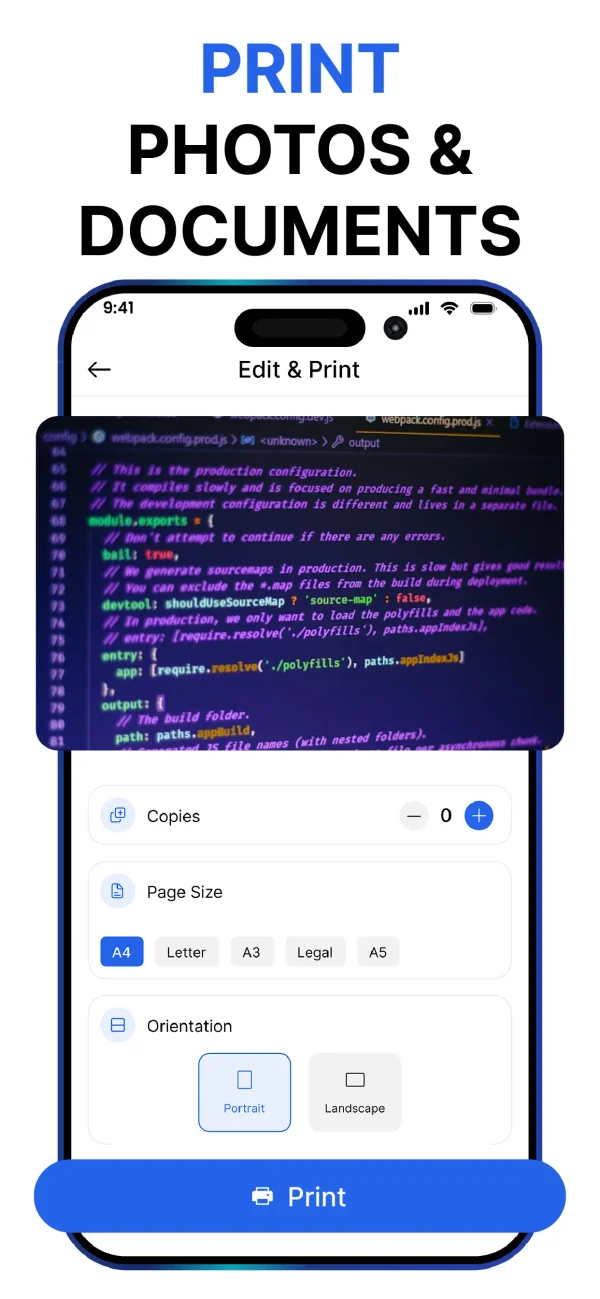
PRINT PHOTOS & DOCUMENTS
Print your important files and favorite photos directly from your iPhone. Preview your content and configure printing options before sending it to your printer.
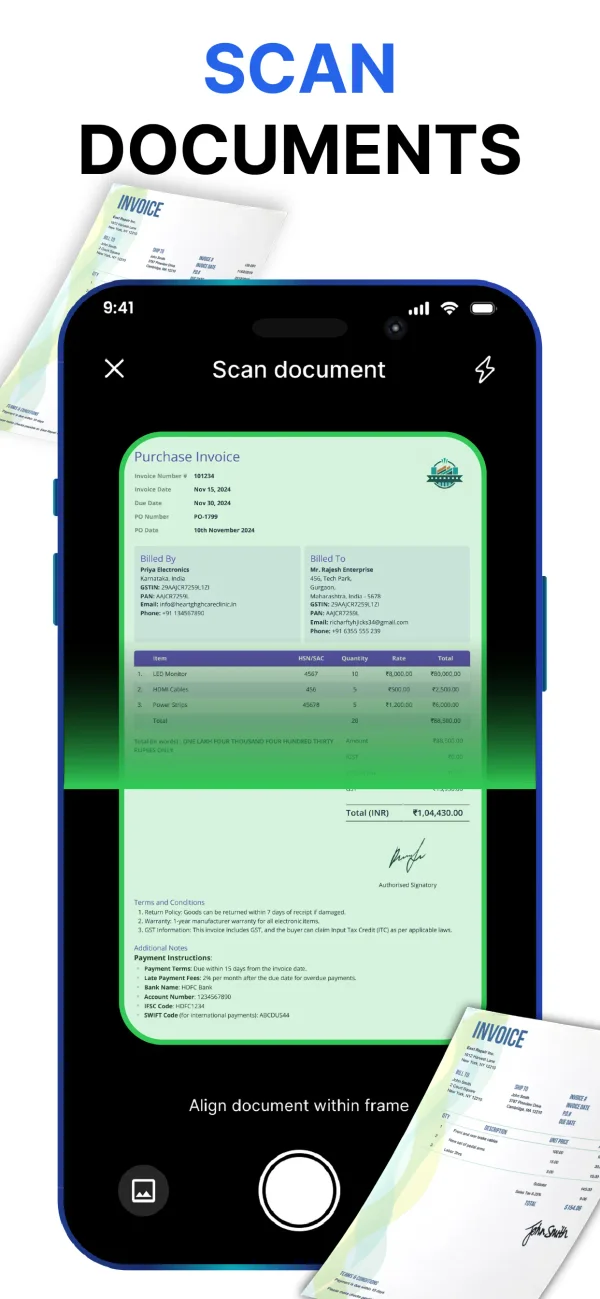
SCAN DOCUMENTS
Turn your iPhone into a portable document scanner. Capture invoices, receipts, notes, forms, letters, and other paper documents whenever you need them.
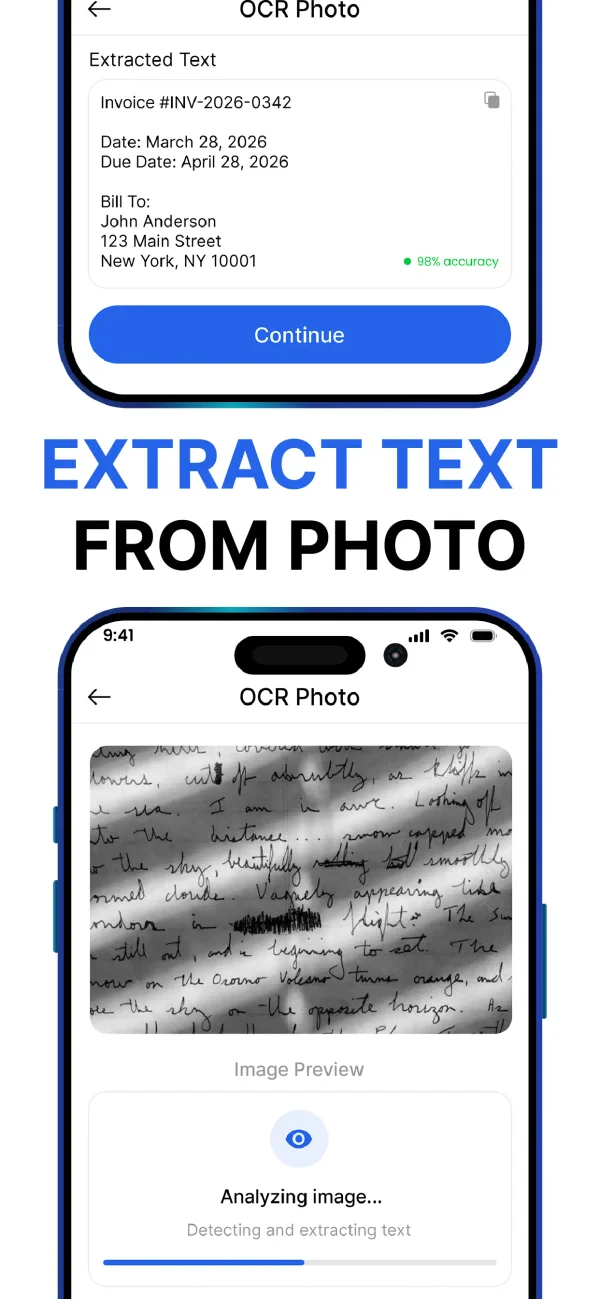
OCR – EXTRACT TEXT FROM PHOTOS
Use OCR technology to recognize and extract text from images. Copy detected text and use it without manually typing everything again.
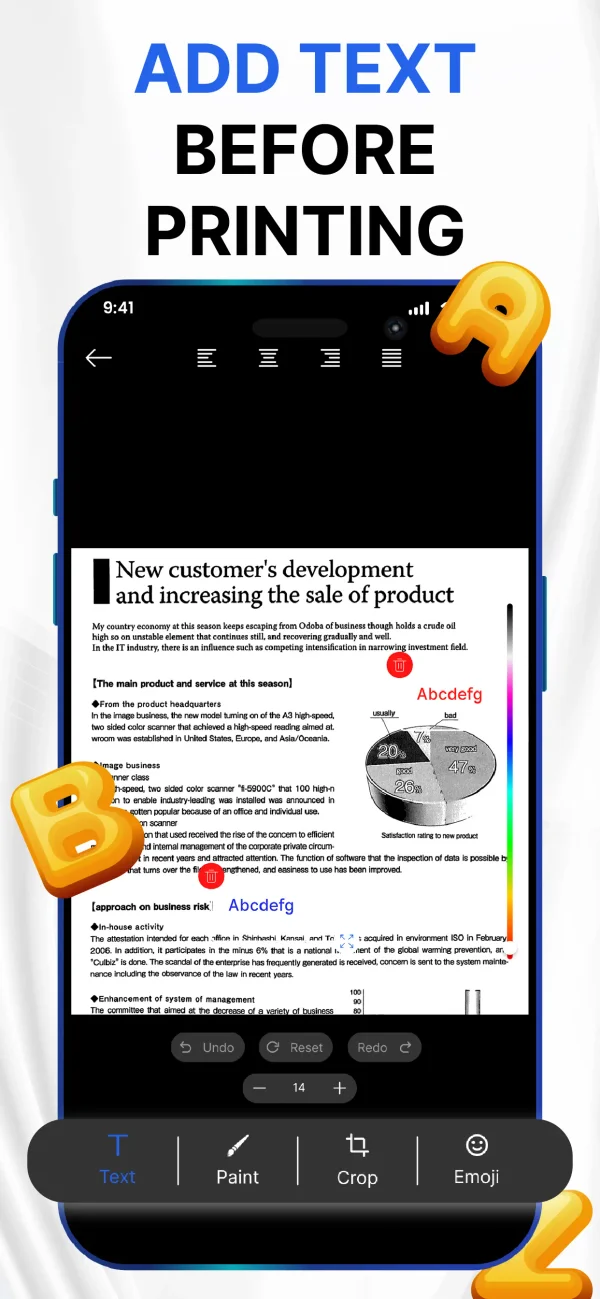
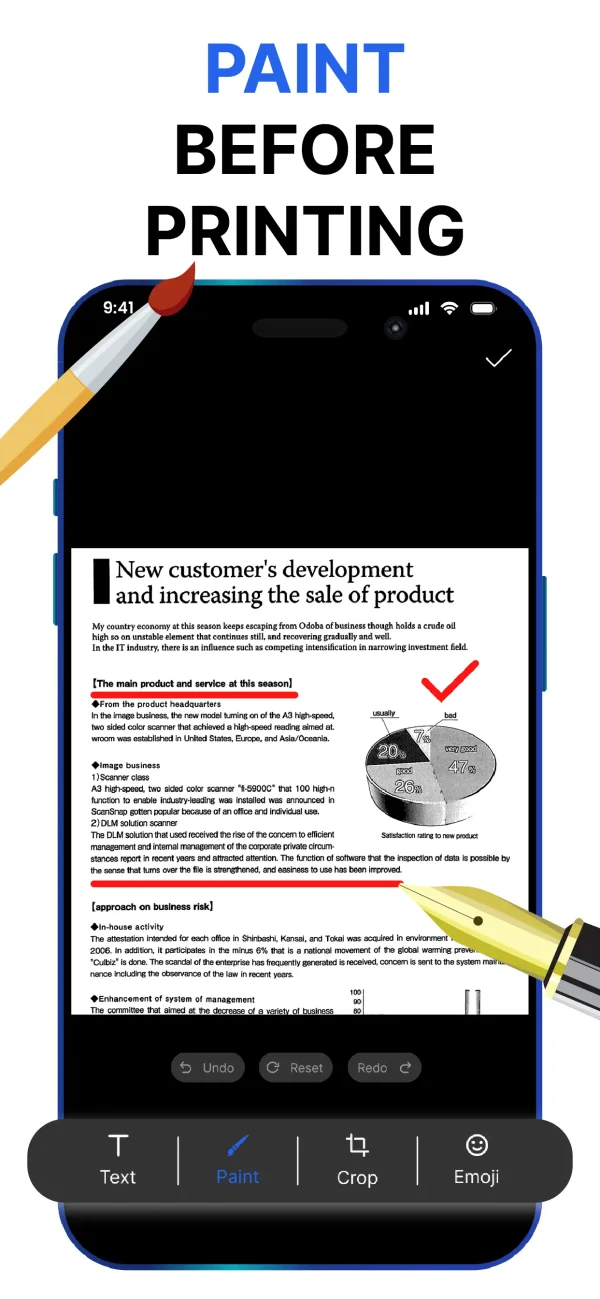
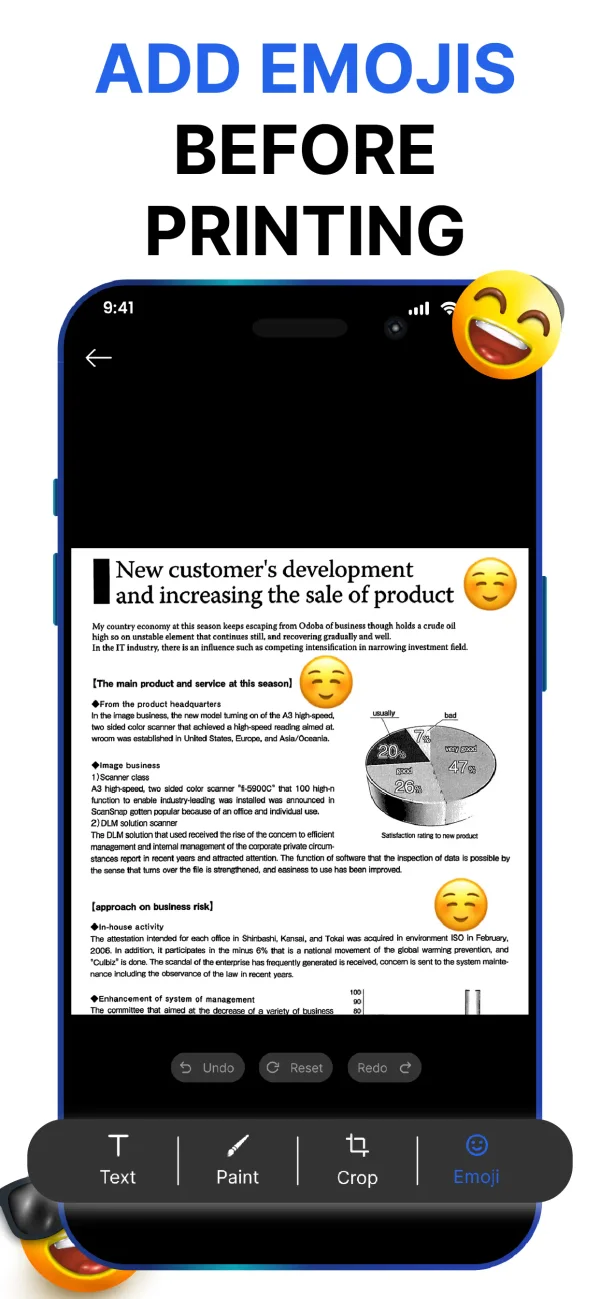
EDIT BEFORE PRINTING
Prepare your documents before you print. Use convenient editing tools to customize your content and get the result you need.
Editing tools include:
Crop documents and images
Add custom text
Draw and paint on documents
Add emojis
Preview before printing
Undo, redo, and reset changes
FLEXIBLE PRINT SETTINGS
Adjust important printing options before sending your document to the printer.
Choose the number of copies, select common paper sizes such as A4, Letter, A3, Legal, and A5, and switch between portrait and landscape orientation.
PRINT DIFFERENT TYPES OF CONTENT
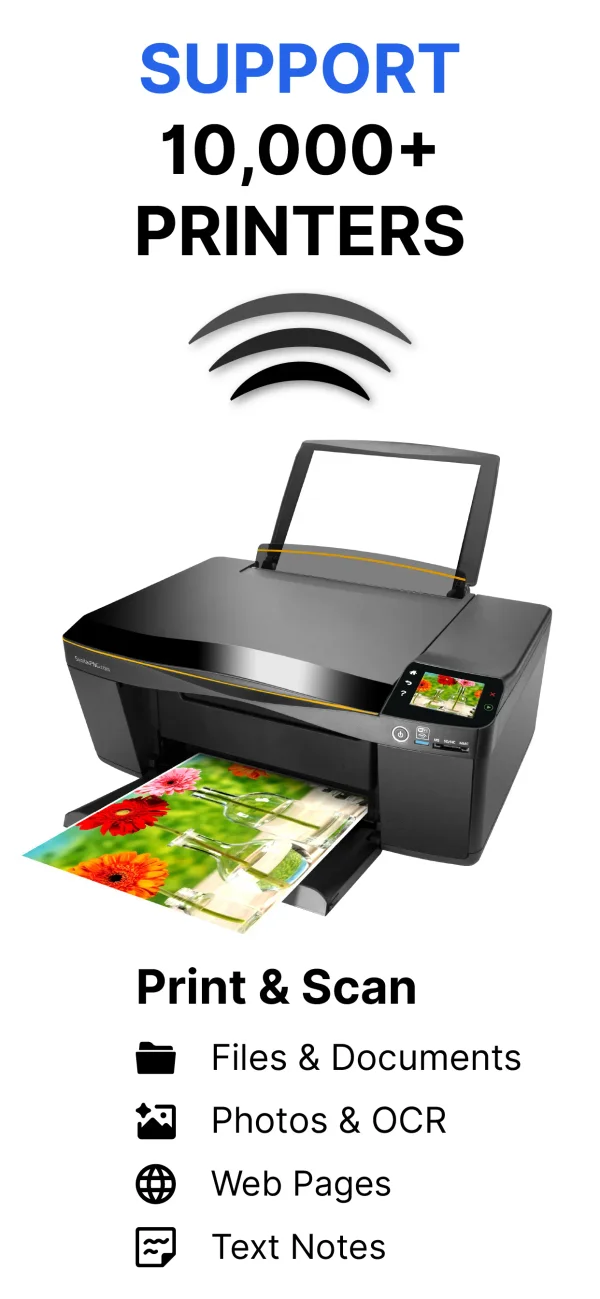
Keep your printing tasks together in one place. Print photos, documents, files, web pages, and text notes without switching between multiple apps.
MADE FOR EVERYDAY PRINTING
From work documents and invoices to school materials, forms, photos, receipts, and personal files, Printer App provides a simple workflow for scanning, editing, and printing.
Turn your iPhone into an all-in-one printing and scanning companion.
Terms OF Use = "https://zen-tech-sigma.vercel.app/terms-of-use"
Privacy Policy = "https://zen-tech-sigma.vercel.app/privacy-policy"
Terms of Use (EULA) - https://www.apple.com/legal/internet-services/itunes/dev/stdeula/
App-Datenschutz
Was ZEN TECH im App Store zum Umgang dieser App mit Daten angibt.
-
Keine Daten erfasst
Der Entwickler erfasst keine Daten von dieser App.
Die Datenschutzpraktiken können variieren, zum Beispiel je nach den von Ihnen verwendeten Funktionen oder Ihrem Alter.
Informationen
- Anbieter
- ZEN TECH
- Kategorie
- Dienstprogramme
- Version
- 1.0
- Aktualisiert
- 28.09.2026
- Veröffentlicht
- 28.09.2026
- Größe
- 7,3 MB
- Erfordert
- iOS 16.6 oder neuer
- Altersfreigabe
- 4+
- Preis
- Kostenlos
- In-App-Käufe
- Ja
- Sprachen
- Englisch
- Copyright
- Copyright © 2026 ZEN TECH . All rights reserved.
Das könnte Ihnen auch gefallen
-
 Pocket CockpitDienstprogramme
-
 PrintEasy - Printer & ScannerDienstprogramme
-
 AirPrint AppDienstprogramme
-
 Paketverfolgung - verfolgenPaketverfolgung: Paket, Post
-
 Quick Measure - GPSDienstprogramme
-
 Taylor ElectricDienstprogramme
-
 Satellite TrackerDienstprogramme
-
 Tiny Printer – Drucker AppFotos, PDFs & Scans drucken
-
 Zero AudioDienstprogramme
-
 Satellite Tracker ProDienstprogramme