ZenPrint : Smart Printer App
For HP, Cannon, Brother, Epson
iPhone, iPad向けに設計
無料 · アプリ内課金
- 対象年齢4+
- カテゴリユーティリティ
- 開発元ZEN TECH
- 言語英語
- サイズ7.3 MB
App Storeの公式ページにリンクしています
Download.orgはZenPrint : Smart Printer Appのファイルを一切ホストしていません。ボタンを押すと、ZEN TECHが公開しているApp Storeのアプリページが開きます。ページの最終確認:2026/11/18。
スクリーンショット

概要
開発元はこのテキストをお使いの言語で提供していません。
Print, scan, edit, and manage documents from your iPhone with one powerful printer app.
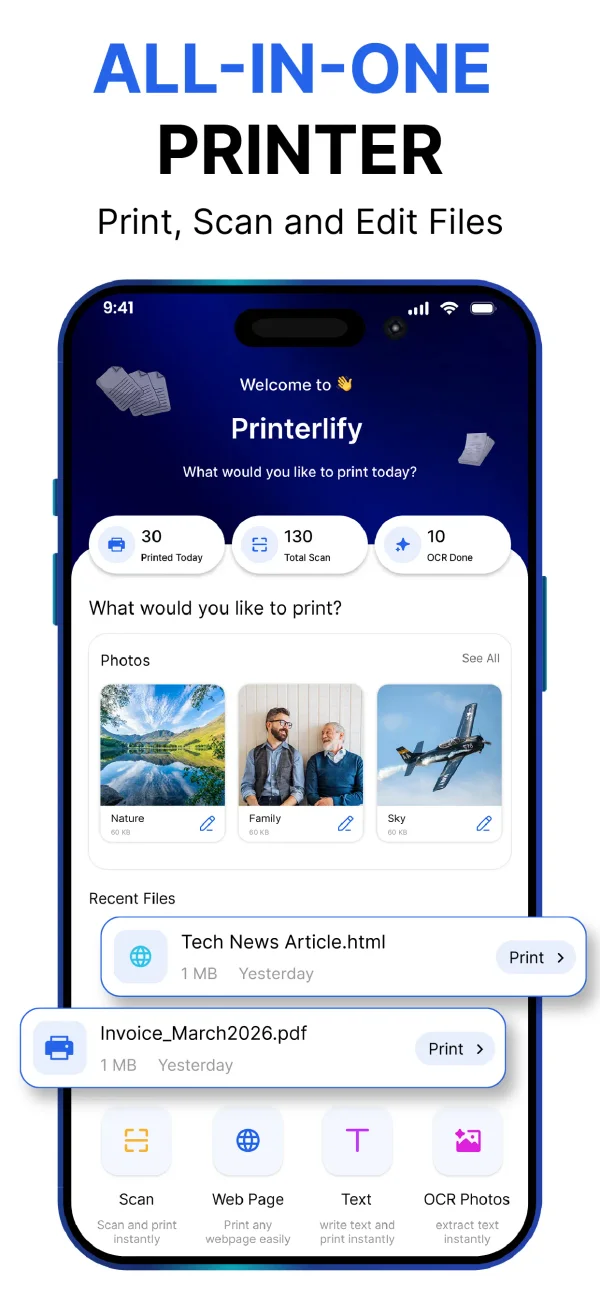
Printer App makes everyday printing simple. Print photos and documents, scan paper documents with your camera, extract text from images using OCR, and prepare files before printing—all from one convenient app.
Whether you need to print a PDF, photo, document, web page, or text note, the app gives you the tools to prepare and print your content quickly.
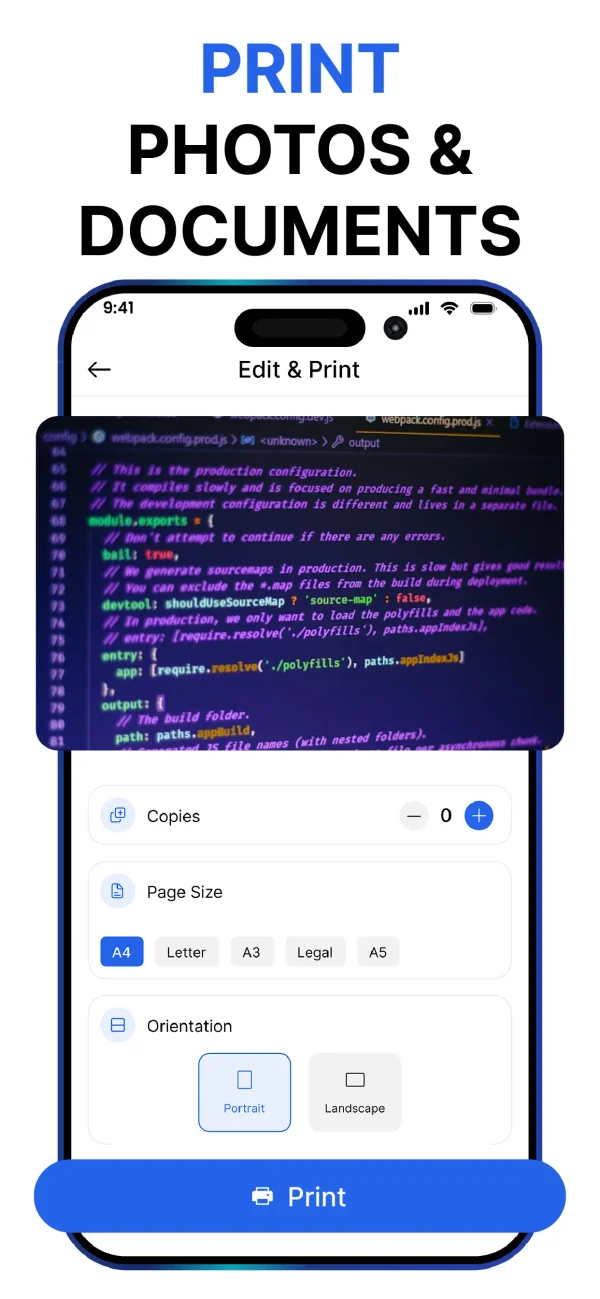
PRINT PHOTOS & DOCUMENTS
Print your important files and favorite photos directly from your iPhone. Preview your content and configure printing options before sending it to your printer.
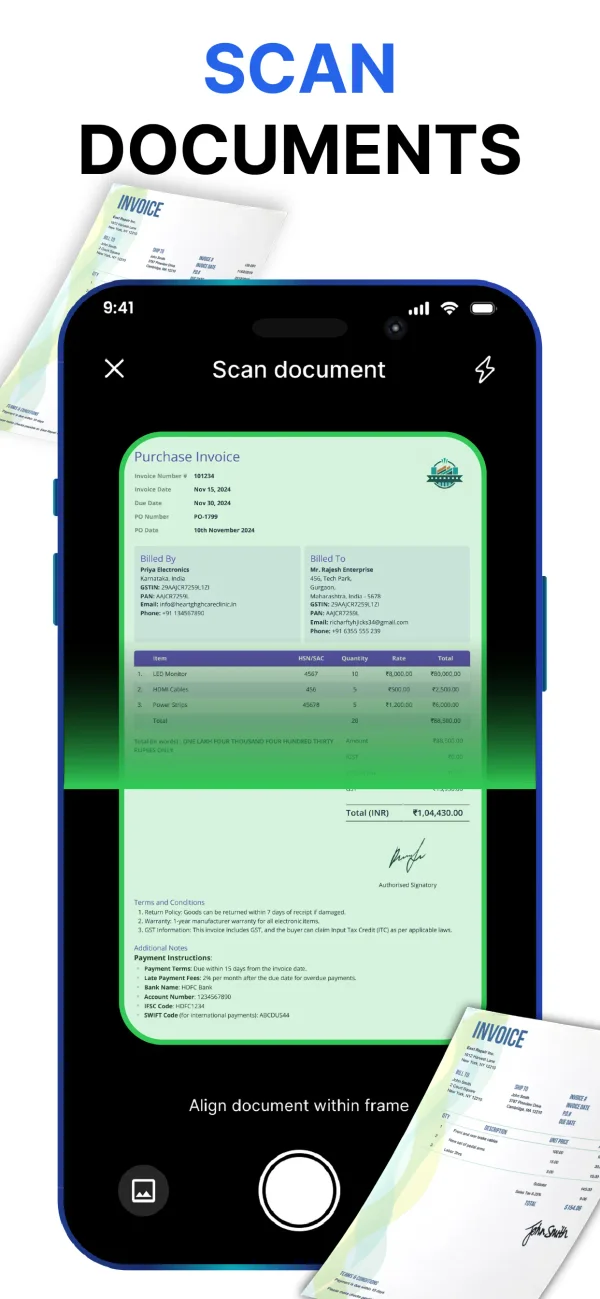
SCAN DOCUMENTS
Turn your iPhone into a portable document scanner. Capture invoices, receipts, notes, forms, letters, and other paper documents whenever you need them.
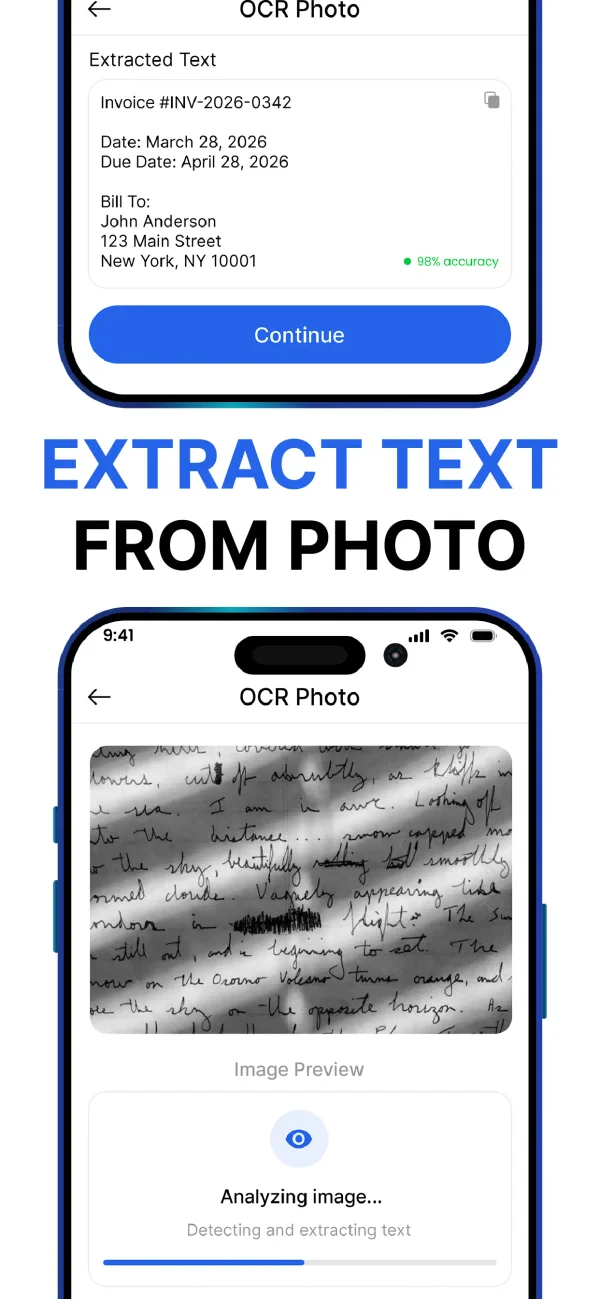
OCR – EXTRACT TEXT FROM PHOTOS
Use OCR technology to recognize and extract text from images. Copy detected text and use it without manually typing everything again.
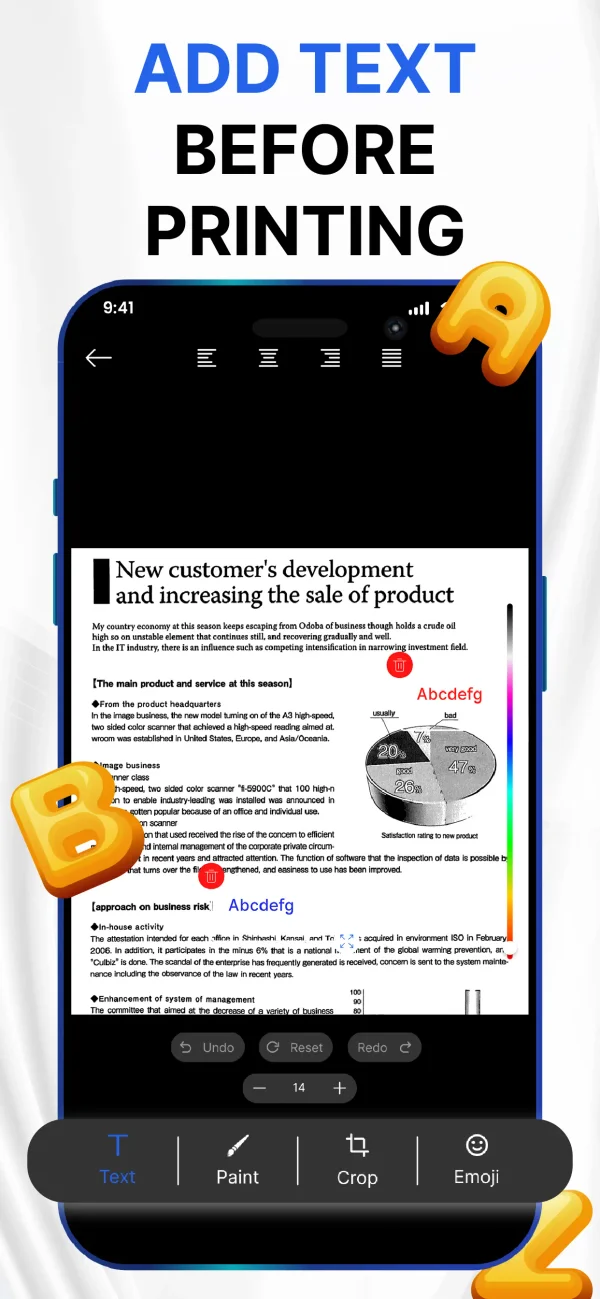
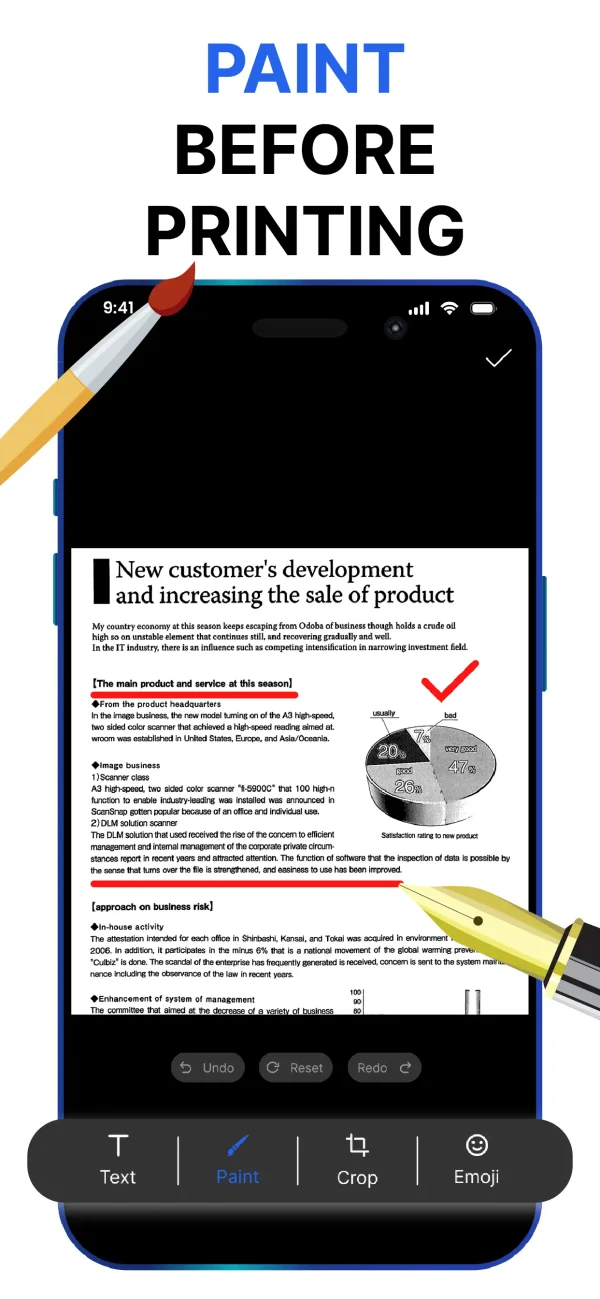
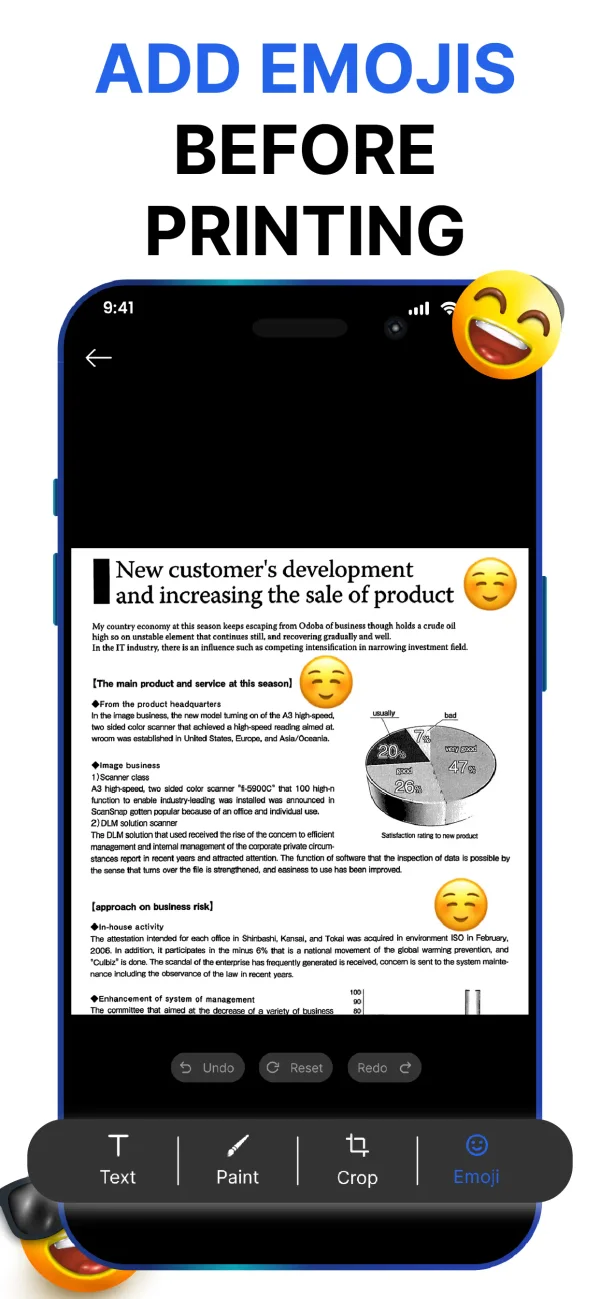
EDIT BEFORE PRINTING
Prepare your documents before you print. Use convenient editing tools to customize your content and get the result you need.
Editing tools include:
Crop documents and images
Add custom text
Draw and paint on documents
Add emojis
Preview before printing
Undo, redo, and reset changes
FLEXIBLE PRINT SETTINGS
Adjust important printing options before sending your document to the printer.
Choose the number of copies, select common paper sizes such as A4, Letter, A3, Legal, and A5, and switch between portrait and landscape orientation.
PRINT DIFFERENT TYPES OF CONTENT
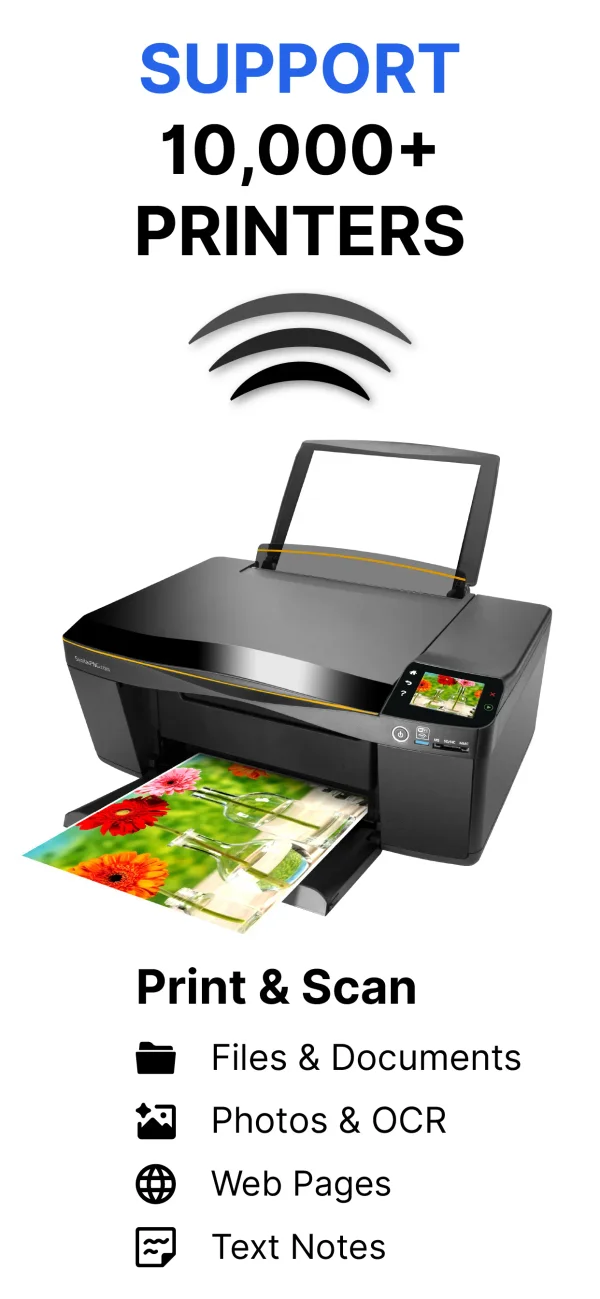
Keep your printing tasks together in one place. Print photos, documents, files, web pages, and text notes without switching between multiple apps.
MADE FOR EVERYDAY PRINTING
From work documents and invoices to school materials, forms, photos, receipts, and personal files, Printer App provides a simple workflow for scanning, editing, and printing.
Turn your iPhone into an all-in-one printing and scanning companion.
Terms OF Use = "https://zen-tech-sigma.vercel.app/terms-of-use"
Privacy Policy = "https://zen-tech-sigma.vercel.app/privacy-policy"
Terms of Use (EULA) - https://www.apple.com/legal/internet-services/itunes/dev/stdeula/
アプリのプライバシー
このアプリのデータの取り扱いについて、ZEN TECHがApp Storeで申告している内容です。
-
データの収集なし
開発元はこのアプリからデータを収集しません。
プライバシーの取り扱いは、ご利用の機能やお客様の年齢などに応じて異なる場合があります。
情報
- 販売元
- ZEN TECH
- カテゴリ
- ユーティリティ
- バージョン
- 1.0
- 更新日
- 2026/9/28
- リリース
- 2026/9/28
- サイズ
- 7.3 MB
- 必要条件
- iOS 16.6以降
- 対象年齢
- 4+
- 価格
- 無料
- アプリ内課金
- あり
- 言語
- 英語
- 著作権
- Copyright © 2026 ZEN TECH . All rights reserved.