ZenPrint : Smart Printer App
For HP, Cannon, Brother, Epson
iPhone, iPad için tasarlandı
Ücretsiz · Uygulama içi satın alma
- Yaş sınırı4+
- KategoriYardımcılar
- GeliştiriciZEN TECH
- Dillerİngilizce
- Boyut7,3 MB
Resmi App Store sayfasına bağlanır
Download.org, ZenPrint : Smart Printer App için hiçbir dosya barındırmaz. Düğme, uygulamanın App Store üzerindeki sayfasını açar; uygulamayı orada ZEN TECH yayınlar. Sayfanın son kontrolü: 18.11.2026.
Ekran görüntüleri

Hakkında
Geliştirici bu metni dilinizde sunmamış.
Print, scan, edit, and manage documents from your iPhone with one powerful printer app.
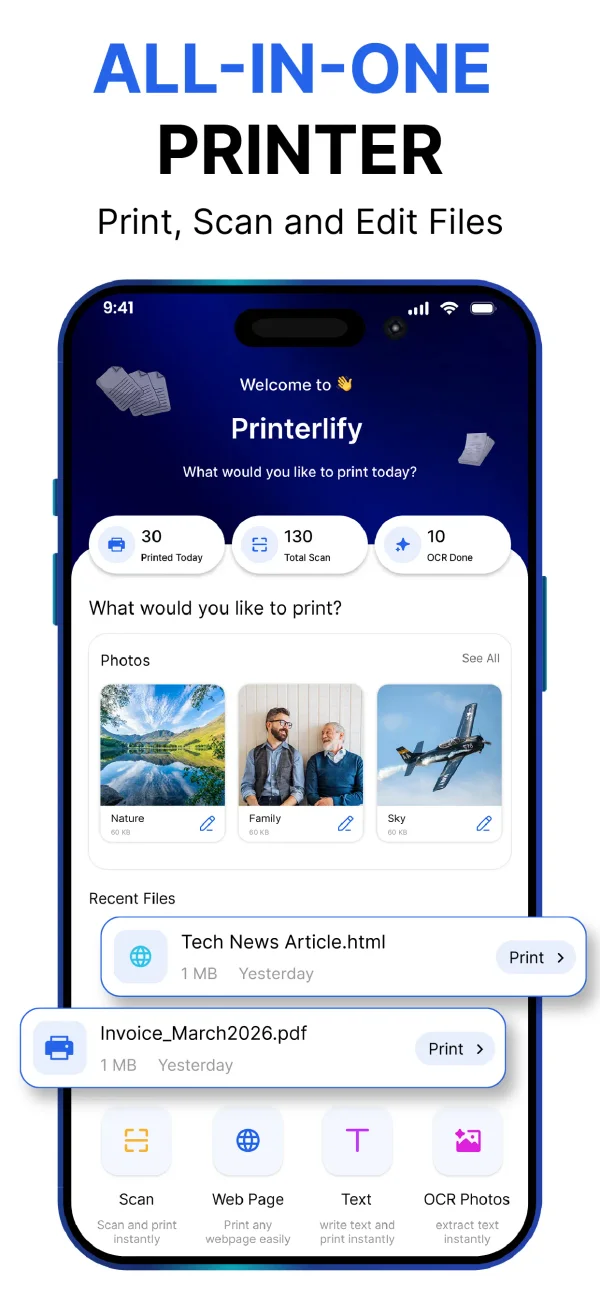
Printer App makes everyday printing simple. Print photos and documents, scan paper documents with your camera, extract text from images using OCR, and prepare files before printing—all from one convenient app.
Whether you need to print a PDF, photo, document, web page, or text note, the app gives you the tools to prepare and print your content quickly.
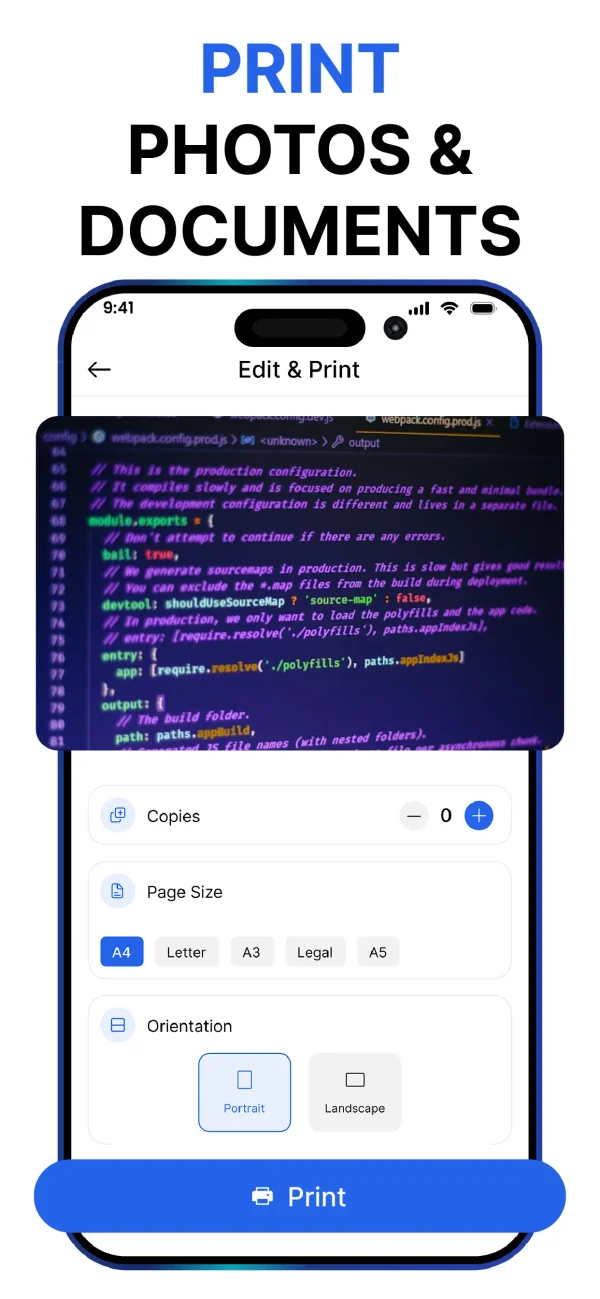
PRINT PHOTOS & DOCUMENTS
Print your important files and favorite photos directly from your iPhone. Preview your content and configure printing options before sending it to your printer.
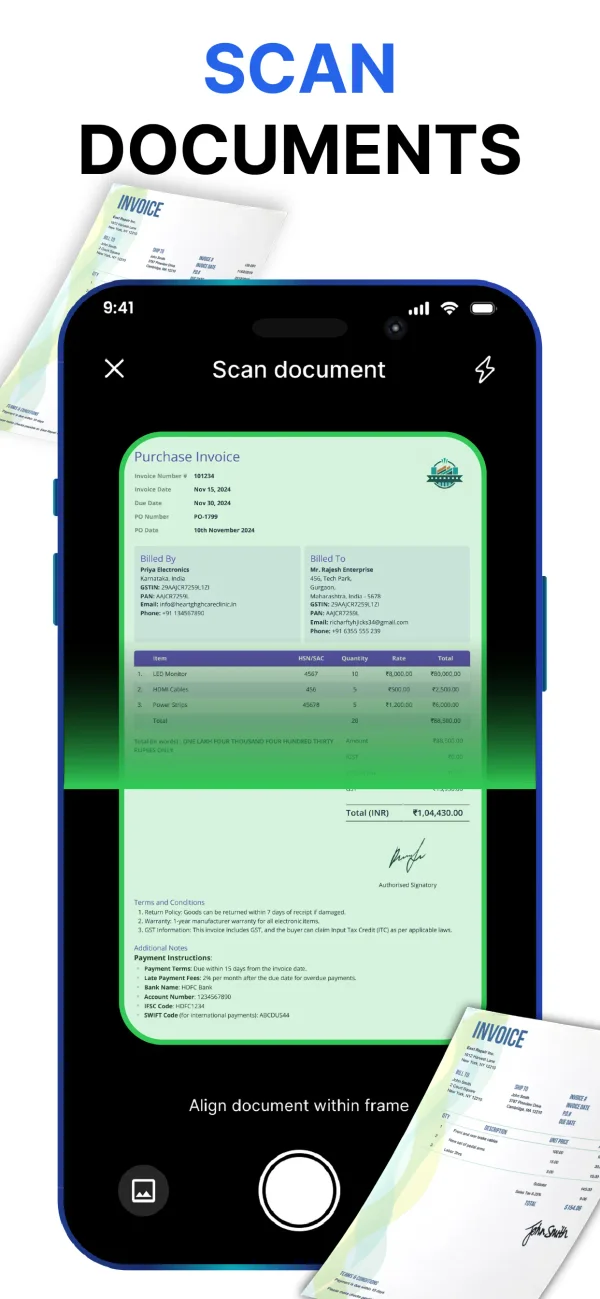
SCAN DOCUMENTS
Turn your iPhone into a portable document scanner. Capture invoices, receipts, notes, forms, letters, and other paper documents whenever you need them.
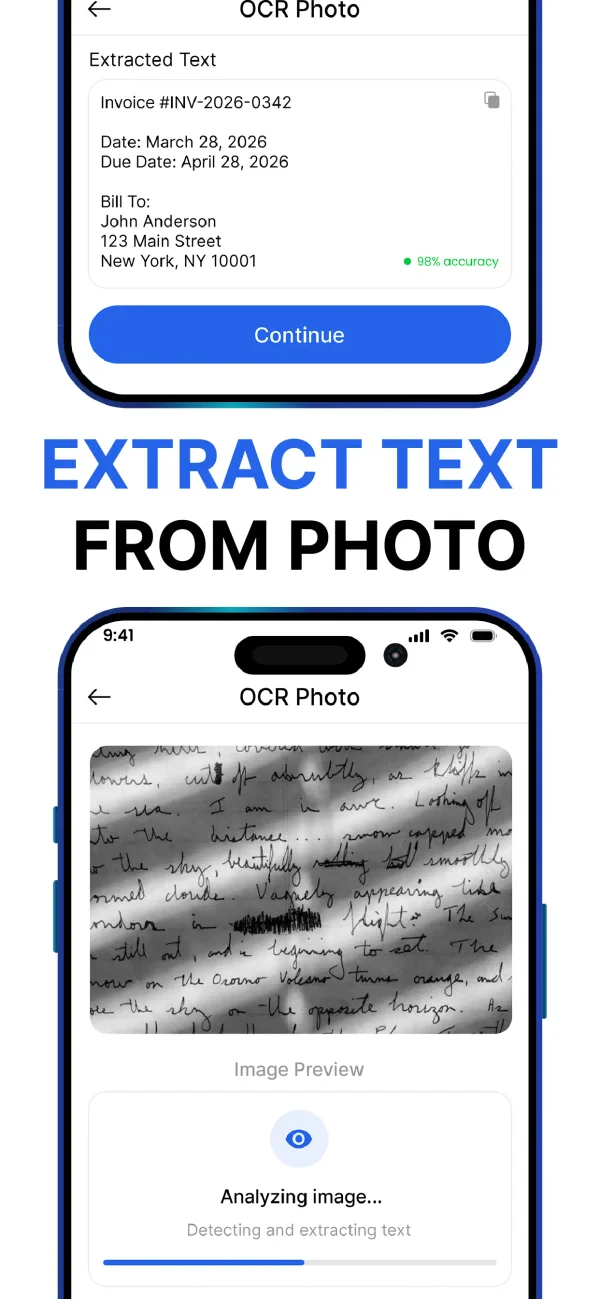
OCR – EXTRACT TEXT FROM PHOTOS
Use OCR technology to recognize and extract text from images. Copy detected text and use it without manually typing everything again.
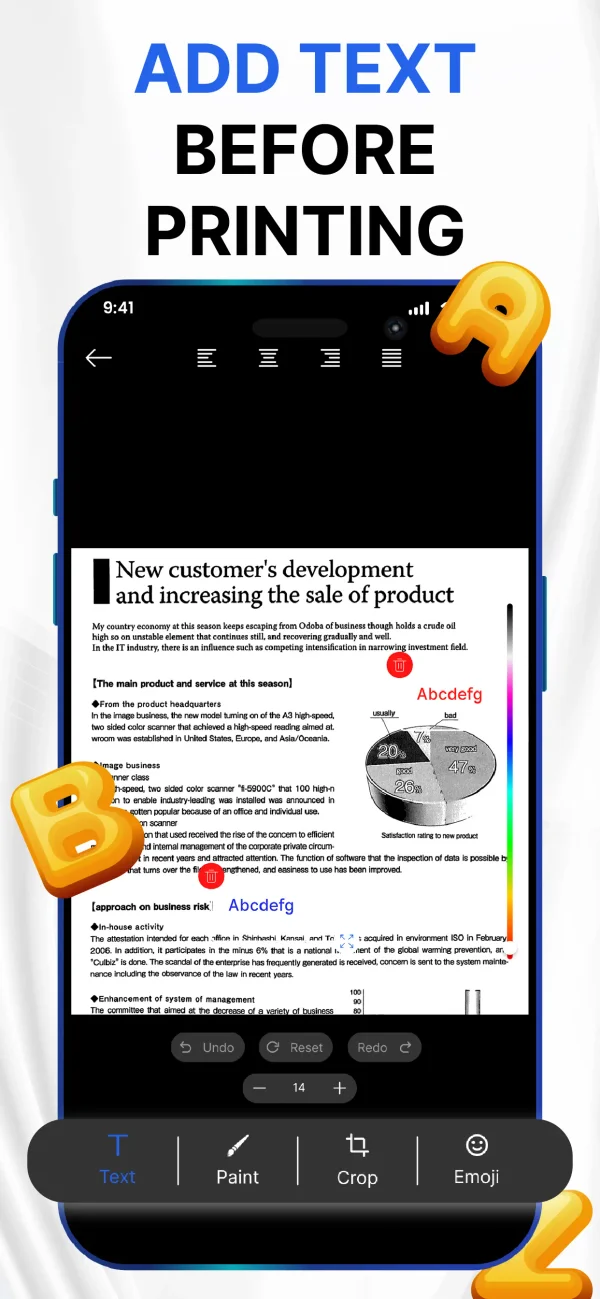
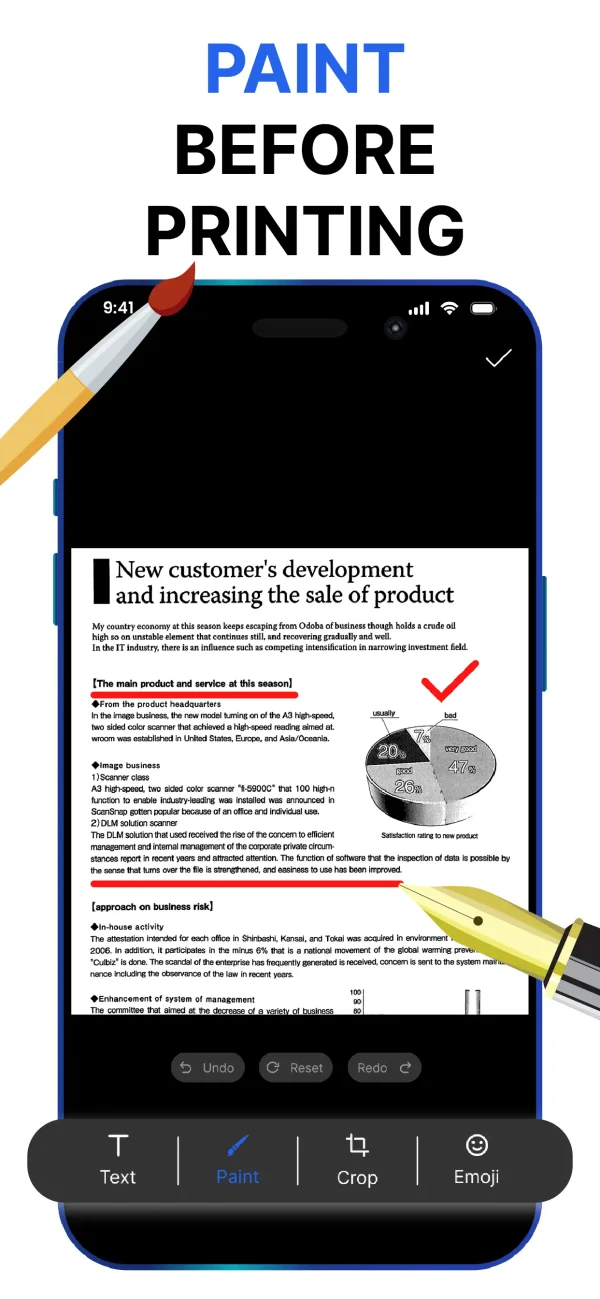
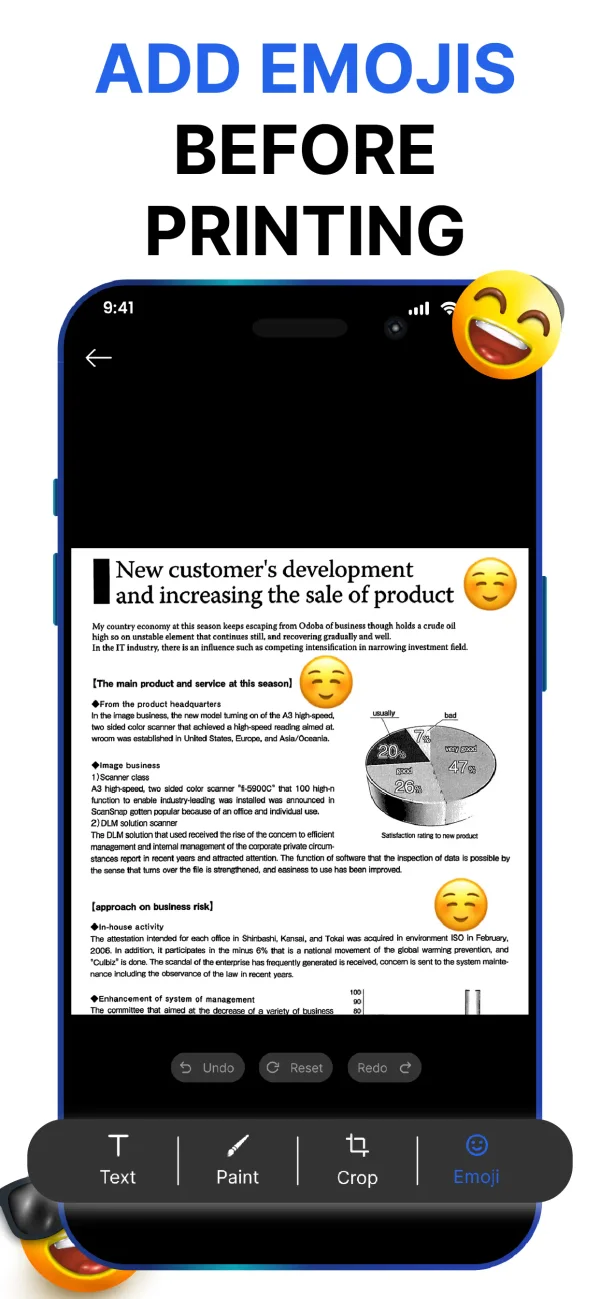
EDIT BEFORE PRINTING
Prepare your documents before you print. Use convenient editing tools to customize your content and get the result you need.
Editing tools include:
Crop documents and images
Add custom text
Draw and paint on documents
Add emojis
Preview before printing
Undo, redo, and reset changes
FLEXIBLE PRINT SETTINGS
Adjust important printing options before sending your document to the printer.
Choose the number of copies, select common paper sizes such as A4, Letter, A3, Legal, and A5, and switch between portrait and landscape orientation.
PRINT DIFFERENT TYPES OF CONTENT
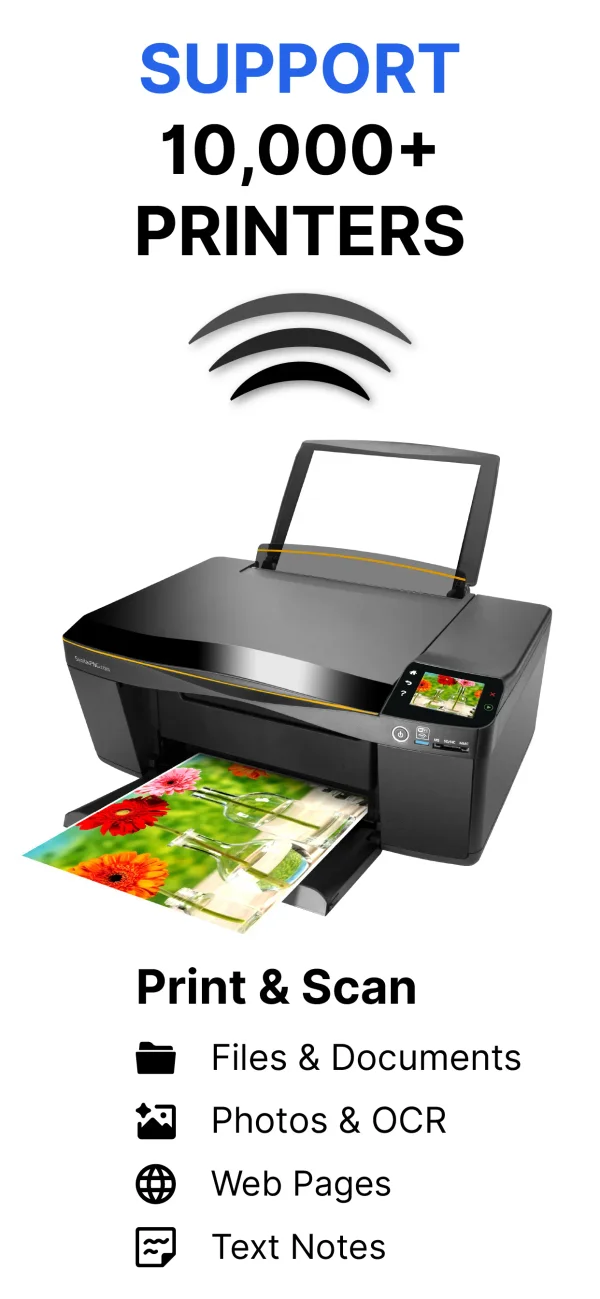
Keep your printing tasks together in one place. Print photos, documents, files, web pages, and text notes without switching between multiple apps.
MADE FOR EVERYDAY PRINTING
From work documents and invoices to school materials, forms, photos, receipts, and personal files, Printer App provides a simple workflow for scanning, editing, and printing.
Turn your iPhone into an all-in-one printing and scanning companion.
Terms OF Use = "https://zen-tech-sigma.vercel.app/terms-of-use"
Privacy Policy = "https://zen-tech-sigma.vercel.app/privacy-policy"
Terms of Use (EULA) - https://www.apple.com/legal/internet-services/itunes/dev/stdeula/
Uygulama gizliliği
Bu uygulamanın verileri nasıl işlediği hakkında ZEN TECH tarafından App Store üzerinde yapılan beyan.
-
Veri toplanmıyor
Geliştirici bu uygulamadan hiçbir veri toplamıyor.
Gizlilik uygulamaları, örneğin kullandığınız özelliklere veya yaşınıza göre değişiklik gösterebilir.
Bilgiler
- Satıcı
- ZEN TECH
- Kategori
- Yardımcılar
- Sürüm
- 1.0
- Güncellendi
- 28.09.2026
- Yayın tarihi
- 28.09.2026
- Boyut
- 7,3 MB
- Gereksinim
- iOS 16.6 veya sonrası
- Yaş sınırı
- 4+
- Fiyat
- Ücretsiz
- Uygulama içi satın alma
- Evet
- Diller
- İngilizce
- Telif hakkı
- Copyright © 2026 ZEN TECH . All rights reserved.
Bunları da beğenebilirsiniz
-
 Pocket CockpitYardımcılar
-
 PrintEasy - Printer & ScannerYardımcılar
-
 AirPrint AppYardımcılar
-
 Package Tracker -Track ParcelsYardımcılar
-
 Quick Measure - GPSYardımcılar
-
 Taylor ElectricYardımcılar
-
 Satellite TrackerYardımcılar
-
 Tiny Printer: Fotoğraf YazdırPDF, Belge, Etiket ve Tarama
-
 Zero AudioYardımcılar
-
 Satellite Tracker ProYardımcılar