Jinya: Dirty Work
TIMEFLIK- PEGI 3Clasificación por edad
- PersonalizaciónCategoría
- 19/5/2025Actualizado
- 1,59 €Precio
Enlaza a la ficha oficial de com.apposter.jinya_dirtywork en Google Play. Última comprobación el 15/11/2026.
Capturas de pantalla


Acerca de esta aplicación
Traducción automática de Google. Idioma original: Inglés (Estados Unidos).
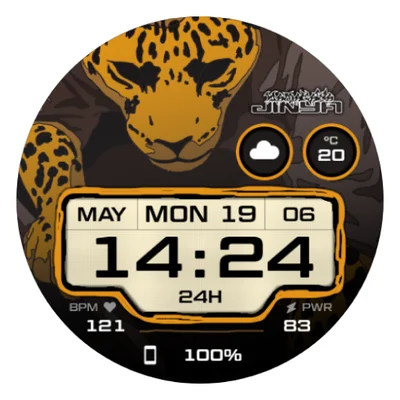
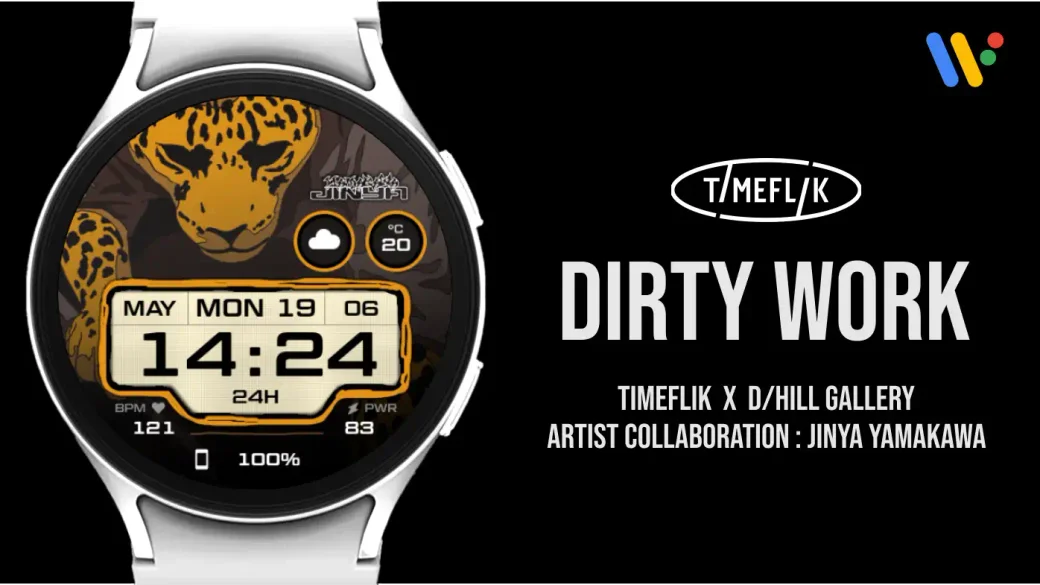
Esta es una esfera de reloj exclusiva Dirty Work creada por TIMEFLIK
GALERÍA TIMEFLIK X D/HILL
***Esta aplicación es de Google Play.
Solo se puede instalar y usar en tu smartwatch.
El mensaje de advertencia de compatibilidad de Google Play indica que es solo para relojes.
No hay ningún problema con su uso, así que no te confundas.
[Cómo usar]
Después de descargarla, cambia la esfera del reloj tocando la pantalla brevemente.
Si tu reloj es un Galaxy Watch, también puedes cambiarla desde [Galaxy Wearable] > [Esferas del reloj].
_______________________________
[Características principales]
- Hora digital
- Formato 12/24 h
- Día del mes
- Fecha
- Estado de la batería
- Frecuencia cardíaca
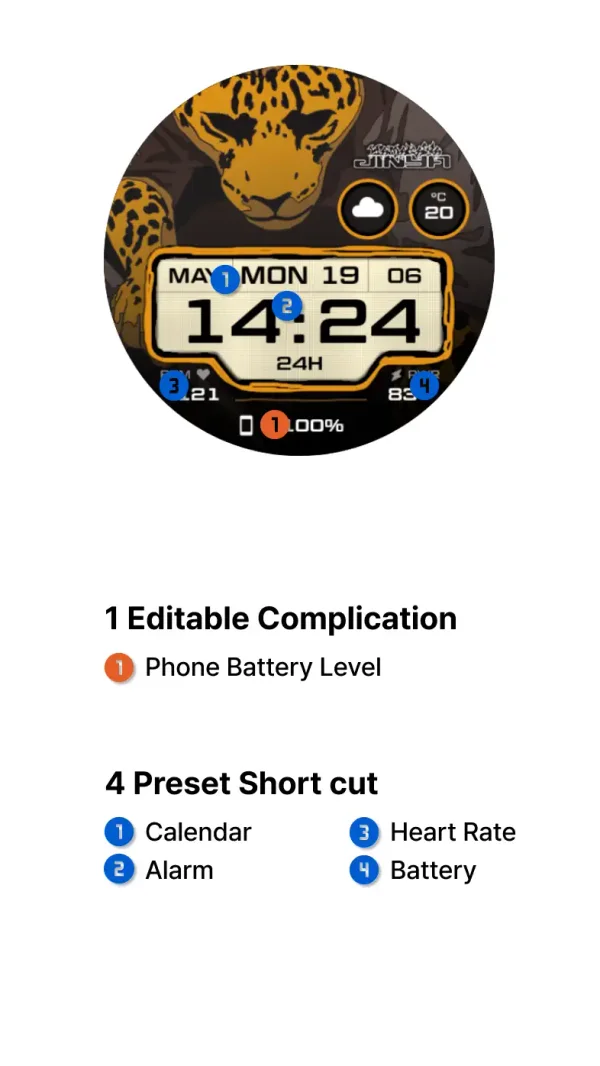
- 1 complicación editable
- 4 accesos directos preestablecidos
- 10 colores de tema
- Siempre visible
[Solución de problemas]
Envíanos la siguiente información a help@apposter.com. Nuestro equipo de desarrollo intentará reproducirlo y solucionarlo.
*Esta esfera de reloj es compatible con dispositivos Wear OS.
_______________________________
**Cómo configurar el nivel de batería del teléfono**
https://play.google.com/store/apps/details?id=com.weartools.phonebattcomp
1. Instala la aplicación "Nivel de batería del teléfono" tanto en el teléfono como en el reloj.
2. Selecciona "Nivel de batería del teléfono" en Complicaciones.
Mostrar el texto original
TIMEFLIK X D/HILL GALLERY
***This app is a Goolle Play app.
It can be installed and operated in your smartwatch only.
The compatibility warning message from Google Play indicates that it is a watch-only app.
There is no problem with the use, so please don’t be confused.
[How to use]
After downloading, change the watch face by touching the screen for a while.
If your watch is a Galaxy watch, you can also change it from [Galaxy Wearable] > [Watch faces].
_______________________________
[Key Features]
- Digital Time
- 12/24H Format
- Day of Month
- Date
- Battery Status
- Heart Rate
- 1 Editable Complication
- 4 Preset Shortcut
- 10 Theme Colors
- Always On Display
[Troubleshooting]
Please let us know the information below to help@apposter.com.
Our development team will try to reproduce and solve it.
*This watch face supports wear OS devices.
_______________________________
**How to set a Phone Battery Level**
https://play.google.com/store/apps/details?id=com.weartools.phonebattcomp
1. Install the Phone Battery Level app on both the phone and the watch.
2. Select Phone Battery Level in Complications.
Seguridad de los datos
Lo que TIMEFLIK declara en Google Play sobre los datos que esta aplicación recopila y comparte.
- No se comparten datos con tercerosMás información sobre cómo los desarrolladores declaran lo que comparten
- No se recogen datosMás información sobre cómo los desarrolladores declaran lo que recogen
Contacto del desarrollador
- Correo electrónicohelp@apposter.com
- Política de privacidadweb.timeflik.com
- Dirección대한민국 서울특별시 마포구 마포구 성암로 189, 7층 705호 (상암동,중소기업 DMC 타워) 03929
Información
- Ofrecida por
- TIMEFLIK
- Categoría
- Personalización
- Actualizado
- 19/5/2025
- Publicado
- 19/5/2025
- Clasificación por edad
- PEGI 3
- Precio
- 1,59 €
- Nombre del paquete
- com.apposter.jinya_dirtywork