Satellite compass
Zekitez- PEGI 3Clasificación por edad
- HerramientasCategoría
- 14/8/2025Actualizado
- GratisPrecio
Enlaza a la ficha oficial de com.zekitez.satellitecompass en Google Play. Última comprobación el 21/11/2026.
Capturas de pantalla
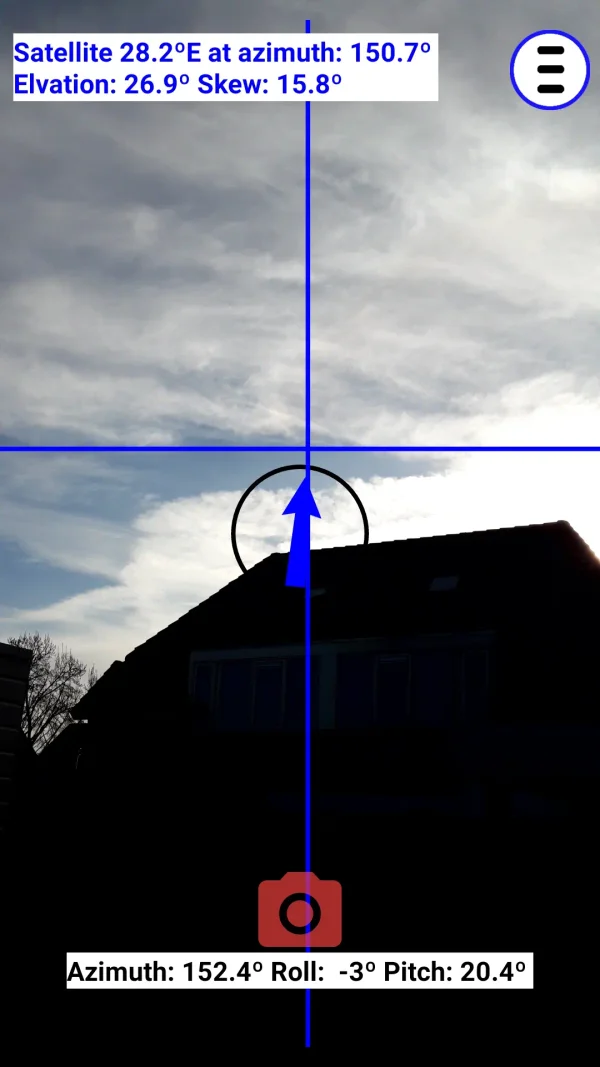


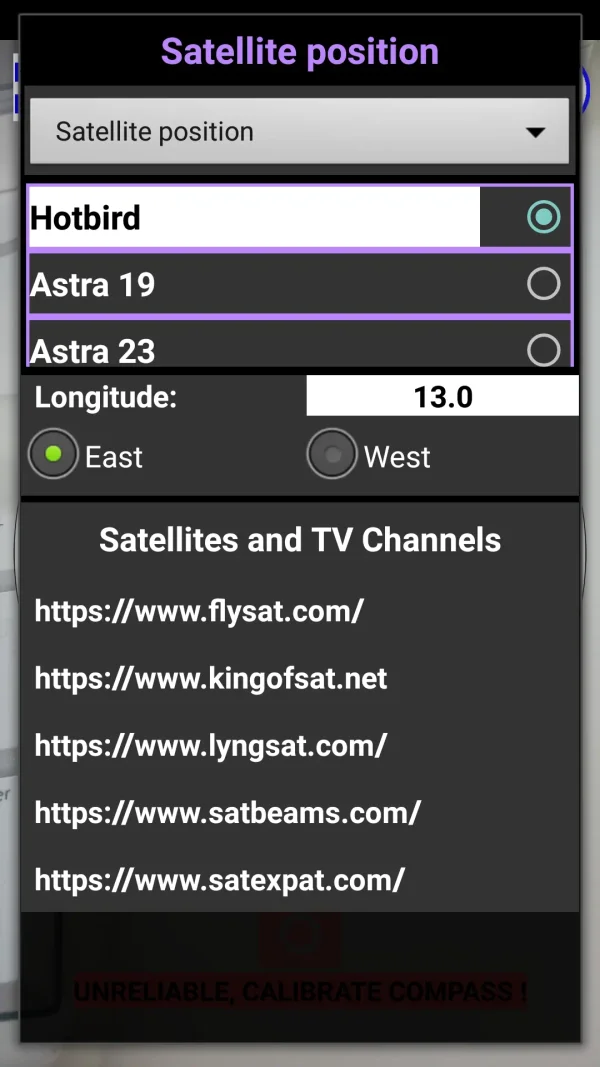

Acerca de esta aplicación
Traducción automática de Google. Idioma original: Inglés (Estados Unidos).
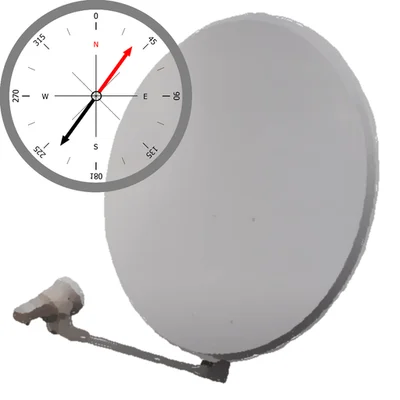
Este es un buscador de satélites compacto o puntero o director o alineador de platos.
La aplicación es 3 aplicaciones en 1: es una brújula, es un puntero a una ubicación y es un buscador o puntero de satélite. Esta aplicación no tiene anuncios y es completamente gratuita.
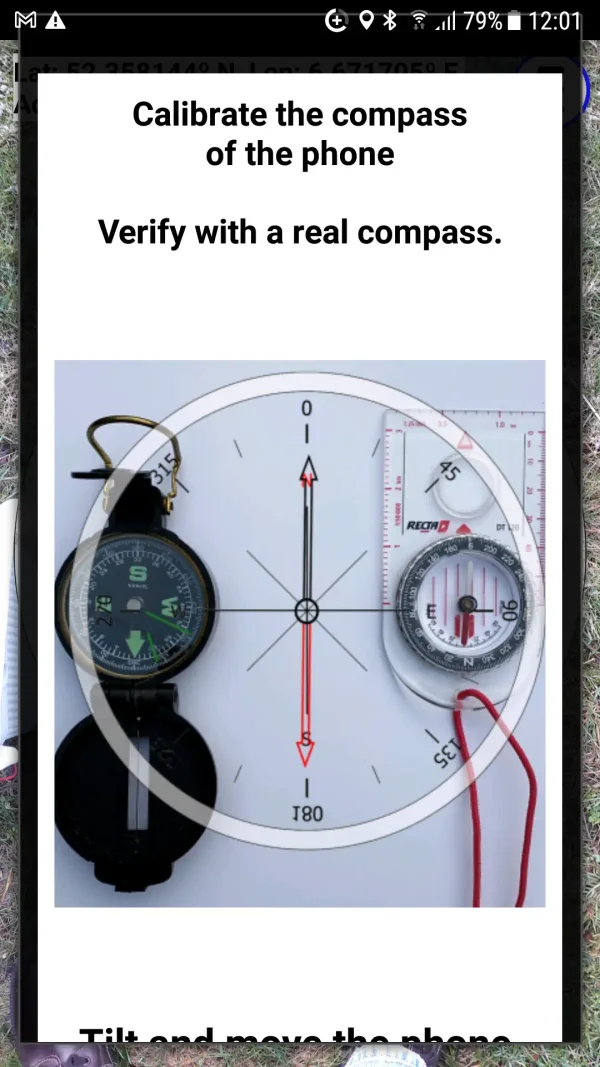
Como una brújula, muestra la ubicación actual y la declinación magnética de la ubicación. Con la ayuda de una brújula real, puede verificar que la brújula del teléfono esté apuntando correctamente hacia el Norte-Sur.
La aplicación necesita saber la ubicación que se encuentra a través de GPS o se ingresa a través de la entrada manual (escrita) números de anuncios en grados o como una dirección.
La brújula puede señalar una ubicación. Ejemplos: una dirección, un lugar de estacionamiento o una estación de radio. Introduce una dirección y la brújula te indicará la dirección. O guarde la ubicación GPS actual como punto, salga a caminar y encuentre el camino de regreso con la ayuda de la ubicación guardada. Se recuerdan hasta 25 ubicaciones.
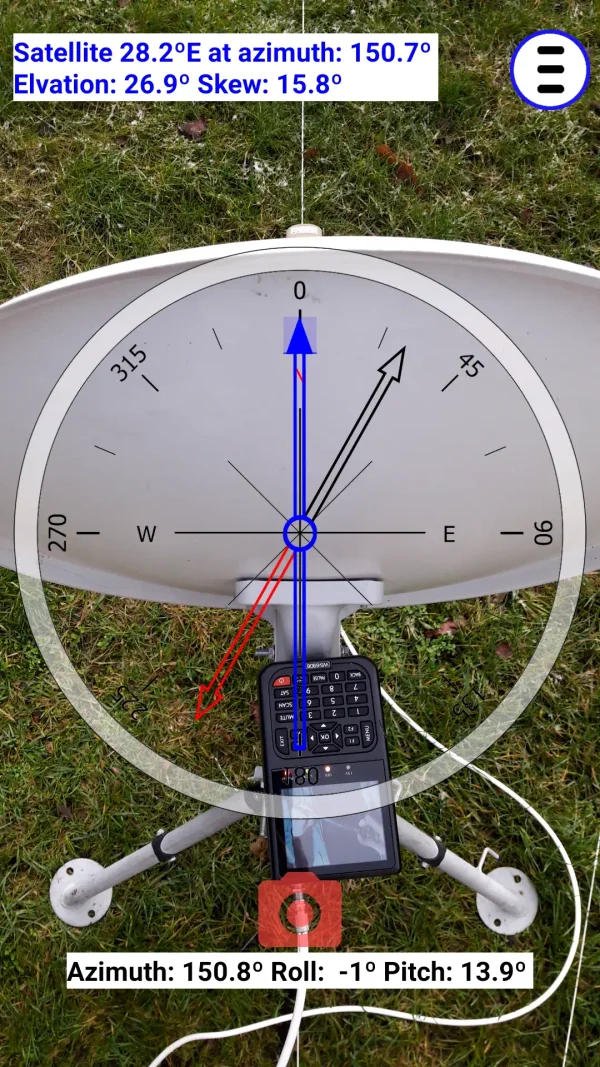
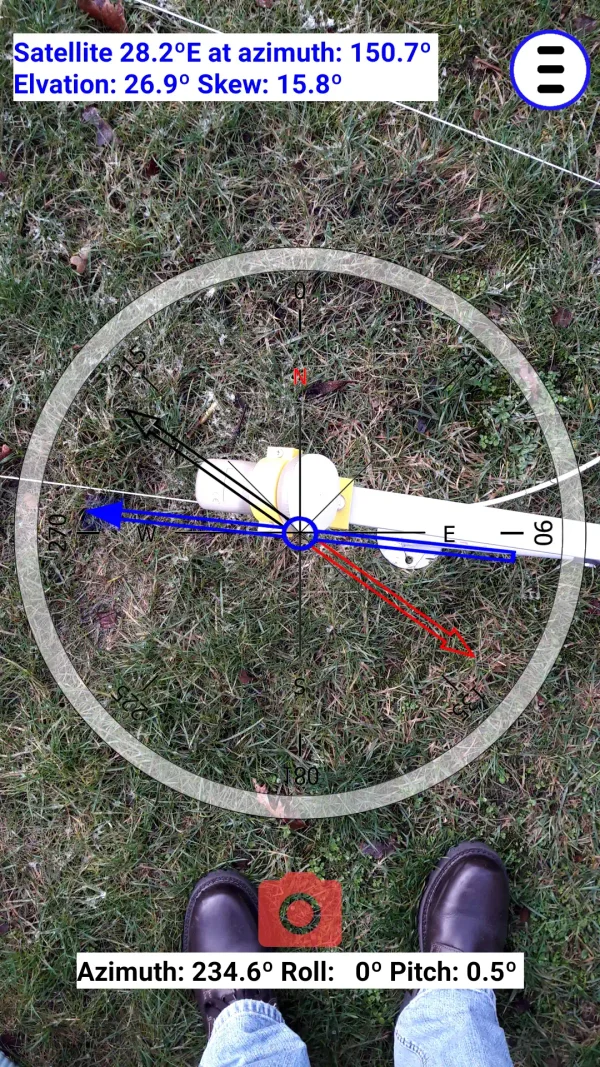
Ayuda a apuntar su plato a un satélite de TV. Dependiendo de su ubicación, calcula la posición del satélite en el cielo. Muestra la posición horizontal o vertical del satélite en el cielo. La posición horizontal se utiliza para alinear o apuntar el brazo LNB al satélite. La posición vertical se utiliza para encontrar obstáculos que bloquean la señal del satélite.
Esta aplicación no viene con una lista de satélites. En su lugar, recuerda hasta 25 satélites. Simplemente ingrese un nombre y la longitud del satélite, ejemplo: "Hot Bird 13E" está en la longitud 13.0 grados Este.
Lo más difícil es calibrar la brújula del teléfono. Esto puede convertirse en un verdadero problema cuando simplemente no se alinea con la aguja de una brújula real.
¿Quizás tu teléfono tiene una funda con cierre magnético? Los imanes interfieren con la brújula del teléfono. La perturbación puede llegar a ser tan grande que la brújula ya no se calibra correctamente. Lo más fácil es quitar ese estuche o sus imanes. En el peor de los casos, tienes que comprar un teléfono nuevo.
Consulte también http://www.zekitez.com/satcompass/satcom.html
Mostrar el texto original
The app is 3 apps in 1: it is a compass, it is a pointer to a location and it is a satellite finder or pointer. This app is ads free and is completely free.
As a compass it displays the current location and the magnetic declination of the location. With the help of a real compass you can verify that the phone's compass is pointing correctly to North-South.
The app needs to know the location which is found via GPS or entered via manual input (typed in) ad numbers in degrees or as an address.
The compass can point to a location. Examples: An address, a parking place or a radio station. Enter an address and the compass will point you in the direction. Or save the current GPS location as point, go for a walk and find your way back with the help of the saved location. Up to 25 locations are remembered.
It helps pointing your dish to a TV satellite. Depending on your location it calculates the satellite's position in the sky. It displays the horizontal or vertical position of the satellite in the sky. The horizontal position is used to align or point the LNB arm to the satellite. The vertical position is used to find obstacles that block the satellite signal.
This app does not come with a satellite list. Instead it remembers up to 25 satellites. Just enter a name and the longitude of the satellite, example: "Hot Bird 13E" is at longitude 13.0 degrees East.
The most difficult thing is calibrating the compass of the phone. This can become a real problem when it just does not align to the needle a real compass.
Maybe your phone has a case with magnetic closure ? The magnets interfere with the phone's compass. The disturbance can become so great that the compass no longer calibrates properly. The easiest thing to do is to remove that case or its magnets. Worst case you have to buy a new phone.
See also http://www.zekitez.com/satcompass/satcom.html
Seguridad de los datos
Lo que Zekitez declara en Google Play sobre los datos que esta aplicación recopila y comparte.
- No se comparten datos con tercerosMás información sobre cómo los desarrolladores declaran lo que comparten
- No se recogen datosMás información sobre cómo los desarrolladores declaran lo que recogen
Novedades
Versión 1.5.5 · 14/8/2025
On some devices the language could not be changed.
Layout issue with Calibration dialog.
Contacto del desarrollador
- Sitio webzekitez.com
- Correo electrónicozekitez@gmail.com
- Política de privacidadzekitez.github.io
- DirecciónDe Mees 53 7609 JT Almelo Netherlands
Información
- Ofrecida por
- Zekitez
- Categoría
- Herramientas
- Versión
- 1.5.5
- Actualizado
- 14/8/2025
- Publicado
- 17/1/2023
- Requiere
- Android 5.0 o posterior
- Clasificación por edad
- PEGI 3
- Precio
- Gratis
- Nombre del paquete
- com.zekitez.satellitecompass