Satellite compass
Zekitez- PEGI 3Yaş sınırı
- AraçlarKategori
- 14.08.2025Güncellendi
- ÜcretsizFiyat
com.zekitez.satellitecompass için resmi Google Play sayfasına bağlanır. Son kontrol: 21.11.2026.
Ekran görüntüleri



Bu uygulama hakkında
Google tarafından otomatik çeviri. Orijinal dil: İngilizce (Amerika Birleşik Devletleri).
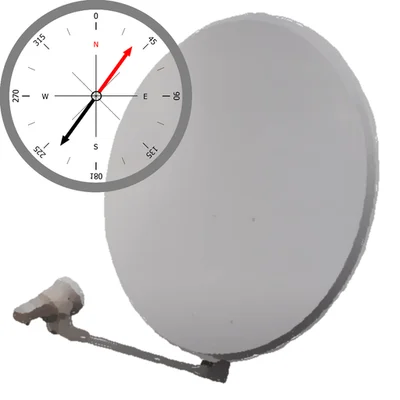
Bu, kompakt bir uydu bulucu veya işaretçi veya yönlendirici veya çanak hizalayıcıdır.
Uygulama 1'de 3 uygulamadır: bu bir pusuladır, bir konumun işaretçisidir ve bir uydu bulucu veya işaretçidir. Bu uygulama reklamsızdır ve tamamen ücretsizdir.
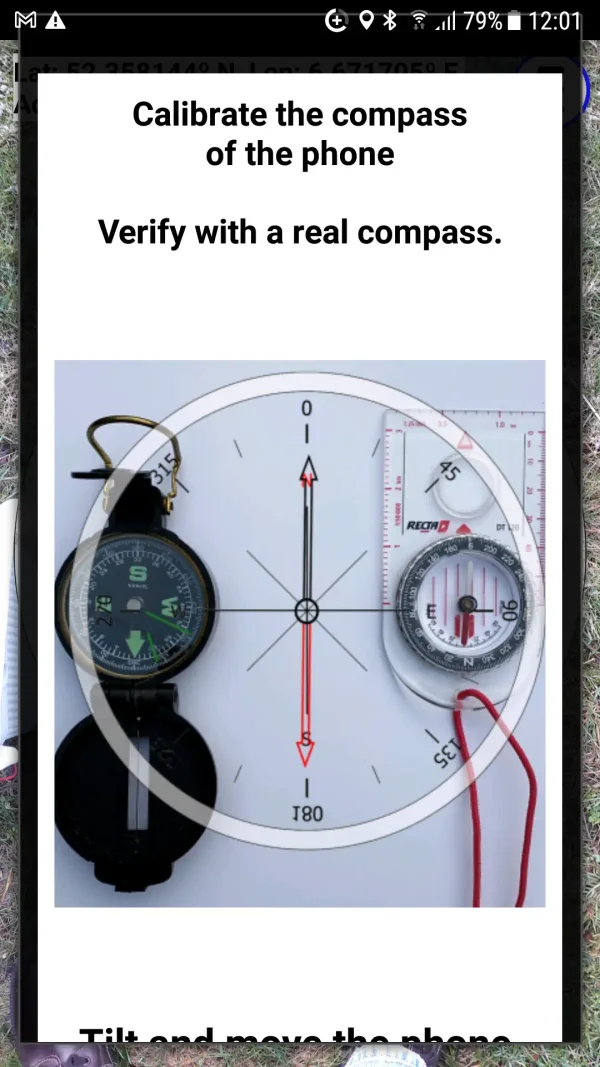
Bir pusula olarak, mevcut konumu ve konumun manyetik sapmasını gösterir. Gerçek bir pusula yardımıyla, telefonun pusulasının doğru bir şekilde Kuzey-Güney'i gösterdiğini doğrulayabilirsiniz.
Uygulamanın, GPS aracılığıyla bulunan veya manuel olarak girilen (yazılan) reklam numaralarının derece cinsinden veya bir adres olarak girilen konumu bilmesi gerekir.
Pusula bir konumu gösterebilir. Örnekler: Bir adres, bir park yeri veya bir radyo istasyonu. Bir adres girin, pusula sizi yönü gösterecek. Veya mevcut GPS konumunu nokta olarak kaydedin, yürüyüşe çıkın ve kaydedilen konumun yardımıyla geri dönüş yolunuzu bulun. En fazla 25 konum hatırlanır.
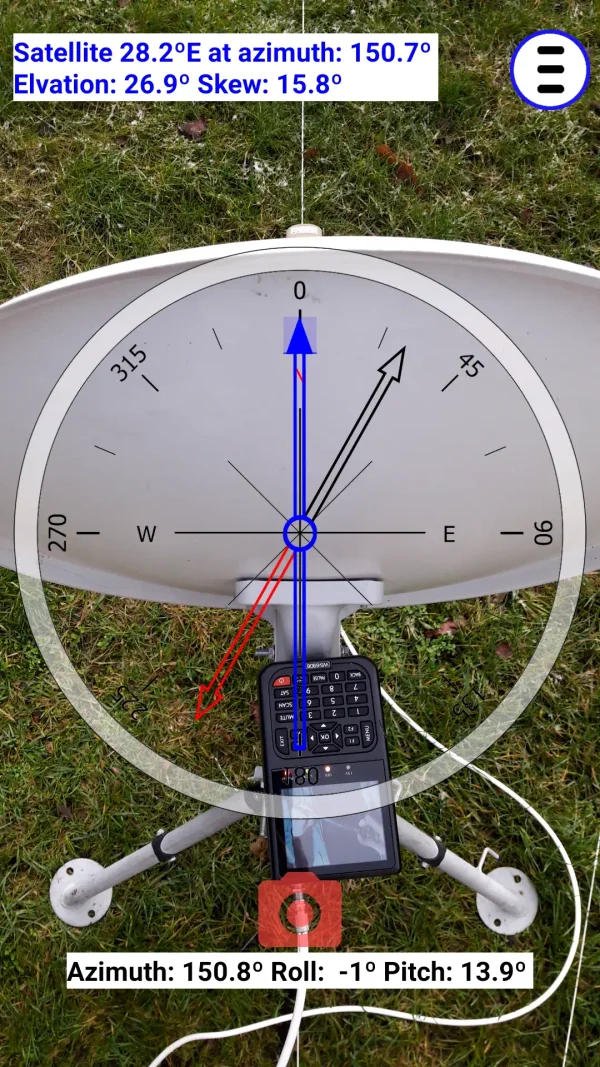
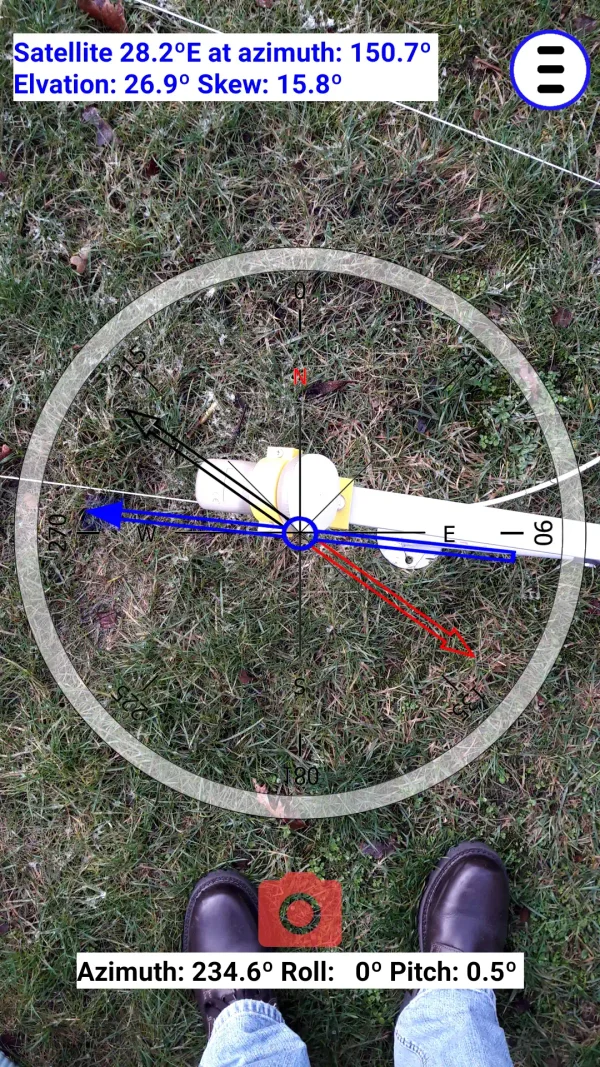
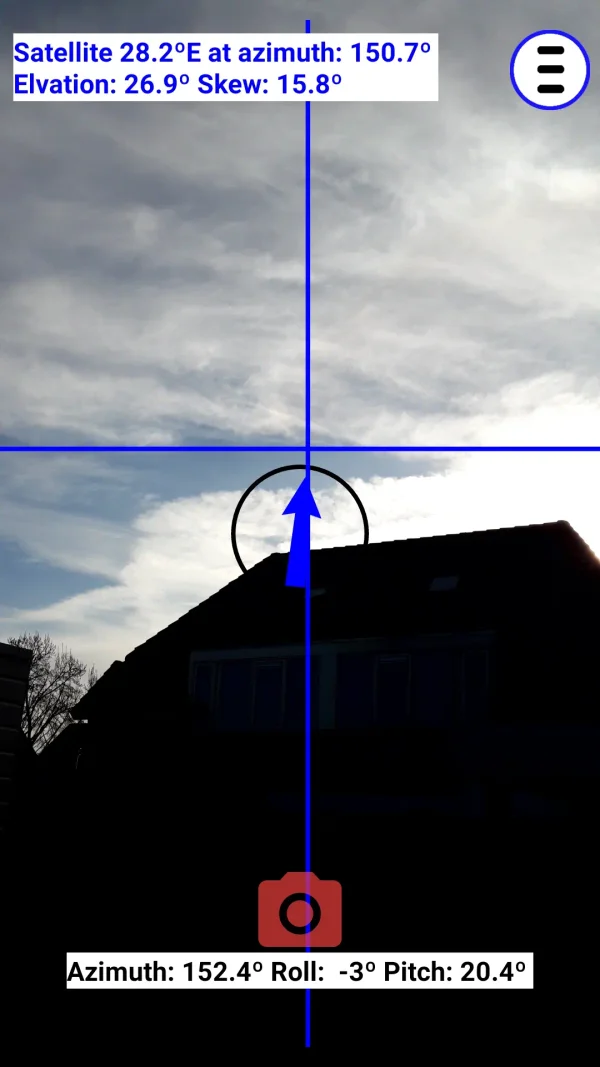
Çanağınızı bir TV uydusuna yönlendirmenize yardımcı olur. Bulunduğunuz yere bağlı olarak, uydunun gökyüzündeki konumunu hesaplar. Uydunun gökyüzündeki yatay veya dikey konumunu gösterir. Yatay konum, LNB kolunu uyduya hizalamak veya işaret etmek için kullanılır. Dikey konum, uydu sinyalini engelleyen engelleri bulmak için kullanılır.
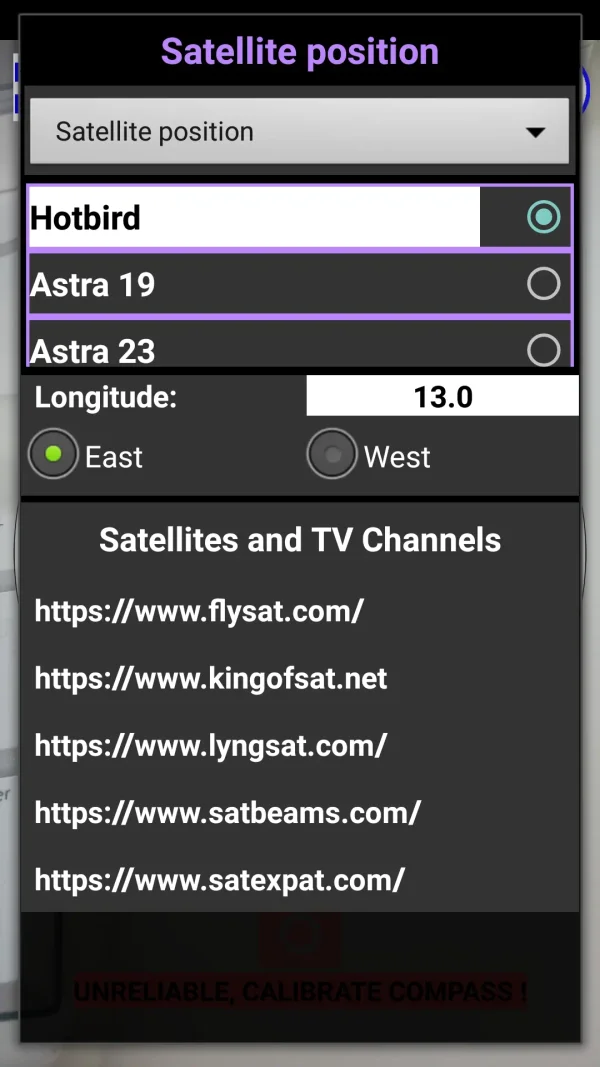
Bu uygulama bir uydu listesiyle gelmiyor. Bunun yerine 25 adede kadar uyduyu hatırlar. Sadece bir isim ve uydunun boylamını girin, örnek: "Hot Bird 13E" 13.0 derece Doğu boylamında.
En zor şey, telefonun pusulasını kalibre etmektir. Bu, gerçek bir pusulanın iğnesine hizalanmadığında gerçek bir sorun haline gelebilir.
Belki telefonunuzun manyetik kapaklı bir kılıfı vardır? Mıknatıslar telefonun pusulasına müdahale ediyor. Bozulma o kadar büyük olabilir ki pusula artık düzgün şekilde kalibre edilemez. Yapılacak en kolay şey, o kasayı veya mıknatıslarını çıkarmaktır. En kötü ihtimalle yeni bir telefon almak zorunda kalırsın.
Ayrıca bkz. http://www.zekitez.com/satcompass/satcom.html
Orijinal metni göster
The app is 3 apps in 1: it is a compass, it is a pointer to a location and it is a satellite finder or pointer. This app is ads free and is completely free.
As a compass it displays the current location and the magnetic declination of the location. With the help of a real compass you can verify that the phone's compass is pointing correctly to North-South.
The app needs to know the location which is found via GPS or entered via manual input (typed in) ad numbers in degrees or as an address.
The compass can point to a location. Examples: An address, a parking place or a radio station. Enter an address and the compass will point you in the direction. Or save the current GPS location as point, go for a walk and find your way back with the help of the saved location. Up to 25 locations are remembered.
It helps pointing your dish to a TV satellite. Depending on your location it calculates the satellite's position in the sky. It displays the horizontal or vertical position of the satellite in the sky. The horizontal position is used to align or point the LNB arm to the satellite. The vertical position is used to find obstacles that block the satellite signal.
This app does not come with a satellite list. Instead it remembers up to 25 satellites. Just enter a name and the longitude of the satellite, example: "Hot Bird 13E" is at longitude 13.0 degrees East.
The most difficult thing is calibrating the compass of the phone. This can become a real problem when it just does not align to the needle a real compass.
Maybe your phone has a case with magnetic closure ? The magnets interfere with the phone's compass. The disturbance can become so great that the compass no longer calibrates properly. The easiest thing to do is to remove that case or its magnets. Worst case you have to buy a new phone.
See also http://www.zekitez.com/satcompass/satcom.html
Veri güvenliği
Bu uygulamanın topladığı ve paylaştığı veriler hakkında Zekitez tarafından Google Play üzerinde yapılan beyan.
- Üçüncü taraflarla veri paylaşımı yokGeliştiricilerin, veri paylaşımını nasıl beyan ettikleri hakkında daha fazla bilgi edinin
- Veri toplanamadıGeliştiricilerin, veri toplamayı nasıl beyan ettikleri hakkında daha fazla bilgi edinin
Yenilikler
Sürüm 1.5.5 · 14.08.2025
On some devices the language could not be changed.
Layout issue with Calibration dialog.
Geliştirici iletişim bilgileri
- Web sitesizekitez.com
- E-postazekitez@gmail.com
- Gizlilik politikasızekitez.github.io
- AdresDe Mees 53 7609 JT Almelo Netherlands
Bilgiler
- Sunan
- Zekitez
- Kategori
- Araçlar
- Sürüm
- 1.5.5
- Güncellendi
- 14.08.2025
- Yayın tarihi
- 17.01.2023
- Gereksinim
- Android 5.0 veya sonrası
- Yaş sınırı
- PEGI 3
- Fiyat
- Ücretsiz
- Paket adı
- com.zekitez.satellitecompass