Send Anywhere (File Transfer)
Rakuten Symphony Korea, Inc.Contiene anuncios · Compras en la aplicación
- PEGI 3Clasificación por edad
- ProductividadCategoría
- 29/10/2026Actualizado
- GratisPrecio
Enlaza a la ficha oficial de com.estmob.android.sendanywhere en Google Play. Última comprobación el 27/11/2026.

Capturas de pantalla
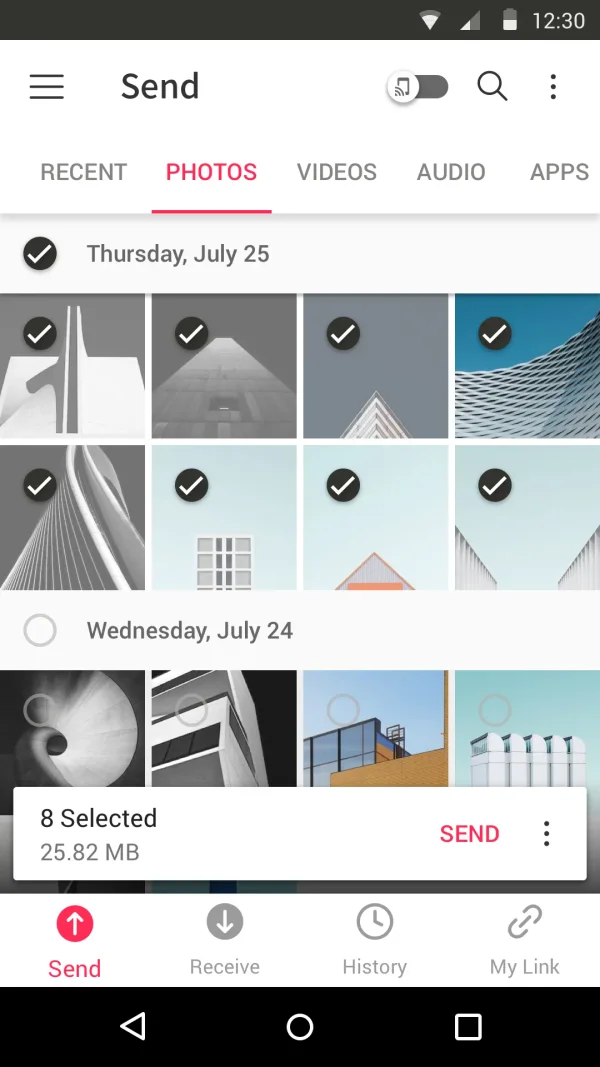

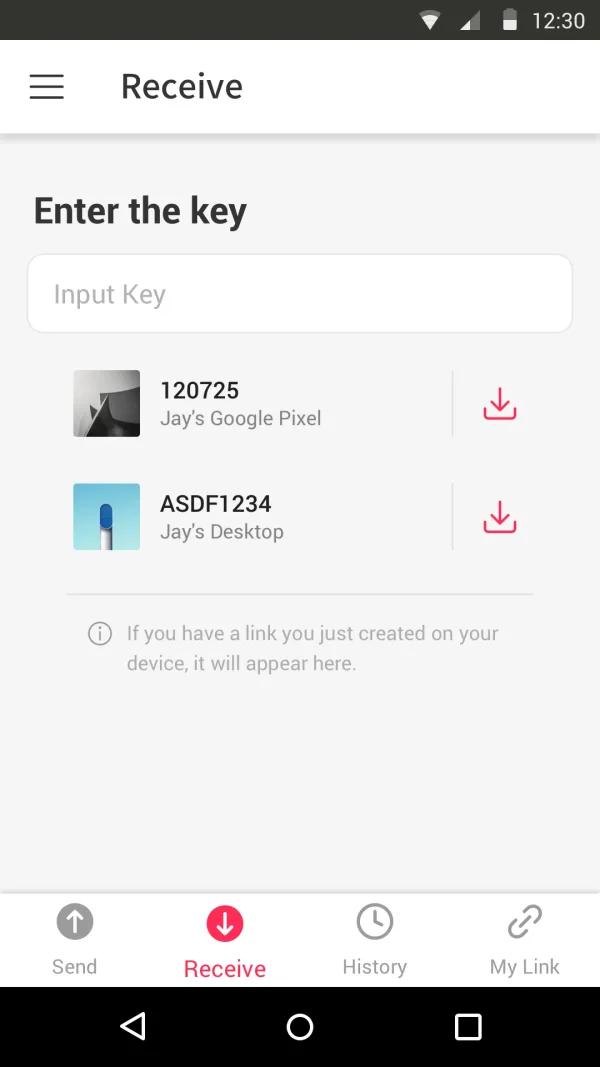
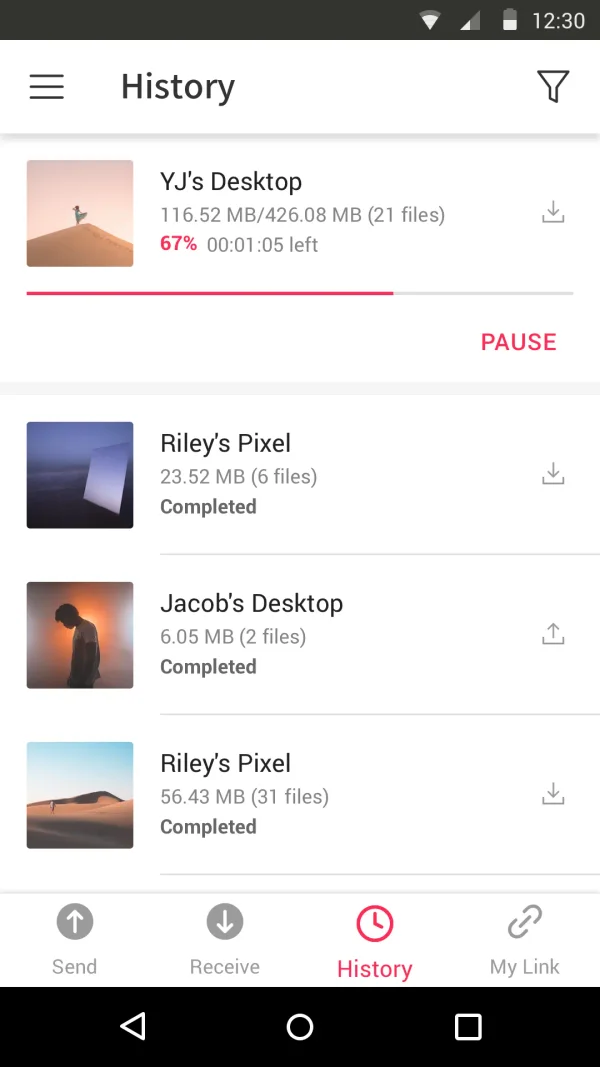
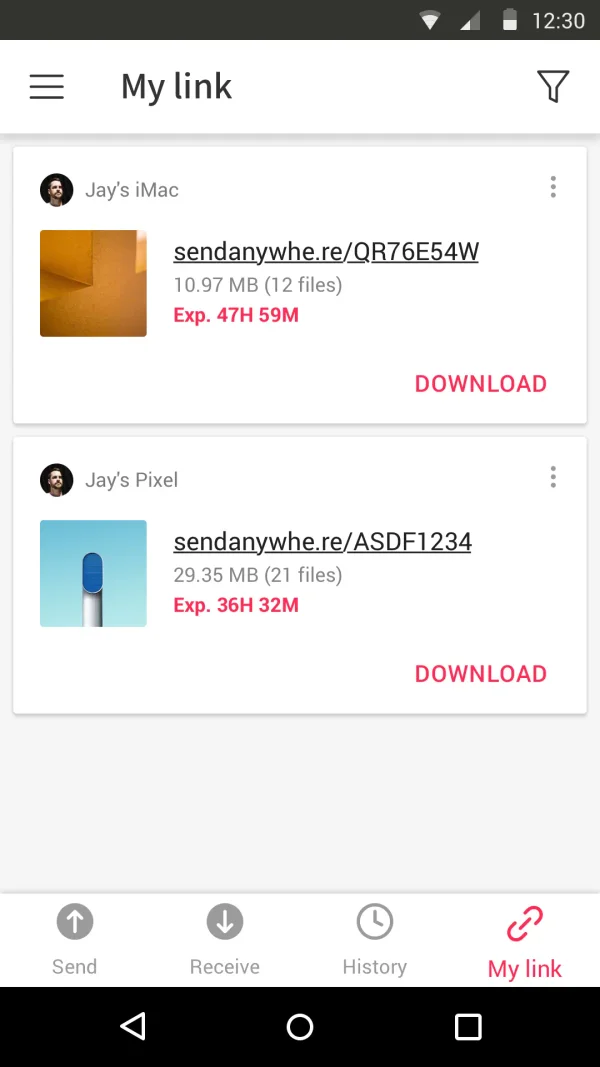


Acerca de esta aplicación
Envía lo que quieras, cuando lo quieras
Send Anywhere (Transferencia de Archivos) : comparte archivos fácil, rápida e ilimitadamente
▶ Características
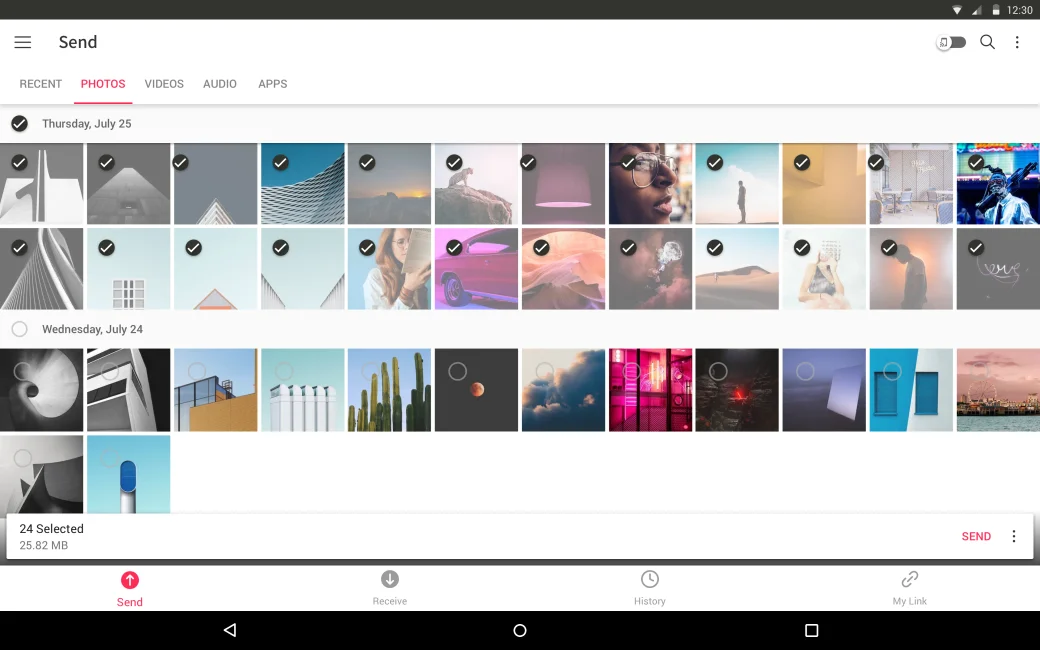
• Transfiere cualquier tipo de archivo sin alterar el original
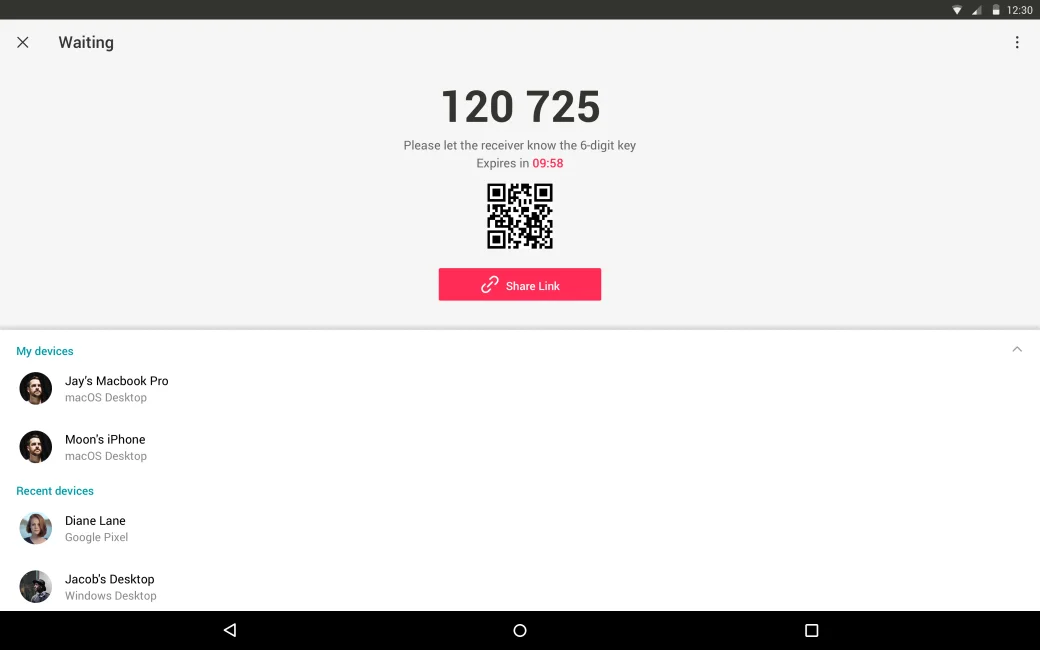
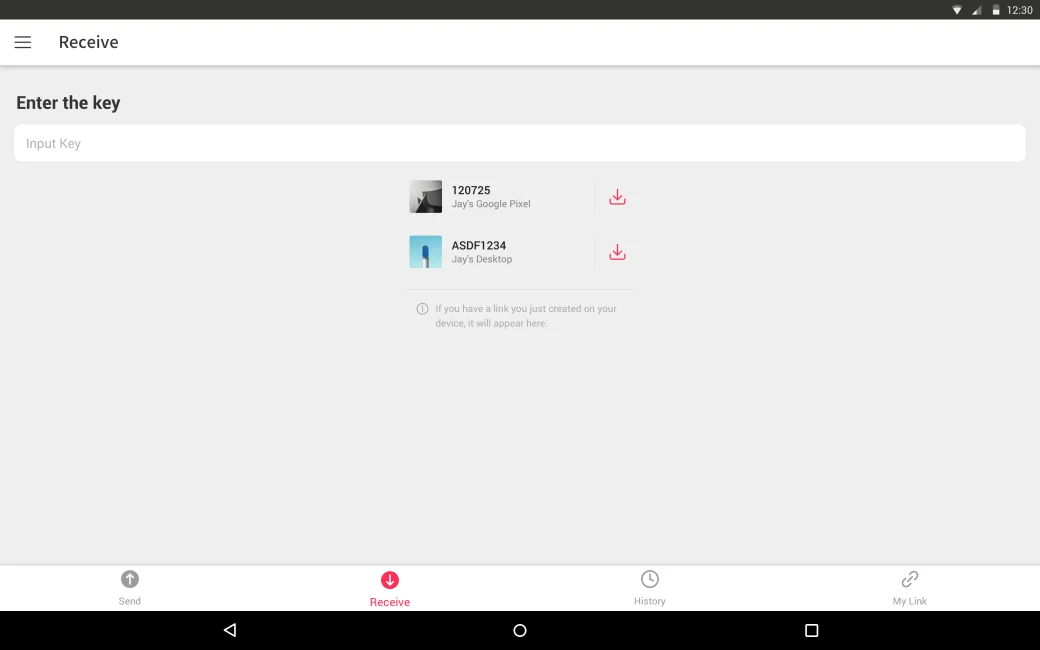
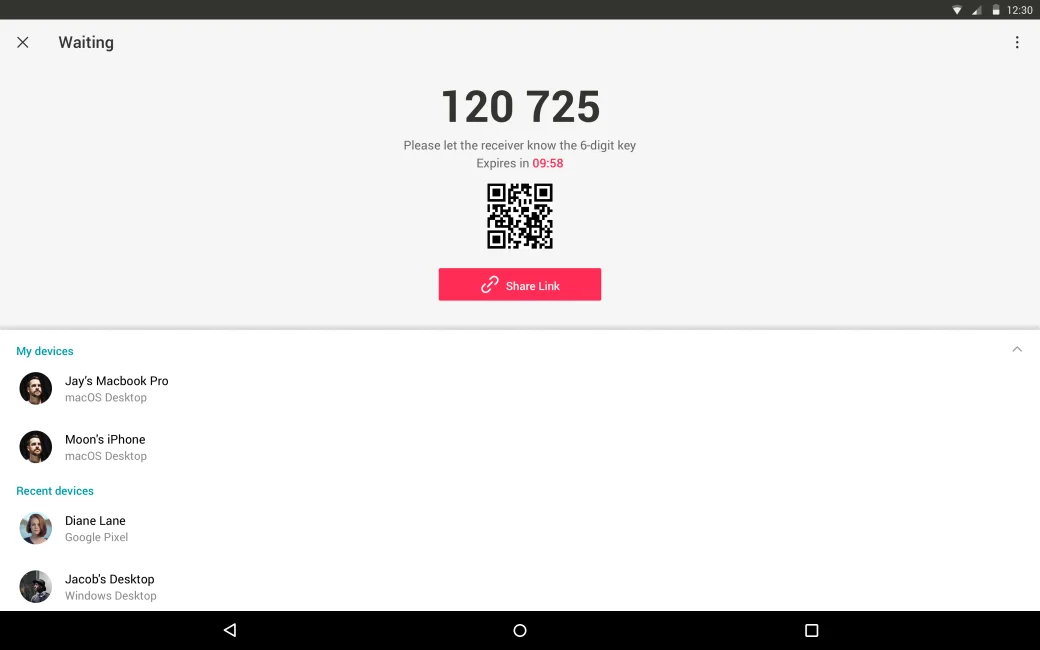
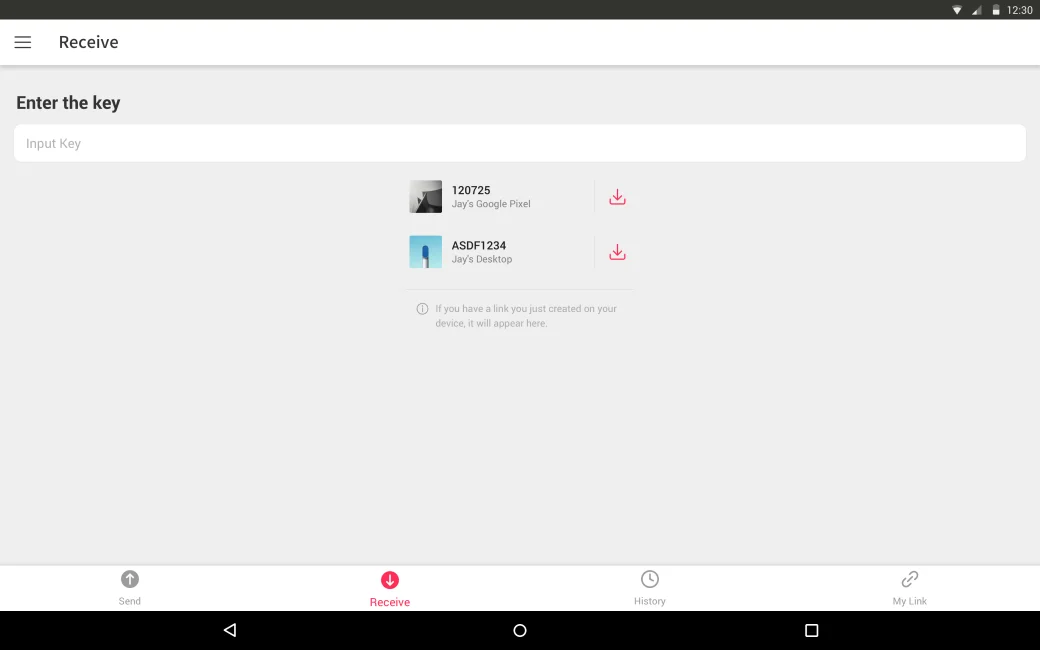
• Todo lo que necesitas es una clave de 6 dígitos para transferencia de archivos fácil
• Wi-Fi Direct: transfiere sin usar datos o Internet
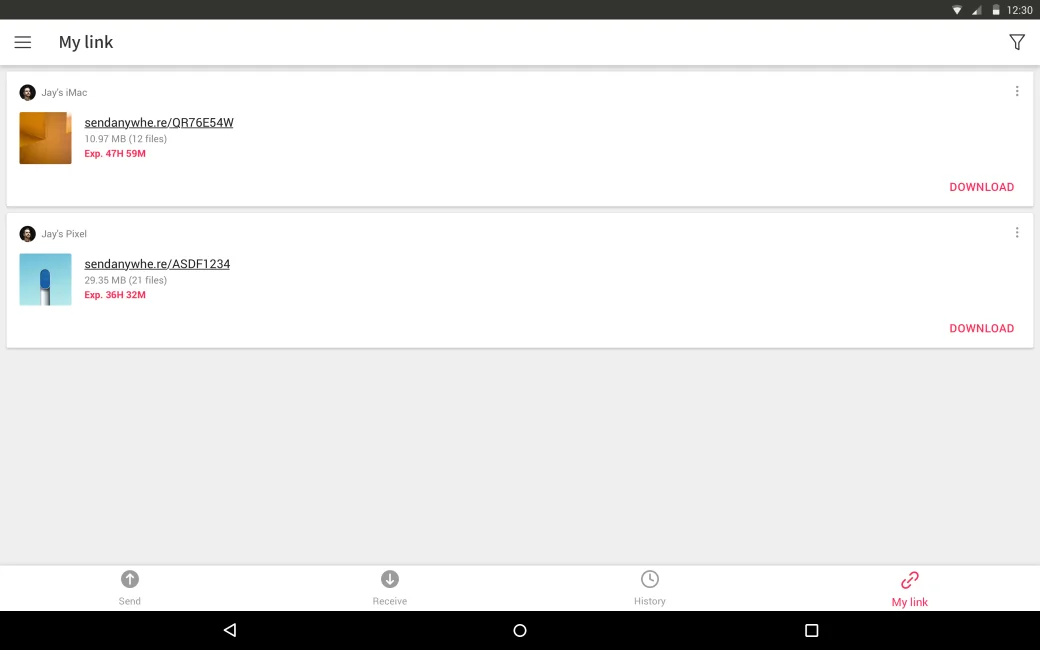
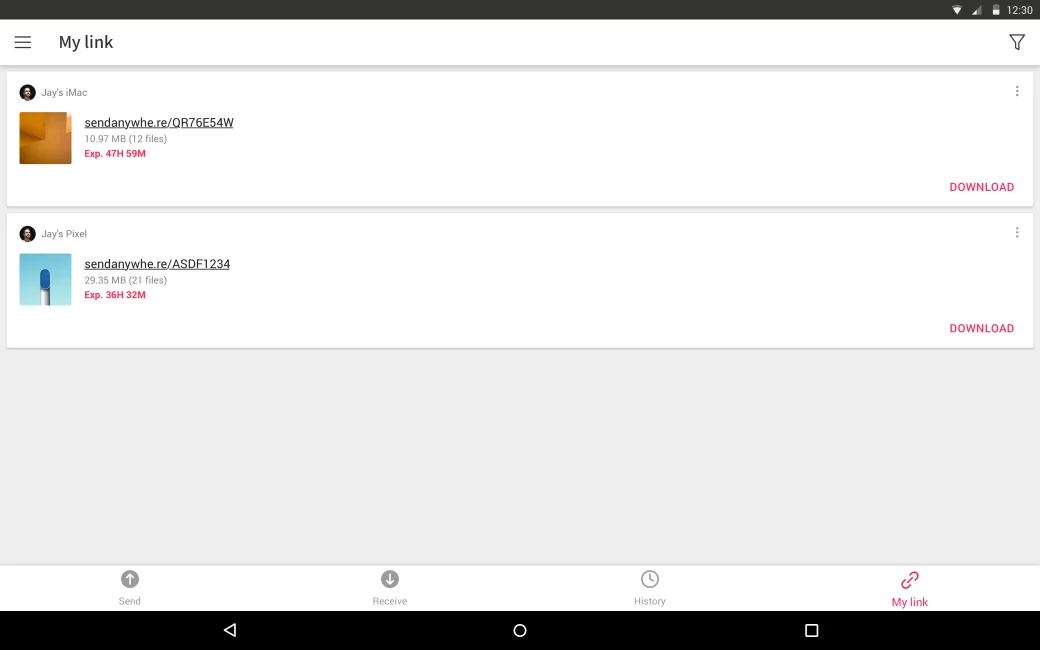
• Comparte enlaces fácilmente en todas las apps de redes sociales y mensajería
• Cifrado de archivos reforzado (256 bits)
▶ ¡Cuándo usar la app Transferencia de Archivos!
• ¡Al mover fotografías, vídeos y música a tu PC!
• Cuando no tienes datos o una conexión a Internet lenta
• ¡En cualquier momento que desees enviar archivos en un instante!
* Al usar la aplicación, si surge un problema o error, por favor háznoslo saber haciendo clic en "Enviar comentario", en Ajustes
-
APK File
• The copyright of applications sent through Send Anywhere belong to the application’s developer. If sharing an APK file conflicts with current copyright laws then all responsibility falls upon the user.
• Typically, you will not be able to share APK files between OS and Android. First check with application’s developer before cross-platform transfers.
Video Files
• Depending on the video type received, the video may not be pushed into the phone’s gallery. In this case, using a file management application will play the video.
• If you can’t play the videos received, download a different video player that is compatible with the video format.
-
To best use Send Anywhere’s convenient file sharing service, we ask user’s permissions listed below
• Write External Storage : To store files that are received through Send Anywhere in external storage (SD Card).
• Read External Storage : To send files stored in external storage through Send Anywhere.
• Record Audio : To recognize a sound wave and receive files.
• Get Accounts : To set default profile name when using Send Anywhere for the first time.
• Read Contacts : To send contacts stored in your phone.
• Camera : For being able to receive files via a QR Code.
For more information about our terms and policies, please visit our site.
https://send-anywhere.com/terms
https://send-anywhere.com/mobile-privacy/privacy.html
Seguridad de los datos
Lo que Rakuten Symphony Korea, Inc. declara en Google Play sobre los datos que esta aplicación recopila y comparte.
- Puede que esta aplicación comparta estos tipos de datos con tercerosOtro contenido generado por el usuario
- Esta aplicación puede recoger estos tipos de datosUbicación, Información personal y 3 más
- Los datos están cifrados durante el tránsito
- Puedes solicitar que se eliminen los datos
Novedades
Versión 23.3.3 · 29/10/2026
Version 23.3.3
What’s new
• Added support for the latest version of Android
• Other bug fixes and performance improvements
If you have any questions, please go to 'More' in the app and send us your feedback. Thanks!
What’s new
• Added support for the latest version of Android
• Other bug fixes and performance improvements
If you have any questions, please go to 'More' in the app and send us your feedback. Thanks!
Contacto del desarrollador
- Sitio websend-anywhere.com
- Correo electrónicosupport@send-anywhere.com
- Política de privacidadsend-anywhere.com
- Dirección사평대로 368, 10층, 11층 (서초동) 서초구, 서울특별시 06611 South Korea
Información
- Ofrecida por
- Rakuten Symphony Korea, Inc.
- Categoría
- Productividad
- Versión
- 23.3.3
- Actualizado
- 29/10/2026
- Publicado
- 17/10/2012
- Requiere
- Android 6.0 o posterior
- Clasificación por edad
- PEGI 3
- Precio
- Gratis
- Compras en la aplicación
- 16,99 € si se factura a través de Google Play
- Nombre del paquete
- com.estmob.android.sendanywhere
Aplicaciones similares
-
 Smart Connect
Productividad
-
 Phone Clone App: Mobile Data
Herramientas
-
 OPPO Photos
Productividad
-
 Transfer All Data - PhoneClone
Herramientas
-
 OPPO Clone Phone
Productividad
-
 Bienestar digital
Herramientas
-
 Gestor de archivos
Productividad
-
 EasyShare
Herramientas
-
 InShare - transferir archivos
Herramientas
-
 WeTransfer
Productividad
-
 ShareMe: File sharing
Herramientas
-
 Xiaomi Home
Estilo de vida