Send Anywhere (File Transfer)
Rakuten Symphony Korea, Inc.Contains ads · In-app purchases
- EveryoneAge rating
- ProductivityCategory
- Oct 29, 2026Updated
- FreePrice
Links to the official Google Play listing of com.estmob.android.sendanywhere. Last checked on Nov 20, 2026.

Screenshots



About this app
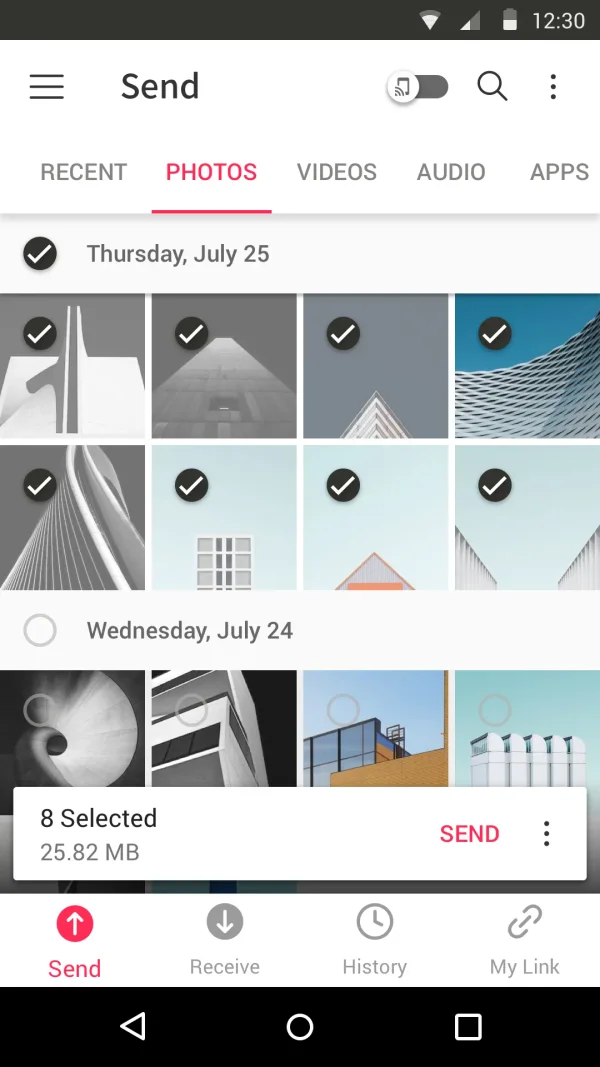
Send whatever you want, wherever you want
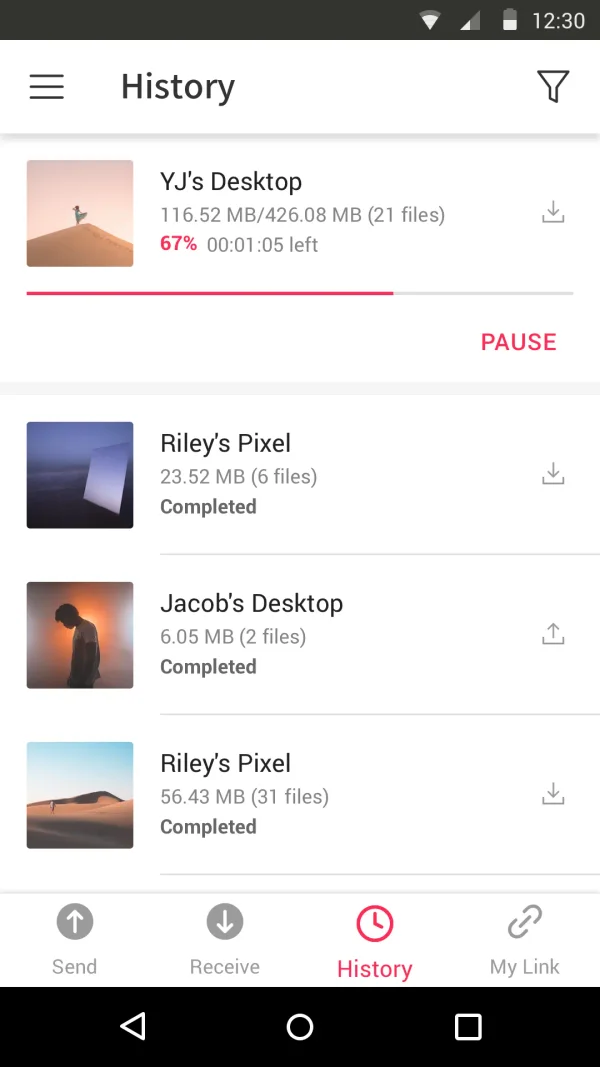
Send Anywhere: Easy, quick, and unlimited file sharing
▶ Features
• Transfer any file type without altering the original
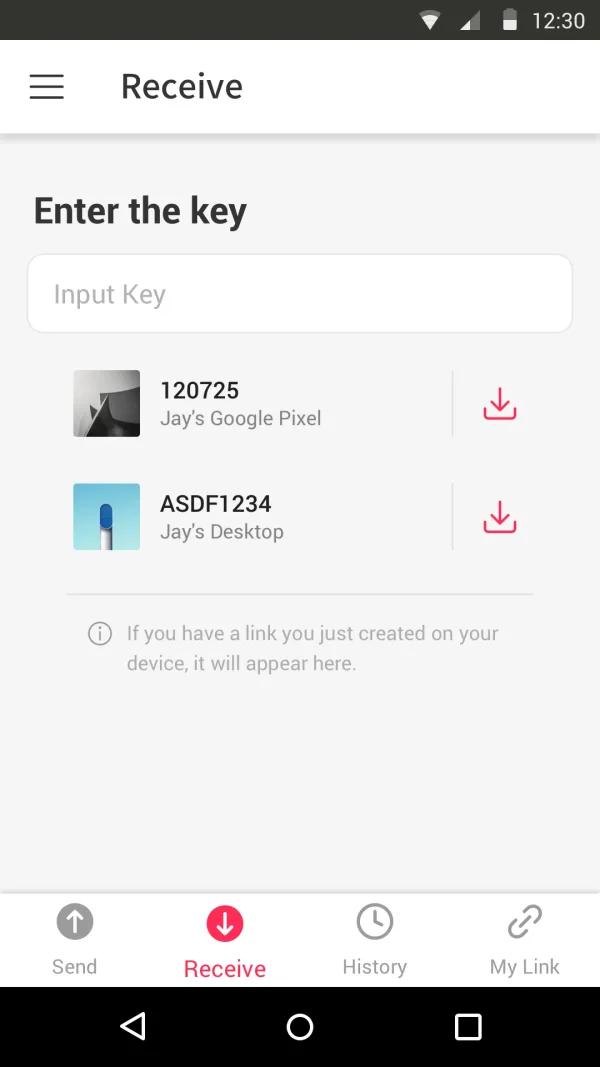
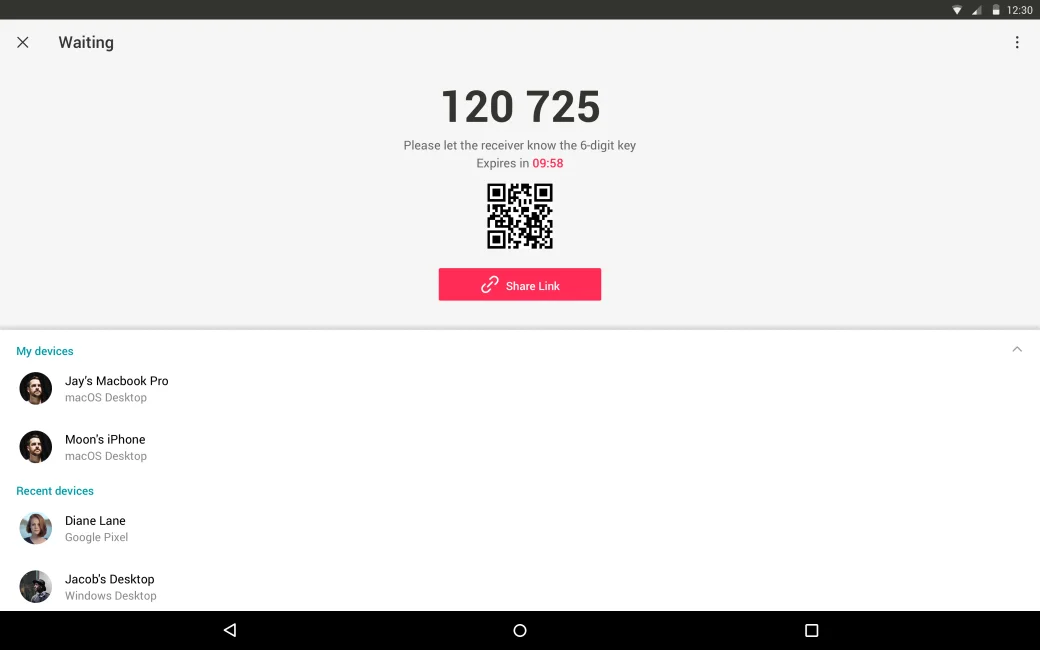
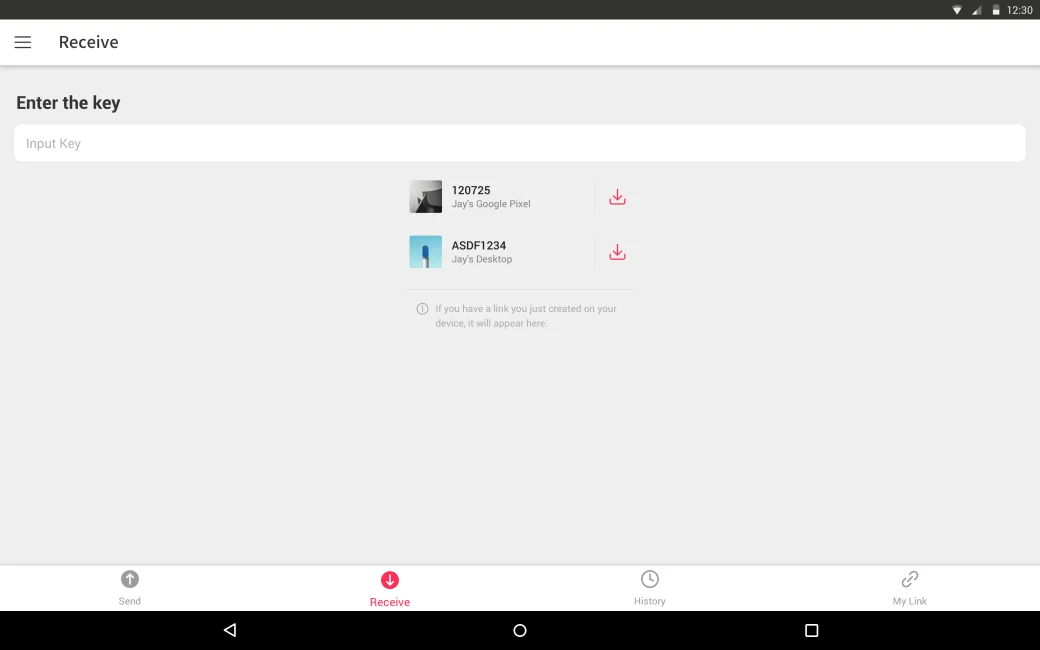
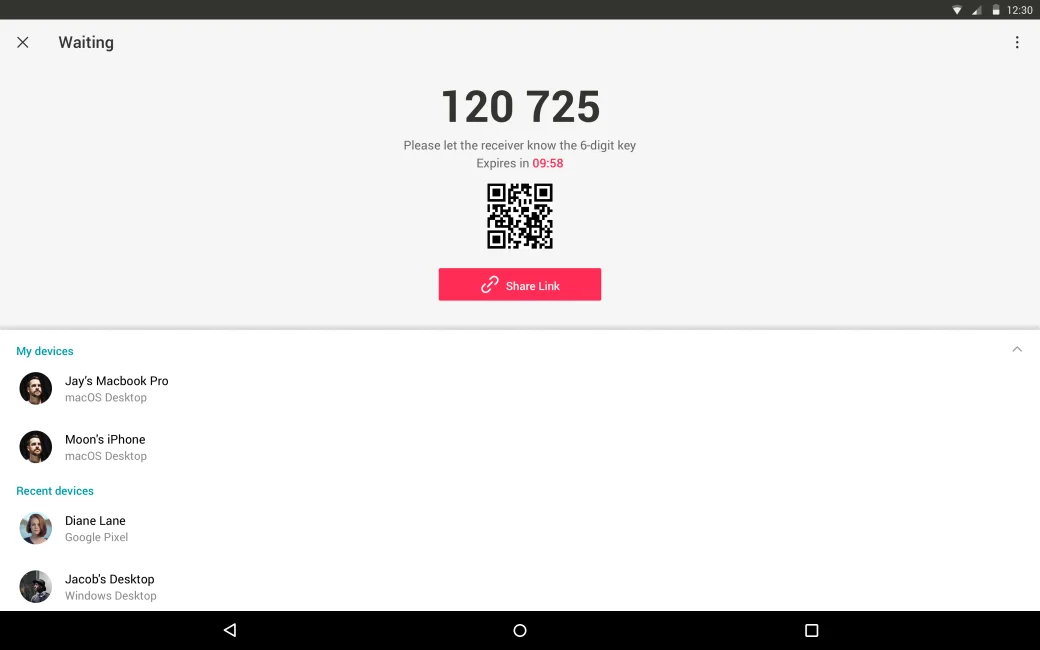
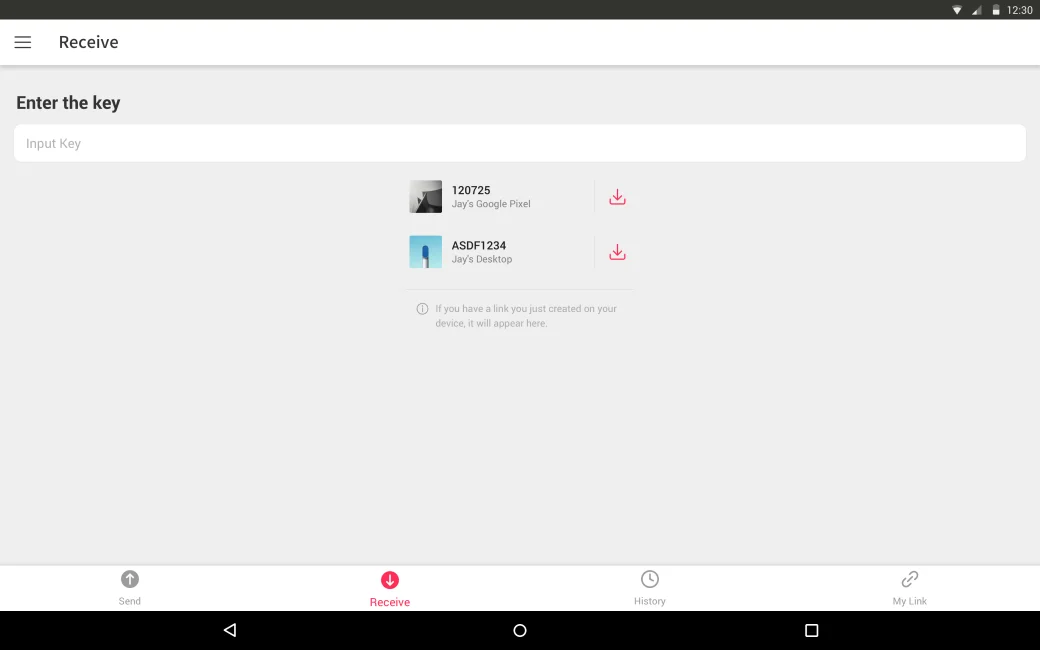
• All you need is a one-time 6-digit key for an easy file transfer
• Wi-Fi Direct: transfer without using data or the Internet
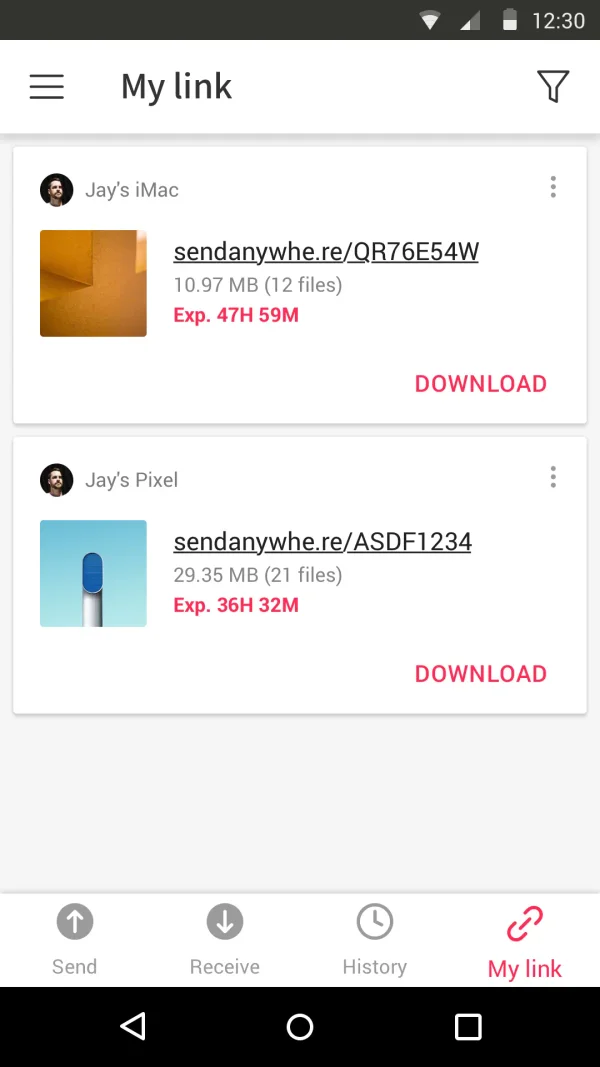
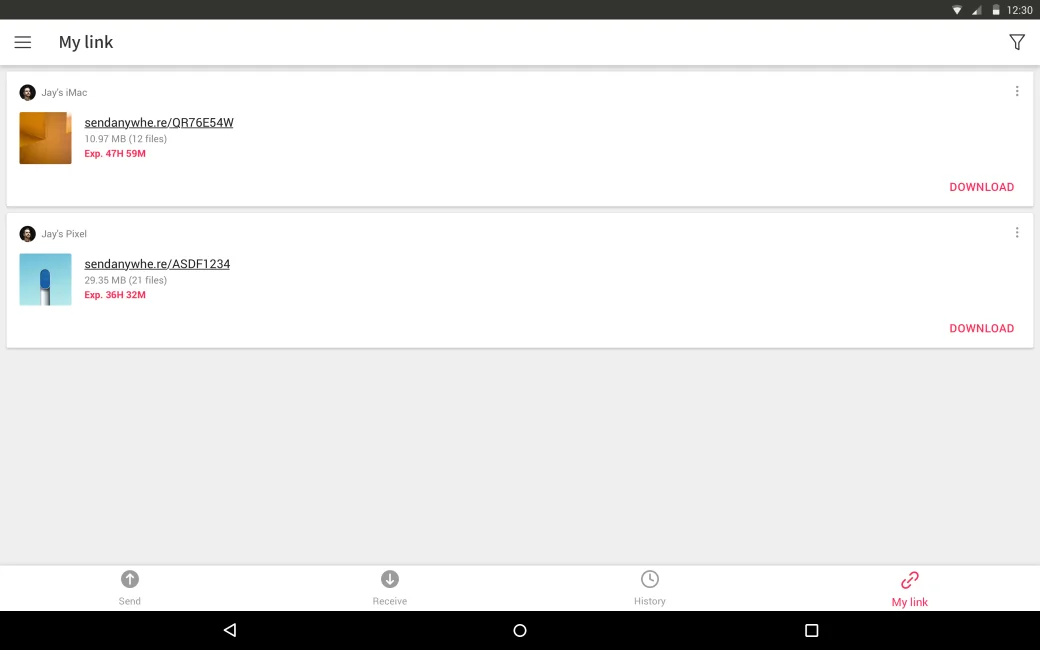
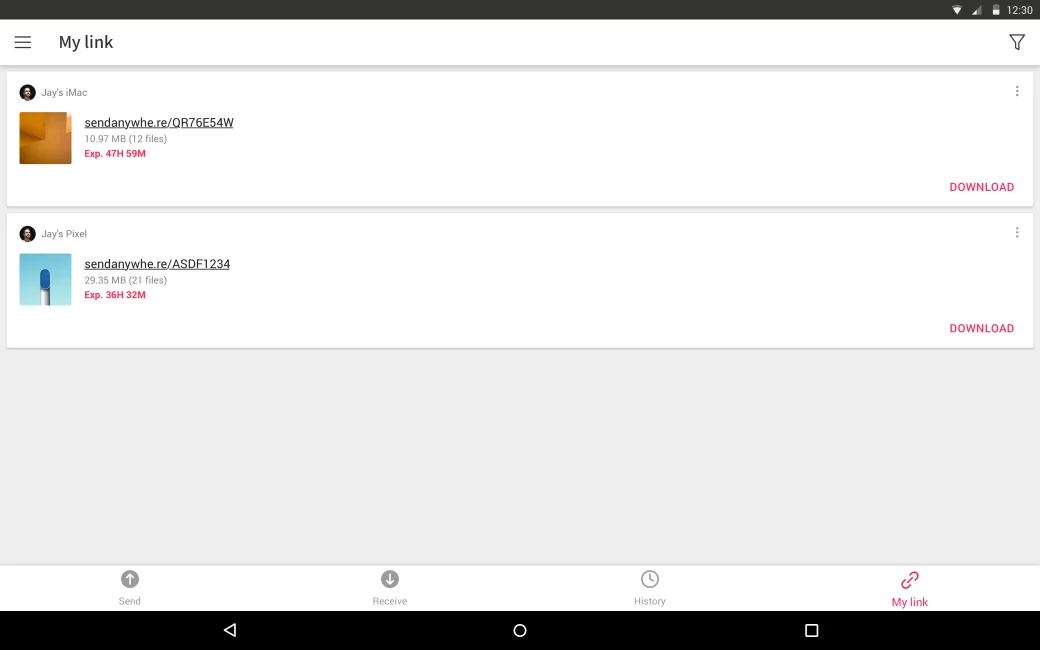
• Easy link sharing via all Social Media and Messenger Apps
• Reinforced file encryption (256-bit)
▶ When to use Send Anywhere!
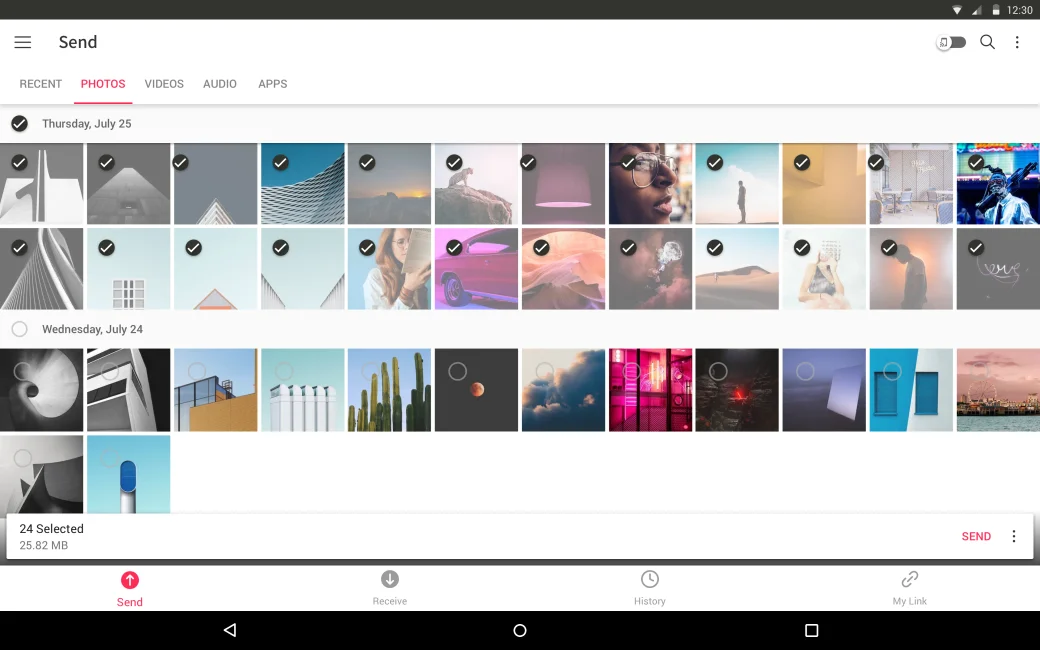
• When moving photos, videos, and music to your PC!
• When you need to send large files but you do not have mobile data or you have difficulty connecting to the internet
• Anytime you want to send files in an instant!
* While using the application if an issue or error arises, please let us know by clicking “Send Feedback” under Settings
-
APK File
• The copyright of applications sent through Send Anywhere belong to the application’s developer. If sharing an APK file conflicts with current copyright laws then all responsibility falls upon the user.
• Typically, you will not be able to share APK files between OS and Android. First check with application’s developer before cross-platform transfers.
Video Files
• Depending on the video type received, the video may not be pushed into the phone’s gallery. In this case, using a file management application will play the video.
• If you can’t play the videos received, download a different video player that is compatible with the video format.
-
To best use Send Anywhere’s convenient file sharing service, we ask user’s permissions listed below :
Required Permission
• File and Media: To access files and media, transmit files stored in the internal storage space of the device, and store the received files in the internal storage space.
obtional permissions
• Write External Storage : To store files that are received through Send Anywhere in external storage (SD Card).
• Read External Storage : To send files stored in external storage through Send Anywhere.
• Record Audio : To recognize a sound wave and receive files.
• Get Accounts : To set default profile name when using Send Anywhere for the first time.
• Read Contacts : To send contacts stored in your phone.
• Camera : For being able to receive files via a QR Code.
** Even if you do not agree to the optional permission, you can use the service except for the function of the permission.
For more information about our terms and privacy policies, please visit our site.
https://send-anywhere.com/terms
https://send-anywhere.com/mobile-privacy/privacy.html
Data safety
What Rakuten Symphony Korea, Inc. declares on Google Play about the data this app collects and shares.
- This app may share these data types with third partiesLocation
- This app may collect these data typesLocation, Personal info and 3 others
- Data is encrypted in transit
- You can request that data be deleted
What’s new
Version 23.3.3 · Oct 29, 2026
Version 23.3.3
What’s new
• Added support for the latest version of Android
• Other bug fixes and performance improvements
If you have any questions, please go to 'More' in the app and send us your feedback. Thanks!
What’s new
• Added support for the latest version of Android
• Other bug fixes and performance improvements
If you have any questions, please go to 'More' in the app and send us your feedback. Thanks!
Developer contact
- Websitesend-anywhere.com
- Emailsupport@send-anywhere.com
- Privacy policysend-anywhere.com
- Address사평대로 368, 10층, 11층 (서초동) 서초구, 서울특별시 06611 South Korea
Information
- Offered by
- Rakuten Symphony Korea, Inc.
- Category
- Productivity
- Version
- 23.3.3
- Updated
- Oct 29, 2026
- Released
- Oct 17, 2012
- Requires
- Android 6.0 or later
- Age rating
- Everyone
- Price
- Free
- In-app purchases
- $14.99 per item
- Package name
- com.estmob.android.sendanywhere
Similar apps
-
 Smart Connect
Productivity
-
 Phone Clone App: Mobile Data
Tools
-
 OPPO Photos
Productivity
-
 Transfer All Data - PhoneClone
Tools
-
 OPPO Clone Phone
Productivity
-
 Digital Wellbeing
Tools
-
 File Manager
Productivity
-
 EasyShare
Tools
-
 File Sharing - InShare
Tools
-
 WeTransfer : File Transfer
Productivity
-
 ShareMe: File sharing
Tools
-
 Xiaomi Home
Lifestyle