Send Anywhere (Dosya Aktarma)
Rakuten Symphony Korea, Inc.Reklam içerir · Uygulama içi satın alma
- PEGI 3Yaş sınırı
- VerimlilikKategori
- 29.10.2026Güncellendi
- ÜcretsizFiyat
com.estmob.android.sendanywhere için resmi Google Play sayfasına bağlanır. Son kontrol: 27.11.2026.

Send Anywhere (Dosya Aktarma) şu anda Google Play üzerinde mevcut olmayabilir
Son kontrolümüzde mağaza sayfasına ulaşılamadı. Bağlantı yine de resmi Google Play sayfasına gider.
Ekran görüntüleri
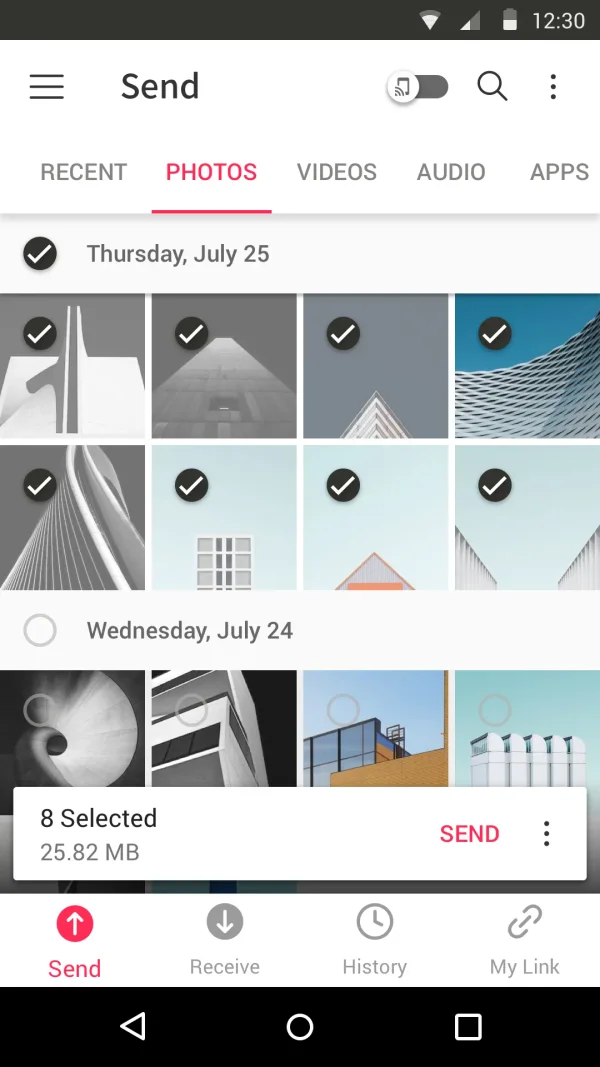

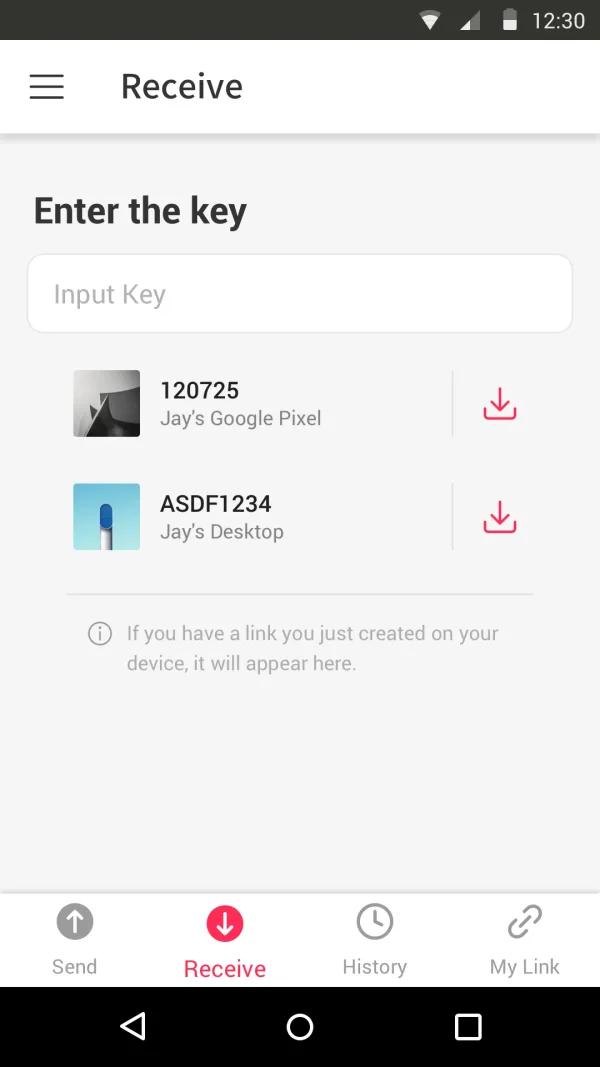
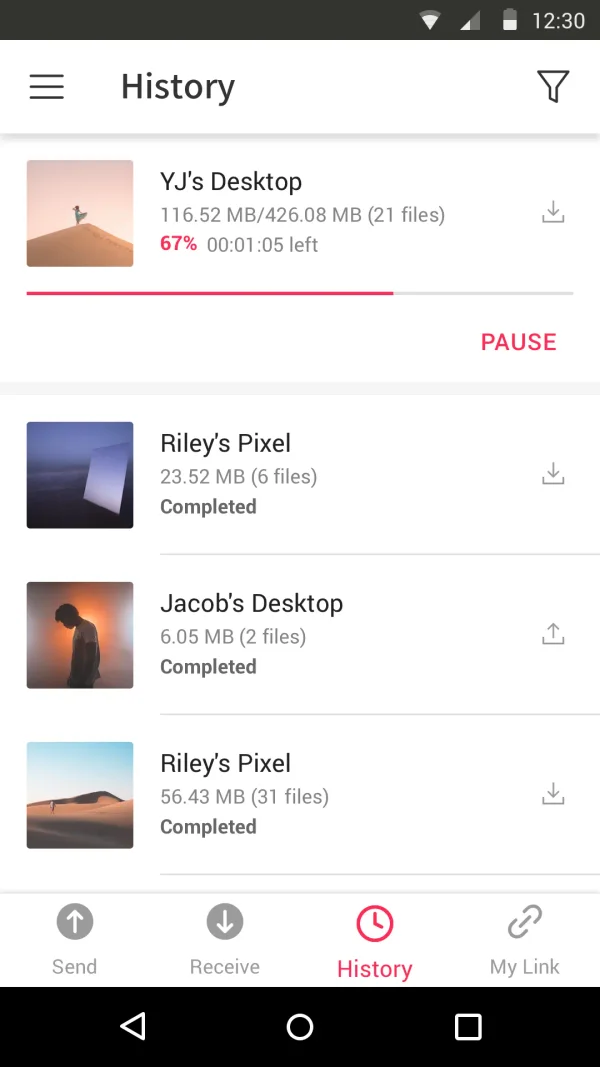
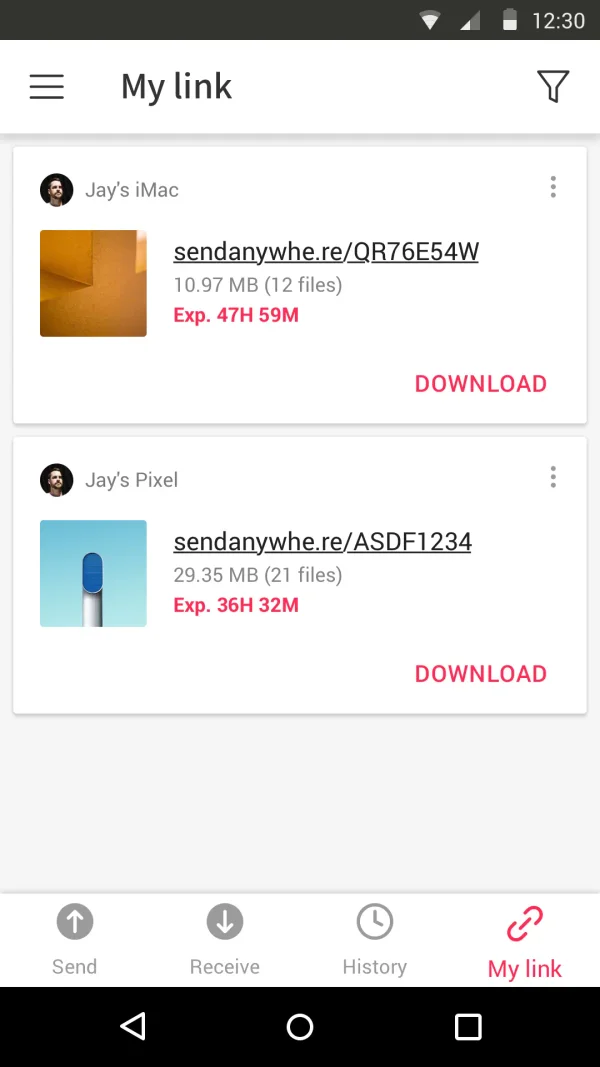


Bu uygulama hakkında
İstediğinizi, istediğiniz yere gönderin
Send Anywhere: Kolay, basit ve sınırsız dosya paylaşımı
▶ Özellikler
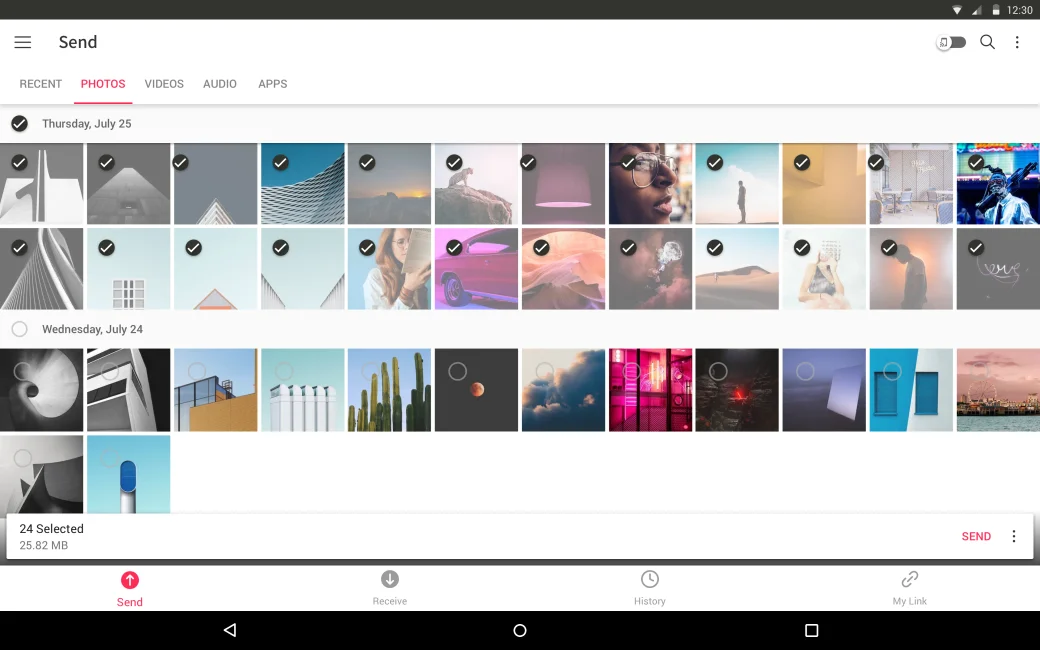
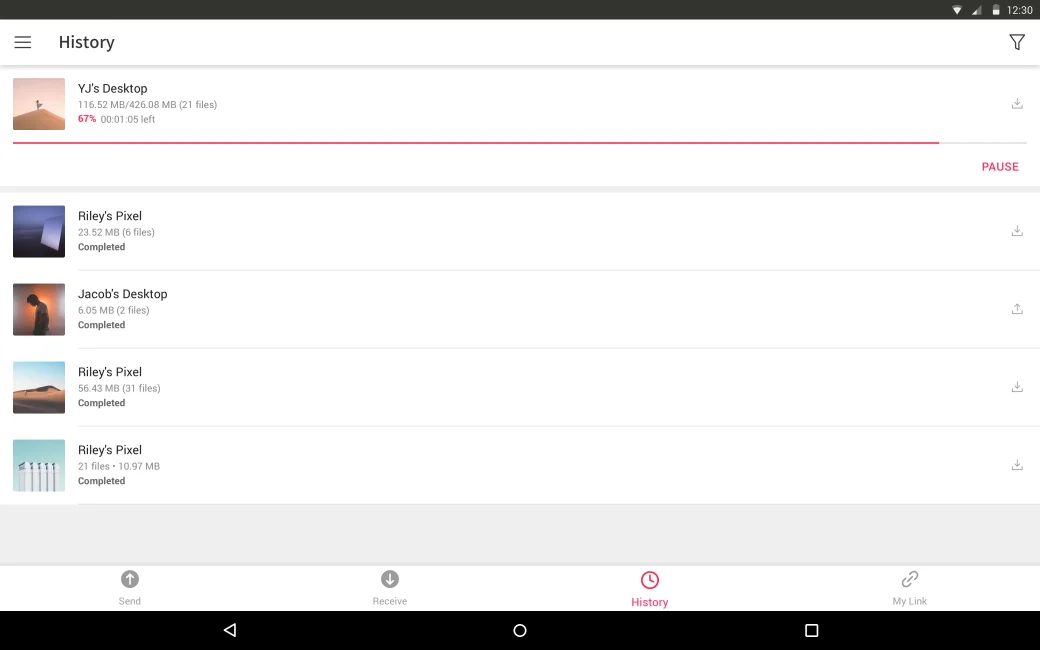
• Orijinalini değiştirmeden istediğiniz türde dosyayı aktarın
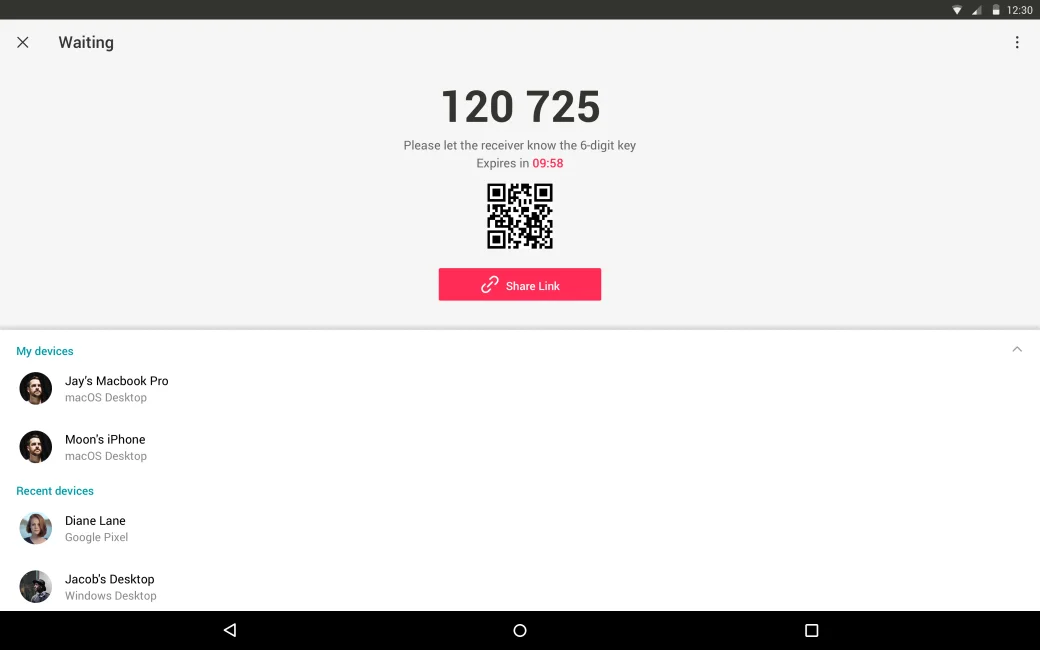
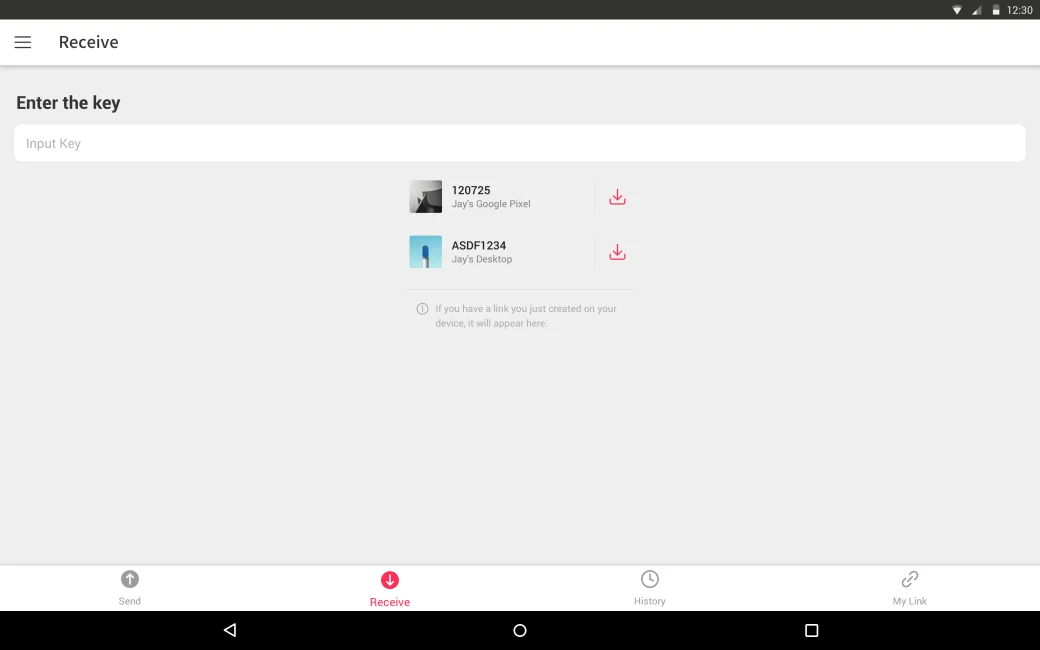
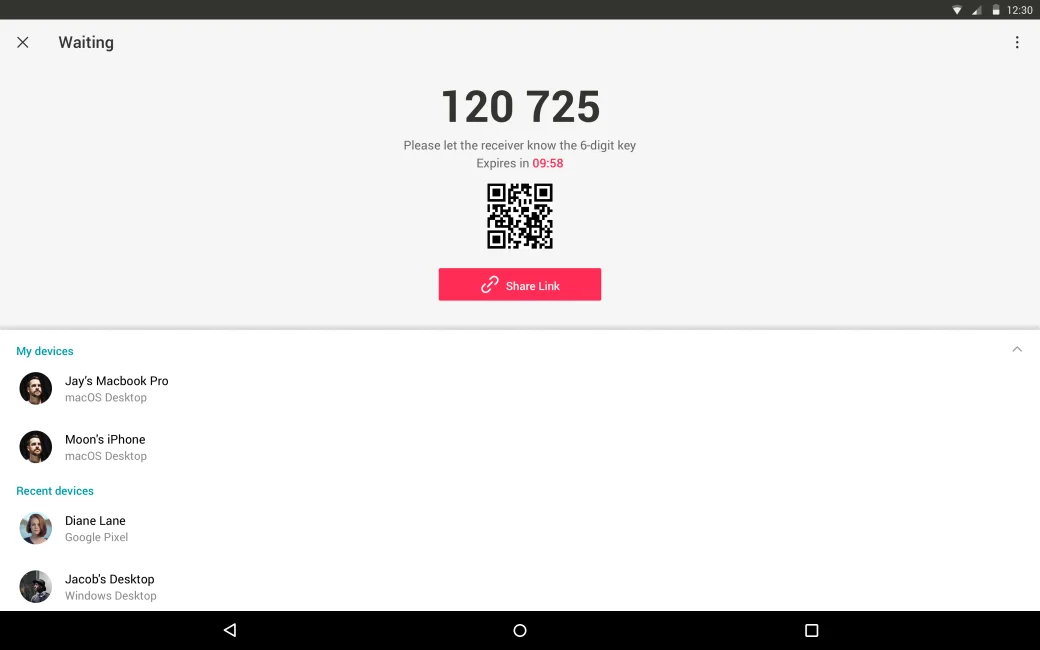
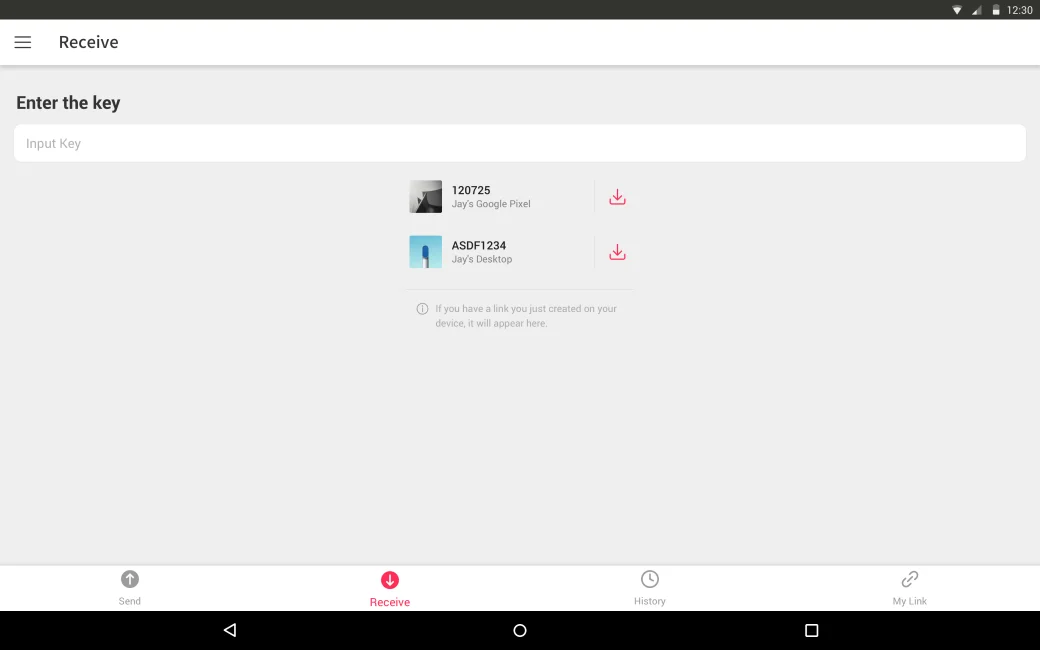
• Kolay dosya aktarımı için tek ihtiyacınız, tek seferlik 6 haneli bir anahtar
• Wi-Fi Direct: Veri veya Internet kullanmadan aktarma
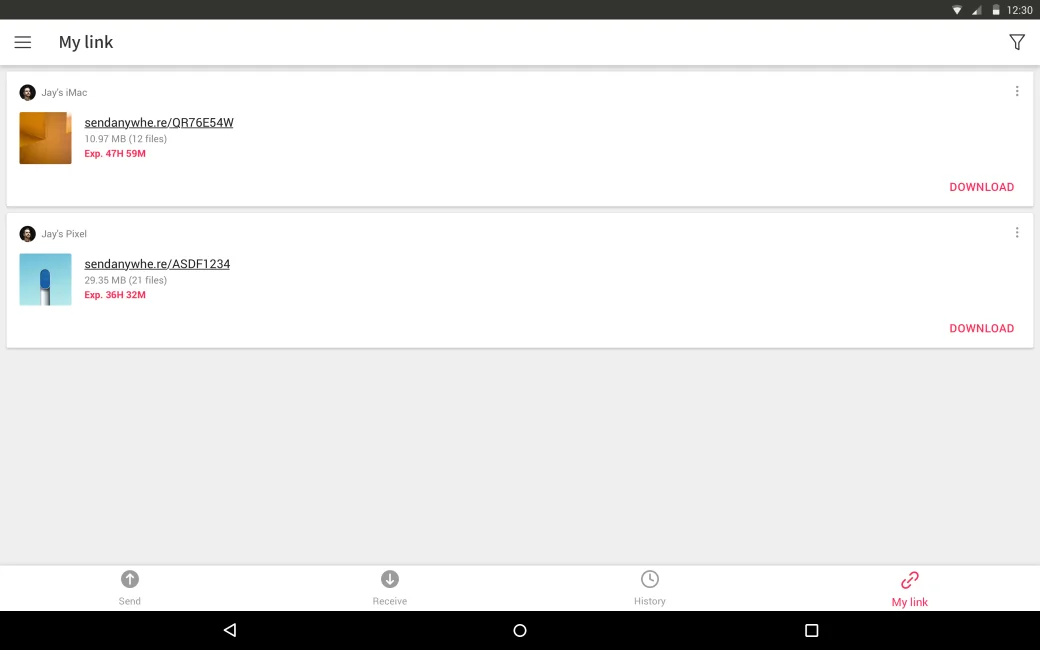
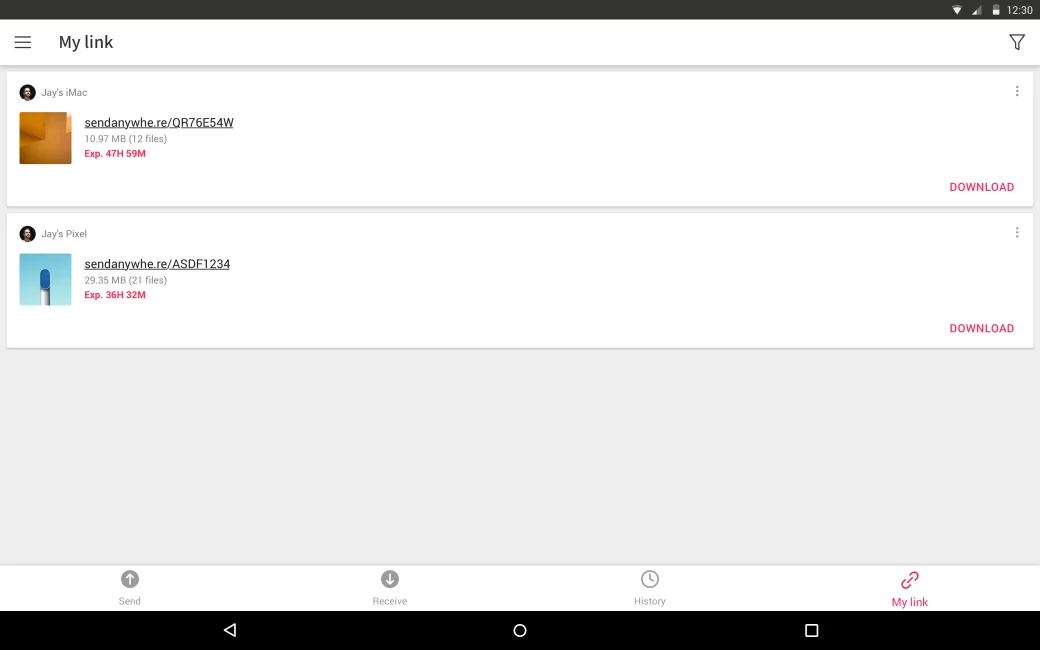
• Tüm Sosyal Medya ve Messenger uygulamaları üzerinden kolay bağlantı paylaşımı
• Güçlendirilmiş dosya şifreleme (256 bit)
▶ Send Anywhere ne zaman kullanılır?
• PC'nize fotoğraf, video ve müzik taşırken!
• Veri paketiniz yoksa ya da İnternet bağlantınız zayıfsa
• Anında dosya göndermek istediğiniz zamanlarda!
* Uygulamayı kullanırken bir sorun ya da hata olursa lütfen Ayarlar'dan "Geri Bildirim Gönder" tuşuna tıklayarak bize bildirin
-
APK File
• The copyright of applications sent through Send Anywhere belong to the application’s developer. If sharing an APK file conflicts with current copyright laws then all responsibility falls upon the user.
• Typically, you will not be able to share APK files between OS and Android. First check with application’s developer before cross-platform transfers.
Video Files
• Depending on the video type received, the video may not be pushed into the phone’s gallery. In this case, using a file management application will play the video.
• If you can’t play the videos received, download a different video player that is compatible with the video format.
-
To best use Send Anywhere’s convenient file sharing service, we ask user’s permissions listed below
• Write External Storage : To store files that are received through Send Anywhere in external storage (SD Card).
• Read External Storage : To send files stored in external storage through Send Anywhere.
• Record Audio : To recognize a sound wave and receive files.
• Get Accounts : To set default profile name when using Send Anywhere for the first time.
• Read Contacts : To send contacts stored in your phone.
• Camera : For being able to receive files via a QR Code.
For more information about our terms and policies, please visit our site.
https://send-anywhere.com/terms
https://send-anywhere.com/mobile-privacy/privacy.html
Veri güvenliği
Bu uygulamanın topladığı ve paylaştığı veriler hakkında Rakuten Symphony Korea, Inc. tarafından Google Play üzerinde yapılan beyan.
- Bu uygulamanın üçüncü taraflarla paylaşabileceği veri türleri:Dosyalar ve dokümanlar
- Bu uygulamanın toplayabileceği veri türleriKonum, Kişisel bilgiler ve 3 veri türü daha
- Veriler, aktarım sırasında şifreleniyor
- Verilerin silinmesini talep edebilirsiniz
Yenilikler
Sürüm 23.3.3 · 29.10.2026
Version 23.3.3
What’s new
• Added support for the latest version of Android
• Other bug fixes and performance improvements
If you have any questions, please go to 'More' in the app and send us your feedback. Thanks!
What’s new
• Added support for the latest version of Android
• Other bug fixes and performance improvements
If you have any questions, please go to 'More' in the app and send us your feedback. Thanks!
Geliştirici iletişim bilgileri
- Web sitesisend-anywhere.com
- E-postasupport@send-anywhere.com
- Gizlilik politikasısend-anywhere.com
- Adres사평대로 368, 10층, 11층 (서초동) 서초구, 서울특별시 06611 South Korea
Bilgiler
- Sunan
- Rakuten Symphony Korea, Inc.
- Kategori
- Verimlilik
- Sürüm
- 23.3.3
- Güncellendi
- 29.10.2026
- Yayın tarihi
- 17.10.2012
- Gereksinim
- Android 6.0 veya sonrası
- Yaş sınırı
- PEGI 3
- Fiyat
- Ücretsiz
- Uygulama içi satın alma
- Öğe başına ₺499,99
- Paket adı
- com.estmob.android.sendanywhere
Benzer uygulamalar
-
 Smart Connect
Verimlilik
-
 Phone Clone App: Mobile Data
Araçlar
-
 OPPO Photos
Verimlilik
-
 Transfer All Data - PhoneClone
Araçlar
-
 OPPO Clone Phone
Verimlilik
-
 Dijital Denge
Araçlar
-
 Dosya Yöneticisi
Verimlilik
-
 EasyShare
Araçlar
-
 InShare - uygulama paylaş
Araçlar
-
 WeTransfer : Dosya Aktarımı
Verimlilik
-
 ShareMe: File sharing
Araçlar
-
 Xiaomi Home
Yaşam Tarzı