- Clasificación por edad4+
- CategoríaUtilidades
- Desarrollador24fire GmbH
- IdiomasInglés+ 1 más
- Tamaño24,6 MB
Enlaza a la página oficial de App Store
Download.org no aloja ningún archivo de 24fire. El botón abre la página de la aplicación en App Store, donde la publica 24fire GmbH. Ficha comprobada por última vez el 23/11/2026.
Capturas de pantalla

Acerca de
El desarrollador no ha proporcionado este texto en tu idioma.
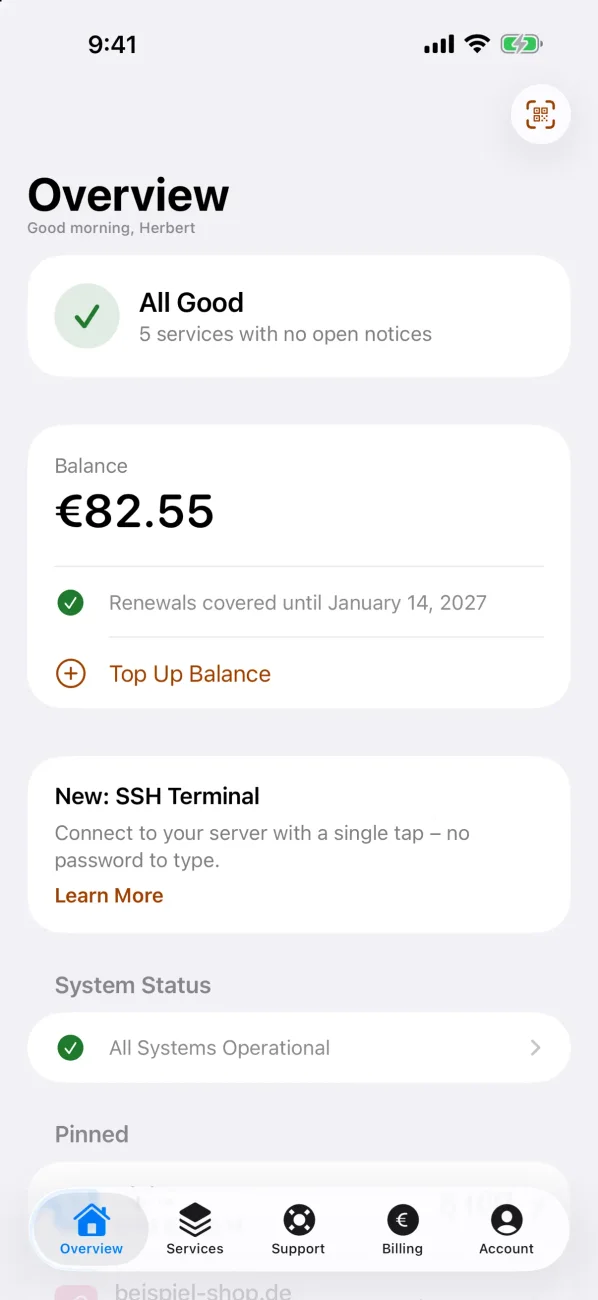
Manage all your 24fire services directly from your iPhone. Whether you use KVM servers, dedicated servers, web hosting or domains, keep your infrastructure, finances and account security under control. Built natively for iOS, the app provides fast and intuitive access to all essential features.
SSH TERMINAL AND FILE MANAGEMENT
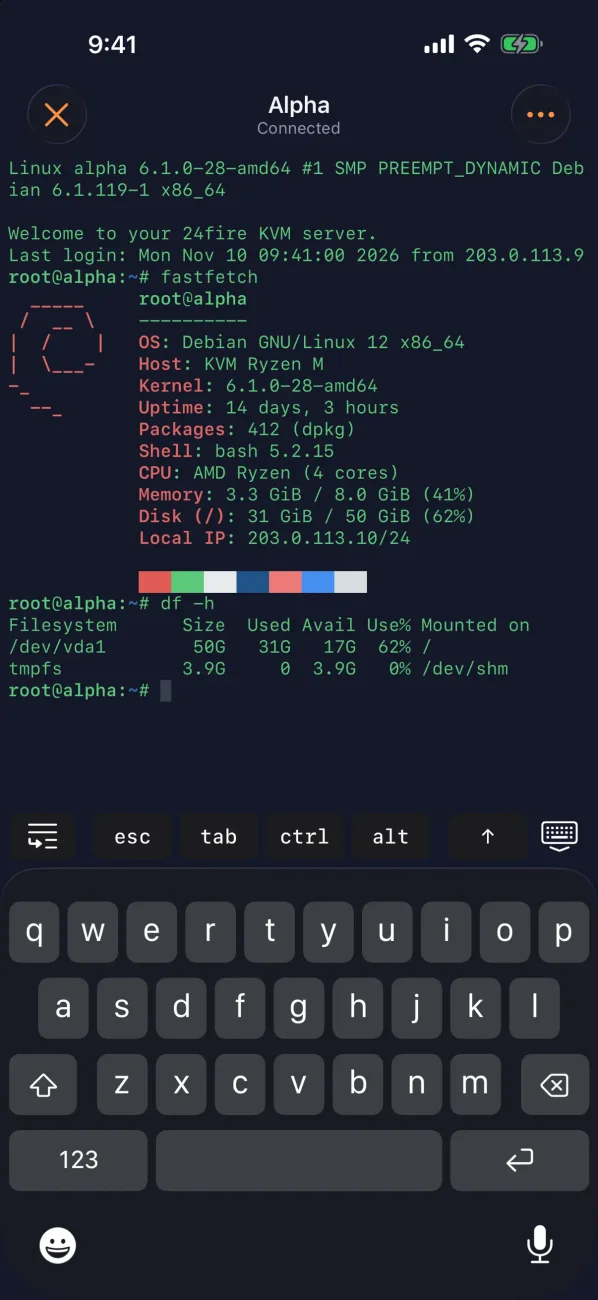
• Connect directly to your servers via SSH using your root password, a custom user password or an SSH key
• Save frequently used commands and execute them with custom placeholders
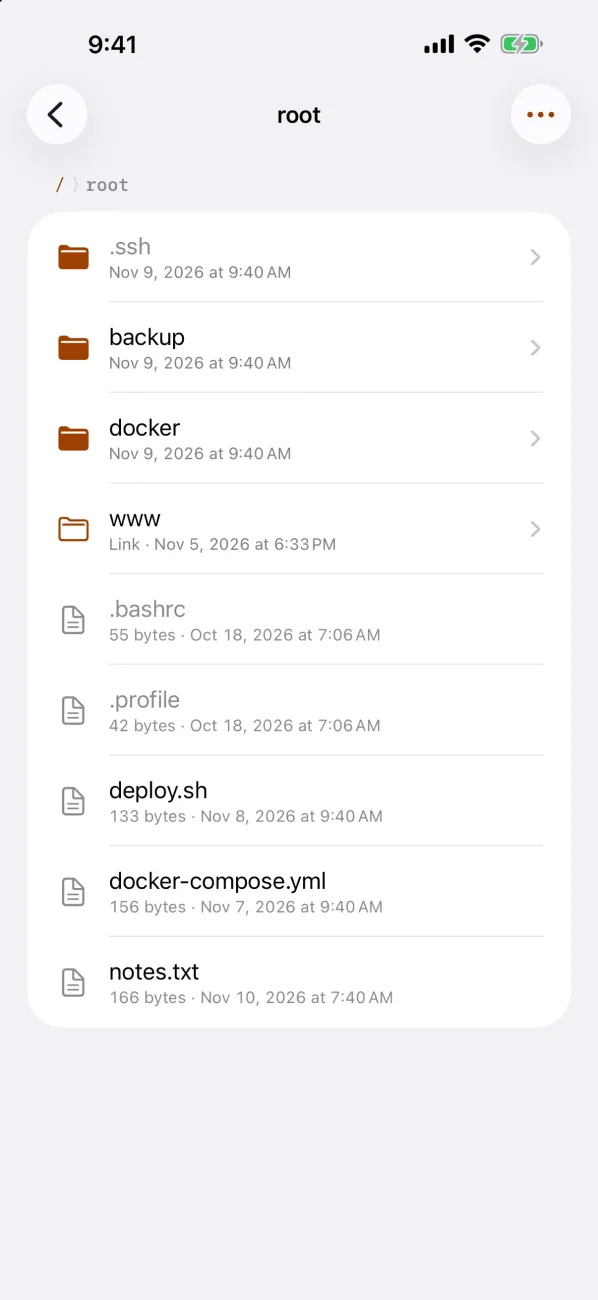
• Browse, view, upload and download server files
• Credentials remain stored locally on your iPhone. SSH connections are established directly between your device and the server.
REMOTE DESKTOP
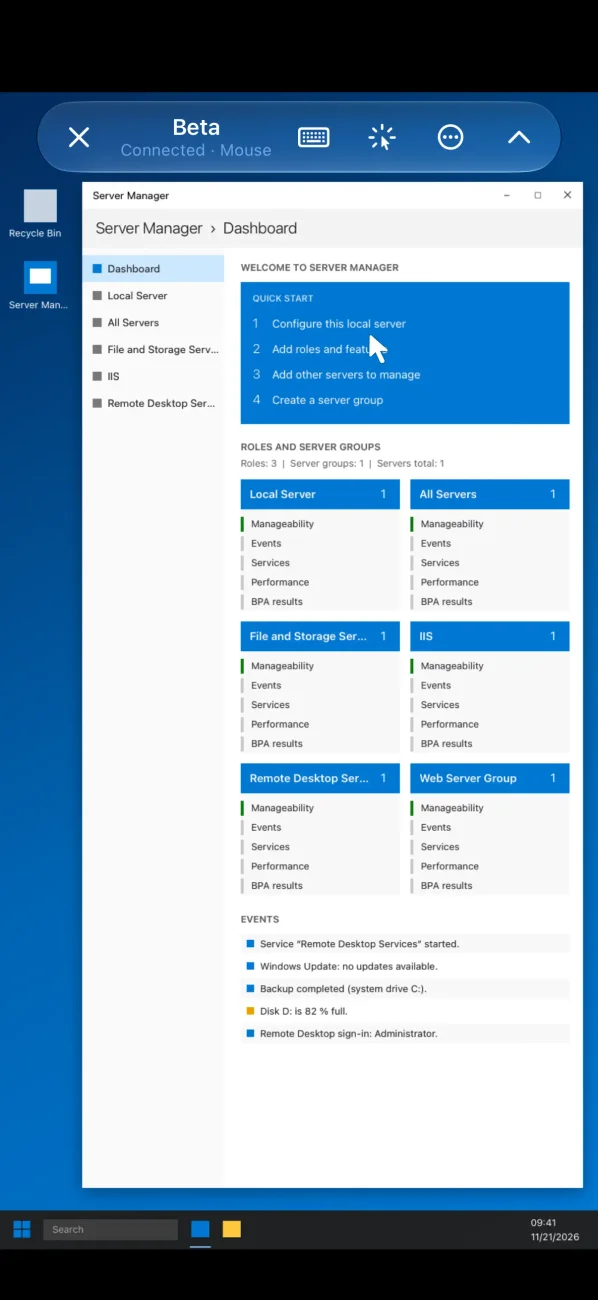
• Access and control your Windows servers directly through a remote desktop connection in the app.
• Sign in using your administrator password from the Control Panel or a separate user password.
SERVER MANAGEMENT
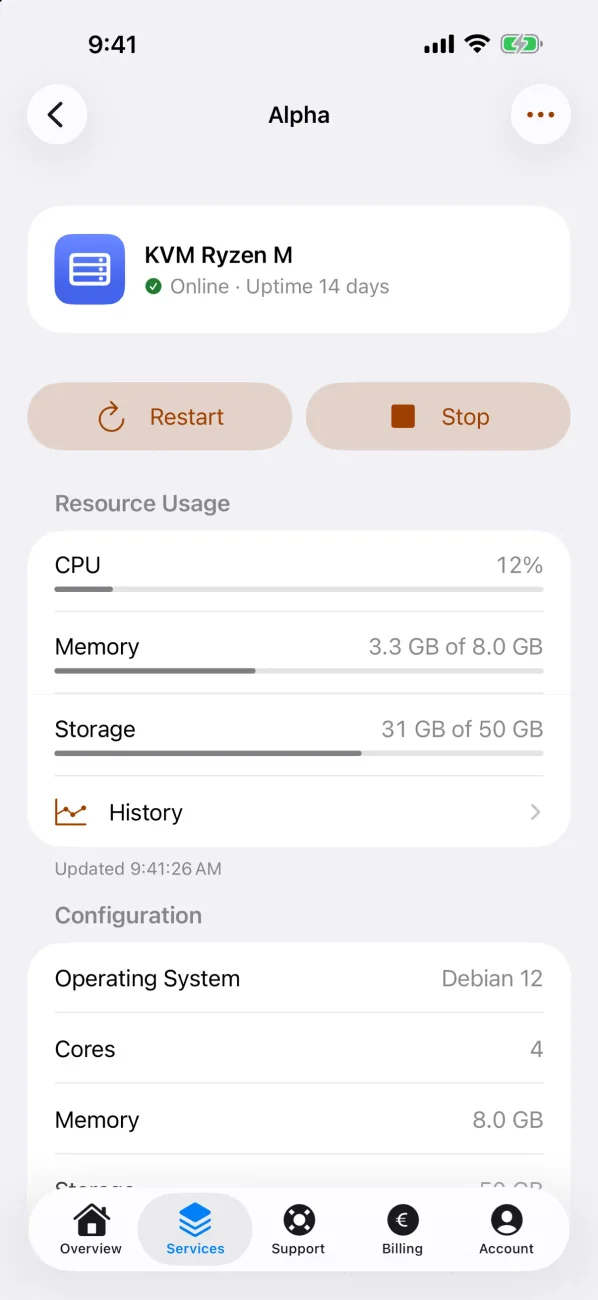
• Start, restart and stop KVM servers, with live status and resource usage information
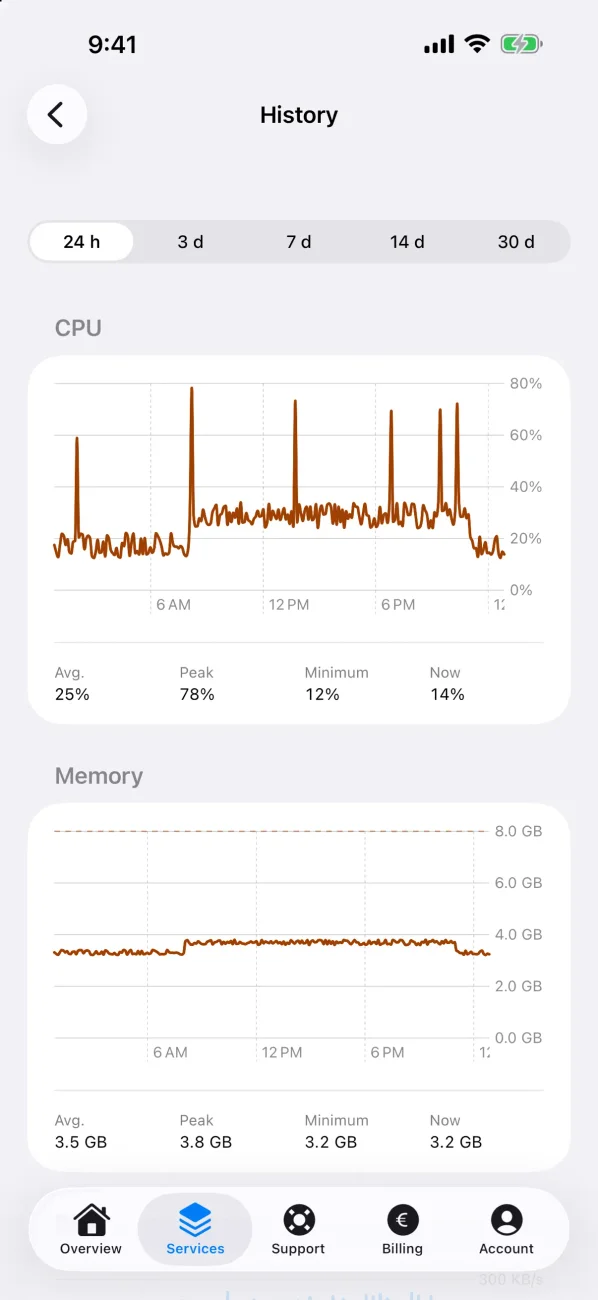
• View CPU, memory, disk and network usage history
• Create and restore backups and manage backup schedules
• Reinstall servers, mount ISO images, and manage reverse DNS records and SSH keys
• View network and traffic statistics at a glance
DOMAINS AND WEB HOSTING
• Create, edit and delete DNS records
• Manage domain contact details and WHOIS information
• View hosting account details and access Plesk directly
SUPPORT
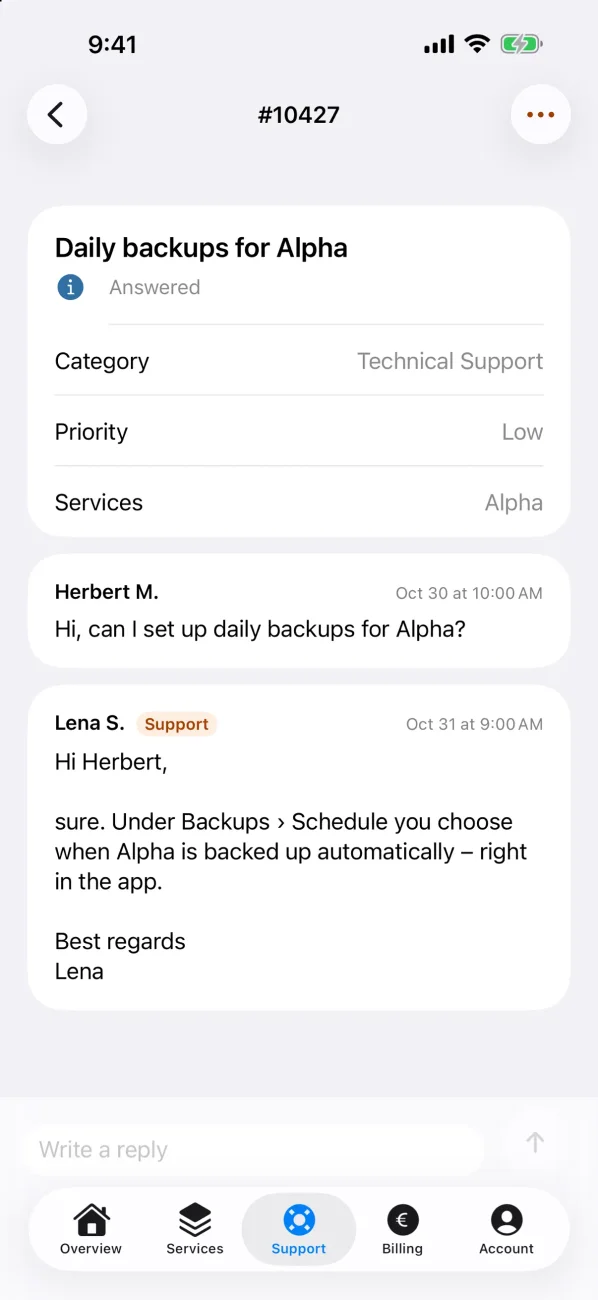
• Create, reply to and rate support tickets
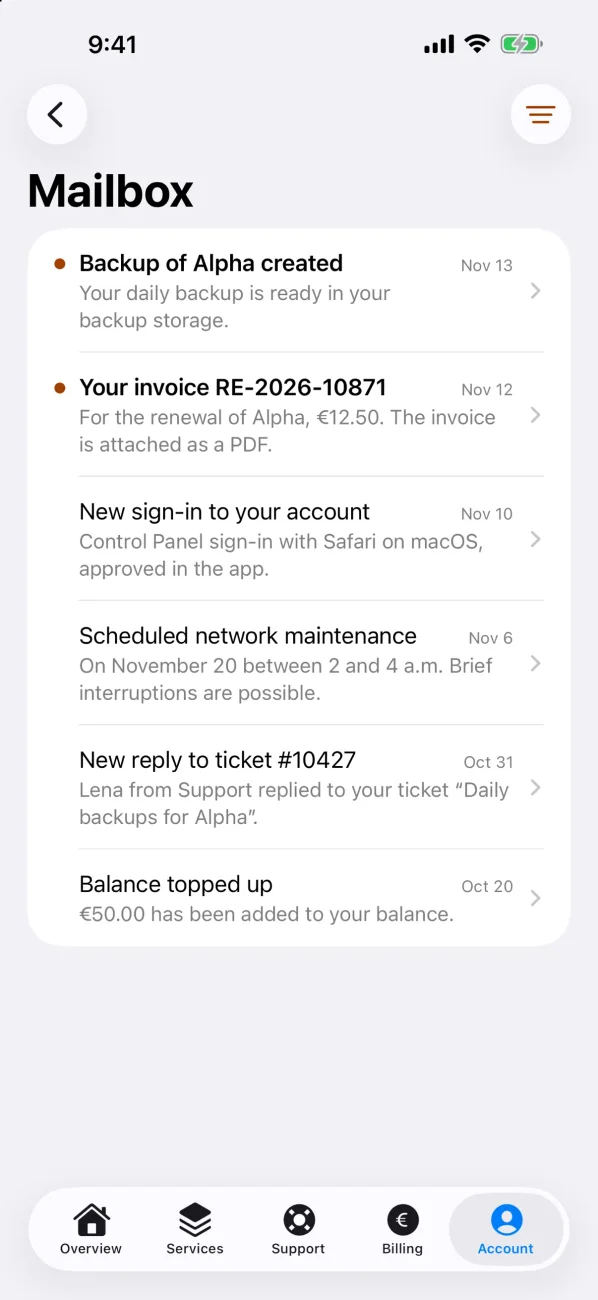
• Receive notifications when the support team responds
• View platform status and current service incidents
BILLING AND SUBSCRIPTIONS
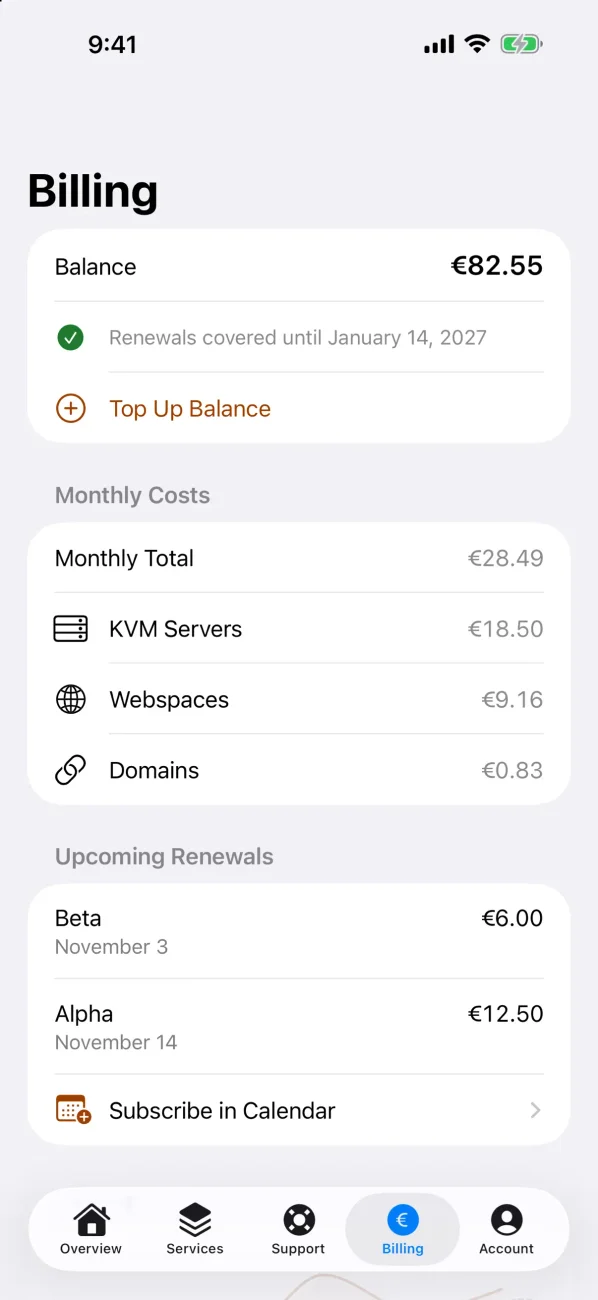
• View your account balance, upcoming renewals and projected costs
• Manage automatic product renewals
• Subscribe to renewal dates in your calendar
• Review your transaction history
SECURITY AND ACCESS MANAGEMENT
• Approve or decline Control Panel sign-in requests directly from your iPhone or Apple Watch
• FireID Connect for passwordless sign-in on your computer using a QR code
• Protect sensitive actions with Face ID
• Review and manage signed-in devices and recent sign-in activity
• Share services with other contacts and manage access permissions centrally
• Device pairing using cryptographic keys stored in the Secure Enclave
iOS INTEGRATION
• Widgets for account status, balance and servers
• Access your services directly through Spotlight Search
• Server controls in Control Center, on the Lock Screen and via the Action button
• Live Activities for ongoing backups, restorations and server reinstalls
• Use Shortcuts and Siri to control servers, check your balance, create backups and open the SSH terminal
• Support for light and dark mode, Dynamic Type and VoiceOver
REQUIREMENTS
A 24fire customer account is required to use the app. Don't have one yet? Register at 24fire.de.
Novedades
Versión 1.2.0 · 22/11/2026
Remote Desktop
Connect to your Windows server directly from its details. Sign in using either your administrator password or a separate user password.
Privacidad de la aplicación
Lo que 24fire GmbH declara en App Store sobre cómo esta aplicación gestiona los datos.
-
Datos vinculados a ti
Pueden recopilarse y vincularse a tu identidad.
- Compras
- Información de contacto
- Contenido del usuario
- Identificadores
Las prácticas de privacidad pueden variar, por ejemplo, según las funciones que uses o tu edad.
Información
- Vendedor
- 24fire GmbH
- Categoría
- Utilidades
- Versión
- 1.2.0
- Actualizado
- 22/11/2026
- Publicado
- 8/11/2026
- Tamaño
- 24,6 MB
- Requiere
- iOS 18.0 o posterior
- Clasificación por edad
- 4+
- Precio
- Gratis
- Idiomas
- Inglés, Alemán
- Copyright
- © 2026 24fire GmbH