- Yaş sınırı4+
- KategoriYardımcılar
- Geliştirici24fire GmbH
- Dillerİngilizce+ 1 dil daha
- Boyut24,6 MB
Resmi App Store sayfasına bağlanır
Download.org, 24fire için hiçbir dosya barındırmaz. Düğme, uygulamanın App Store üzerindeki sayfasını açar; uygulamayı orada 24fire GmbH yayınlar. Sayfanın son kontrolü: 23.11.2026.
Ekran görüntüleri

Hakkında
Geliştirici bu metni dilinizde sunmamış.
Manage all your 24fire services directly from your iPhone. Whether you use KVM servers, dedicated servers, web hosting or domains, keep your infrastructure, finances and account security under control. Built natively for iOS, the app provides fast and intuitive access to all essential features.
SSH TERMINAL AND FILE MANAGEMENT
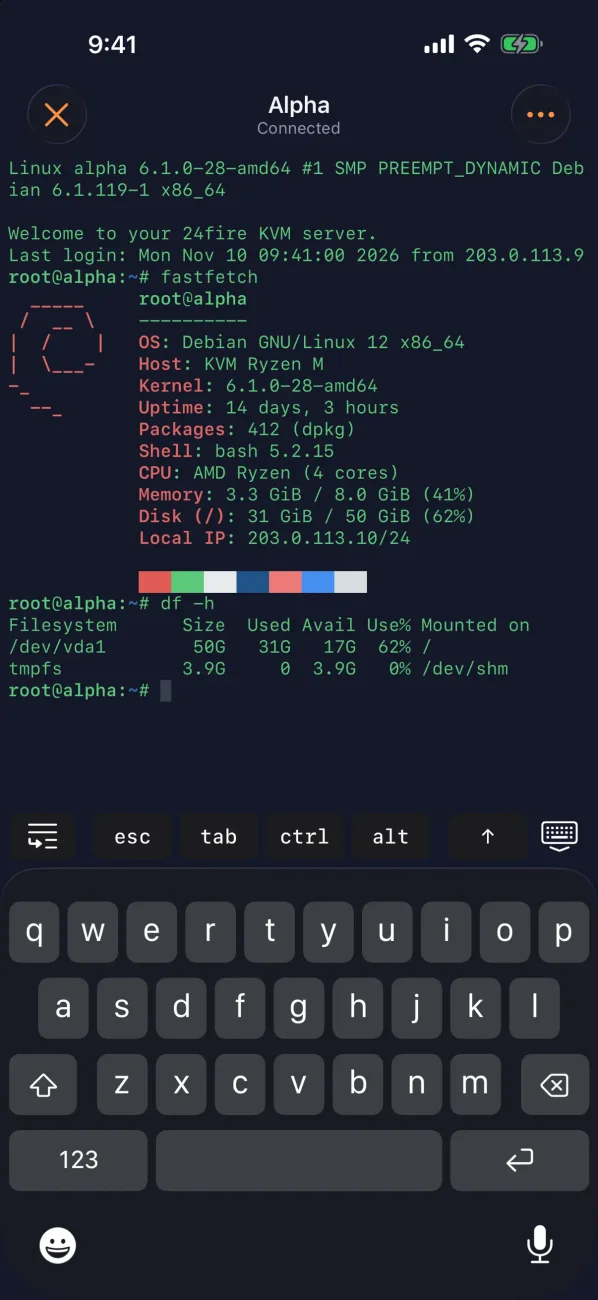
• Connect directly to your servers via SSH using your root password, a custom user password or an SSH key
• Save frequently used commands and execute them with custom placeholders
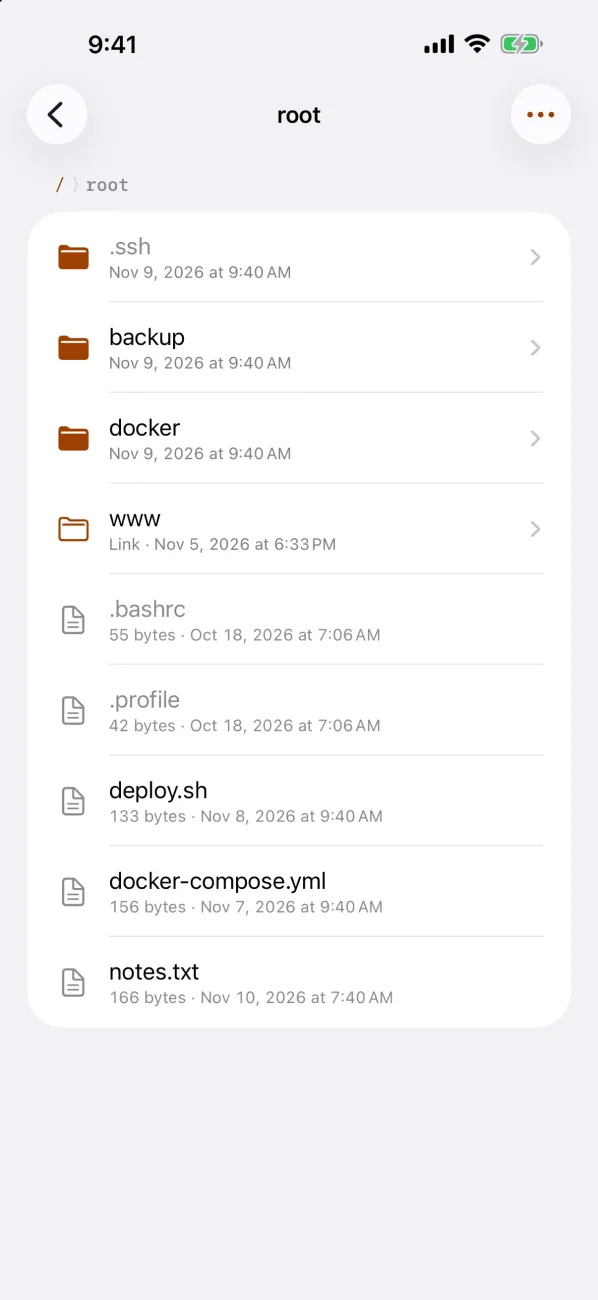
• Browse, view, upload and download server files
• Credentials remain stored locally on your iPhone. SSH connections are established directly between your device and the server.
REMOTE DESKTOP
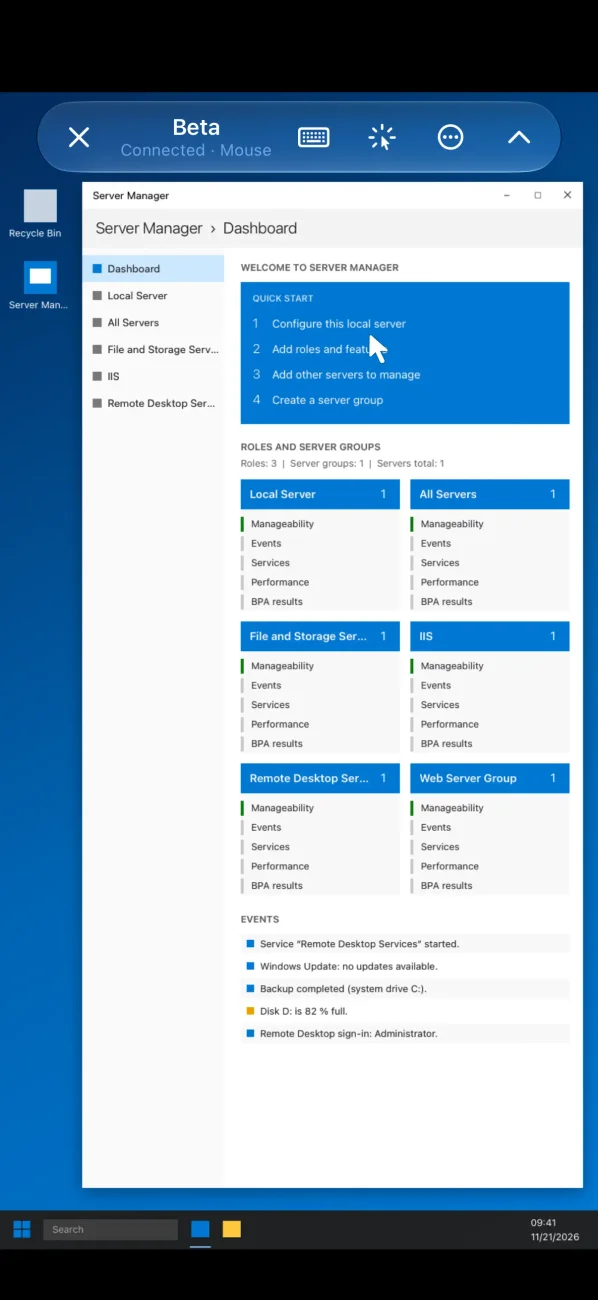
• Access and control your Windows servers directly through a remote desktop connection in the app.
• Sign in using your administrator password from the Control Panel or a separate user password.
SERVER MANAGEMENT
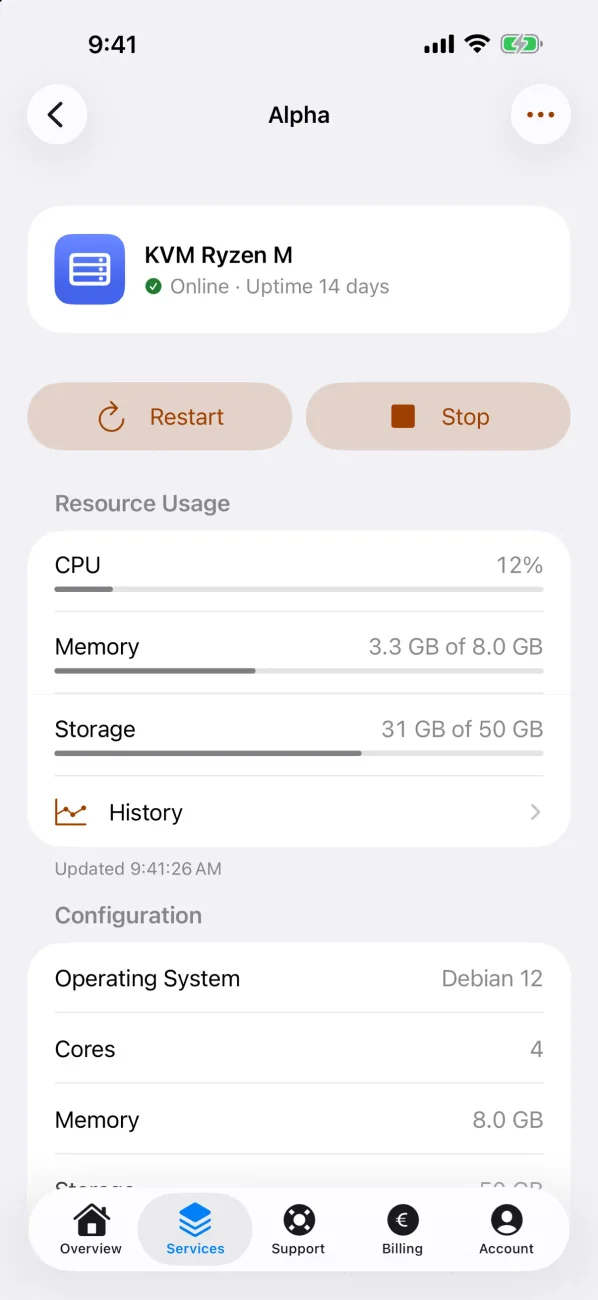
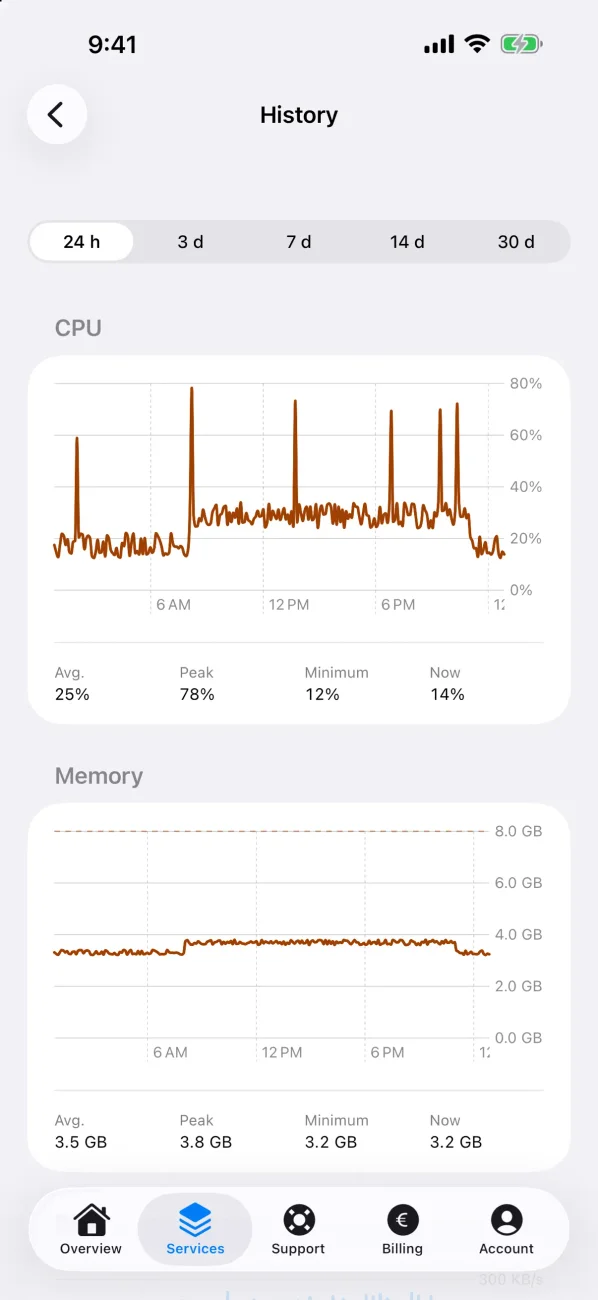
• Start, restart and stop KVM servers, with live status and resource usage information
• View CPU, memory, disk and network usage history
• Create and restore backups and manage backup schedules
• Reinstall servers, mount ISO images, and manage reverse DNS records and SSH keys
• View network and traffic statistics at a glance
DOMAINS AND WEB HOSTING
• Create, edit and delete DNS records
• Manage domain contact details and WHOIS information
• View hosting account details and access Plesk directly
SUPPORT
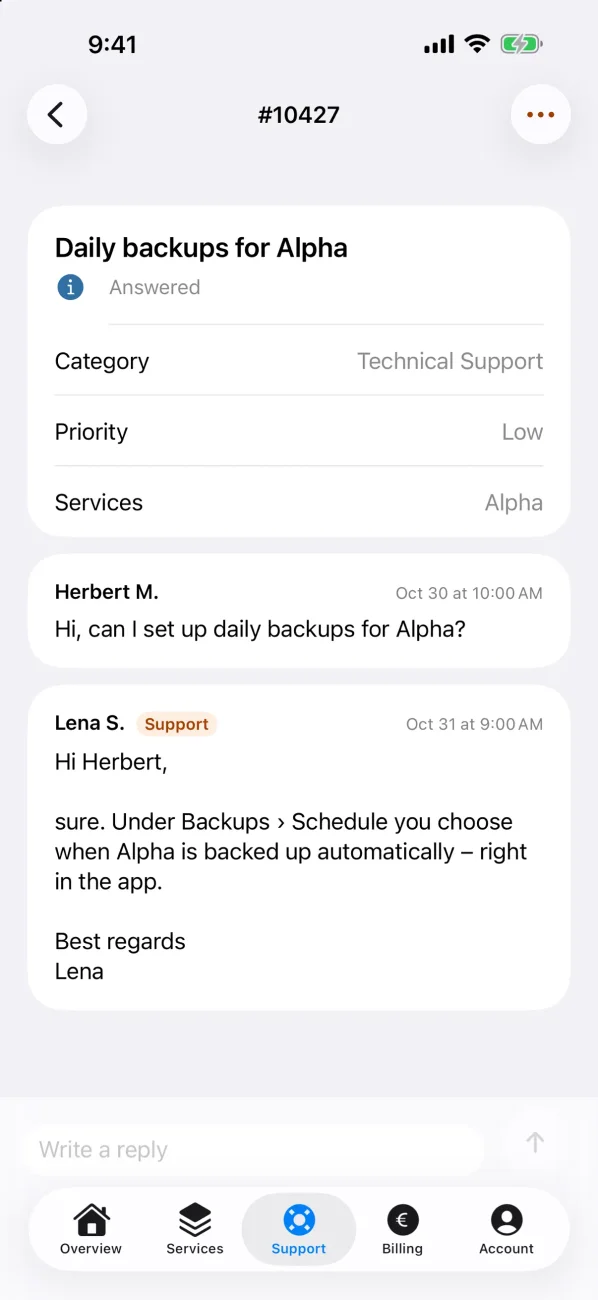
• Create, reply to and rate support tickets
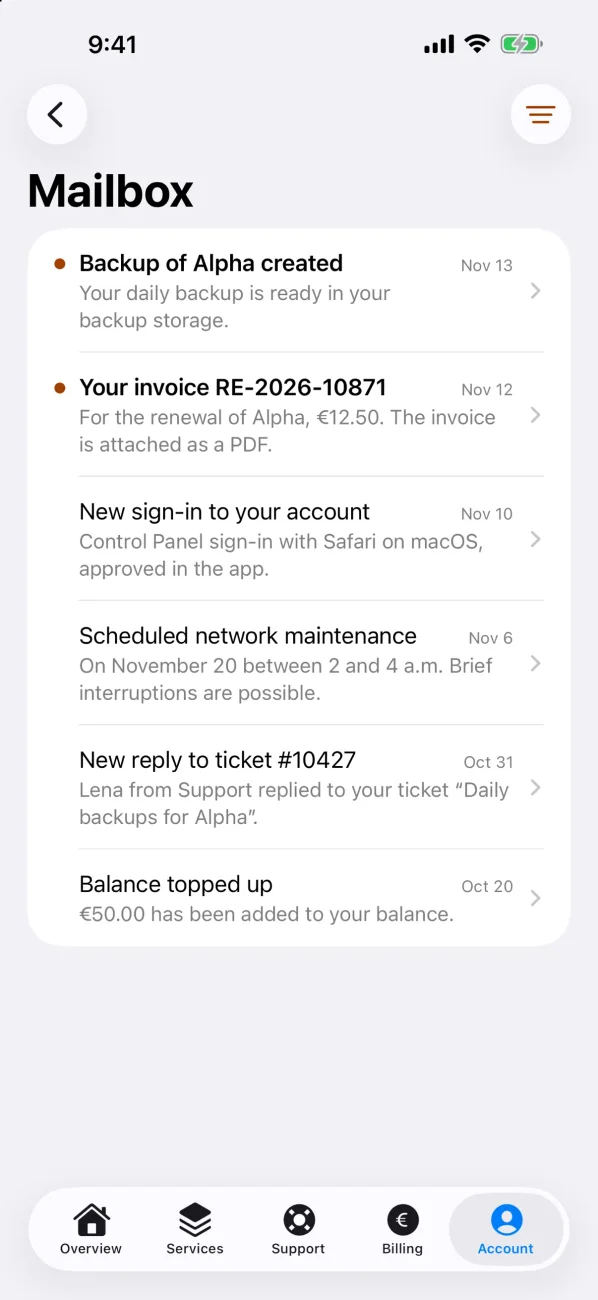
• Receive notifications when the support team responds
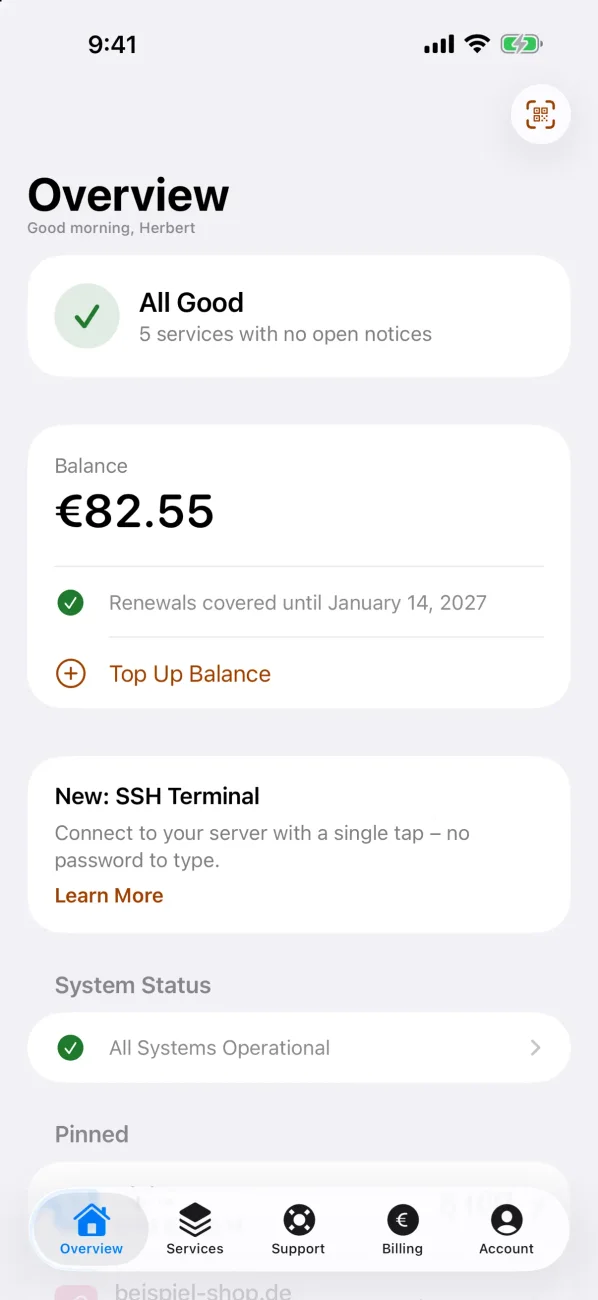
• View platform status and current service incidents
BILLING AND SUBSCRIPTIONS
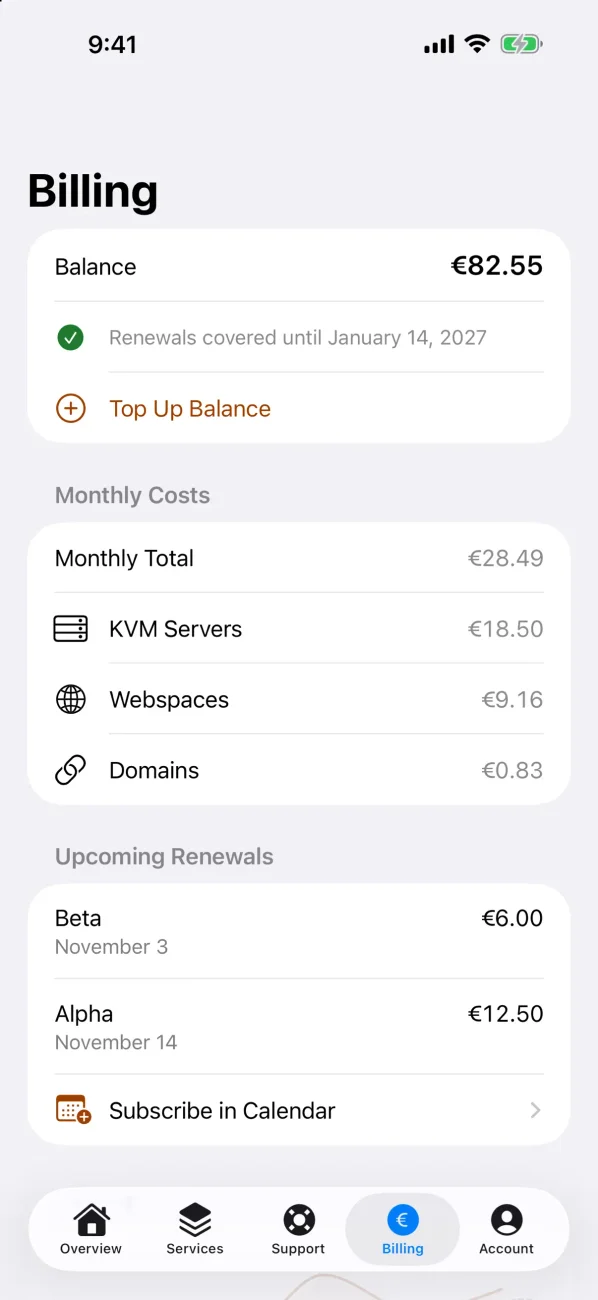
• View your account balance, upcoming renewals and projected costs
• Manage automatic product renewals
• Subscribe to renewal dates in your calendar
• Review your transaction history
SECURITY AND ACCESS MANAGEMENT
• Approve or decline Control Panel sign-in requests directly from your iPhone or Apple Watch
• FireID Connect for passwordless sign-in on your computer using a QR code
• Protect sensitive actions with Face ID
• Review and manage signed-in devices and recent sign-in activity
• Share services with other contacts and manage access permissions centrally
• Device pairing using cryptographic keys stored in the Secure Enclave
iOS INTEGRATION
• Widgets for account status, balance and servers
• Access your services directly through Spotlight Search
• Server controls in Control Center, on the Lock Screen and via the Action button
• Live Activities for ongoing backups, restorations and server reinstalls
• Use Shortcuts and Siri to control servers, check your balance, create backups and open the SSH terminal
• Support for light and dark mode, Dynamic Type and VoiceOver
REQUIREMENTS
A 24fire customer account is required to use the app. Don't have one yet? Register at 24fire.de.
Yenilikler
Sürüm 1.2.0 · 22.11.2026
Remote Desktop
Connect to your Windows server directly from its details. Sign in using either your administrator password or a separate user password.
Uygulama gizliliği
Bu uygulamanın verileri nasıl işlediği hakkında 24fire GmbH tarafından App Store üzerinde yapılan beyan.
-
Sizinle ilişkilendirilen veriler
Toplanabilir ve kimliğinizle ilişkilendirilebilir.
- Satın alımlar
- İletişim bilgileri
- Kullanıcı içeriği
- Tanımlayıcılar
Gizlilik uygulamaları, örneğin kullandığınız özelliklere veya yaşınıza göre değişiklik gösterebilir.
Bilgiler
- Satıcı
- 24fire GmbH
- Kategori
- Yardımcılar
- Sürüm
- 1.2.0
- Güncellendi
- 22.11.2026
- Yayın tarihi
- 08.11.2026
- Boyut
- 24,6 MB
- Gereksinim
- iOS 18.0 veya sonrası
- Yaş sınırı
- 4+
- Fiyat
- Ücretsiz
- Diller
- İngilizce, Almanca
- Telif hakkı
- © 2026 24fire GmbH