- Clasificación por edad4+
- CategoríaFoto y vídeo
- DesarrolladorFranco Sponga
- IdiomasInglés
- Tamaño15,5 MB
Enlaza a la página oficial de App Store
Download.org no aloja ningún archivo de AirLens. El botón abre la página de la aplicación en App Store, donde la publica Franco Sponga. Ficha comprobada por última vez el 29/11/2026.
Capturas de pantalla

Acerca de
El desarrollador no ha proporcionado este texto en tu idioma.
AirLens – Turn Your iPhone into a Wireless Camera
Stream live video from your iPhone or iPad to another iOS device or a web browser on the same Wi-Fi network. Set up your camera, choose your view, and control it from another screen—without cables, extra hardware, or an account.
KEY FEATURES
• Live Video with Optional Audio
Watch your camera feed live. Enable the microphone on the camera device when you need sound, or leave it off for video-only streaming.
• Watch in the App or Your Browser
Discover nearby cameras in AirLens on another iPhone or iPad, or open the stream link in a browser on the same network.
• Capture Photos and Record Video Remotely
Take a photo or start and stop video recording from the viewer. Captures are saved on the camera device. Video recordings do not include audio.
• Control Your Camera from the Viewer
Adjust zoom, switch between available lenses, and toggle the torch on supported devices.
• Focus Where You Need It
Tap to focus and pinch to zoom directly on the camera device before or during your stream.
• Automatic Streaming Quality
AirLens adjusts streaming quality automatically to suit your devices and network conditions.
• No Account Required
Connect over your local network without signing up. Live streaming does not automatically record your feed—you choose when to take photos or record video.
HOW IT WORKS
1. Connect both devices to the same Wi-Fi network.
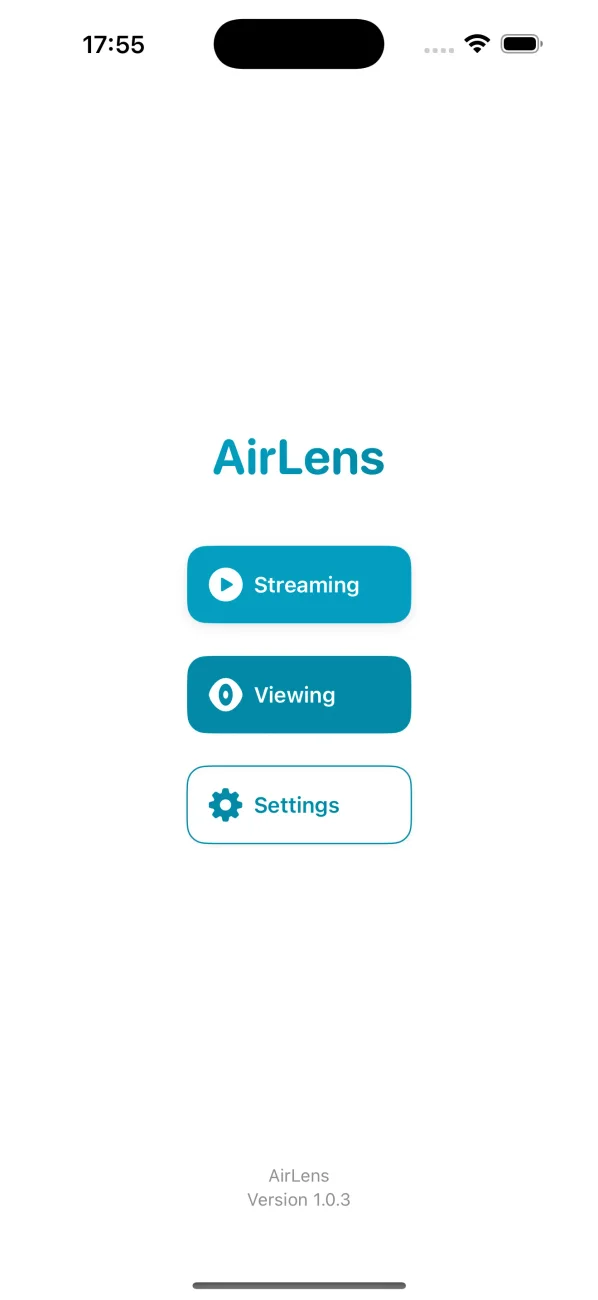
2. Open AirLens on the camera device and tap “Use as a camera.”
3. On another iPhone or iPad, tap “View a camera” and select your stream. To watch in a browser, open the address available from the camera’s share button.
4. Enable remote capture on the camera device to take photos and record video from the viewer.
PLEASE NOTE
Keep AirLens open in the foreground on the camera device while streaming.
Camera access is required. Microphone access is optional and is used for live audio. Allow local network access for device discovery and connection, and Photos access when saving captures.
Both devices must be on the same local network. AirLens is designed for local viewing, not access over the internet.
For app-to-app viewing, use the latest version of AirLens on both devices. Available lenses, torch support, video quality, and performance depend on your devices and network.
Novedades
Versión 1.13 · 27/11/2026
Updated interface with Liquid Glass controls, improved camera switching, and bug fixes.
Privacidad de la aplicación
Lo que Franco Sponga declara en App Store sobre cómo esta aplicación gestiona los datos.
-
No se recopilan datos
El desarrollador no recopila ningún dato de esta aplicación.
Las prácticas de privacidad pueden variar, por ejemplo, según las funciones que uses o tu edad.
Información
- Vendedor
- Franco Sponga
- Categoría
- Foto y vídeo
- Versión
- 1.13
- Actualizado
- 27/11/2026
- Publicado
- 14/6/2025
- Tamaño
- 15,5 MB
- Requiere
- iOS 17.0 o posterior
- Clasificación por edad
- 4+
- Precio
- Gratis
- Idiomas
- Inglés
- Copyright
- © 2025 Franco Sponga
Quizá también te guste
-
 SimpleIPCameraFoto y vídeo
-
 MirrorLive – Monitor de cámaraVideo assist inalámbrico
-
 StreamCameraFoto y vídeo
-
 PearCamFoto y vídeo
-
 CamScreen: Photo MonitorFoto y vídeo
-
 IdleEye: Cámara de seguridadCelular viejo · Vista remota
-
 LM-MonitorFoto y vídeo
-
 SayCheese: Watch Camera RemoteFoto y vídeo
-
 Sentry Detector de MovimientoCámara nocturna para mascotas
-
 PeerCam Monitor en VivoDos dispositivos. Una cámara.